Youtube to MP3
Convert Your Favorite YouTube Videos to Audio Instantly
Grab the audio you love from any YouTube video.
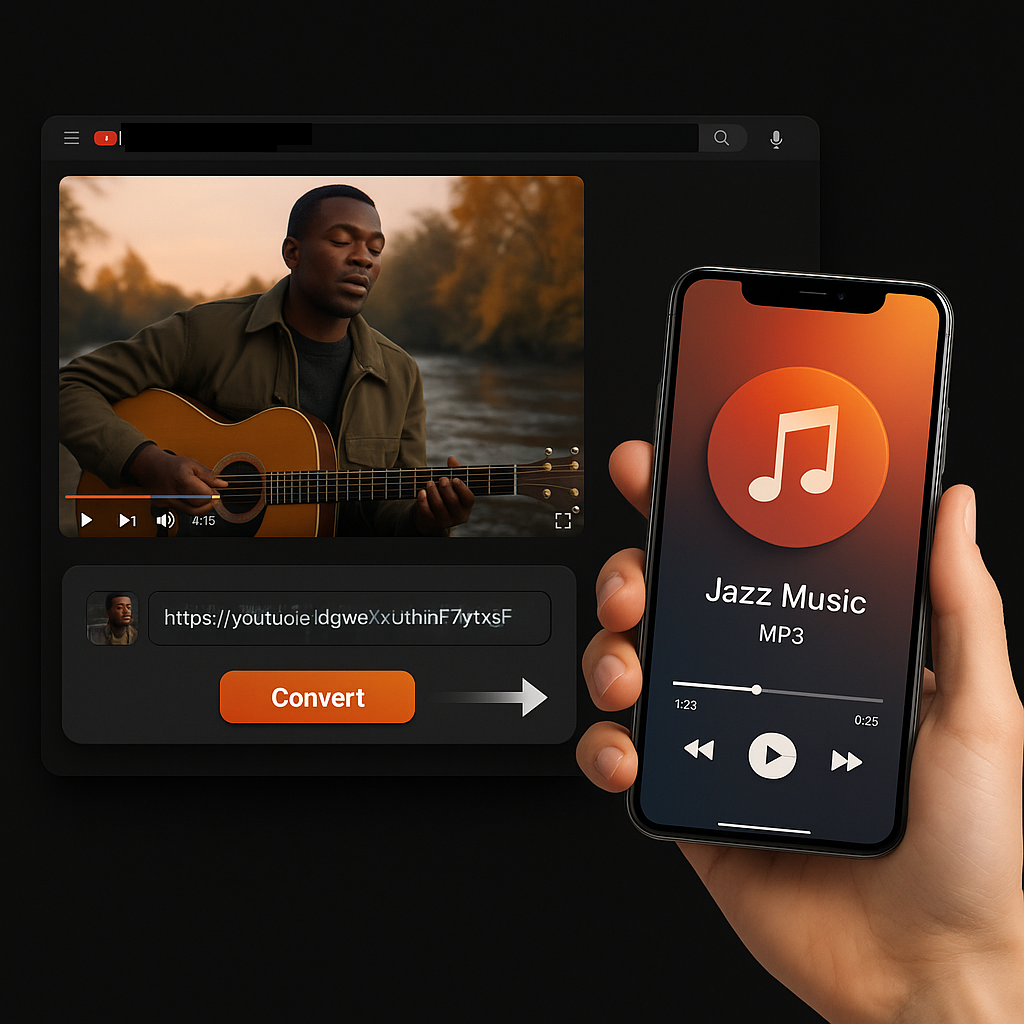
Heard something you like? Save it in seconds.
More Free Tools
Explore other tools to help you download and convert media
YouTube to MP4
Download YouTube videos as MP4 files instantly. Choose from multiple resolutions and watch offline anytime.
YouTube to MP4YouTube Video Downloader
Download YouTube videos without watermark. Multiple resolutions available for offline viewing.
YouTube Video DownloaderYouTube Summary with ChatGPT
Batch summarize YouTube videos and playlists in seconds with comprehensive, in-depth summaries.
YouTube Summary with ChatGPTYouTube to Text
Turn any YouTube video into readable text instantly. Free AI-powered converter, no sign-up needed.
YouTube to TextYouTube to Transcript
Transcribe any YouTube video fast and free. Get accurate, timestamped transcripts in multiple languages.
YouTube to TranscriptYouTube Subtitle Downloader
Extract and download YouTube subtitles in 100+ languages. Export as SRT, TXT, or VTT.
YouTube Subtitle DownloaderYouTube Transcript Downloader
Download YouTube video transcripts instantly. Fast, free, and no sign-up required.
YouTube Transcript DownloaderYouTube Transcript Generator
Generate YouTube video transcripts instantly. Accurate AI-powered transcription for any video.
YouTube Transcript GeneratorInstagram Reels Downloader
Download Instagram reels as MP4 files instantly. No app required, works on any device.
Instagram Reels DownloaderTikTok Video Downloader
Download TikTok videos as MP4 files instantly. No watermark, no signup required.
TikTok Video DownloaderTikTok Transcript Generator
Generate transcripts from any TikTok video instantly. Free, accurate AI-powered transcription.
TikTok Transcript GeneratorInstagram Transcript Generator
Generate transcripts from any Instagram video or reel instantly. Free AI-powered transcription.
Instagram Transcript GeneratorFacebook Transcript Generator
Generate transcripts from any Facebook video instantly. Free, accurate transcription.
Facebook Transcript GeneratorTwitter/X Transcript Generator
Generate transcripts from any Twitter/X video instantly. Free AI-powered transcription.
Twitter/X Transcript GeneratorLinkedIn Transcript Generator
Generate transcripts from any LinkedIn video instantly. Free, accurate transcription.
LinkedIn Transcript GeneratorPinterest Transcript Generator
Generate transcripts from any Pinterest video instantly. Free AI-powered transcription.
Pinterest Transcript GeneratorBook Summarizer
Get key insights from any book in seconds. Free AI-powered book summarizer.
Book SummarizerImage Summarizer
Summarize images instantly with AI. Extract key information from any image.
Image SummarizerPaper Summarizer
Summarize research papers instantly. Get key findings and insights with AI.
Paper SummarizerPodcast Summarizer
Summarize podcasts instantly. Get key takeaways from any podcast episode with AI.
Podcast SummarizerPPT Summarizer
Summarize PowerPoint presentations instantly. Extract key points from any PPT file.
PPT SummarizerVideo Summarizer
Summarize videos instantly. Get key moments and insights from any video with AI.
Video SummarizerWord Summarizer
Summarize Word documents instantly. Extract key points from any document with AI.
Word SummarizerSpeech to Text
Convert speech to text instantly. Accurate AI-powered transcription for any audio.
Speech to TextVoice to Text
Convert voice recordings to text instantly. Free, fast, and accurate AI transcription.
Voice to TextVoice Memo to Text
Convert voice memos to text instantly. Accurate transcription for any voice memo.
Voice Memo to TextVideo to Text
Convert any video to readable text. Free AI-powered video transcription tool.
Video to TextYouTube to MP3 converter in multiple languages
Sceneform's YouTube to MP3 converter is built for everyone. It supports over 26 languages so users worldwide can convert YouTube videos with ease using our straightforward platform.
How to turn your favorite YouTube videos into MP3s 100% free with our tool?
With Sceneform's YouTube to MP3 converter, grabbing audio from YouTube is simple, fast, and totally free. Here's how to do it:
- Copy the video URL: Just pick the YouTube video you want and copy the URL from your browser.
- Open the tool: Go to the Sceneform website and search for the YouTube to MP3 converter.
- Paste the URL: Drop that YouTube URL into the box --- no setup needed.
- Hit convert and download: Hit the convert button, and in moments, your MP3 will be ready to save.
No ads. No sign ups. No hassle. Just an easy way to keep the audio you love.
Why use our YouTube to MP3 converter?
Sceneform's YouTube to MP3 converter makes it easy to save the audio you care about from any YouTube video. Here's why people love it:
- Offline Listening: No signal? No stress. Once you convert it, the audio is yours to keep and listen to anytime without internet.
- Quick and Simple: Just paste the link and hit download. No delays, no extra steps in the conversion process.
- Sound Quality You Can Choose: Go for rich, high-quality audio or smaller file sizes to save space on your device.
- Use It Anywhere: Works perfectly on your phone, laptop, or tablet. Nothing to install.
- MP3 Format Always Works: MP3 files are supported almost everywhere, so you never have to think twice.
With our converter, you get clean audio from any video in seconds. It's fast, easy, and built for your everyday use.
Turn YouTube videos into crystal-clear MP3 audio, fast and free every time
Streaming YouTube videos in HD can eat up over 1 GB of data per hour. That's tough when you're on a limited plan or trying to save money while listening on the move.
Our tool helps you skip the video and grab just the audio in high-quality MP4 format. Whether it's a playlist, podcasts, or songs you love, you can save the audio content straight to your device. Our web-based tool works smoothly on phones, tablets, and computers. No extra software or install needed.
You know what's even better? This tool gives you clean video downloads without hidden fees, popups, or slowdowns. Just copy the URL, press convert, and enjoy the audio you want anytime.
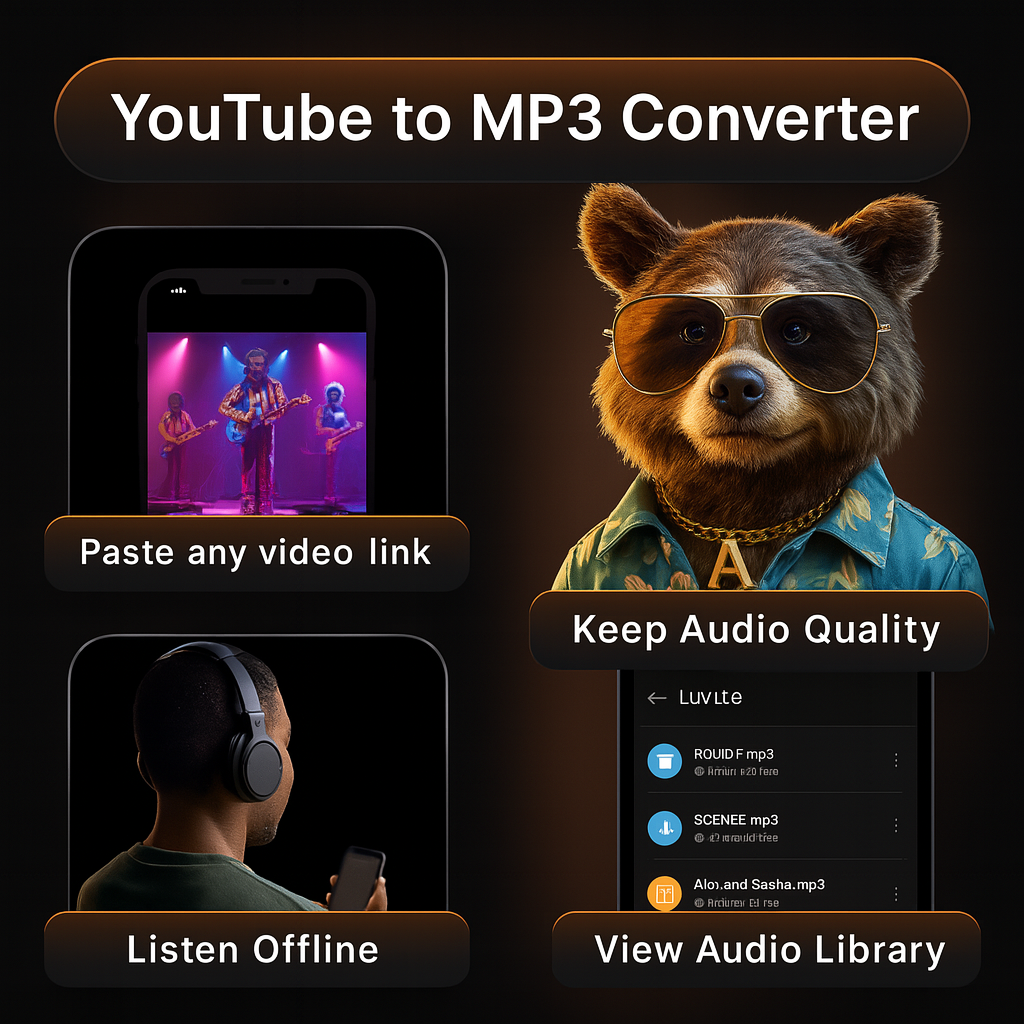
What makes our YouTube to MP3 converter worth using?
- Offline Listening: Save the audio from any video and listen without needing internet. Great for flights, commutes, or quiet time.
- Simplicity: Just copy the video URL, paste it, and click convert. That's it. Your MP3 is ready in a few seconds through our straightforward conversion process.
- Audio Quality: Choose the sound quality that suits you. Whether you want high clarity or a smaller file, it's up to you.
- Device Flexibility: Works on phones, tablets, laptops, and desktops. No limits on where you use it.
- MP3 Format: MP3s play anywhere. From old phones to modern apps, it just works.
In short, our tool makes saving the audio you love fast, clean, and easy --- with zero hassle.
No ads. No sign-ups. Just a smooth, stress-free experience every time
Frustrated with all the popups and sign up forms just to convert a single YouTube video? You're not the only one. Most users want quick, clean access without delays. That's exactly what this converter delivers.
With Sceneform's YouTube to MP3 tool, you can convert any video without ads, sign ups, or hidden steps. Save music, podcasts, lectures, or anything else in just a few seconds using our free service.
Drop in your YouTube link, click convert, and your MP3 is ready to go. The interface is simple to use and works across any platform --- whether it's Android, iPhone, Mac, or Windows.

Great for offline use: keep your audio with you anywhere
No limits on downloads: convert as many videos as you want.
Using a YouTube to MP3 converter like Sceneform's gives you several clear advantages:
- Unlimited Conversions: Convert multiple YouTube videos as you like without restrictions or daily limits.
- Simple Process: Paste the URL, click convert, and download the MP3 in seconds. No setup or hassle.
- Audio Quality Options: Pick the sound quality that works best for you, whether you want crisp clarity or smaller files.
- Works Everywhere: Convert and download on your phone, laptop, or tablet. Move your files around easily.
- Multi-channel Ready: MP3s work with nearly all apps and devices, so you never have to worry about compatibility.
Sceneform's YouTube to MP3 converter gives you fast, smooth access to audio you love --- and never asks you to slow down or wait.