AI Video Summarizer — now with multi-language support

Stop watching. Start knowing.

Paste any YouTube link. Our AI video summarizer pulls out key insights, timestamps, and takeaways in seconds — so you skip the filler and keep what matters.

Free to useNo sign-up needed

Everything you need to summarize video, fast

Our AI video summarizer doesn't just transcribe — it reads between the lines to surface what actually matters in any video.

Timestamped Key Points

Jump to the exact moment that matters. Every point in the summary links back to the source video so you can verify or dig deeper with one click.
Timestamped Key Points

Private & Secure

We don't store your videos or summaries. Everything processes in real time and gets wiped when you close the tab. Your data stays yours.
Private & Secure

60+ Languages

Summarize videos in English, Spanish, Japanese, Hindi, Arabic — you name it. Cross-language translation is built in so nothing gets lost.
60+ Languages

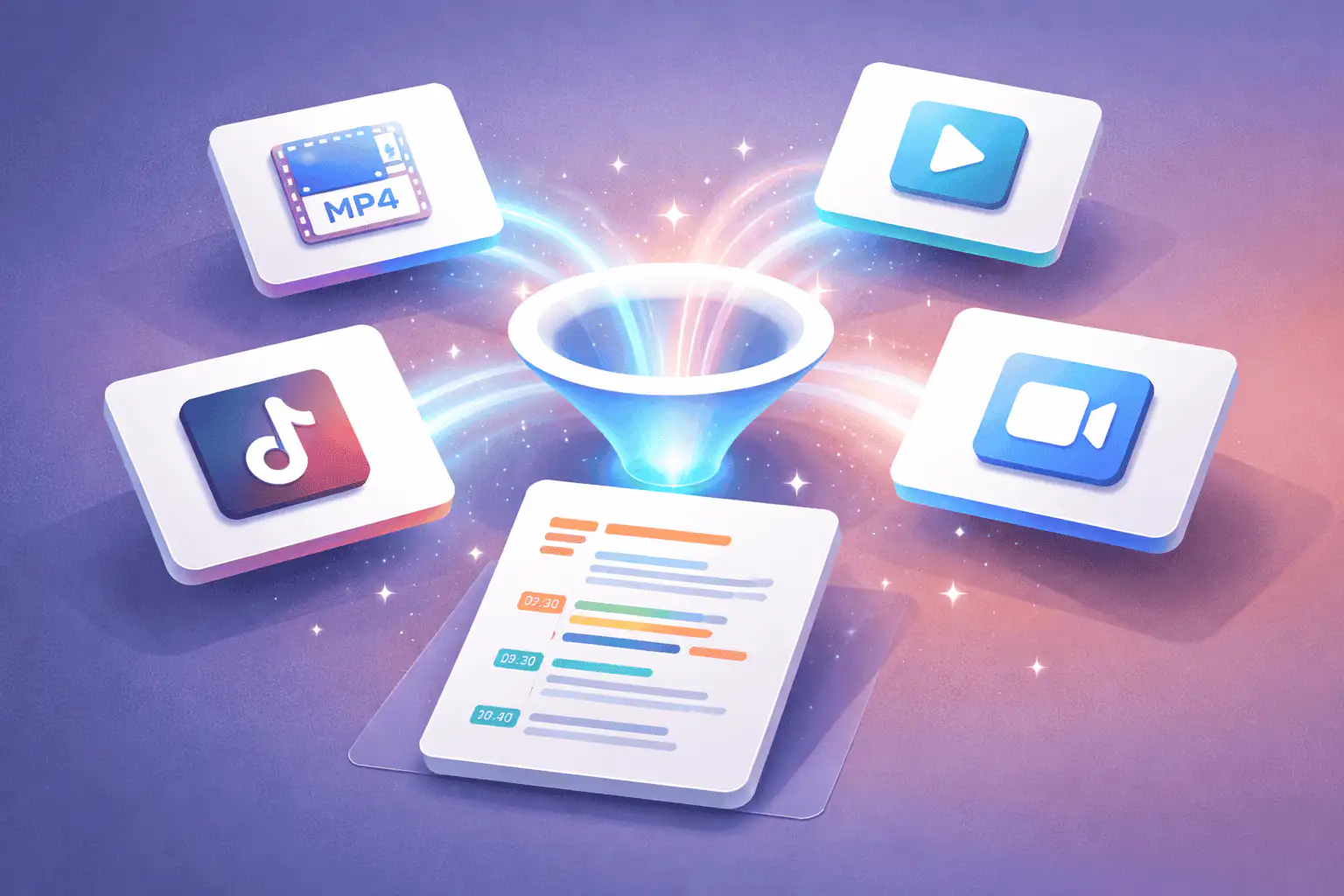
Beyond YouTube — Summarize Any Video

Upload MP4 files, paste Vimeo or TikTok links, or drop in a Zoom recording. Our video summarizer AI works with any video source — not just YouTube. Great for meeting recaps, research footage, or that 3-hour webinar you missed.
Beyond YouTube — Summarize Any Video

How it works

Three steps. Thirty seconds.

Video summarizing shouldn't be complicated. Here's how our AI video summarizer turns any video into clear, scannable notes.

Paste the link

Copy any YouTube URL (or upload a file) and drop it into the summarizer. Works with public, unlisted, and private links.
Paste the link

AI does the work

Our video AI summarizer transcribes audio, identifies key themes, and builds a structured summary with timestamps — usually in under 30 seconds.
AI does the work

Read, export, share

Scan the summary, click timestamps to jump to key moments, then copy, download as PDF, or share a link with your team.
Read, export, share

2M+

Videos summarized

45s

Average summary time

60+

Languages supported

96%

Accuracy rate

Who it's for

Built for anyone drowning in video content

Whether you're cramming for exams or scouting competitors, our AI video summarizer adapts to your workflow.

Students & Learners

Turn hour-long lectures into 2-minute study notes. Summarize YouTube videos from online courses and prep for exams faster than re-watching everything.
Students & Learners

Researchers

Process conference talks, interviews, and academic content at scale. Pull quotes, core arguments, and citations without sitting through every recording.
Researchers

Marketers & Creators

Scout competitor videos, spot trending hooks, and repurpose insights into blog posts, briefs, or social clips — all from a quick AI summary.
Marketers & Creators

Busy Professionals

Missed the webinar? Catch up in 60 seconds. Summarize Zoom recordings, training sessions, and industry talks so you stay in the loop.
Busy Professionals

Why choose us

How we compare to other video summarizer tools

FeatureSceneformNoteGPTEightify
Free tierGenerousLimited2 free/day
No sign-up required
Upload video files
Non-YouTube platformsVimeo, TikTok, etc.PartialYouTube only
Timestamped summaries
Languages supported60+40+40+
Max video length4 hours2.5 hoursUnlimited
Export to PDF

More Free Tools

Explore other tools to help you download and convert media

YouTube to MP3

Extract audio from any YouTube video and convert it to MP3 format. Free, fast, and no sign-up required.

YouTube to MP3

YouTube to MP4

Download YouTube videos as MP4 files instantly. Choose from multiple resolutions and watch offline anytime.

YouTube to MP4

YouTube Video Downloader

Download YouTube videos without watermark. Multiple resolutions available for offline viewing.

YouTube Video Downloader

Instagram Reels Downloader

Download Instagram reels as MP4 files instantly. No app required, works on any device.

Instagram Reels Downloader

TikTok Video Downloader

Download TikTok videos as MP4 files instantly. No watermark, no signup required.

TikTok Video Downloader

YouTube Summary with ChatGPT

Batch summarize YouTube videos and playlists in seconds with comprehensive, in-depth summaries.

YouTube Summary with ChatGPT

YouTube to Text

Turn any YouTube video into readable text instantly. Free AI-powered converter, no sign-up needed.

YouTube to Text

YouTube to Transcript

Transcribe any YouTube video fast and free. Get accurate, timestamped transcripts in multiple languages.

YouTube to Transcript

YouTube Subtitle Downloader

Extract and download YouTube subtitles in 100+ languages. Export as SRT, TXT, or VTT.

YouTube Subtitle Downloader

YouTube Transcript Downloader

Download YouTube video transcripts instantly. Fast, free, and no sign-up required.

YouTube Transcript Downloader

YouTube Transcript Generator

Generate YouTube video transcripts instantly. Accurate AI-powered transcription for any video.

YouTube Transcript Generator

Book Summarizer

Get key insights from any book in seconds. Free AI-powered book summarizer.

Book Summarizer

Image Summarizer

Summarize images instantly with AI. Extract key information from any image.

Image Summarizer

Paper Summarizer

Summarize research papers instantly. Get key findings and insights with AI.

Paper Summarizer

Podcast Summarizer

Summarize podcasts instantly. Get key takeaways from any podcast episode with AI.

Podcast Summarizer

PPT Summarizer

Summarize PowerPoint presentations instantly. Extract key points from any PPT file.

PPT Summarizer

Word Summarizer

Summarize Word documents instantly. Extract key points from any document with AI.

Word Summarizer

Speech to Text

Convert speech to text instantly. Accurate AI-powered transcription for any audio.

Speech to Text

Voice to Text

Convert voice recordings to text instantly. Free, fast, and accurate AI transcription.

Voice to Text

Voice Memo to Text

Convert voice memos to text instantly. Accurate transcription for any voice memo.

Voice Memo to Text

Video to Text

Convert any video to readable text. Free AI-powered video transcription tool.

Video to Text

Frequently Asked Questions About our Video Summarizer

What does your AI video summarizer actually do?
Our video summarizer turns long videos into structured, readable summaries in seconds. Instead of watching a 45-minute lecture or a 2-hour webinar, you get a clear breakdown of key points, themes, and action items. The system extracts spoken content, understands context, and organizes it into an executive-style briefing. You can choose short summaries, detailed breakdowns, bullet-point recaps, or timestamped highlights. It works for business presentations, YouTube videos, training sessions, podcasts, and recorded meetings. The goal is simple: help you stop watching everything and start understanding what matters faster.
How does the AI summarize a video?
The process begins with speech-to-text transcription. The system converts spoken audio into accurate text. Then the AI analyzes structure, repetition, emphasis, and topic transitions. It identifies main arguments, supporting evidence, and conclusions. Finally, it generates a clean summary in your chosen format. Unlike basic tools, it does not just shorten transcripts. It understands context across the entire video. This allows it to connect early statements to final conclusions. The result feels like a human-written briefing instead of a rough excerpt.
What types of videos can I summarize?
You can summarize educational lectures, corporate webinars, sales demos, podcasts, interviews, YouTube videos, online courses, and internal meetings. It works well with informational and discussion-based content. Videos with strong audio clarity produce the best results. If a video contains heavy background noise or overlapping speakers, accuracy may drop slightly. Still, the system is optimized for real-world recordings. Whether you are reviewing client calls or learning from industry content, the tool adapts to different formats and lengths.
Do I need to upload the video file?
You can either upload a video file directly or paste a public video link. Uploading works best for private content like recorded meetings or internal training sessions. Link-based summarization works well for public platforms. Once uploaded, the system processes the audio and begins analysis immediately. Most summaries generate within seconds to a few minutes depending on length. You do not need editing software or technical knowledge. The workflow is designed to be simple and fast.
How accurate is the video summarizer?
Accuracy depends primarily on audio quality. Clear speech, minimal background noise, and structured delivery improve results. For professional recordings, accuracy is typically very strong. The AI captures main themes, decisions, and conclusions reliably. If a video contains technical terminology, accuracy improves when terminology is repeated consistently. You can also regenerate summaries with more detail or different formatting if needed. While no AI tool is perfect, the system is built to deliver summaries that professionals can trust for fast understanding.
Can I get timestamped summaries?
Yes. Timestamped summaries allow you to jump directly to important sections. Instead of scanning the entire video again, you click a time reference and review that exact moment. This is ideal for research, team reviews, or studying. Timestamp mode works especially well for long webinars or conference talks. It helps you quickly locate data points, quotes, or decisions without wasting time. Many users combine executive summaries with timestamps for maximum efficiency.
Can I choose the summary style?
Absolutely. You can request a short overview, detailed breakdown, bullet list, meeting recap, or action-focused summary. If you are preparing for a meeting, choose a concise executive brief. If you are studying, select a detailed outline. If you are extracting decisions, choose an action-item summary. The AI adapts vocabulary and structure based on your intent. This flexibility makes the tool suitable for executives, students, analysts, and creators.
Does the tool support multiple languages?
Yes. The video summarizer supports multiple input languages and can generate output in your preferred language. This helps global teams standardize communication. You can summarize a Spanish webinar into English notes or convert an English lecture into another language. For best results, ensure audio clarity and minimal cross-talk. Multilingual support makes it easier to learn from international content and collaborate across borders.
Is my video content secure?
Security is a priority. Uploaded videos are processed in secure environments. Files are encrypted in transit and at rest. Your content is not used to train external models. This is especially important for private meetings, proprietary research, and client materials. If you are working with confidential information, always verify your organization's compliance requirements before uploading. For most professional use cases, the system is designed to meet high privacy standards.
How long can the videos be?
The tool handles both short clips and long-form content. Whether it is a 5-minute tutorial or a multi-hour webinar, the system can process it. Very long videos may take slightly longer to analyze, but the workflow remains straightforward. If you regularly work with lengthy recordings, batch processing options can help streamline your review process. Many professionals summarize multiple recordings weekly to stay informed without dedicating hours to watching.
Can I use it for YouTube videos?
Yes. You can paste a YouTube link and generate a structured summary instantly. This is ideal for research, competitor analysis, or learning from industry leaders. Instead of watching entire videos, you get the core insights quickly. This saves time while helping you stay current. If you are a content creator, you can also use summaries to repurpose ideas into blog posts, social captions, or newsletters.
Does it generate transcripts too?
Yes. The tool can provide full transcripts along with summaries. This is helpful for note-taking, accessibility, and documentation. You can export transcripts in multiple formats. Some users prefer reviewing transcripts for deeper analysis, while others rely on summaries for speed. Having both options gives you flexibility. If you need quotes or references, transcripts make it easy to locate exact wording.
Can I extract action items from meetings?
Yes. The AI identifies decisions, commitments, and next steps when they are clearly stated. This makes it perfect for internal meetings and client calls. Instead of manually taking notes, you can generate structured action points after the session ends. This improves accountability and reduces follow-up confusion. For best results, encourage speakers to clearly label decisions and deadlines during the meeting.
Is there an API available?
Yes. Developers can integrate the video summarizer directly into their applications using an API. This allows automated workflows such as summarizing recorded customer calls, training videos, or internal webinars. API access supports structured output formats, making integration seamless. Teams can build dashboards, send summaries to Slack, or attach briefings to CRM systems automatically.
Why is this better than just increasing playback speed?
Watching videos at 1.5x or 2x speed still requires full attention. You still invest time. A video summarizer removes the need to watch entirely. Instead of spending an hour, you spend seconds reviewing a structured briefing. You can always return to the video for deeper context. This approach maximizes productivity. It helps you consume more information without sacrificing understanding.
Who benefits most from this tool?
Executives use it to review presentations quickly. Students use it to summarize lectures. Consultants analyze client webinars. Sales teams review competitor demos. Researchers scan conference talks. Content creators extract ideas. Anyone who deals with video-heavy workflows benefits from faster clarity. If your inbox or watchlist is full of content you never finish, this tool changes that pattern.
What makes your video summarizer different?
Many tools simply condense transcripts. Our system focuses on structured understanding. It connects ideas across the entire video. It surfaces insights, not just shortened text. It supports multiple formats and export options. It prioritizes speed without sacrificing clarity. The difference shows in how readable and actionable the final summary feels.
How do I get started?
Simply upload your video or paste a link. Choose your summary style. Click generate. Within moments, you receive a clear, structured breakdown. No technical skills required. No long setup. Just instant clarity.

Ready to summarize your first video?

Try our AI video summarizer — free, fast, and no sign-up required.

Summarize a Video Now