YouTube Summary with ChatGPT
Batch summarize YouTube videos and playlists in seconds, generating comprehensive and in-depth summaries.
Trusted by millions of learners, creators, and professionals worldwide.
Summarize YouTube Videos with AI — Powered by ChatGPT
A single YouTube video can run anywhere from ten minutes to three hours. Buried inside that runtime are the insights you actually need — a handful of key arguments, a few critical data points, maybe one or two actionable takeaways. But finding them means sitting through the entire thing, scrubbing back and forth, or hoping someone left a decent comment summarizing it for you.
Our YouTube summary tool changes that equation entirely. Paste a video link, and our AI — powered by the same models behind ChatGPT — watches the content for you. Within seconds, it delivers a structured summary that captures the core ideas, highlights important moments, and organizes everything into a format you can read in under two minutes.
This is not a transcript dump. Our AI understands context. It distinguishes between introductions, filler, advertisements, and the substantive parts of the video that actually carry weight. The summary you get reflects the intellectual structure of the content — main arguments, supporting evidence, conclusions — not just a compressed block of every word that was spoken.
Whether you are a student screening lectures before exams, a researcher evaluating sources, a professional keeping up with industry talks, or a creator mining videos for content ideas — our tool turns hours of passive watching into minutes of focused reading.

How to Summarize YouTube Videos with Our AI Tool
Step 1: Paste the YouTube Video or Playlist URL
Copy the link to any YouTube video — lectures, tutorials, podcasts, interviews, news segments, product reviews, conference talks, or anything else. Paste it into the input field above. We accept single video URLs, Shorts links, and full playlist URLs for batch processing up to 20 videos at once.
Step 2: Our AI Extracts and Analyzes the Content
The moment you click "Generate Summary," our system pulls the video's transcript — even from videos without subtitles, up to 150 minutes — and feeds it through advanced AI models built on the same technology as ChatGPT. The AI reads the full content, identifies the core themes, maps the argument structure, and isolates the most important points.
Step 3: Get Your Summary, Transcript, and Mind Map
Within seconds, you receive a clear, structured summary alongside the full transcript and a visual mind map. Copy the summary for your notes, use the transcript for deeper reading, or explore the mind map for a visual overview of how the ideas connect. Save everything to your personal workspace for future reference.

What Our YouTube Summary Tool Delivers
AI-Powered Summaries Using ChatGPT
We do not use basic text truncation or keyword extraction. Our summaries are generated by advanced language models — the same technology behind ChatGPT — that genuinely understand context, argument flow, and relevance. The result reads like a briefing written by someone who actually watched and understood the video.
Works on Videos Without Subtitles
Most YouTube summarizers fail when a video has no captions. Ours does not. We can extract and transcribe audio content from videos up to 150 minutes long — even when no subtitles exist — giving you access to content that other tools simply cannot process.
Batch Summarize Up to 20 Videos at Once
Paste multiple links or a full playlist URL and we process up to 20 videos simultaneously. Content teams, researchers, and students use this to chew through entire lecture series, conference recordings, or content libraries in a single session.
No Video Length Restrictions
Short tutorial or three-hour lecture — it does not matter. We handle videos of any length without cutting corners on summary quality. Longer videos produce proportionally more detailed summaries to ensure nothing important gets missed.
60+ Language Support
Our AI summarizes and translates across 60+ languages. Watch a video in English and get the summary in Spanish. Process a Japanese lecture and receive key points in Portuguese. Language barriers stop being barriers.
Visual Mind Maps
Every summary comes with an auto-generated mind map that shows how the video's topics and subtopics connect visually. This is especially useful for complex educational content where understanding the relationship between concepts matters as much as knowing the concepts themselves.
Full Transcript Included
Alongside the summary, you get the complete transcript with timestamps. Jump to specific moments in the video, search for exact quotes, or use the transcript as raw material for your own writing projects.
AI Follow-Up Chat
Not sure about something in the summary? Ask our AI follow-up questions about the video content. It has full context of the transcript and can clarify specific points, expand on topics, or answer questions as if it had personally watched the video.
Custom Prompts and Summary Length
Control how your summary is generated. Set your preferred length, adjust the level of detail, or write your own custom prompt to get summaries formatted exactly the way you want — bullet points, paragraph form, academic style, executive briefing, or anything else.
Save to Your Workspace
Every summary, transcript, and mind map can be saved to your personal workspace inside our platform. Build a searchable library of video insights you can return to anytime — organized, tagged, and always available.
Stop Watching. Start Reading.
Turn any YouTube video into a structured summary in seconds. Paste your first link and see the results for yourself — free, no sign-up required.
Get YouTube Summaries Now
Who Uses Our YouTube Summary Tool — And How
Students and Learners
Exam season means dozens of lecture recordings to review and not enough hours in the day. Our YouTube summary tool condenses hour-long lectures into focused reading you can absorb in minutes. Batch summarize an entire semester's playlist the night before finals, highlight the key concepts, and use the mind maps to see how topics connect. Students in 12,000+ schools already use our platform to study faster.
Researchers and Academics
Evaluating whether a conference talk, interview, or research presentation is worth your full attention used to mean watching the whole thing. Now you can read the summary first, assess the relevance in two minutes, and only invest viewing time in the sources that genuinely advance your work. Download the transcript for accurate citation, or use the AI chat to drill into specific claims the speaker made.
Content Creators and Marketers
Every video in your niche is full of talking points, angles, and ideas you can rework into your own content. Our tool extracts those insights automatically — use them as fuel for blog posts, newsletters, social threads, podcast prep, or video scripts. Batch summarize competitor channels to spot trends, gaps, and opportunities you would have missed watching one video at a time.
Professionals and Executives
Industry webinars, training recordings, and internal presentations pile up faster than anyone can watch them. Our YouTube summary tool lets you absorb the critical takeaways from each one without blocking out hours in your calendar. Share summaries with your team to keep everyone aligned — even the people who could not attend the original session.
Language Learners
Summarize videos in your target language to preview the content before watching, or summarize in your native language to make sure you understood correctly afterward. Our 60+ language support means you can bridge the gap between the language you are learning and the language you think in.
Journalists and Analysts
When you need to cover what a public figure said in an hour-long interview, reading a structured AI summary with timestamped references is dramatically faster than scrubbing through the video. Verify specific quotes against the transcript, and use the follow-up chat to check context without rewatching segment.
Three Outputs from Every Video
Our YouTube summary tool does not just give you one thing — it delivers three complementary outputs that serve different needs.
The Summary
A concise, structured overview of the video's most important content. Our AI identifies the central arguments, key facts, and meaningful conclusions — then organizes them in a format designed for fast comprehension. This is what you read when you want to understand what the video is about without watching it.
The Transcript
The complete spoken content of the video, preserved with timestamps. This is your reference document. Search it for specific quotes, jump to exact moments, or use it as the raw material for articles, reports, and study notes. We generate transcripts even from videos that have no subtitles — covering content up to 150 minutes.
The Mind Map
A visual representation of how the video's topics, subtopics, and arguments connect. Mind maps are especially valuable for complex or educational content — they show you the structure of the ideas at a glance, making it easier to understand relationships between concepts and remember the overall framework.
Together, these three outputs give you complete control over how you engage with any YouTube video — whether you want a two-minute overview, a deep text reference, or a visual study aid.

Why Use Our Tool Instead of Pasting a Transcript into ChatGPT Yourself?
You could, technically, copy a YouTube transcript and paste it into ChatGPT manually. Many people try this. Here is why our tool produces better results with far less effort.
We handle the transcript extraction automatically
Getting a clean transcript from a YouTube video is not straightforward — especially for videos without subtitles. We do this step for you, including audio extraction for uncaptioned videos up to 150 minutes.
We optimize the prompt for video summarization
Generic ChatGPT prompts produce generic summaries. Our system uses prompts specifically engineered for video content — designed to identify argument structure, separate filler from substance, and produce summaries that reflect how video content is actually organized.
We deliver structured outputs beyond text
ChatGPT gives you a text block. We give you a summary, a transcript with timestamps, a mind map, and an AI chat — all from a single click. No prompt engineering on your end.
We support batch processing
Pasting transcripts into ChatGPT one at a time is tedious and limited by context window size. We process up to 20 videos simultaneously with no manual copy-pasting.
We work with videos that have no subtitles
ChatGPT cannot access YouTube videos at all on its own. We can extract audio and generate transcripts even when no caption data exists.
We save everything to your workspace
ChatGPT conversations disappear into your chat history. Our summaries, transcripts, and mind maps are saved in an organized workspace you can search and return to anytime.
Batch Summarize: Process Up to 20 Videos at Once
Summarizing videos one at a time is fine for the occasional clip. But if you are working through a course playlist, scanning a conference channel, or auditing competitor content — you need batch processing.
Our YouTube summary tool handles up to 20 videos in a single action. Paste a playlist URL or add multiple individual links, hit generate, and we process everything simultaneously. Each video gets its own full summary, transcript, and mind map — organized and ready for review.
When batch summarization saves serious time:
- Reviewing an entire online course before deciding whether to enroll
- Processing a week's worth of industry webinar recordings
- Auditing a competitor's recent video output for content strategy
- Building a library of lecture summaries for exam preparation
- Compiling research notes from a collection of conference talks
- Extracting content ideas from multiple videos in your niche

Also Available as a Chrome Extension
Prefer to summarize videos directly while browsing YouTube? Our Chrome extension adds summarization capabilities right into the YouTube interface. Open any video, click the extension, and get your summary without leaving the page.
The extension is rated 4.9 on the Chrome Web Store and used by 400,000+ people. It supports the same AI-powered summaries, transcripts, mind maps, and follow-up chat — all accessible from a single button on the YouTube player page.
What People Are Saying
Tomas Herrera
Medical Student
"I have 40+ hours of recorded lectures to review each week. Running them through this summarizer in batches means I can identify exactly which sections I need to rewatch and which ones I can absorb from the summary alone. It has fundamentally changed how I prepare for exams."
Nadia Petrova
Content Strategist
"We monitor about 15 channels in our industry for emerging trends and messaging angles. Batch summarizing their latest uploads every Monday morning gives our entire team a content brief by lunchtime — something that used to take an intern two full days."
James Oduya
Product Manager
"I send summarized versions of our CEO's all-hands recordings to my remote team. Nobody has time to rewatch an hour-long meeting, but everyone reads the three-paragraph summary. Alignment across the team went up measurably."
Lina Park
Graduate Researcher
"My dissertation involves analyzing 200+ conference presentations on sociolinguistics. The mind map feature lets me see the thematic structure of each talk at a glance, and the transcript gives me citable source material. This tool cut my literature review phase by weeks."
Raj Mehta
Freelance Copywriter
"I use the summaries to extract angles and frameworks from long-form video content — business talks, interviews, masterclasses. Instead of watching three hours to find one good idea, I scan the summary in two minutes and go straight to the section that matters."
Sophie Laurent
High School Teacher
"I assign YouTube documentaries and lectures as homework, but many students do not have time to watch full-length videos. Sharing the AI summary alongside the video link gives everyone a baseline understanding, and classroom discussions have improved noticeably."
More Free Tools
Explore other tools to help you download and convert media
YouTube to MP3
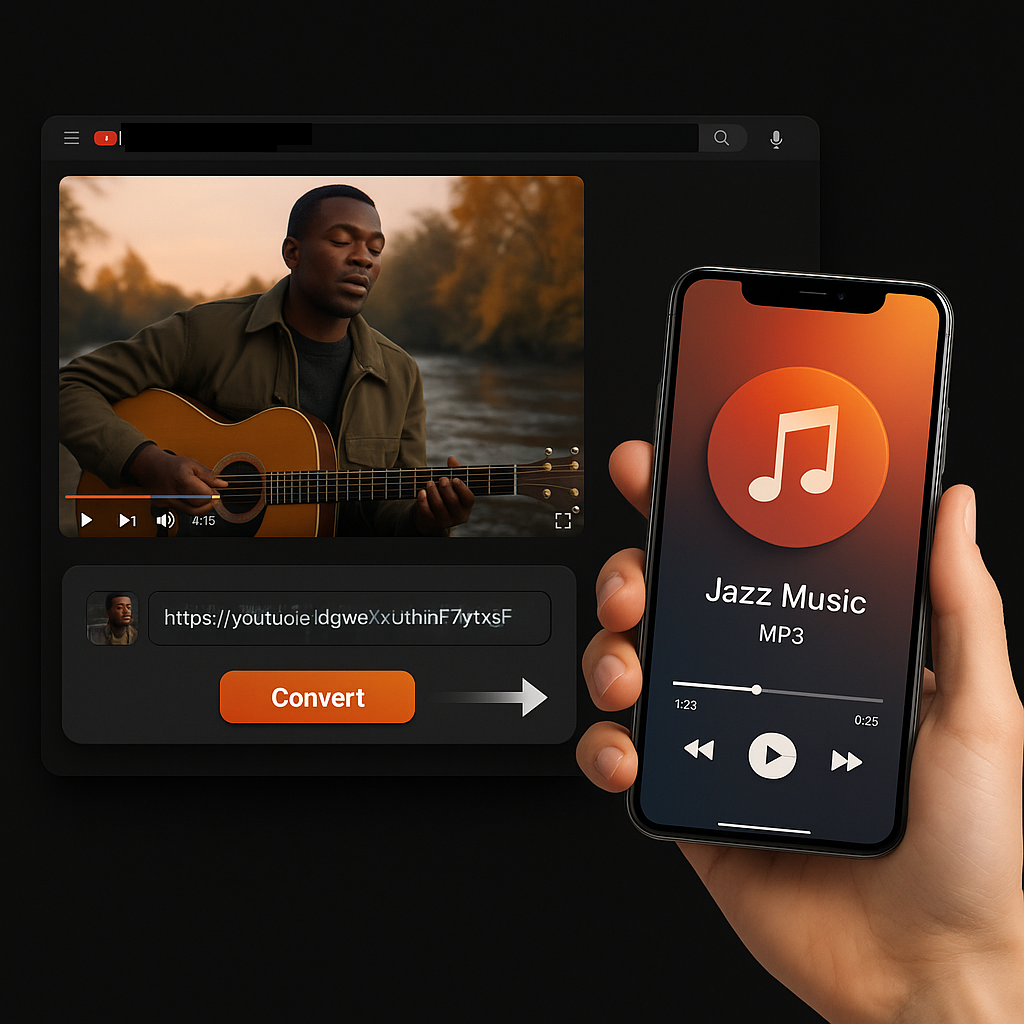
Extract audio from any YouTube video and convert it to MP3 format. Free, fast, and no sign-up required.
YouTube to MP3YouTube to MP4
Download YouTube videos as MP4 files instantly. Choose from multiple resolutions and watch offline anytime.
YouTube to MP4YouTube Video Downloader
Download YouTube videos without watermark. Multiple resolutions available for offline viewing.
YouTube Video DownloaderInstagram Reels Downloader
Download Instagram reels as MP4 files instantly. No app required, works on any device.
Instagram Reels DownloaderTikTok Video Downloader
Download TikTok videos as MP4 files instantly. No watermark, no signup required.
TikTok Video DownloaderYouTube to Text
Turn any YouTube video into readable text instantly. Free AI-powered converter, no sign-up needed.
YouTube to TextYouTube to Transcript
Transcribe any YouTube video fast and free. Get accurate, timestamped transcripts in multiple languages.
YouTube to TranscriptYouTube Subtitle Downloader
Extract and download YouTube subtitles in 100+ languages. Export as SRT, TXT, or VTT.
YouTube Subtitle DownloaderYouTube Transcript Downloader
Download YouTube video transcripts instantly. Fast, free, and no sign-up required.
YouTube Transcript DownloaderYouTube Transcript Generator
Generate YouTube video transcripts instantly. Accurate AI-powered transcription for any video.
YouTube Transcript GeneratorBook Summarizer
Get key insights from any book in seconds. Free AI-powered book summarizer.
Book SummarizerImage Summarizer
Summarize images instantly with AI. Extract key information from any image.
Image SummarizerPaper Summarizer
Summarize research papers instantly. Get key findings and insights with AI.
Paper SummarizerPodcast Summarizer
Summarize podcasts instantly. Get key takeaways from any podcast episode with AI.
Podcast SummarizerPPT Summarizer
Summarize PowerPoint presentations instantly. Extract key points from any PPT file.
PPT SummarizerVideo Summarizer
Summarize videos instantly. Get key moments and insights from any video with AI.
Video SummarizerWord Summarizer
Summarize Word documents instantly. Extract key points from any document with AI.
Word SummarizerSpeech to Text
Convert speech to text instantly. Accurate AI-powered transcription for any audio.
Speech to TextVoice to Text
Convert voice recordings to text instantly. Free, fast, and accurate AI transcription.
Voice to TextVoice Memo to Text
Convert voice memos to text instantly. Accurate transcription for any voice memo.
Voice Memo to TextVideo to Text
Convert any video to readable text. Free AI-powered video transcription tool.
Video to Text