YouTube Transcript Generator – Fast & Accurate Text
Convert YouTube videos into accurate transcripts instantly. Download TXT or SRT files with timestamps and save hours on manual transcription.
3M+
Transcripts generated
<30s
Average processing
98%
Accuracy rate
YouTube Transcript Generator — Convert YouTube Videos into Accurate Transcripts Instantly
The YouTube Transcript Generator is a powerful transcript generator that helps you convert any YouTube video into a structured youtube transcript in seconds. Instead of watching videos repeatedly or doing manual transcription, you can simply paste a YouTube video URL and generate transcript output instantly. This tool transforms spoken content into a clean, organized text transcript ready for download.
Whether you need a youtube video transcript for research, content creation, or note taking, the process takes just a few clicks. The system is user friendly, free to use, and designed to save valuable time. With reliable transcripts and fast processing, you can turn YouTube videos into structured documents without effort.
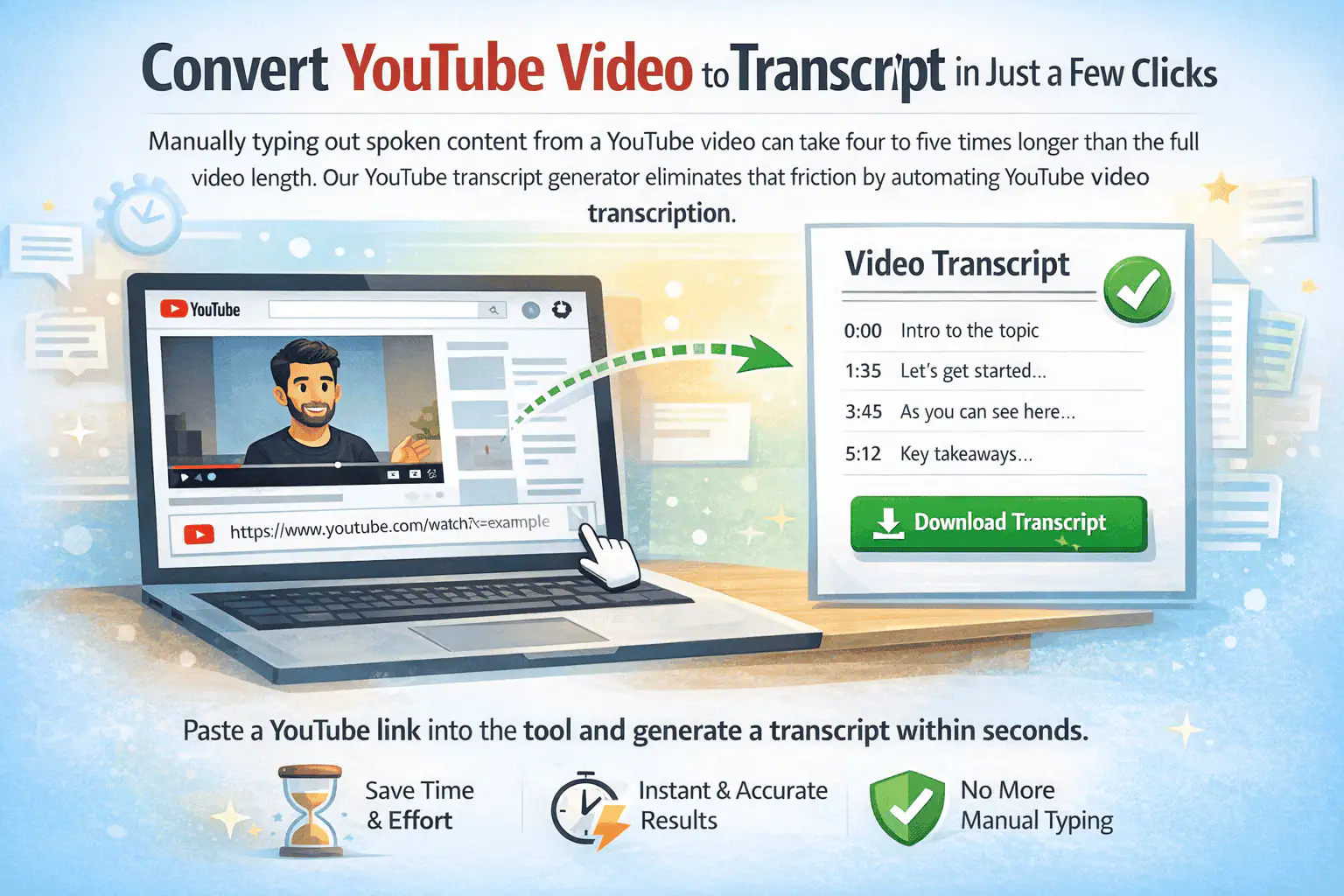
Convert YouTube Video to Transcript in Just a Few Clicks
Manually typing out spoken content from a YouTube video can take four to five times longer than the full video length. Watching and pausing repeatedly wastes time and reduces focus. Our YouTube transcript generator eliminates that friction by automating YouTube video transcription.
Simply paste the YouTube video link into the tool and click generate transcript. The system processes the video URL instantly and produces a detailed transcript from YouTube within seconds. You no longer need to rely on manual transcription or messy copy-paste workflows.
This is a true game changer for anyone who works with video content regularly.
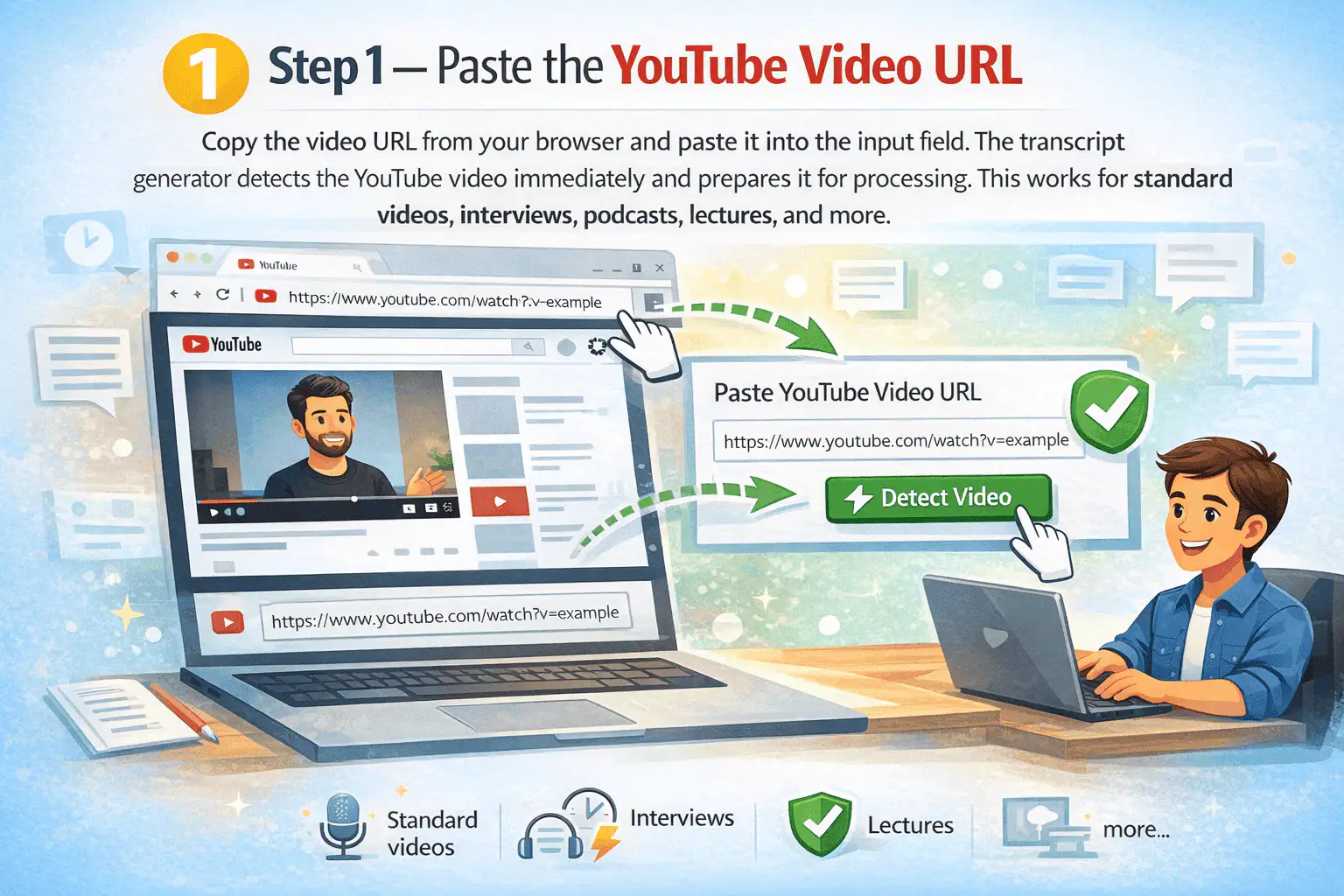
Step 1: Paste the YouTube Video URL
Copy the video URL from your browser and paste it into the input field. The transcript generator detects the YouTube video immediately and prepares it for processing. This works for standard videos, interviews, podcasts, lectures, and more.
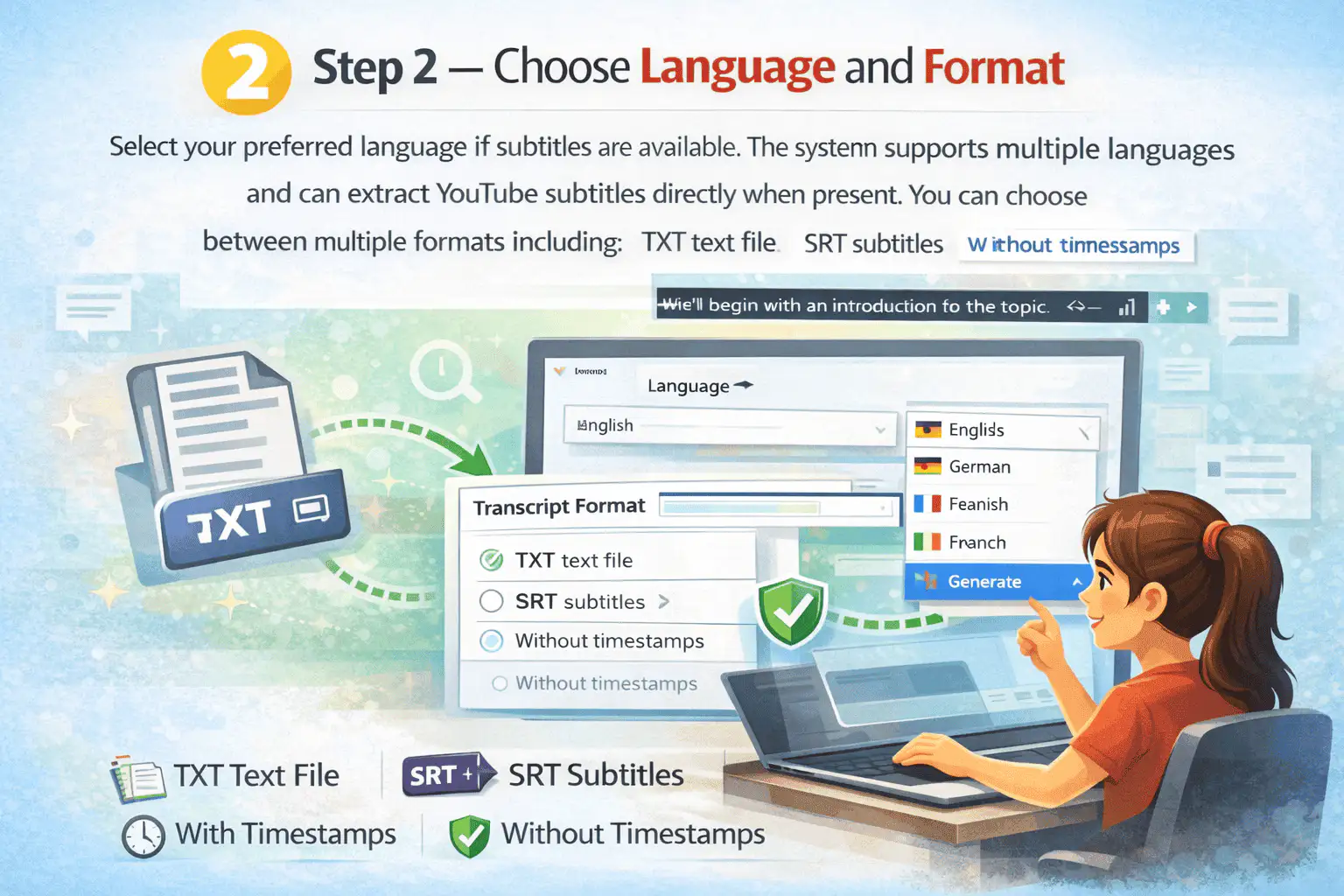
Step 2: Choose Language and Format
Select your preferred language if subtitles are available. The system supports multiple languages and can extract YouTube subtitles directly when present. Choose between TXT text file, SRT subtitles, with timestamps, or without timestamps.
Step 3: Generate and Download
Click generate transcript and the system will generate YouTube transcripts instantly. Once ready, you can download the transcript file directly to your device. The entire process takes just a few clicks.
Works With and Without YouTube Subtitles
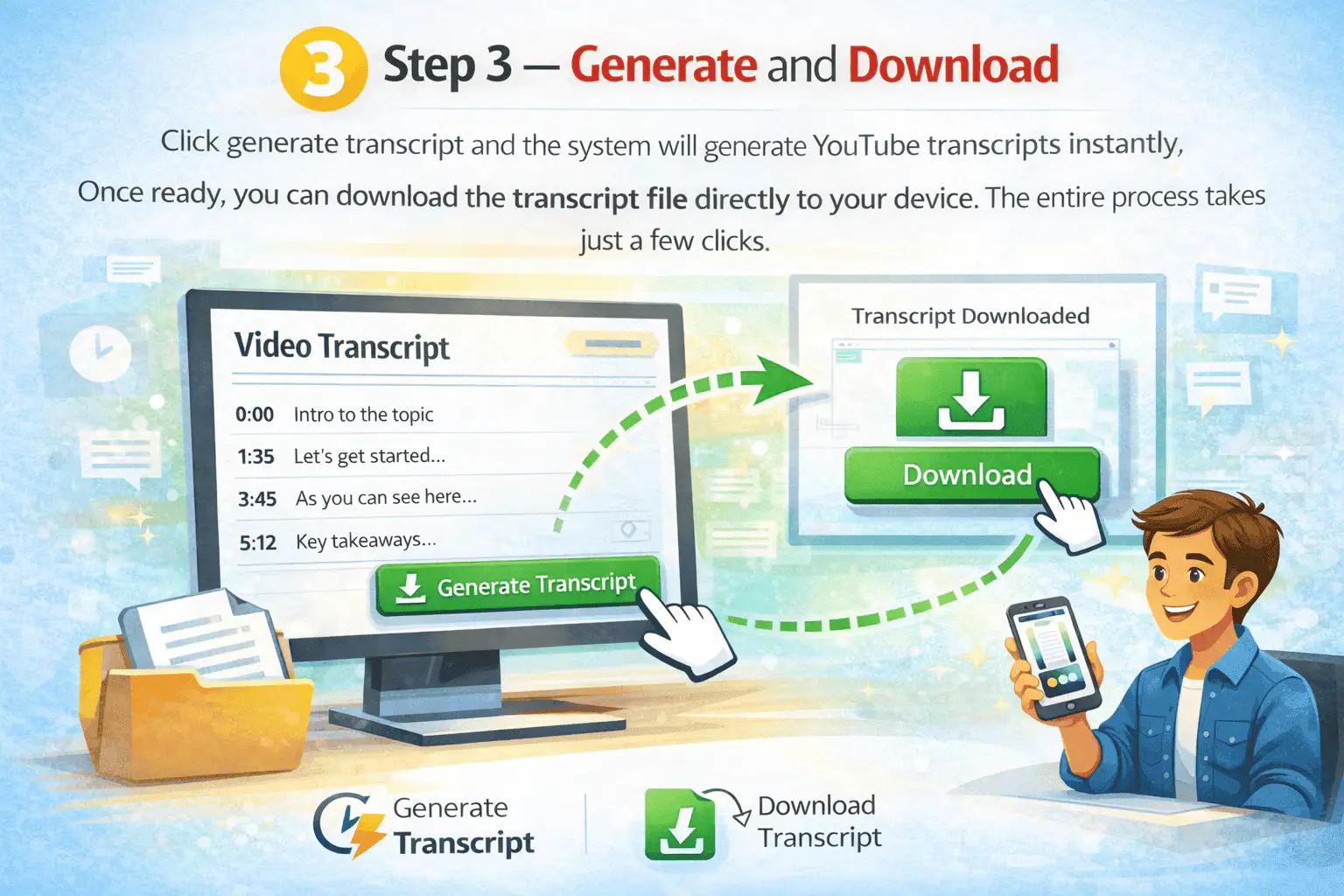
Many tools depend entirely on existing YouTube subtitles. If subtitles do not exist, those tools fail completely. Our YouTube transcription engine uses AI to transcribe YouTube videos even when captions are missing.
The AI analyzes spoken content and produces accurate transcripts from audio directly. This ensures that you can extract YouTube transcript data regardless of subtitle availability. It supports full video processing for long recordings.
You no longer need to depend solely on closed captions.
Built-In AI Tools for Smarter Workflow
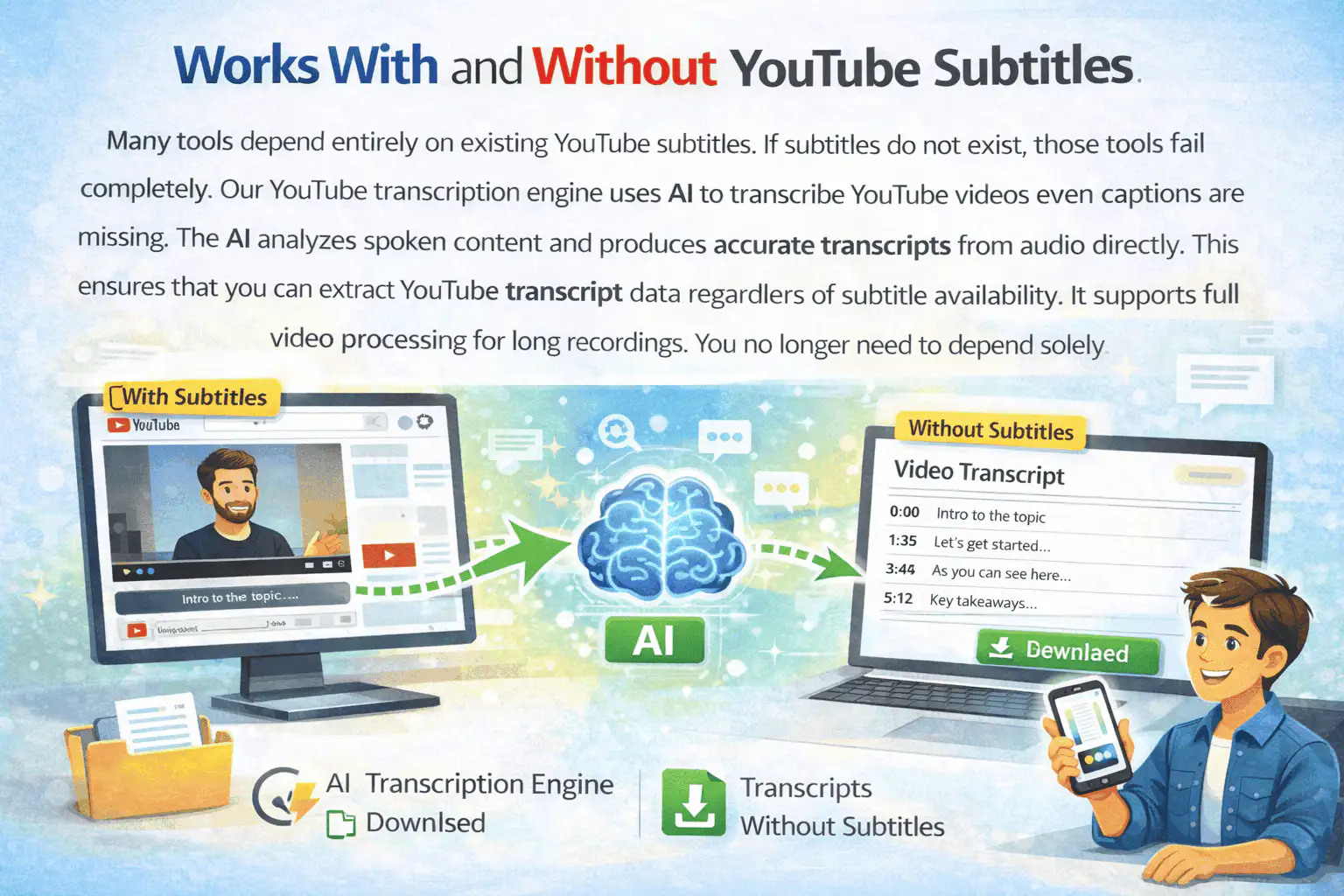
After you generate transcript output, you can use built-in AI tools for deeper processing. The system supports generating summaries, extracting key points, and creating a structured YouTube summary instantly. This is ideal when watching videos again is not efficient.
You can also transform the transcript into a mind map to visualize structure. This improves note taking and helps organize complex video content. The AI features boost productivity and allow you to work faster.
Instead of watching long YouTube recordings repeatedly, you access key information instantly.
Why This Transcript Generator Is Different
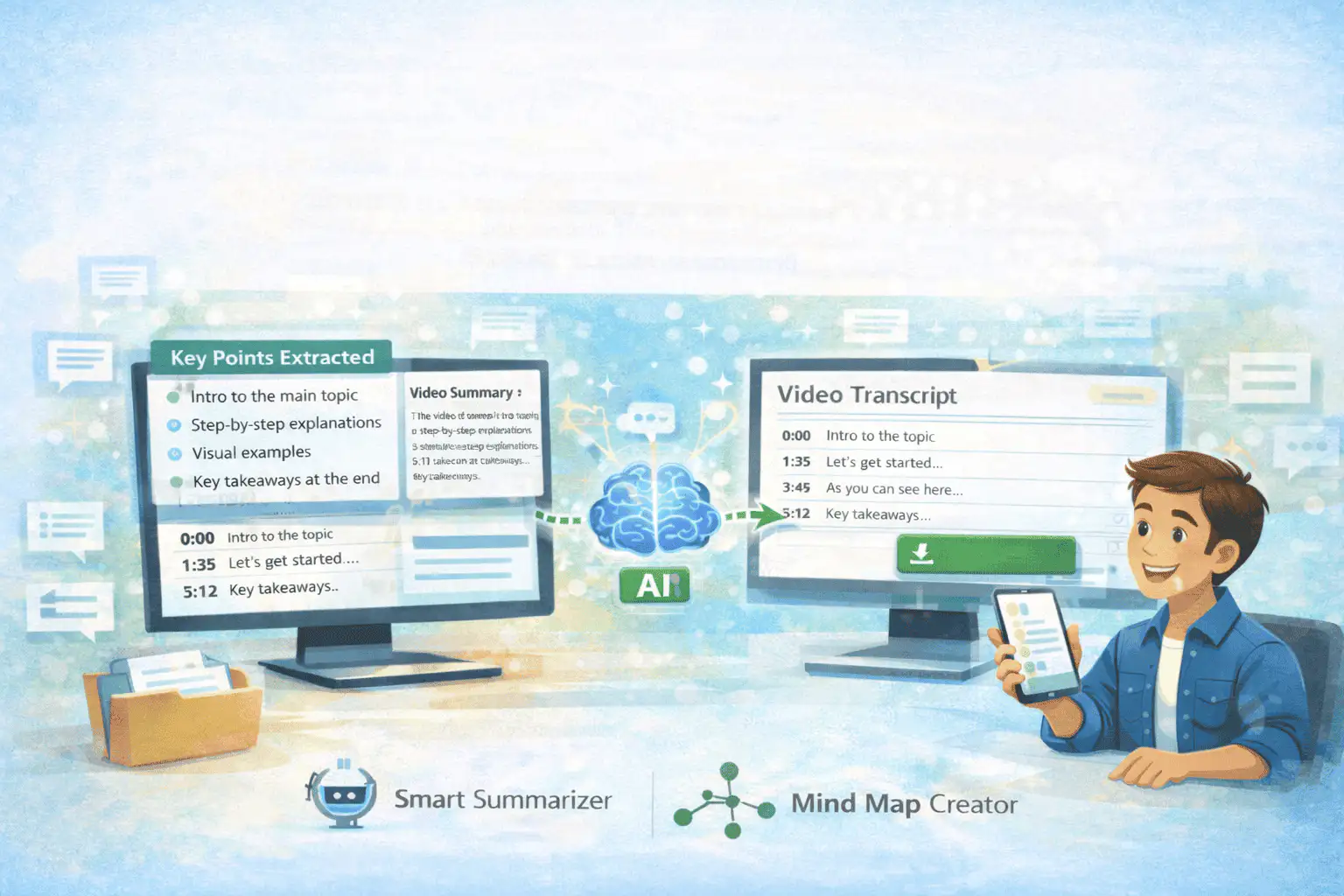
Most platforms only allow viewing transcripts inside a preview panel. They offer easy copy access but not real downloadable files. This transcript generator focuses on structured output and long-term usability.
- Convert YouTube video into structured text instantly
- Generate YouTube transcripts in seconds
- Extract YouTube transcript data directly
- Transcribe YouTube videos without manual transcription
- Multiple formats for flexibility
- Reliable transcripts for research and professional use
- Multi-platform support
- Free to use
It is designed for users who need real results, not temporary previews.
Students
Students use this YouTube transcript generator to avoid replaying long lectures again and again. Instead of pausing every few seconds, they generate a clean transcript instantly. This helps them highlight key concepts, copy definitions, and prepare summaries quickly. It also improves revision speed before exams.

Researchers
Researchers rely on detailed transcripts to quote spoken content precisely. Instead of manually transcribing interviews or conference talks, they extract YouTube transcript data within seconds. This ensures accuracy when citing timestamps and statements. It also reduces the risk of misquoting speakers.

Content Creators
Content creators transform YouTube video transcripts into blog posts, newsletters, and captions. Instead of starting from scratch, they repurpose spoken content into structured articles. This saves time and expands reach across multiple platforms. Many creators also use transcripts to optimize SEO descriptions.

Journalists
Journalists use transcripts from YouTube interviews to verify exact wording. This reduces errors and protects credibility. Instead of relying on memory, they cross-check statements directly from text. Structured transcripts also help identify key soundbites quickly.
Marketing Teams
Marketing teams analyze video content to identify messaging patterns and audience insights. They extract key talking points without watching full recordings repeatedly. Transcripts help them study competitor videos and webinars efficiently. Teams also reuse transcript content for email campaigns.

Accessibility Teams
Accessibility teams use subtitle files to improve compliance standards. Transcripts help create accurate caption files such as SRT formats. This supports viewers who rely on subtitles for understanding content. It also helps organizations meet accessibility guidelines.

Flexible Download Options
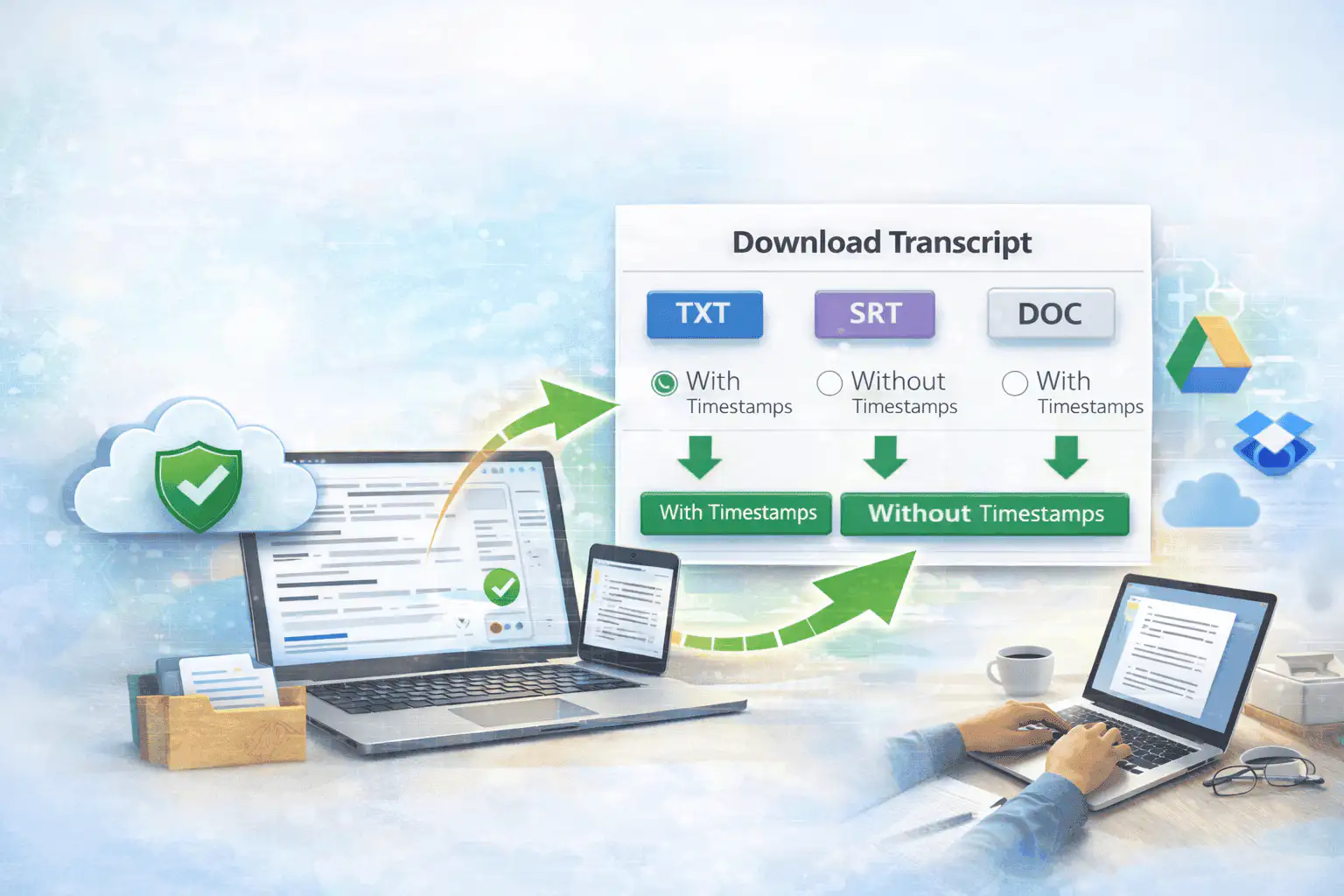
After processing, you can download your transcript immediately. The tool supports:
- TXT text file for editing and documentation
- SRT subtitles format for video editing
- Timestamp included or removed
The download process is secure and instant. You can access your file across devices and integrate it into cloud storage or editing software easily.
Designed to Save Valuable Time
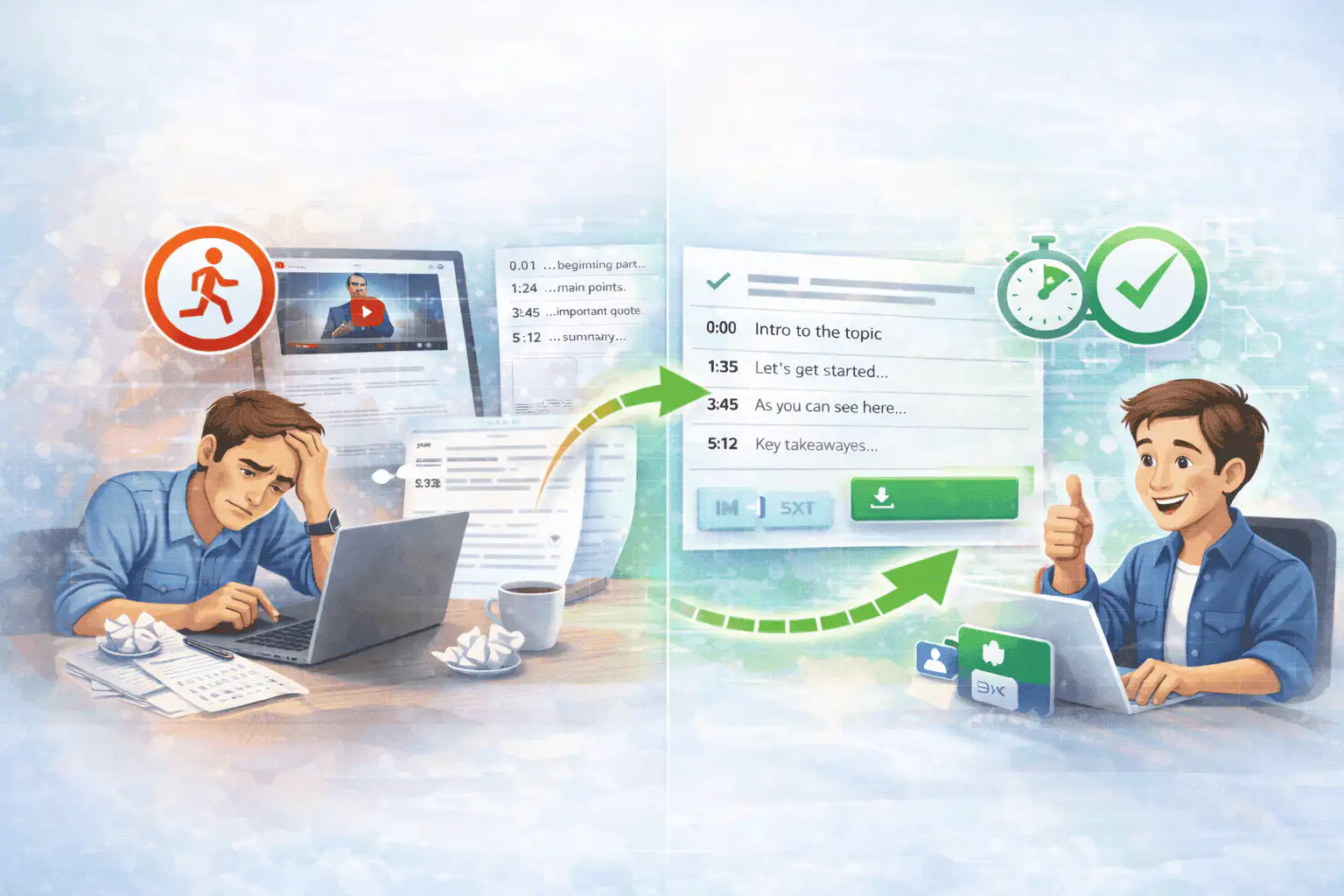
Instead of spending hours watching videos and typing manually, you can generate transcript output instantly. The system processes the full video efficiently and delivers reliable transcripts every time. This allows you to focus on analysis, writing, or planning instead of repetitive tasks.
Manual transcription wastes valuable time and slows productivity. This tool helps you transcribe YouTube content faster and more accurately. It converts spoken content into a usable text transcript in seconds.
More Free Tools
Explore other tools to help you download and convert media
YouTube to MP3
Extract audio from any YouTube video and convert it to MP3 format. Free, fast, and no sign-up required.
YouTube to MP3YouTube to MP4
Download YouTube videos as MP4 files instantly. Choose from multiple resolutions and watch offline anytime.
YouTube to MP4YouTube Video Downloader
Download YouTube videos without watermark. Multiple resolutions available for offline viewing.
YouTube Video DownloaderYouTube Summary with ChatGPT
Batch summarize YouTube videos and playlists in seconds with comprehensive, in-depth summaries.
YouTube Summary with ChatGPTYouTube to Text
Turn any YouTube video into readable text instantly. Free AI-powered converter, no sign-up needed.
YouTube to TextYouTube to Transcript
Transcribe any YouTube video fast and free. Get accurate, timestamped transcripts in multiple languages.
YouTube to TranscriptYouTube Subtitle Downloader
Extract and download YouTube subtitles in 100+ languages. Export as SRT, TXT, or VTT.
YouTube Subtitle DownloaderYouTube Transcript Downloader
Download YouTube video transcripts instantly. Fast, free, and no sign-up required.
YouTube Transcript DownloaderInstagram Reels Downloader
Download Instagram reels as MP4 files instantly. No app required, works on any device.
Instagram Reels DownloaderTikTok Video Downloader
Download TikTok videos as MP4 files instantly. No watermark, no signup required.
TikTok Video DownloaderTikTok Transcript Generator
Generate transcripts from any TikTok video instantly. Free, accurate AI-powered transcription.
TikTok Transcript GeneratorInstagram Transcript Generator
Generate transcripts from any Instagram video or reel instantly. Free AI-powered transcription.
Instagram Transcript GeneratorFacebook Transcript Generator
Generate transcripts from any Facebook video instantly. Free, accurate transcription.
Facebook Transcript GeneratorTwitter/X Transcript Generator
Generate transcripts from any Twitter/X video instantly. Free AI-powered transcription.
Twitter/X Transcript GeneratorLinkedIn Transcript Generator
Generate transcripts from any LinkedIn video instantly. Free, accurate transcription.
LinkedIn Transcript GeneratorPinterest Transcript Generator
Generate transcripts from any Pinterest video instantly. Free AI-powered transcription.
Pinterest Transcript GeneratorBook Summarizer
Get key insights from any book in seconds. Free AI-powered book summarizer.
Book SummarizerImage Summarizer
Summarize images instantly with AI. Extract key information from any image.
Image SummarizerPaper Summarizer
Summarize research papers instantly. Get key findings and insights with AI.
Paper SummarizerPodcast Summarizer
Summarize podcasts instantly. Get key takeaways from any podcast episode with AI.
Podcast SummarizerPPT Summarizer
Summarize PowerPoint presentations instantly. Extract key points from any PPT file.
PPT SummarizerVideo Summarizer
Summarize videos instantly. Get key moments and insights from any video with AI.
Video SummarizerWord Summarizer
Summarize Word documents instantly. Extract key points from any document with AI.
Word SummarizerSpeech to Text
Convert speech to text instantly. Accurate AI-powered transcription for any audio.
Speech to TextVoice to Text
Convert voice recordings to text instantly. Free, fast, and accurate AI transcription.
Voice to TextVoice Memo to Text
Convert voice memos to text instantly. Accurate transcription for any voice memo.
Voice Memo to TextVideo to Text
Convert any video to readable text. Free AI-powered video transcription tool.
Video to TextAudio & Video Converters
Convert audio and video files between popular formats in one free tool library.
Audio & Video ConvertersGenerate transcripts in your language
Generate accurate YouTube transcripts with our tool available in 29+ locales. A consistent, AI-powered experience wherever you are.
Frequently Asked Questions About YouTube Transcript Generator
Stop wasting valuable time watching videos repeatedly just to extract information
Simply paste the YouTube video URL, click generate transcript, and download your transcript instantly. Convert YouTube video content into structured text with just a click.
Generate YouTube Transcripts Now