YouTube Transcript Downloader — Save Transcripts to Your Device in One Click
Unlimited, batch download YouTube transcripts in 100+ languages in just seconds.
4.9
Chrome Store rating
80M+
Users
12,000+
Schools & Teams
Trusted by millions of learners, content creators, researchers, and professionals worldwide.
Download YouTube Transcripts — Not Just View Them, Actually Save Them
You've found the transcript of a YouTube video before. Maybe through YouTube's built-in panel. Maybe through another tool. You wanted to download the transcript and store the file on your device. But there is no download button.
YouTube lets you view YouTube transcripts, not download YouTube transcripts. Most tools let you copy text. Then you manually paste it into a document. Then you clean formatting. That's extra manual work.
Our YouTube Transcript Downloader solves this. Paste a YouTube video URL or YouTube video link, choose your format and language, and download the transcript directly as a text file or subtitle file.
The focus is simple: real downloadable files. Not preview screens. Not clipboard-only access. A proper download saved to your computer or mobile device.
Need to download transcripts from an entire playlist? Paste the playlist YouTube video URL and batch download YouTube transcripts in one action.
Why Downloading YouTube Transcripts Is Harder Than It Should Be
YouTube generates subtitles for millions of videos. Yet downloading them isn't simple. Here's what normally happens:
- The YouTube transcript panel shows timestamped text in a sidebar. No download option.
- Copying creates messy formatting.
- Auto-caption files remain hidden.
- Third-party sites allow viewing but not proper download.
- Manual transcription takes four to six times longer than the full video length.
If you watch a one-hour video, manual transcription can take five hours. That wastes so much time. Our tool makes transcript extraction simple. Paste the YouTube video link. Choose your format. Click download. Your transcript saves instantly.
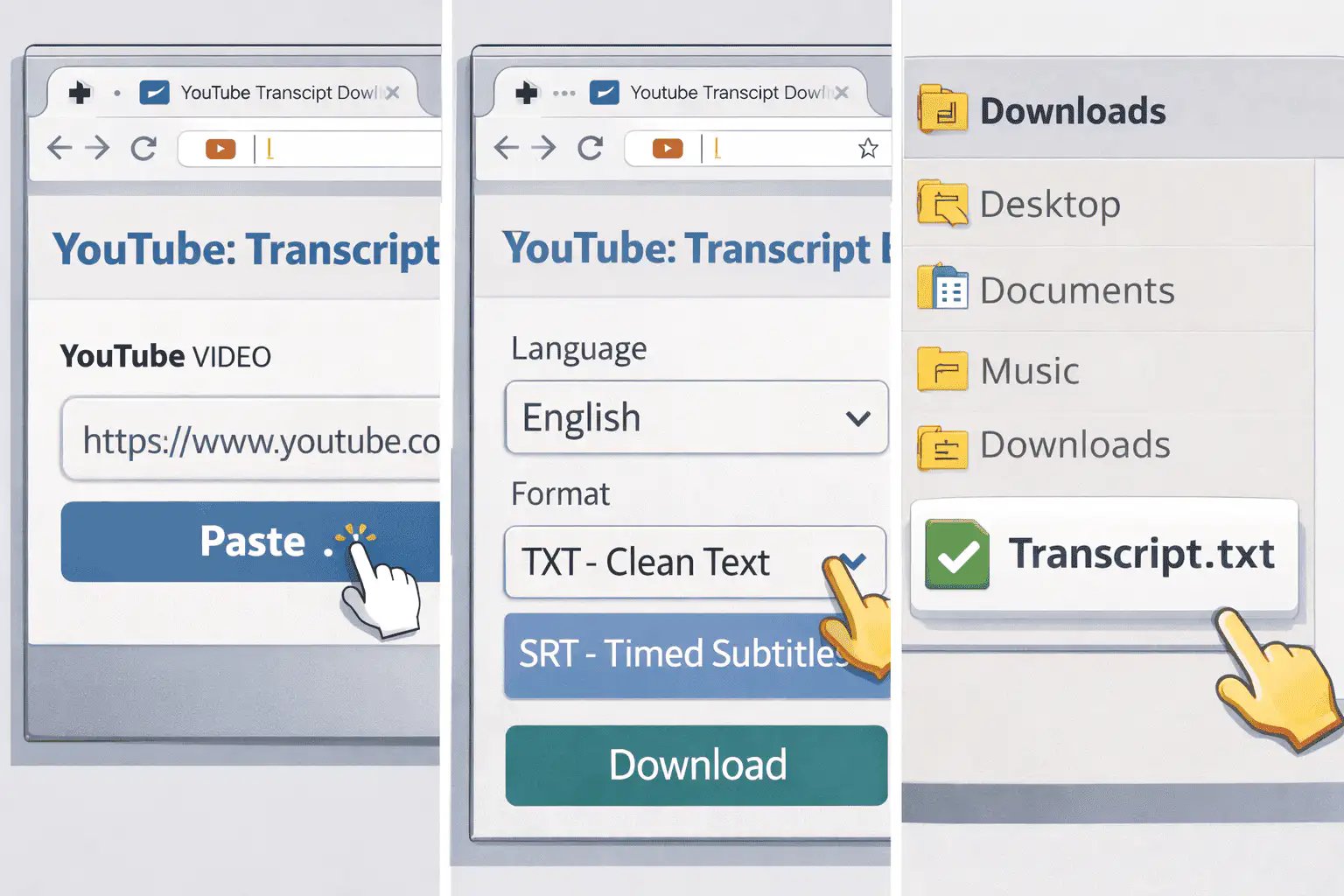
How to Download a YouTube Transcript in Three Steps
Paste the YouTube Video URL
Copy the link from any YouTube video — tutorials, podcasts, educational videos, interviews, product demos, or the full video of a conference. Paste it into the input field.
Select Language and Format
Simply select your desired language from over 100 supported options. Choose between TXT or SRT multiple formats. Decide if you want timestamps included or remove timestamps for clean reading.
Download the Transcript
Click the download button. The file saves directly to your device. No sign ups. No hidden fees. No limits. It really is just a few clicks.
Why This YouTube Transcript Downloader Stands Out
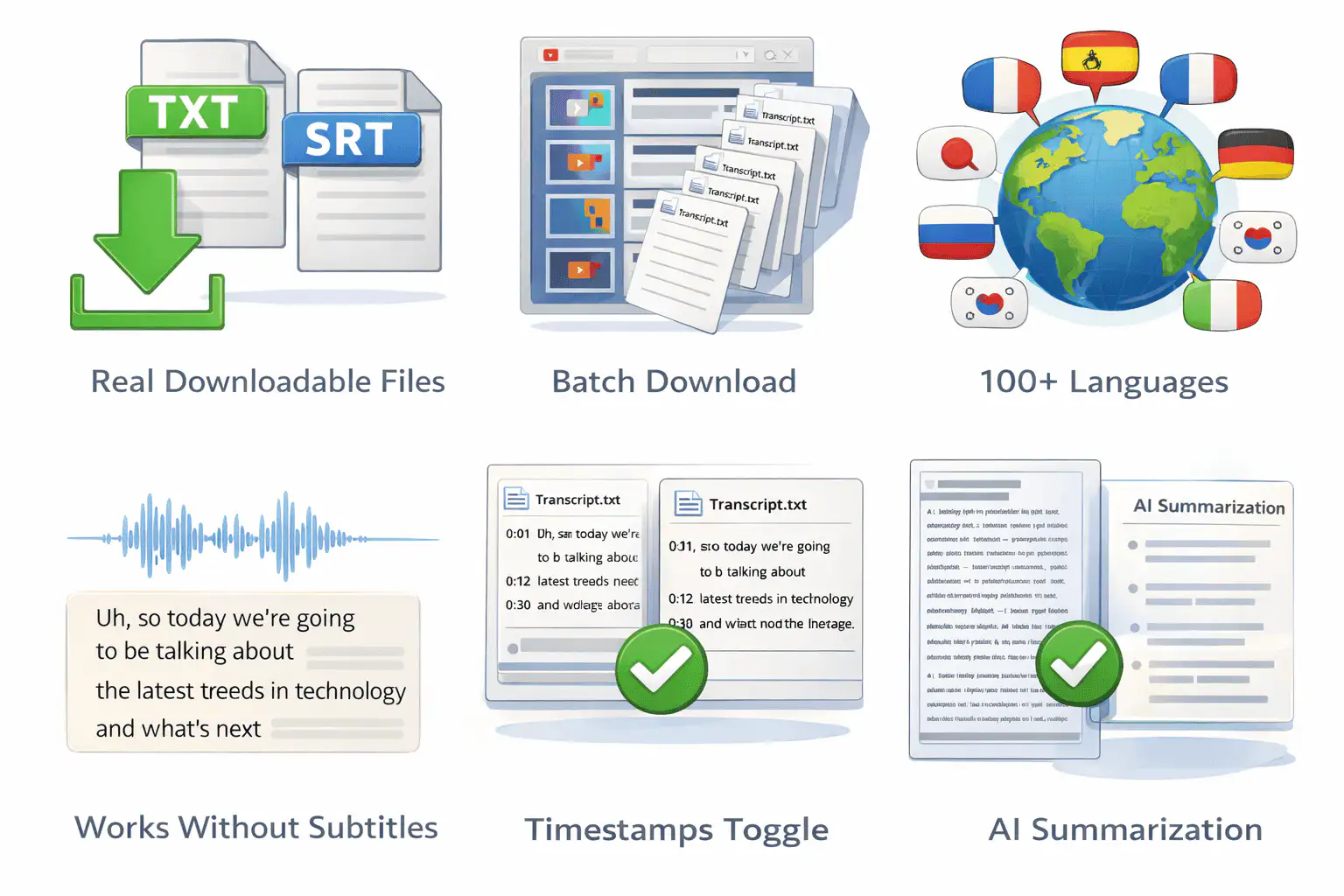
Real Downloadable Files
Many YouTube transcript generator tools only allow easy copy. We generate real downloadable files. TXT for reading and note taking. SRT for subtitles and video editing. You don't just view the transcript from YouTube. You download the transcript as a structured file.
Batch Download from Playlists
Paste a playlist YouTube video URL and download YouTube transcripts for every video inside it. Each transcript file downloads separately and is labeled clearly. Students batch download entire semesters. Researchers generate large collections at once. This saves time at scale.
100+ Languages Support
We support transcript downloads in multiple languages based on subtitle availability. If subtitles exist in Arabic, Hindi, Spanish, Korean, Portuguese, or other languages, you can download the transcript in that language. For videos without captions, our AI can generate transcripts from the audio directly.
Works on Videos Without Subtitles
Most tools depend on existing subtitles. If captions don't exist, they fail. Our AI transcribe system analyzes the audio and generates accurate transcript files for videos up to 150 minutes. That means you can generate YouTube transcripts even when no captions are available.
Timestamps Included or Removed
Need timestamps included for citation? Keep them. Need clean text for AI processing, summaries, or blog writing? Remove timestamps instantly. The tool makes both options simple.
AI Summarization and Key Points
After you download the transcript, use our built-in summarizer tool to generate summaries, extract key points, and create structured notes. This helps when watching videos isn't efficient. Instead of replaying sections, you read summaries in seconds.
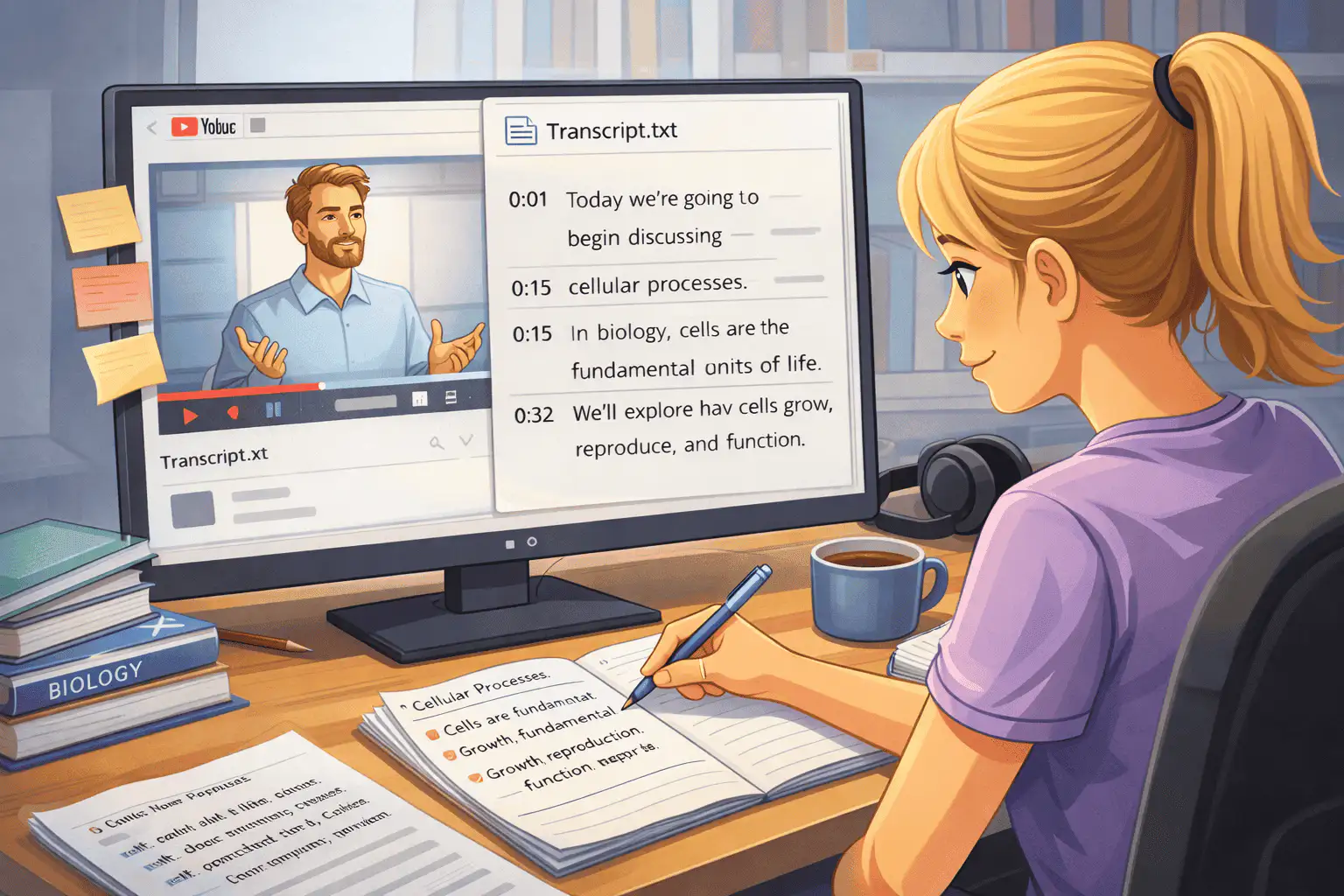
Students and Note Taking
Researchers and Academics
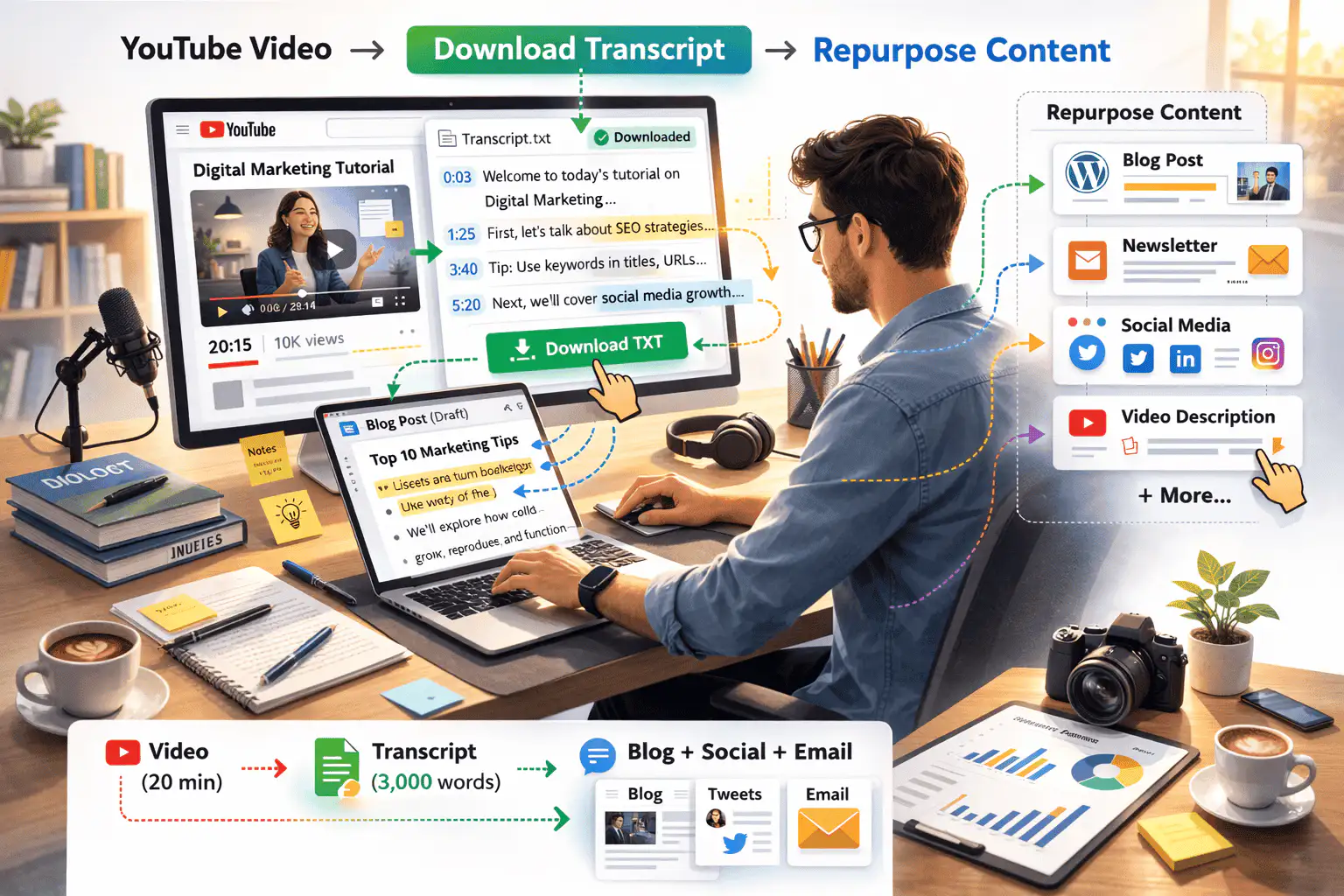
Content Creators
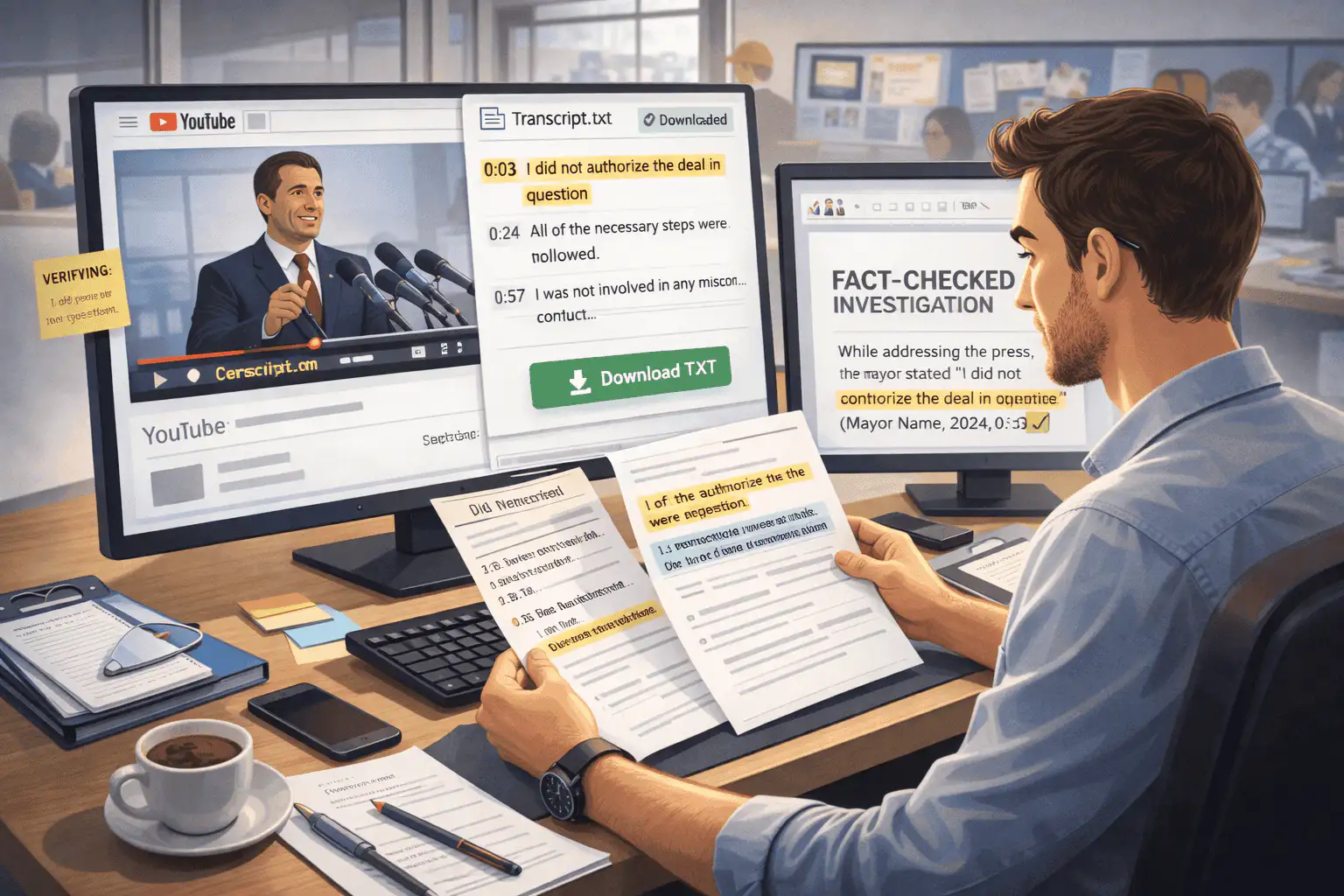
Journalists
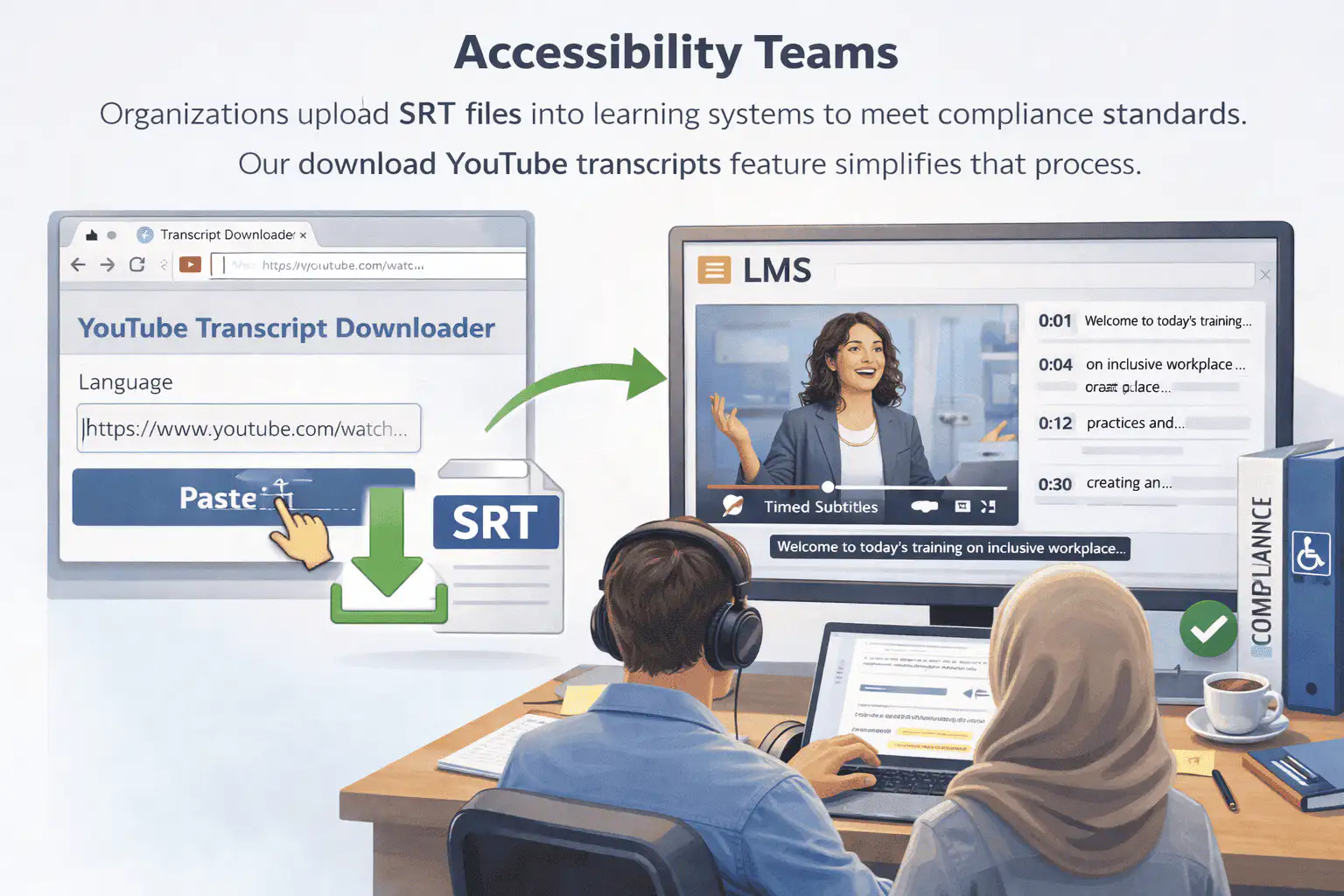
Accessibility Teams
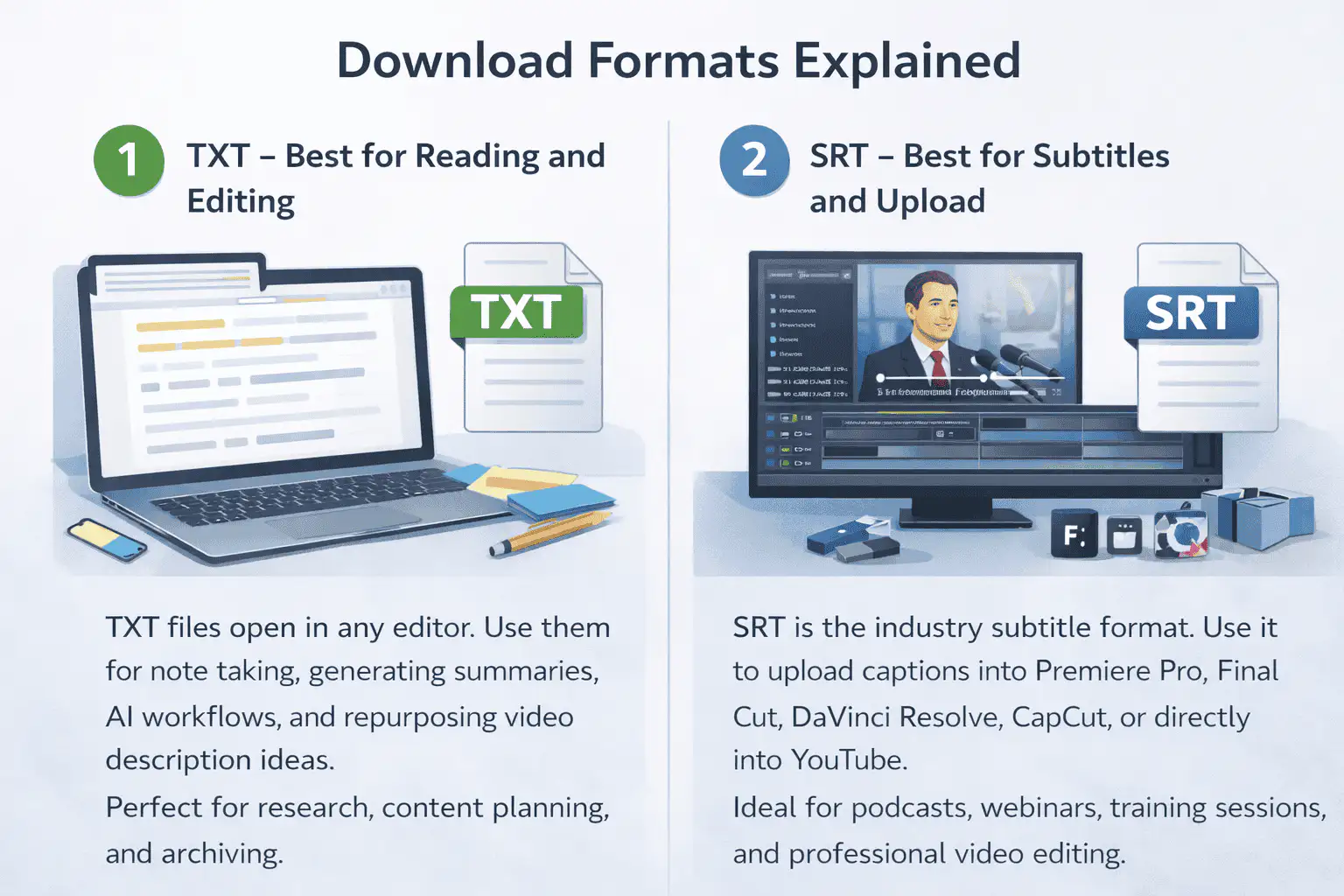
Download Formats Explained
TXT -- Best for Reading and Editing
TXT files open in any editor. Use them for note taking, generating summaries, AI workflows, and repurposing video description ideas. Perfect for research, content planning, and archiving.
SRT -- Best for Subtitles and Upload
SRT is the industry subtitle format. Use it to upload captions into Premiere Pro, Final Cut, DaVinci Resolve, CapCut, or directly into YouTube. Ideal for podcasts, webinars, training sessions, and professional video editing.
Batch Download: Scale Without Manual Work
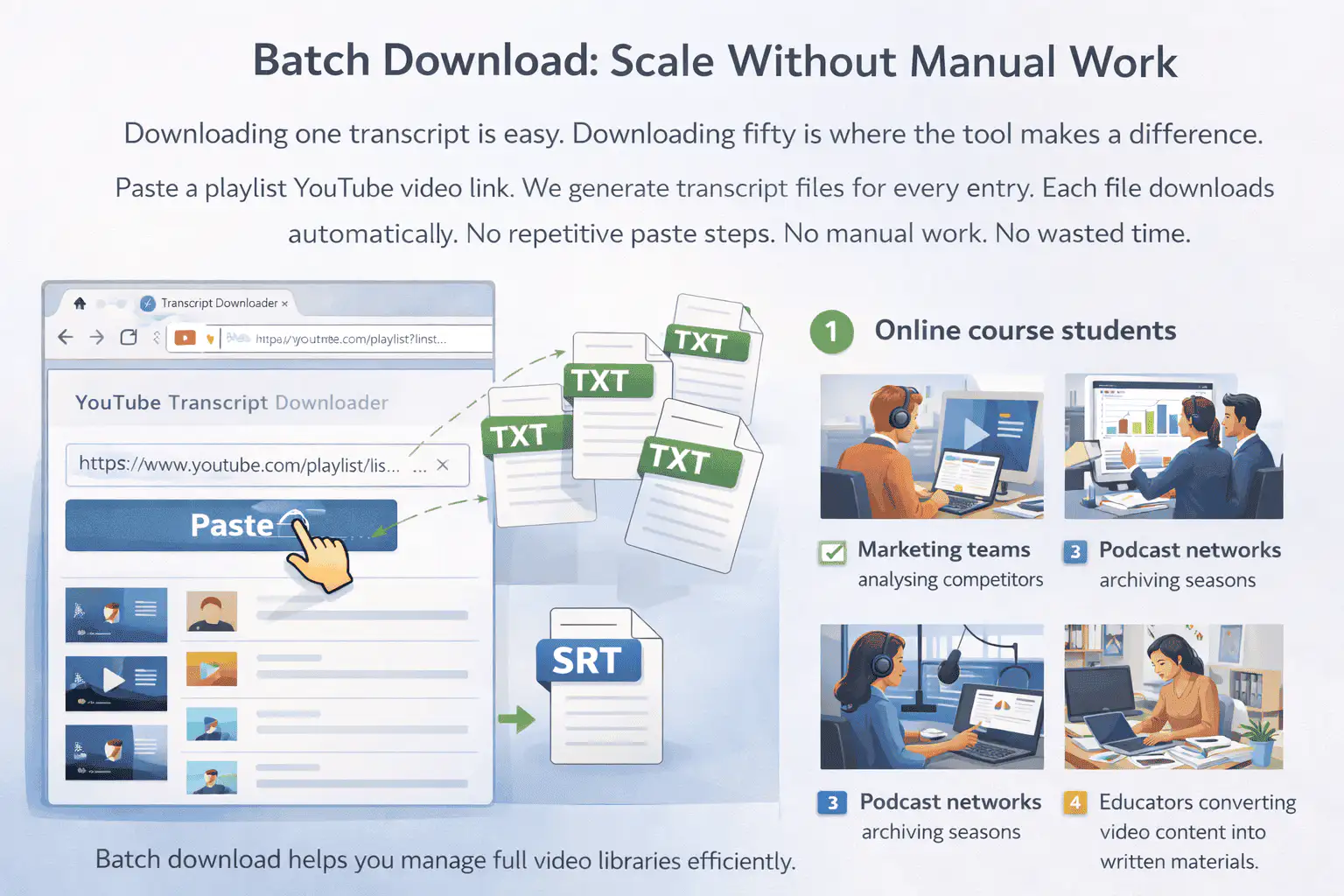
Downloading one transcript is easy. Downloading fifty is where the tool makes a difference. Paste a playlist YouTube video link. We generate transcript files for every entry. Each file downloads automatically. No repetitive paste steps. No manual work. No wasted time.
This workflow benefits:
- Online course students
- Marketing teams analyzing competitors
- Podcast networks archiving seasons
- Educators converting video content into written materials
Batch download helps you manage full video libraries efficiently.
More Free Tools
Explore other tools to help you download and convert media
YouTube to MP3
Extract audio from any YouTube video and convert it to MP3 format. Free, fast, and no sign-up required.
YouTube to MP3YouTube to MP4
Download YouTube videos as MP4 files instantly. Choose from multiple resolutions and watch offline anytime.
YouTube to MP4YouTube Video Downloader
Download YouTube videos without watermark. Multiple resolutions available for offline viewing.
YouTube Video DownloaderYouTube Summary with ChatGPT
Batch summarize YouTube videos and playlists in seconds with comprehensive, in-depth summaries.
YouTube Summary with ChatGPTYouTube to Text
Turn any YouTube video into readable text instantly. Free AI-powered converter, no sign-up needed.
YouTube to TextYouTube to Transcript
Transcribe any YouTube video fast and free. Get accurate, timestamped transcripts in multiple languages.
YouTube to TranscriptYouTube Subtitle Downloader
Extract and download YouTube subtitles in 100+ languages. Export as SRT, TXT, or VTT.
YouTube Subtitle DownloaderYouTube Transcript Generator
Generate YouTube video transcripts instantly. Accurate AI-powered transcription for any video.
YouTube Transcript GeneratorInstagram Reels Downloader
Download Instagram reels as MP4 files instantly. No app required, works on any device.
Instagram Reels DownloaderTikTok Video Downloader
Download TikTok videos as MP4 files instantly. No watermark, no signup required.
TikTok Video DownloaderTikTok Transcript Generator
Generate transcripts from any TikTok video instantly. Free, accurate AI-powered transcription.
TikTok Transcript GeneratorInstagram Transcript Generator
Generate transcripts from any Instagram video or reel instantly. Free AI-powered transcription.
Instagram Transcript GeneratorFacebook Transcript Generator
Generate transcripts from any Facebook video instantly. Free, accurate transcription.
Facebook Transcript GeneratorTwitter/X Transcript Generator
Generate transcripts from any Twitter/X video instantly. Free AI-powered transcription.
Twitter/X Transcript GeneratorLinkedIn Transcript Generator
Generate transcripts from any LinkedIn video instantly. Free, accurate transcription.
LinkedIn Transcript GeneratorPinterest Transcript Generator
Generate transcripts from any Pinterest video instantly. Free AI-powered transcription.
Pinterest Transcript GeneratorBook Summarizer
Get key insights from any book in seconds. Free AI-powered book summarizer.
Book SummarizerImage Summarizer
Summarize images instantly with AI. Extract key information from any image.
Image SummarizerPaper Summarizer
Summarize research papers instantly. Get key findings and insights with AI.
Paper SummarizerPodcast Summarizer
Summarize podcasts instantly. Get key takeaways from any podcast episode with AI.
Podcast SummarizerPPT Summarizer
Summarize PowerPoint presentations instantly. Extract key points from any PPT file.
PPT SummarizerVideo Summarizer
Summarize videos instantly. Get key moments and insights from any video with AI.
Video SummarizerWord Summarizer
Summarize Word documents instantly. Extract key points from any document with AI.
Word SummarizerSpeech to Text
Convert speech to text instantly. Accurate AI-powered transcription for any audio.
Speech to TextVoice to Text
Convert voice recordings to text instantly. Free, fast, and accurate AI transcription.
Voice to TextVoice Memo to Text
Convert voice memos to text instantly. Accurate transcription for any voice memo.
Voice Memo to TextVideo to Text
Convert any video to readable text. Free AI-powered video transcription tool.
Video to TextAudio & Video Converters
Convert audio and video files between popular formats in one free tool library.
Audio & Video ConvertersDownload YouTube transcripts in your language
Grab full, timestamped YouTube transcripts with an interface available in 29+ languages. Fast, free, and familiar wherever you work.
Frequently Asked Questions
Stop Copying. Start Downloading.
Every YouTube video with subtitles has video transcripts available. Our YouTube Transcript Downloader helps you download the transcript in one click, save it as a file, and use it however you want. Instead of watching videos repeatedly, access structured text instantly. Use it for notes, summaries, repurpose content, research, or subtitle upload.
Download YouTube Transcripts Now