TikTok Video Downloader

Download public TikTok videos as MP4 files from your browser. Free to use, no account required, and built for creator research, offline review, and saving videos you own.

Turn a TikTok link into a usable video file

Sceneform helps you save public TikTok videos from a normal browser workflow. Copy the TikTok URL, paste it into the downloader, choose the available quality, and save the file to your device.

The tool is useful for collecting creative references, reviewing your own posts, preparing notes, or watching saved clips when you do not want to rely on streaming.
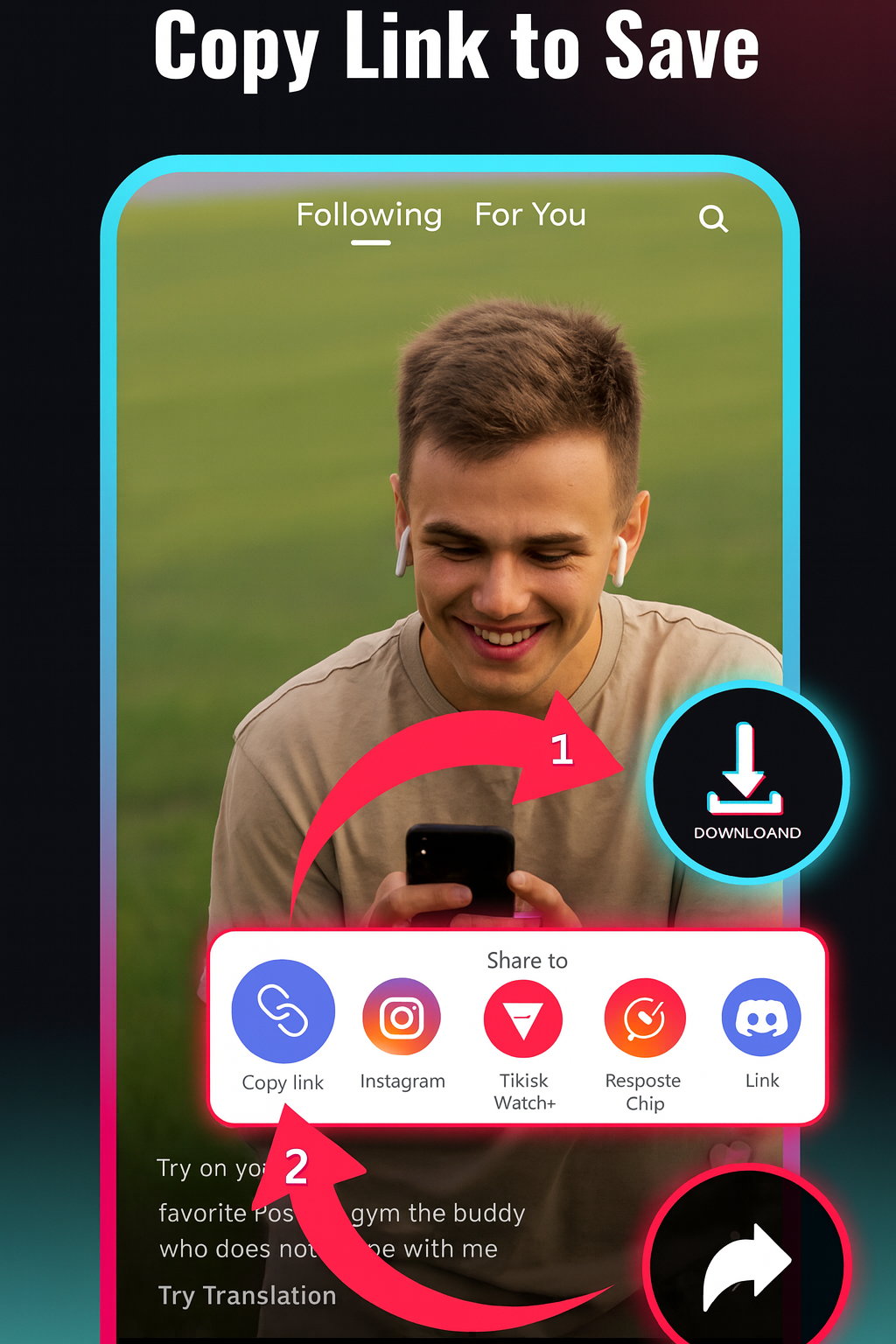
TikTok video downloader interface

How to download a TikTok video

  1. Copy the TikTok link. Open the TikTok app or website, tap Share, and choose Copy link.
  2. Paste it into Sceneform. Add the copied URL to the downloader. You do not need to create an account.
  3. Choose the available output. Pick a resolution before starting the request. Availability depends on the source video.
  4. Save the file. When processing finishes, download the video to your phone, desktop, or editing workflow.

If TikTok blocks, removes, restricts, or changes access to a video, the download may fail. A fresh copied link often solves simple URL issues.

Copy a TikTok URL and download the video

Quality and watermark availability depend on the source

TikTok downloaders often promise flawless HD and a clean file for every link. In practice, the file depends on what the platform makes available for that public video at request time.

  • Resolution: choose from available options; the source controls the real maximum quality.
  • Watermarks: clean files may be available for some links, but availability is not universal.
  • Private videos: private, removed, and login-gated videos are not supported.
  • Output: the expected result is a playable video file for offline review or permitted reuse.

This is more useful than pretending every link behaves the same. You get clearer expectations before you paste the URL.
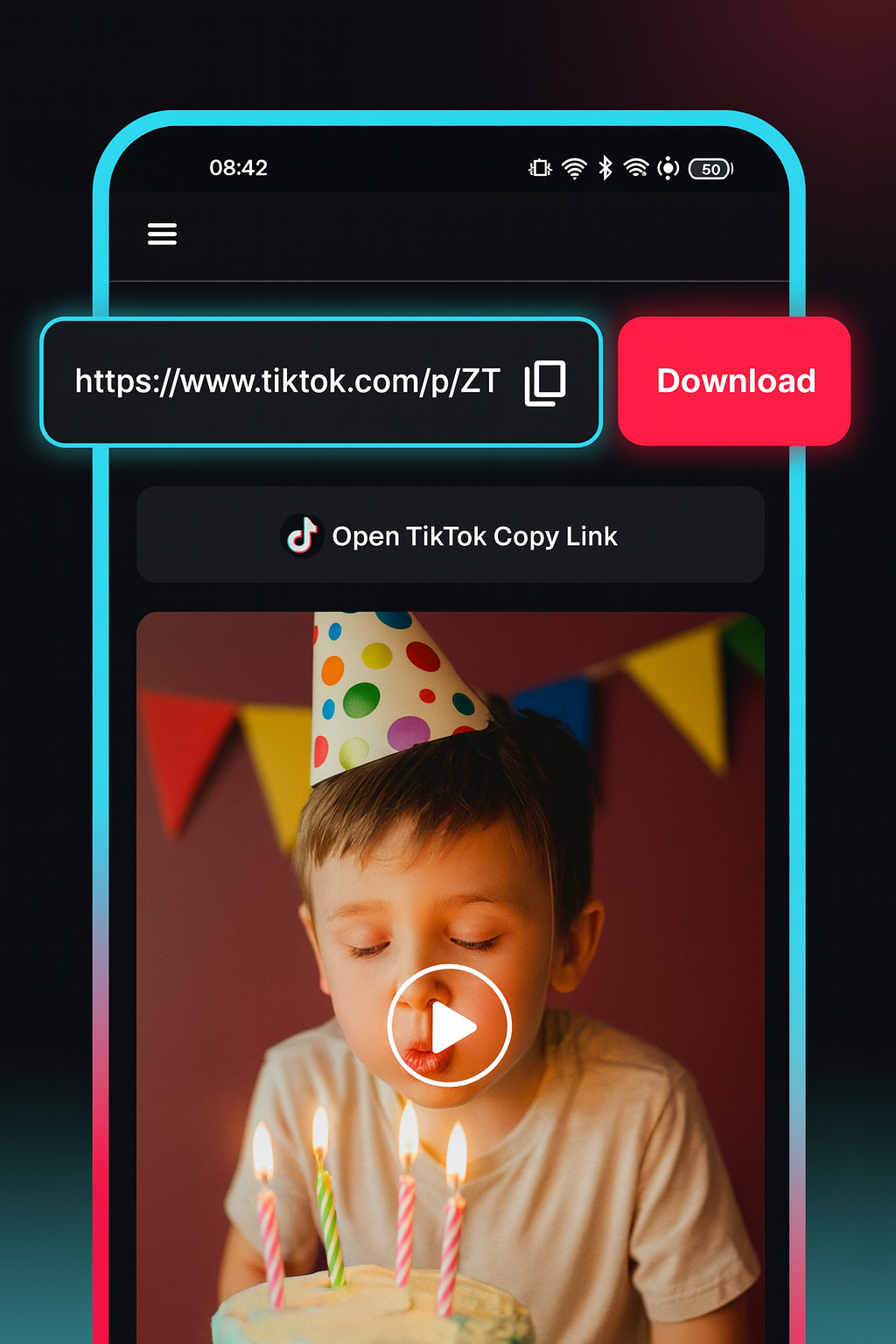
TikTok download quality and availability notes

Use the downloader that matches the link

Platform-specific pages help users solve the task faster and avoid generic "download any video" claims.

Link typeBest toolUse it for
TikTok URLTikTok Video DownloaderSaving public TikTok videos for review or editing
Instagram Reel URLInstagram Reels DownloaderReels, creator references, and public Instagram clips
Other public video URLVideo DownloaderPublic video links without a dedicated platform page

Best for creator research, references, and your own posts

A TikTok downloader is most valuable when it helps you keep a specific clip available for a real workflow. Save examples before a trend changes, keep your own published videos for repurposing, or collect references for a script, edit, or client review.

  • Back up TikTok videos you created or have permission to use.
  • Collect hooks, pacing examples, and editing references.
  • Review educational clips, recipes, workouts, and tutorials offline.
  • Prepare research notes without hunting through your feed again.
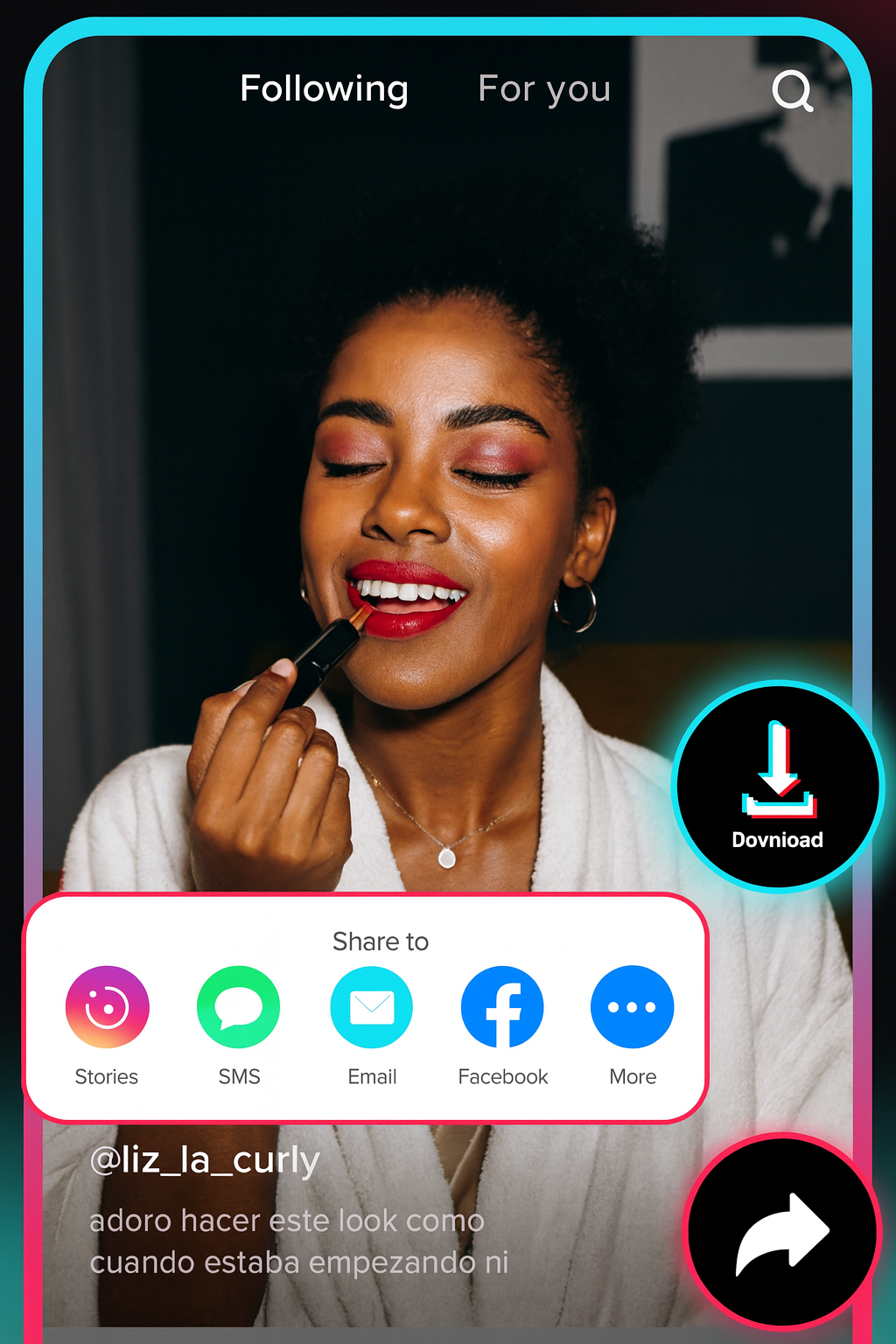
TikTok videos saved for creator research

Free, no account, and temporary files

The TikTok Video Downloader is free to use and does not require a Sceneform account. Normal use is unlimited, with abuse controls reserved for automated or excessive traffic.

Processed files are temporary and are deleted after conversion. Use downloaded videos only in ways you are allowed to, especially for reposting, ads, client work, or commercial use.
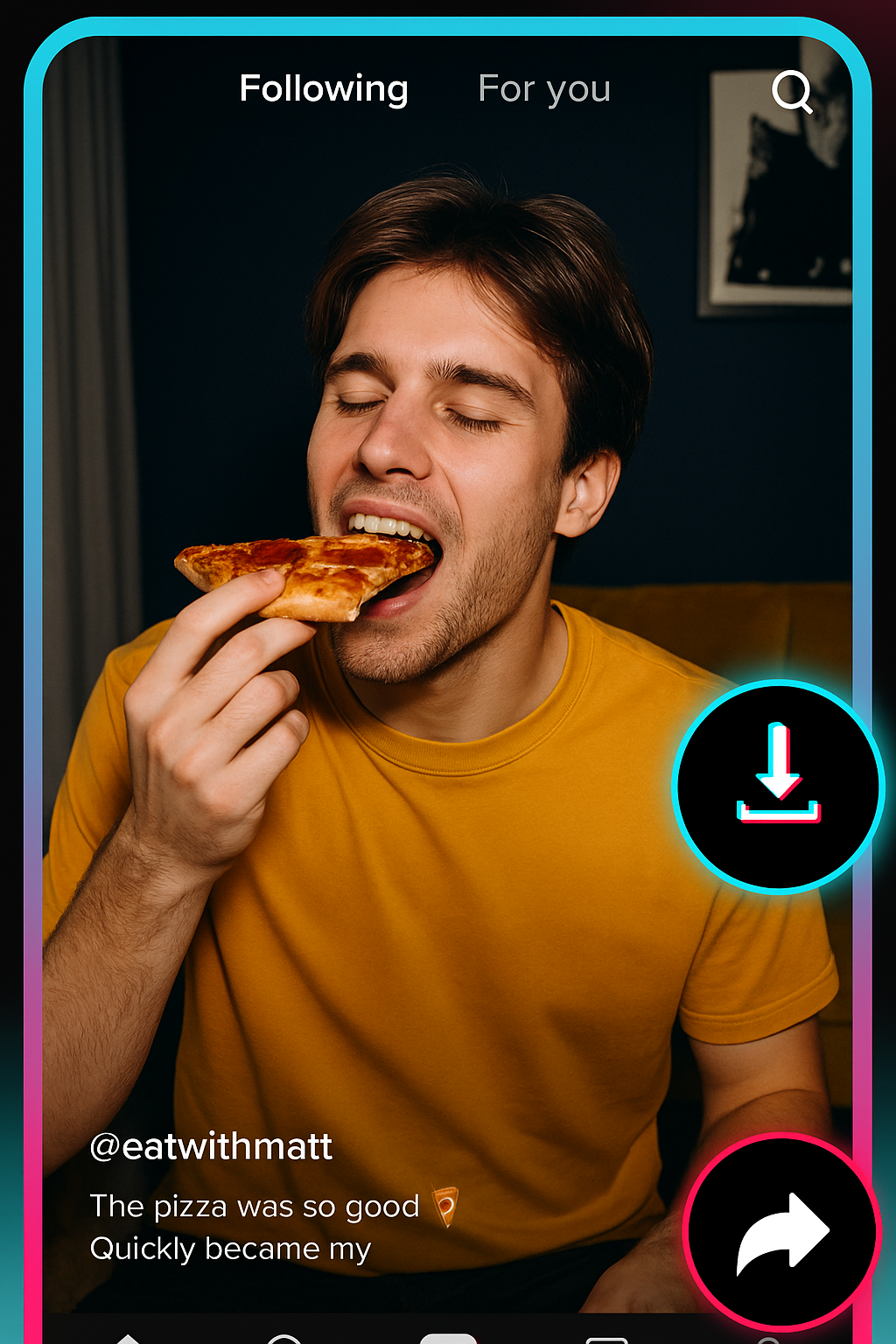
Browser-based TikTok video download workflow

More Free Tools

Explore other tools to help you download and convert media

YouTube to MP3

Convert YouTube videos into MP3 audio from your browser. Free to use, no account required.

YouTube to MP3

YouTube to MP4

Save YouTube videos as MP4 files for editing, research, or offline review.

YouTube to MP4

YouTube Video Downloader

Download YouTube videos through a simple browser workflow built for repeat creator research.

YouTube Video Downloader

YouTube Shorts Downloader

Save public YouTube Shorts as MP4 files for reference, review, or editing workflows.

YouTube Shorts Downloader

YouTube Thumbnail Downloader

Download available thumbnails from public YouTube videos and Shorts.

YouTube Thumbnail Downloader

YouTube Username Generator

Generate YouTube channel name ideas from your niche, audience, and positioning.

YouTube Username Generator

YouTube Hashtag Generator

Turn a video topic into relevant YouTube hashtags and packaging ideas.

YouTube Hashtag Generator

YouTube Description Generator

Draft YouTube descriptions with hooks, chapters, CTAs, and hashtags.

YouTube Description Generator

YouTube Summary Generator

Summarize YouTube videos into key points, chapters, and reusable notes.

YouTube Summary Generator

YouTube to Text

Turn YouTube videos into readable text for notes, captions, quotes, and repurposing.

YouTube to Text

YouTube to Transcript

Get readable YouTube transcripts with timestamps when available.

YouTube to Transcript

YouTube Subtitle Downloader

Download available YouTube subtitles as SRT, TXT, or VTT files.

YouTube Subtitle Downloader

Instagram Reels Downloader

Download public Instagram Reels as MP4 files for references, tutorials, or your own posts.

Instagram Reels Downloader

Video Downloader

Download public online videos when no platform-specific downloader fits.

Video Downloader

TikTok Transcript Generator

Turn public TikTok videos into transcript text for hooks, captions, and research.

TikTok Transcript Generator

Instagram Transcript Generator

Turn public Instagram Reels and videos into transcript text for captions and quotes.

Instagram Transcript Generator

Facebook Transcript Generator

Turn public Facebook videos and Live replays into transcript text.

Facebook Transcript Generator

Twitter/X Transcript Generator

Turn public Twitter and X video posts into transcript text for quotes and research.

Twitter/X Transcript Generator

LinkedIn Transcript Generator

Turn LinkedIn clips, webinars, and interviews into readable transcript text.

LinkedIn Transcript Generator

Pinterest Transcript Generator

Turn Pinterest video Pins into transcript text for recipes, tutorials, and notes.

Pinterest Transcript Generator

Book Summarizer

Summarize book chapters, notes, and long documents into clear takeaways.

Book Summarizer

Image Summarizer

Summarize screenshots, charts, notes, and other image-based material.

Image Summarizer

Paper Summarizer

Summarize research papers into findings, methods, limitations, and takeaways.

Paper Summarizer

Podcast Summarizer

Turn podcast audio into summaries, key points, transcripts, and show-note drafts.

Podcast Summarizer

PPT Summarizer

Turn PowerPoint slides into a concise briefing with key points and takeaways.

PPT Summarizer

Video Summarizer

Summarize videos into key moments, takeaways, and reusable notes.

Video Summarizer

Word Document Summarizer

Summarize Word documents and pasted text into clear takeaways.

Word Document Summarizer

Speech to Text

Convert speech, meetings, interviews, and voice notes into readable text.

Speech to Text

Voice to Text

Turn spoken audio into clean text for notes, scripts, captions, and follow-ups.

Voice to Text

Voice Memo to Text

Convert voice memos into clean text for notes, scripts, and summaries.

Voice Memo to Text

Video to Text

Convert video files into readable text for captions, notes, and editing.

Video to Text

Audio & Video Converters

Convert audio and video files between common formats in one free tool library.

Audio & Video Converters

TikTok video downloader in multiple languages

Use the TikTok Video Downloader in your preferred language. Paste a public TikTok link, choose the available output, and download the file from your browser.

TikTok Video Downloader FAQ