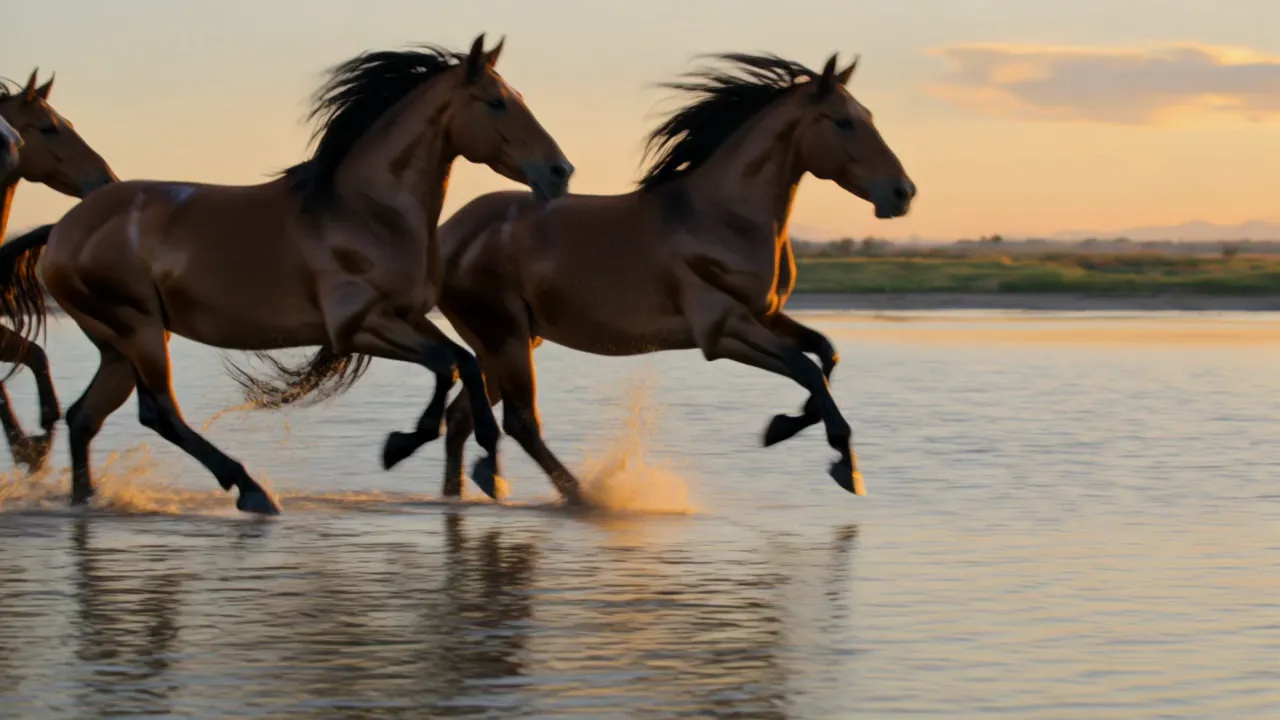
Skip to content

AI video generator with sound

Kling 3.0

Kuaishou's video model. Clips of 3 to 15 seconds with sound, up to six shots in one clip.

Make a Kling 3.0 videoFrom $19 a month

How to use Kling 3.0

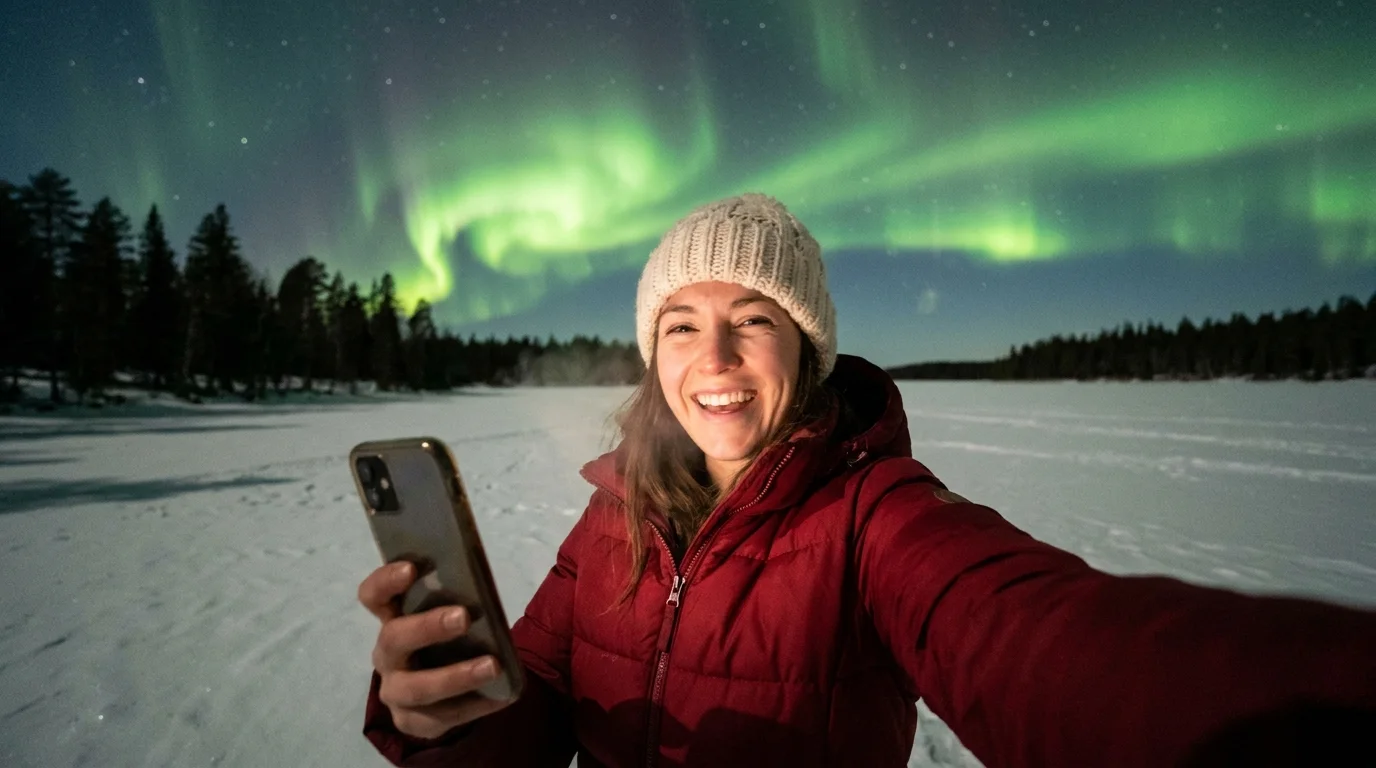
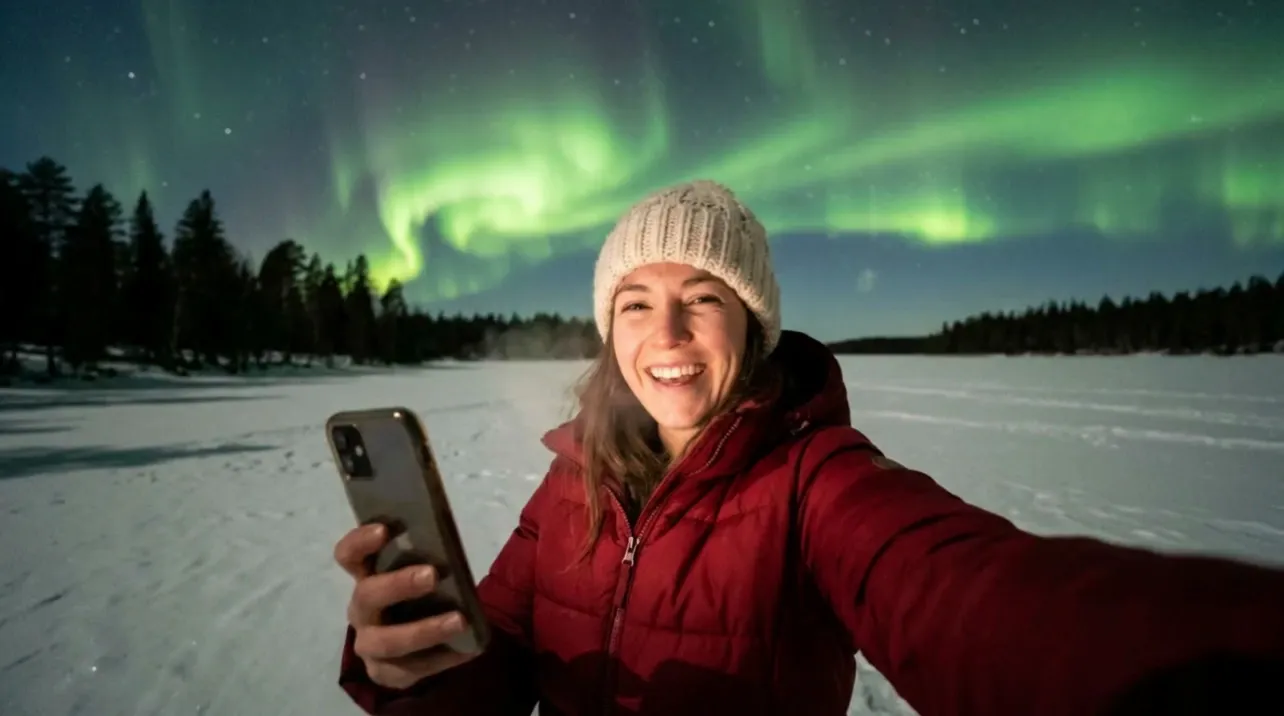
  1. A woman in a red puffer jacket takes a selfie on a frozen lake under green northern lights
    1

    Pick a start

    A prompt, a photo as the first frame, or a first and a last frame.

  2. She laughs and turns the phone up to the sky. The camera swings up from her face to the green northern lights rippling fast over the frozen lake. Handheld phone video.

    2

    Write the shot

    Say who moves, how, and what the camera does. Up to six shots, one line each.

  3. A woman on a frozen lake laughs into her phone, then turns it up to the northern lights
    3

    Set length and sound

    3 to 15 seconds, Standard (720p) or Pro (1080p), sound on or off. Then generate.

Five controls,one clip.

Set them in the generator, then write the prompt.

Make a video

01SoundOn by default

Speech, effects and ambience come out with the picture. Switch it off for a silent clip.
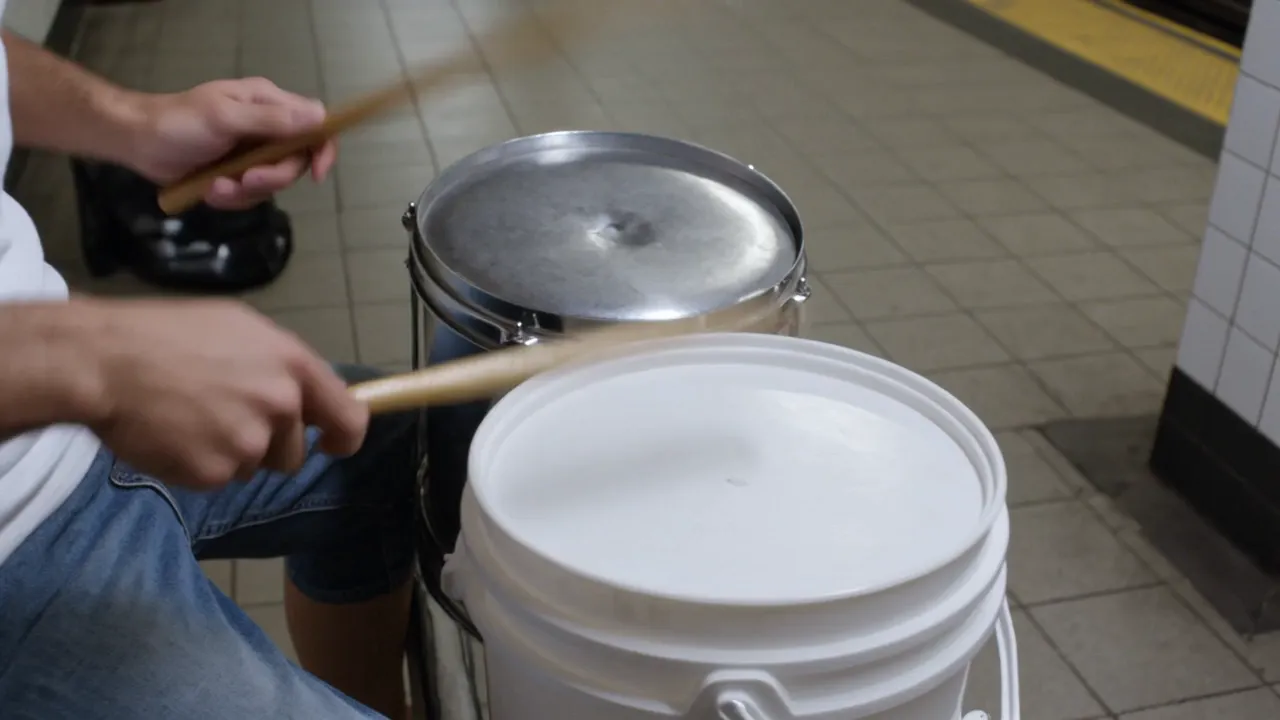
A street drummer plays upturned buckets in a subway station as the crowd cheers and a train pulls in

8 s · Standard · Sound on

A street drummer plays fast on upturned plastic buckets in a tiled subway station. Woman in the crowd (shouting, excited): Go off! Sound: fast bucket drumming echoing off the tiles, the crowd cheering, the train roaring in.

Speech, effects, ambience
02Multi-shotUp to 6 shots

Write a prompt and a length for each shot. One clip comes back with the cuts in it. Multi-shot can't be combined with an end frame.

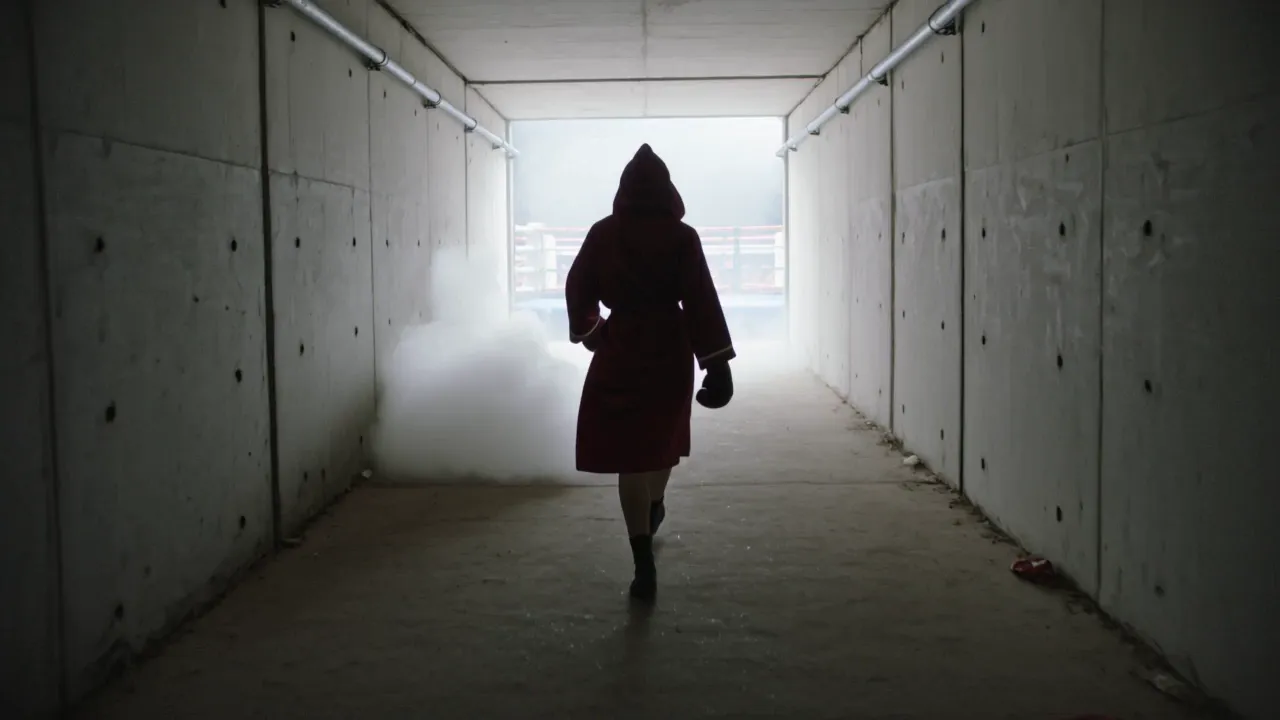
A boxer in a red robe walks down a smoky tunnel, stares into the camera, then climbs into the ring

12 s · Standard · Sound off

Shot 1 of 3, 4 s

Wide. A boxer in a red satin robe with the hood up walks down a dark concrete tunnel toward a bright arena, smoke rolling along the floor.

03First and last frameStart and end

Set where the shot starts and where it lands. Kling 3.0 fills in the motion between them. An end frame can't be combined with multi-shot.

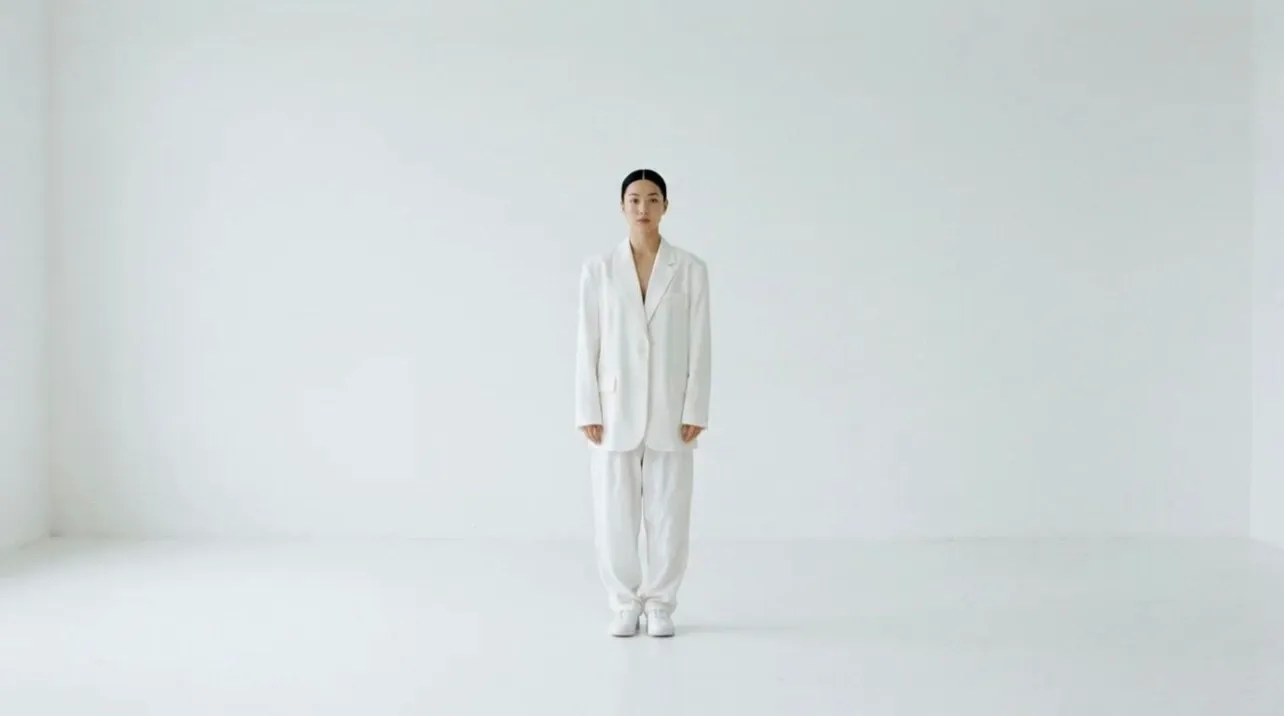
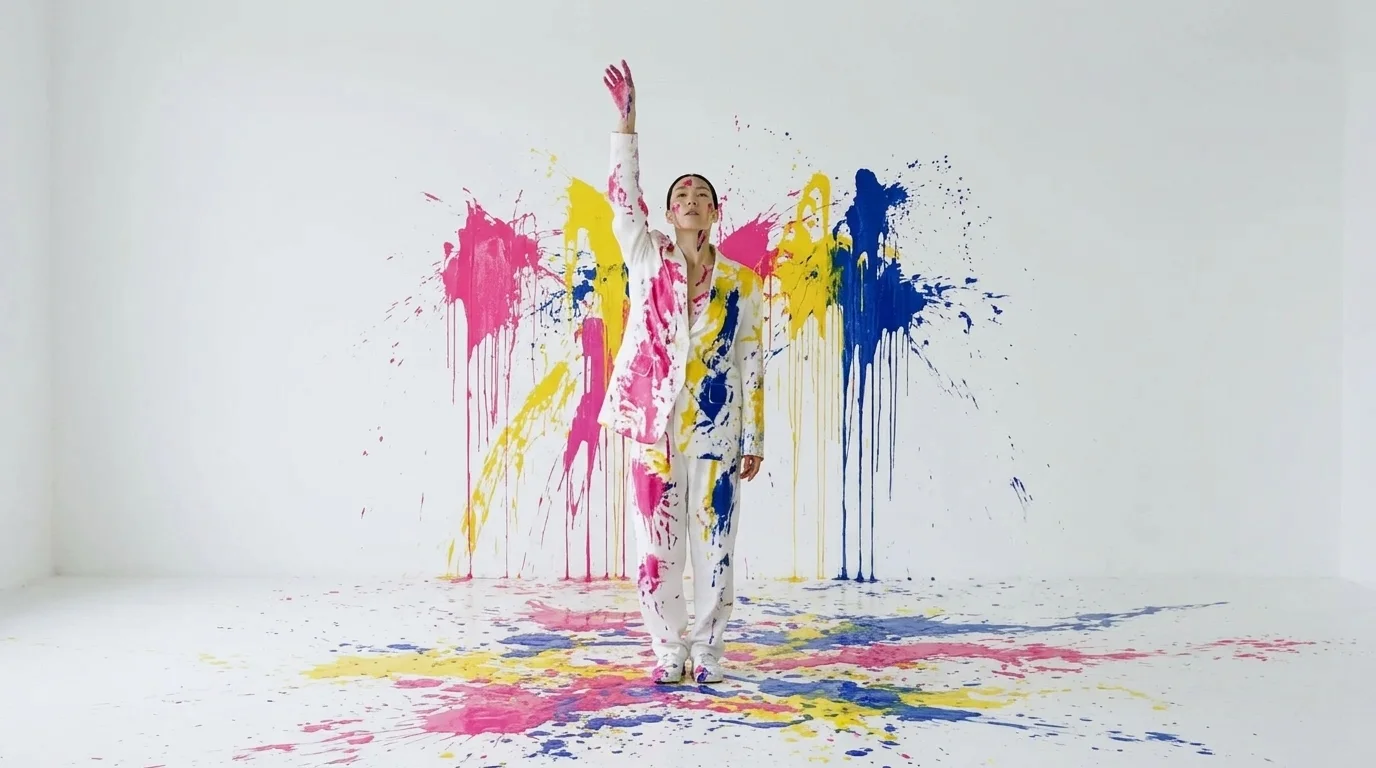
Paint bursts around a dancer in a white suit in a white studio until she and the walls are covered in color

8 s · Standard · Sound on

Paint bombs burst around the dancer from every side. She spins and leaps as hot pink, yellow and blue paint splashes across her white suit and the white walls, then she lands and raises one arm. Slow motion. Sound: wet paint bursts and a deep bass hit.

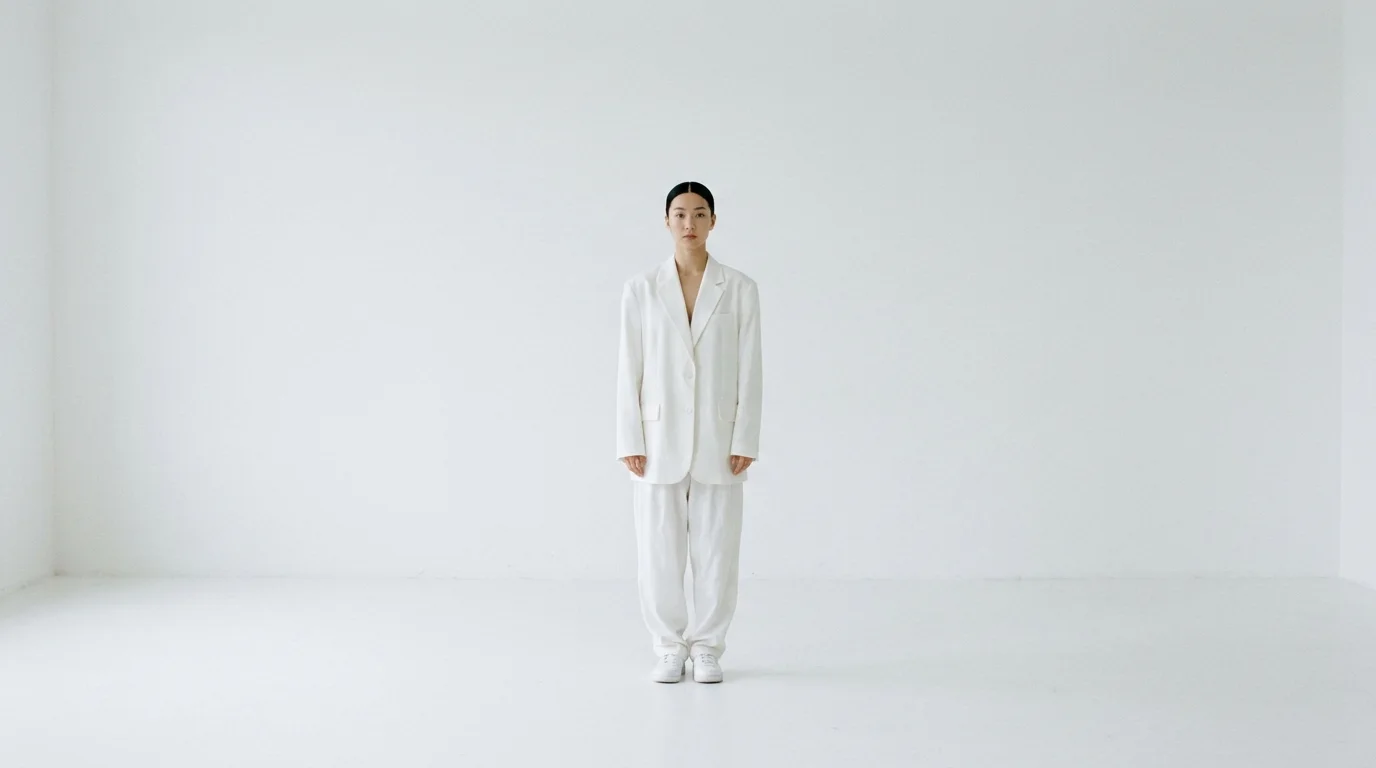
A dancer in a white suit standing still in an empty white studio
First frame
The same dancer with one arm raised, her suit and the studio splashed with pink, yellow and blue paint
Last frame

04ElementsUp to 3

Add a person or an object and name it in the prompt. Elements need a start frame.

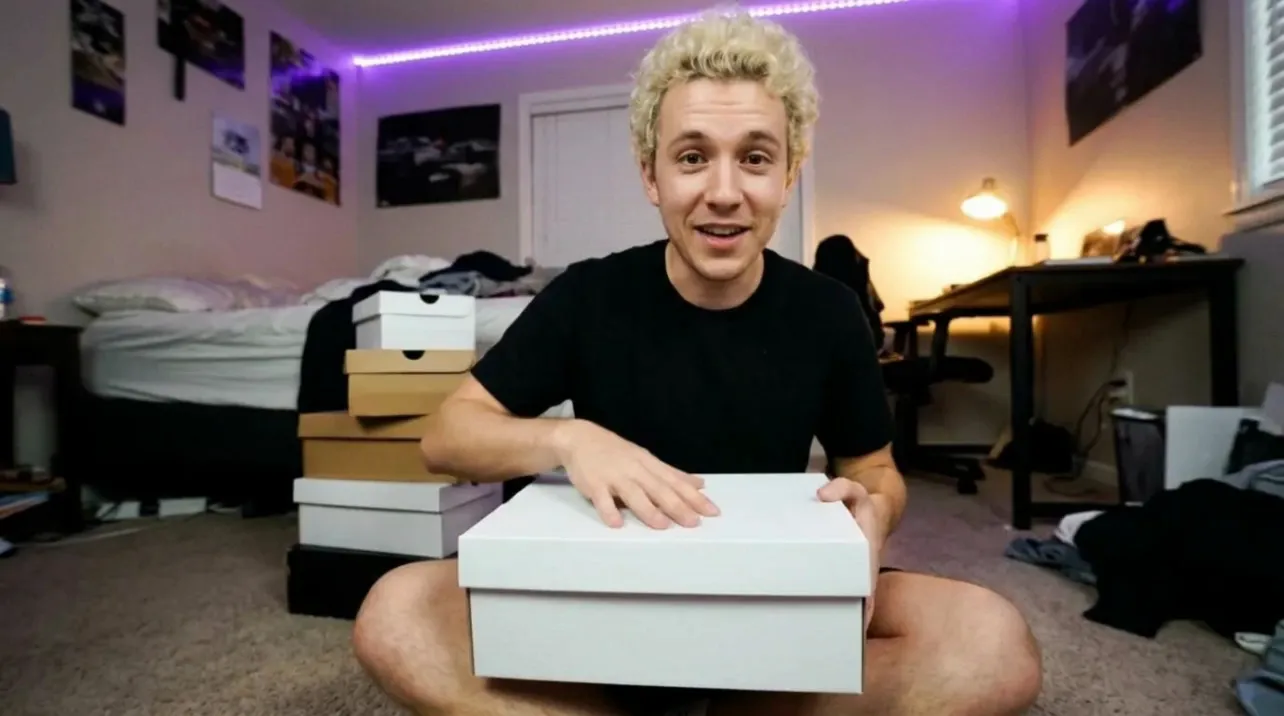
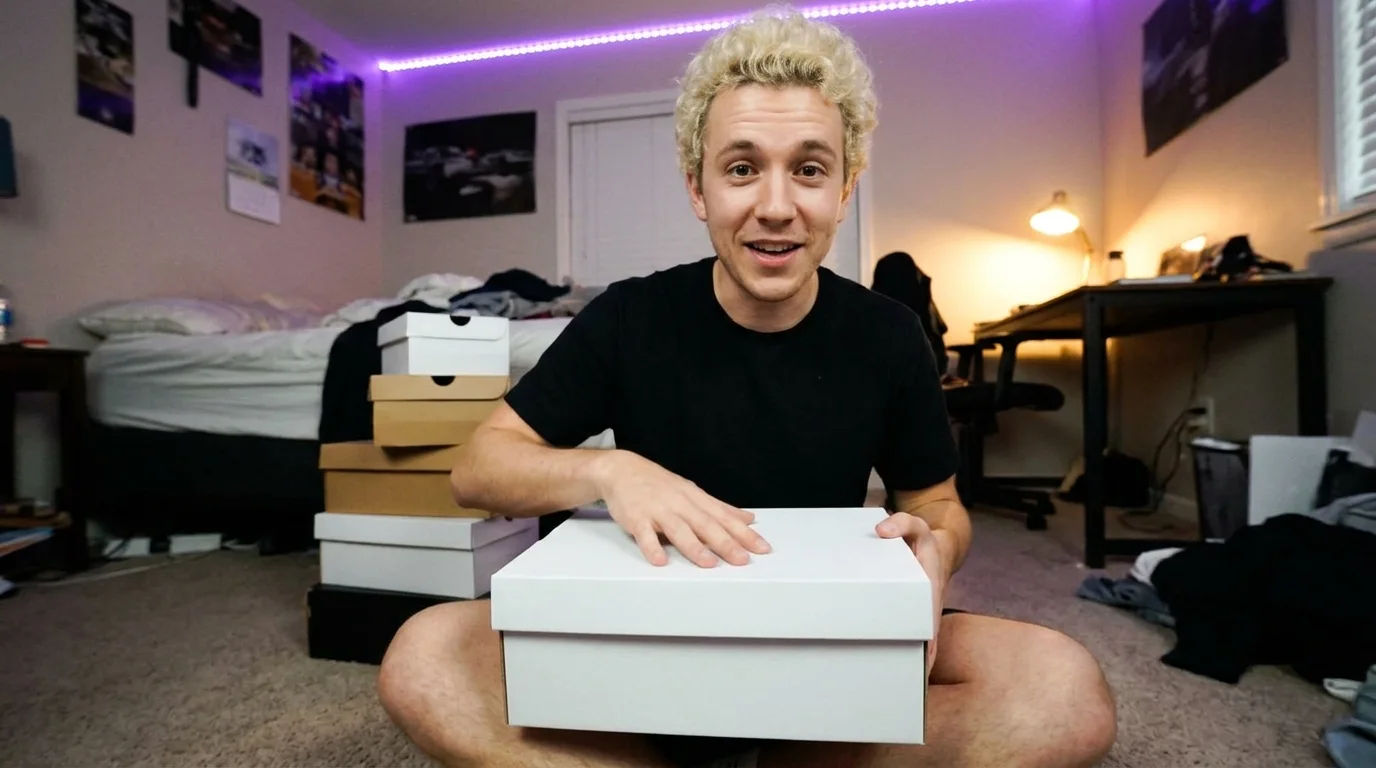
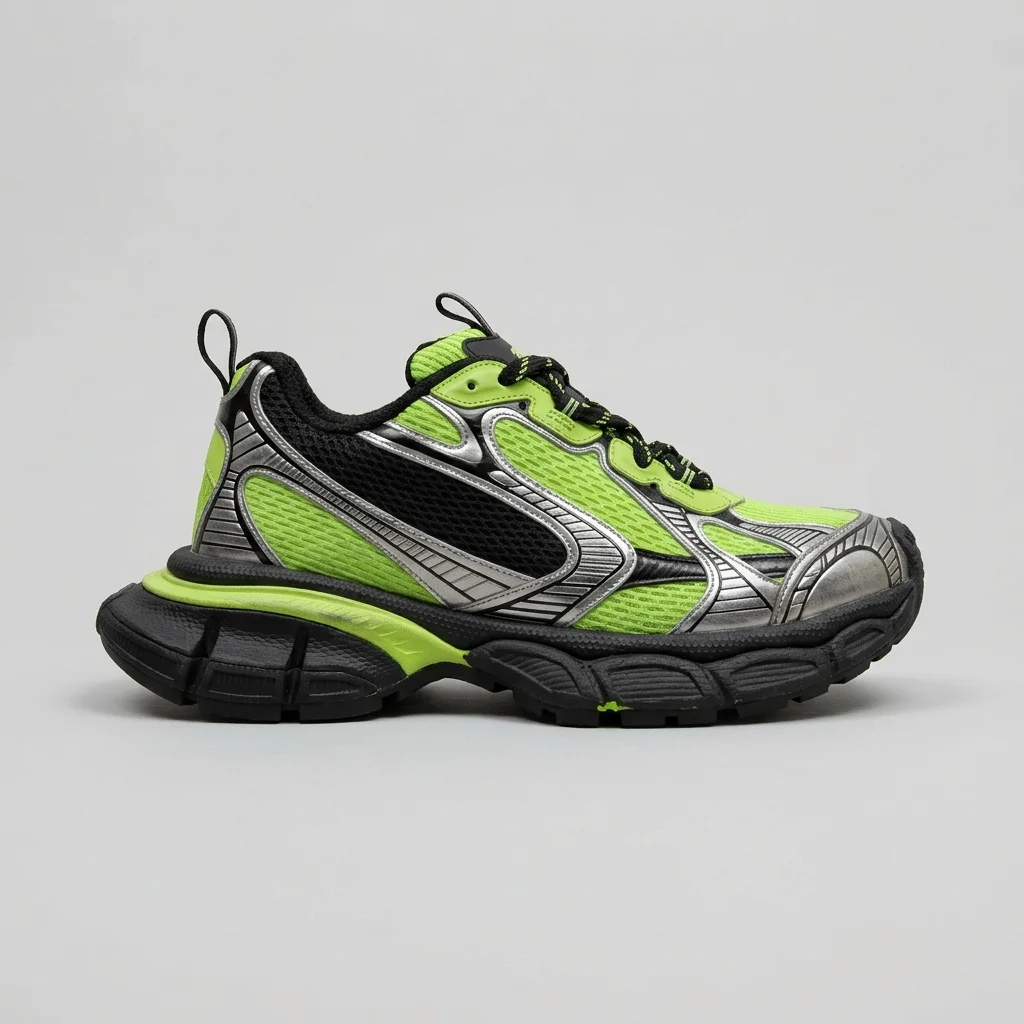
A young man opens a shoebox on his bedroom floor and holds a lime green sneaker up to the camera, laughing

5 s · Standard · Sound on

A young man with bleached curly hair on his bedroom floor with a closed white shoebox on his lap
Start frame
A chunky lime green, black and silver sneaker
Element 1

He lifts the lid and pulls @Element1 out of the box, then holds it up close to the camera, laughing. He (shouting, thrilled): No way, they came! Handheld phone video, the camera shakes as he laughs. Sound: the box lid, tissue paper rustling.

05Length3 to 15 s

Any length from 3 to 15 seconds, set to the second.

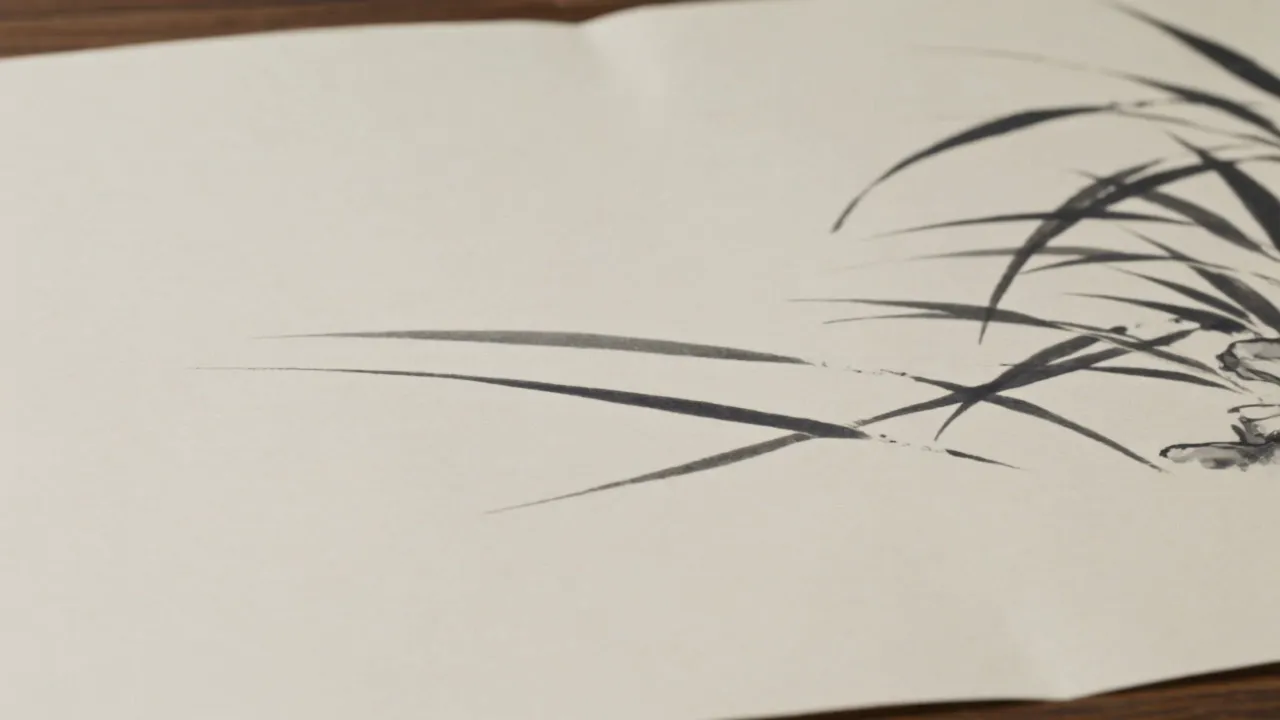
A red koi swims out of an ink painting and splashes ink across the rice paper

5 s · Standard · Sound off

A red koi fish swims out of a black ink painting on cream rice paper and splashes across the page, ink droplets flying. Ink-wash animation, black ink and one red. The camera slowly pushes in.

5-second clip, any whole second from 3 to 15

Which Kling? Pick by the shot.

ModelLengthResolutionSoundStart and end framesReferencesMulti-shot
Kling 3.0Sound you can switch off, end frames and elements.Length3 to 15 sResolution720p Standard, 1080p ProSoundOn or offStart and end framesStart, or start and endReferencesUp to 3 elementsMulti-shotUp to 6 shots, not with an end frame
Kling 3.0 TurboA quicker clip from a prompt or one photo.Length3 to 15 sResolution720p Standard, 1080p ProSoundAlways onStart and end framesStart onlyReferencesNoneMulti-shotUp to 6 shots
Kling 3.0 OmniKeep a face or product the same, or edit a clip you have.Length3 to 15 sResolution720p Standard, 1080p ProSoundOn or offStart and end framesStart, or start and endReferencesUp to 4 images, start frame includedMulti-shotUp to 6 shots, not with an end frame
Kling 3.0 MotionPut a dance or a gesture from a real clip on your character.LengthYour clip, 3 to 60 sResolutionStandard or ProSoundKeeps the clip's soundStart and end framesNoReferences1 character imageMulti-shotNo
Kling 4.0Takes up to 30 seconds, 1080p and many references.Length3 to 30 sResolution720p or 1080pSoundAlways onStart and end framesStart, or start and end without referencesReferencesUp to 7 elements and 9 imagesMulti-shotUp to 6 shots, not with an end frame

Motion controlCopy the moves from a clip onto your character.

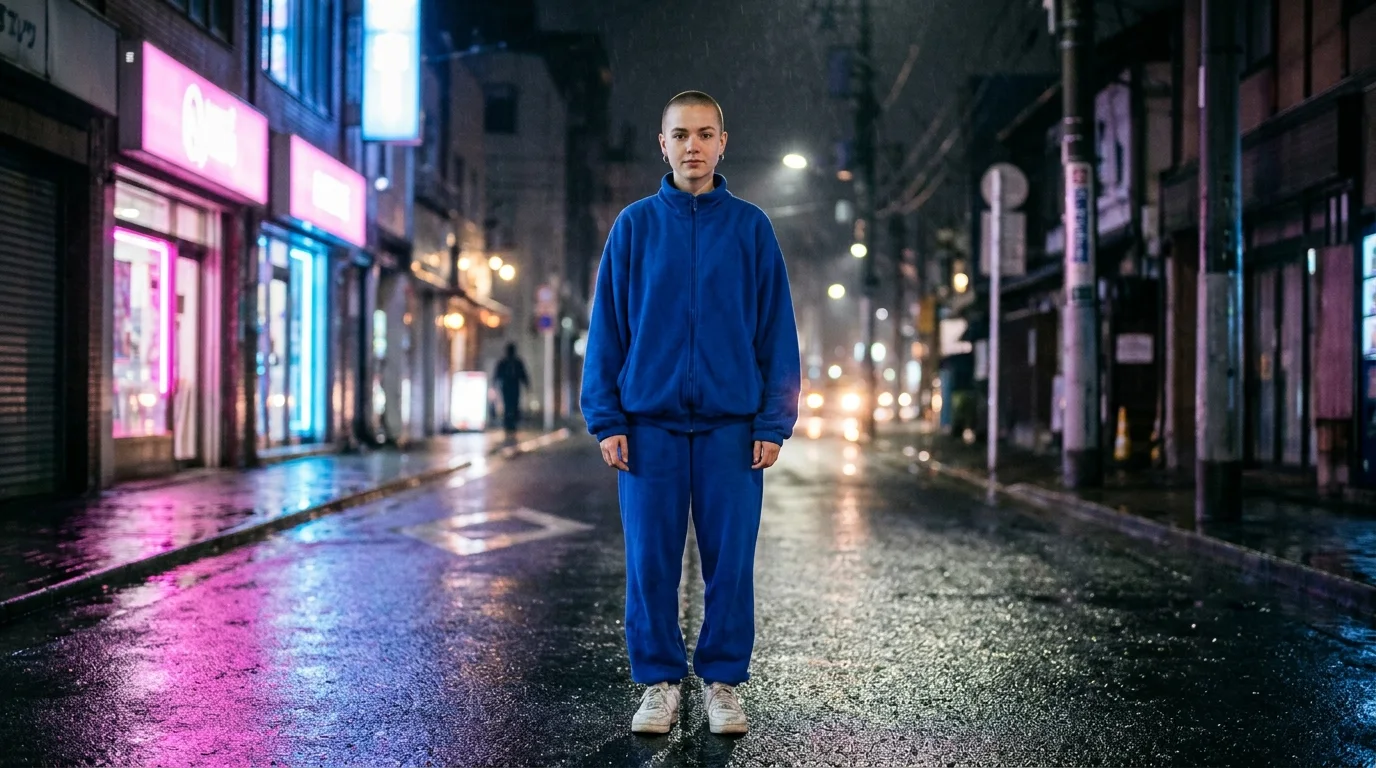
Kling 3.0 Motion takes two things: an image of your character and a clip of someone moving. Your character performs the clip, move for move.

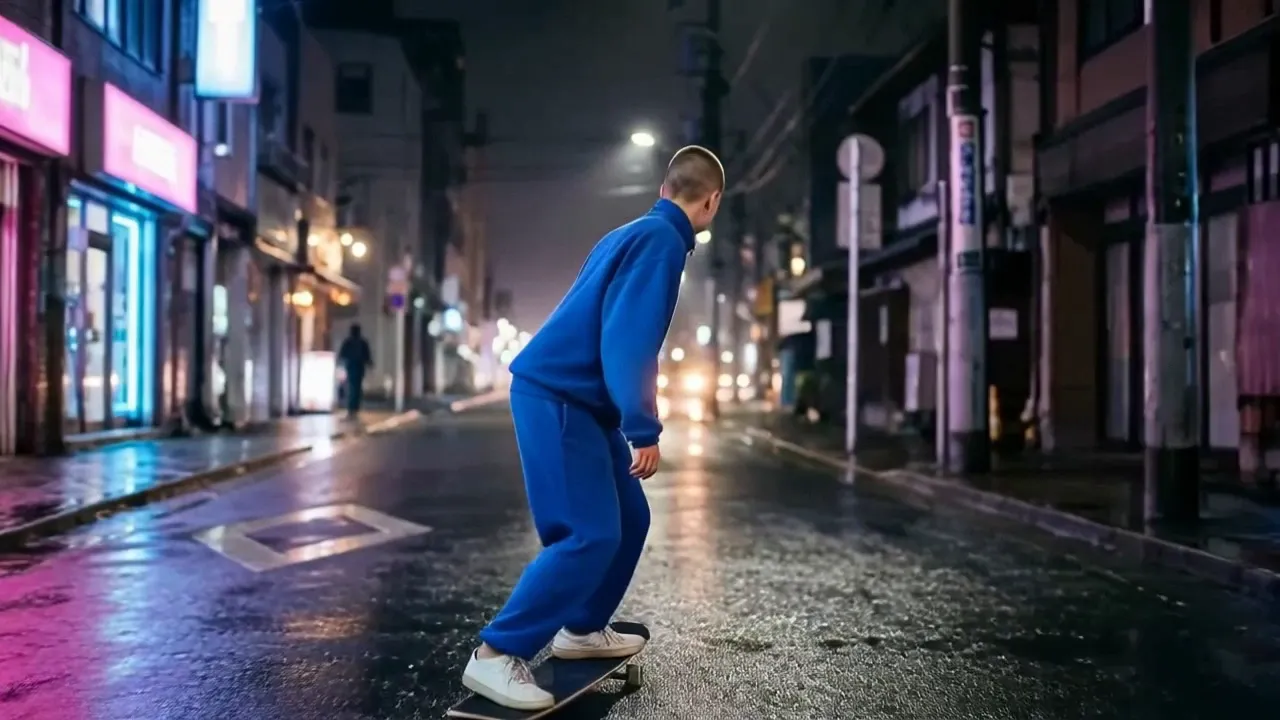
A young woman with a shaved head in a cobalt blue tracksuit standing on a wet neon-lit street at night, full body
Your characterA clear, full-body image
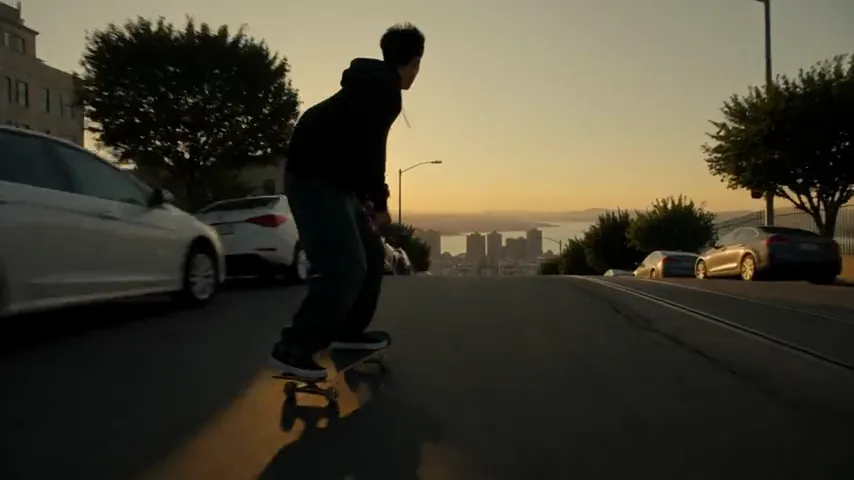
A skater riding down a steep street at sunset
Motion to copyAny clip of 3 to 60 seconds
The woman in the blue tracksuit skates down a wet city street at night, move for move with the skate clip
ResultYour character, the clip's moves
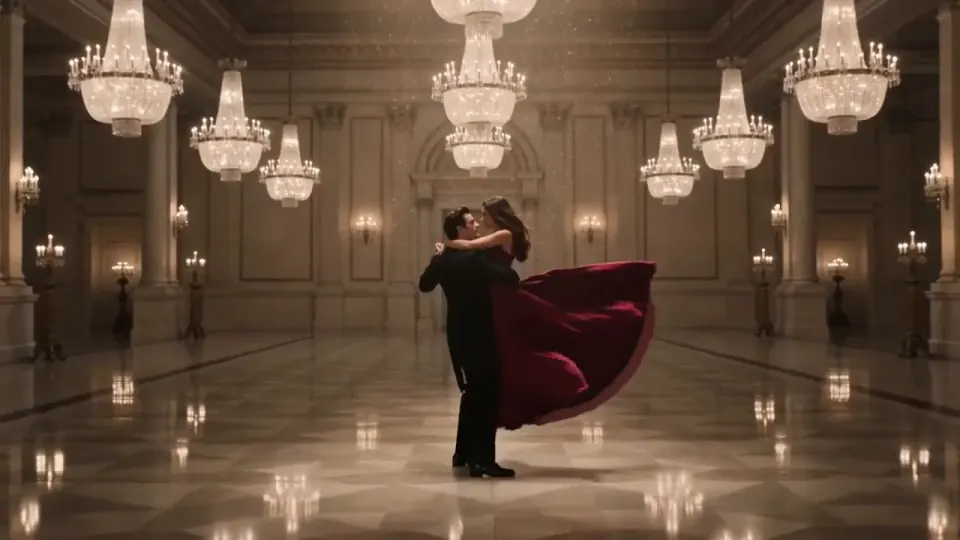
A couple dancing in a ballroom

Follow the clip

Clips up to 60 seconds

Your character turns and faces wherever the person in the clip does. Use it for dance, sport and other full-body moves.

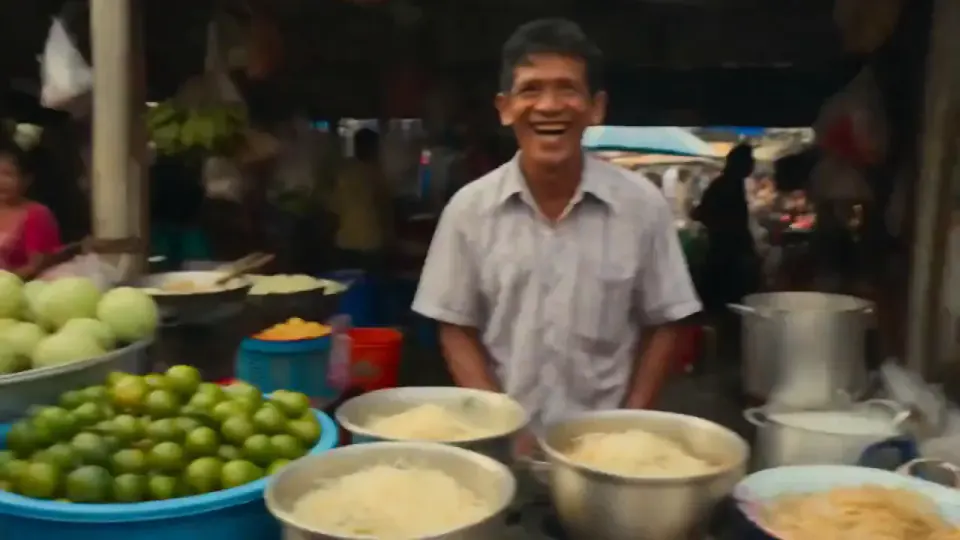
A smiling stall owner at a market

Follow the image

Clips up to 10 seconds

Your character keeps facing the way it does in your image. Use it for talking, gestures and camera moves.

Sound
Keeps the clip's sound. Turn it off for silence, or keep it and change the voice.
Length
The result runs as long as your clip. Up to 60 seconds when it follows the clip, 10 when it follows the image.
Prompt
Optional. Use it to set the place and the style. The motion comes from the clip.

Simple pricing that scales with you.

Pick the plan for how much you post. Every model on every plan. Unused credits roll over. Cancel anytime.

Creator

$19/month

Billed monthly

For solo creators posting every week

500 credits every month

  • Up to 250 AI images
  • Up to 38 Kling 3.0 clips
  • Up to 1.5 hours of AI voiceover
  • Roll over up to 1,000 credits

Pro

Most popular
$49/month

Billed monthly

For creators posting daily across channels

1,300 credits every month

  • Up to 650 AI images
  • Up to 100 Kling 3.0 clips
  • Up to 4 hours of AI voiceover
  • Roll over up to 2,600 credits

Studio

$99/month

Billed monthly

For brands and production teams

2,700 credits every month

  • Up to 1,350 AI images
  • Up to 207 Kling 3.0 clips
  • Up to 9 hours of AI voiceover
  • Roll over up to 5,400 credits

Scale

$199/month

Billed monthly

For agencies running always-on content

5,500 credits every month

  • Up to 2,750 AI images
  • Up to 423 Kling 3.0 clips
  • Up to 18 hours of AI voiceover
  • Roll over up to 11,000 credits
Every plan includesEvery model, 90+ and countingReusable AI personasSceneform Studio editorCommercial usage rights

Want checkout, comparison tables, or a custom volume? See the full pricing page

Kling 3.0 FAQ

Your first clip is a prompt away.

Video preview

Kling 3.0

Make a Kling 3.0 video