MP4 to GIF Converter
Convert MP4 files to GIF in your browser. Free to use, no account required, and files are deleted after processing.
Convert to
Convert MP4 to GIF without setup
Convert MP4 files to GIF in your browser. Free to use, no account required, and files are deleted after processing.
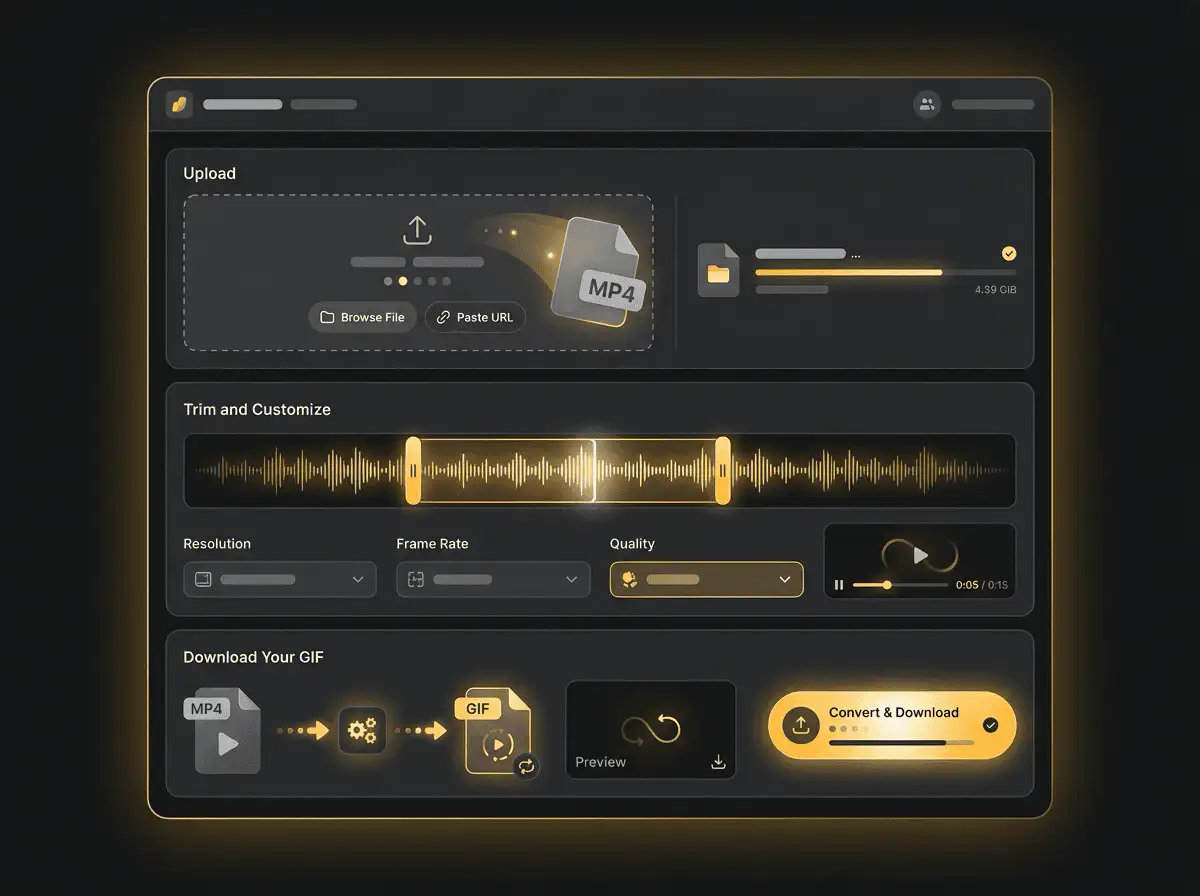
Upload your file
Choose the audio or video file from your device and keep the original as a backup.
Convert in the browser
Select the output format and let Sceneform prepare the converted file.
Download the result
Save the converted file and use it in your editor, player, archive, or publishing workflow.
Format note
GIF output is useful for short loops and previews. Keep clips short so the final file stays practical to share.
What to know before converting MP4 to GIF
A MP4 to GIF converter turns a short video clip into an animated image. Use GIF for short loops, reactions, demos, and places where animated images are expected, but keep clips short because GIF files can become large.
Supported uploads
Video uploads: MP4, AVI, MOV, FLV, MKV, WebM, 3GP, MPEG, GIF, WMV, and TS files up to 500 MB.
Output
This page is configured for GIF output so you do not have to choose the format manually.
Quality rule
Conversion changes format and compatibility. It does not restore quality, resolution, or audio detail that was missing from the original file.
| Choice | Best for | Note |
|---|---|---|
| Short duration | Reactions, previews, small UI demos, and chat-friendly loops. | A few seconds is usually better than a long clip. |
| Smaller dimensions | Keeping GIF file size practical for upload or messaging. | Width and frame rate affect size more than most people expect. |
| MP4 alternative | Longer or smoother motion where GIF is not required. | MP4 is often smaller and cleaner than GIF for video playback. |
Understanding MP4 and GIF formats
What is MP4?
MP4 is a common multimedia container for video and audio. It is widely accepted by phones, browsers, editors, and social platforms.
Best for: General video playback, social uploads, browser delivery, phone recordings, and editing handoff.
What is GIF?
GIF is an image format that can store short animations. It is useful for simple loops, but it is not efficient for long or high-quality video.
Best for: Short reactions, previews, simple loops, and places where GIF animation is expected.
Why convert MP4 to GIF?
- Use GIF for short loops, simple previews, reactions, and lightweight visual references.
- Keep the clip short. GIF files can grow quickly and are usually less efficient than MP4 for longer motion.
- If smooth playback and small file size matter more than GIF compatibility, consider converting the clip to MP4 instead.
Related Converters
Convert MP3 files to WMA for compatibility, editing, or publishing.
Extract or convert WAV audio to MP3 for easy playback and sharing.
Convert AAC files to OGG for compatibility, editing, or publishing.
Convert AAC files to M4A for compatibility, editing, or publishing.
Convert WMA files to AIFF for compatibility, editing, or publishing.
Convert OGG files to WAV for compatibility, editing, or publishing.
Convert AAC files to WMA for compatibility, editing, or publishing.
Convert AAC files to FLAC for compatibility, editing, or publishing.
Convert FLAC files to M4A for compatibility, editing, or publishing.
Convert FLAC files to WMA for compatibility, editing, or publishing.
Extract or convert M4A audio to MP3 for easy playback and sharing.
Convert FLAC files to OGG for compatibility, editing, or publishing.
Convert OGG files to AIFF for compatibility, editing, or publishing.
Convert MP3 files to WAV for compatibility, editing, or publishing.
Extract or convert OGG audio to MP3 for easy playback and sharing.
Convert MP3 files to AIFF for compatibility, editing, or publishing.
Convert AAC files to WAV for compatibility, editing, or publishing.
Convert OGG files to WMA for compatibility, editing, or publishing.
Convert OGG files to M4A for compatibility, editing, or publishing.
Convert FLAC files to AIFF for compatibility, editing, or publishing.
Convert MP4 to GIF
Upload your MP4 file, convert it to GIF, and download the result. Free to use, no account required.