Free Video Downloader
Download public online videos from a browser workflow. Paste a reachable video URL, choose an available resolution, and save the file without creating an account.
Use this when you have a public video link
The general video downloader is for public URLs that do not have a more specific Sceneform page. It is useful for quick offline review, reference files, research notes, and videos you own or have permission to save.
If your link is from YouTube, TikTok, or Instagram Reels, the dedicated tool usually gives clearer instructions and better intent matching.
Start with the most specific downloader
Broad "video downloader" pages can become confusing. Pick the page that matches your source, then use this general downloader for other public video links.
| Source | Recommended tool | Why |
|---|---|---|
| YouTube video or Shorts | YouTube Video Downloader | Better YouTube-specific routing, formats, and FAQs |
| TikTok URL | TikTok Video Downloader | Clear TikTok quality and watermark expectations |
| Instagram Reel URL | Instagram Reels Downloader | Reel-specific copy-link and save-location guidance |
| Other public video URL | Video Downloader | General public video links without a dedicated page |
How to download an online video
- Copy the public video URL. Open the source page and copy the share link or address-bar URL.
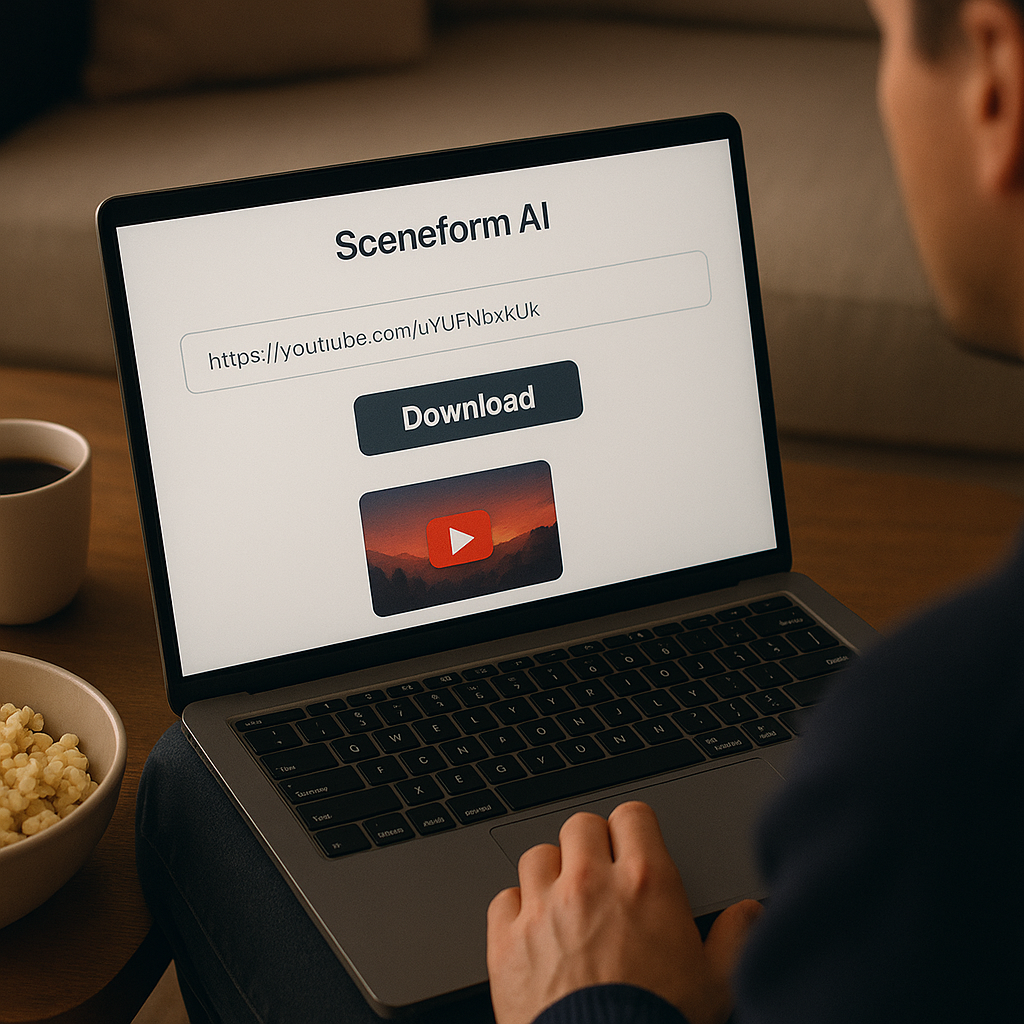
- Paste it into Sceneform. Add the link to the form and choose the resolution you want to request.
- Start the download. Sceneform checks the public link and prepares the available file.
- Save the video. Download the result to your device and use it in a permitted offline workflow.
The downloader works best with public, reachable video pages. It does not unlock private accounts, paid libraries, removed videos, or pages that require a logged-in session.
What affects download quality
Video quality is controlled by the source file and the variants the source platform makes available. Choosing 1080p in a downloader cannot create real 1080p detail from a low-resolution upload.
- Source resolution: the original upload sets the upper limit.
- Platform variants: some sites offer multiple video qualities; others expose only one.
- Restrictions: private, age-gated, region-blocked, or removed videos may fail.
- File type: the result is intended as a playable video file for normal devices and editors.
Good reasons to save a public video
Downloading makes sense when the file supports a concrete workflow. Save public clips for offline review, lessons, product research, creative references, or your own published media archive.
- Review a tutorial while traveling or without stable internet.
- Keep creator references for pacing, framing, and structure.
- Save public talks, demos, or explainers for team research.
- Back up videos you own before editing or repurposing them.
Use downloaded files only in ways you are allowed to. For reposting or commercial use, get the creator's permission.

Free, no account, and temporary files
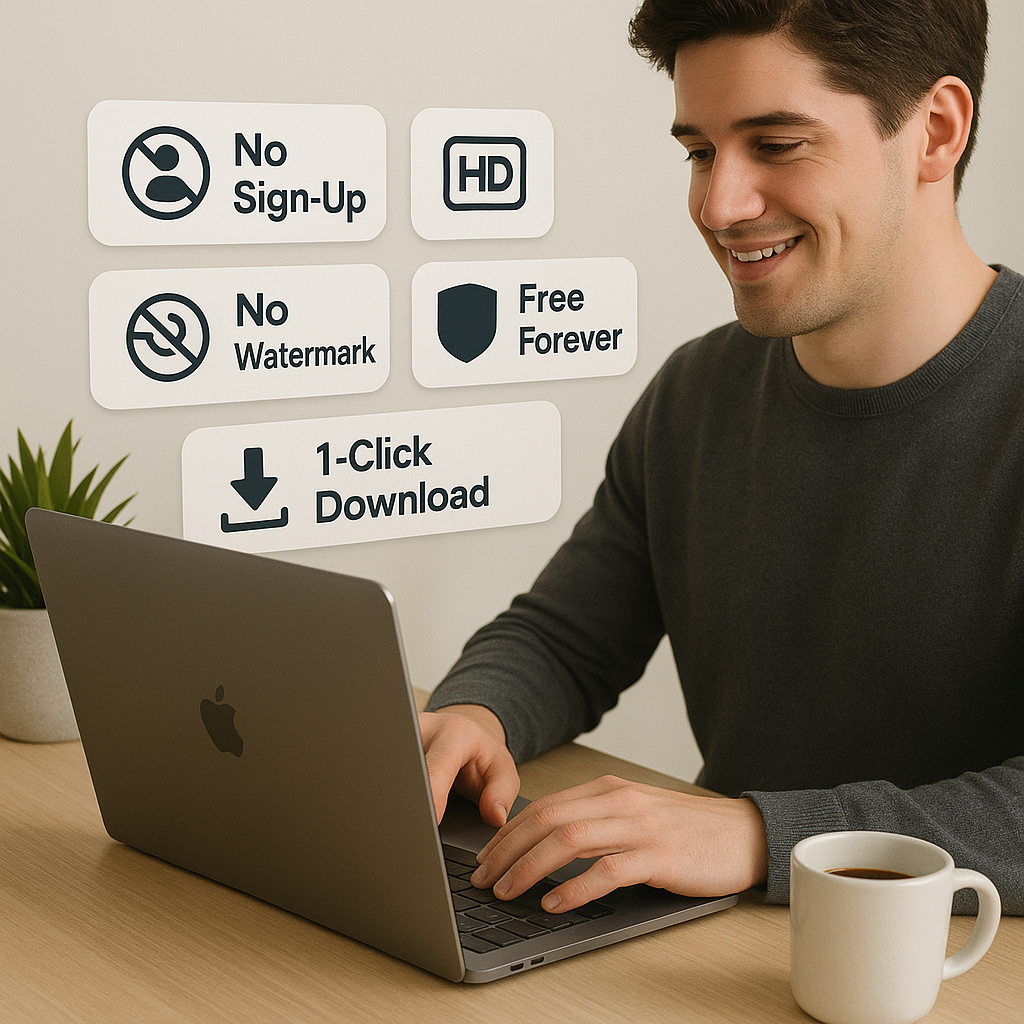
The video downloader is free to use and does not require a Sceneform account. Normal use is unlimited, with abuse controls reserved for automated or excessive traffic.
Processed files are temporary and are deleted after conversion. The page is built for quick public-link downloads, not permanent hosting or a saved download library.
More Free Tools
Explore other tools to help you download and convert media