MOV to MP4 Converter
Convert MOV files to MP4 in your browser. Free to use, no account required, and files are deleted after processing.
Convert to
Convert MOV to MP4 without setup
Convert MOV files to MP4 in your browser. Free to use, no account required, and files are deleted after processing.
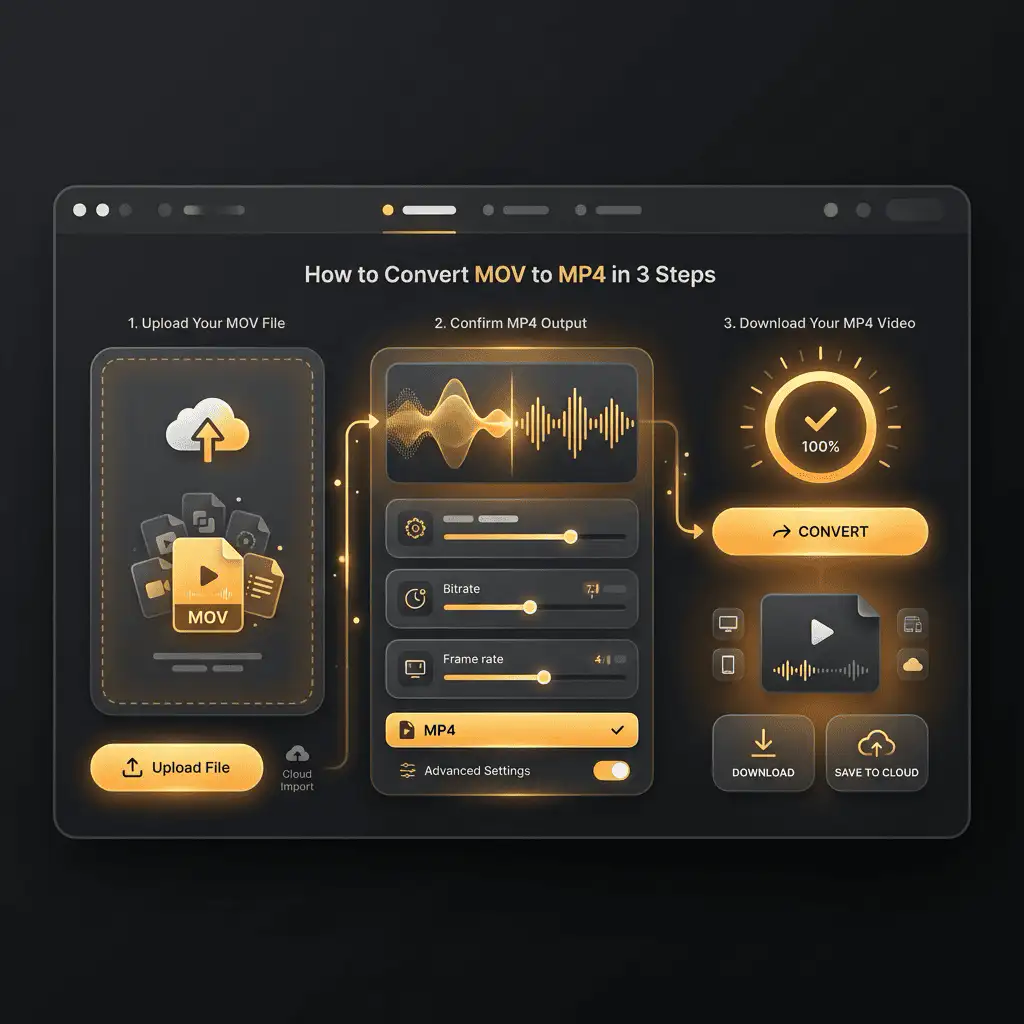
Upload your file
Choose the audio or video file from your device and keep the original as a backup.
Convert in the browser
Select the output format and let Sceneform prepare the converted file.
Download the result
Save the converted file and use it in your editor, player, archive, or publishing workflow.
Format note
MP4 is a broadly useful choice when you need playback support across phones, browsers, editing tools, and social platforms.
What to know before converting MOV to MP4
A MOV to MP4 converter changes your MOV file into a MP4 file for compatibility, playback, editing, sharing, or publishing. The conversion can make the file easier to use, but it cannot add quality that was not present in the source.
Supported uploads
Video uploads: MP4, AVI, MOV, FLV, MKV, WebM, 3GP, MPEG, GIF, WMV, and TS files up to 500 MB.
Output
This page is configured for MP4 output so you do not have to choose the format manually.
Quality rule
Conversion changes format and compatibility. It does not restore quality, resolution, or audio detail that was missing from the original file.
| Choice | Best for | Note |
|---|---|---|
| MP4 | When your destination specifically needs MP4. | Choose the output based on playback, editing, sharing, or archive needs. |
| Source quality | Getting the best possible result from the conversion. | A converter cannot repair missing detail, noise, or low resolution. |
| Original file | Future edits or alternate conversions. | Keep the source until you verify the converted file works. |
Understanding MOV and MP4 formats
What is MOV?
MOV is Apple's QuickTime video container. It is common in iPhone, iPad, and Mac recording and editing workflows.
Best for: Apple devices, camera footage, editing handoff, and QuickTime-based workflows.
What is MP4?
MP4 is a common multimedia container for video and audio. It is widely accepted by phones, browsers, editors, and social platforms.
Best for: General video playback, social uploads, browser delivery, phone recordings, and editing handoff.
Why convert MOV to MP4?
- Use MP4 when the video needs broad playback support across phones, browsers, editors, and social platforms.
- MP4 is often the easiest destination for MOV, WebM, AVI, MKV, WMV, TS, and MPEG files that fail to upload or play somewhere.
- Quality depends on the source file and encoding settings. Converting a low-quality video to MP4 will not add missing detail.
Related Converters
Convert MP3 files to WMA for compatibility, editing, or publishing.
Extract or convert WAV audio to MP3 for easy playback and sharing.
Convert AAC files to OGG for compatibility, editing, or publishing.
Convert AAC files to M4A for compatibility, editing, or publishing.
Convert WMA files to AIFF for compatibility, editing, or publishing.
Convert OGG files to WAV for compatibility, editing, or publishing.
Convert AAC files to WMA for compatibility, editing, or publishing.
Convert AAC files to FLAC for compatibility, editing, or publishing.
Convert FLAC files to M4A for compatibility, editing, or publishing.
Convert FLAC files to WMA for compatibility, editing, or publishing.
Extract or convert M4A audio to MP3 for easy playback and sharing.
Convert FLAC files to OGG for compatibility, editing, or publishing.
Convert OGG files to AIFF for compatibility, editing, or publishing.
Convert MP3 files to WAV for compatibility, editing, or publishing.
Extract or convert OGG audio to MP3 for easy playback and sharing.
Convert MP3 files to AIFF for compatibility, editing, or publishing.
Convert AAC files to WAV for compatibility, editing, or publishing.
Convert OGG files to WMA for compatibility, editing, or publishing.
Convert OGG files to M4A for compatibility, editing, or publishing.
Convert FLAC files to AIFF for compatibility, editing, or publishing.
Convert MOV to MP4
Upload your MOV file, convert it to MP4, and download the result. Free to use, no account required.