Make your next product ad in Ad Studio.
Bring your product or brand into a workspace for video ads and static ads. Choose a creative format and give the message a clear focus. Generate an ad you can inspect, refine, and prepare for your campaign.
Compare plans and credits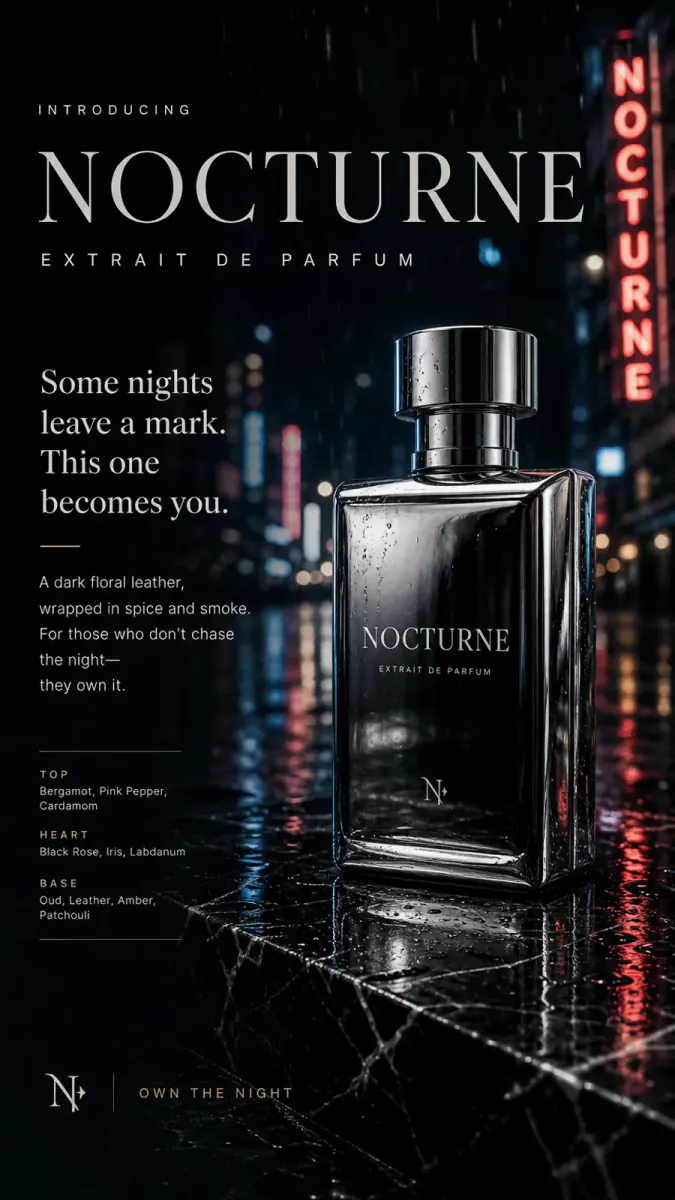
What you can create
Video and static creative
Create a product video or a template-based ad image. Both workflows start from your brand or product context in Ad Studio.
Formats with a clear purpose
Video styles include UGC, unboxing, product showcases, tutorials, and TV spots. Available styles depend on the kind of product you choose.
Bring your brand into the brief
Use a BrandKit to carry your brand identity and product information. You can also select a standalone product or app.
From your idea to finished content
Select the subject
Choose your brand, product, or app. Check its source images and information so the ad starts from accurate material.
Choose the creative format
Pick a video style or static ad template. Focus the brief on one benefit and one next action.
Review the generated creative
Check product appearance, spoken claims, and visible text. Test different messages in your campaigns and compare their actual results.
Prompts to start with
Use these briefs as a starting point. Replace the details with your own product, audience, and style.
Product showcase brief
Show our insulated lunch bag during a morning commute. Focus on its separate compartments. End with the bag on a desk.
Static product ad brief
Create a clean ad for our ceramic mug. Show the handle clearly. Highlight its dishwasher-safe finish with one short headline.
Frequently asked questions
- What kinds of ads can I create?
- Ad Studio supports generated video ads and static ad images. Video styles include creator recommendations, unboxing, tutorials, and product showcases.
- Can I create ads for an app?
- Yes. Several video styles support apps and websites. Physical-product formats, such as unboxing, require a suitable physical product.
- Will Sceneform run the advertising campaign?
- This workflow creates ad media. You choose the campaign setup, audience, budget, and placements in your advertising platform.
- Will AI-generated ads improve conversions?
- No tool can guarantee campaign performance. Test creative against a clear goal and compare results with your existing ads.
Explore related tools
Create your next project
Start with a clear brief. Review the result. Make it yours.