Create a product video with a creator's format.
UGC means user-generated content. Sceneform's UGC style creates AI-generated videos that use the familiar format of a creator explaining a product. Build a clear recommendation around your product's real features and a specific audience need.
Compare plans and credits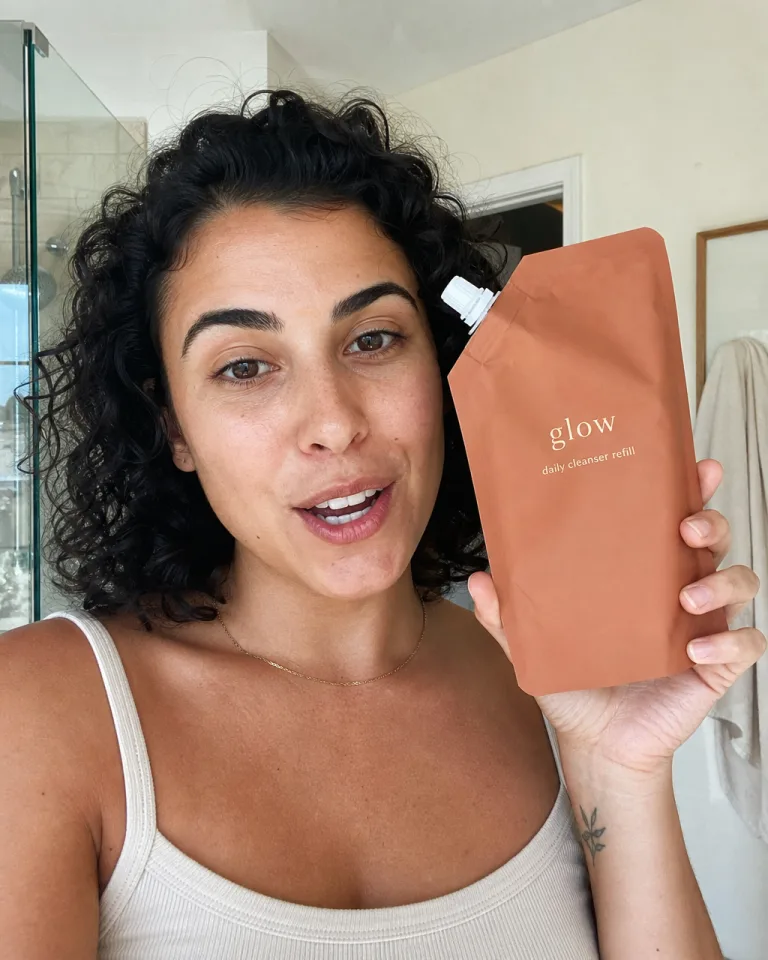
What you can create
Lead with a useful hook
Choose an opening that introduces the product's purpose. Give viewers a reason to keep watching before you explain the details.
Choose a person and setting
Use a persona and available setting controls to shape the presentation. Match the scene to how someone would use the product.
Show the product's actual value
Base the brief on real features and product references. Keep the message specific instead of inventing customer results or personal experiences.
From your idea to finished content
Add your product context
Select a product or app in Ad Studio. Include clear reference material and the benefit you want the video to explain.
Select the UGC style
Choose the UGC video preset. Set the available persona, hook, and setting controls to fit your audience.
Inspect the recommendation
Review the spoken message and product visuals. Treat the presenter as AI-generated creative, not a real customer's testimonial.
Prompts to start with
Use these briefs as a starting point. Replace the details with your own product, audience, and style.
A practical product introduction
Introduce our cable organizer at a home desk. Show how its separate slots keep charging cables within reach. Use plain language.
An app introduction
Explain how our meal-planning app groups recipes into a shopping list. Focus on the workflow without promising time savings.
Frequently asked questions
- Is AI UGC the same as a customer review?
- No. An AI-generated presenter does not represent a real customer experience. Use the format for demonstrations and accurate product explanations.
- Do I need to film a creator?
- No. Sceneform generates the video from your brief and selected inputs. You still need accurate product information and suitable reference material.
- Can I make an unboxing video?
- Ad Studio includes a separate unboxing style for physical products. Choose it when opening the packaging forms the main story.
- Can I use the same presenter again?
- Sceneform personas provide reusable identities for supported generation workflows. Reuse your selected persona and inspect each video's appearance.
Explore related tools
Create your next project
Start with a clear brief. Review the result. Make it yours.