Explore an image idea with FLUX.2.
Create an image from a written brief with FLUX.2 in Sceneform. Add references when a subject or visual direction needs context. Describe the composition clearly and inspect each result before using it.
Compare plans and credits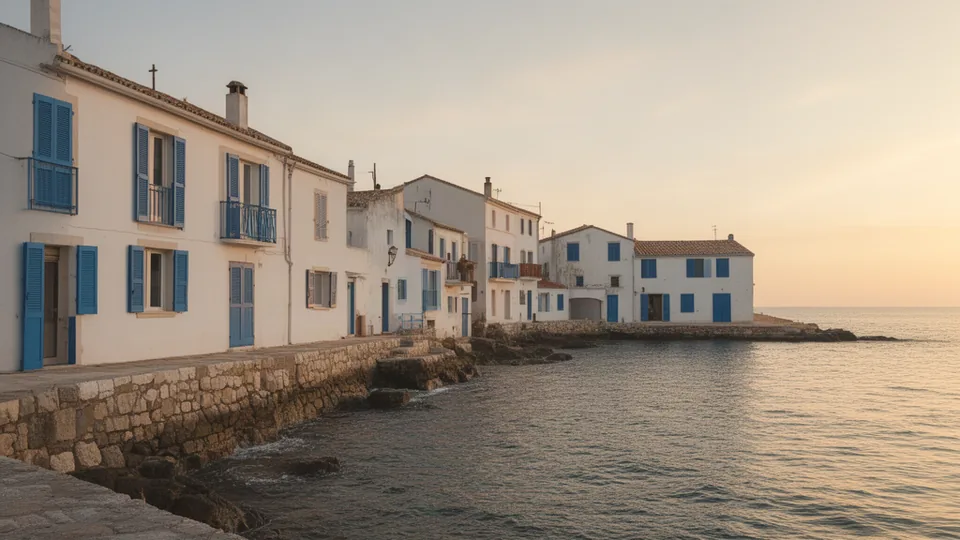
What you can create
Start from a scene description
Describe the subject, framing, lighting, and surroundings. Make the main visual idea clear before adding smaller details.
Guide the image with references
Attach references when they clarify your subject or desired appearance. Explain what the model should take from each image.
Choose a useful composition
Select an aspect ratio that fits your project. Leave space for titles or other elements you plan to add later.
From your idea to finished content
Open FLUX.2
Open Sceneform's image tool with FLUX.2 selected. Prepare the description and references for your image.
Write a focused brief
Explain the scene and important details. If you attach references, describe what should stay consistent.
Review and adjust
Generate the image and inspect the result. Revise the brief when the composition or subject needs another attempt.
Prompts to start with
Use these briefs as a starting point. Replace the details with your own product, audience, and style.
Travel illustration
Create a quiet coastal village illustration with white buildings and blue shutters. Use warm afternoon light and a wide composition.
Reference-led product scene
Place the referenced backpack beside a wooden bench in a bright hallway. Preserve its main shape and color.
Frequently asked questions
- Which FLUX model does this page open?
- The button selects FLUX.2 in Sceneform's image tool.
- Can I create an image from text?
- Yes. Describe the image you want to create. References are useful when you need to guide specific visual details.
- Can I attach reference images?
- Yes. FLUX.2 supports image references. Follow the attachment limits shown in the image tool.
- How should I improve an unexpected result?
- Check which details differ from your brief. Make those instructions clearer and generate another version.
Explore related tools
Create your next project
Start with a clear brief. Review the result. Make it yours.