Bring the face and the voice together.
Use Sceneform's lip-sync workspace to combine face media and speech. Choose a model that supports your image or video input. Generate a talking result and inspect how the mouth movement follows the audio.
Compare plans and credits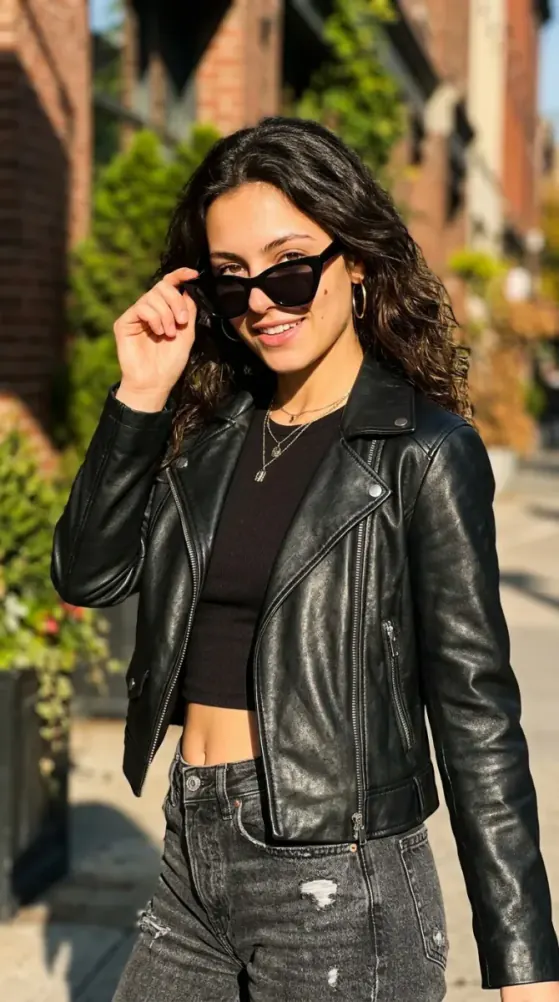
What you can create
Start with a suitable face
Use a clear face image or compatible video. Visible lips, even lighting, and a simple pose give the model useful visual information.
Match the input to the model
Lip-sync models accept different combinations of media and audio. The composer shows the inputs and settings for your selected model.
Review speech as movement
Listen and watch together. Check fast words, pauses, teeth, and head movement before using the generated clip in a larger project.
From your idea to finished content
Choose the model and face media
Open lip sync and select your model. Add a compatible image, video, or persona through the available input controls.
Provide the spoken audio
Use a clean speech recording or generated voiceover through the model's supported audio input. Avoid overlapping speakers in one clip.
Generate and inspect synchronization
Review the model settings and credit cost. Watch the result for mouth movement that drifts from the words.
Prompts to start with
Use these briefs as a starting point. Replace the details with your own product, audience, and style.
A presenter introduction
Welcome to our weekly gardening guide. Today we will show you how to choose a container for your balcony plants.
A short product explanation
This organizer keeps each charging cable in its own slot. Place it beside your desk so the cables stay within reach.
Frequently asked questions
- What does AI lip sync do?
- Lip sync generates mouth movement that follows speech audio. The supported source images and videos depend on the model.
- Can I make a still photo talk?
- Choose a model that supports image-based talking videos. Upload a clear face image and provide its required speech input.
- Does lip sync translate the audio?
- Matching mouth movement does not translate a script. Prepare the speech in your target language before using it for lip sync.
- Which source media should I avoid?
- Covered mouths, extreme side angles, blurred faces, and several visible speakers can make the result harder to control.
Explore related tools
Create your next project
Start with a clear brief. Review the result. Make it yours.