
GPT Image 2
Campaign-Ready Images with Better Text, Product Detail, and Edits
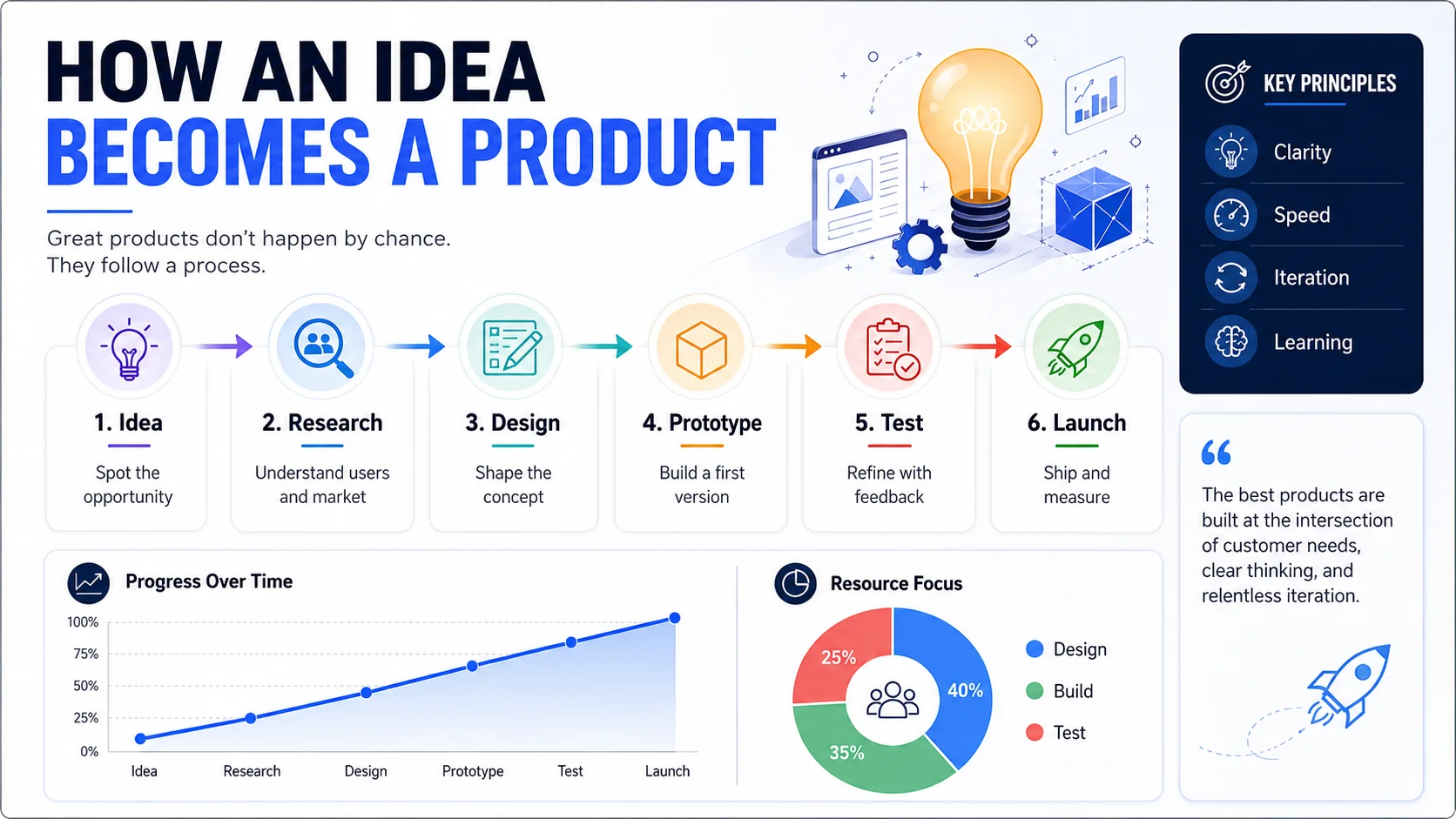
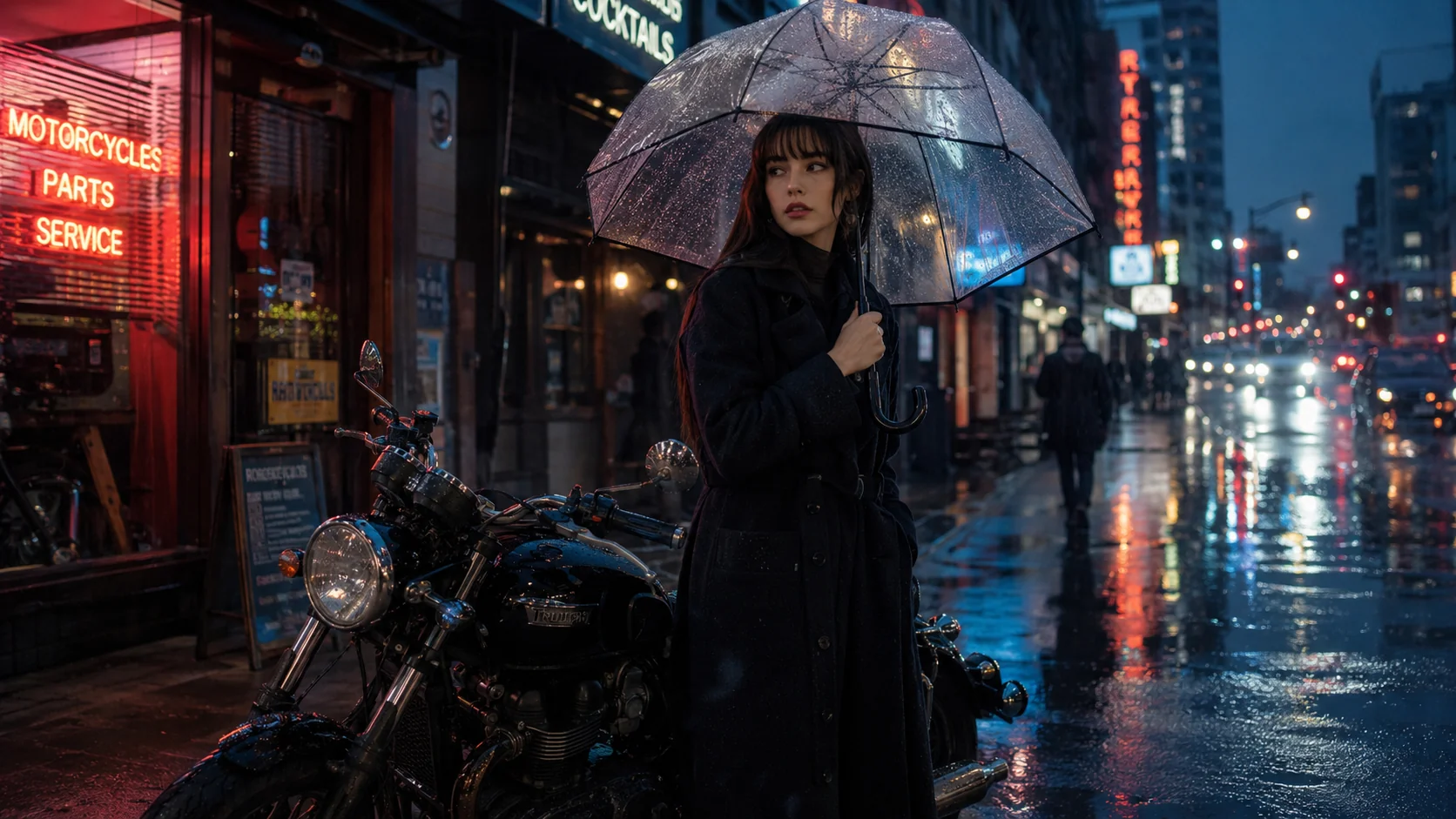
Use GPT Image 2 when the work has to hold up beyond inspiration boards. It is built for readable typography, photoreal product imagery, multilingual layouts, reference-driven edits, and polished campaign assets that can move straight into review.
// GPT Image 2 Workflow
From Prompt to Campaign-Ready Creative
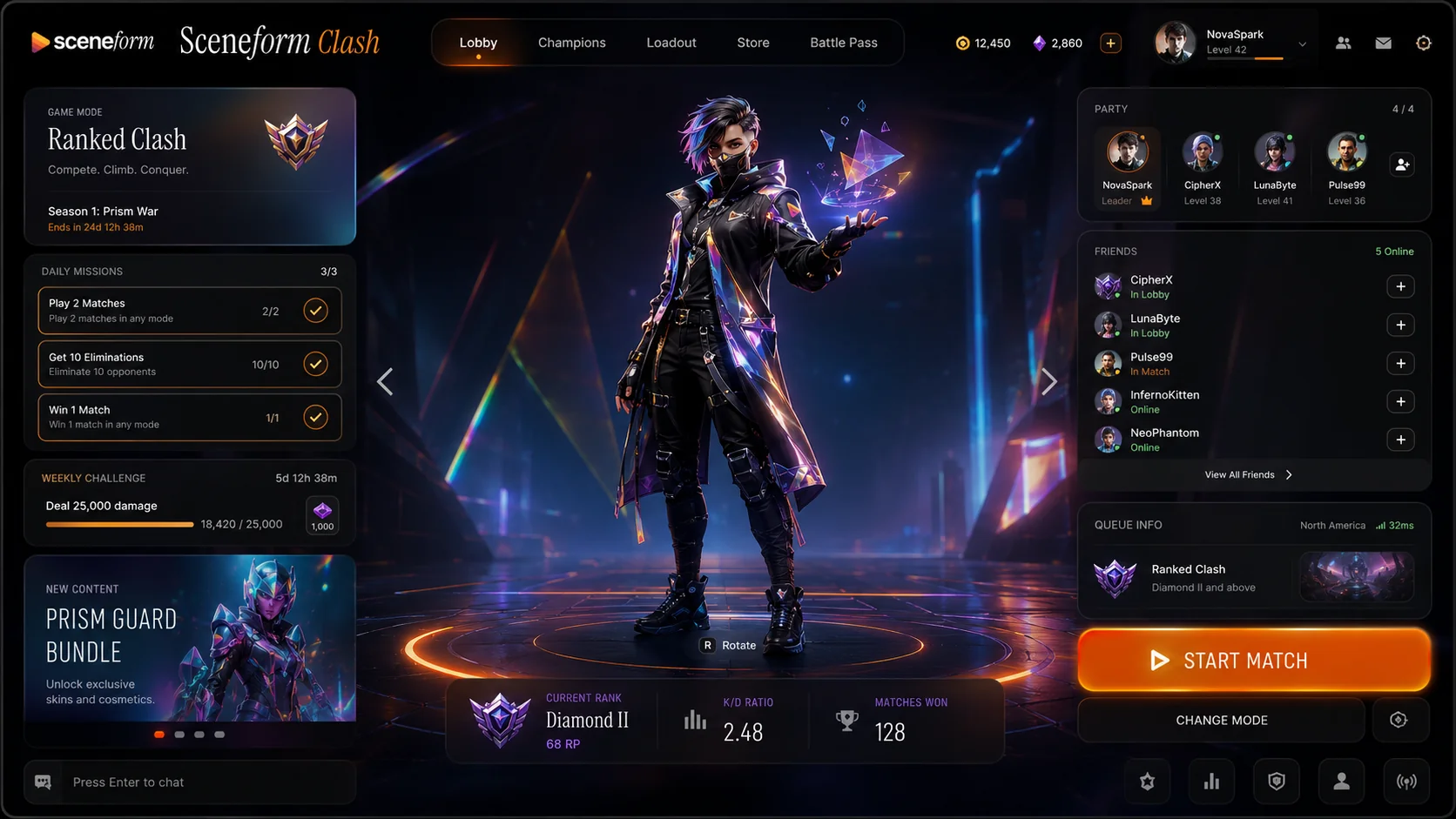
GPT Image 2 is a strong fit for posters, packaging, product shots, UI mockups, and social assets where clean text and commercial polish matter as much as style.
Why Teams Reach for GPT Image 2 on Sceneform
How Teams Ship with GPT Image 2
Start with the real commercial brief, add references when precision matters, then iterate copy, layout, and image details until the asset is ready for review.
Write the Brief
Describe the subject, channel, layout, on-image copy, and visual style in one prompt.
Add References or a Mask
Upload source images to preserve product details, lock a look, or target edits to specific regions.
Set Ratio and Resolution
Choose the aspect ratio and output size that fits the placement, from quick drafts to 4K exports.
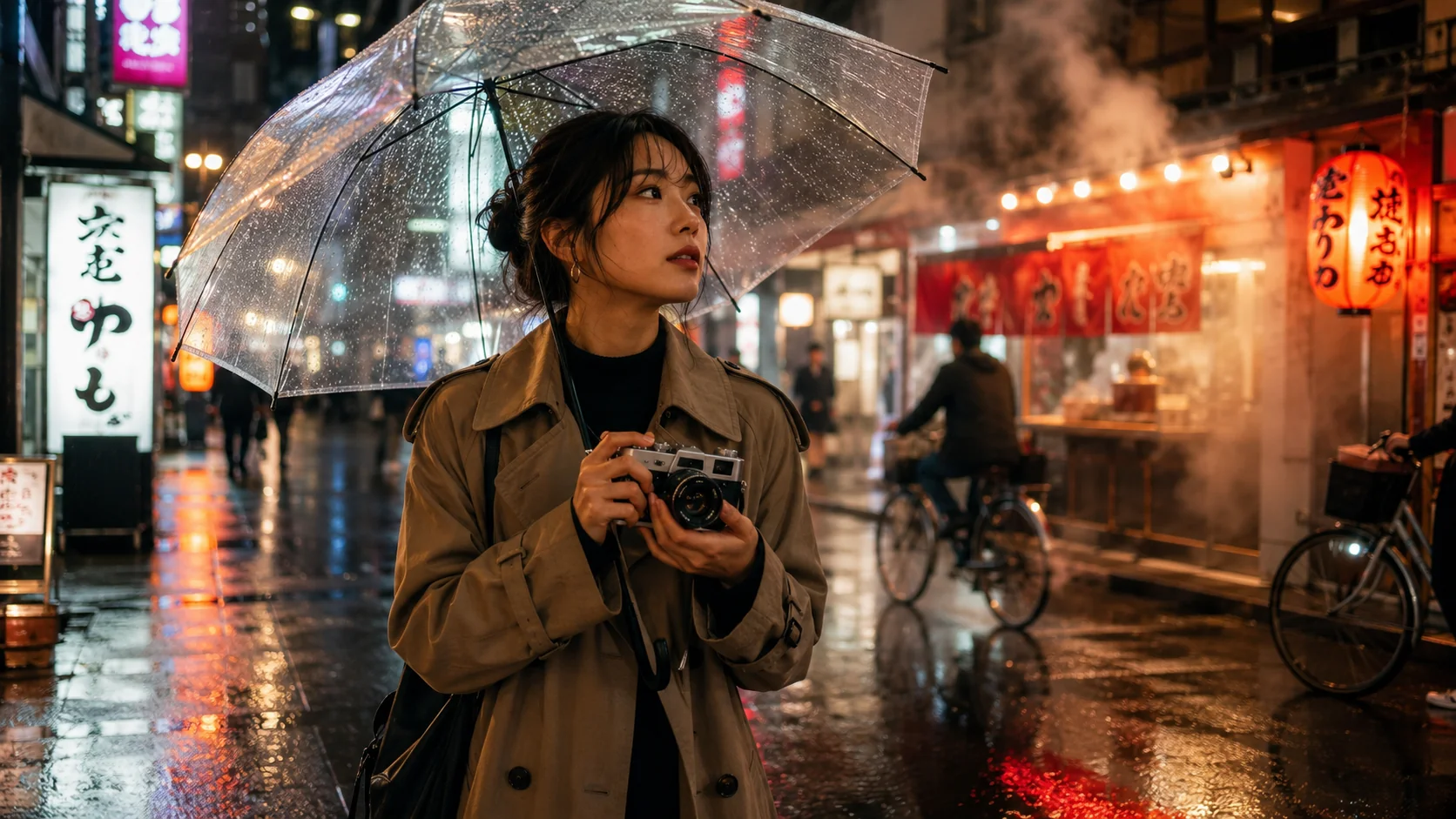
Iterate Variants
Generate variants, tighten the typography, and refine composition until the image is ready to ship.
Built for Commercial Image Work
GPT Image 2 is a practical fit for teams making launch posters, product ads, packaging mockups, menus, signage, editorial layouts, and social assets that need clean text and tighter control.
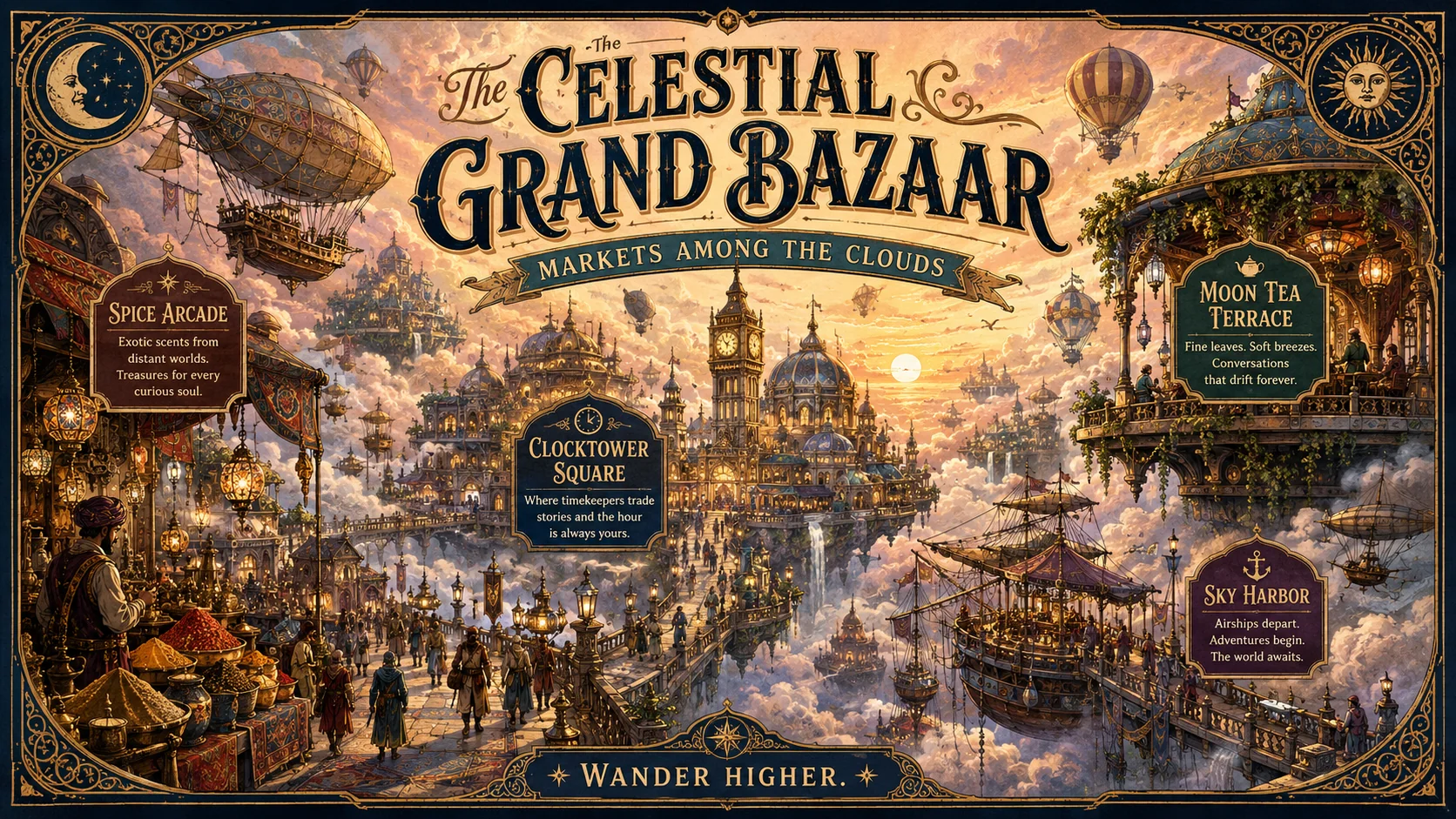
Typography You Can Actually Use
Use GPT Image 2 for posters, packaging, signage, menus, and UI-style layouts where the wording has to stay readable.
Product and Brand Consistency
Keep product details, character cues, and brand elements more stable across concept variants and follow-up edits.
Localized Editing Control
Start from an existing image, then change only what matters with prompt-guided and mask-based revision workflows.
// Example Use Cases
What Teams Build with GPT Image 2
Use GPT Image 2 when the image has to communicate clearly, survive review, and work inside a real campaign.
Create launch posters, ad concepts, packaging comps, and product hero graphics with stronger copy placement and layout control.
// Social Proof
Trusted by Teams Shipping Design-Heavy Creative
GPT Image 2 is useful when brand, growth, and content teams need images that carry copy, layout, and edits cleanly.
Elena Brooks
GPT Image 2 made text-heavy launch graphics much more usable on the first pass. We spent less time fixing labels and rebuilding layouts by hand.

Build an AI influencer, not just another video
Sceneform Pro brings together personas, UGC workflows, avatars, voices, studio editing, and the latest image and video models in one plan.