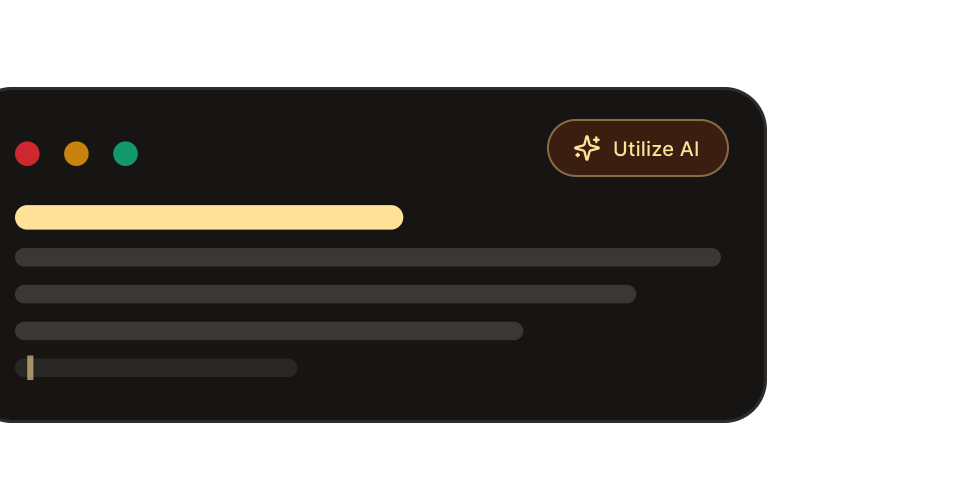
Craft Eye-Catching
Carousels
In No Time

Sceneform transforms a simple idea into a beautifully illustrated carousel, perfect for sharing on Instagram, LinkedIn, or TikTok

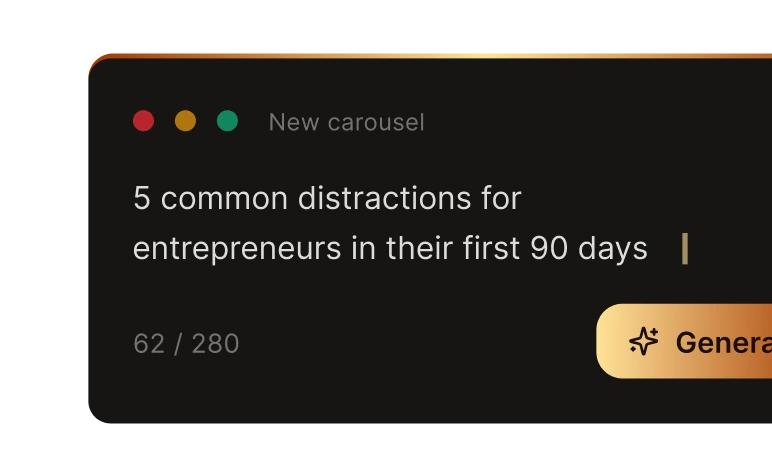
Generating example prompt

How It Works

Move from idea to finished carousel in three clear steps.

Know your audience

Know Your Audience

Define your niche, outline personality traits, tone of voice, target audience, and content focus.

Set the scene

Set the Scene

Select visuals, mood, and creative direction that resonate with your brand or campaign.

Go viral

Go Viral

Utilize influencers on social media, assess performance, and grow rapidly.

Built for every step of the carousel workflow

From the first prompt to the final post, one tool from start to finish.

AI that writes and draws

AI that writes and draws

Sceneform writes the copy and illustrates every slide. No stock photos. No template library.
Edit any slide with AI

Click a slide, type what to change, and only that slide regenerates. 5 credits per edit. Every version is saved in History so you can roll back.
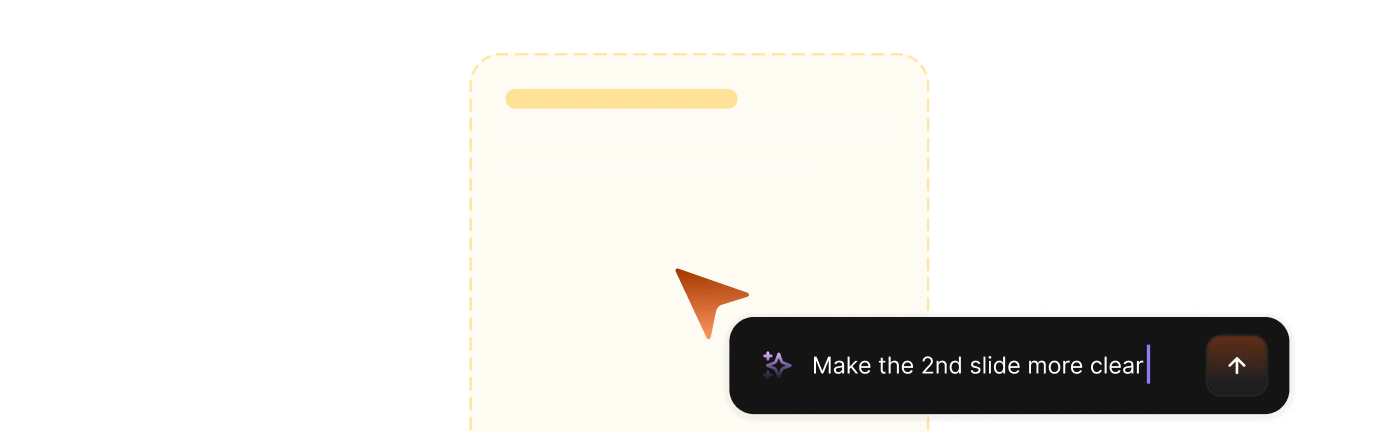
Editing a single carousel slide with AI

Effortlessly export to multiple platforms

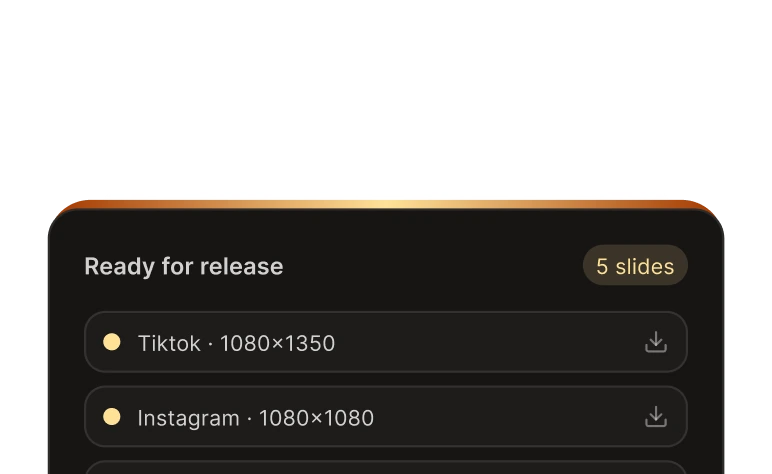
Publish in all formats simultaneously, Instagram, Tiktok

Exporting carousel slides to multiple platforms
Manual carousel editing controls

Manual control when you need it

Text tool, layers panel, undo and redo. Upload up to 6 reference images per slide to guide the AI.

What makes the difference in production

Three places where teams pick up real speed once they switch.

Illustrations

Original illustrations, not templates

Generate visuals from scratch so the final carousel feels specific to the idea instead of assembled from a template pack.
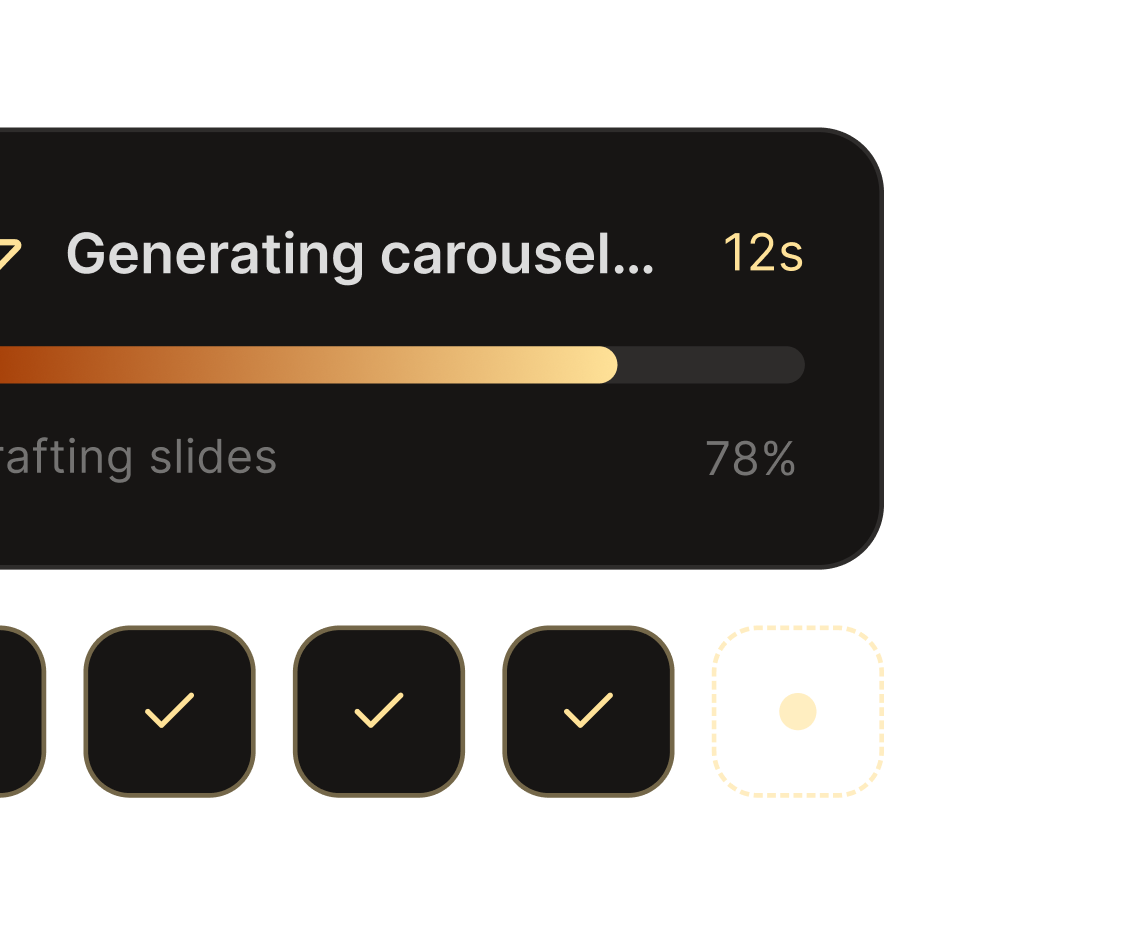
  • Fresh slide art: Every concept starts from a new generation instead of a recycled layout.
  • Consistent storytelling: Keep the same visual language from the hook slide through the closing CTA.
Original illustrations, not templates
BrandKit

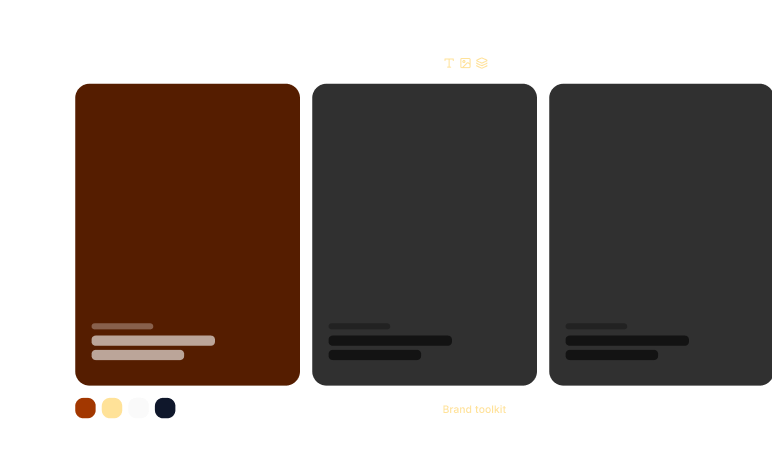
On-brand from slide one with BrandKit

Lock colors, typography, and logos once so each generation stays aligned with the brand system.
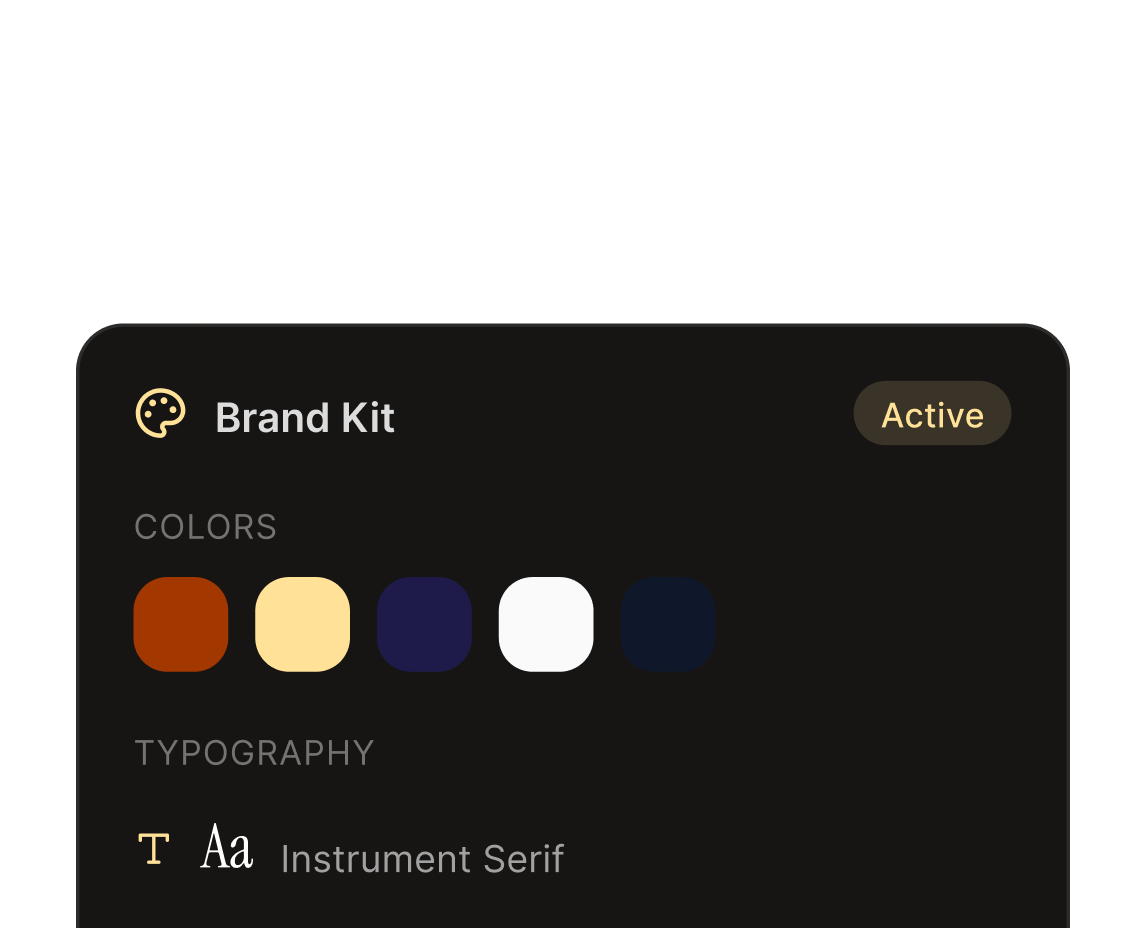
  • Brand-safe defaults: Apply your palette and type stack before the first slide is generated.
  • Consistent revisions: Preserve the same identity even when you edit or regenerate individual slides.
On-brand from slide one with BrandKit
Scheduling

Publish straight to Instagram and TikTok

Move from generation to distribution without rebuilding the carousel in a separate publishing workflow.
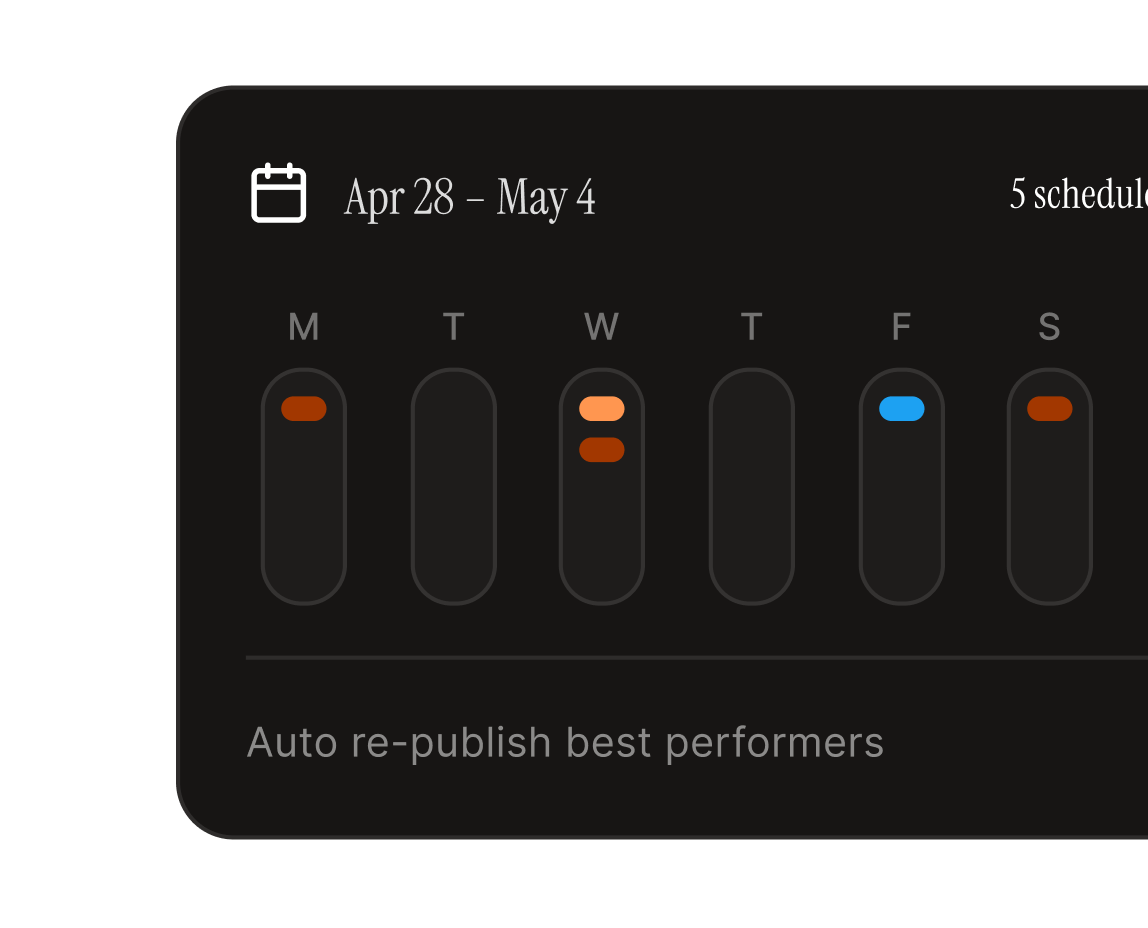
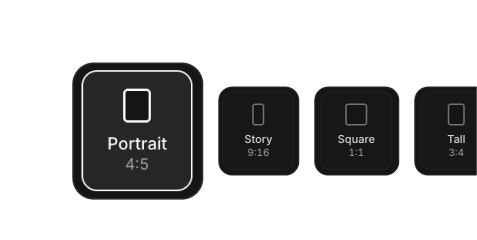
  • Platform-ready exports: Send the finished deck out in the aspect ratio and format each channel expects.
  • Faster operations: Reduce the handoff between design, review, and social scheduling.
Publish straight to Instagram and TikTok

Competitive edges

Highlighting the competitive edges the tool
What we have
  • AI that draws original illustrations per slide
  • Per-slide AI editing — fix one slide, keep the rest
  • BrandKit applied across every slide and every regeneration
  • Upload up to 6 reference images per slide to guide the AI
Competitors lack
  • Generic templates that look like every other carousel on the feed
  • All-or-nothing regeneration — edit one slide and lose the rest
  • No version history — bad AI edits are permanent
  • No way to feed the AI your own reference images

Frequently asked questions