YouTube summary generator
Paste a YouTube link and turn the video into key points, chapters, and reusable notes. Free to use with no account required.
Storybook
Turn an idea into a video
Start with a topic or article link. Storybook creates an illustrated video with narration and music, in widescreen or vertical format.

在观看整个视频之前总结YouTube视频内容
YouTube摘要帮助您决定长视频中的重要内容:主要论点、关键示例、有用的时间戳和后续步骤。它专为讲座、访谈、网络研讨会、教程、产品演示和研究视频而设计。
当您需要先了解要点时使用它。当确切的措辞很重要时使用转录。
最好的摘要来自具有清晰主题、结构化语音和足够字幕或音频信号的视频。
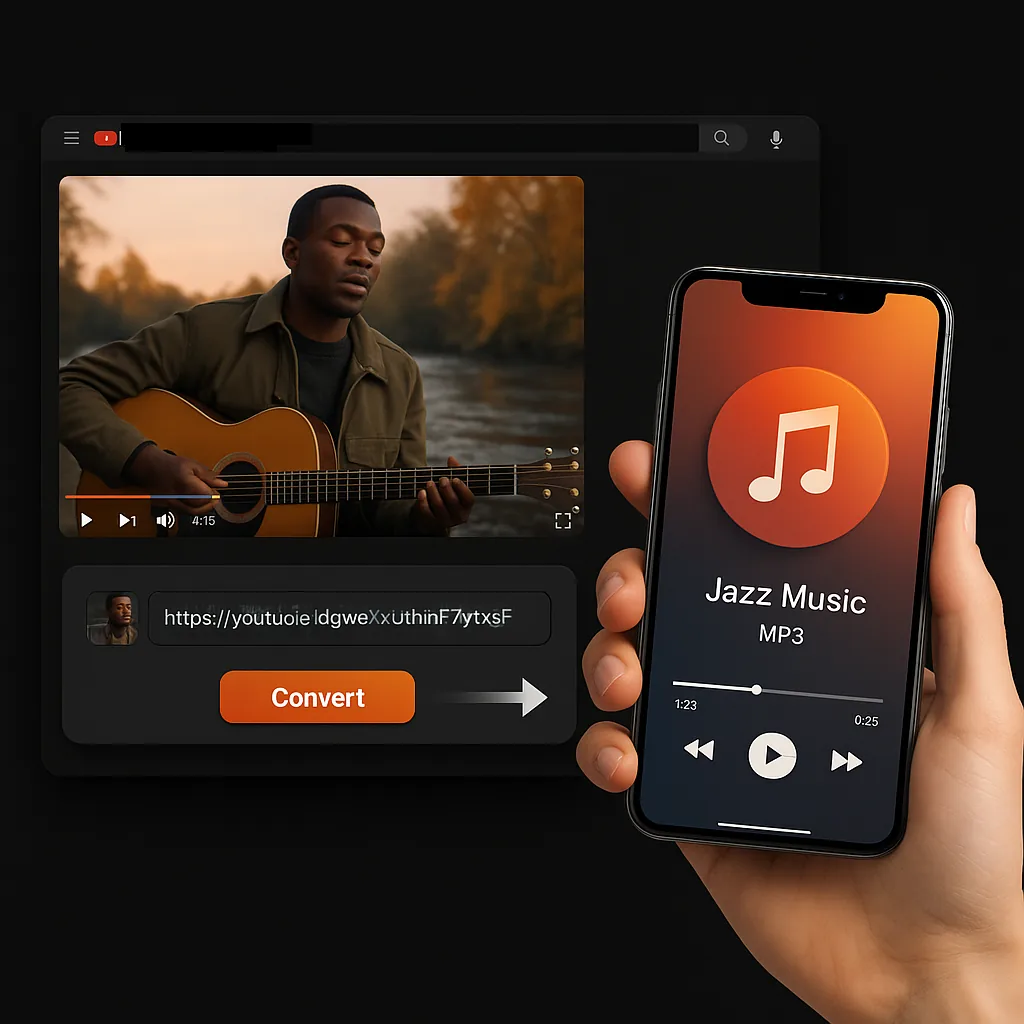
如何总结YouTube视频
- 复制YouTube URL。打开视频并复制浏览器URL或分享链接。
- 将其粘贴到摘要工具中。Sceneform在支持的情况下读取可用的转录或音频数据。
- 查看输出。使用摘要、关键点和转录链接来决定观看、引用或保存什么。
摘要、转录、文本还是下载?
使用摘要做出决定和获取要点。当您需要确切的措辞时,使用转录或文本。
YouTube摘要的应用场景
- 在决定观看什么之前预览长讲座。
- 从网络研讨会、访谈和产品演示中提取要点。
- 将视频研究转换为文档、脚本或摘要的笔记。
- 更快地比较同一主题的多个视频。
摘要是起点,不是真实来源。在引用细节之前检查视频或转录。
More free tools
Download, convert, transcribe, and summarize with the rest of the library.
多语言YouTube摘要
使用本地化Sceneform界面为研究、学习和内容工作流总结YouTube视频。
English -YouTube Summary Generatorالعربية -ملخص يوتيوب مع ChatGPTБългарски -YouTube резюме с ChatGPTČeština -Shrnutí YouTube s ChatGPTDansk -YouTube-resumé med ChatGPTDeutsch -YouTube-Zusammenfassung mit ChatGPTΕλληνικά -Περίληψη YouTube με ChatGPTEspañol -Resumen de YouTube con ChatGPTEesti -YouTube kokkuvõte ChatGPT-gaSuomi -YouTube-yhteenveto ChatGPT:lläFrançais -Résumé YouTube avec ChatGPTMagyar -YouTube összefoglaló ChatGPT-velIndonesia -Ringkasan YouTube dengan ChatGPTItaliano -Riepilogo YouTube con ChatGPT日本語 -ChatGPT による YouTube 要約한국어 -ChatGPT를 사용한 YouTube 요약Latviešu -YouTube kopsavilkums ar ChatGPTNorsk bokmål -YouTube-sammendrag med ChatGPTNederlands -YouTube-samenvatting met ChatGPTNorsk -YouTube-sammendrag med ChatGPTPolski -Podsumowanie YouTube z ChatGPTPortuguês -Resumo do YouTube com ChatGPTRomână -Rezumat YouTube cu ChatGPTРусский -Краткое содержание YouTube с ChatGPTSlovenčina -Zhrnutie YouTube s ChatGPTSlovenščina -YouTube povzetek s ChatGPTSvenska -YouTube-sammanfattning med ChatGPTTürkçe -ChatGPT ile YouTube ÖzetiУкраїнська -Підсумок YouTube з ChatGPT中文 -使用 ChatGPT 的 YouTube 摘要
YouTube summary FAQ
这是一个将YouTube视频转换为包含关键点、章节和可重用笔记的简短概览的工具。
是的。YouTube摘要工具免费使用,正常使用不需要账户。
在支持的情况下,如果没有字幕,该工具可以处理音频。如果视频是私密的、受限的、不可用的或被源平台阻止,某些视频可能会失败。
摘要质量取决于源转录或音频。清晰的语音、良好的字幕和主题集中的视频通常会产生更好的结果。
转录提供确切的措辞。摘要将视频浓缩为主要思想和要点。当您需要速度和准确性时,两者都可以使用。
讲座、教程、访谈、网络研讨会、评论和产品演示通常总结效果很好。音乐、嘈杂的片段、高度视觉化的视频或不清楚的语音可能需要更多手动审查。
使用摘要来决定什么重要以及在哪里集中注意力。当细节、引用、步骤或证据很重要时,观看或查看转录。
使用摘要更快地理解视频,但在引用之前,请根据原始视频或转录验证事实和引用。