image summarizer
Zdarma image summarizer
Upload an image and get a plain-language summary of the visible content. Use it for screenshots, notes, charts, diagrams, scanned pages, and visual references you want to understand faster.
Images
Upload common image files
TXT
Copy or download summary
Zdarma
No account needed
What the image summarizer does
The image summarizer analyzes the uploaded picture and turns visible information into readable text. It is useful when you have a screenshot, chart, slide image, or note photo and need the main point quickly.
- Accepted input: PNG, JPG, JPEG, GIF, WebP, SVG, BMP, and TIFF files up to 25 MB.
- Výstup: A readable visual summary with copy controls and TXT download.
- Nejlepší pro: Students, researchers, creators, and teams turning image-based information into notes.
- Limit: Visual summaries can miss tiny text, unclear handwriting, cropped sections, low-contrast details, or data points hidden in dense charts.
How it works
Upload the file, let Sceneform extract the usable content, then review the generated summary before you use it in notes, research, or publishing.
01
Upload the image
Choose a supported image file. Clear, well-lit images produce better summaries than blurry or cropped screenshots.
02
Generate the summary
Sceneform reads visible text and visual context, then produces a written summary.
03
Kopírujte nebo stahujte
Review the summary, copy it to your notes, or download the result as a TXT file.
Image summaries are strongest when the visual has a clear job
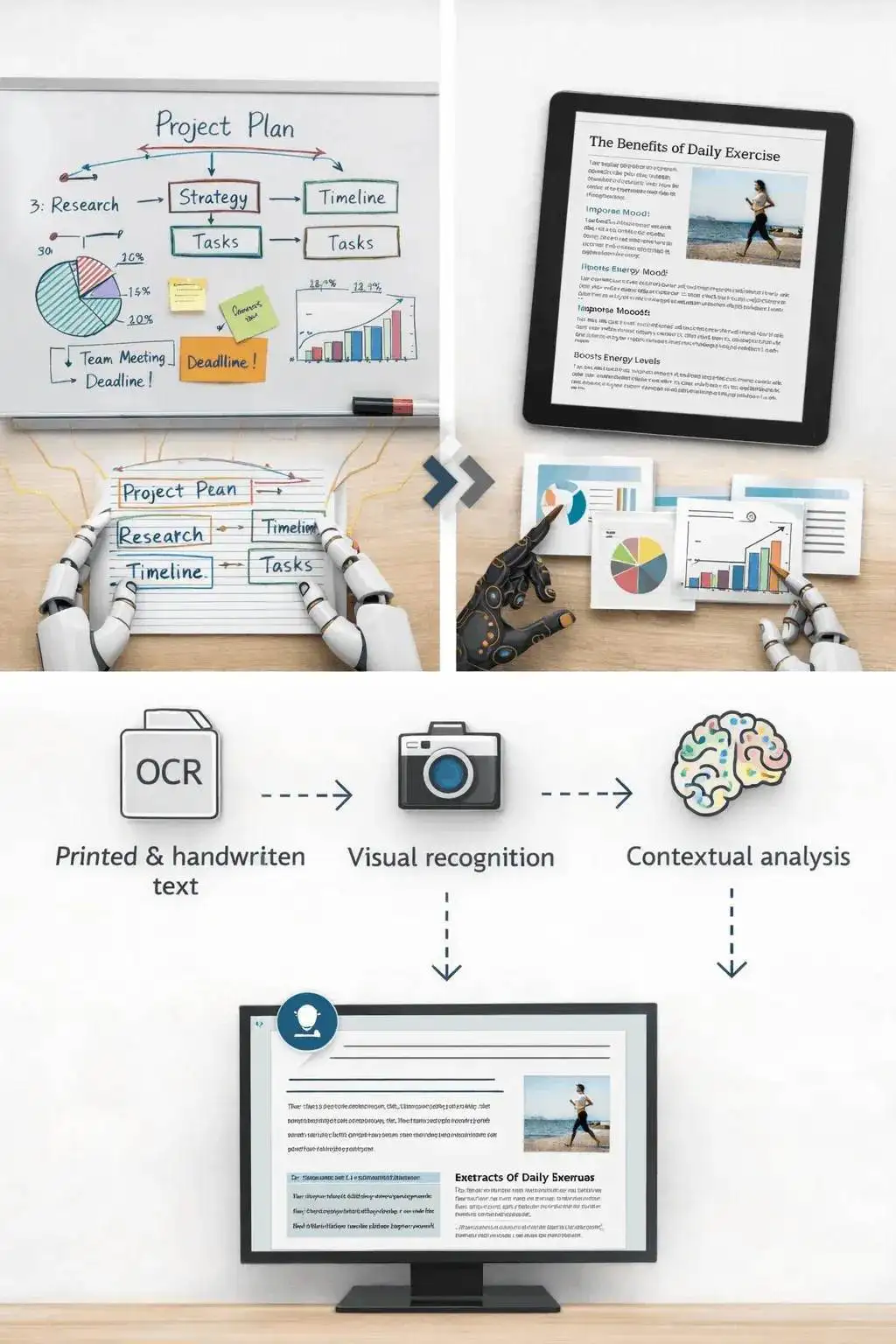
A screenshot of an article, a chart from a report, or a photo of notes usually has a clear structure. The tool can summarize the visible text and explain the main visual context.
It is less reliable on decorative images, screenshots with many tiny panels, or photos where the important content is partly cut off.
- Screenshots: Summarize articles, app screens, social posts, and research snippets.
- Notes: Turn readable handwritten or printed notes into a cleaner written recap.
- Charts: Extract the visible trend or comparison, then verify important numbers manually.
Know when to use another tool
If the image is actually a slide deck export, the PPT summarizer may preserve the presentation structure better. If the file is a PDF document, use a document or paper summarizer instead.
Use the image summarizer when the source is truly visual: a photo, chart, screenshot, scanned note, whiteboard, or diagram.

What affects summary quality
Summaries are a first pass, not a substitute for reviewing important source material. The output improves when the file is readable, complete, and focused.
Good input
A clear screenshot, scanned page, diagram, chart, whiteboard photo, or note image with readable text and enough resolution.
Image clarity matters more than file type. A sharp PNG usually beats a blurry photo.
Charts need readable labels. If a chart is unlabeled or the text is tiny, verify the interpretation manually.
Use this for understanding and notes, not as a final source of truth for contracts, diagnoses, invoices, or compliance work.
Useful ways to use the summary
The best summary gives you a faster route into the material. Use it to decide what deserves closer attention, prepare notes, or turn a long file into a readable starting point.
Summarize screenshots
Turn saved posts, article screenshots, app screens, and research clips into readable notes.
Review visual reports
Get a plain-language first pass on charts, dashboards, and infographics before digging in.
Capture notes
Summarize classroom notes, meeting whiteboards, and photographed pages without retyping everything.
Choose the right summarizer
Each summarizer is set up for one kind of file. Pick the one that matches yours.
Free, no account, and temporary processing
Bezplatné nástroje Sceneform nevyžadují účet. Normální použití je neomezené, s kontrolami zneužití vyhrazenými pro automatizovaný nebo nadměrný provoz.
Uploaded files are used to create your result and deleted after processing. Avoid uploading files you are not allowed to process, and review summaries before using them for academic, business, medical, legal, or financial decisions.
More free tools
Download, convert, transcribe, and summarize with the rest of the library.
YouTube na MP3
Převádějte videa z YouTube na MP3 audio přímo v prohlížeči. Zdarma, bez nutnosti účtu.
YouTube na MP4
Ukládejte videa z YouTube jako soubory MP4 pro úpravy, výzkum nebo offline přehrávání.
Image summarizer in multiple languages
Use the image summarizer in supported Sceneform locales.
image summarizer FAQ
Ready to use the image summarizer?
Upload a file, generate a readable summary, then copy or download the result when it is ready.