Generátor přepisů Facebooku
Více nástrojů v této kategorii bez opuštění této stránky.
Facebook Transcript Generator
Turn a public Facebook video into readable transcript text. Free to use, no account required, and built for public videos, Live replays, interviews, and research notes.
Facebook Carousel Generator
Turn Facebook video notes, product ideas, or campaign messages into multi-slide carousel posts with AI-assisted copy, visuals, and editing tools.

Get the spoken words from a Facebook video
Sceneform generates a transcript from the audio in a public Facebook video. Paste the URL, start the request, then copy or download the resulting text when processing finishes.
Use it when you need quotes, captions, notes, summaries, research material, or a written reference without replaying the same video again.
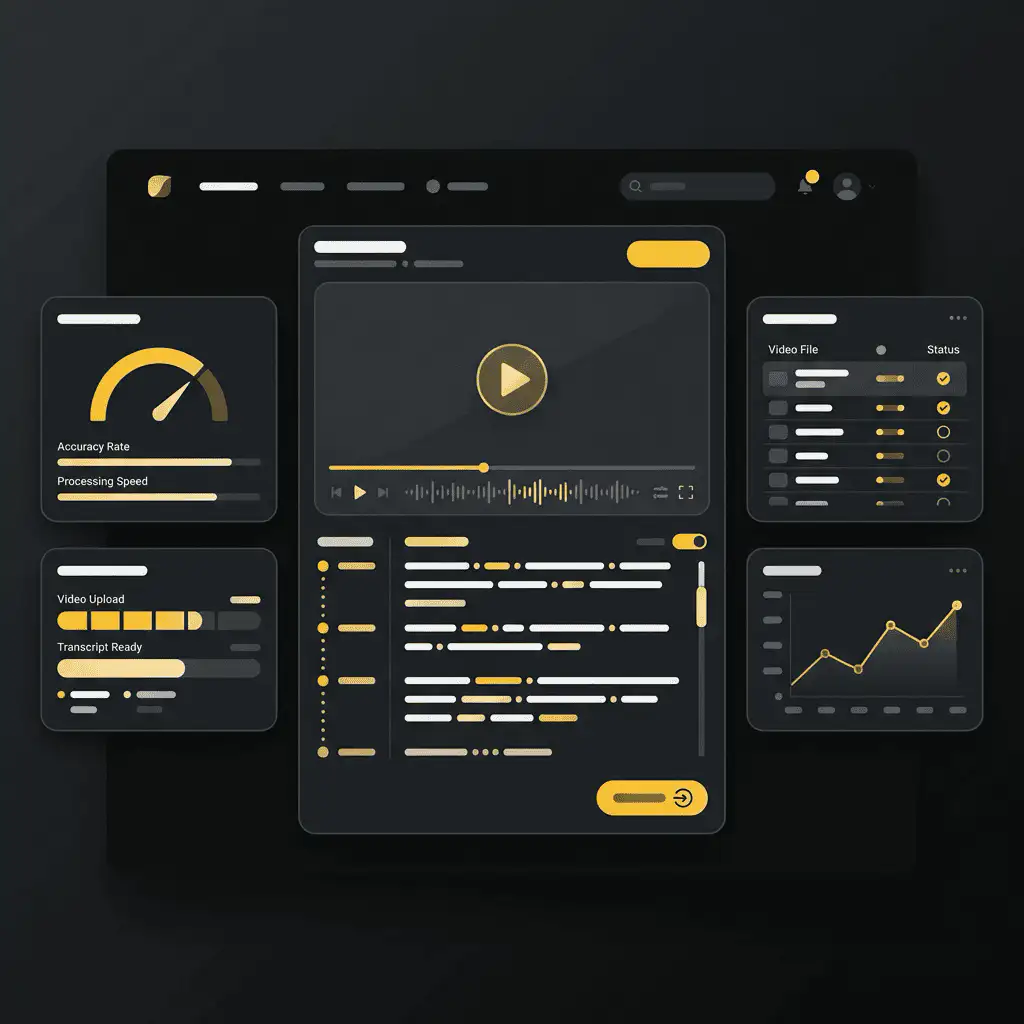
How to transcribe a Facebook video
- Copy the video link. Open the Facebook video, Reel, or saved Live replay and copy its link from the share menu or browser address bar.
- Paste it into Sceneform. Add the URL to the transcript form. You do not need to create an account.
- Generate the transcript. Sceneform checks the public link, extracts the audio, and converts speech into text.
- Copy or download the text. Use the transcript for notes, captions, scripts, summaries, or research.
If the link is private, deleted, login-gated, muted, or blocked by the source platform, the transcript may fail or return little text.
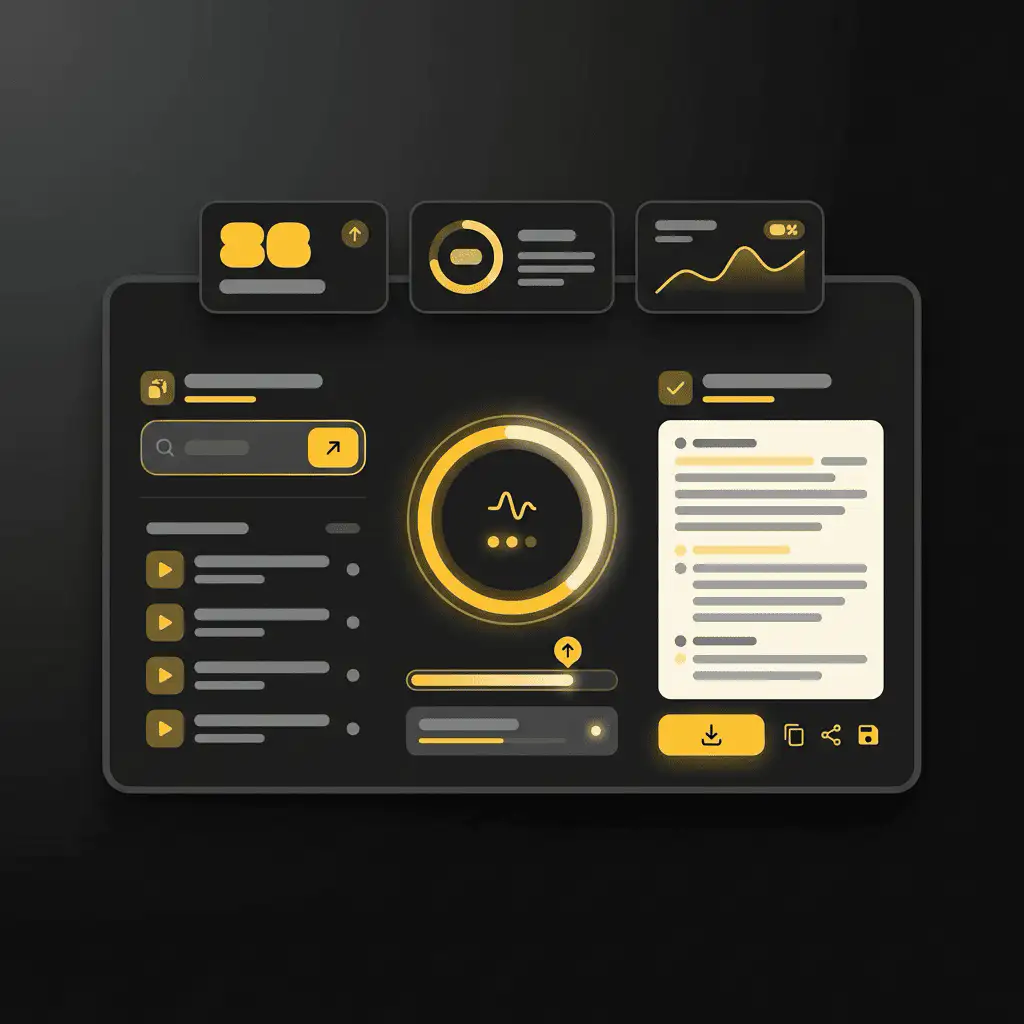
What the transcript includes
The result is clean transcript text that you can read, search, copy, and download as a plain text file. It is designed for the words spoken in the video, not for visual OCR, comments, likes, or engagement analytics.
- Good input: public videos with clear speech.
- Quality factors: audio clarity, background music, speaker overlap, accents, and platform access.
- Output: readable text with copy and TXT download controls.
- Not guaranteed: speaker labels, word-level timestamps, subtitles, SRT, VTT, or exact punctuation.
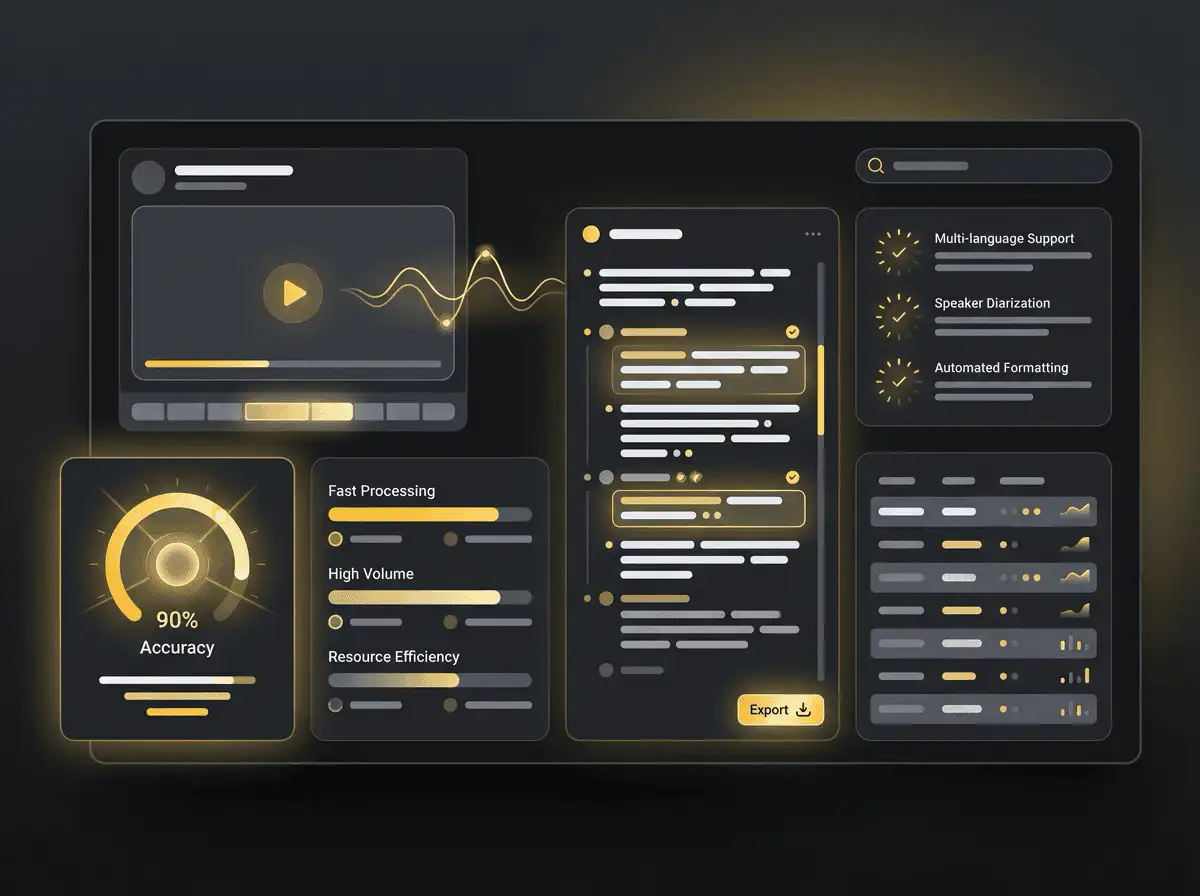
Choose the right transcript tool
Use the platform-specific page when you know the source. It gives users clearer copy-link guidance and keeps search intent from blending across different networks.
| Zdroj | Recommended tool | Použijte pro |
|---|---|---|
| Facebook video URL | Generátor přepisů Facebooku | Lives, page videos, interviews, and webinars |
| Instagram Reel URL | Generátor přepisů Instagramu | Reels, creator research, and captions |
| LinkedIn video URL | Generátor přepisů LinkedIn | Professional posts, talks, and demos |
| Uploaded video file | Video to Text Converter | Local recordings and downloaded files |
Useful ways to use Facebook transcripts
Transcripts are most useful when they turn a video into something you can search, quote, compare, or repurpose. They help creators and researchers work with the actual language in a clip instead of relying on memory.
- Live replay notes: turn long Facebook Live replays into searchable text.
- Quote capture: pull useful quotes from public talks, interviews, or demos.
- Repurposing: use transcripts as a starting point for posts or summaries.
- Accessibility review: check what is spoken before writing captions or descriptions.
Free, no account, and temporary processing
The transcript generator is free to use and does not require a Sceneform account. Normal use is unlimited, with abuse controls reserved for automated or excessive traffic.
Transcript tasks are processed temporarily. Use transcripts only in ways you are allowed to, especially when quoting, reposting, publishing, or using someone else's words commercially.

More Free Tools
Explore other tools to help you download and convert media
YouTube na MP3
Převádějte videa z YouTube na MP3 audio přímo v prohlížeči. Zdarma, bez nutnosti účtu.
YouTube na MP3YouTube na MP4
Ukládejte videa z YouTube jako soubory MP4 pro úpravy, výzkum nebo offline přehrávání.
YouTube na MP4Stahování videí z YouTube
Stahujte videa z YouTube pomocí jednoduchého pracovního postupu v prohlížeči určeného pro výzkum tvůrců.
Stahování videí z YouTubeStahování YouTube Shorts
Ukládejte veřejné YouTube Shorts jako soubory MP4 pro referenci, kontrolu nebo úpravy.
Stahování YouTube ShortsStahování miniatur YouTube
Stahujte dostupné miniatury z veřejných videí a Shorts na YouTube.
Stahování miniatur YouTubeGenerátor uživatelských jmen YouTube
Generujte nápady na názvy kanálů YouTube na základě vaší niky, publika a pozicionování.
Generátor uživatelských jmen YouTubeGenerátor hashtagů YouTube
Přeměňte téma videa na relevantní hashtagy a nápady na balení pro YouTube.
Generátor hashtagů YouTubeGenerátor popisů YouTube
Vytvářejte popisy YouTube s háčky, kapitolami, výzvami a hashtagy.
Generátor popisů YouTubeGenerátor shrnutí YouTube
Shrňte videa z YouTube do klíčových bodů, kapitol a opakovaně použitelných poznámek.
Generátor shrnutí YouTubeYouTube na text
Přeměňte videa z YouTube na čitelný text pro poznámky, titulky, citáty a přeformátování.
YouTube na textYouTube na přepis
Získejte čitelné přepisy YouTube s časovými značkami, pokud jsou dostupné.
YouTube na přepisStahování titulků YouTube
Stahujte dostupné titulky YouTube jako soubory SRT, TXT nebo VTT.
Stahování titulků YouTubeStahování Instagram Reels
Stahujte veřejné Instagram Reels jako soubory MP4 pro reference, návody nebo své příspěvky.
Stahování Instagram ReelsStahování videí z TikToku
Stahujte veřejná videa z TikToku jako soubory MP4 pro výzkum tvůrců a offline kontrolu.
Stahování videí z TikTokuStahování videa
Stahujte veřejná online videa, když se nehodí žádný stahovací nástroj specifický pro platformu.
Stahování videaGenerátor přepisů TikToku
Přeměňte veřejná videa z TikToku na text přepisu pro háčky, titulky a výzkum.
Generátor přepisů TikTokuGenerátor přepisů Instagramu
Přeměňte veřejné Instagram Reels a videa na text přepisu pro titulky a citáty.
Generátor přepisů InstagramuGenerátor přepisů Twitter/X
Přeměňte veřejné příspěvky s videi na Twitteru a X na text přepisu pro citáty a výzkum.
Generátor přepisů Twitter/XGenerátor přepisů LinkedIn
Přeměňte klipy, webináře a rozhovory na LinkedIn na čitelný text přepisu.
Generátor přepisů LinkedInGenerátor přepisů Pinterest
Přeměňte video Piny na Pinterestu na text přepisu pro recepty, návody a poznámky.
Generátor přepisů PinterestShrnovač knih
Shrňte kapitoly knih, poznámky a dlouhé dokumenty do jasných poznatků.
Shrnovač knihShrnovač obrázků
Shrňte snímky obrazovky, grafy, poznámky a další materiál založený na obrázcích.
Shrnovač obrázkůShrnovač článků
Shrňte výzkumné články do zjištění, metod, omezení a poznatků.
Shrnovač článkůShrnovač podcastů
Přeměňte audio podcastu na shrnutí, klíčové body, přepisy a návrhy poznámek k pořadu.
Shrnovač podcastůShrnovač PPT
Přeměňte snímky PowerPointu na stručný přehled s klíčovými body a poznatky.
Shrnovač PPTSumarizátor videí
Shrňte videa do klíčových momentů, poznatků a opakovaně použitelných poznámek.
Sumarizátor videíSumarizátor dokumentů Word
Shrňte dokumenty Word a vložený text do jasných poznatků.
Sumarizátor dokumentů WordPřevod řeči na text
Převeďte řeč, schůzky, rozhovory a hlasové poznámky na čitelný text.
Převod řeči na textHlas na text
Převeďte mluvený zvuk na čistý text pro poznámky, scénáře, titulky a follow-upy.
Hlas na textHlasová poznámka na text
Převeďte hlasové poznámky na čistý text pro poznámky, scénáře a souhrny.
Hlasová poznámka na textVideo na text
Převeďte videosoubory na čitelný text pro titulky, poznámky a úpravy.
Video na textKonvertory zvuku a videa
Převádějte zvukové a video soubory mezi běžnými formáty v jedné bezplatné knihovně nástrojů.
Konvertory zvuku a videaFacebook transcript generator in multiple languages
Generate transcripts from public Facebook videos in the language spoken in the source audio. Webinars, interviews, Lives, and page videos work well when speech is clear.