Extend any video with Seedance 2.5
Add up to 30 seconds of new footage after a clip or before it, with sound, and get back one longer video.
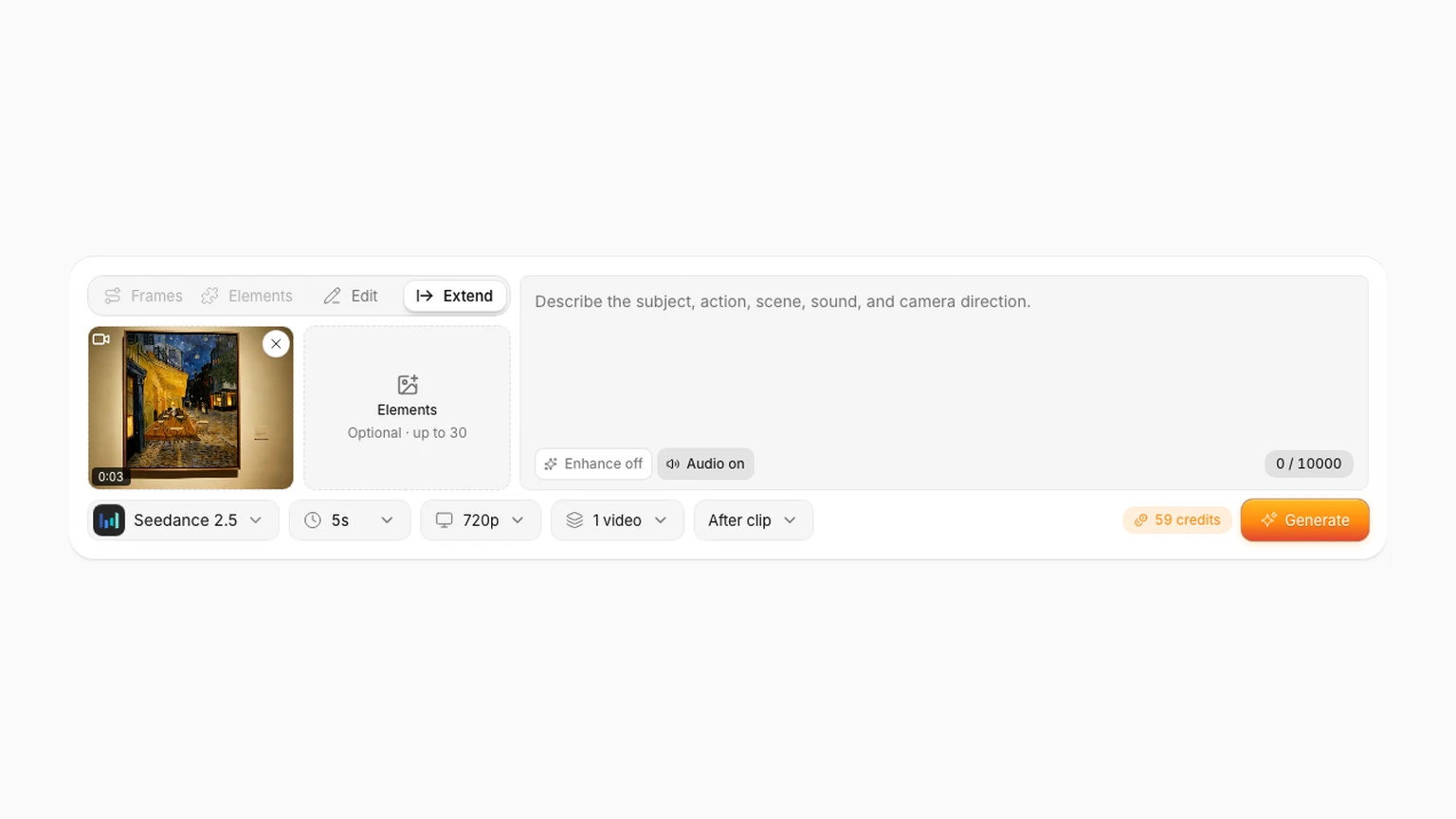
Seedance 2.5 can now continue a video you already have. It picks up from the clip's last frame, or leads into its first, and you get the clip and the new footage back as one video.
Add seconds on either side
- Choose 4 to 30 seconds of new footage, and whether it goes after the clip or before it.
- Start from any clip between 2 and 30 seconds long.
- The new footage keeps the clip's framing and adds matching sound.
Steer what happens next
- Describe the next moment in the prompt, and bring in up to 30 reference images for people, products, or places to add.
One click from any video
- The Extend action on a video now opens Seedance 2.5 with the clip ready on the Extend tab.