Skip to content

Video trimmer

Keep the part worth watching.

Drag a clip's edges in Studio, or trim to the frame from the keyboard. Cut a stretch out of the middle, then export MP4 or WebM up to 4K.

Studio runs in a desktop browser, on plans from $19 a month. Each project's first export is free. It takes MP4, MOV and WebM files, with 25 GB of storage for your uploads.

15 s clip, 6 s kept

Only need the ends off? Your device trims for free.

How to trim a video on iPhone

In Photos

  1. 1

    Open the video in Photos and tap Edit.

  2. 2

    Drag either end of the frame viewer below the video to the new start and stop, then tap Done.

  3. 3

    Tap Save Video, or Save Video as New Clip to keep the original too.

How to trim a video.Three steps in Studio.

  1. 1

    Add the video

    Start a Studio project and upload your video, or drop it straight onto the timeline. MP4, MOV and WebM files work.

  2. 2

    Drag the edges

    Drag the clip's left edge to where it should start and its right edge to where it should end. Play it back and adjust.

  3. 3

    Export

    Choose MP4 or WebM and 720p, 1080p or 4K, then press Export video. There's no watermark.

How to cut out the middle of a video.One raw take, three cuts.

0:30as recorded

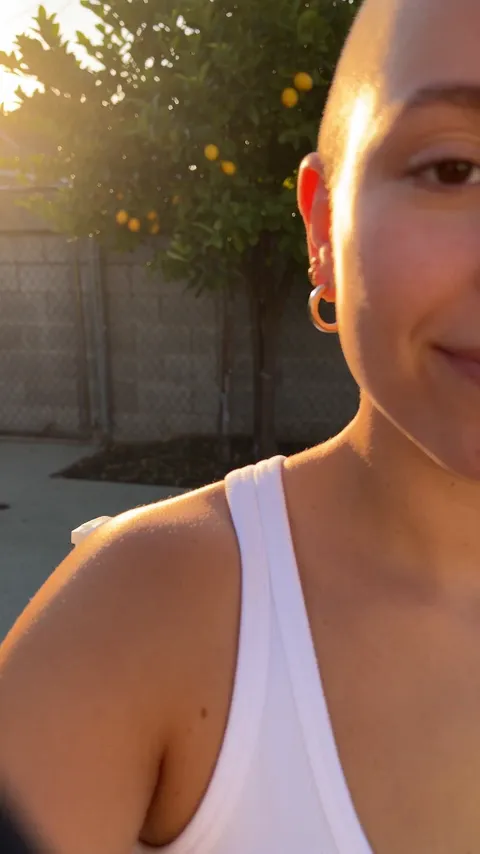
She walks back from the phone to her table after pressing record.
1
0:00
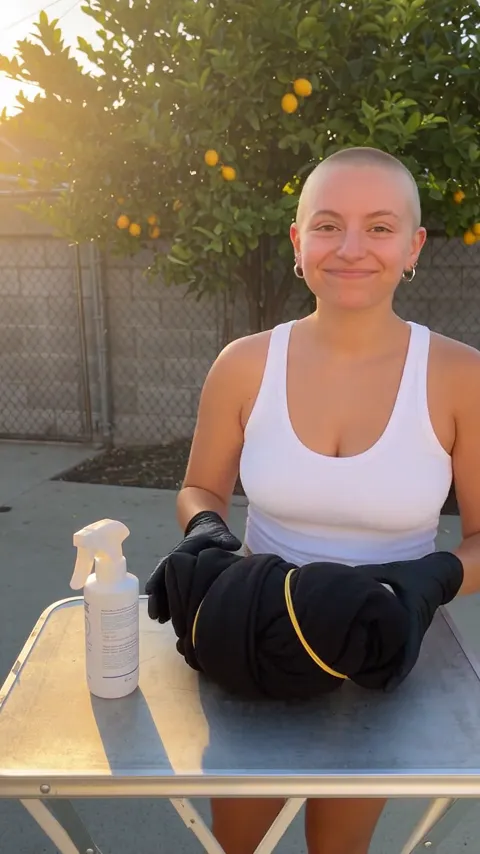
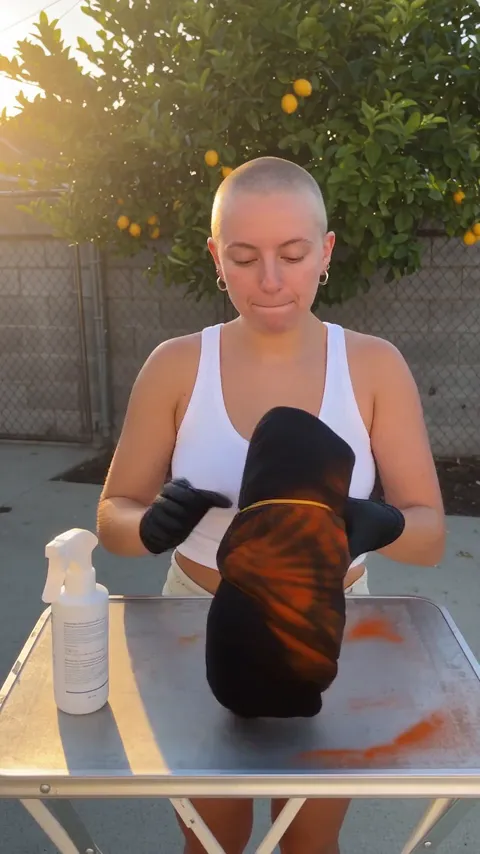
She holds up a black hoodie twisted into a spiral and says it takes five minutes.
0:03
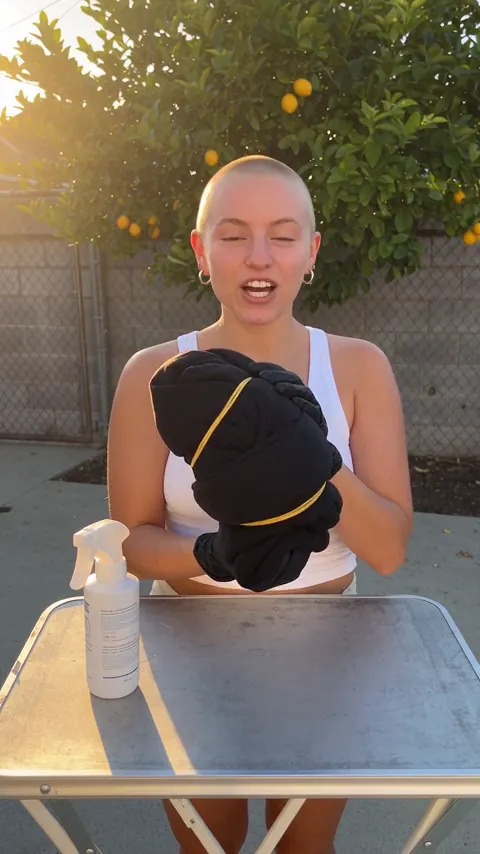
She loses a word, bursts out laughing and covers her face with a gloved hand.
2
0:08
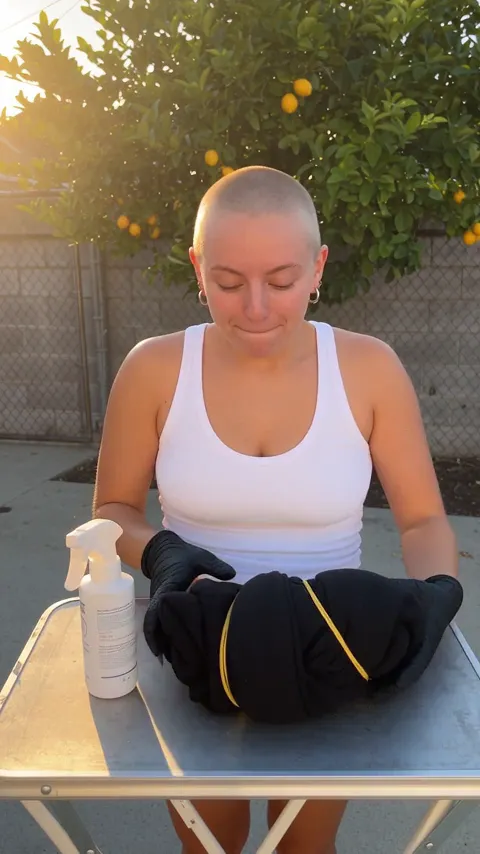
She sprays bleach over the twisted hoodie and orange streaks spread across the black.
0:14
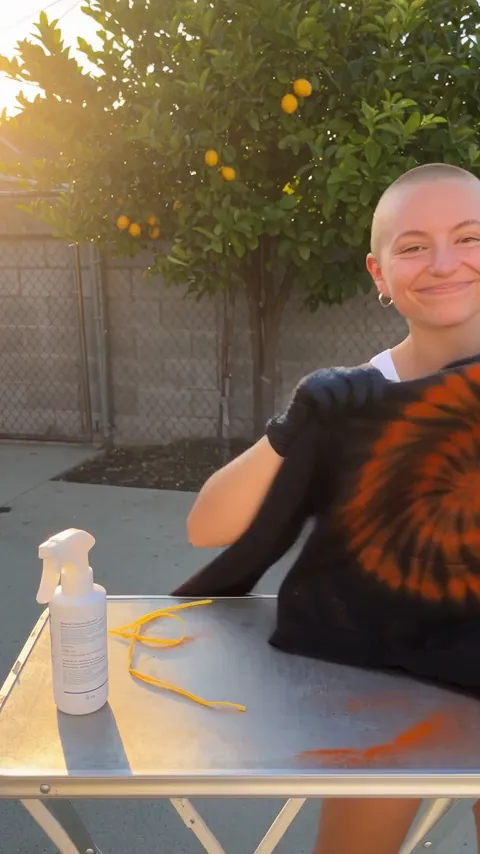
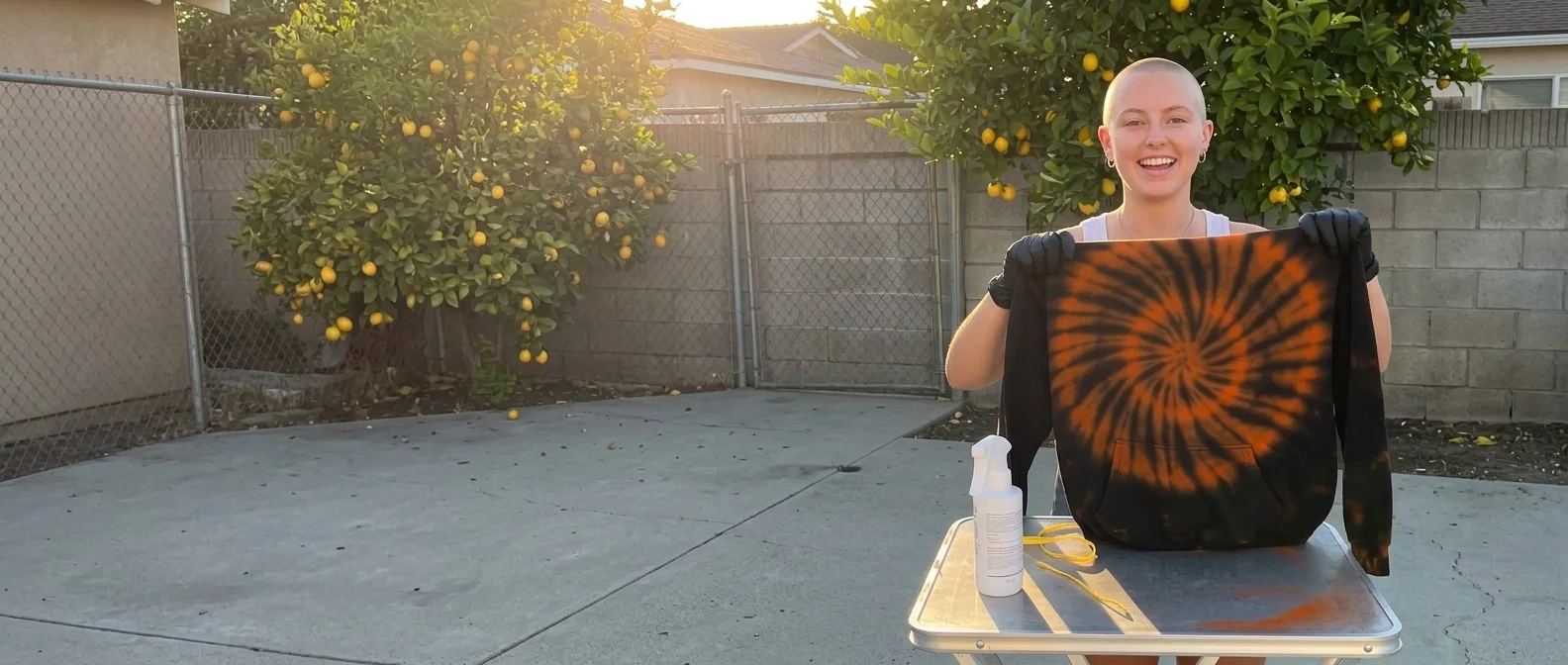
She pulls off the rubber bands and holds up the hoodie with a rust-orange spiral.
0:22
Her gloved hand reaches toward the lens to stop the recording.
3
0:29

0:20after the three cuts

She holds up a black hoodie twisted into a spiral and says it takes five minutes.
0:03
She sprays bleach over the twisted hoodie and orange streaks spread across the black.
0:14
She pulls off the rubber bands and holds up the hoodie with a rust-orange spiral.
0:22
  1. 1Trim the start

    Three seconds of walking back from the phone.

    Drag the clip's left edge to the first word.

  2. 2Cut the middle

    A fumbled line and a laugh.

    Press S at the start of it and S again at the end, select the piece, press Delete, then slide the rest left.

  3. 3Trim the end

    The hand reaching to stop the recording.

    Drag the clip's right edge back to the finished hoodie.

Trim to the exact frame.Every move has a key.

Select a clip on Studio's timeline, put the playhead where the cut belongs, and press a key. On a Mac, Alt is the Option key.

Space
Play and pause
←→
Move the playhead one frame
Shift←→
Move the playhead one second
Alt[
Trim the clip's start to the playhead
Alt]
Trim the clip's end to the playhead
ShiftAlt[]
Move the cut between two clips to the playhead
S
Split the selected clip at the playhead
Delete
Remove the selected piece
ShiftM
Turn snapping on or off
CmdZ
Undo. Ctrl Z on Windows

Rather type it? Each clip's Timing settings take a Start and a Duration in seconds.

Simple pricing that scales with you.

Pick the plan for how much you post. Every model on every plan. Unused credits roll over. Cancel anytime.

Creator

$19/month

Billed monthly

For solo creators posting every week

500 credits every month

  • Up to 250 AI images
  • Up to 50 Studio exports, plus a free first export per project
  • Up to 1.5 hours of AI voiceover
  • Roll over up to 1,000 credits

Pro

Most popular
$49/month

Billed monthly

For creators posting daily across channels

1,300 credits every month

  • Up to 650 AI images
  • Up to 130 Studio exports, plus a free first export per project
  • Up to 4 hours of AI voiceover
  • Roll over up to 2,600 credits

Studio

$99/month

Billed monthly

For brands and production teams

2,700 credits every month

  • Up to 1,350 AI images
  • Up to 270 Studio exports, plus a free first export per project
  • Up to 9 hours of AI voiceover
  • Roll over up to 5,400 credits

Scale

$199/month

Billed monthly

For agencies running always-on content

5,500 credits every month

  • Up to 2,750 AI images
  • Up to 550 Studio exports, plus a free first export per project
  • Up to 18 hours of AI voiceover
  • Roll over up to 11,000 credits
Every plan includesEvery model, 90+ and countingReusable AI personasSceneform Studio editorCommercial usage rights

Want checkout, comparison tables, or a custom volume? See the full pricing page
Trimming a video

A woman on a sunny backyard patio holds up a black hoodie with a rust-orange bleach spiral.

30 seconds recorded.20 worth keeping.

Trim a video in Studio

Plans from $19 a month. Commercial use and no watermark included.