Creator
$19/month
Billed monthly
For solo creators posting every week
500 credits every month
- Up to 250 AI images
- Up to 38 Kling 3.0 clips
- Up to 1.5 hours of AI voiceover
- Roll over up to 1,000 credits
Turn a photo into a clip. Upload it, say what moves, and get the video with sound.
Plans from $19 a month. Commercial use included.
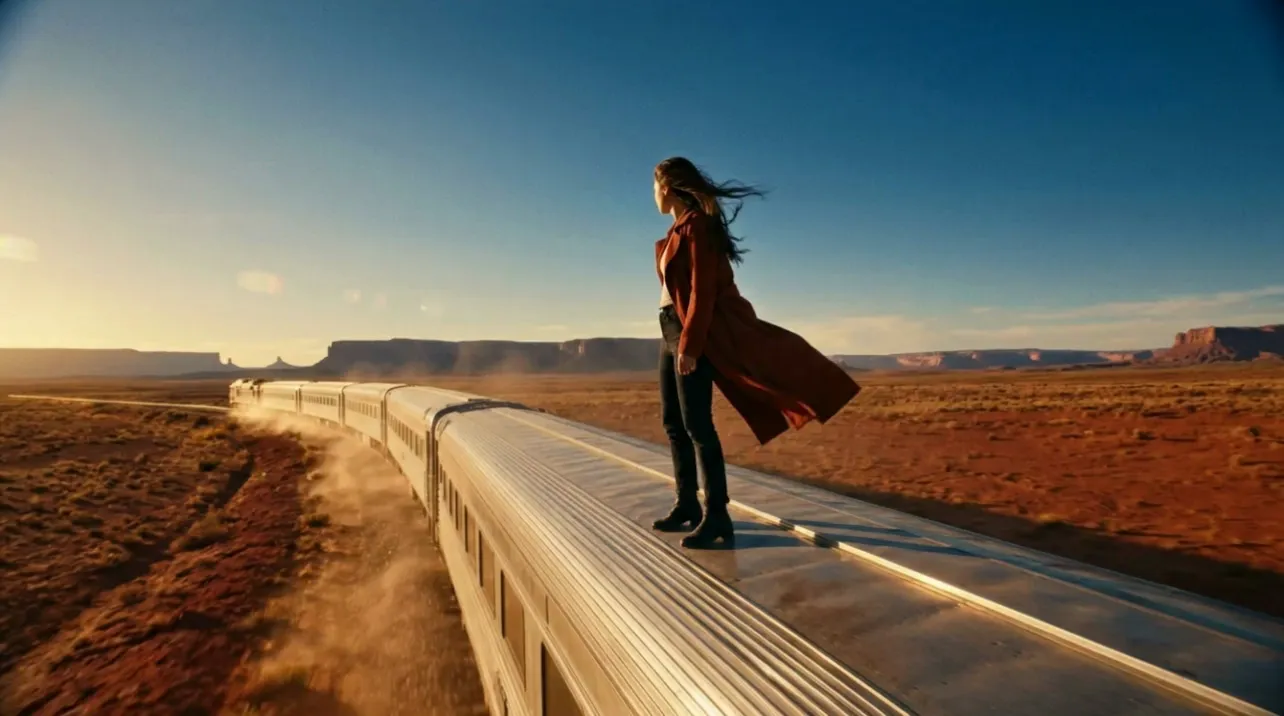
The prompt: “She turns to face the camera and throws her arms wide as the train thunders onto a high steel bridge over a deep canyon. The camera pulls back into a wide aerial shot that ends on the whole train crossing the bridge. <The train horn blasts>, wheels hammering the rails, wind roar. Her mouth stays closed, no narration.”Seedance 2.5 · 8 s · 480p · sound on
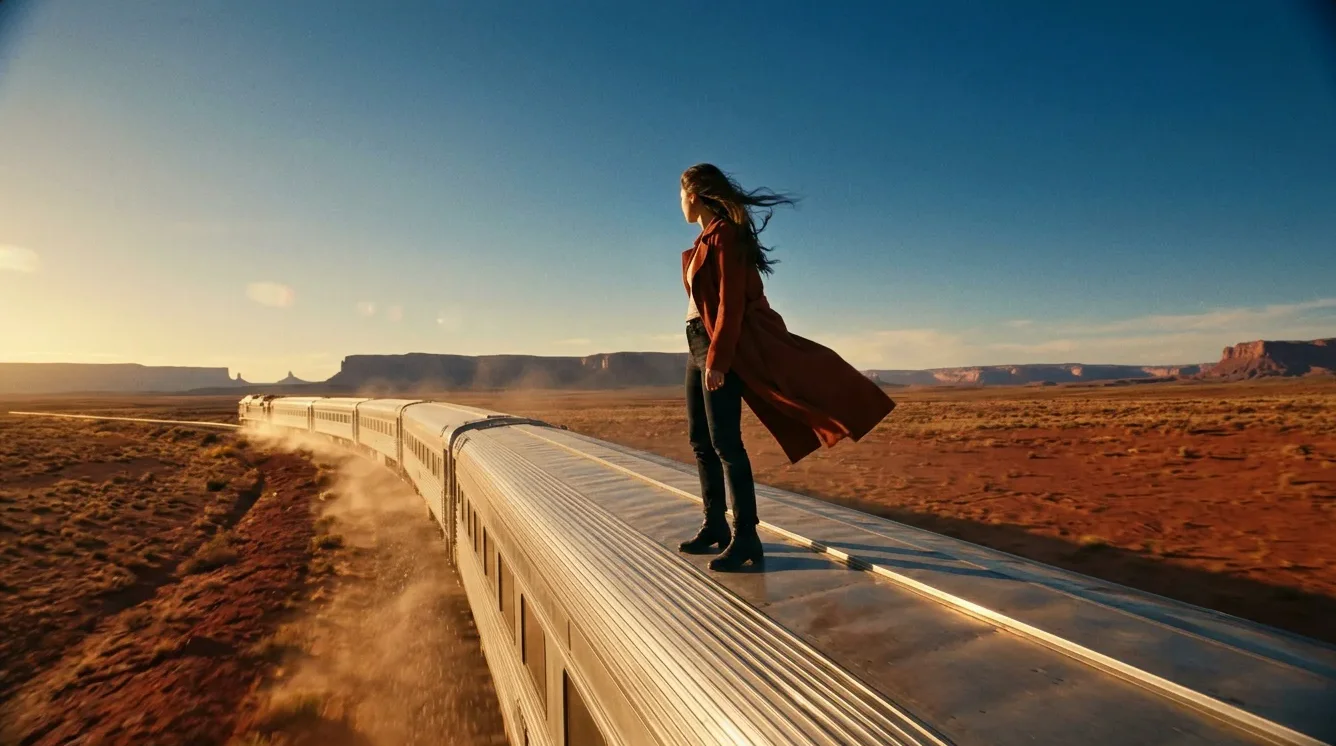
Your photo
The photo decides what is in the frame. Your words decide what moves and where the camera goes.
All three clips start from this photo.
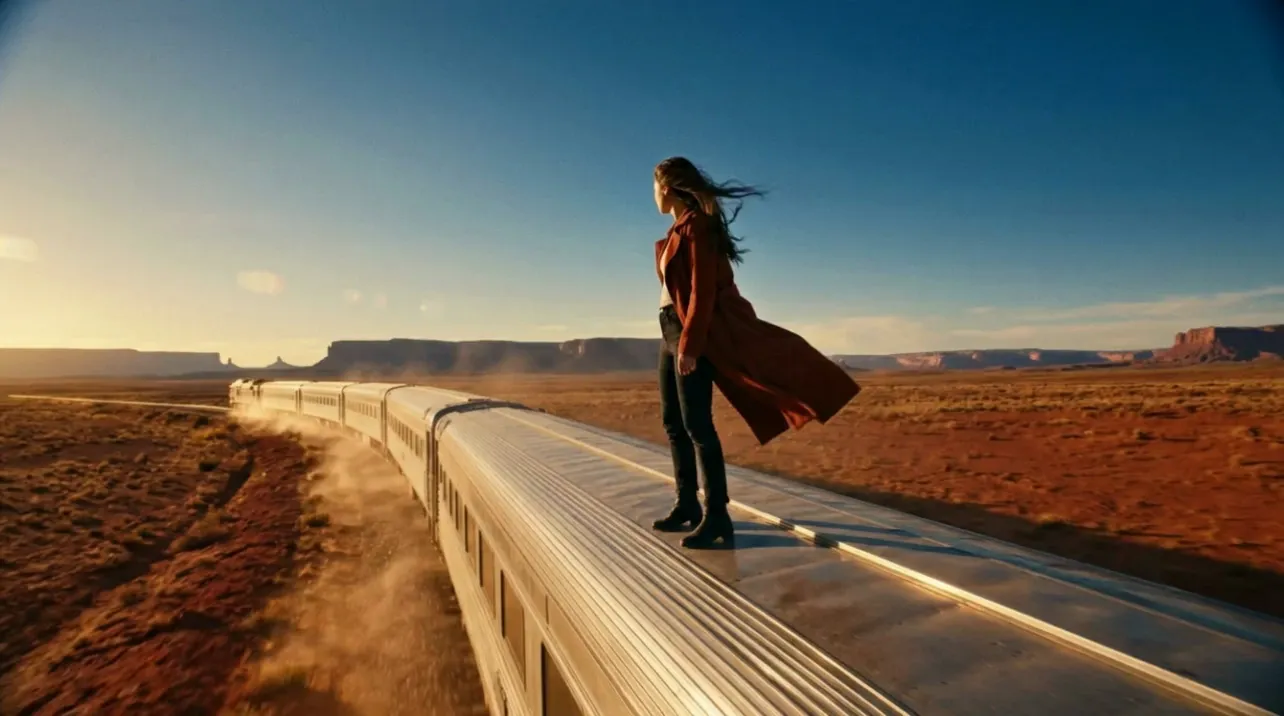
A sharp photo with one clear subject. It becomes the first frame.
“She turns to face the camera and throws her arms wide as the train thunders onto a high steel bridge over a deep canyon. The camera pulls back into a wide aerial shot that ends on the whole train crossing the bridge. <The train horn blasts>, wheels hammering the rails, wind roar. Her mouth stays closed, no narration.”
Describe the action, then the camera. Add the sounds you want to hear.
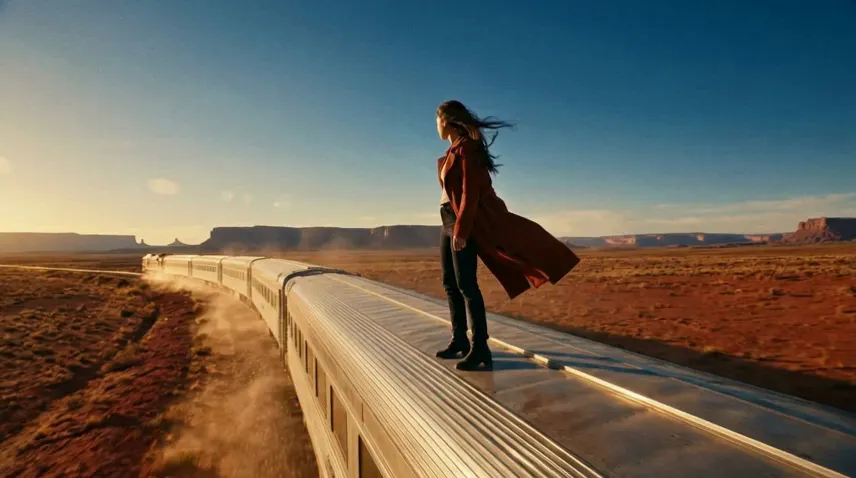
Then generate. This one is Seedance 2.5, 8 seconds, 480p, with sound.
Made the image in Sceneform? Open it and choose Create video. It opens the video generator with your image as the first frame.
Seedance 2.5, Kling 3.0, Kling 4.0 and Veo 3.1 take a last frame. Upload a second image and the clip ends on it.
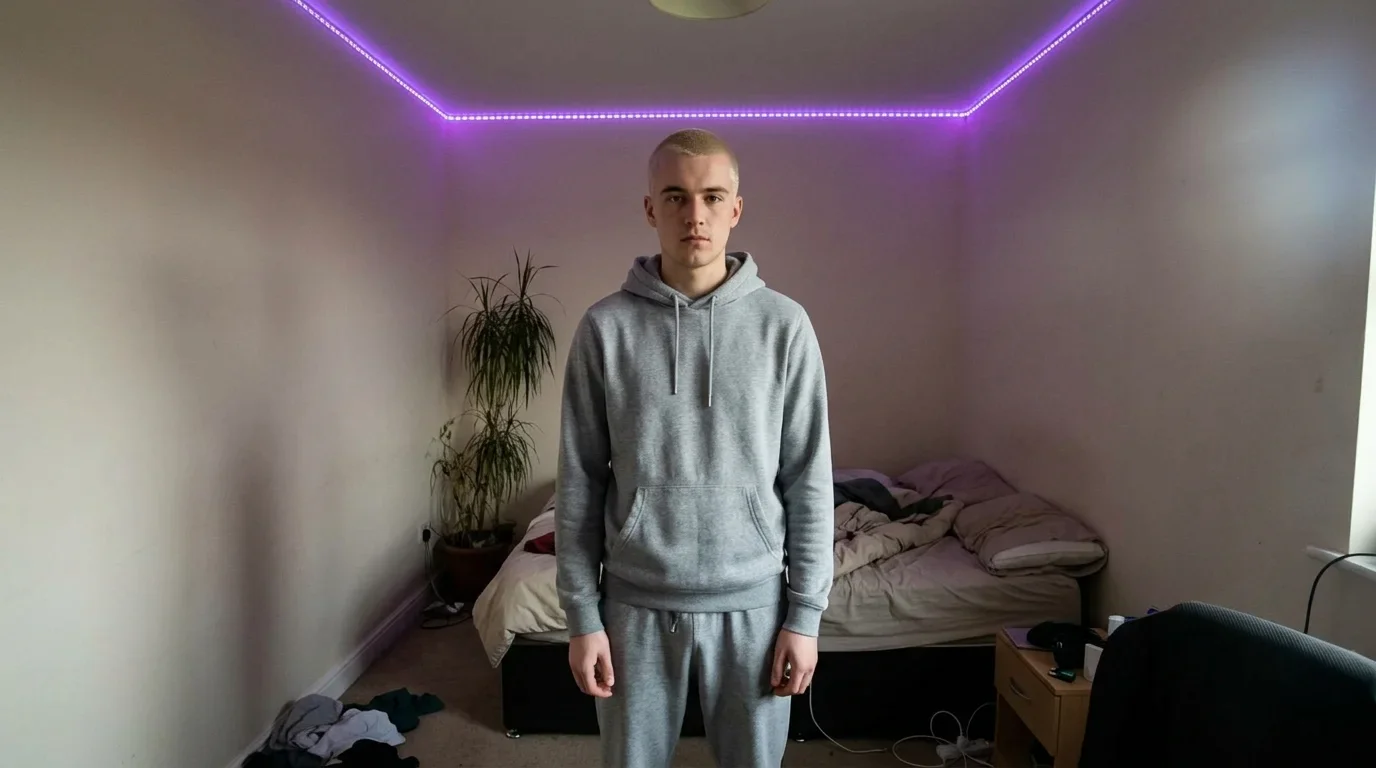
First frame
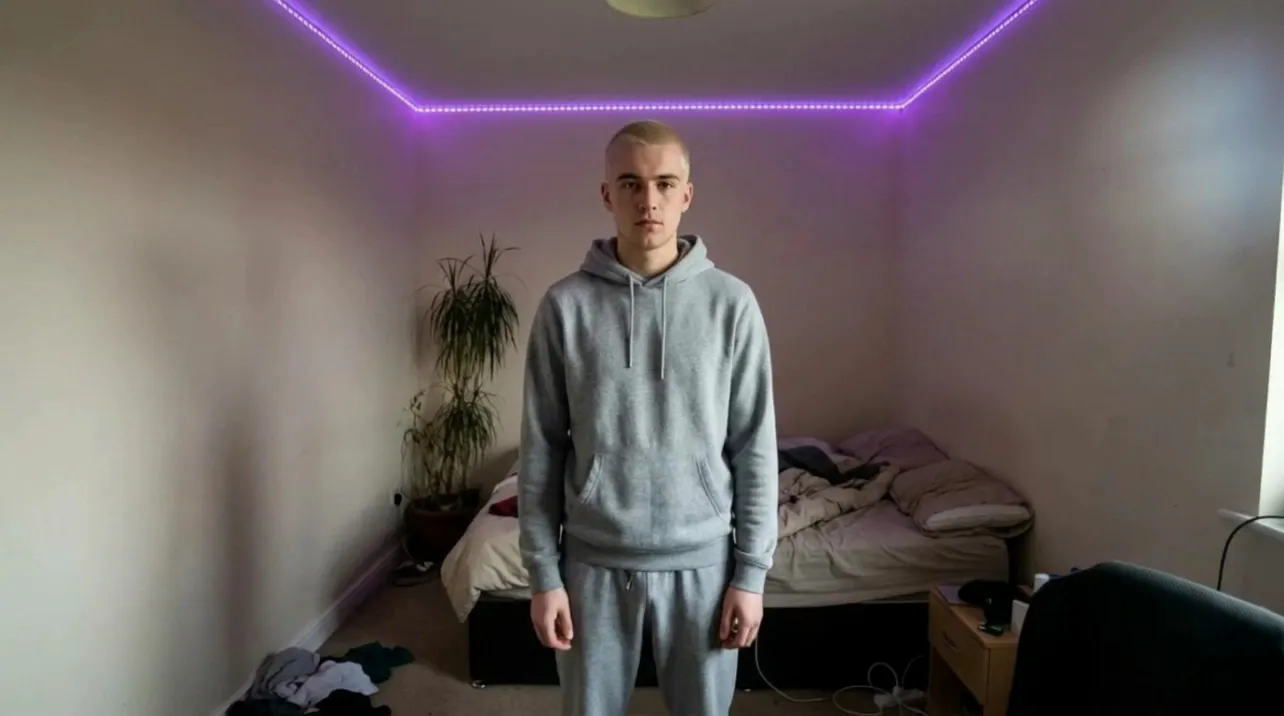
“He claps once and jumps. Mid-jump his grey hoodie turns into a black leather jacket and silver chains, and he lands with his arms crossed. The camera holds still. A bass drop hits as he lands.”
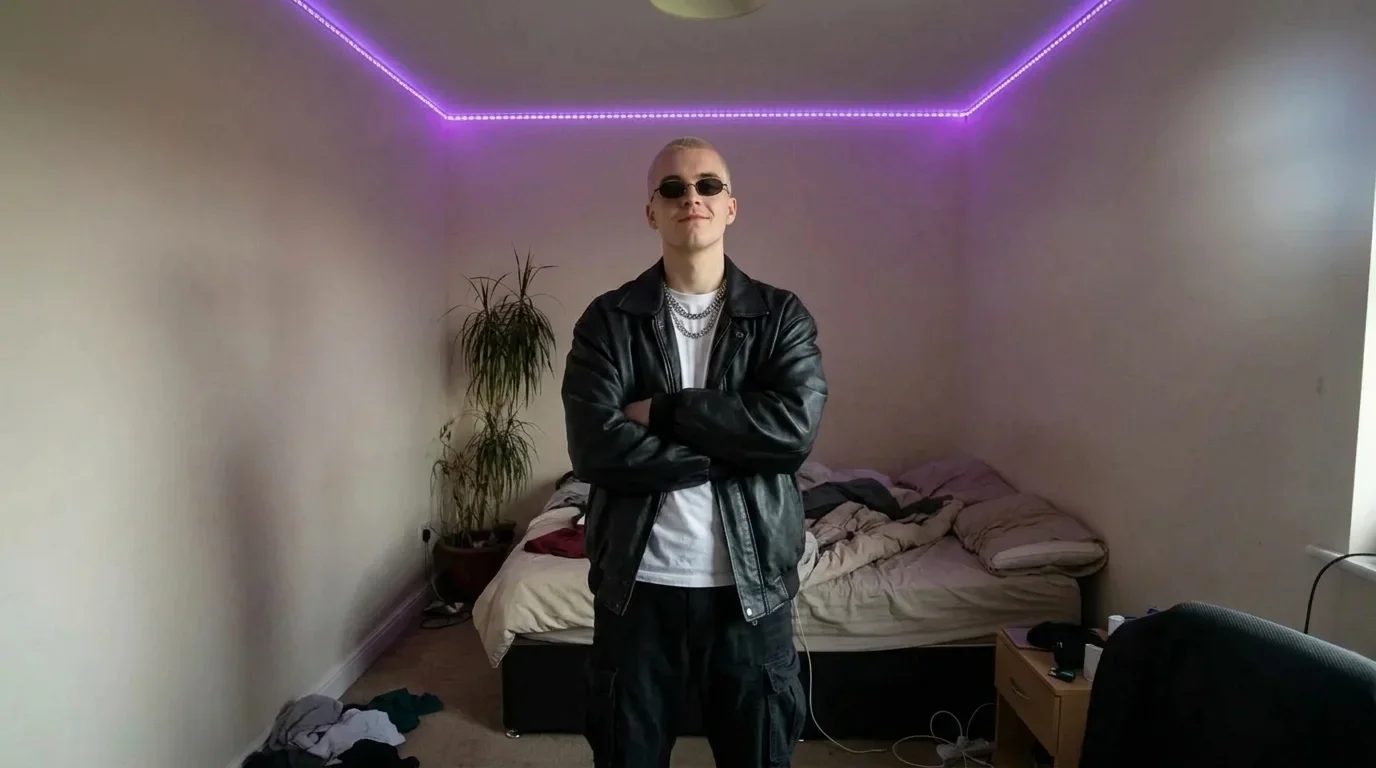
Last frame
Each model moves the photo its own way. Compare them before you spend a long render on one.


Seedance 2.5
6 s · 480p · sound on

Kling 3.0
6 s · Standard · sound on

Grok Imagine 1.5
6 s · 480p · sound on
Kling 3.0 also takes up to three elements: images of a product or a person, named in the prompt, that it keeps the same through the clip.
The first frame is your photo. What happens after it depends on how much the prompt asks to change.
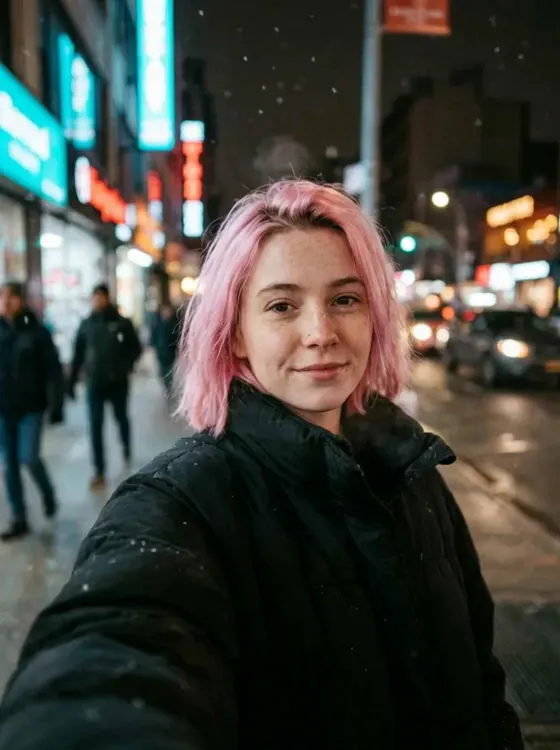
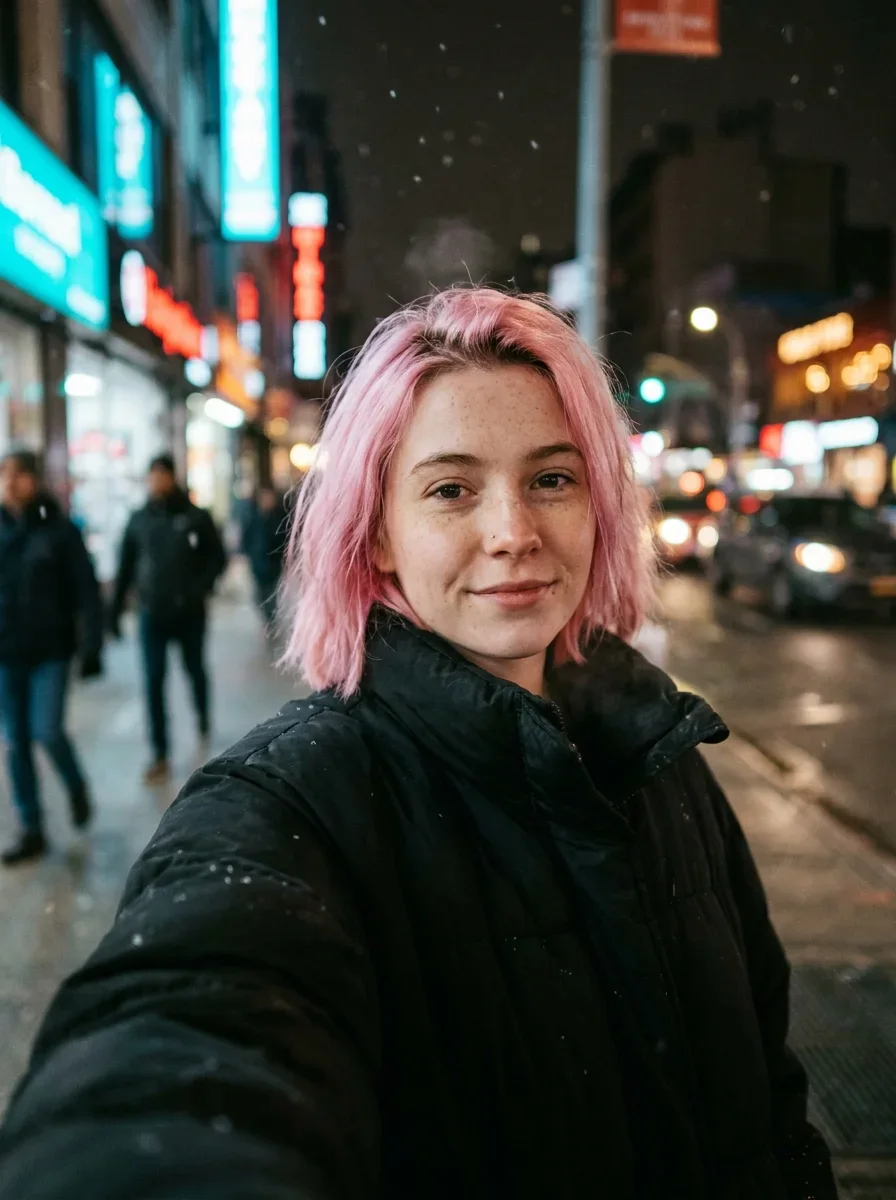
Ask for one small move, like a smile or a turn of the head. The smaller the move, the closer the face stays to your photo.
Shoot it sharp, with the label facing the camera. Read the label in the clip before you post it.
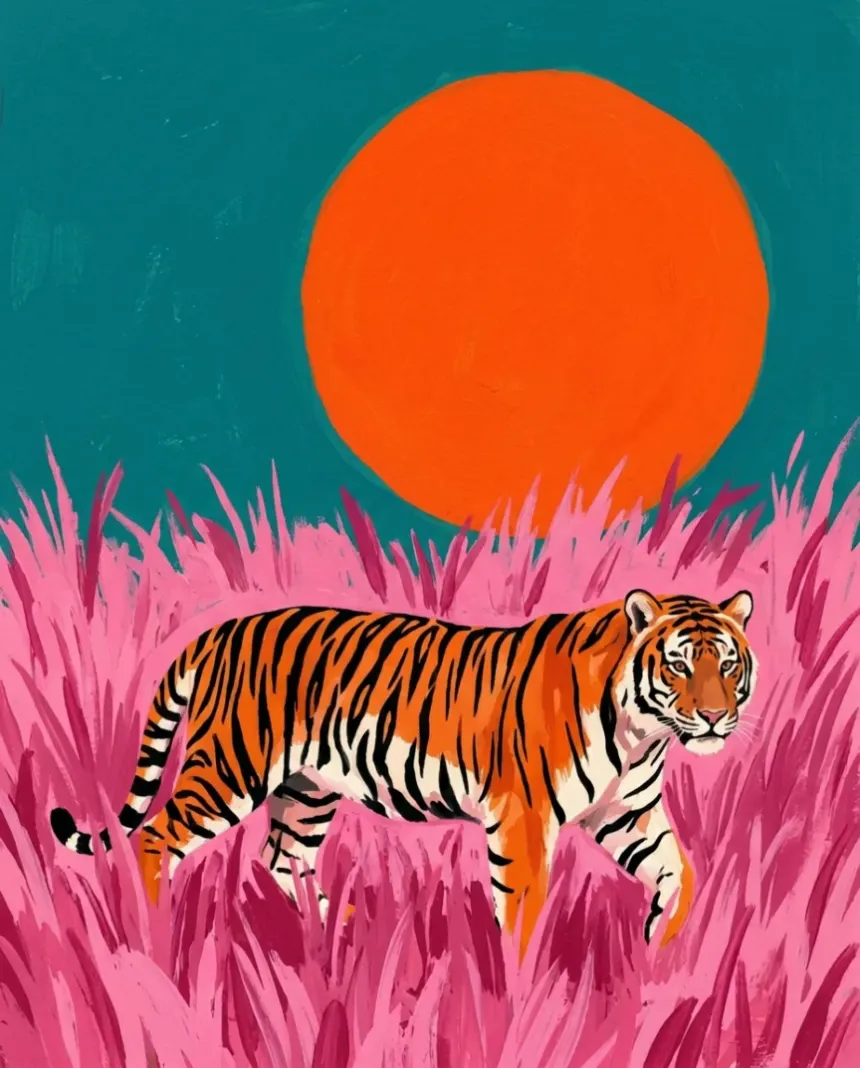
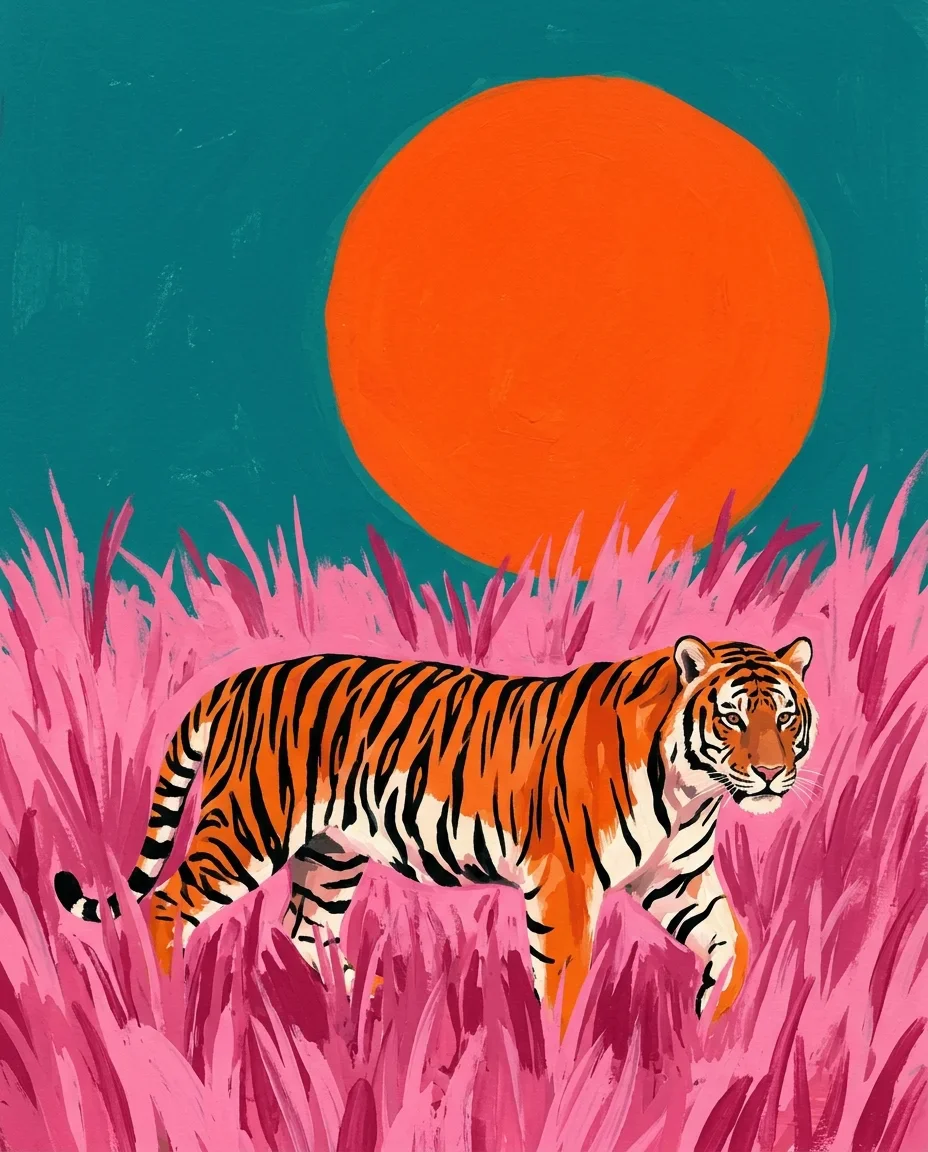
Illustrations and images you made with AI work too. Add "keep the style" to the prompt.
Leave room around the subject. A camera move needs space to travel into.
Pick the plan for how much you post. Every model on every plan. Unused credits roll over. Cancel anytime.
Billed monthly
For solo creators posting every week
500 credits every month
Billed monthly
For creators posting daily across channels
1,300 credits every month
Billed monthly
For brands and production teams
2,700 credits every month
Billed monthly
For agencies running always-on content
5,500 credits every month
Want checkout, comparison tables, or a custom volume? See the full pricing page
Plans start at $19 a month.