Skip to content

Instagram Reels dimensions

1080 × 1920 pixels, 9:16

The full spec for a Reel, from Instagram's own pages. Keep text out of the shaded edges so the caption and buttons don't cover it.

A 9:16 Reel with the safe zone drawn to scale.
Size
1080 × 1920 px
Common practice, not an Instagram number. Instagram only asks for at least 720 px.
Aspect ratio
9:16
Instagram takes anything from 1.91:1 to 9:16. Only 9:16 fills the screen.
Frame rate
30 fps or more
Instagram's minimum.
Safe zone
14% top, 35% bottom, 6% sides
Meta's guide for Reels ads; Instagram publishes none for regular Reels. On 1080 × 1920: 269, 672 and 65 px, leaving 950 × 979 px.
Cover
420 × 654 px (1:1.55)
JPG or PNG. You can't change it after the Reel is posted.
Profile grid
3:4 tile
Measured on instagram.com; Instagram doesn't publish it. 1080 × 1440 of a 1080 × 1920 frame.
Length
Up to 20 minutes
Reels over 3 minutes aren't recommended to new audiences.
File
MP4 or MOV
H.264 or HEVC video, AAC audio.

Checked 4 November 2026:Instagram Help: Reel sizeInstagram Help: Reel lengthMeta Ads Guide: ReelsInstagram API: Reel specsinstagram.com grid, measured

What sits in the marginsThe caption and buttons cover the bottom third

Your name, caption and audio run along the bottom of a Reel. The like, comment and share buttons run down the right. Text that sits there gets covered.

My 2-minutemorning skin

Title at the bottom

The caption covers it.

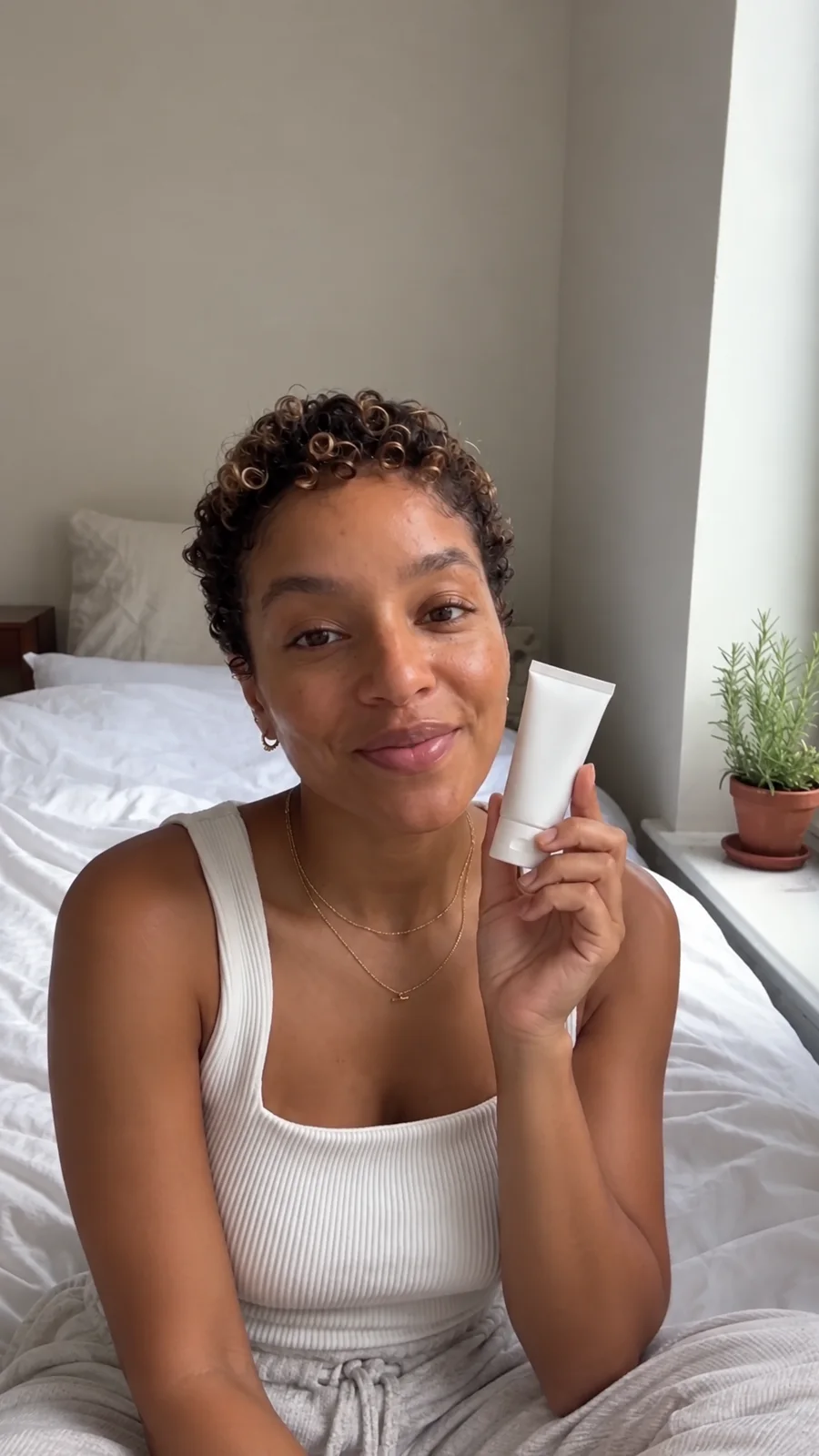
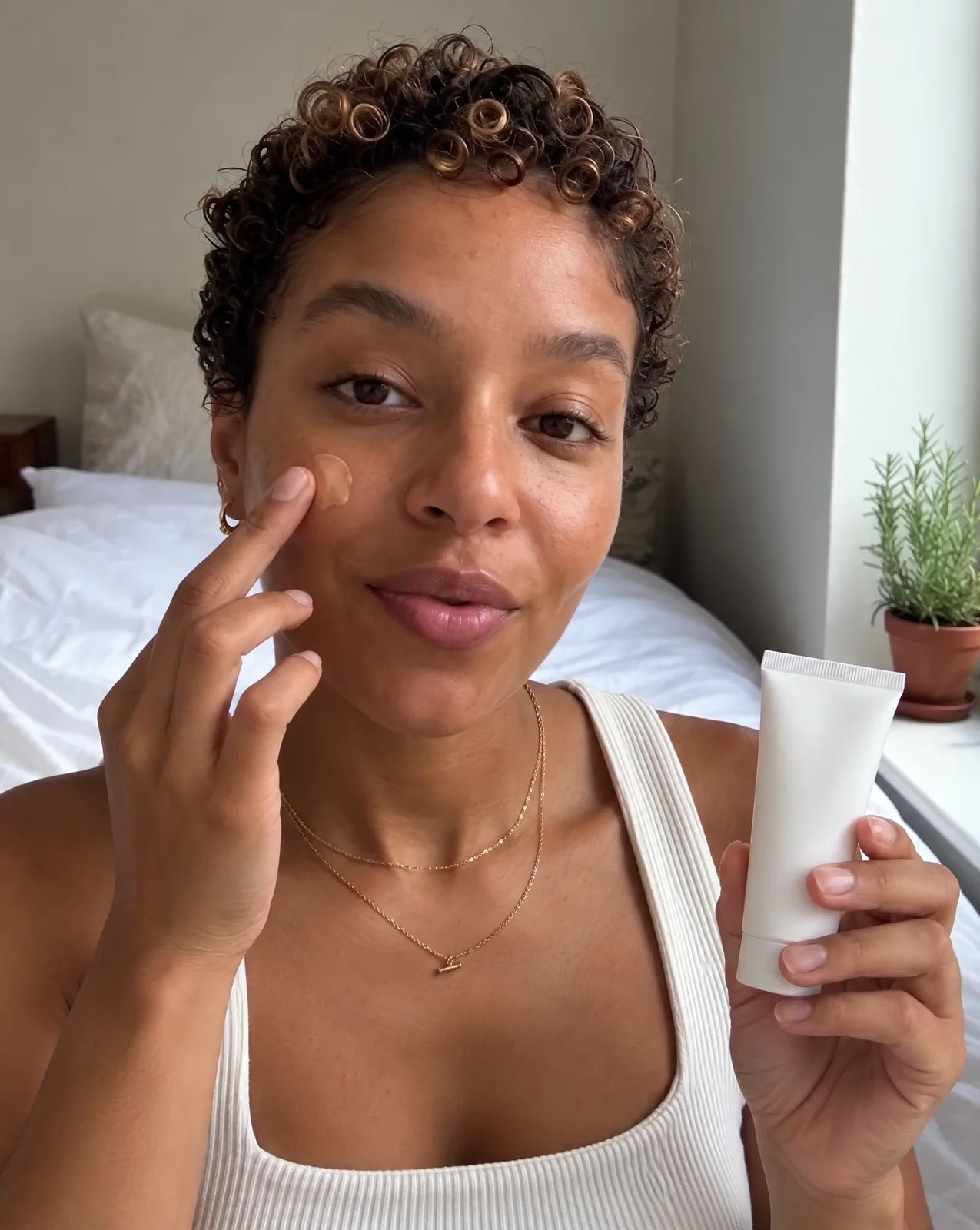
A woman on her bed holds up a small white tube of tinted moisturizer and smiles at the camera

My 2-minutemorning skin

Title inside the zone

Nothing covers it.

  1. 1Put titles and captions between 269 px and 1248 px from the top.
  2. 2Keep 65 px clear on each side. Meta says this protects text on phones taller than 9:16.
  3. 3Meta wrote these margins for Reels ads, and Instagram publishes none for regular Reels. Treat them as a starting point and check the Reel in the app before posting.

Checked 4 November 2026:Meta Ads Guide: Reels

Reel cover sizeOne cover, four crops

Instagram's API docs say a cover is cut to its middle 9:16 for the Reels tab and its middle 1:1 for the feed. The 3:4 grid tile is measured, and 1:1.55 is the upload size Instagram recommends. Each drawing shows a centered crop. Pick one to see what it keeps.

A woman on her bed holds up a small white tube of tinted moisturizer and smiles at the camera

My 2-minutemorning skin

The full 1080 × 1920 frame. The lit part is what the profile grid keeps.
Profile grid

3:4

1080 × 1440 px · rows 240 to 1680

The tiles on your profile. Instagram doesn't publish their size or crop; on instagram.com they measure 3:4. Source

Every crop keeps the middle square. Put the cover's title and face between rows 420 and 1500, and all four shapes show them. You can't change the cover after the Reel is posted, so check it first.

Horizontal and square videosWider shapes leave the screen empty

Instagram takes any shape from 1.91:1 to 9:16. Each screen is drawn to scale at 1080 × 1920, with the video fitted to its width.

  • A 9:16 video filling a 9:16 screen

    My 2-minutemorning skin

    9:16

    1080 × 1920

    Fills the screen

    What Reels are made for.
  • A 4:5 video fitted to the width of a 9:16 screen, with empty space above and below

    4:5

    1080 × 1350

    570 px empty, 30%

    A common portrait feed post.

  • A 1:1 video fitted to the width of a 9:16 screen, with empty space above and below

    1:1

    1080 × 1080

    840 px empty, 44%

    Square.
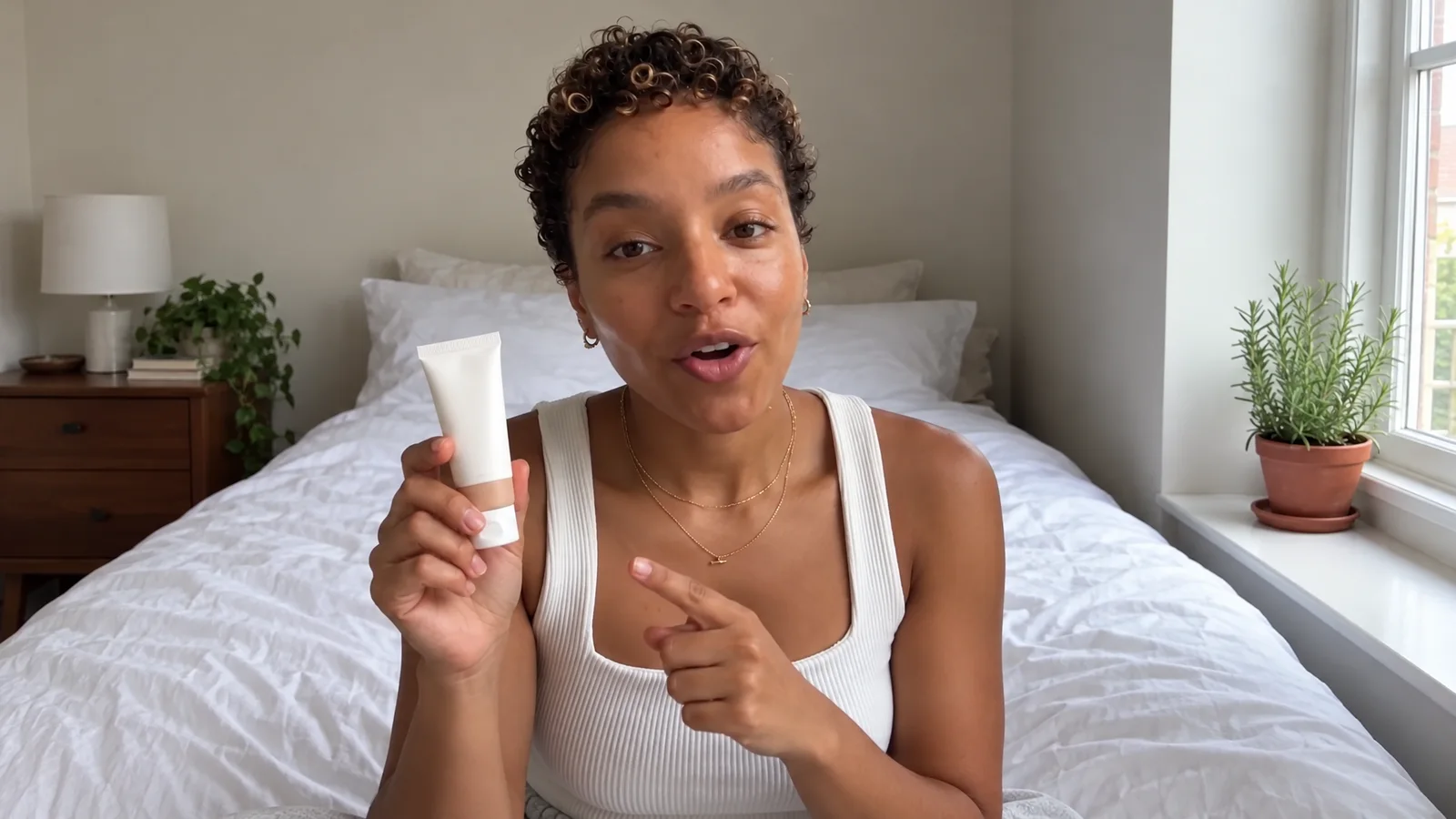
  • A 4:3 video fitted to the width of a 9:16 screen, with empty space above and below

    4:3

    1080 × 810

    1110 px empty, 58%

    Older cameras and tablets.

  • A 16:9 video fitted to the width of a 9:16 screen, with empty space above and below

    16:9

    1080 × 608

    1312 px empty, 68%

    YouTube and most cameras held sideways.

  • A 1.91:1 video fitted to the width of a 9:16 screen, with empty space above and below

    1.91:1

    1080 × 565

    1355 px empty, 71%

    The widest Instagram takes.

To fill the screen, film it again upright, or resize the canvas to 1080 × 1920 and crop the wide shot to fit.

Checked 4 November 2026:Instagram Help: Reel size

Why guides disagreeThe app, the API and ads have different limits

Scheduling tools post through Instagram's API, and ads follow Meta's Ads Guide. Each has its own rules for length, file size and format.

Posting in the app

Instagram Help: Reel size

Shape
1.91:1 to 9:16.
Resolution
720 px or more.
Frame rate
30 fps or more.
Length
Up to 20 minutes. Over 3 minutes isn't recommended to new audiences.
File size
Not listed.
Format
Progressive scan, high profile, closed GOP, 4:2:0. Stereo, or stereo plus 5.1, audio at 48 or 96 kHz.
Cover
420 × 654 px, JPG or PNG. Can't be changed after posting.

Posting through the API

Instagram API: Reel specs

Shape
0.01:1 to 10:1 accepted. 9:16 recommended.
Resolution
1920 px wide at most.
Frame rate
23 to 60 fps.
Length
3 seconds to 15 minutes.
File size
300 MB.
Format
MP4 or MOV, H.264 or HEVC. AAC audio, 48 kHz at most.
Cover
JPEG up to 8 MB. Cropped to the middle 9:16.

Running it as an ad

Meta Ads Guide: Reels

Shape
9:16.
Resolution
1440 × 2560 recommended.
Frame rate
A fixed frame rate.
Length
Up to 15 minutes.
File size
4 GB.
Format
MP4 or MOV, H.264. Stereo AAC at 128 kbps or more.
Cover
Not listed.
SpecPosting in the appInstagram Help: Reel sizePosting through the APIInstagram API: Reel specsRunning it as an adMeta Ads Guide: Reels
Shape1.91:1 to 9:16.0.01:1 to 10:1 accepted. 9:16 recommended.9:16.
Resolution720 px or more.1920 px wide at most.1440 × 2560 recommended.
Frame rate30 fps or more.23 to 60 fps.A fixed frame rate.
LengthUp to 20 minutes. Over 3 minutes isn't recommended to new audiences.3 seconds to 15 minutes.Up to 15 minutes.
File sizeNot listed.300 MB.4 GB.
FormatProgressive scan, high profile, closed GOP, 4:2:0. Stereo, or stereo plus 5.1, audio at 48 or 96 kHz.MP4 or MOV, H.264 or HEVC. AAC audio, 48 kHz at most.MP4 or MOV, H.264. Stereo AAC at 128 kbps or more.
Cover420 × 654 px, JPG or PNG. Can't be changed after posting.JPEG up to 8 MB. Cropped to the middle 9:16.Not listed.

Checked 4 November 2026:Instagram Help: Reel sizeInstagram Help: Reel lengthInstagram API: Reel specsMeta Ads Guide: Reels

Make it 9:16 from the startGenerate, edit and post Reels in Sceneform

Every clip below was made in Sceneform at 9:16, so nothing had to be cropped to fit.
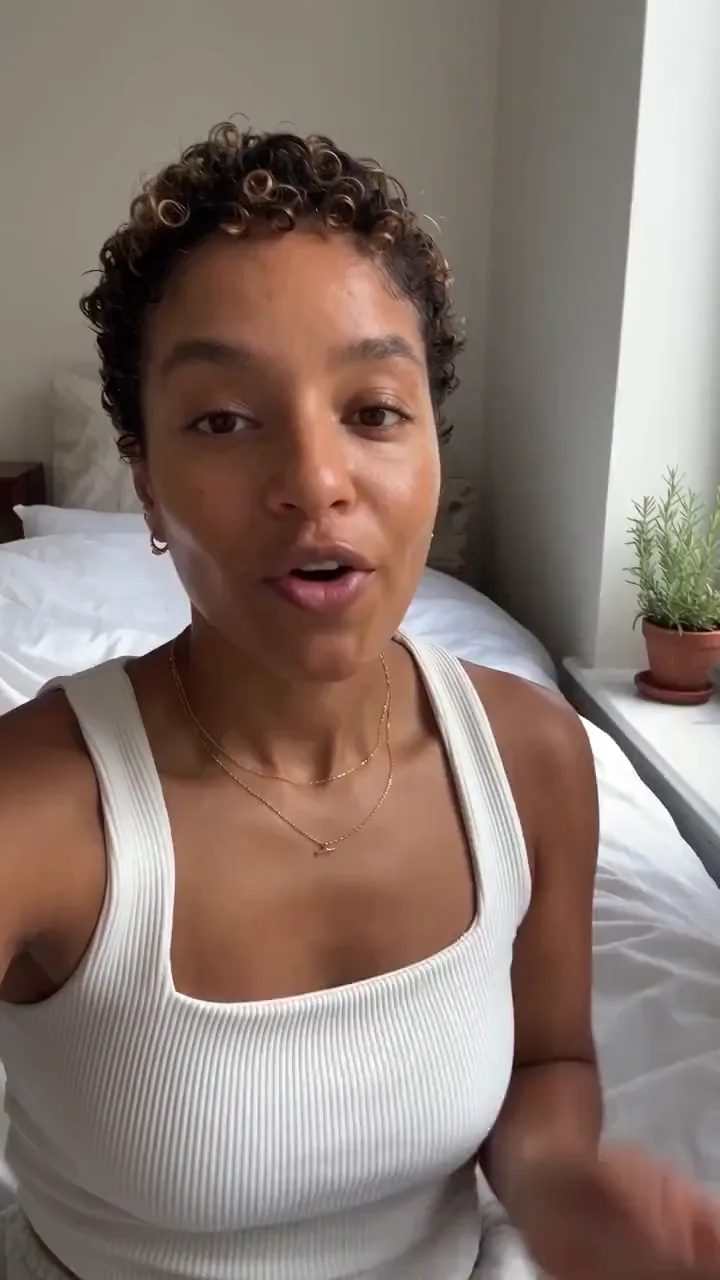
  • A creator on her bed talks through a tinted moisturizer and dabs it on one cheek
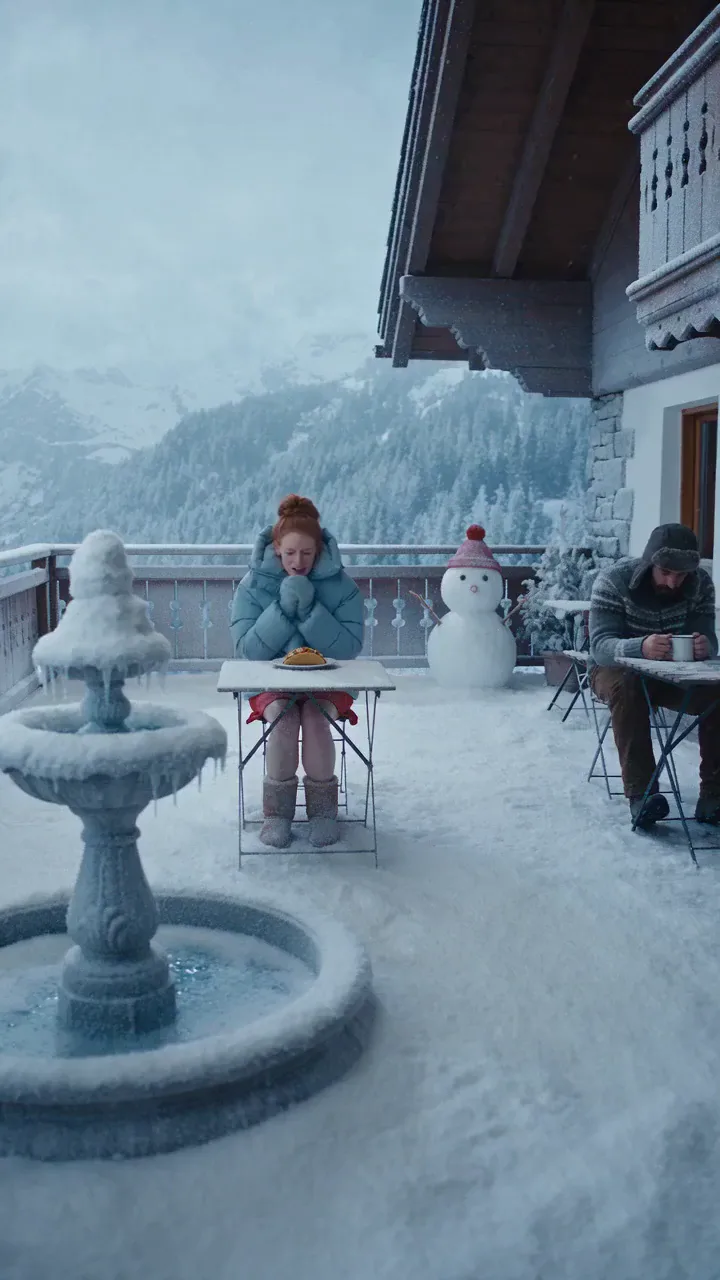
  • A bite of hot sauce melts the snow around a woman on an Alpine terrace
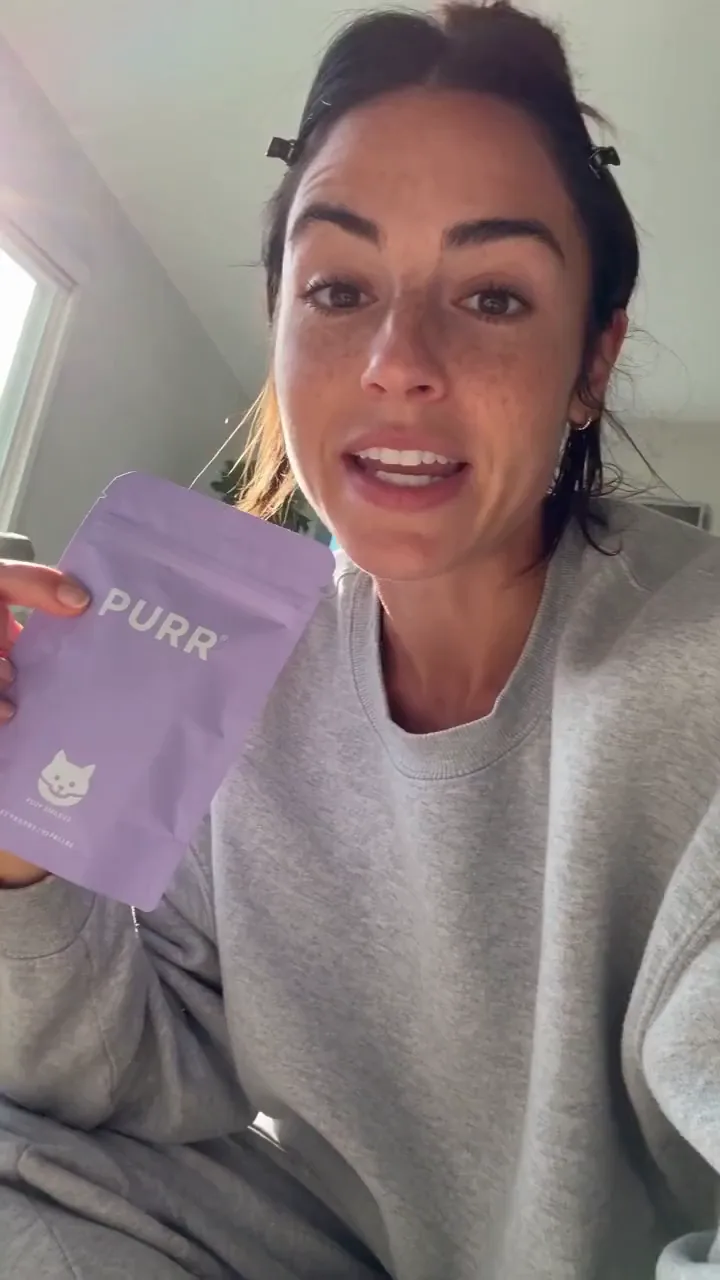
  • A creator tries to review cat treats and her cat takes over the shot
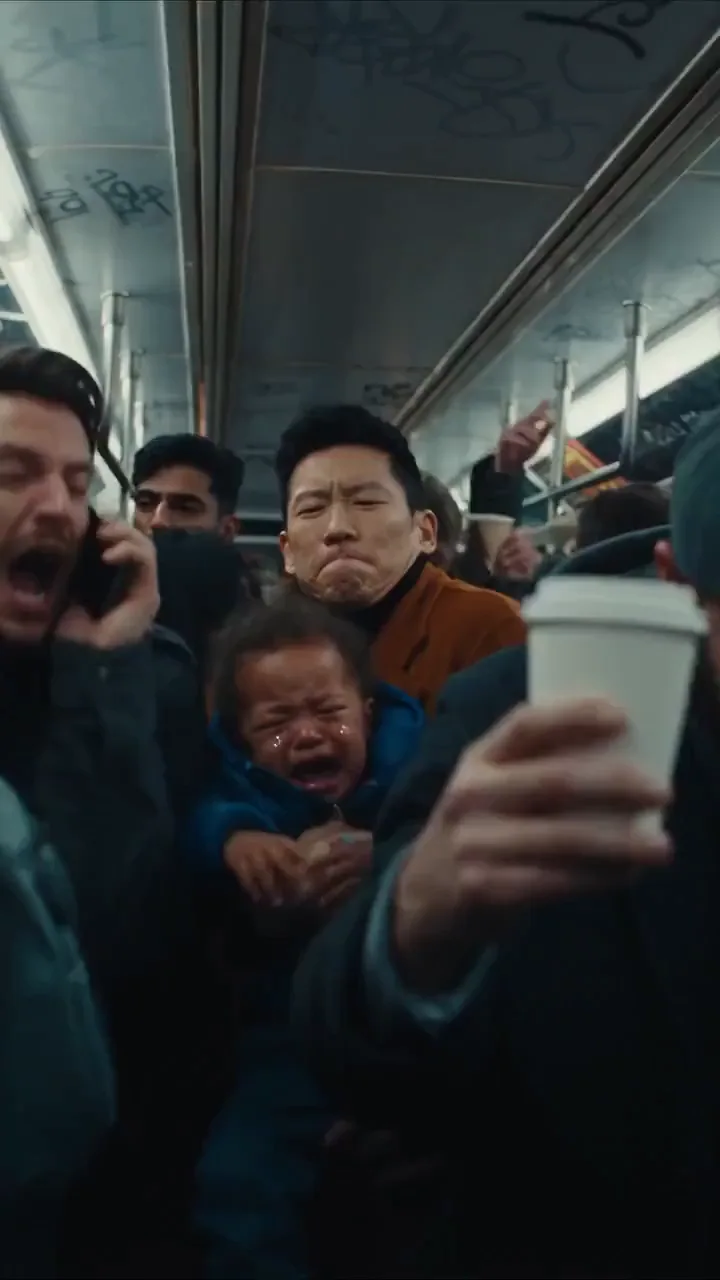
  • A man puts in earbuds and a packed metro carriage freezes silent around him
  1. 1

    Generate it vertical

    Pick 9:16 before you generate. Kling 4.0, Seedance 2.5 and Veo 3.1 all render it.

    Generate a video
  2. 2

    Edit on a 1080 × 1920 canvas

    A new Studio project opens at 1080 × 1920. Resize or crop wide footage to fit it.

    Open Studio
  3. 3

    Caption inside the safe zone

    Studio writes captions from the speech, and you place them clear of the bottom 35%.

    Video captions
  4. 4

    Post it as a Reel

    Connect an Instagram professional account and Sceneform posts the video as a Reel at the time you pick.

    Schedule a Reel

Simple pricing that scales with you.

Pick the plan for how much you post. Every model on every plan. Unused credits roll over. Cancel anytime.

Creator

$19/month

Billed monthly

For solo creators posting every week

500 credits every month

  • Up to 250 AI images
  • Up to 50 AI videos
  • Up to 1.5 hours of AI voiceover
  • Roll over up to 1,000 credits

Pro

Most popular
$49/month

Billed monthly

For creators posting daily across channels

1,300 credits every month

  • Up to 650 AI images
  • Up to 130 AI videos
  • Up to 4 hours of AI voiceover
  • Roll over up to 2,600 credits

Studio

$99/month

Billed monthly

For brands and production teams

2,700 credits every month

  • Up to 1,350 AI images
  • Up to 270 AI videos
  • Up to 9 hours of AI voiceover
  • Roll over up to 5,400 credits

Scale

$199/month

Billed monthly

For agencies running always-on content

5,500 credits every month

  • Up to 2,750 AI images
  • Up to 550 AI videos
  • Up to 18 hours of AI voiceover
  • Roll over up to 11,000 credits
Every plan includesEvery model, 90+ and countingReusable AI personasSceneform Studio editorCommercial usage rights

Want checkout, comparison tables, or a custom volume? See the full pricing page

Instagram Reels dimensions FAQ

Make your next Reel at

Video preview

9:16

Generate a 9:16 video

Plans from $19 a month. Commercial use on every paid plan.