Creator
$19/month
Billed monthly
For solo creators posting every week
500 credits every month
- Up to 250 AI images
- Up to 18 Storybook videos
- Up to 1.5 hours of AI voiceover
- Roll over up to 1,000 credits
From one topic to a narrated video.
Storybook writes the script, animates every scene in one art style, and narrates it. You never film or record anything.
Storybook makes 10-second to 5-minute videos, vertical or widescreen. Pick from 15 art styles and 73 narration languages, with captions that follow each word and music made for each video.
Storybook builds every video from 10-second scenes. Each scene gets one spoken line, one animated clip and one voice take. Below are the three scenes of the video above, with a sample brief and script.
1Topic or link
One sentence is enough.
A boy plants one seed in a cracked, dry street. Tell how it changes the whole town.
2Script
One line per scene, in your language.
1In a town where nothing grew, a boy knelt by a crack in the street and pressed in one seed.
2Under the stones the seed split open, and its roots reached for water no one knew was there.
3By spring, vines climbed every wall, and neighbors who never spoke leaned out of their windows to watch.
3Scenes
Ten seconds each, all in Cut Paper.
4Voice and captions
Victoria by default, in 73 languages.
kneltbyacrack
itsrootsreachedfor
vinesclimbedeverywall
5The video
One MP4, scored with its own music.

Every scene is animated for its line, with no stock footage. One style holds for the whole video, so a channel can keep the same look on every upload. Point at a style to see its preview.

Cut Paper
A little world, cut by hand.
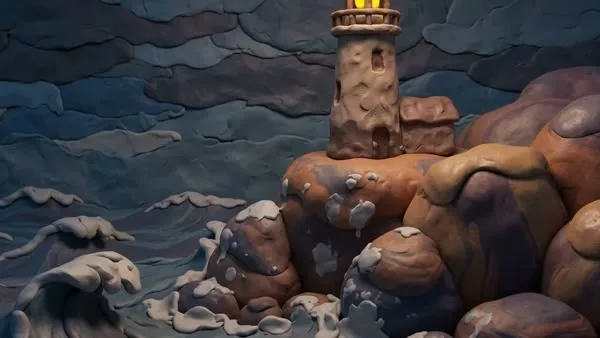
Soft Clay
Clay with a life of its own.

Flat Editorial
Big ideas. Simple shapes.

Isometric
A tiny world, built block by block.

Faceted
See the story from a sharper angle.
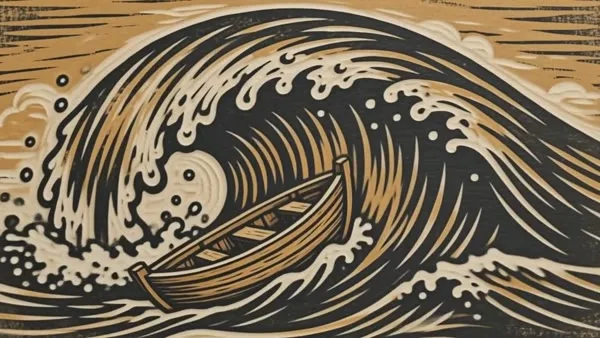
Woodblock
A story carved in wood and ink.

Stained Glass
Jewel colours, lit from within.
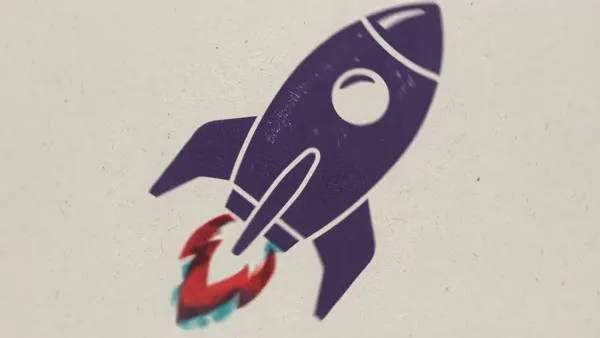
Riso Print
Bold ink. Happy accidents.

Chalk Studio
Dusty chalk. Bright ideas.

Felt Board
A softer world, down to the edges.
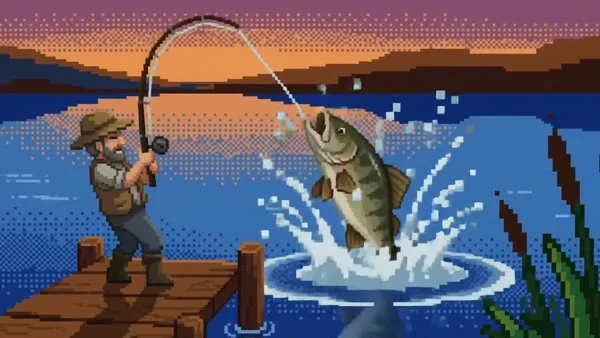
Arcade
Your story, sixteen bits at a time.

Collage
Cut it out. Piece it together.
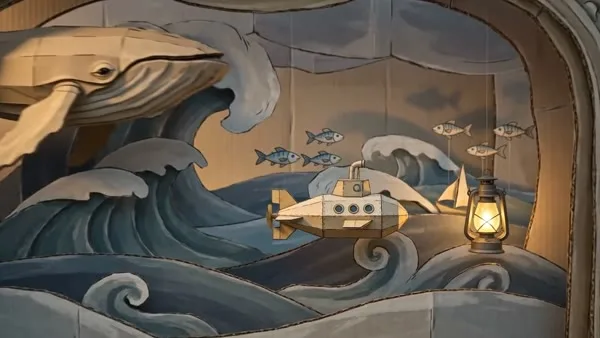
Diorama
A little theatre for a big idea.
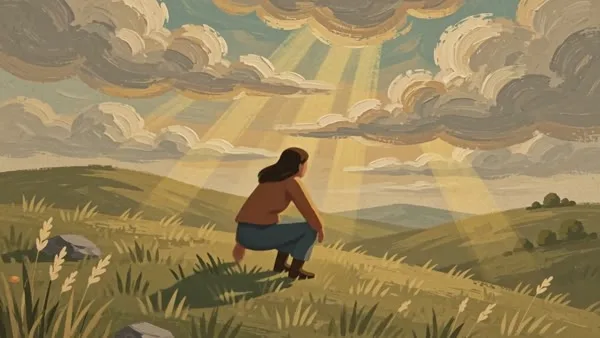
Gouache
Brushstrokes worth leaving in.
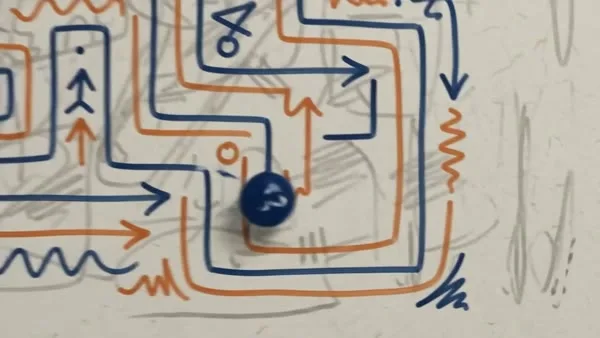
Doodle
Loose lines. Lively little ideas.
The formats faceless channels run on, each with a brief to start from and a style that suits it.
Tell one event as a story. Storybook researches the topic first and names the place and period in every scene, so the pictures stay in the right century.
Try: How the Great Fire of London started in a bakery in 1666
Start in WoodblockOne question per video. Each scene shows what its line says, so the picture does the explaining.
Try: Why the sky turns red at sunset
Start in Flat EditorialOld legends and ghost stories, told slowly over dusty, dim scenes. Leave music on for the mood.
Try: The legend of the Flying Dutchman, the ship that can never reach port
Start in Chalk StudioPaste what happened in your own words. Storybook skips the web search and is told not to add events, people or quotes, so read the script before you post.
Try: The summer I worked on my uncle's fishing boat and lost his best net
Start in GouachePaste up to three links. Storybook reads those pages instead of searching the web, and writes the script from them.
Try: Paste the link to your latest post, then one line on the angle
Start in CollageRun the same brief in another of the 73 narration languages. The script is written in that language, not translated afterwards.
Try: Why Japanese trains leave on the second
Start in Riso PrintA topic, a story in your words, or up to three links. The box takes up to 8,000 characters.
The defaults make a 30-second widescreen video. Change the length, shape, style, narrator, language, captions or music.
Storybook renders the scenes, the voice and the music. Download the video, share it, or open it in the editor.
Pick the plan for how much you post. Every model on every plan. Unused credits roll over. Cancel anytime.
Billed monthly
For solo creators posting every week
500 credits every month
Billed monthly
For creators posting daily across channels
1,300 credits every month
Billed monthly
For brands and production teams
2,700 credits every month
Billed monthly
For agencies running always-on content
5,500 credits every month
Want checkout, comparison tables, or a custom volume? See the full pricing page
Narrated and scored. Ready to post.