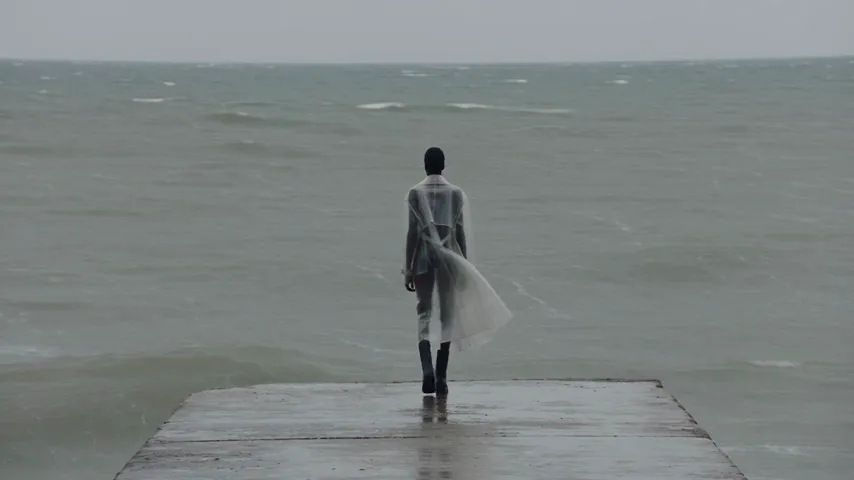
Muted, new sound under it
Wind over everything
Turn off Enable audio on the clip, then open Audio, pick Music and describe the track you want under it.
Keep every frame. Lose the sound.
Mute a clip in Studio, or only one moment of it, and export it silent.
Studio runs in a desktop browser, on plans from $19 a month. Each project's first export is included.
Free, with no upload: use an app on your phone or computer. Studio is the paid route, for editing the sound.
ffmpeg -i input.mp4 -c copy -an output.mp4Silent. Every frame is still there.
Studio exports MP4 or WebM, up to 4K. No watermark on any paid plan.
The free steps above follow each maker's own help page, linked here.
In iMovie, Apple's free app
Save Video puts the silent copy in your photo library. The Mute button sits next to the clip's volume slider.
In Google Photos
On a Pixel 8 or newer, Save at the top keeps a muted copy of the video.
In QuickTime Player
Remove Audio leaves the file video only. File > Save asks for a name, then saves it.
With FFmpeg, on Windows, Mac or Linux
-an drops the audio. -c copy keeps the video as it is, so nothing is re-encoded and the picture doesn't change.
Create a project in Studio and drop your video onto the timeline.
Select the clip and open its Audio settings. Switch off Enable audio. To silence every clip on a track at once, press the speaker icon beside the track (Mute Track).
Open Export and pick MP4 (H.264) or WebM (VP8), 720p, 1080p or 4K, and 24, 30 or 60 fps.
Muted, new sound under it
Turn off Enable audio on the clip, then open Audio, pick Music and describe the track you want under it.

One moment muted
Press S at the start and end of the shouting to split the clip, then turn off Enable audio on the middle piece only.

Muted, new sound under it
Mute the clip, paste your script into Voiceover, pick a voice, and drag the new voiceover under the clip.

Whole clip muted
Mute the track and export as WebM, so a website background or an autoplay feed gets a file with nothing to hear.
Studio's Audio panel makes music, voiceovers and sound effects for the clip you just muted. Press a row to hear it under the video.
Want the sound, not the picture? The free video to audio converter saves it as MP3 or seven other formats, with no account. On a Mac, QuickTime Player's Edit > Remove Video does the same.
Pick the plan for how much you post. Every model on every plan. Unused credits roll over. Cancel anytime.
Billed monthly
For solo creators posting every week
500 credits every month
Billed monthly
For creators posting daily across channels
1,300 credits every month
Billed monthly
For brands and production teams
2,700 credits every month
Billed monthly
For agencies running always-on content
5,500 credits every month
Want checkout, comparison tables, or a custom volume? See the full pricing page
Keep the picture. Lose the sound.

Plans from $19 a month. Commercial use and no watermark included.