Creator
$19/month
Billed monthly
For solo creators posting every week
500 credits every month
- Up to 50 paid Studio exports, or
- Up to 20 AI effect clips
- Up to 1.5 hours of AI voiceover
- Roll over up to 1,000 credits
From film grain to falling snow
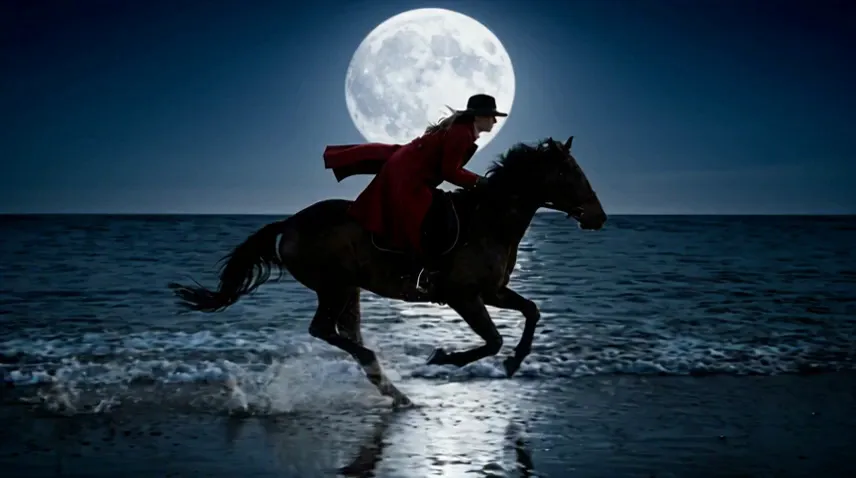
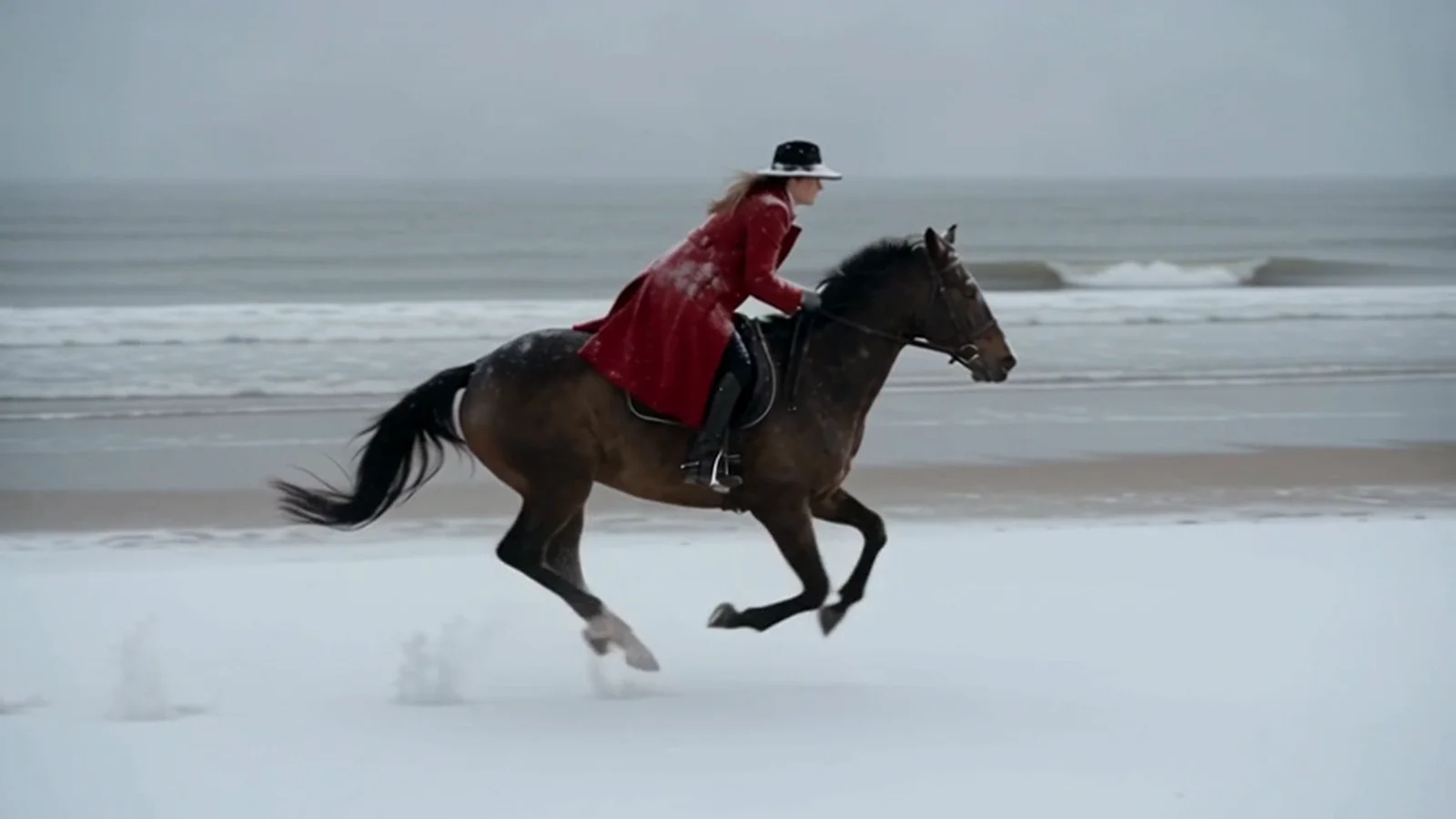
Stack color, blur, distortion and texture on any clip in Studio. For what a filter can't do, like snow or a new time of day, write the change and an edit model makes it.
Plans from $19 a month. Studio runs in a desktop browser.
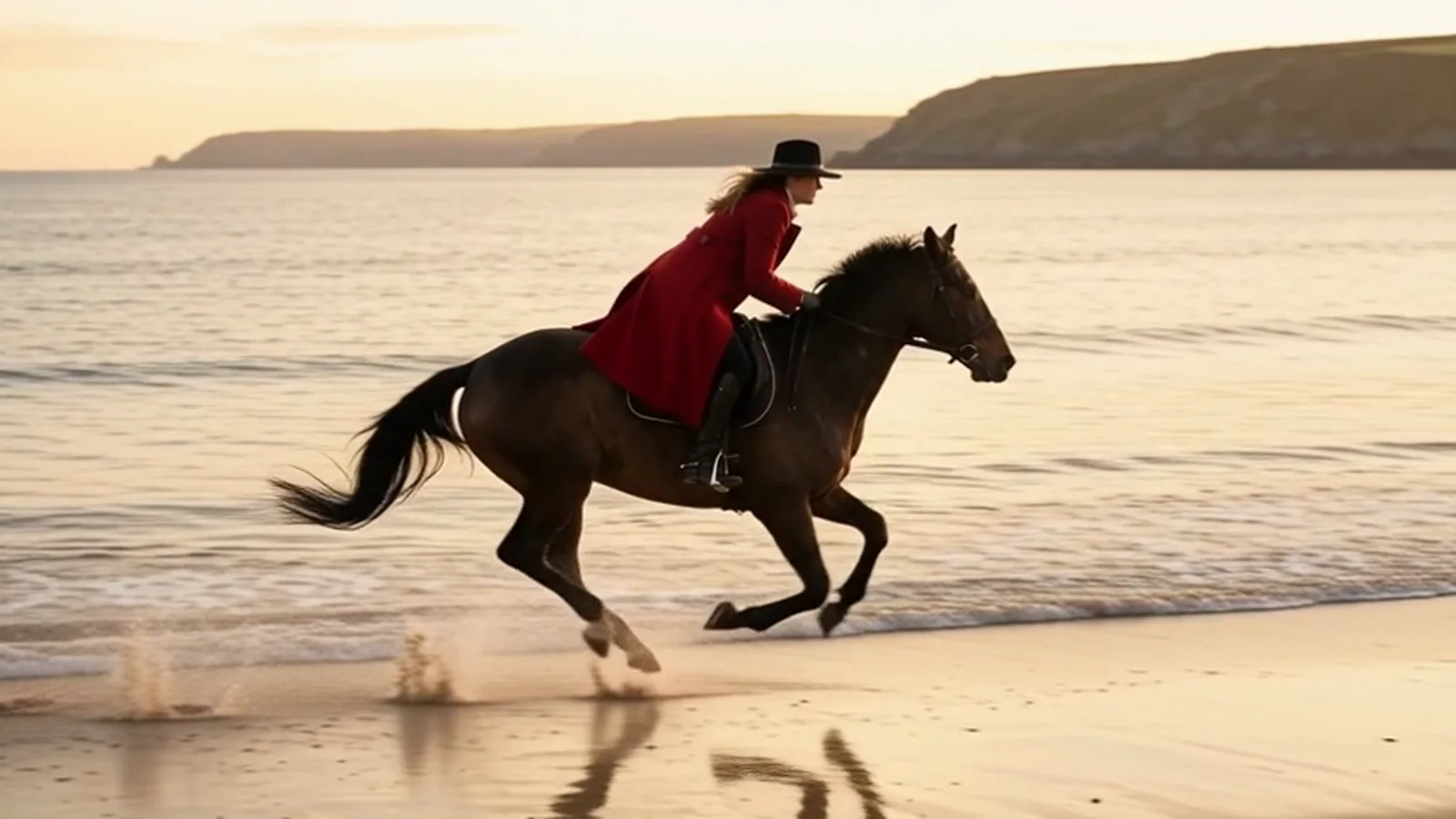
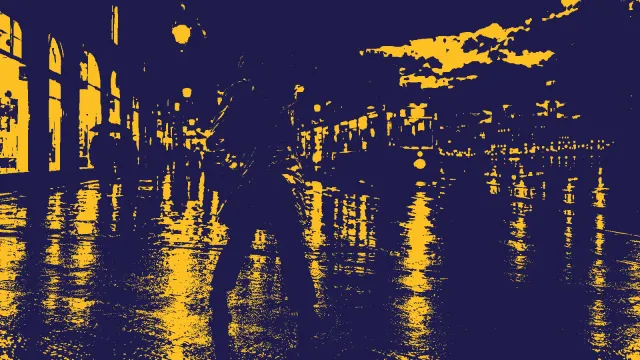
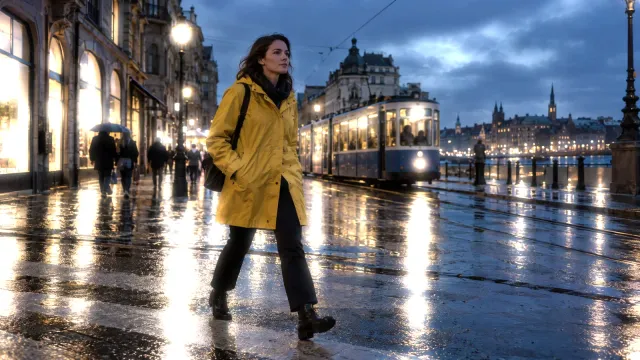
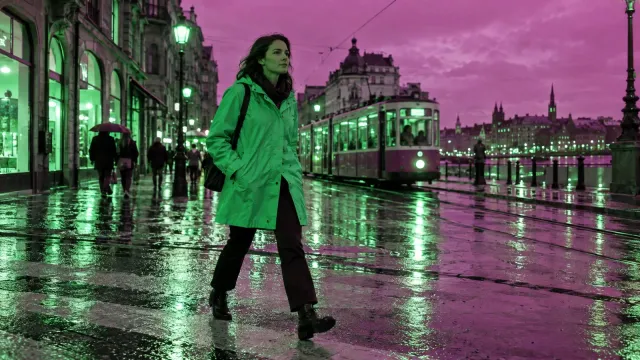
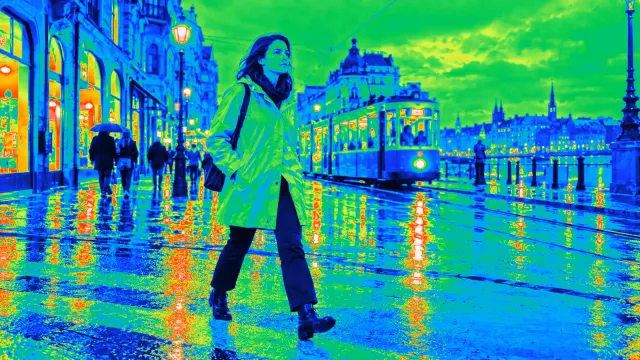
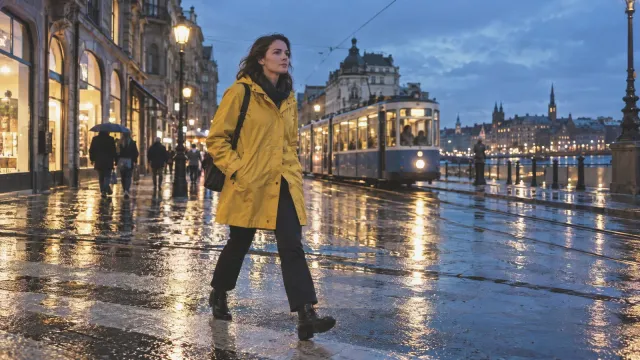
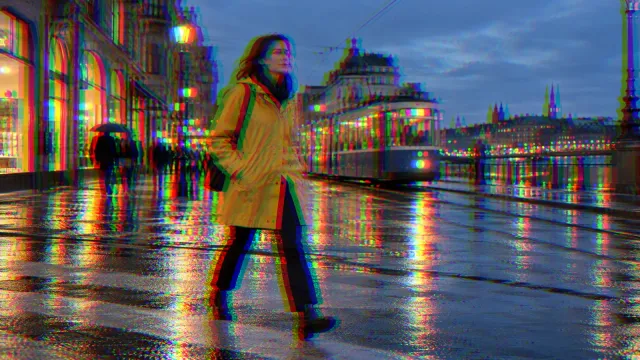
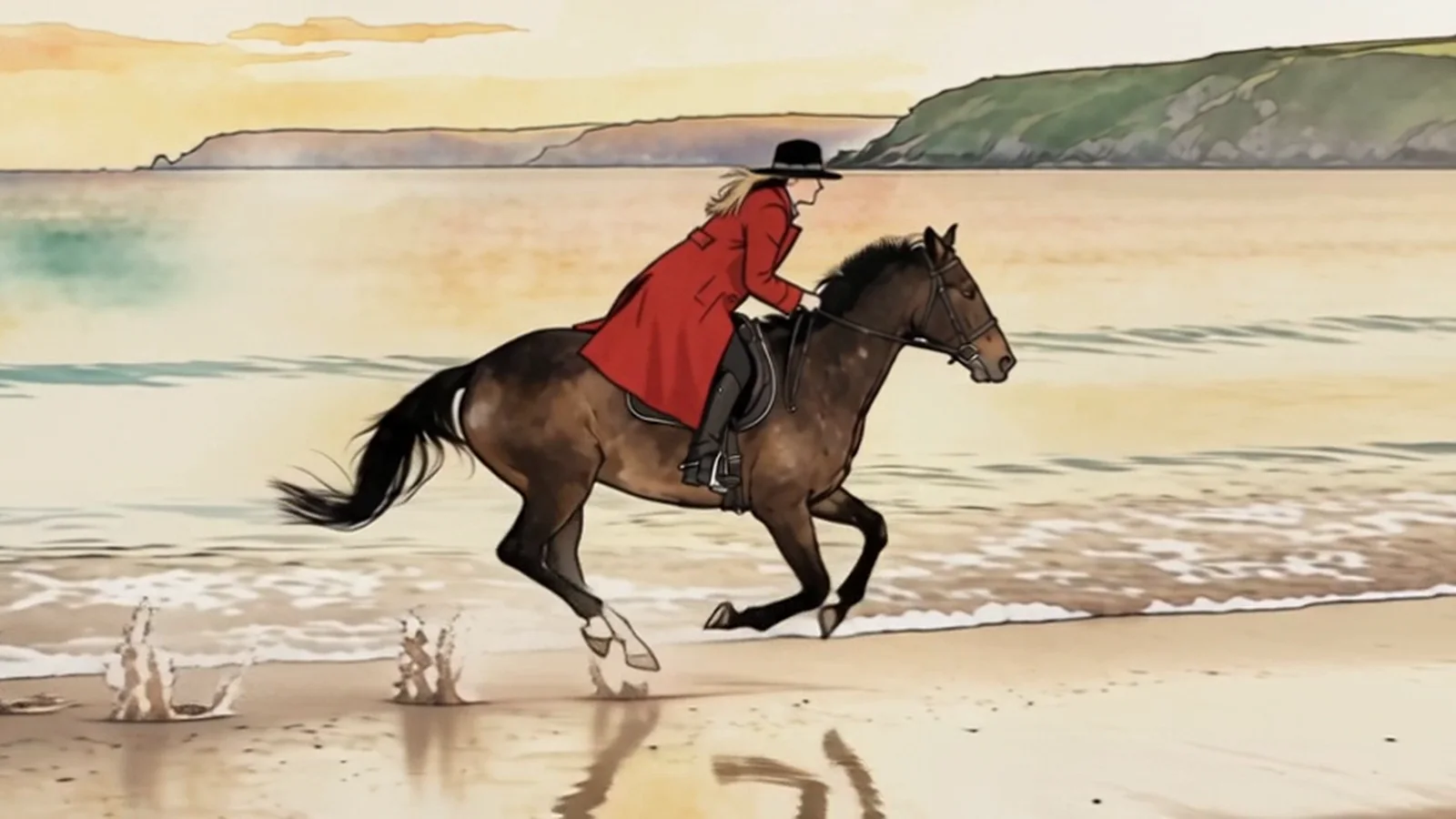
Drag across the frame to compare each look with the original.
Anything that changes how footage looks or moves after it was filmed. Five kinds live in Studio. The sixth is made by an AI model from a sentence.
| Kind of effect | What it does | In Sceneform |
|---|---|---|
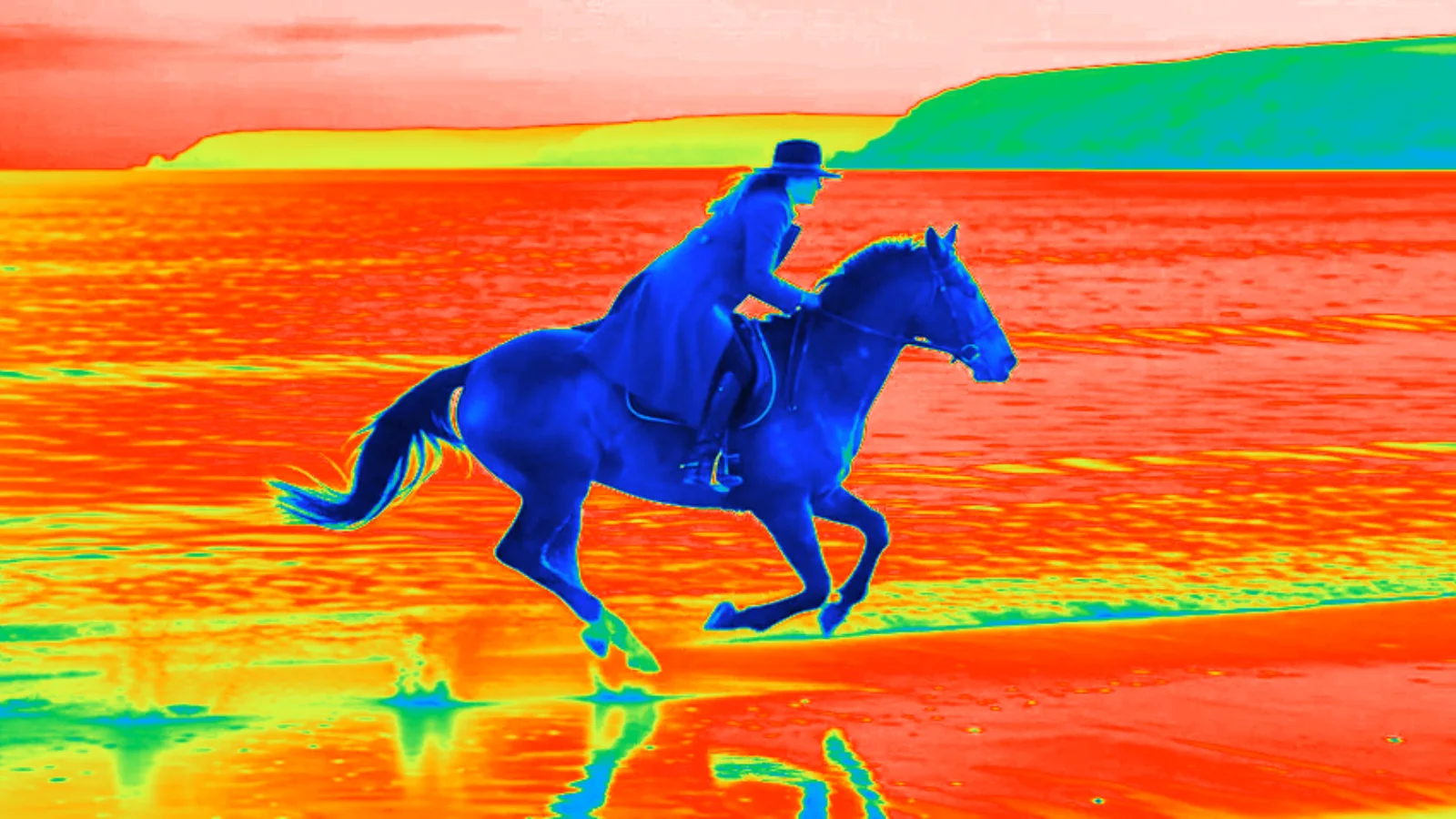
| Color and filters | Change the mood: warmer, colder, black and white, two colors. | Brightness, contrast, saturation, hue, grayscale, invert, duotone, tint, thermal |
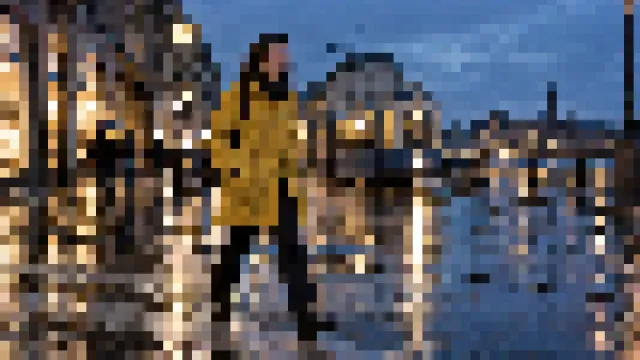
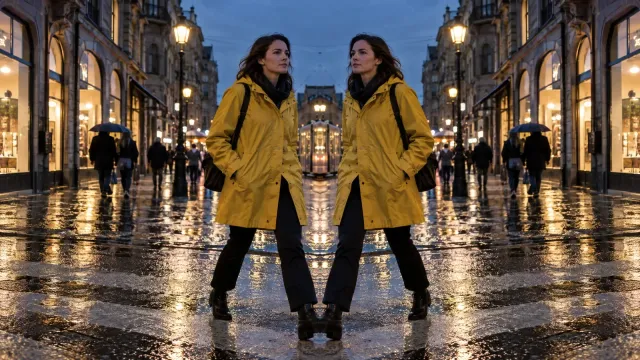
| Blur and distortion | Soften, streak or bend the picture. | Blur, zoom blur, pixelate, chromatic, barrel, fisheye, wave, mirror |
| Texture and light | Lay grain, lines, glow or paper over the frame. | Film grain, scanlines, vignette, glow, shine, light trail, paper, shadow, blinds, letterbox bars |
| Time and motion | Change the speed, move the frame, get from one shot to the next. | Speed from 0.25x to 5x, zoom and pan, fade, slide, zoom and swirl transitions |
| Keying | Cut out a green background so a clip sits over another. | Greenscreen on any video clip |
| Scene effects | Change what is in the shot: weather, time of day, style, new things. | A sentence to a video edit model such as Seedance 2.5 Edit |
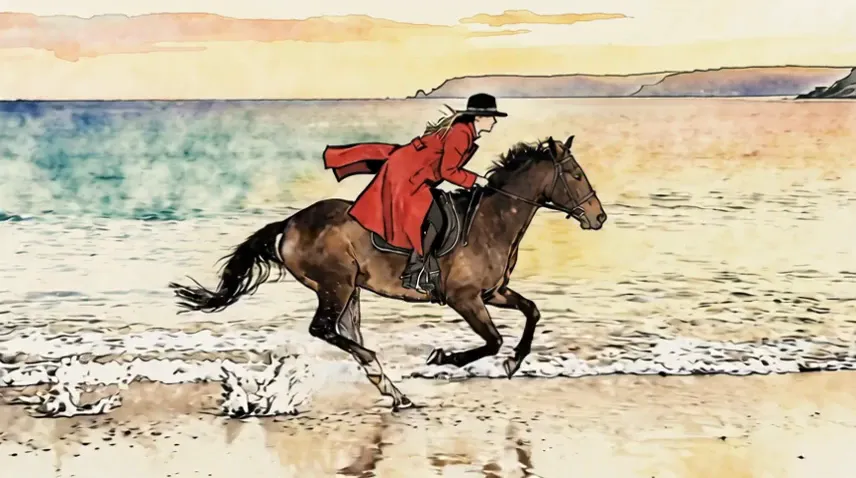
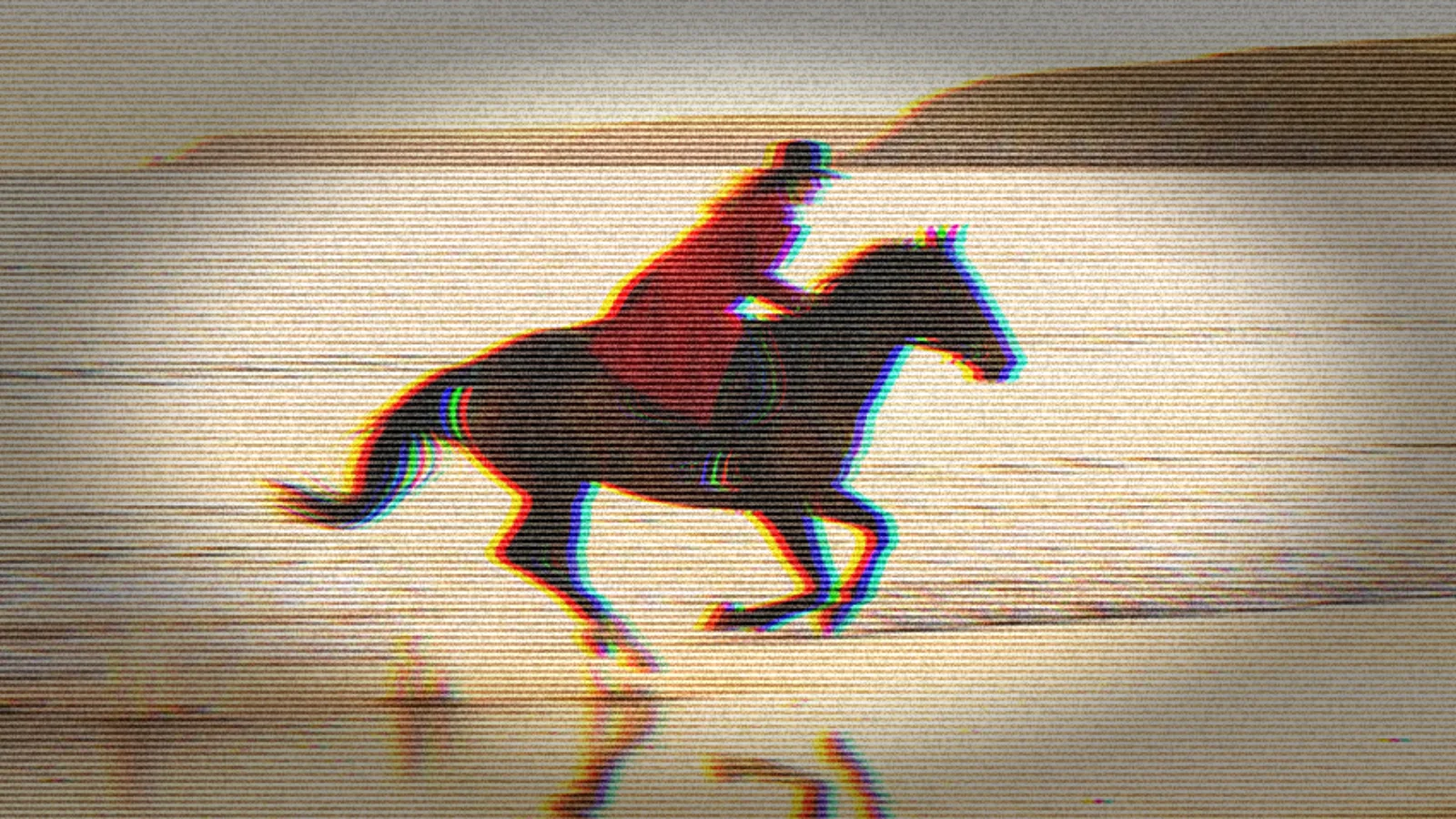
Every picture below is the same shot, exported from Studio with one effect on. Pick one to see it large.
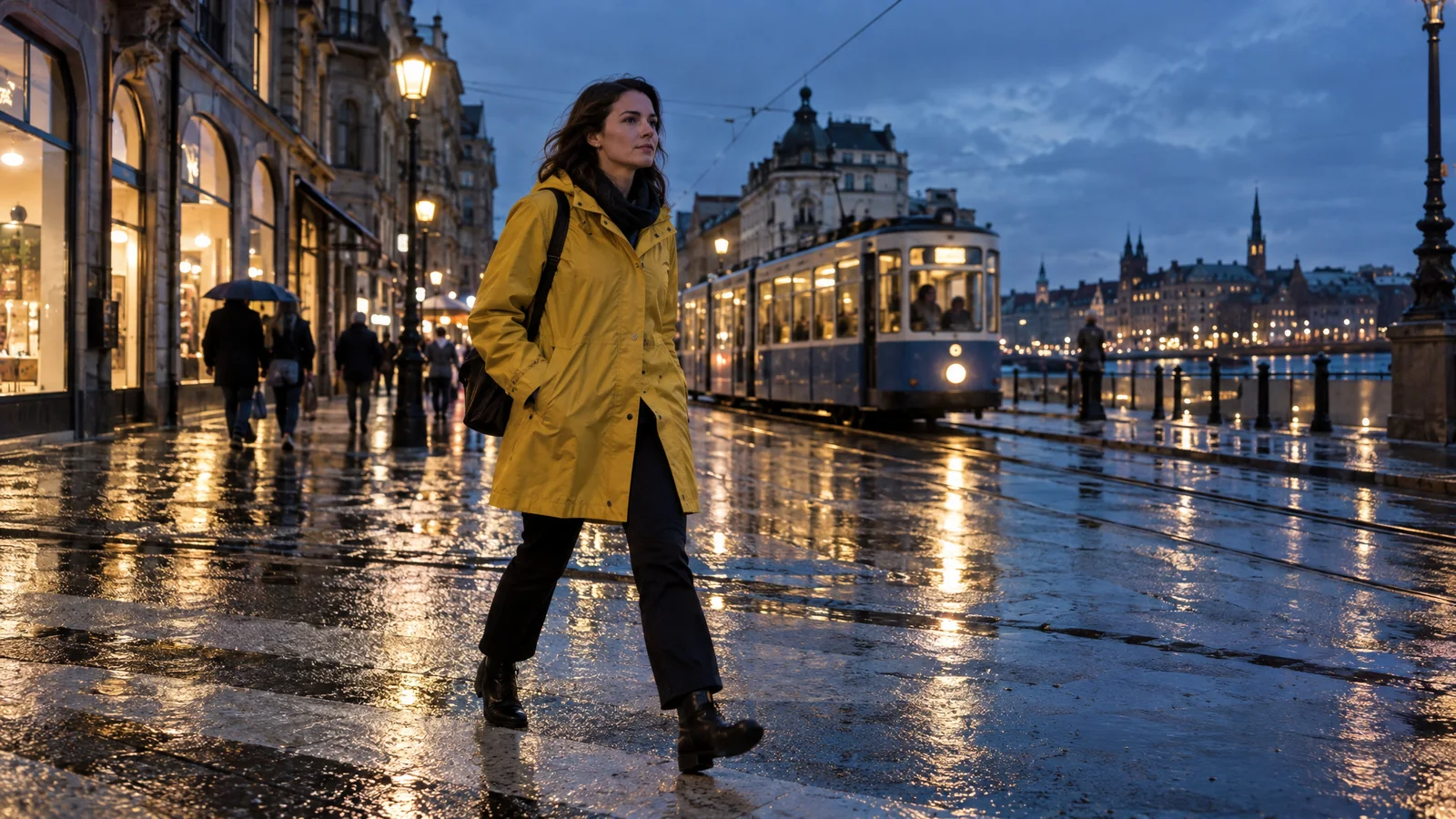
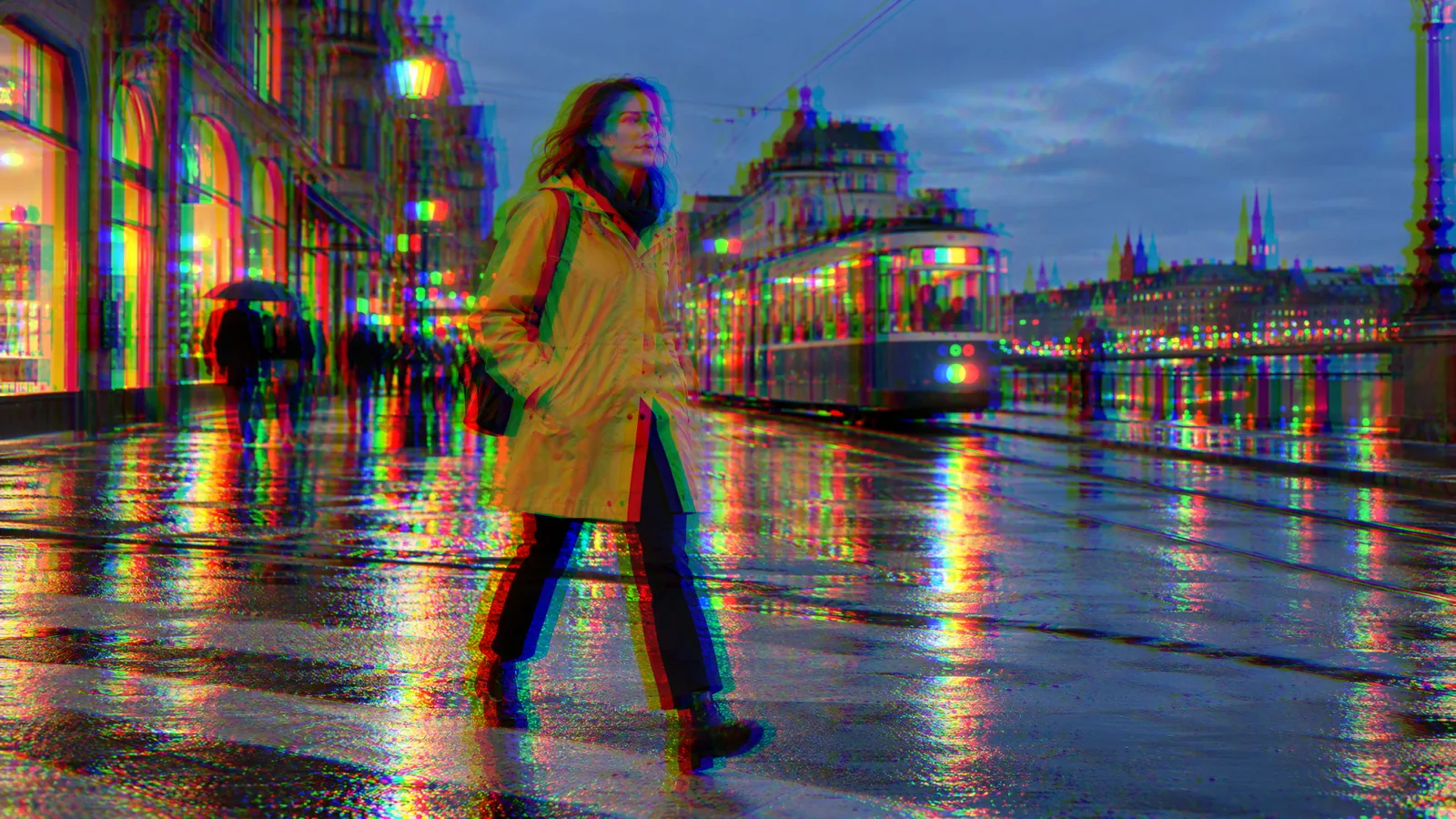 Chromatic
Pulls the red, green and blue apart.
Start
Color
Blur
Distort
Stylize
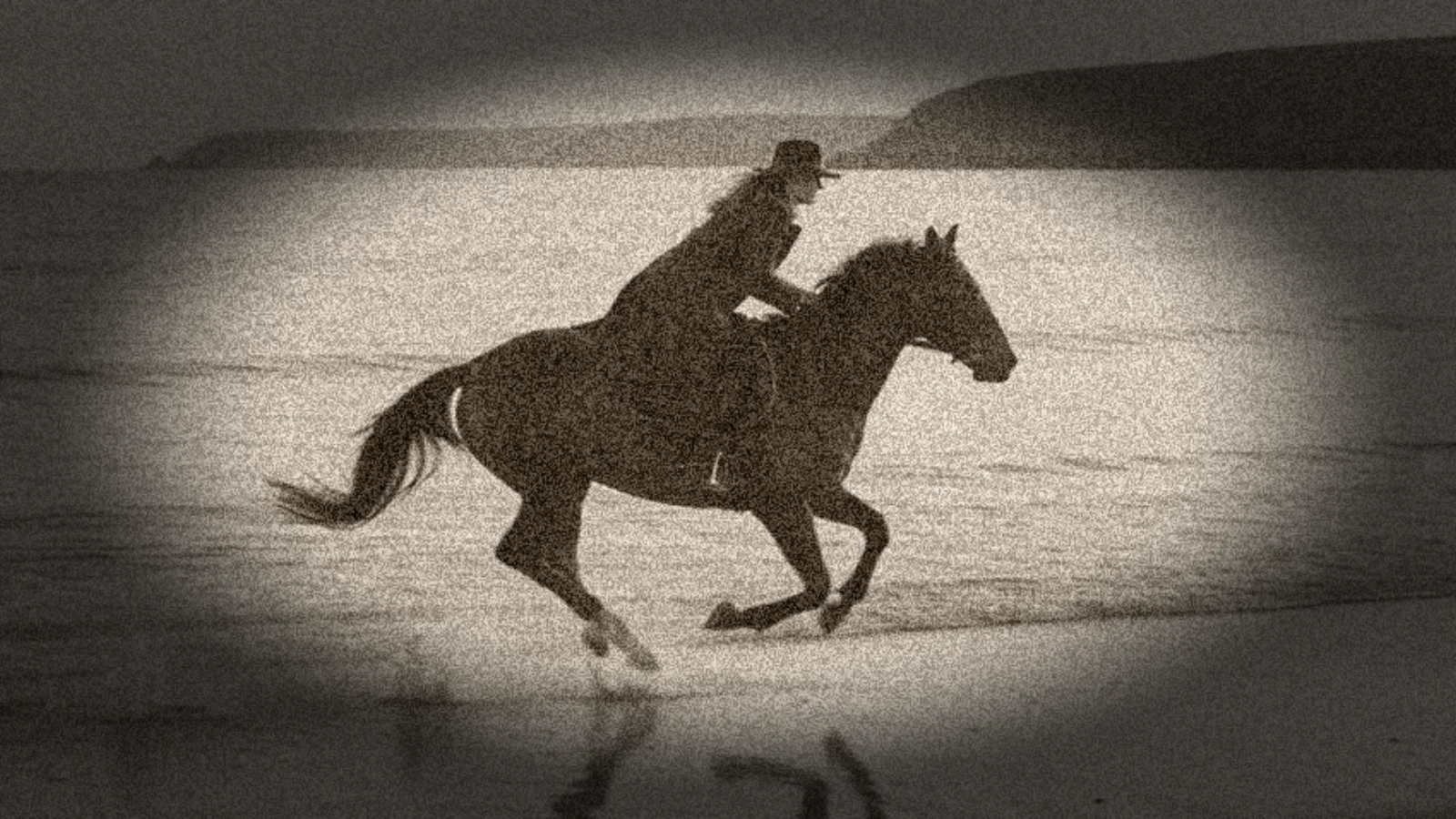
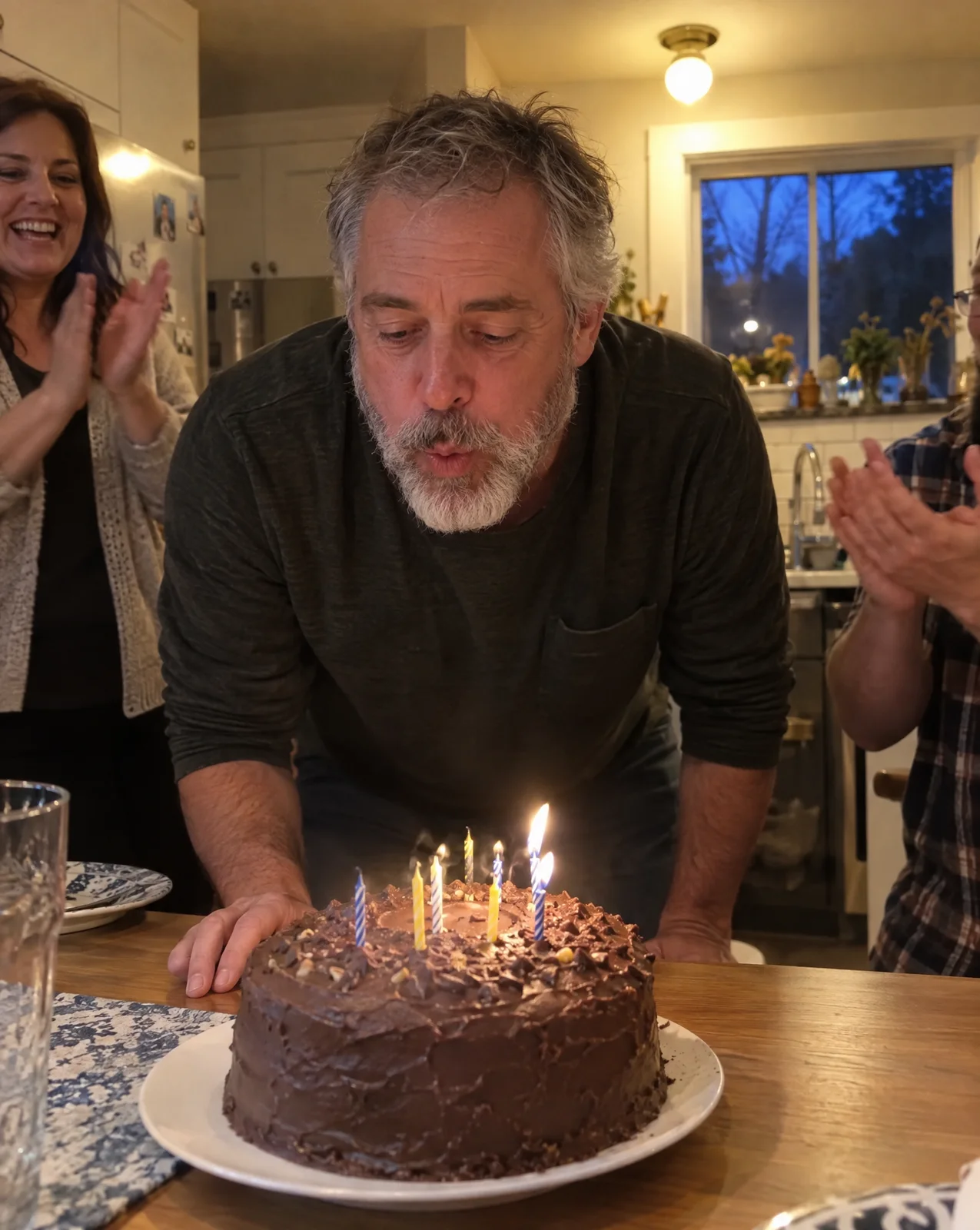
A look is a few effects in a set order. Here are four, each built from Studio effects on one birthday frame, with the exact values.
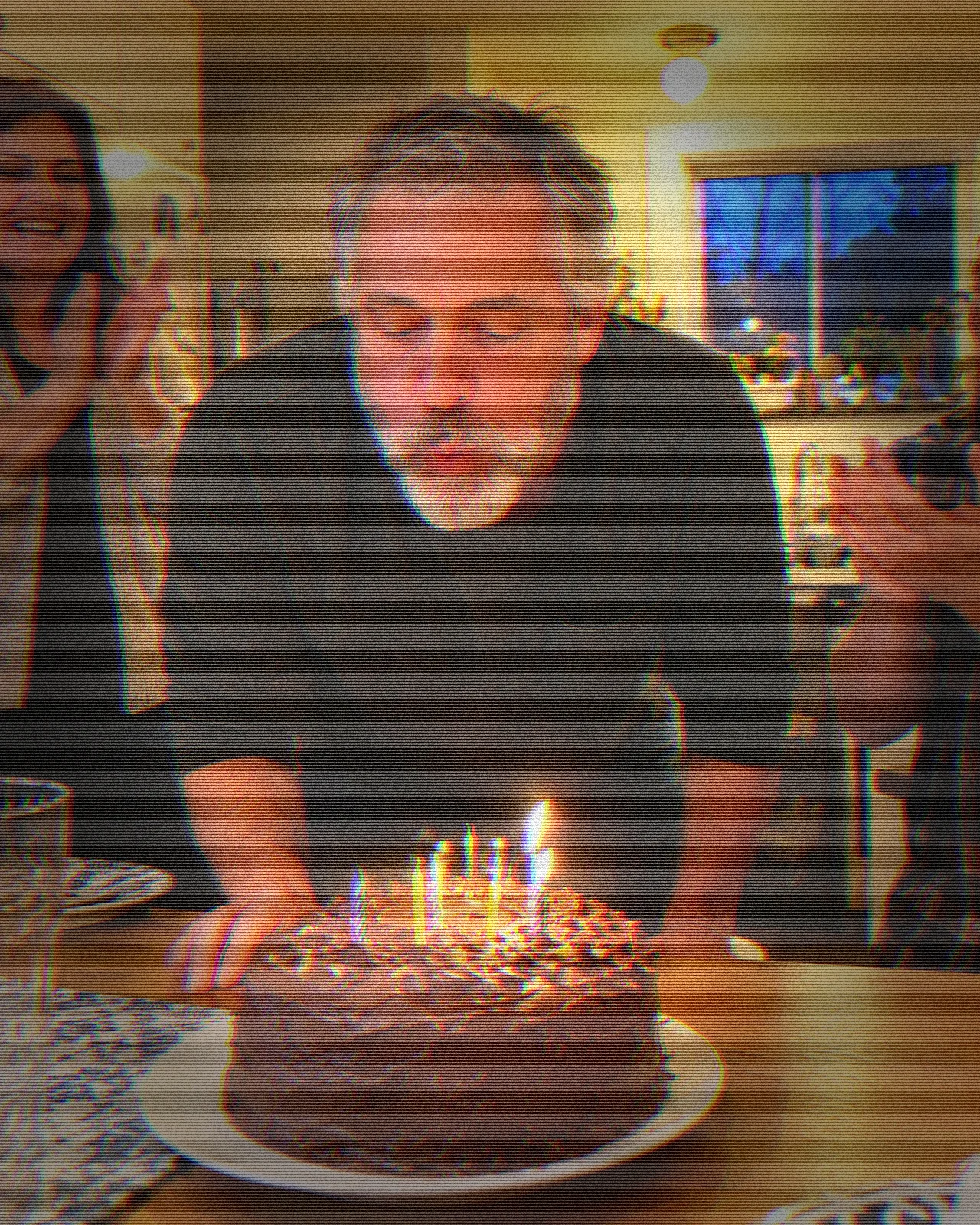
A home video off a worn cassette.
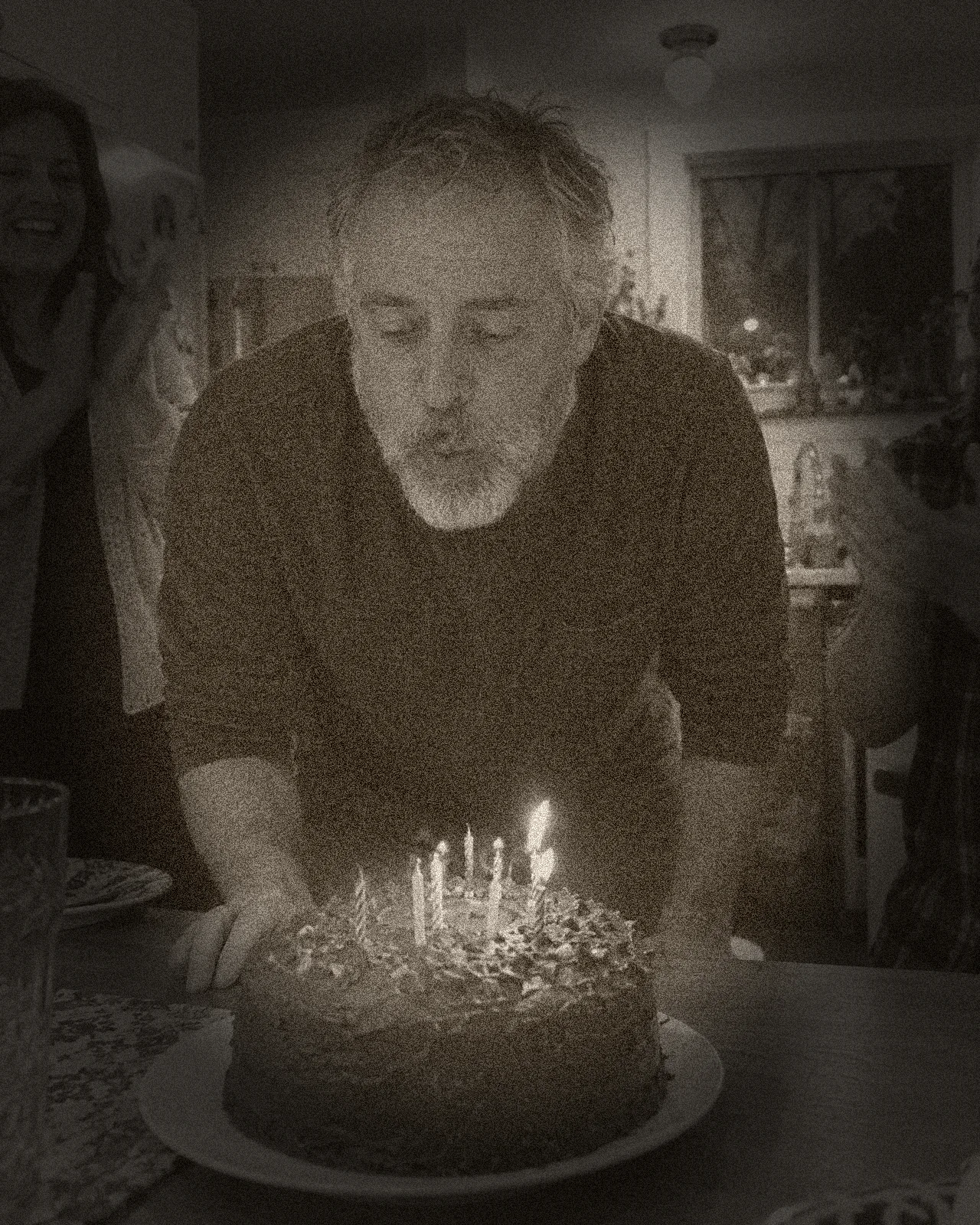
Sepia, grain and dark corners.
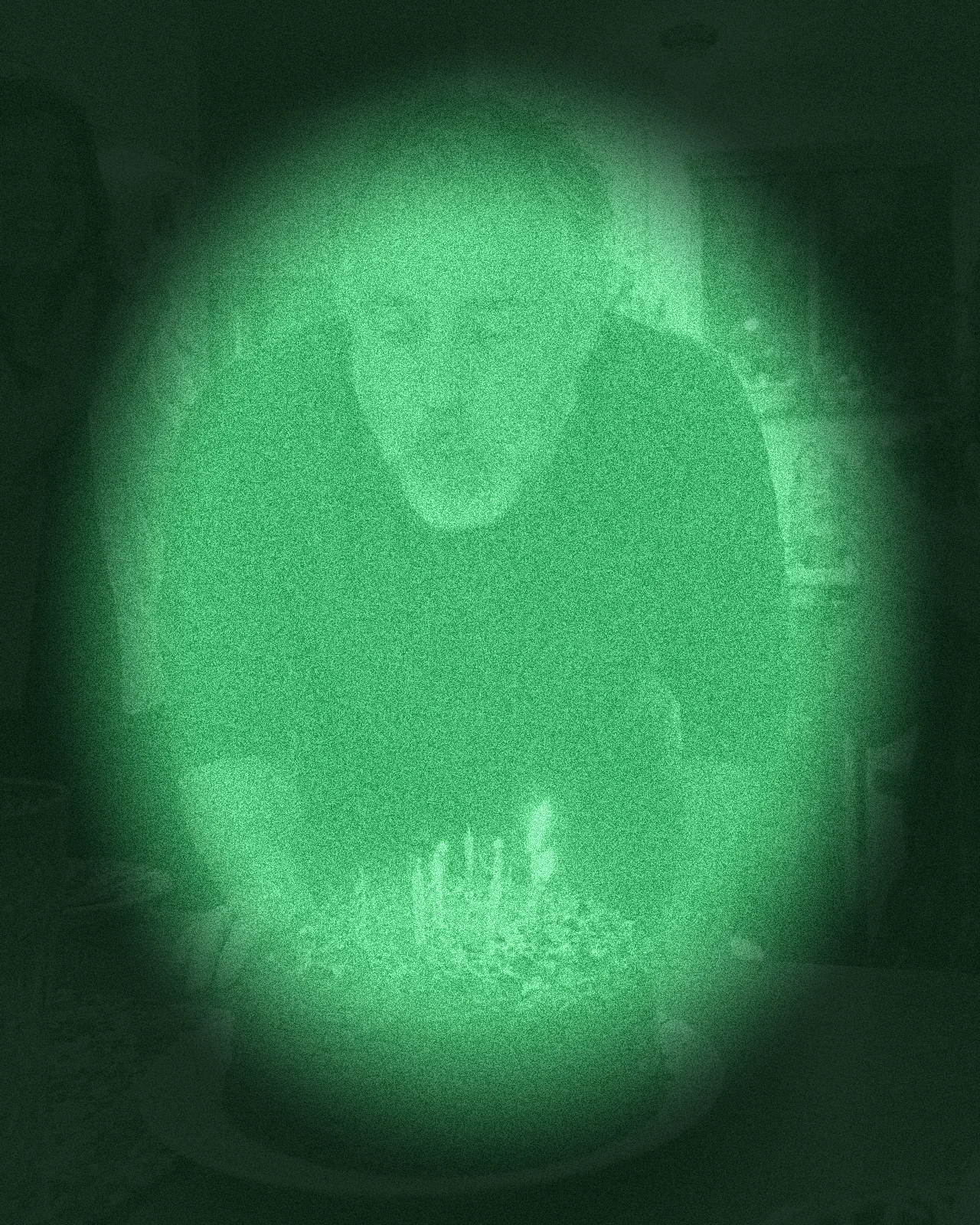
Green, bright and noisy, seen through a tube.

Soft light, pale color, white edges.
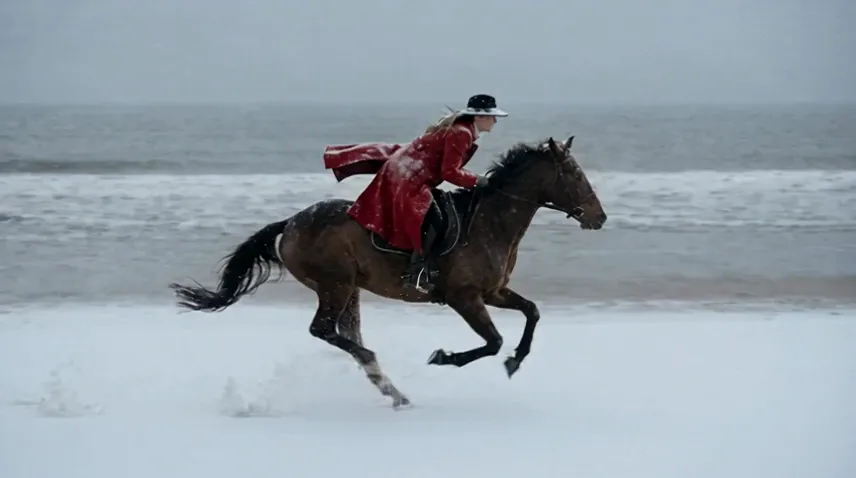
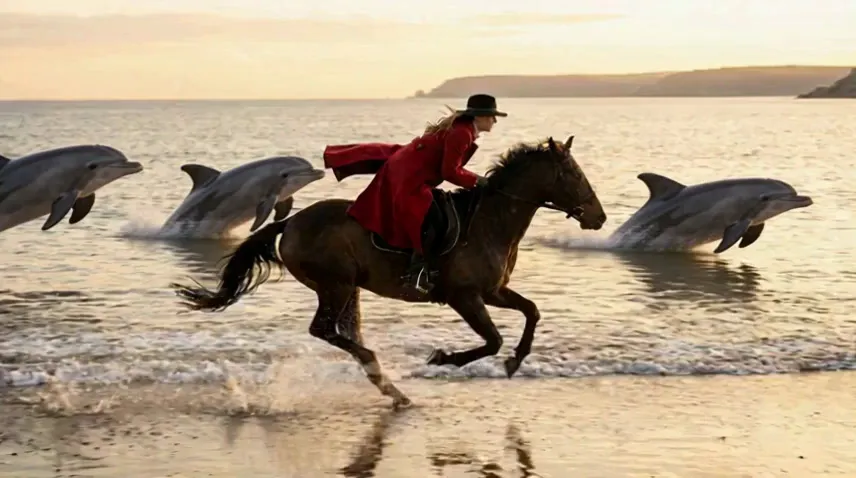
A filter changes pixels. An edit model changes what is in the shot: weather, light, new things, a painted style. The motion and the framing come from your clip.
Clips of 3 to 30 seconds, by model.
Drag across the frame to compare.
Some effects change when and how things move, not how they look. For more on cuts between shots, see video transitions.
Speed
Set any clip from a quarter speed to five times. Slow the jump, speed up the commute.
In and out
Fade, slide, zoom or swirl a clip in, out, or both, and set how long it takes.
Camera movement
Zoom in, zoom out, pan or a dynamic move, on a photo or a clip.
Captions
Bring captions in with a fade or a pop, or with glitch, karaoke, neon and typewriter, whole, word by word or letter by letter.
Upload a clip or a photo and drop it on the timeline.
Select the clip, open Effects, and choose from Color, Blur, Distort or Stylize. Set its controls while the preview plays.
Add more effects in the order you want them, switch any off to compare, then export MP4 or WebM at up to 4K.
Pick the plan for how much you post. Every model on every plan. Unused credits roll over. Cancel anytime.
Billed monthly
For solo creators posting every week
500 credits every month
Billed monthly
For creators posting daily across channels
1,300 credits every month
Billed monthly
For brands and production teams
2,700 credits every month
Billed monthly
For agencies running always-on content
5,500 credits every month
Want checkout, comparison tables, or a custom volume? See the full pricing page
Plans start at $19 a month.