Skip to content

AI video editor Say the change. Keep the take.

Upload a clip and write what to change: the place, the person or the look. The motion, camera and timing follow your footage. On the Studio timeline, trim a whole recording, caption it and add voiceover and music.

Clips up to 30 seconds. From $19 a month.

OriginalEdited

Does an AI edit keep the motion?Same second, new shot

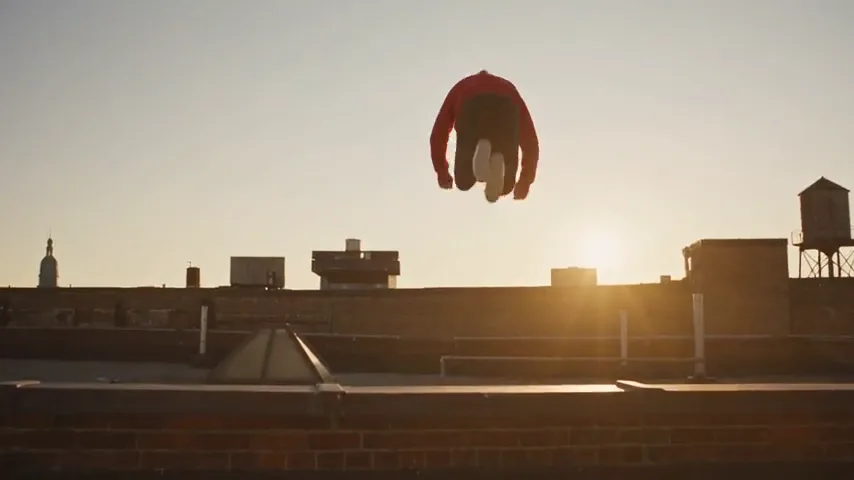
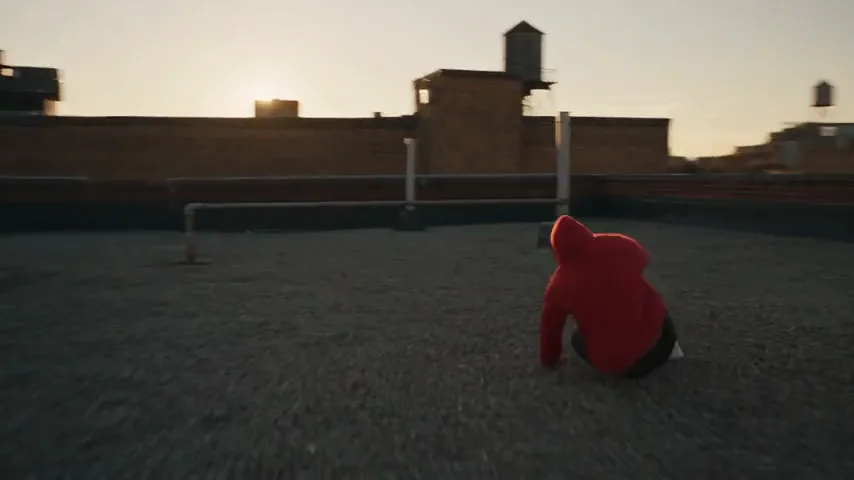
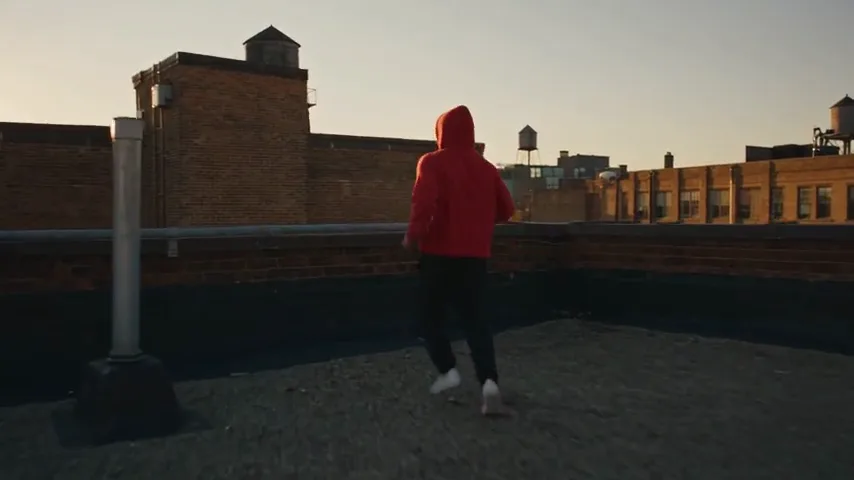
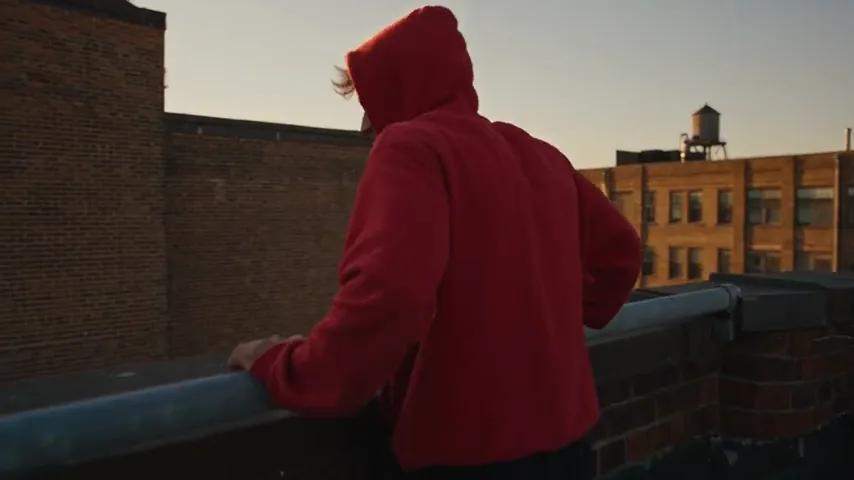
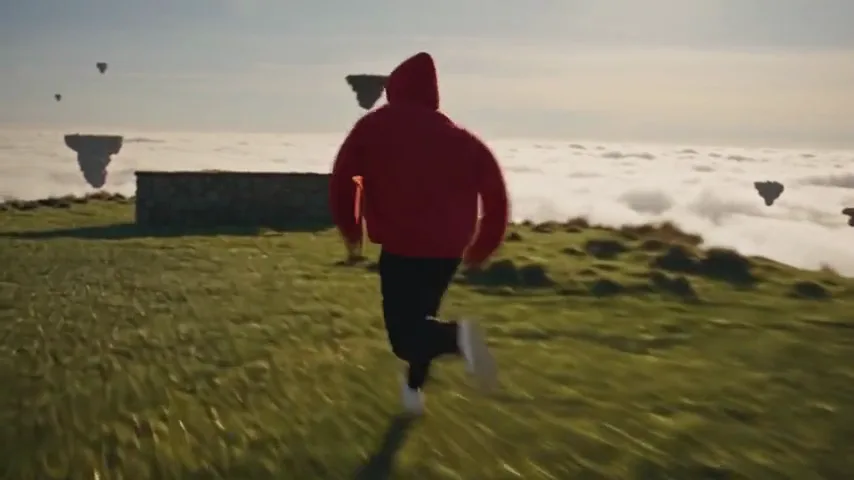
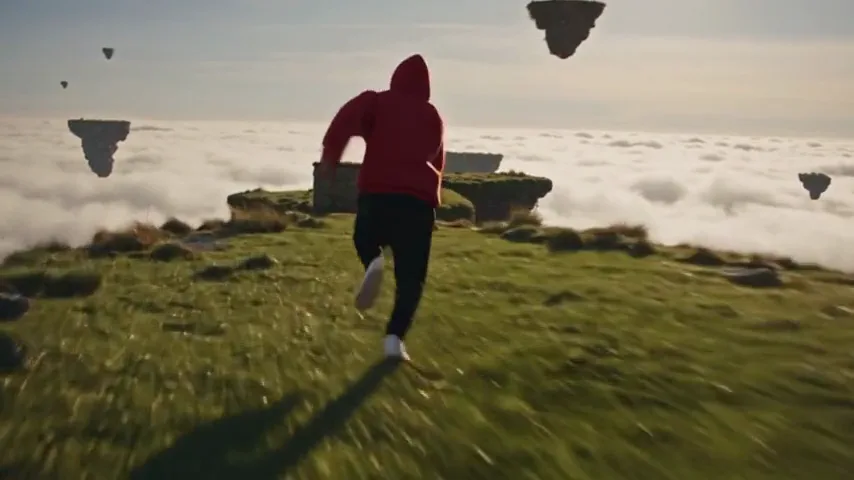
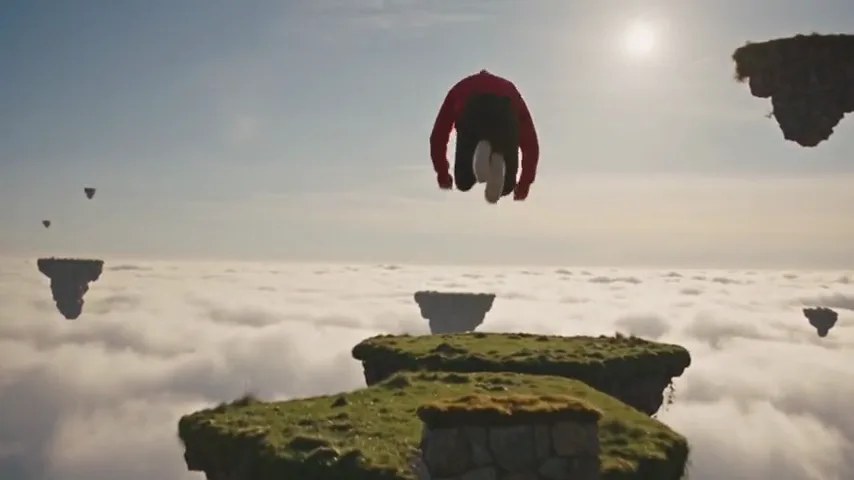
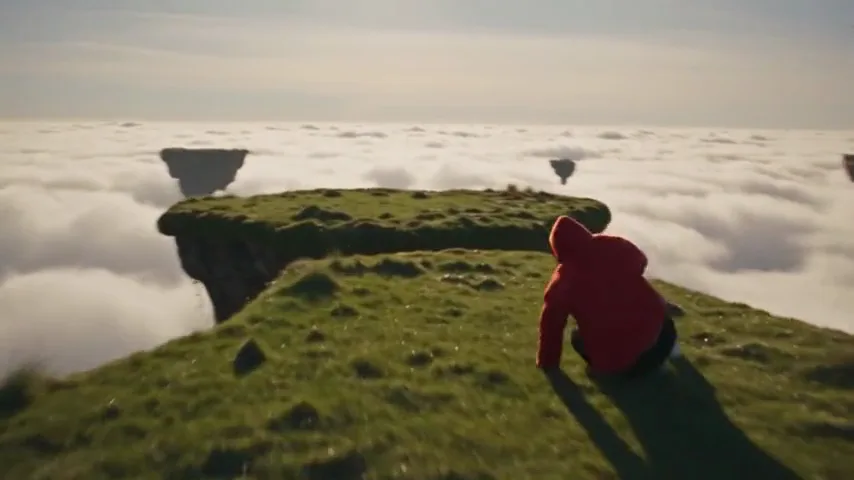
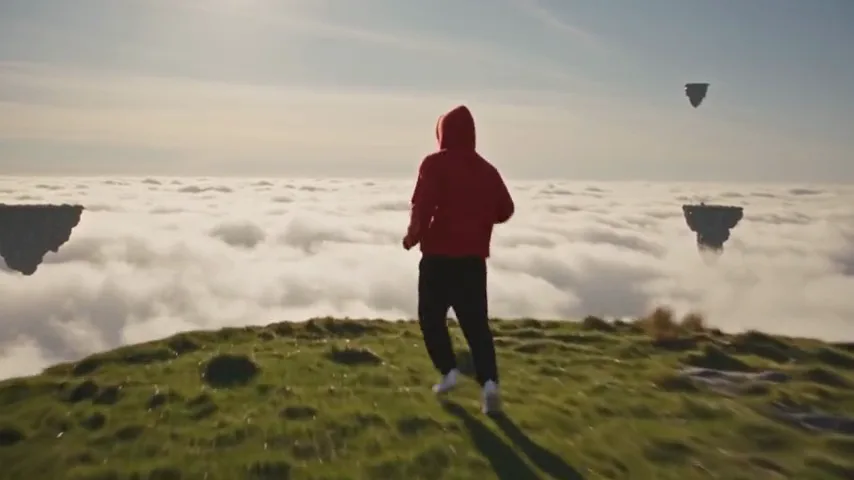
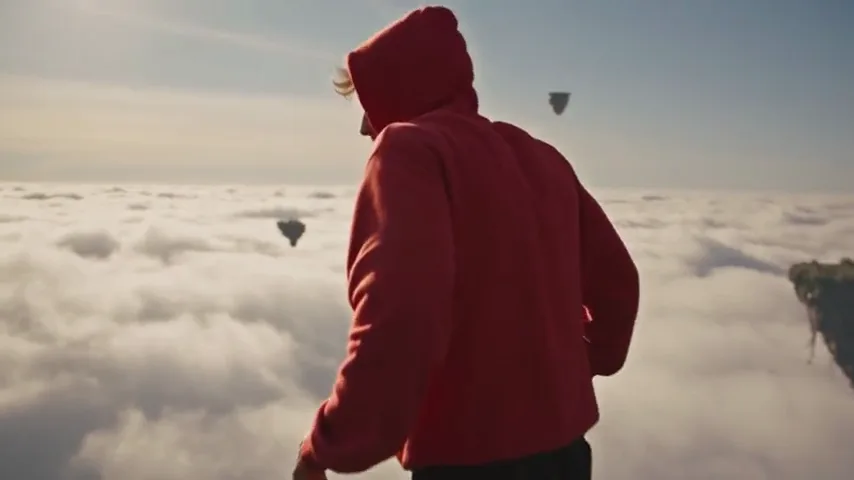
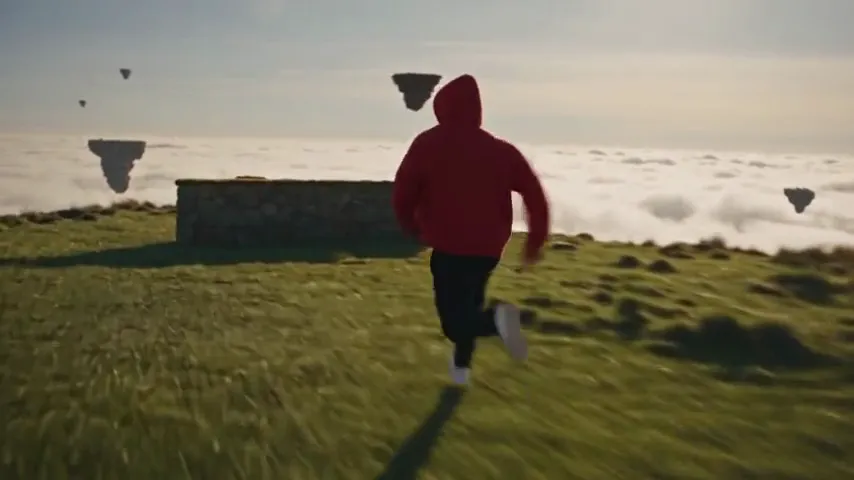
Six frames from each clip, cut at the same timecodes. The edit changes what the sentence names and leaves the performance alone.
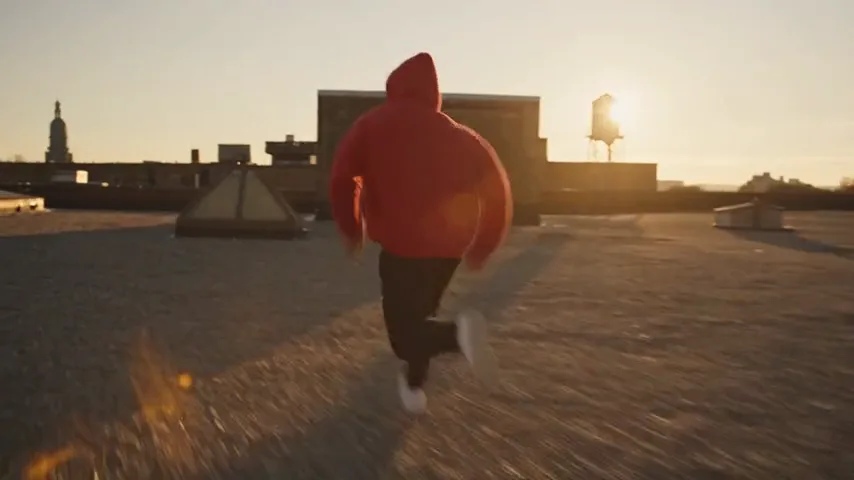
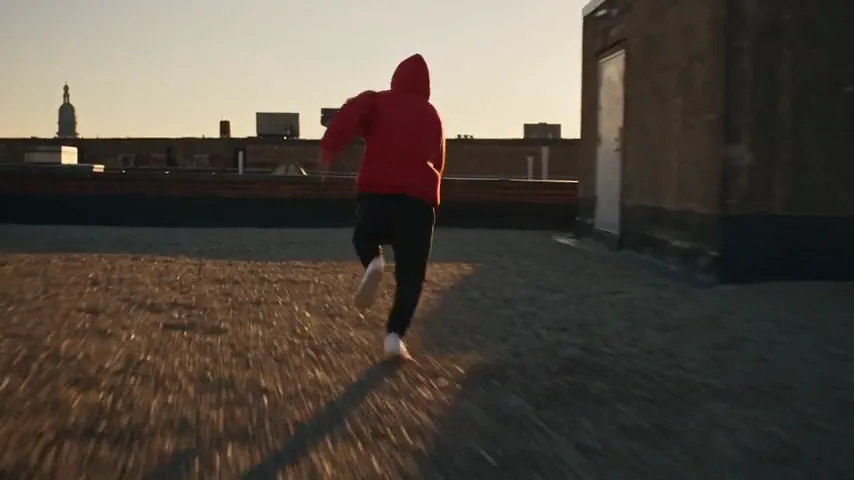
0:010:03.50:060:08.50:110:13.5OriginalA freerunner in a red hoodie sprints across a city rooftop and leaps to the next roof, at 0:01A freerunner in a red hoodie sprints across a city rooftop and leaps to the next roof, at 0:03.5A freerunner in a red hoodie sprints across a city rooftop and leaps to the next roof, at 0:06A freerunner in a red hoodie sprints across a city rooftop and leaps to the next roof, at 0:08.5A freerunner in a red hoodie sprints across a city rooftop and leaps to the next roof, at 0:11A freerunner in a red hoodie sprints across a city rooftop and leaps to the next roof, at 0:13.5EditedThe same run and leap across grassy islands floating above the clouds, at 0:01The same run and leap across grassy islands floating above the clouds, at 0:03.5The same run and leap across grassy islands floating above the clouds, at 0:06The same run and leap across grassy islands floating above the clouds, at 0:08.5The same run and leap across grassy islands floating above the clouds, at 0:11The same run and leap across grassy islands floating above the clouds, at 0:13.5
Changed
The rooftops became grass islands over a sea of cloud.
Kept
The sprint, the leap, the landing, the red hoodie and the camera that follows him.

What does the AI do, and what do you do?Say some edits. Drag the rest.

Reshoot is the tool that changes what is in a clip from one sentence. A Persona is a person you save once, from your photos or made from scratch, and put in any shot.

You say it

A sentence or one click

  • Move the scene

    Put the same take on a beach, a stage or above the clouds.

    Reshoot
  • Replace a person

    Put your Persona or someone's photo in their place, with the same moves.

    Reshoot
  • Restyle the whole clip

    Redraw it as anime, clay or paper cut-outs, frame for frame.

    Reshoot, Restyle
  • Change an outfit or a color

    Name the new jacket or the new product color and keep the rest.

    Reshoot, video edit models
  • Make it longer

    Write what happens next and the clip carries on.

    Veo 3.1 Extend, FLUX.3 Extend
  • Write the captions

    One click turns the speech in your clips into timed captions.

    Studio
  • Add a voiceover, music or a sound

    Type the line or describe the sound, and it lands in your media.

    Studio
  • Sync lips to new audio

    Match a speaker's mouth to a new recording.

    Studio

You drag it

By hand, on the Studio timeline

  • Put the shots in order

    Drag clips, stills and sound onto tracks and move them around.

  • Trim and split

    Pull an edge to trim, or split a clip at the playhead.

  • Time every cut

    Items snap to each other and to the playhead.

  • Set speed and volume

    Speed a clip up or slow it down, and fade sound in and out.

  • Style text and captions

    Pick a caption preset or any Google font, size and color.

  • Add transitions

    Fades, slides, pops and zooms in and out of each item.

  • Key out a green screen

    Drop the green behind a speaker and put anything there.

  • Export

    MP4 or WebM, at 720p, 1080p or 4K.

Then cut it togetherStudio, the timeline editor

Every edit lands in your media. Put it on the timeline with your other clips, then add the words and the sound.
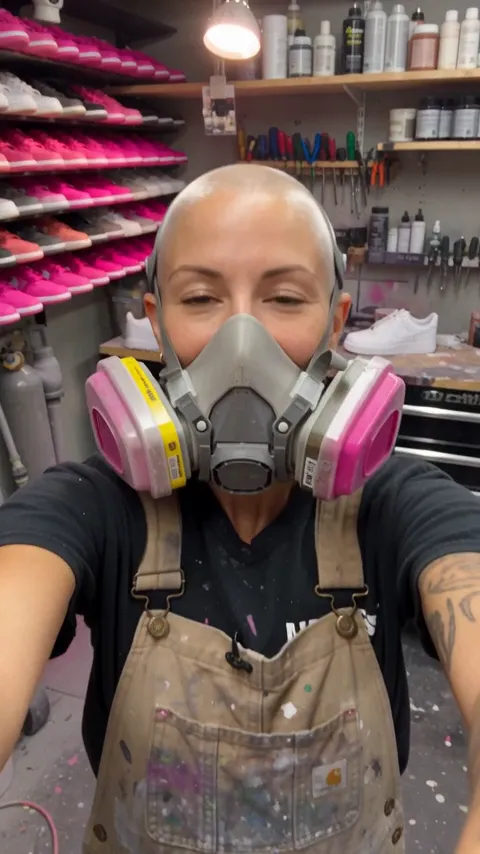
  1. A sneaker painter with a bleached buzz cut and a respirator talks to her phone camera in front of a wall of pink sneakers

    Bring me your old sneakers

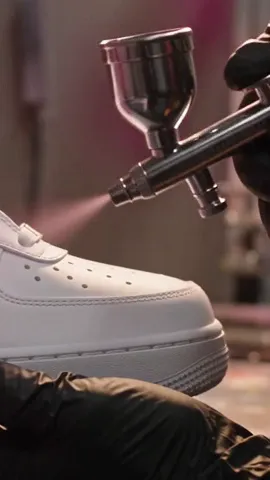
  2. Close-up of an airbrush spraying a white sneaker hot pink

    I paint every pair by hand

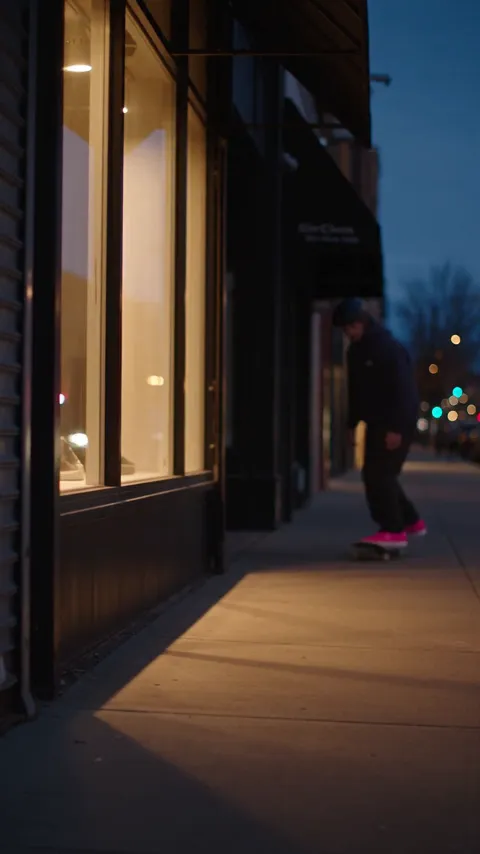
  3. The shop front at dusk as a skater in pink sneakers rolls past and pops an ollie

    Open late tonight

  1. 0:00Bring me your old sneakers
  2. 0:03.5I paint every pair by hand
  3. 0:07Open late tonight
A 10.5-second vertical short in three shots, with captions, a voiceover and music on their own tracks.
Cut
Tracks for video, stills, text and sound
Trim, split, snap
Undo and redo
Words
Captions from speech in one click
Presets that light up the spoken word
Text in any Google font
Sound
Voiceover from a script
Music and sound effects
Volume and fades
Look
Effects and transitions
Entry and exit animations
Green screen and letterbox
Export
MP4 (H.264) or WebM
720p, 1080p or 4K
24, 30 or 60 fps

How to edit a video with AIThree steps, upload to export

  1. Upload the clip

    An MP4, MOV or WebM of 3 to 30 seconds. Footage you shot, a screen recording or a clip you made here.

  2. Write the change

    One sentence: the new place, the new person, the new look. Add a photo or a Persona when it names one. Drag across the result to check it against the original.

  3. Cut it together

    Open Studio. Put the edited clip on the timeline, add captions, a voiceover and music, then export.

Which AI edits the clip?Reshoot picks for you

To choose the model yourself, upload a clip under Edit or Extend in the video generator.

Say the change, get the edit
Reshoot. Turns your sentence into a full edit prompt and runs it. Pick Reshoot Pro (the default), Reshoot Lite for clips up to 15 s, or Reshoot Kling.
Edit a clip up to 30 seconds
Kling 4.0 Edit. Clips of 3 to 30 s, up to 1080p, with sound, up to 17 references.
Edit at up to 4K
Gemini Omni Flash 1.1 Edit. Clips of 3 to 10 s, up to 4K, with sound.
Make a clip longer
Veo 3.1 Extend. Adds 7 s to a clip, at 720p, with sound.

Seedance 2.5 Edit, Happy Horse Edit and FLUX.3 Extend are there too. See every model

Simple pricing that scales with you.

Pick the plan for how much you post. Every model on every plan. Unused credits roll over. Cancel anytime.

Creator

$19/month

Billed monthly

For solo creators posting every week

500 credits every month

  • Up to 250 AI images
  • Up to 18 Kling 4.0 Edit video edits
  • Up to 1.5 hours of AI voiceover
  • Roll over up to 1,000 credits

Pro

Most popular
$49/month

Billed monthly

For creators posting daily across channels

1,300 credits every month

  • Up to 650 AI images
  • Up to 48 Kling 4.0 Edit video edits
  • Up to 4 hours of AI voiceover
  • Roll over up to 2,600 credits

Studio

$99/month

Billed monthly

For brands and production teams

2,700 credits every month

  • Up to 1,350 AI images
  • Up to 100 Kling 4.0 Edit video edits
  • Up to 9 hours of AI voiceover
  • Roll over up to 5,400 credits

Scale

$199/month

Billed monthly

For agencies running always-on content

5,500 credits every month

  • Up to 2,750 AI images
  • Up to 203 Kling 4.0 Edit video edits
  • Up to 18 hours of AI voiceover
  • Roll over up to 11,000 credits
Every plan includesEvery model, 90+ and countingReusable AI personasSceneform Studio editorCommercial usage rights

Want checkout, comparison tables, or a custom volume? See the full pricing page
Before your first editCommon questions

The same run and leap across grassy islands floating above the clouds

Keep the take.Change the shot.

Edit a video

Plans start at $19 a month.