Creator
$19/month
Billed monthly
For solo creators posting every week
500 credits every month
- Up to 50 paid Studio exports, or
- Up to 25 AI transition clips
- Up to 1.5 hours of AI voiceover
- Roll over up to 1,000 credits
Each one, played between real shots
Studio's ten transition options play here in turn, cut between three real clips.
Plans from $19 a month. Studio runs in a desktop browser.
None
A plain cut. The next shot starts on the next frame.
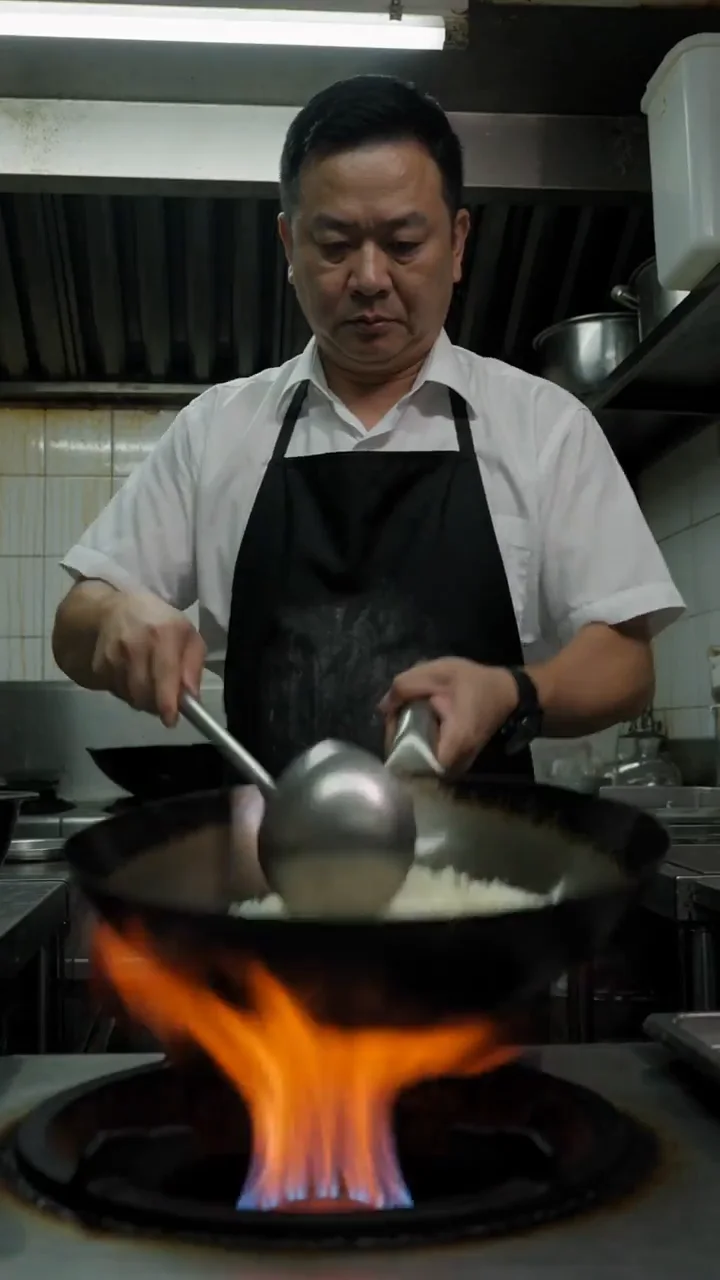
Wok fire to Rally car
Studio's ten options make six of them, since a slide, a zoom and a swirl each come in several directions. Three more come from how you cut, three are generated, and one isn't in Studio. The moving tiles play Studio's transitions on frames from the clips above.
Pick it in the Transitions panel. It works on clips, photos, GIFs, text and shapes.
One shot ends and the next starts on the very next frame.
Most of any edit. Keep the cut when the two shots already flow.
Place the clips end to end. The None option is a cut.
The next shot fades in over the last one, so both show for a moment.
Good for time passing, a change of place or a softer mood.
Overlap the next clip on the track above and give it a Fade entry.
The picture fades out to black, or fades up from it.
Good for the opening, the ending and long jumps in time.
A Fade exit with nothing underneath. A Fade entry fades up.
The next shot pushes in from one edge.
Good for the next item in a list, a before and after, or a fast social edit.
Slide left, right, top or bottom.
The next shot grows into the frame, or settles from too large.
Good for a reveal or a beat drop.
Zoom in or Zoom out.
The next shot turns as it arrives.
Good for playful montages. Use it once, not on every cut.
Swirl clockwise or counterclockwise.
No effect needed. Split, trim and stack clips on the timeline.
A piece of one shot is cut out, so time skips forward.
Good for talking to camera, or a long task shown fast.
Press S to split the clip at the playhead and delete the piece between.
Two shots joined on a shape or a motion they share.
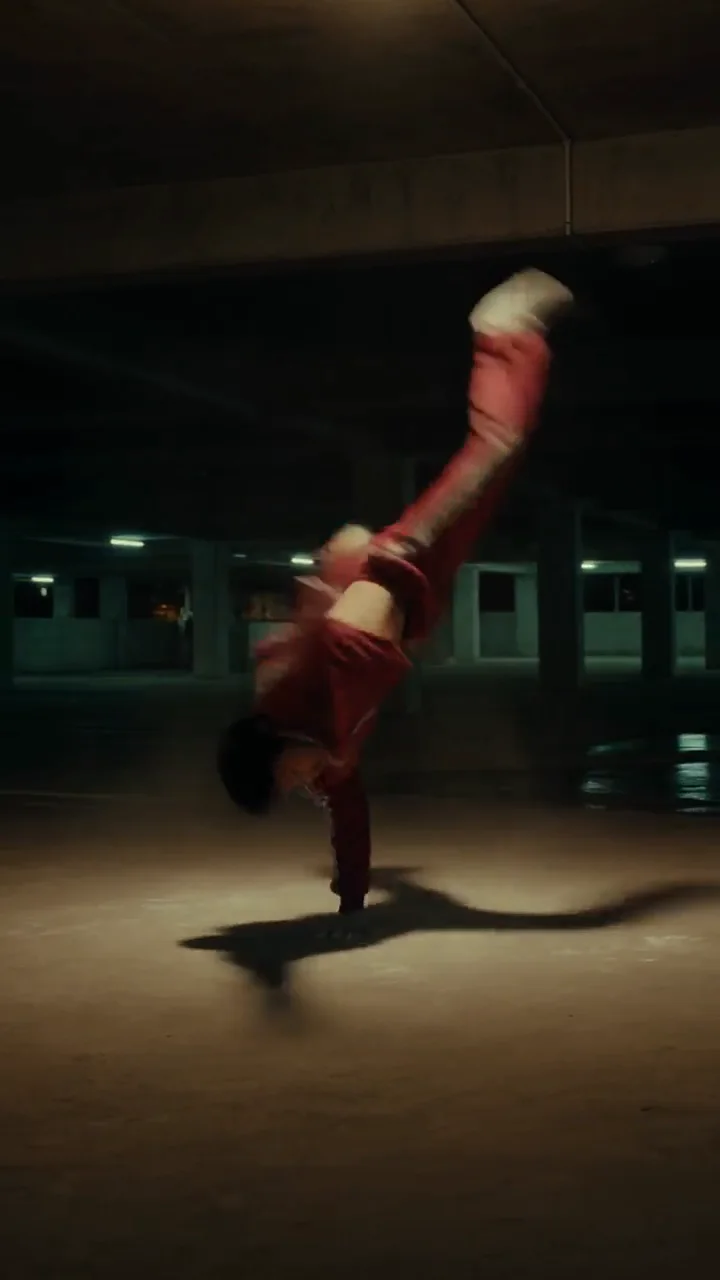
Good for linking two ideas: a spinning dancer into a tossed wok.
Cut at the moment the shapes line up.
The shot speeds up through the move, then cuts on it.
Good for action and sport. The speed hides the cut.
Split around the move and raise that piece's speed, up to 5×.
Camera tricks you didn't shoot. A video model makes the move from one shot's last frame to the next shot's first.
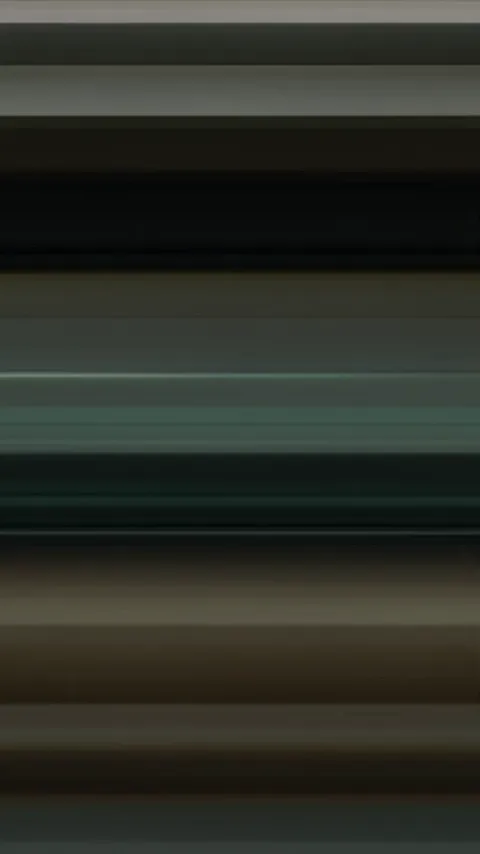
The camera snaps sideways and lands on the next shot in a blur.
Good for travel and action, or any change of place with pace.
Shoot it, or generate it between the two shots.
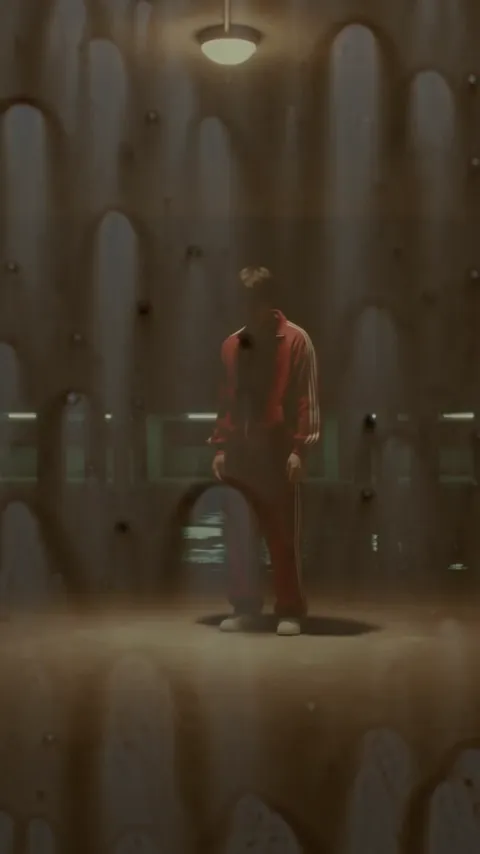
A hand, a jacket or a splash covers the lens, and the next shot is behind it.
Good for outfit changes and new places in short-form edits.
Shoot it, or generate it between the two shots.
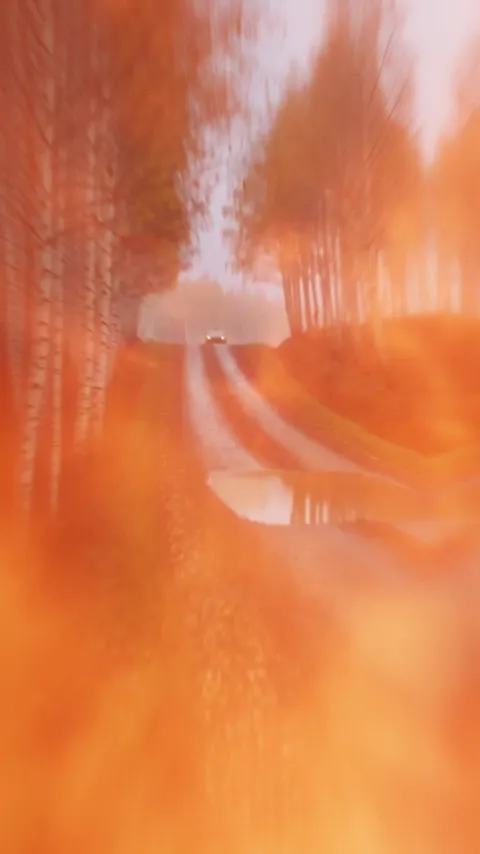
The camera flies into something in one shot and out into the next.
Good for a bold link between two scenes.
Generate it between the two shots.
Studio has no shape wipes yet.
A line or a shape sweeps across and replaces the shot.
Good for retro and news looks.
Not built in. A slide is the closest Studio option.
In Studio a transition belongs to a clip: how it comes in and how it goes out. Put the next clip over the last one and its entry becomes the transition between them.
Put both clips on the timeline. Drag the second one to the track above and slide it back so its start overlaps the end of the first.
Select the top clip and open Transitions. Fade makes a dissolve; Slide, Zoom and Swirl move it in. Exit sets how a clip leaves, and Both sets the two at once.
Use the slider, from 10 to 120 frames, or drag the handle on the clip's edge in the timeline. Studio's timeline runs at 60 frames a second.
Scrub over the join, then export an MP4 or WebM at 720p, 1080p or 4K.
Fade entry, 45 frames (0.75 s)2.4 s
Studio's slider sets each transition from 10 to 120 frames, at 60 frames a second. Here is Slide left at the shortest, the default and the longest.
10 frames
0.17 s
The shortest. Reads as a jolt.
30 frames
0.5 s
Studio's default. Quick and clean.
120 frames
2 s
The longest. A slow, deliberate move.
Give a video model the last frame of one shot and the first frame of the next, and describe the move. It makes the clip in between. Seedance 2.5, Kling 4.0, Veo 3.1, Wan 3.0 and MiniMax H3 Max take a first and a last frame.
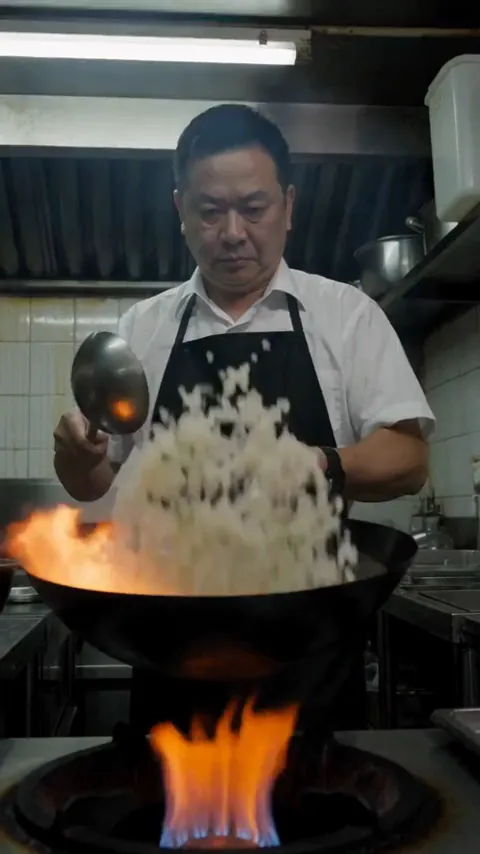
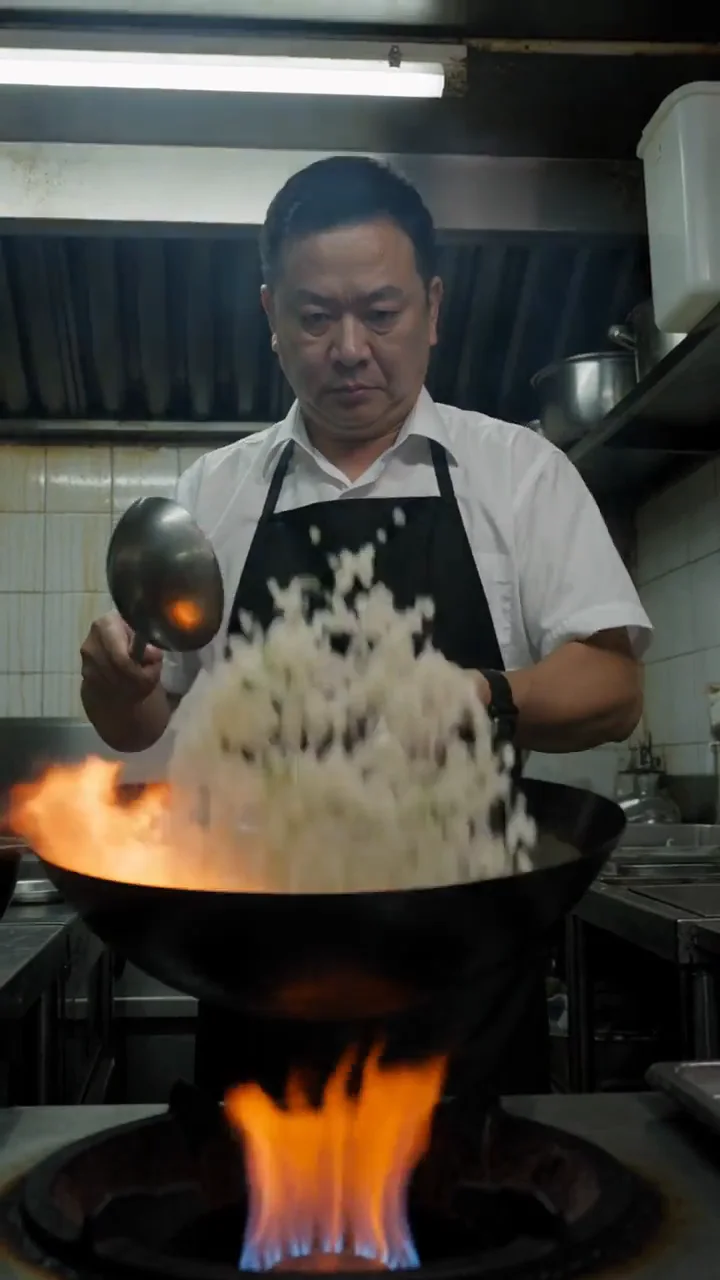
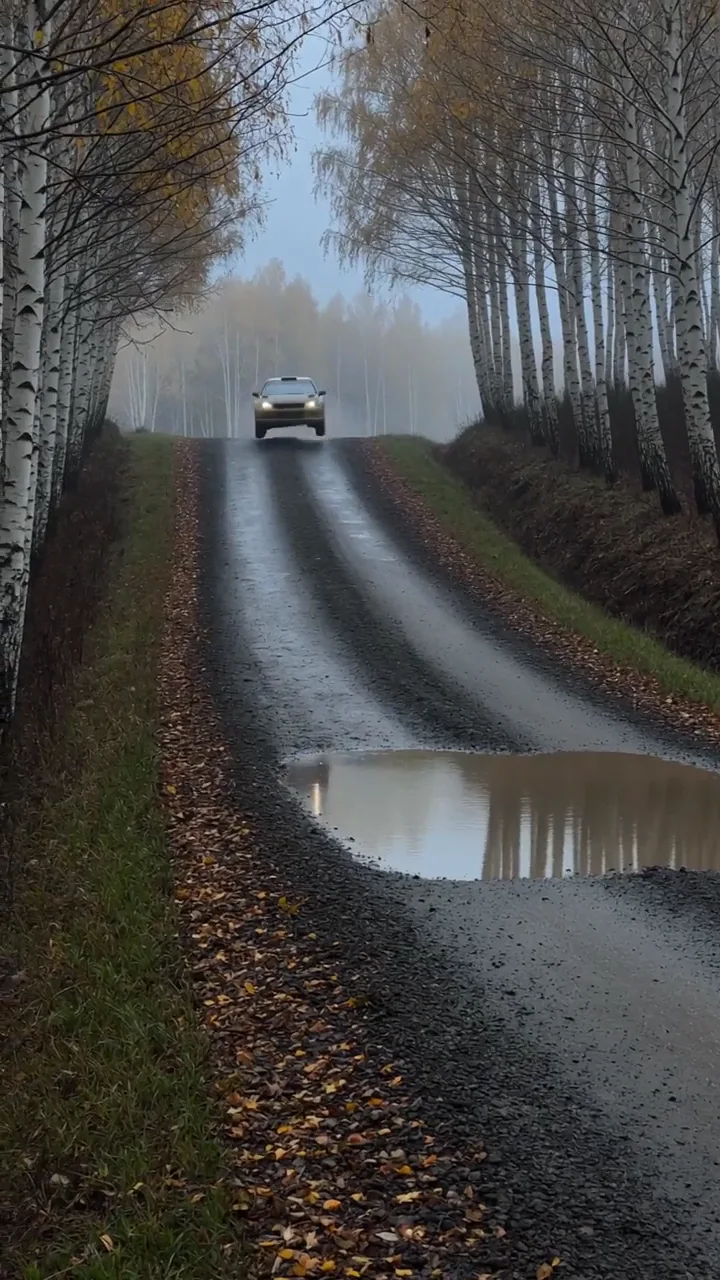
Through the flame
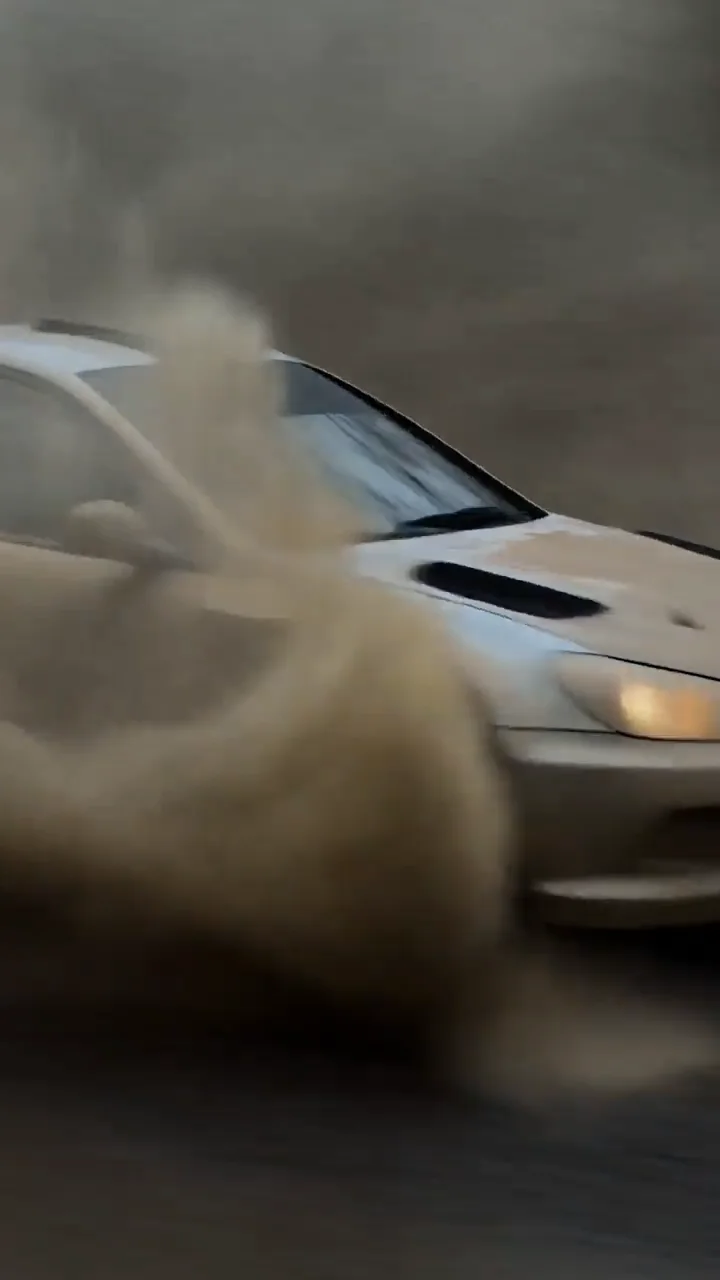
Wok fire to Rally car
“Push through. The cook lifts the rice high over the wok as the flame flares up, and the camera pushes fast straight into the fire until orange flame fills the whole frame. The camera keeps flying forward through the fire and comes out over a wet gravel road in a misty birch forest, where a rally car is coming toward the lens in the distance. One continuous forward move, no cut. Ends on the forest road and the car.”
Seedance 2.5 · first and last frame · 5 s · 9:16
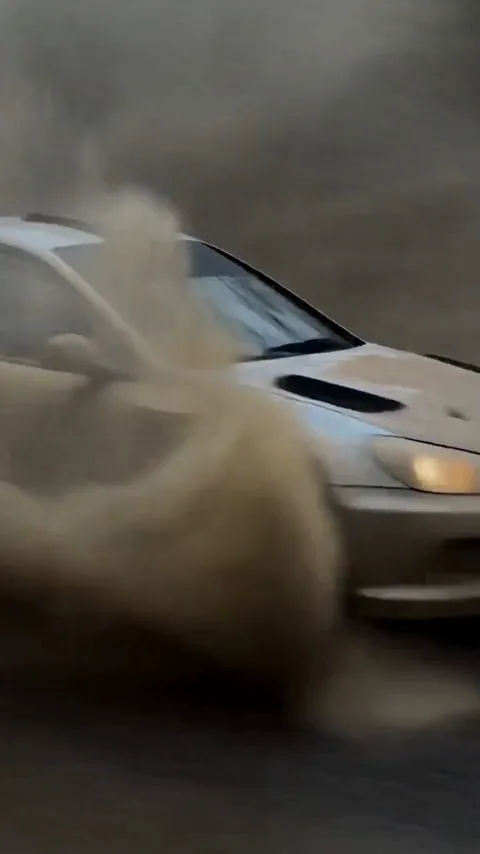
Spray on the lens
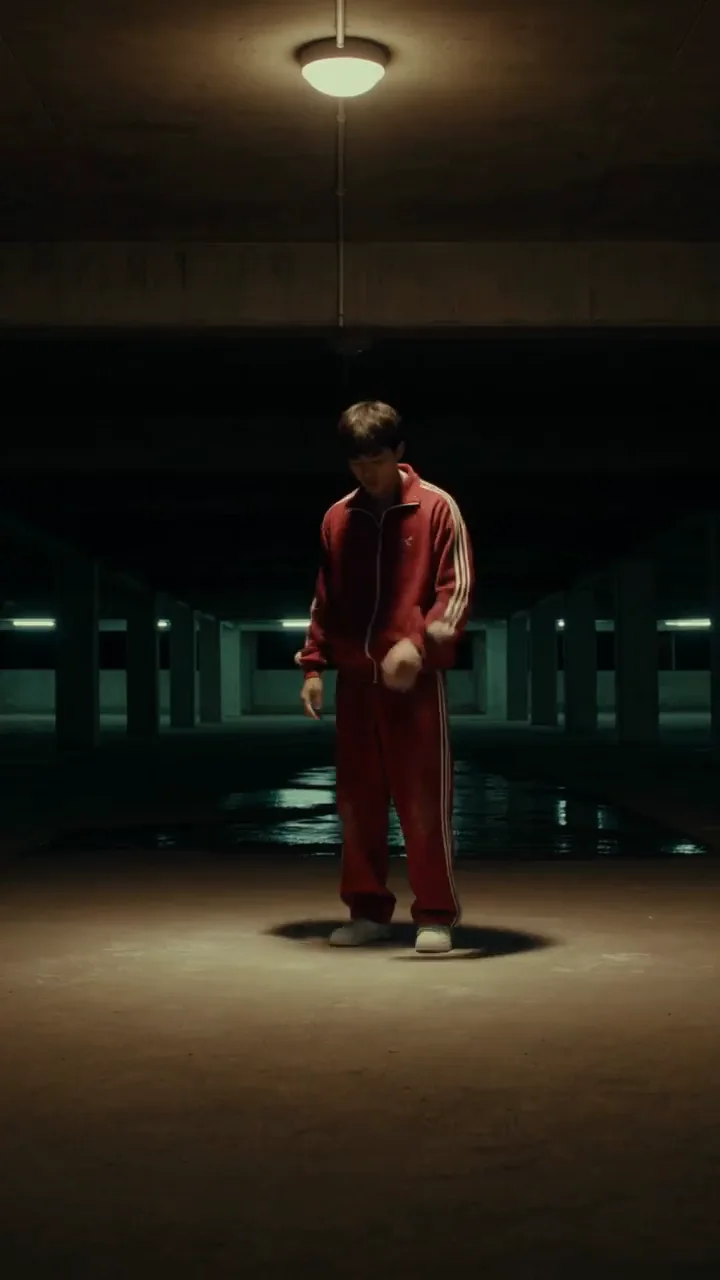
Rally car to Breakdancer
“Lens cover. The rally car roars past the lens and a sheet of muddy water slams onto the glass, covering the whole frame in brown. The water runs down the glass, and behind it an empty parking garage at night appears, a young man in a red tracksuit standing still in a pool of light under one ceiling lamp. One continuous shot, no cut. Ends on him standing under the light.”
Seedance 2.5 · first and last frame · 5 s · 9:16
Whip pan
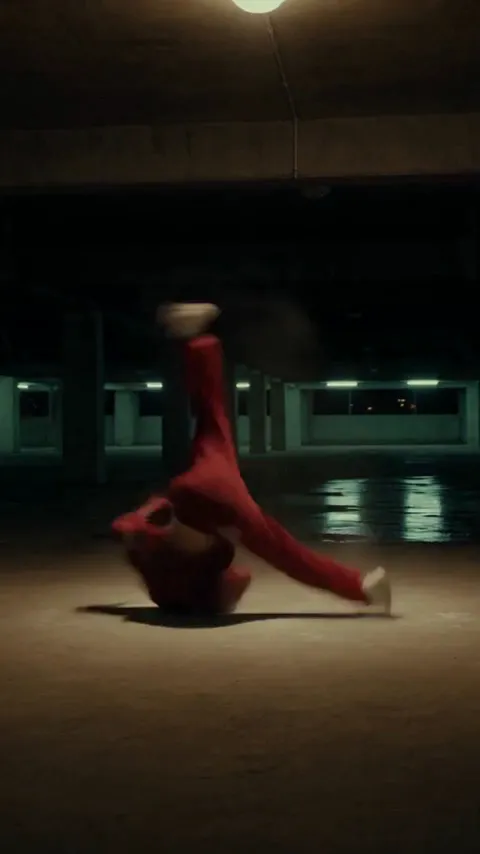
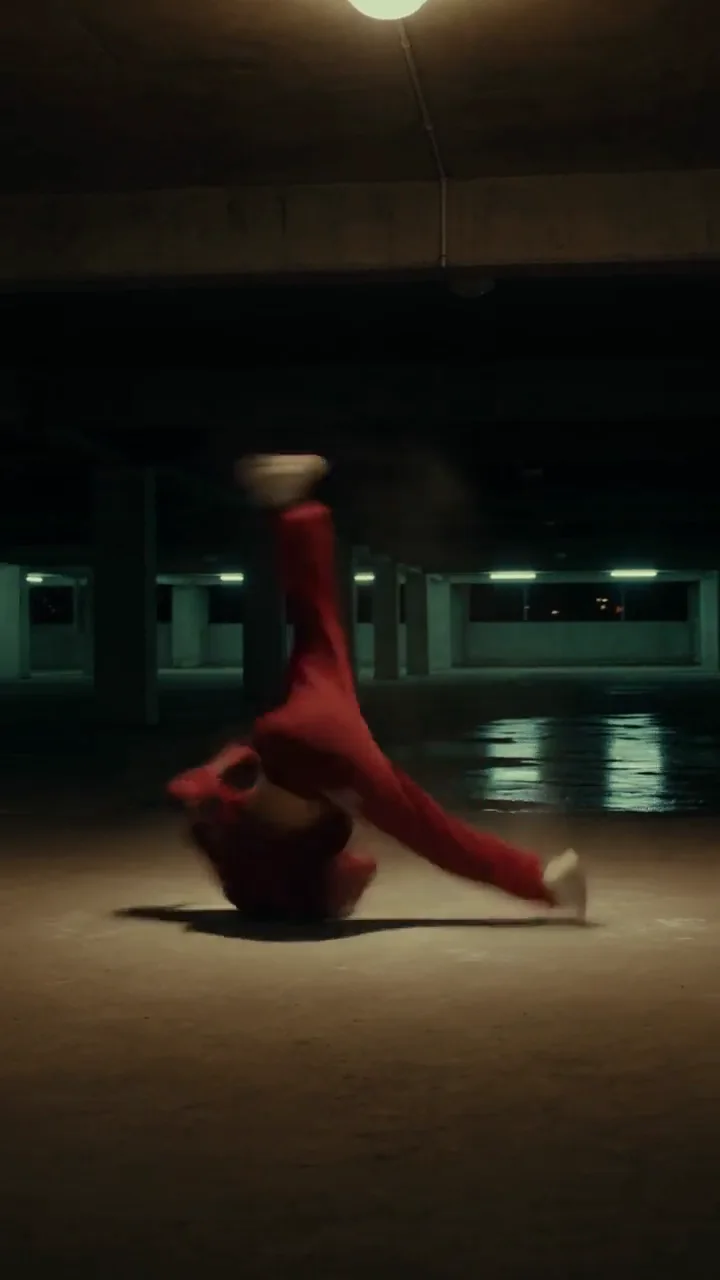
Breakdancer to Wok fire
“Whip pan. The breakdancer in the red tracksuit spins on the garage floor, then the camera whips hard to the right and the frame smears into a horizontal blur of red and green light. The blur settles on a steel restaurant kitchen, where a cook in a white shirt and black apron stirs rice in a wok over a tall flame. One fast whip pan, no cut. Ends on the cook at the wok. Sound: <a sharp whoosh>, then <oil sizzling in the wok>. No music. Mouths stay closed and no narration is added.”
Seedance 2.5 · first and last frame · 5 s · 9:16
A whoosh, a hit or a riser sells the move. Make one in Studio's Audio panel from a sentence and drop it on the join. Press play to hear each with its transition.
Whoosh
with Slide left
“A single fast air whoosh for a video transition, close and clean, swells and passes left to right, no music, no voice”
Eleven Sound Effects · 1 s
Impact hit
with Zoom in
“A deep cinematic impact hit for a video cut, one punchy low boom with a short tail, no music, no voice”
Eleven Sound Effects · 2 s
Riser
with Swirl clockwise
“A short rising whoosh that builds for two seconds and ends abruptly on its peak, for a video transition, no music, no voice”
Eleven Sound Effects · 2 s
Pick the plan for how much you post. Every model on every plan. Unused credits roll over. Cancel anytime.
Billed monthly
For solo creators posting every week
500 credits every month
Billed monthly
For creators posting daily across channels
1,300 credits every month
Billed monthly
For brands and production teams
2,700 credits every month
Billed monthly
For agencies running always-on content
5,500 credits every month
Want checkout, comparison tables, or a custom volume? See the full pricing page
Six types built into Studio, three made by how you cut, three generated. Only the wipe is missing.
Plans from $19 a month. No watermark.