Creator
$19/month
Billed monthly
For solo creators posting every week
500 credits every month
- Up to 500 YouTube banners
- Up to 50 AI videos
- Up to 1.5 hours of AI voiceover
- Roll over up to 1,000 credits
Your words, at every platform's size
A 4K banner with your name or headline written in it, cropped to the size YouTube, Twitch, X, LinkedIn or your website asks for.
GPT Image 2.5 Sunburst makes nine shapes, up to 3840 px wide. Pick the nearest one, then crop to the platform's shape. Every size below comes out larger than the platform asks for. Each size is from the platform's own help page. Read November 5, 2026.
YouTube channel banner
At least 2048 × 1152, 6 MB or smaller. Some screens crop it, so keep text and logos in the middle 1235 × 338 of a 2048 × 1152 image. YouTube Help
X header
Up to 60 px at the top and bottom can be cropped, depending on the screen and browser. X Help Center
LinkedIn cover image
JPG or PNG under 8 MB. It sits behind your profile photo, which covers its lower left. LinkedIn Help
Twitch profile banner
Shown 480 px high and stretched on wide windows. Twitch says to keep the graphics on the left. Twitch Help
Website hero
Match the shape of the space on your page.
Display ad, medium rectangle
One of the most common ad sizes on computers. Check whether your ad network takes a larger file of the same shape. Google Ads Help
Platforms crop banners and set your profile photo on top. Here is what each one hides, on real banners.
One image shows on TVs, computers and phones, and some screens crop it. Text and logos belong in the safe area, outlined: the middle 1235 × 338 of a 2048 × 1152 image.
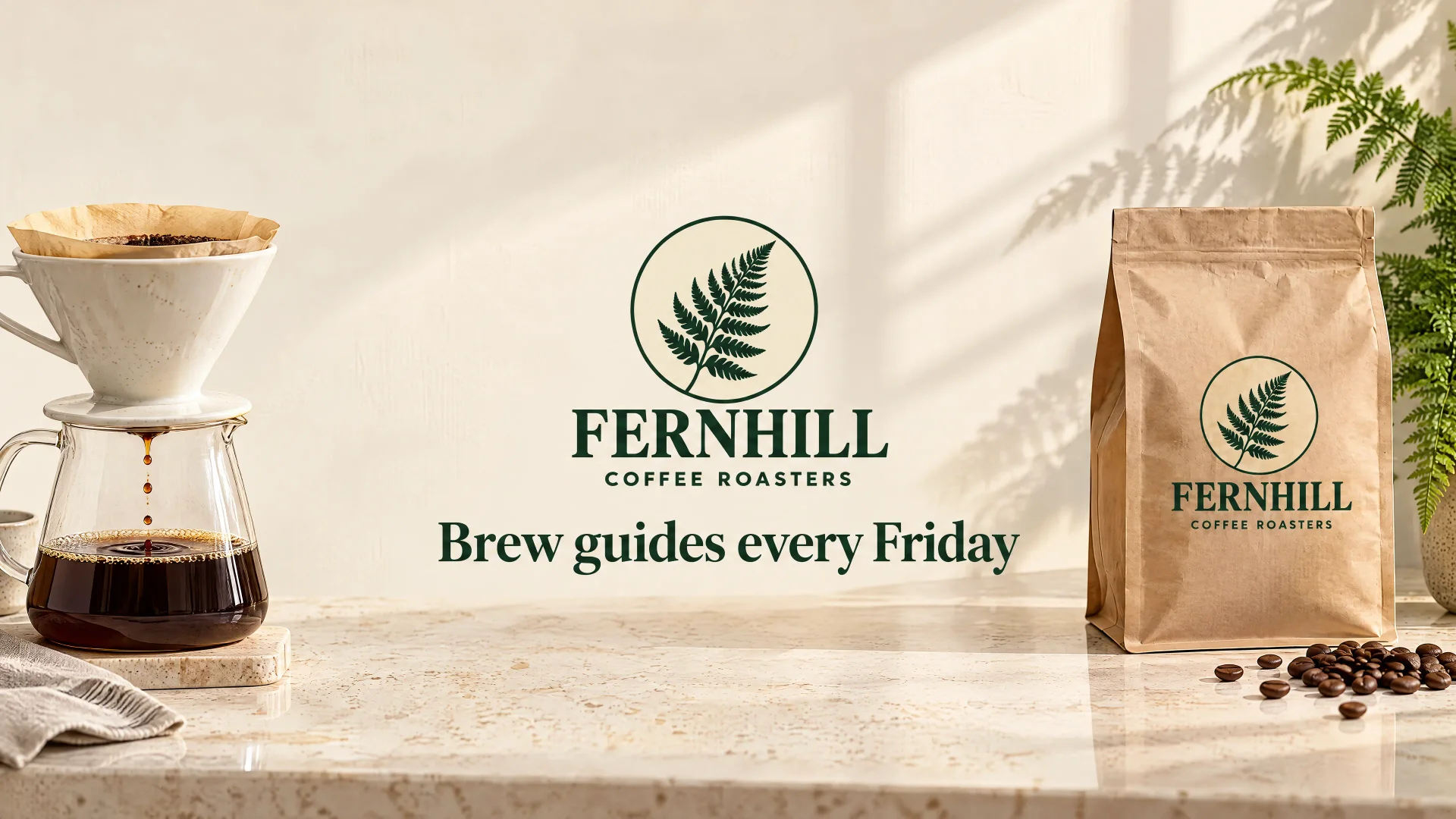
First try
The logo's top and the line under it fall outside the safe area.
“…In one centered block in the exact middle of the image, no wider than half the image width: the logo, then "Brew guides every Friday" in forest green serif letters under it.”
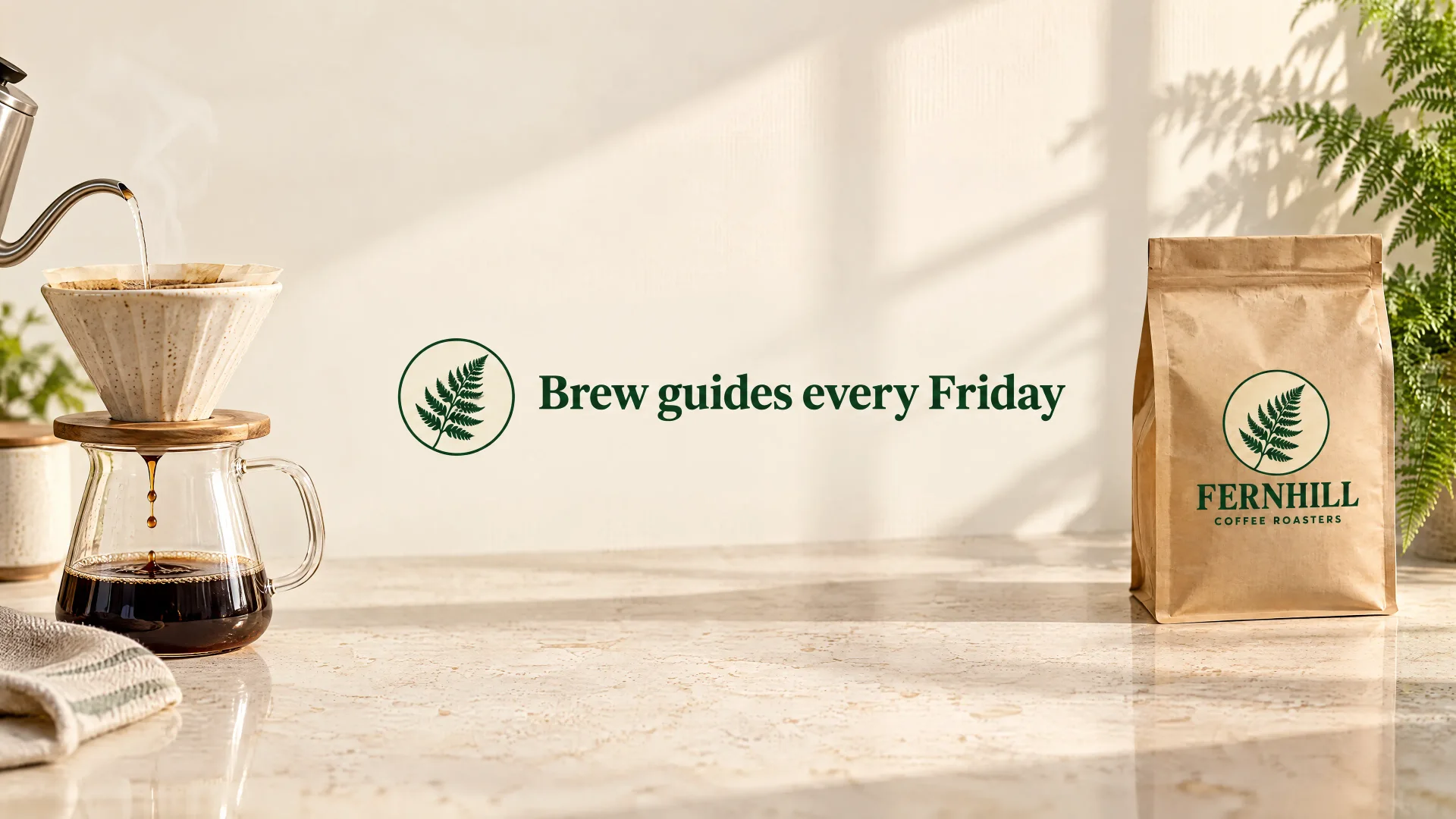
Second try
One short row in the center, all of it inside the safe area.
“…In the exact center of the image, one short horizontal row no taller than a fifth of the image height: the round fern emblem from the attached logo on the left, and to its right "Brew guides every Friday"…”
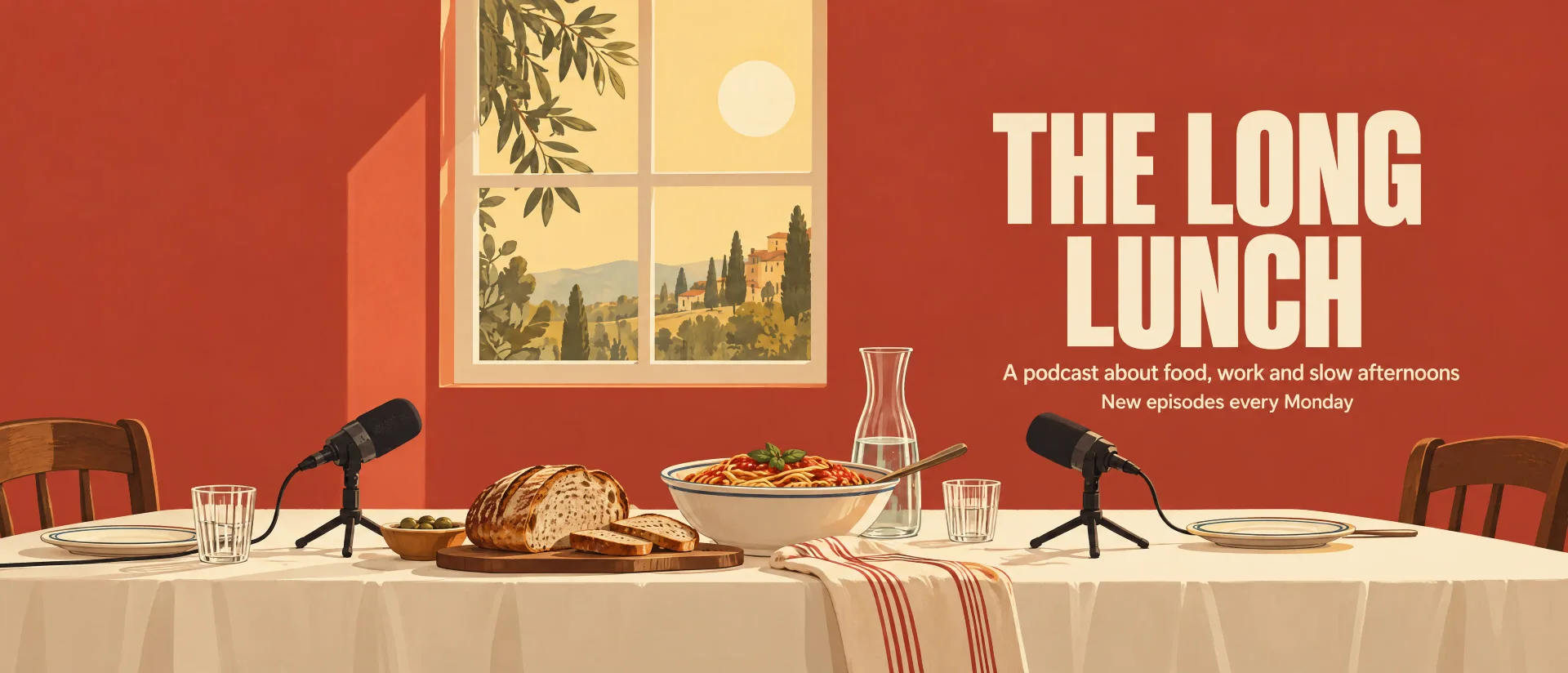
X may crop up to 60 px from the top and bottom of a 1500 × 500 header, depending on the screen and browser. The Long Lunch keeps its words clear of both bands.
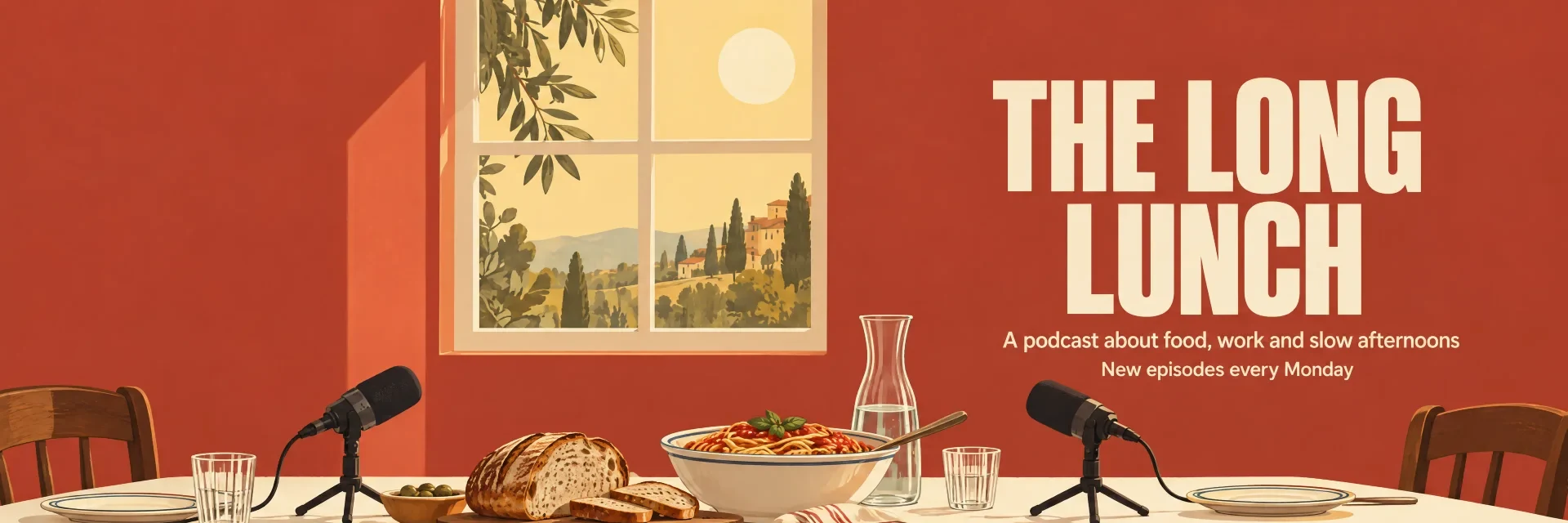
21:9 at 4K, cropped to 3:1.
The cover image sits behind your profile photo, which covers its lower left. Priya's banner starts its line a third of the way in, clear of it.
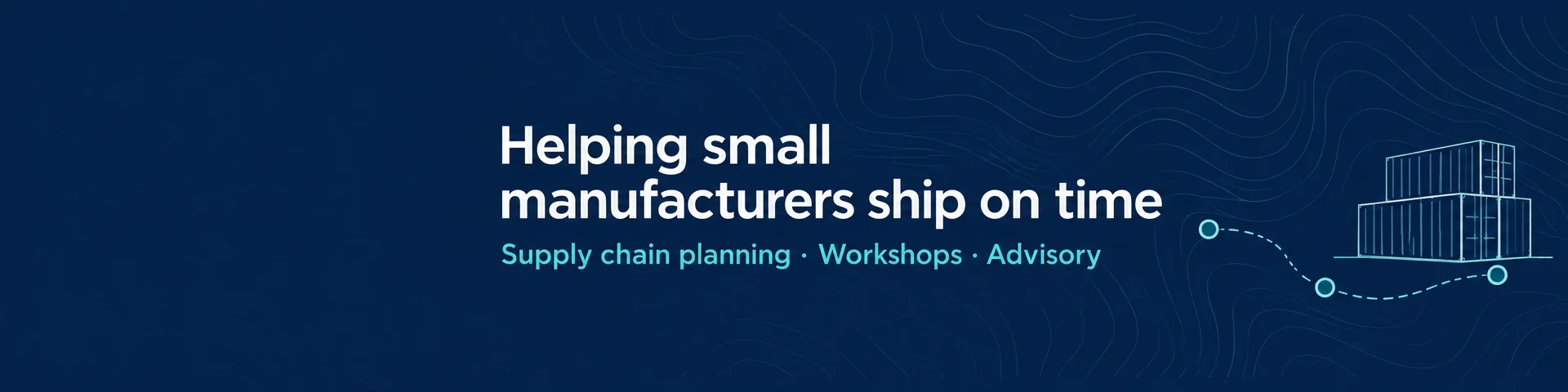
Priya Raman
Supply chain consultant
21:9 at 4K, cropped to 4:1.
Name the platform, the scene and where the words go. Put every word that should appear in quotes, exactly as it should be spelled.
16:9 for YouTube. 21:9 for anything wider, like X, LinkedIn and Twitch. Ask for plain space at the top and bottom so the crop takes nothing you need.
Open the banner in the image editor and pick Crop. Type the width and height, like 3840 × 1280 for a 3:1 X header, move the frame and apply. Download the PNG.
Read the quoted lines, then read the banner. All eight came out spelled as typed. Check yours before you post: if a word comes out wrong, an edit in the image editor fixes it.
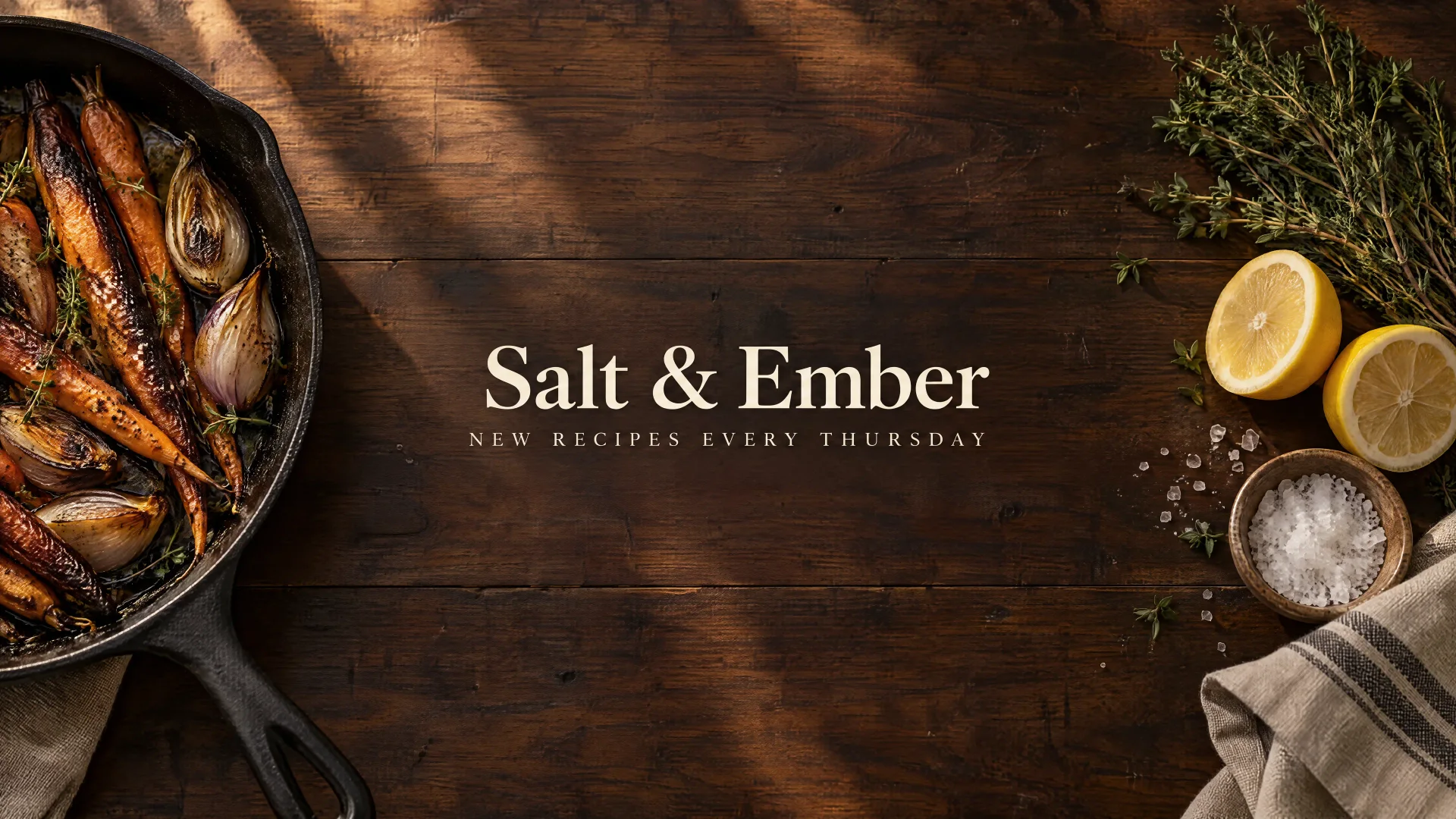
16:9 at 4K, no crop.
YouTube channel banner for a home cooking channel called "Salt & Ember". A dark walnut table seen from directly above, lit by warm late-afternoon window light. On the far left, a cast iron pan of charred carrots and shallots. On the far right, a bundle of thyme, two halved lemons, flaky salt in a small bowl and a folded linen towel. The middle of the table is clear, dark and calm. All text sits in one centered block in the exact middle of the image, no wider than half the image width: the channel name "Salt & Ember" in large cream serif letters, and under it, in small spaced capitals, "NEW RECIPES EVERY THURSDAY". No other words, logos or icons anywhere.
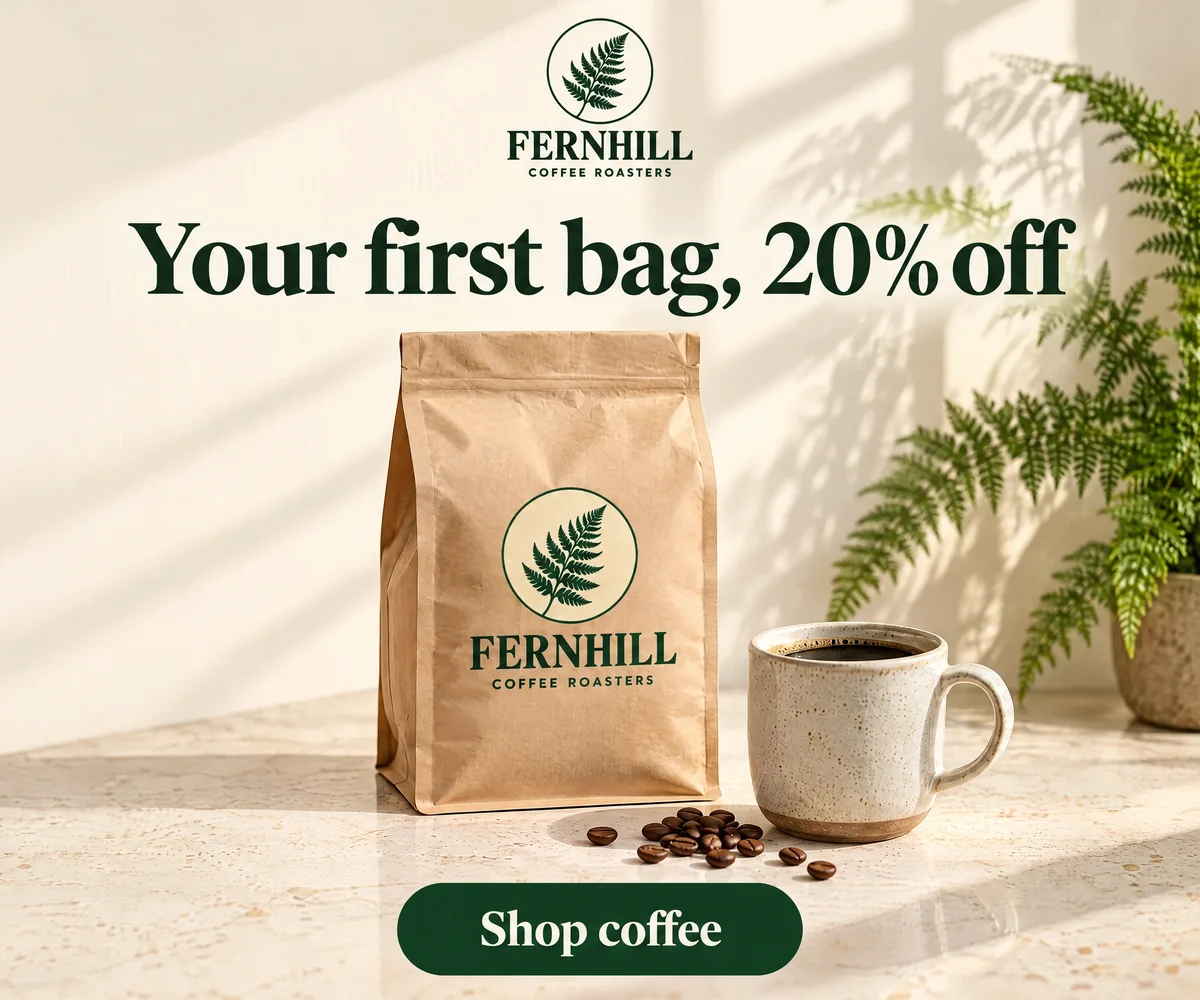
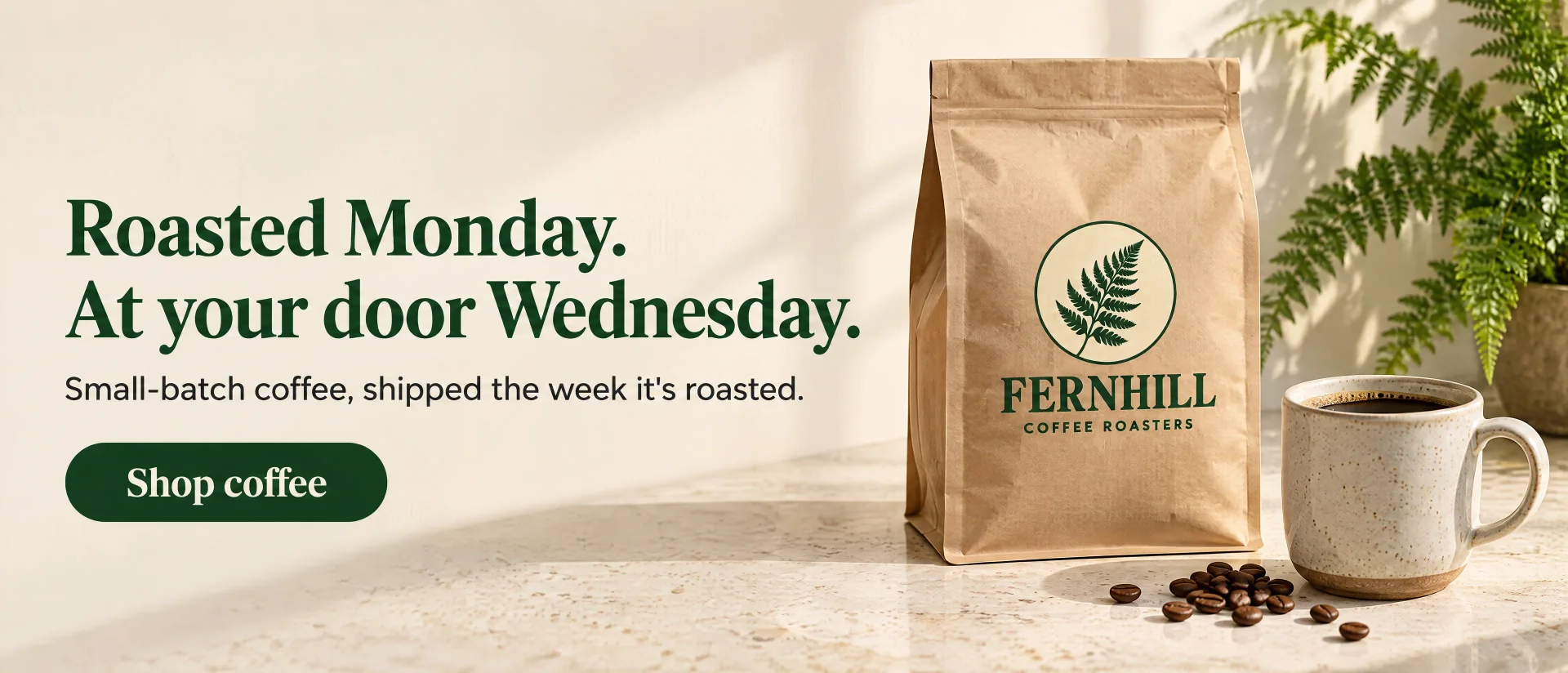
Fernhill started with a logo. The logo went into the website hero as a reference. Both went into the YouTube banner, the X header and the ad, with one line in each prompt: “in the same style, colors and light as the attached website banner.”
Website hero and logo attached to each
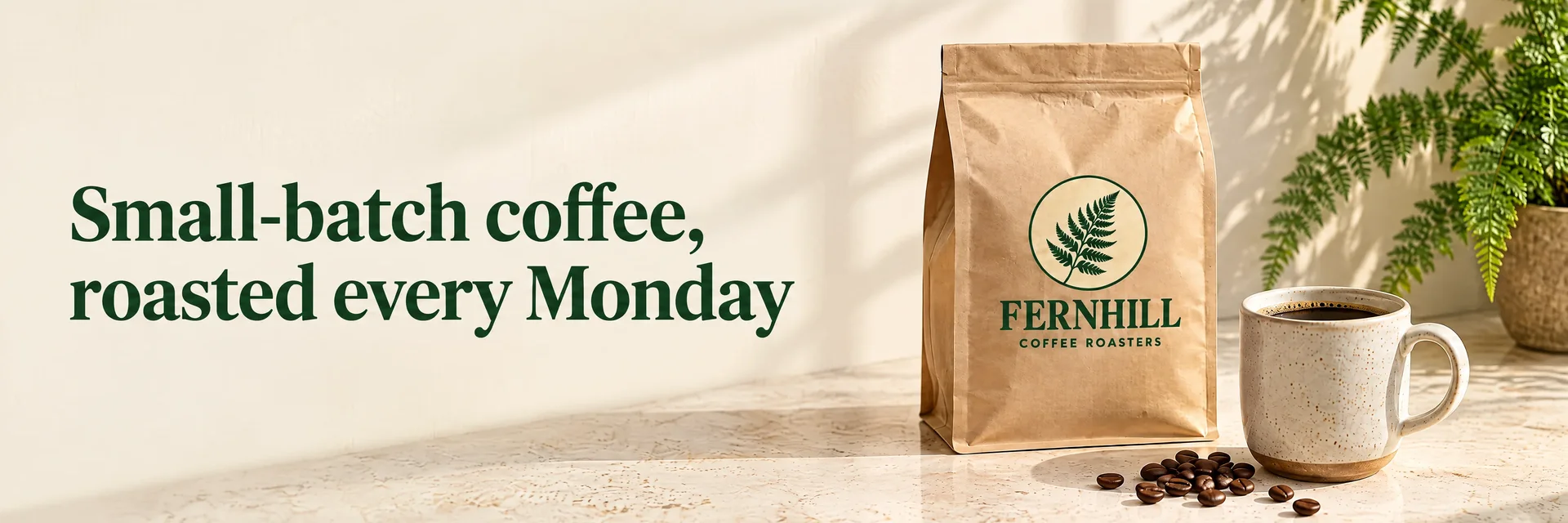
The $19 Creator plan makes up to 500 4K YouTube banners a month at low quality, or 125 with your logo attached.
Pick the plan for how much you post. Every model on every plan. Unused credits roll over. Cancel anytime.
Billed monthly
For solo creators posting every week
500 credits every month
Billed monthly
For creators posting daily across channels
1,300 credits every month
Billed monthly
For brands and production teams
2,700 credits every month
Billed monthly
For agencies running always-on content
5,500 credits every month
Want checkout, comparison tables, or a custom volume? See the full pricing page
Your name, spelled right, at the right size.
Plans from $19 a month.