Creator
$19/month
Billed monthly
For solo creators posting every week
500 credits every month
- Up to 250 AI images
- Up to 19 intros
- Up to 1.5 hours of AI voiceover
- Roll over up to 1,000 credits
Logo, sting, title.
Make the logo, the moving shot and the sound in Sceneform. Add your channel name in Studio and export a 5-second intro. Press play to hear these four.
About $1.20 an intro on the $19 plan
Plans from $19 a month, with commercial use and no watermark. Studio runs in a desktop browser.
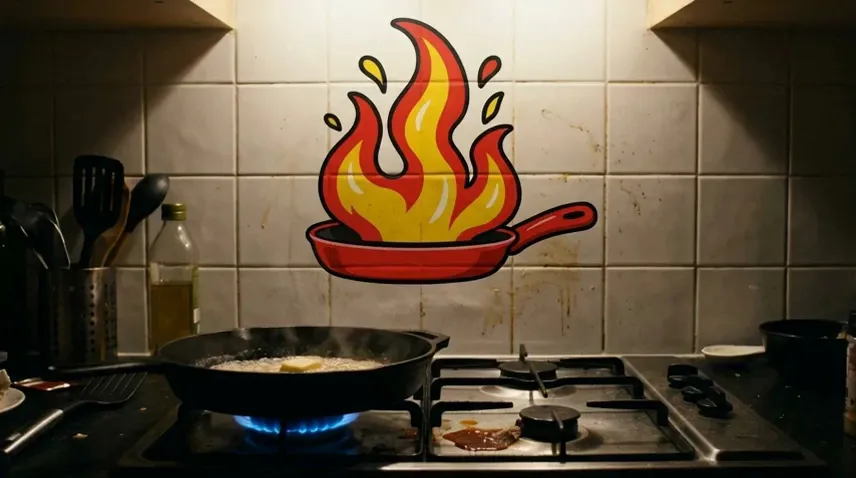
An intro is a clip, a line of text and a sound, stacked in one Studio project. This is the Hot Mess Kitchen intro, taken apart.
Describe the mark in the image generator and set the background to transparent. Or upload the PNG you already have.

The logo prompt
A flat logo mark for a chaotic, funny home cooking YouTube channel called Hot Mess Kitchen: a cartoon frying pan seen from the side with a big three-tongued flame leaping out of it, drawn in thick black outlines filled with tomato red and mustard yellow. No letters or text. Centered with generous padding, clean edges, transparent background.
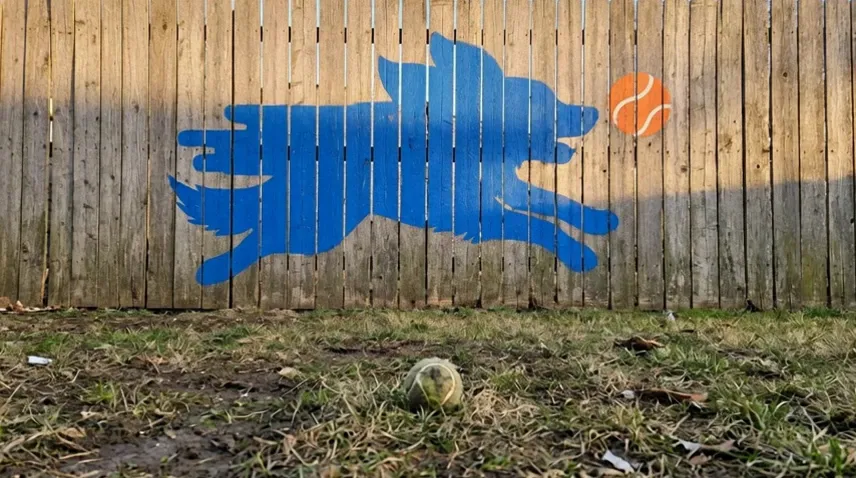
Edit the logo into a scene that fits the channel: a neon sign, a mural on a fence, a clay model. The logo goes in as the reference.
The shot prompt, with the logo as reference
Use the logo in the reference image. It is painted large in its red, yellow and black on the white tiled wall behind a gas stove in a small, messy home kitchen at night. In front of the wall a black cast-iron pan sits on a lit blue gas burner with butter sizzling in it, a splash of sauce on the stovetop. Warm light from under the cabinets. Keep the logo's shape and colors exactly. The logo sits in the upper middle of the frame; the lower third is the calm, dark stovetop. No people, no text anywhere. Cinematic photo.
Turn the shot into a 5-second clip with image to video. Pick Seedance 2.5: it starts from your shot and can end on a second one.
In Studio, put your channel name over the clip with a fade or slide in, and a sting from the Audio panel under it. Export.
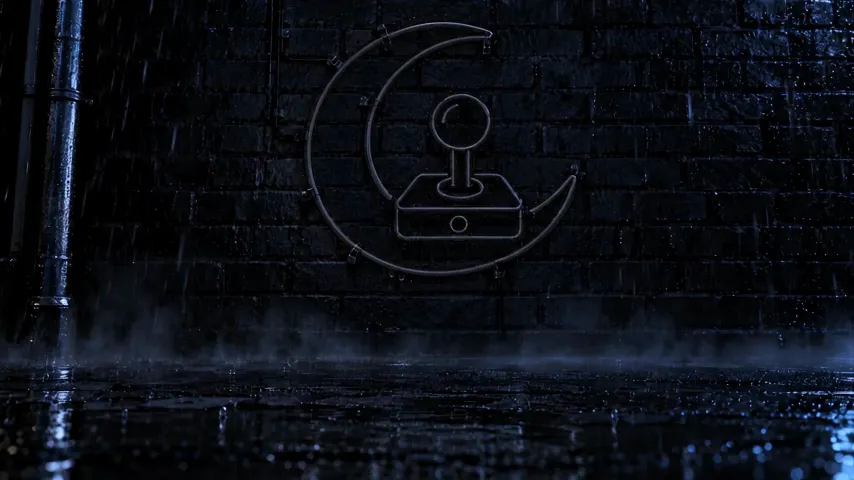
In image to video, start from the shot with your logo switched off and end on the same shot with it on. The clip makes the move between them: here, a neon sign flickering to life.
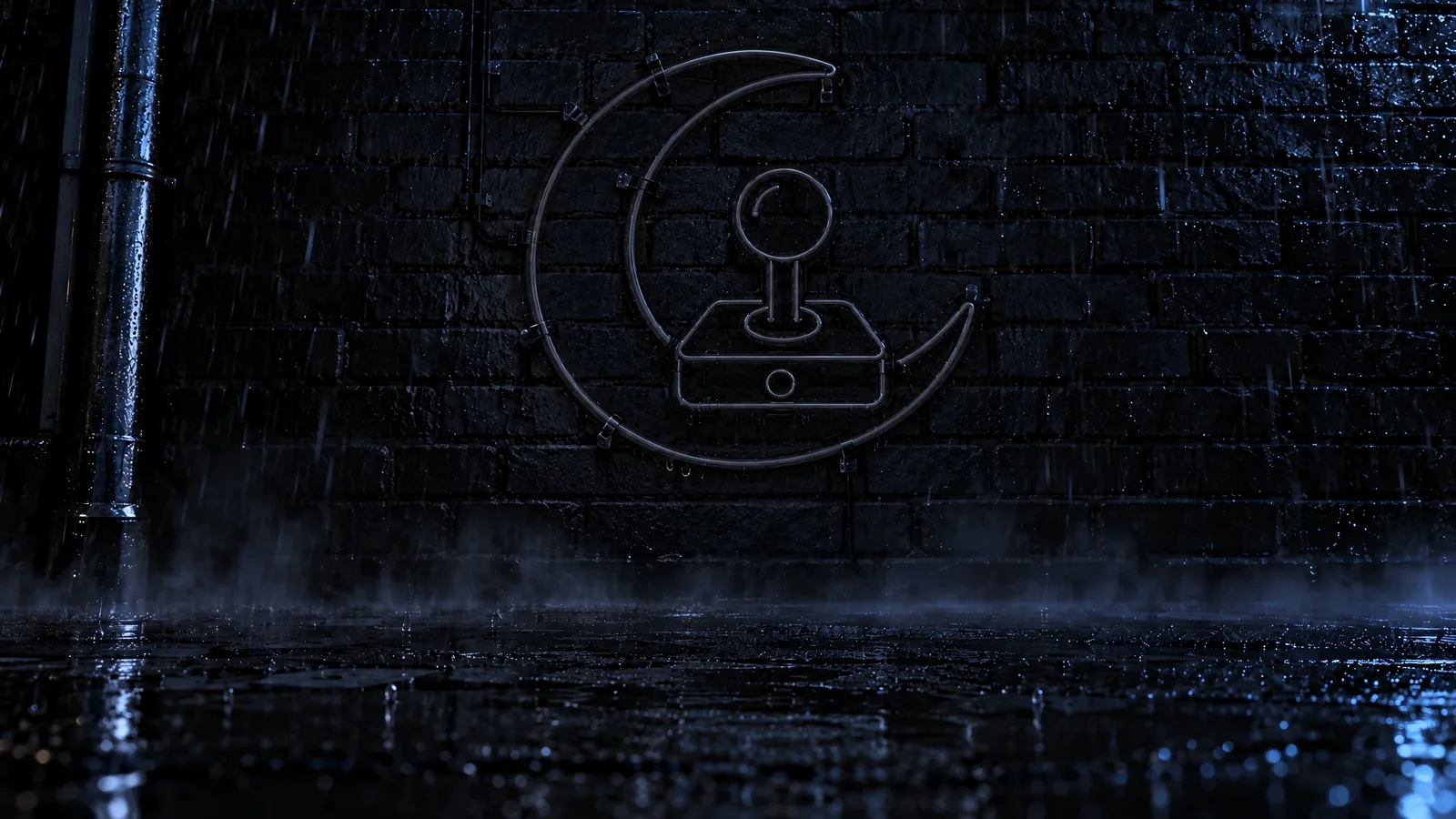
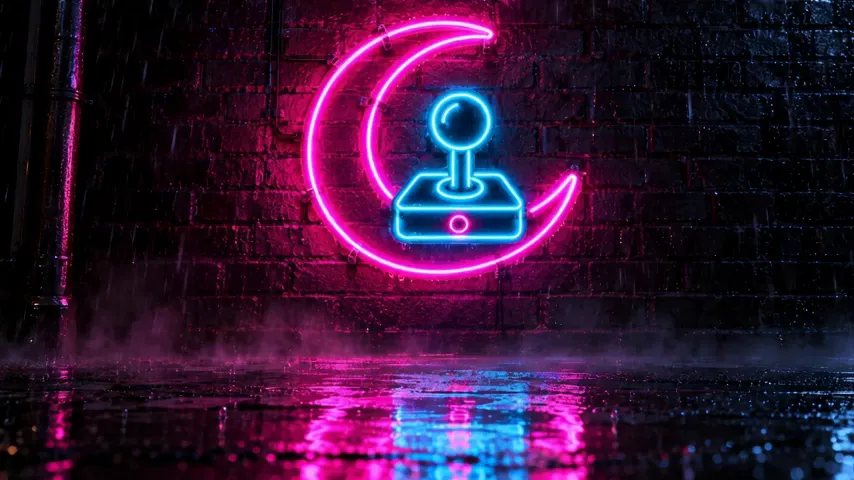
The first frame is the last one, edited
The same photo with the neon sign switched off. The glass tubes are unlit, pale grey and barely visible against the brick, with no magenta or cyan glow on the wall, in the haze or in the wet pavement. The alley is darker, lit only by faint cool light from the left. Keep the wall, the pipe, the sign's shape and position, the rain and the camera exactly the same.
Describe the sound under Sound effects in Studio's Audio panel and set it to 5 seconds. Each one below is the prompt that made it.
Hot Mess Kitchen
Sting for a cooking channel
A big comic whoosh of a pan flaring into flames, then a quick cartoon trumpet wah-wah and a crackling sizzle tail, funny cooking show logo sting.

Squish
Sting for a stop motion channel
Three squishy clay boings rising in pitch, then a bright toy xylophone run and one soft squelch at the end, playful logo sting.

Night Shift Arcade
Sting for a retro gaming channel
Retro 8-bit arpeggio rising fast into a deep analog synth hit with a long reverb tail, video game logo sting.

Zoomies
Sting for a dogs channel
One happy dog bark, paws scrambling fast on grass, a whistle zip, then a punchy drum hit, energetic logo sting.
The Music tab makes themes from 15 seconds. Drop one under the clip in Studio, trim it to the intro and fade it out.
Upbeat acoustic theme for a home cooking channel intro: ukulele, hand claps and marimba, 110 BPM, bright and friendly, ending on a clear final chord.
YouTube's help says viewers decide in the first seconds whether to stay, and that the opening should deliver what the title and thumbnail promised. So open on that, a line or a shot. Play the intro after it, then get straight to the first step.
"Juno has never seen the sea. Today she does."
Hook
0:00 to 0:08
Intro
0:08 to 0:13
"First, the car ride."
The video
0:13 to 0:20
Sources: YouTube Help: engaging hooks, YouTube Help: restrictions on claimed music, YouTube Help: add end screens.
Pick the plan for how much you post. Every model on every plan. Unused credits roll over. Cancel anytime.
Billed monthly
For solo creators posting every week
500 credits every month
Billed monthly
For creators posting daily across channels
1,300 credits every month
Billed monthly
For brands and production teams
2,700 credits every month
Billed monthly
For agencies running always-on content
5,500 credits every month
Want checkout, comparison tables, or a custom volume? See the full pricing page
Plans from $19 a month. Commercial use included.