

Creator
$19/month
Billed monthly
For solo creators posting every week
500 credits every month
- Up to 250 photo edits
- Up to 50 AI videos
- Up to 1.5 hours of AI voiceover
- Roll over up to 1,000 credits
Pick an edit and choose your photo. In the editor, write any other change, and select an area first when only that part should change.
Plans from $19 a month
 Remove
Open your photo
Upload a JPG, PNG or WebP, or pick an image from your media library.
Type the change
Say what should change and what should stay. To change one area, select it first.
Compare and keep
Check the result against the version before. Download a PNG or save it to your library.
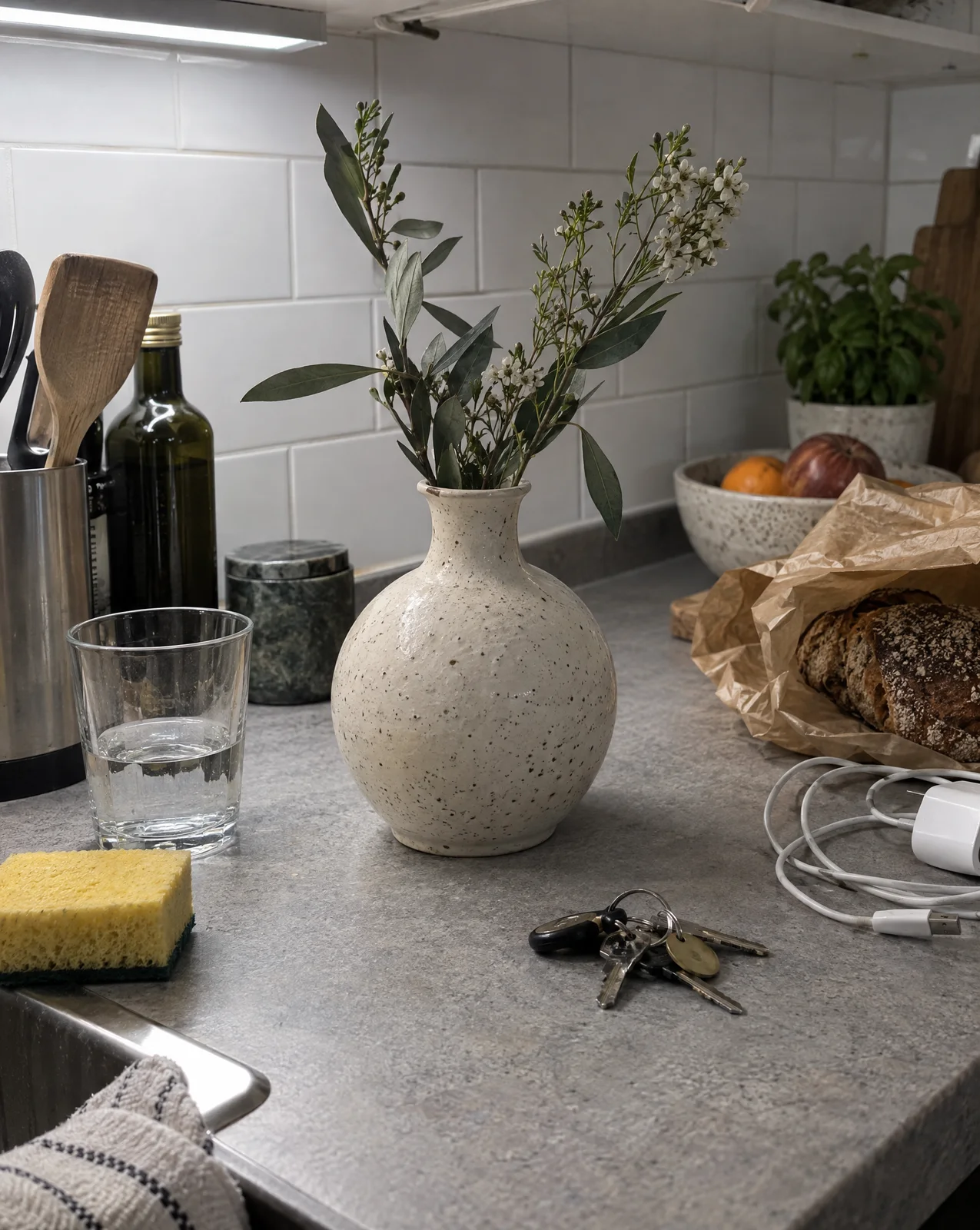
This vase went through four tools. Each step saved a version, and any version can start the next edit. Pick a version to see it and what made it.


Replace the stems in the vase with three tall dried pampas grass plumes. Keep the vase, the plinth, the wall and the light the same.
The lasso marked the stems. The plinth, the wall and the light held.
Add up to 14 images to one prompt and say what to take from each. Type @ to bring in a Persona, a product or anything from your media library.
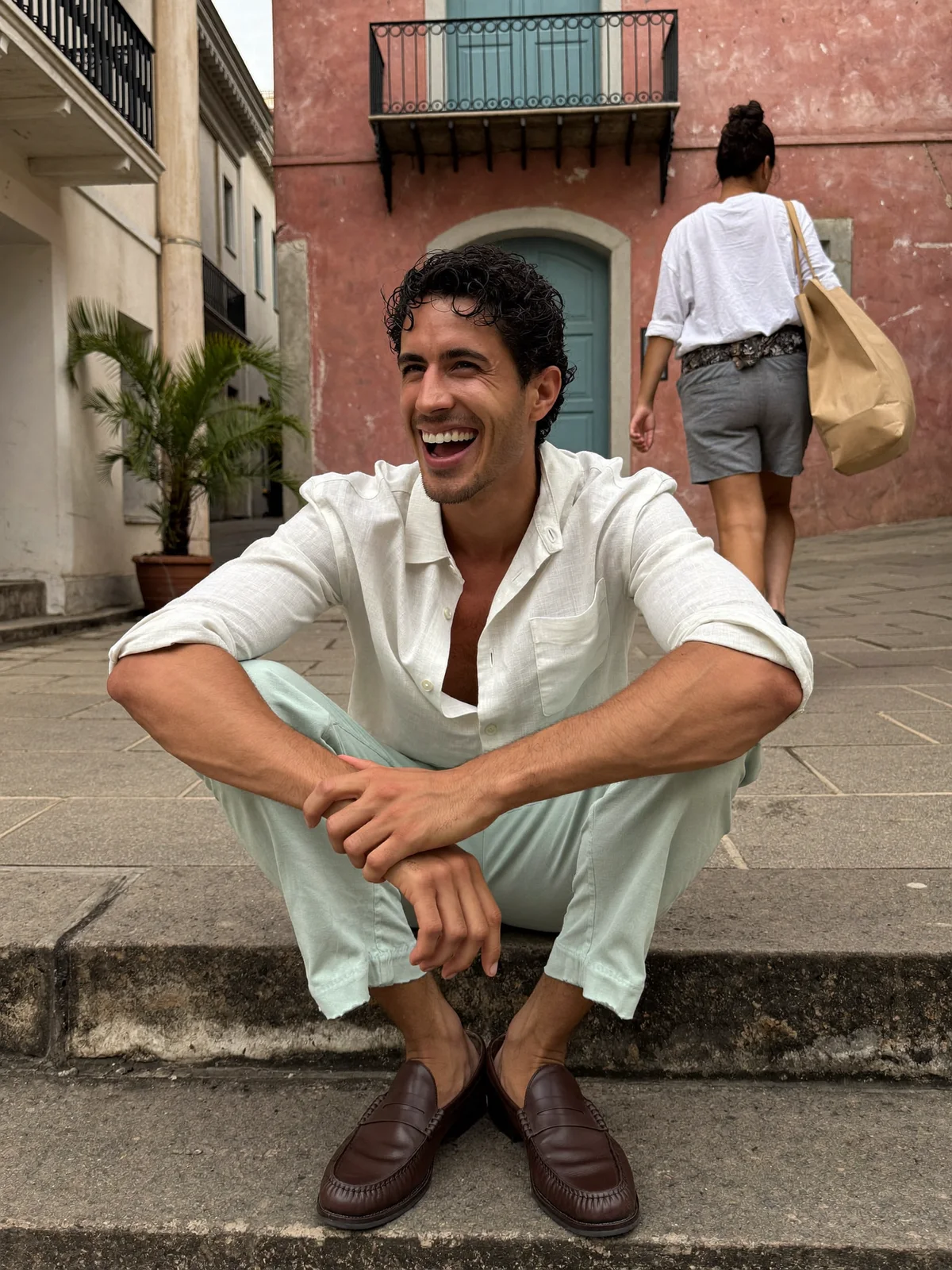
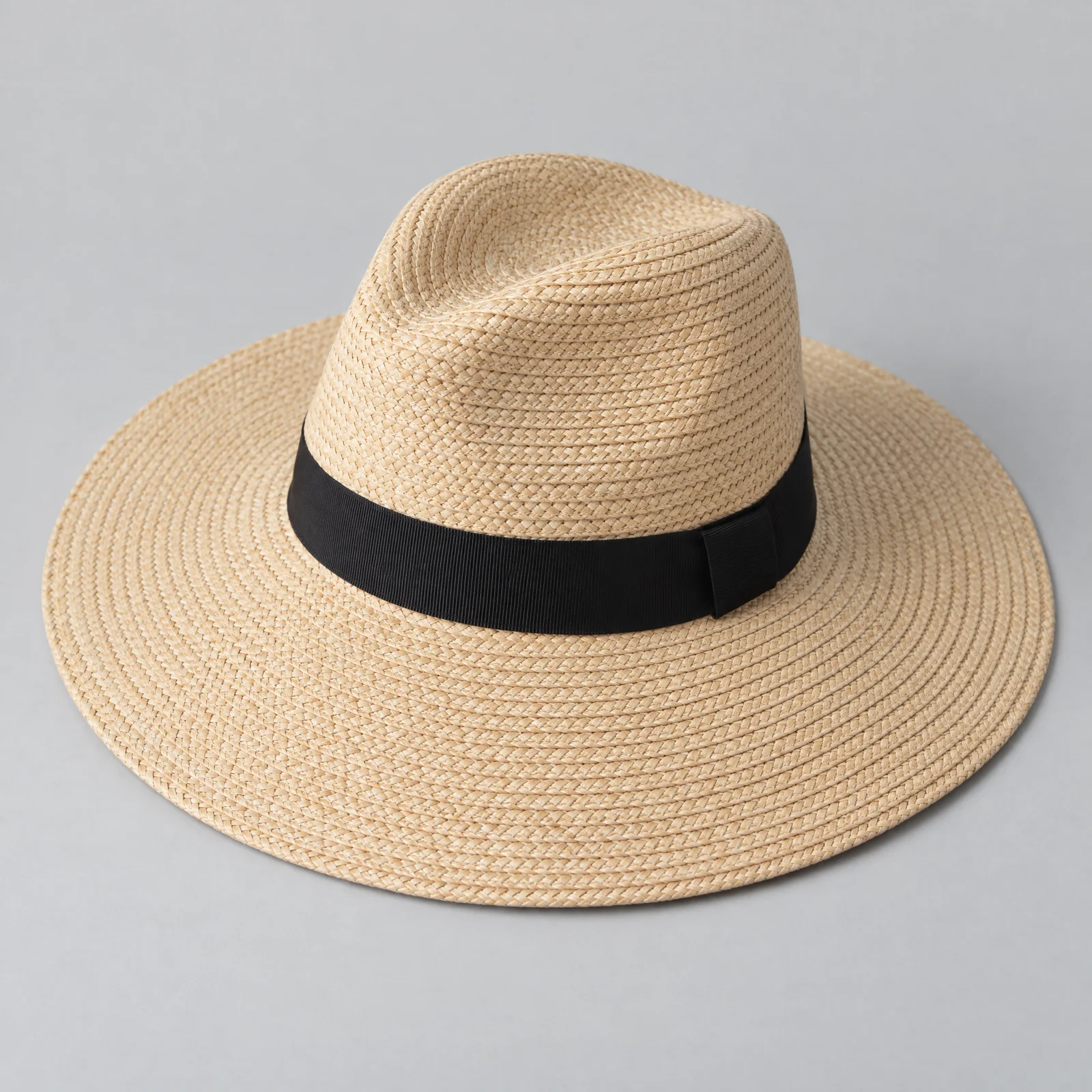
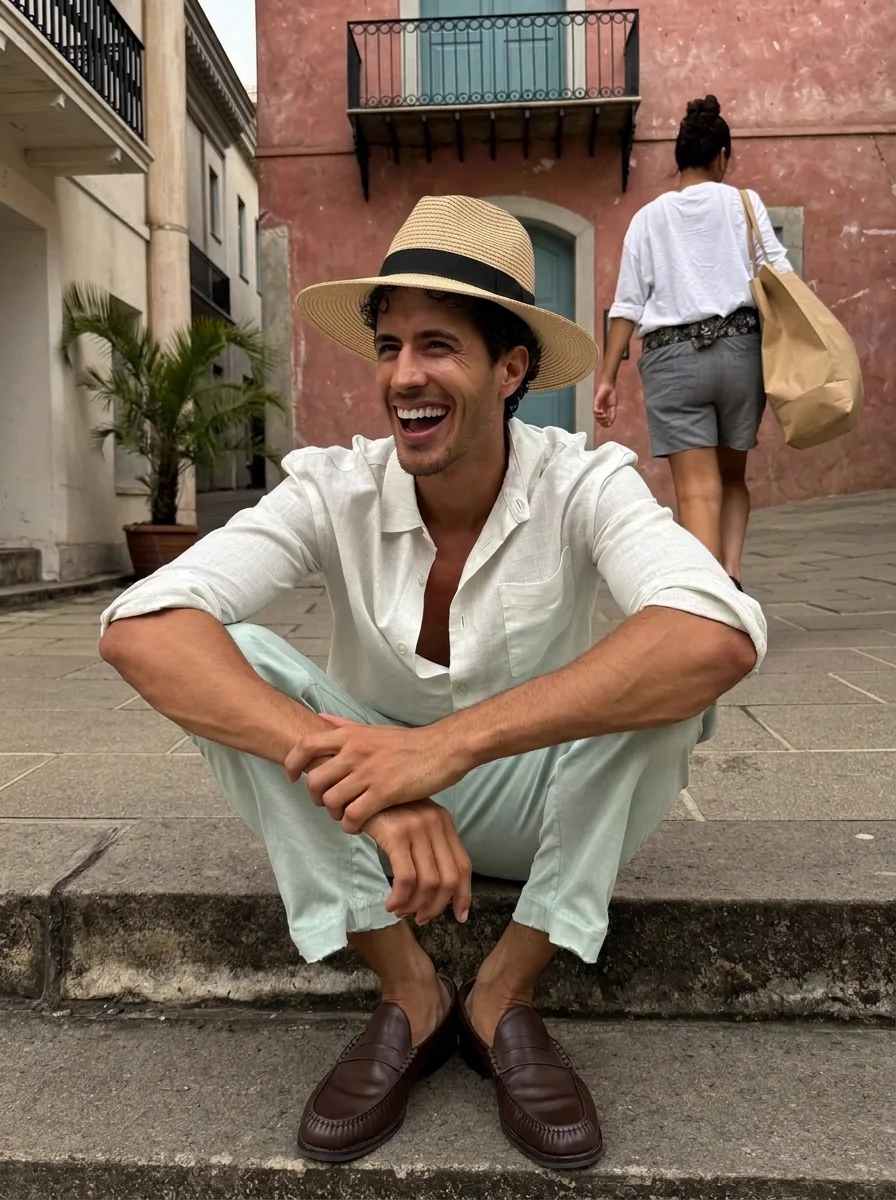
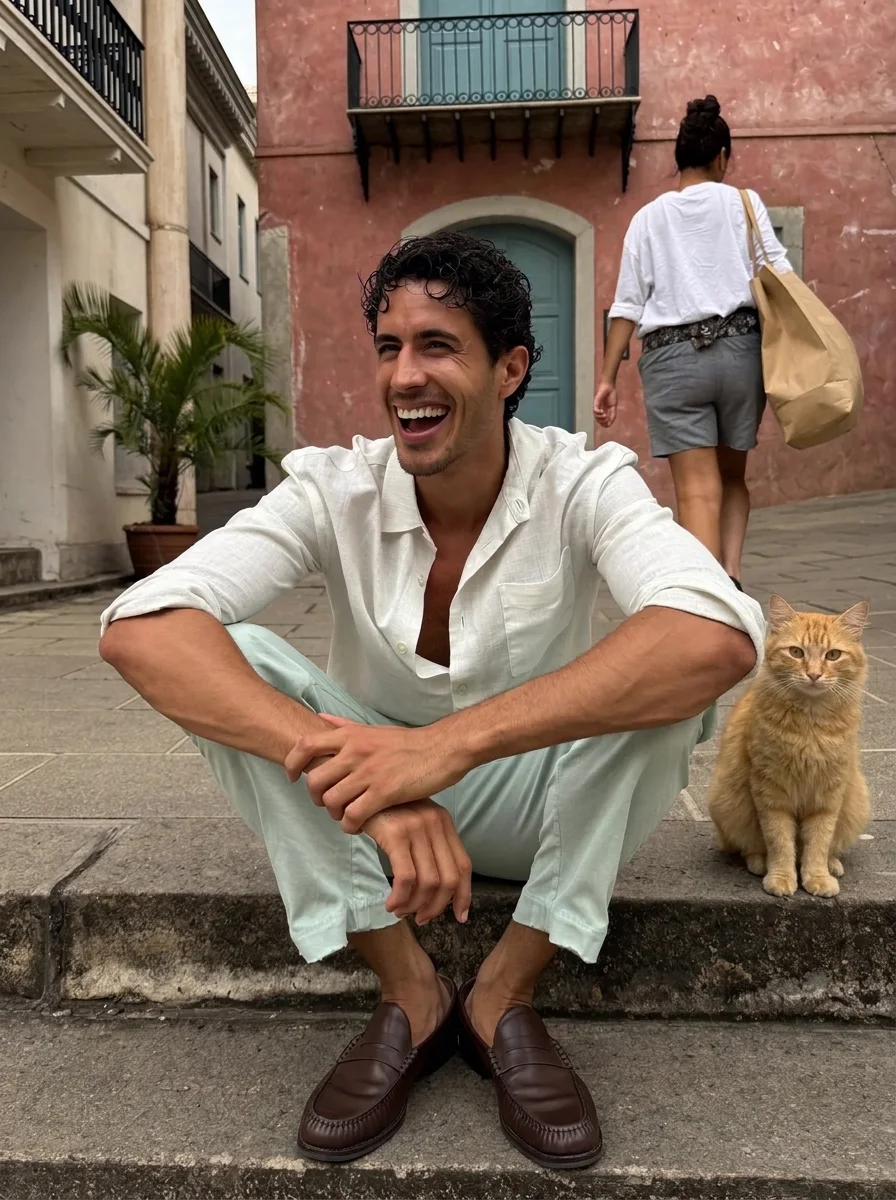
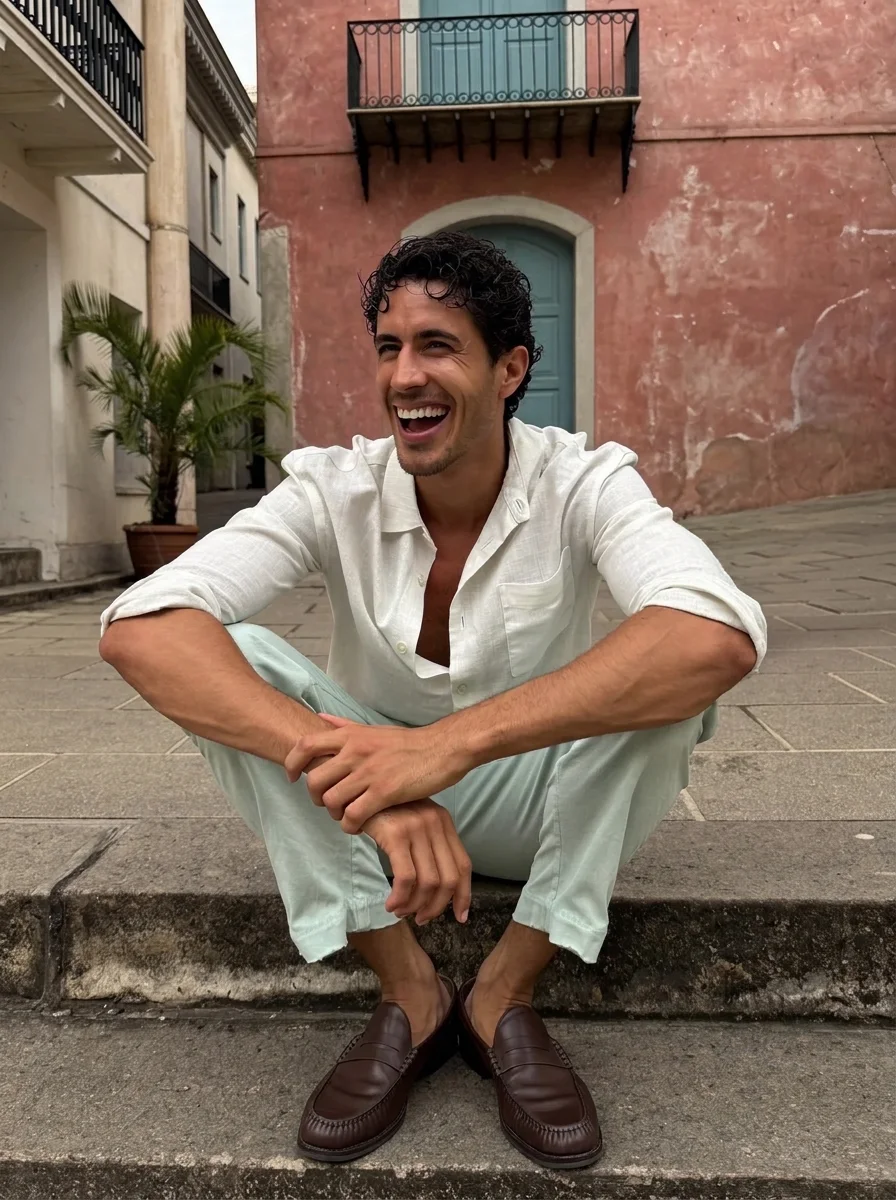
Put the straw hat from the second image on his head. Keep his face, his clothes and the street the same.
A scanned 1970s print, one prompt. Drag the line to compare.
Restore this old photo. Remove the crease, the dust and the scratches, correct the faded colors to natural tones, and sharpen the faces. Keep the people, their expressions and the garden exactly as they are.
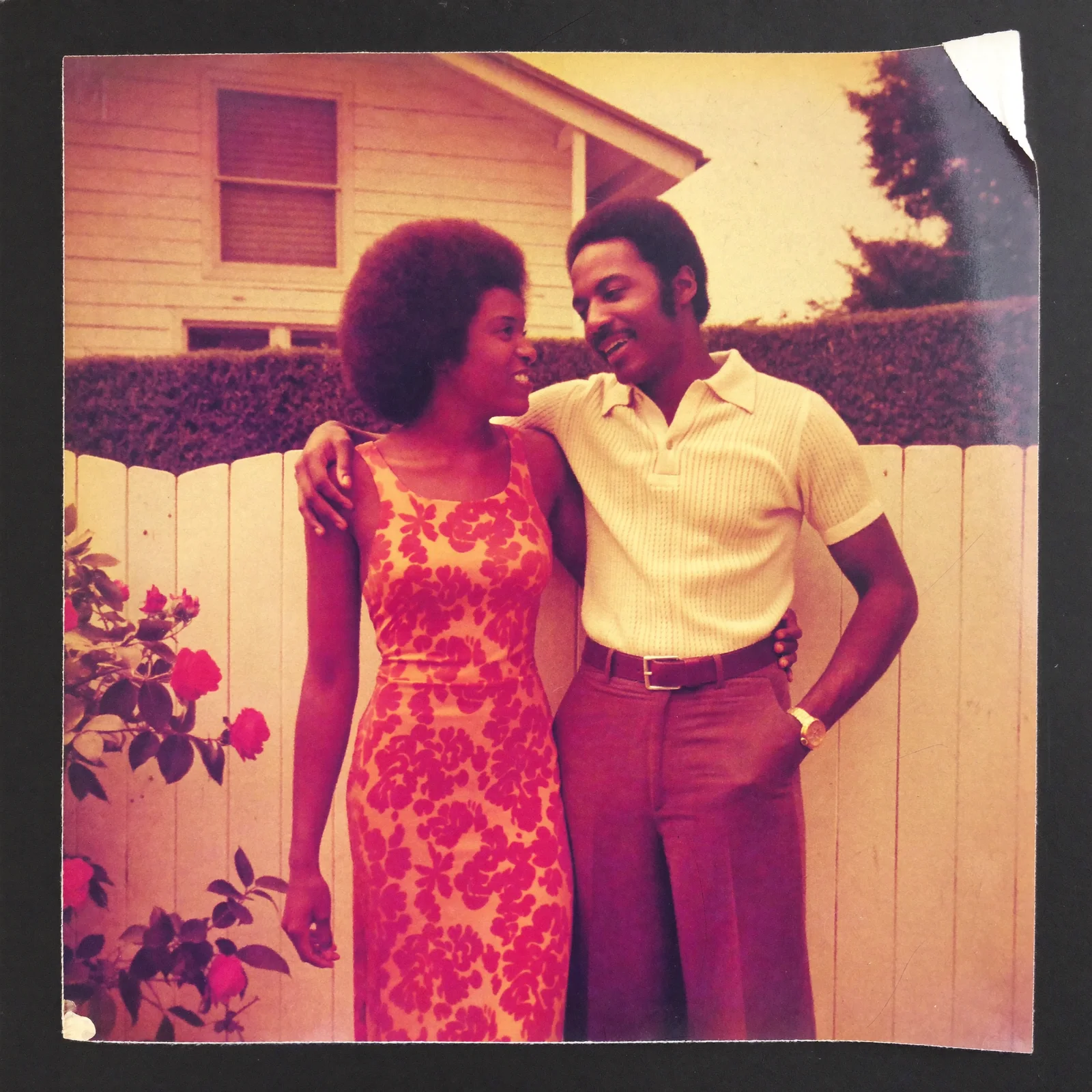
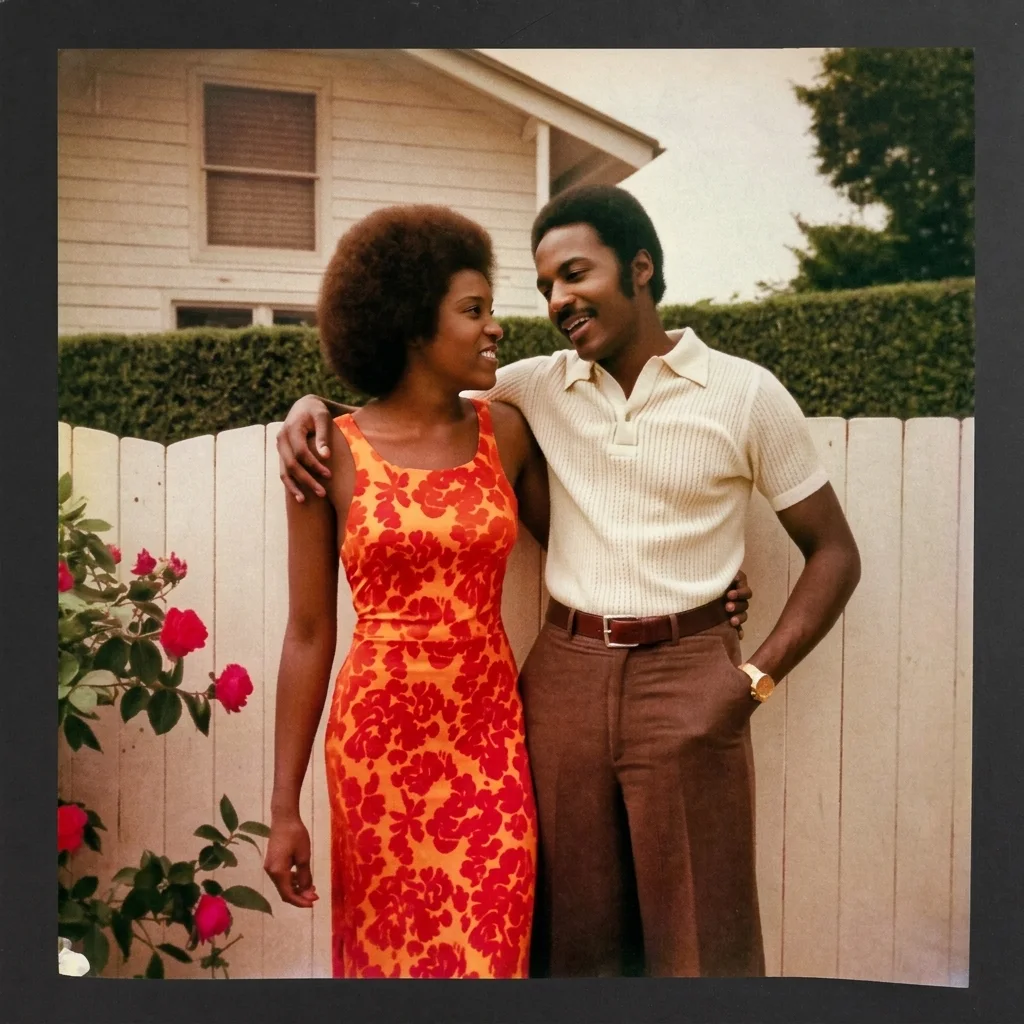
Type the change in the prompt bar. It applies to the whole image or to one layer.
Draw a rectangle or a lasso, or paint with a brush in five sizes. The next edit aims at that area.
Crop to any frame. Turn on Fill with AI to extend the image to a new shape, from 21:9 to 9:21.
Remove the background and keep the subject as a transparent layer.
Sharpen a layer's pixels. The layer keeps its size on the canvas.
Split a flat image into up to 17 layers, or add images as new ones. Hide, reorder, duplicate or fade any of them.
Drag a layer and it snaps to the edges and the center. Fit or fill the canvas in one click.
Every edit saves a version. Go back to any one and edit from there.
Download a PNG, or save the result to your media library.
Pick the plan for how much you post. Every model on every plan. Unused credits roll over. Cancel anytime.
Billed monthly
For solo creators posting every week
500 credits every month
Billed monthly
For creators posting daily across channels
1,300 credits every month
Billed monthly
For brands and production teams
2,700 credits every month
Billed monthly
For agencies running always-on content
5,500 credits every month
Want checkout, comparison tables, or a custom volume? See the full pricing page
Plans start at $19 a month.