Skip to content

AI thumbnail generator Thumbnails that read in the feed

A 16:9 YouTube thumbnail from your video's one idea and the few words to put on it, ready to test against your next version.

Create a thumbnailFrom $19 a month

Recommended

Pick one to see its prompt.

How to make a thumbnail with AIAn idea, a few words, a second version

  1. A smiling woman with curly red hair points back at a yellow tram beside the words "48 HRS IN LISBON"

    1Describe the one idea

    Say who or what is in it, the face they make, and the background.

  2. A steaming bowl of ramen beside the words "10 MIN RAMEN"

    2Put two or three words in quotes

    The words go on the thumbnail as you type them. Read every letter before you upload.
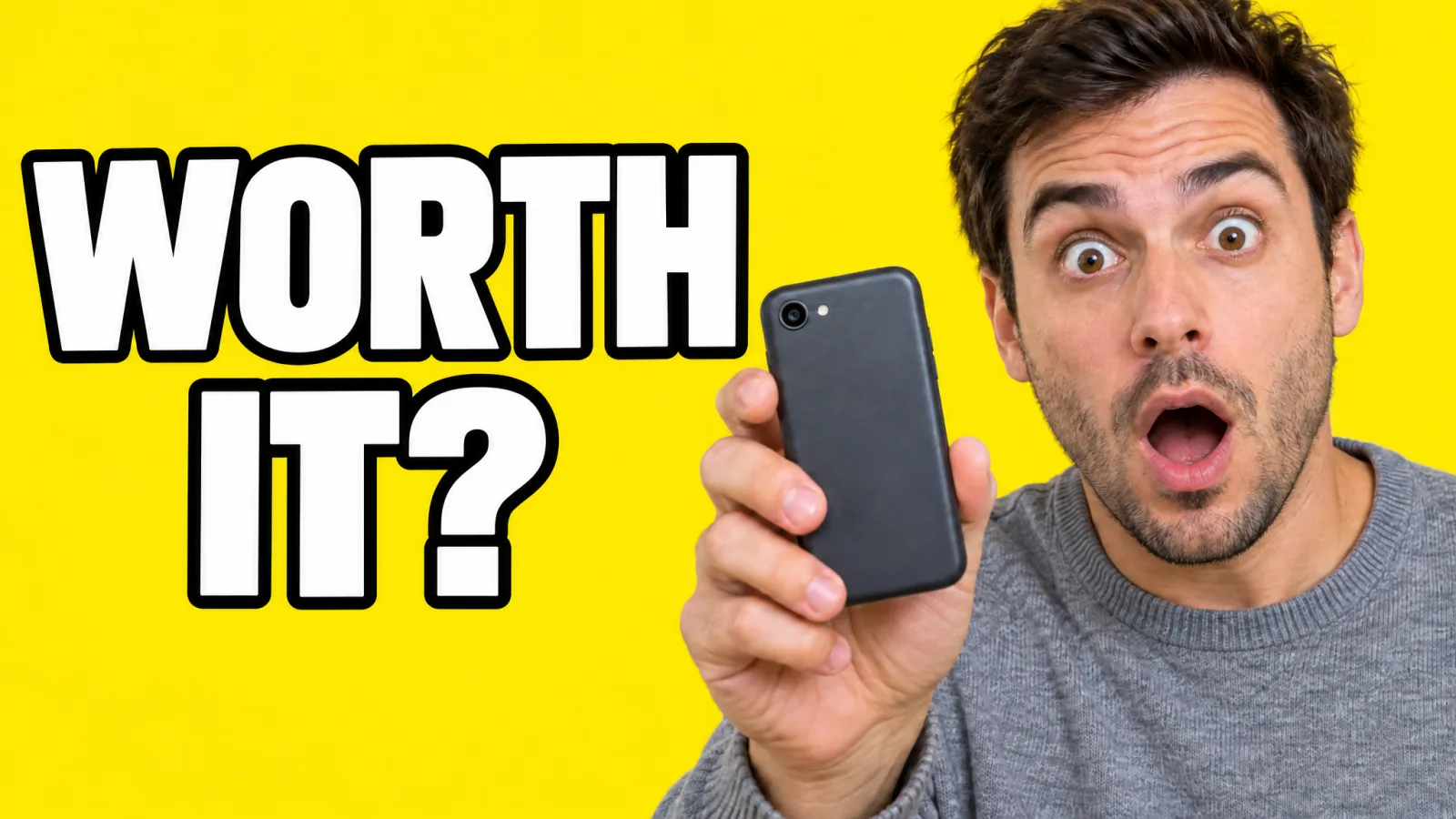
  3. The $49 phone thumbnail with the headline changed to "WORTH IT?"

    3Make a second version to test

    Change one thing, the words, the face or the color, and let YouTube's Test & compare pick.

Readable at 120 px wideThree words survive. Eleven don't.

One ramen thumbnail, then an edit of it that changes only the headline, each drawn at three widths. At 120 px the long headline is a faint stripe, and the short one still reads. YouTube still serves a 120 × 90 copy of thumbnails, the smallest of the five sizes our free downloader finds.

3-word headline

Feed card · 320 pxA steaming bowl of ramen with a soft egg and chili oil beside the words "10 MIN RAMEN"9:41

10-minute ramen that beats takeout

Small Pan Kitchen

Sidebar row · 168 px
9:41

10-minute ramen that beats takeout

Small Pan Kitchen

List row · 120 px
9:41

10-minute ramen that beats takeout

Small Pan Kitchen

11-word headline
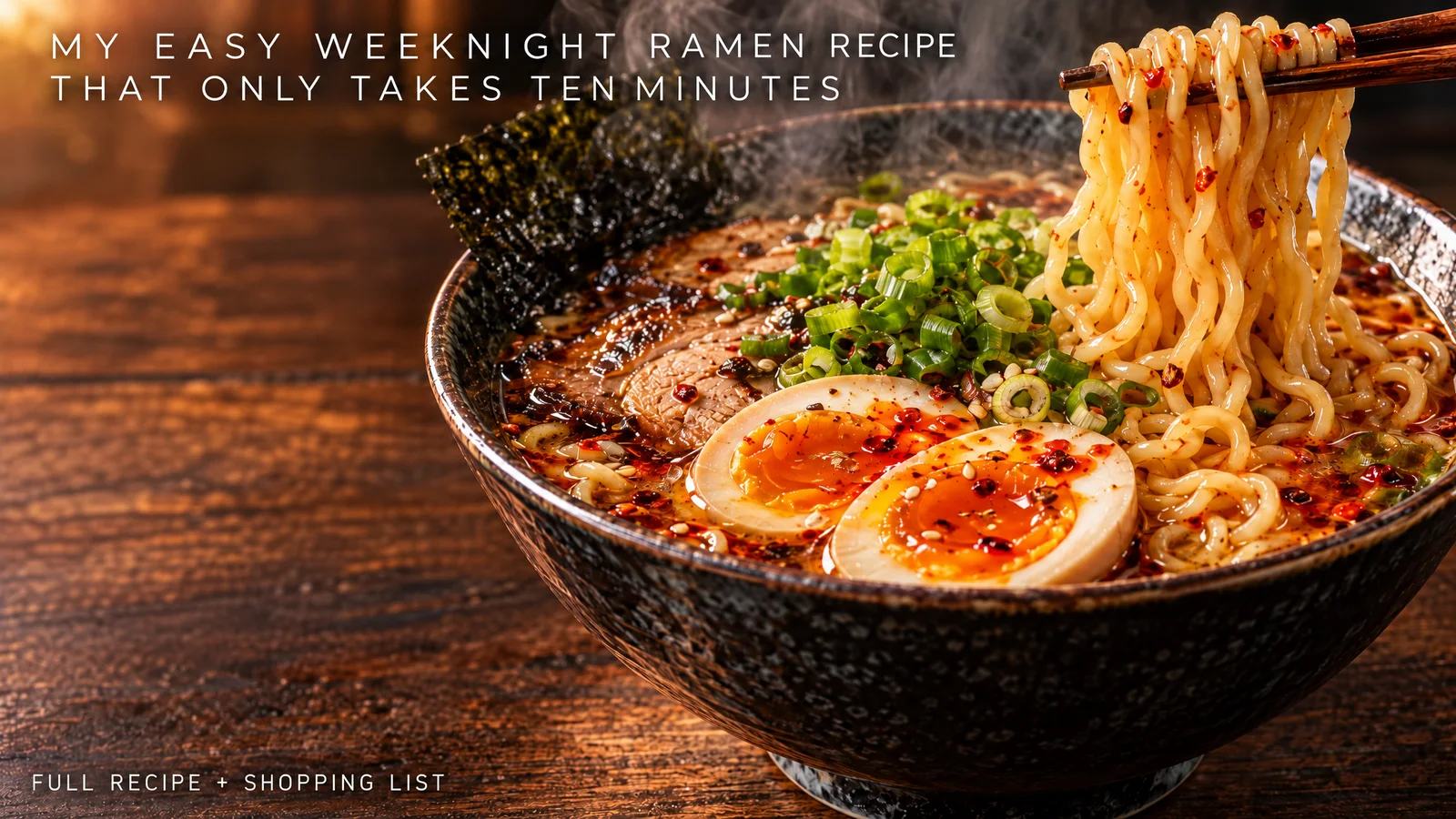
Feed card · 320 pxThe same ramen photo with a long thin headline reading "MY EASY WEEKNIGHT RAMEN RECIPE THAT ONLY TAKES TEN MINUTES"9:41

10-minute ramen that beats takeout

Small Pan Kitchen

Sidebar row · 168 px
9:41

10-minute ramen that beats takeout

Small Pan Kitchen

List row · 120 px
9:41

10-minute ramen that beats takeout

Small Pan Kitchen

What still reads at 120 px

  1. 1Three words or fewer, each line about a quarter of the frame tall.
  2. 2One subject filling a third of the frame or more.
  3. 3Light letters on dark, or dark on light, with an outline or a shadow.
  4. 4Nothing important in the bottom right corner, where the video length sits.
  5. 5Words that add to the title. The title is printed right next to it.
  6. 6Shrink it to 120 px wide yourself before you upload, and read it from there.

A/B variants of one videoChange one thing per version

B, C and D are edits of A. Each run got A as its reference image and a prompt that names the one change.
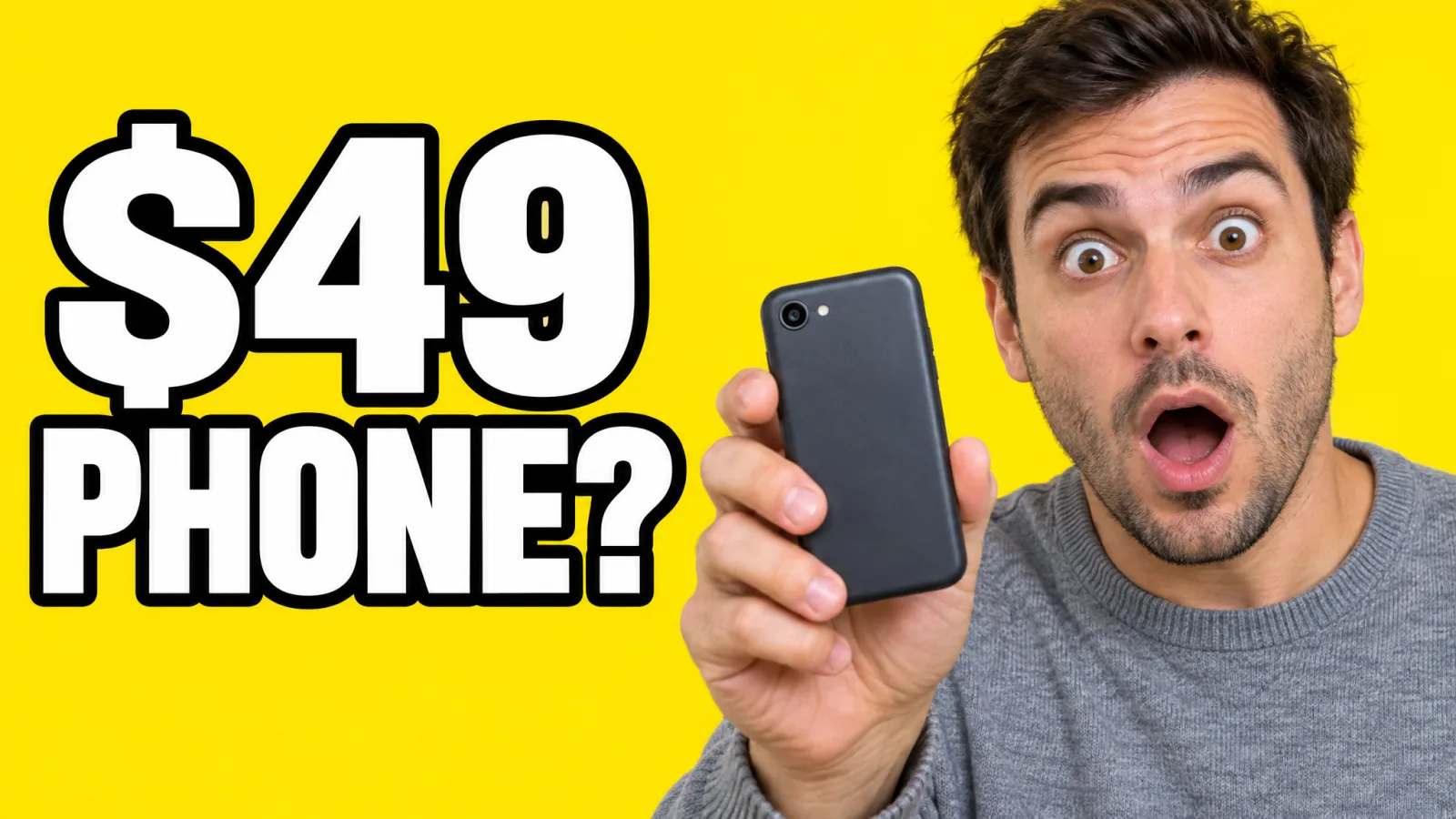
  • Variant A: a shocked man on yellow with "$49 PHONE?"14:08
    AThe original

    The first thumbnail for "I used a $49 phone for 30 days". Its full prompt is under Tech review in the prompts below.

  • Variant B: the same frame with the headline "WORTH IT?"14:08
    BHeadline

    Keep this thumbnail exactly the same: the same man, face, pose, phone, sweater, yellow background, font, outline, size and position of the text. Change only the headline words to read exactly "WORTH IT?".
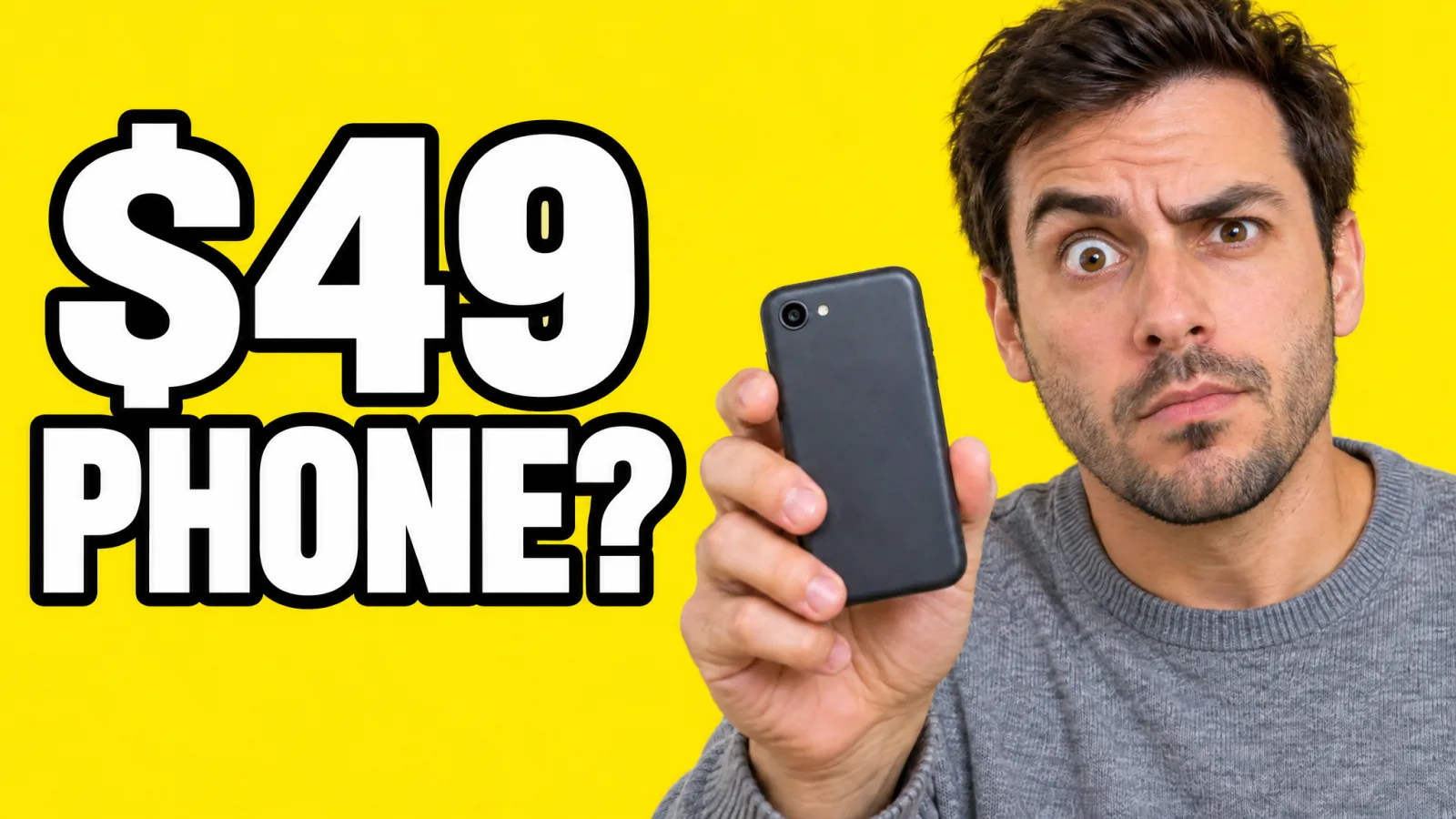
  • Variant C: the same frame with a skeptical face and one eyebrow raised14:08
    CFace

    Keep this thumbnail exactly the same: the same man, pose, phone, sweater, yellow background and the same headline. Change only his expression: skeptical, one eyebrow raised, lips pressed together, mouth closed.
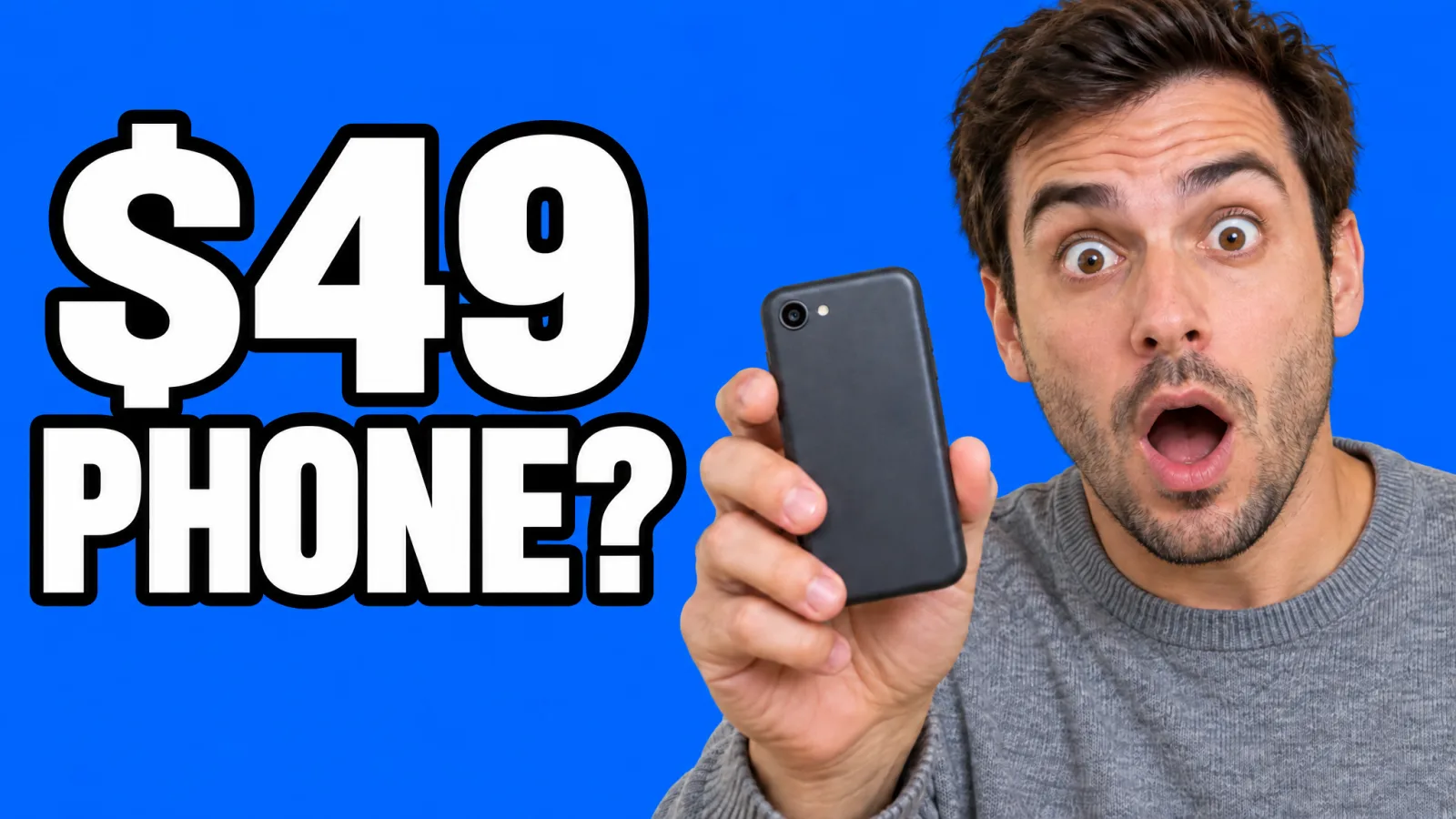
  • Variant D: the same frame on an electric blue background14:08
    DBackground color

    Keep this thumbnail exactly the same: the same man, face, expression, pose, phone, sweater and the same headline text. Change only the flat background color from yellow to a saturated electric blue.

How YouTube's Test & compare decides

Versions per test
Up to 3 thumbnails, titles, or both.
Winner
The version with the most watch time, not the most clicks.
How long
A few days, up to two weeks. Editing the title or thumbnail ends the test.
Where
YouTube Studio on a computer, with advanced features turned on.
Not for
Shorts, scheduled live streams, premieres, and videos that are private, made for kids or for mature audiences.
Resolution
If any version is under 1280 × 720, YouTube shrinks all of them to 854 × 480. These are 2048 × 1152.
YouTube Help: A/B test titles & thumbnails, checked 4 November 2026

Which two to run against A

YouTube tests three at a time, so one of these sits out. Keep A, and pick the changes you are least sure about.

B tests the promise and C tests the reaction. Both change what a viewer expects from the video. D only changes how the tile stands out next to its neighbors, so we would test it last.

The winner is the one people watch longest, so a thumbnail that oversells the video can lose even with more clicks.

YouTube's thumbnail specsWhat YouTube asks for, and what you get

Many guides still say 1280 × 720. YouTube's help page now asks for 3840 × 2160 and takes anything 640 px wide or more. 1280 × 720 still counts in A/B tests.

3840 × 2160YouTube's ask, and 4K here
2048 × 1152The image tool's default 2K
1280 × 720A/B test floor
640 wide YouTube's minimum
Each frame drawn to scale against 3840 × 2160. The shaded one is the image tool's default 2K, and the smallest is YouTube's 640 px minimum.
  • Shape

    YouTube asks for
    16:9 for videos. 9:16 for Shorts.
    The image tool gives you
    16:9 and 9:16 are both in the aspect ratio menu.
  • Resolution

    YouTube asks for
    3840 × 2160, and at least 640 px wide.
    The image tool gives you
    2048 × 1152 at 2K, the default. 3840 × 2160 at 4K. 1536 × 864 at 1K.
  • For A/B tests

    YouTube asks for
    1280 × 720 or more, or every version in the test drops to 854 × 480.
    The image tool gives you
    All three sizes are bigger.
  • File format

    YouTube asks for
    Image formats such as JPG or PNG.
    The image tool gives you
    PNG.
  • File size

    YouTube asks for
    2 MB from a phone. 50 MB from a computer.
    The image tool gives you
    Our 2K thumbnails came out at 2 to 4 MB. Upload from a computer, or save a JPG copy for your phone.
  • Who can upload

    YouTube asks for
    Verified accounts. A channel can upload only so many a day, then has to wait 24 hours.
    The image tool gives you
    Making them needs no YouTube account.
  • Shorts

    YouTube asks for
    Custom Shorts thumbnails go in from YouTube Studio on a computer. On a vertical video, a 16:9 thumbnail is swapped for an automatic 4:5 one on the home, explore and subscription pages.
    The image tool gives you
    Pick 9:16 for a Short.
RequirementYouTube asks forThe image tool gives you
Shape16:9 for videos. 9:16 for Shorts.16:9 and 9:16 are both in the aspect ratio menu.
Resolution3840 × 2160, and at least 640 px wide.2048 × 1152 at 2K, the default. 3840 × 2160 at 4K. 1536 × 864 at 1K.
For A/B tests1280 × 720 or more, or every version in the test drops to 854 × 480.All three sizes are bigger.
File formatImage formats such as JPG or PNG.PNG.
File size2 MB from a phone. 50 MB from a computer.Our 2K thumbnails came out at 2 to 4 MB. Upload from a computer, or save a JPG copy for your phone.
Who can uploadVerified accounts. A channel can upload only so many a day, then has to wait 24 hours.Making them needs no YouTube account.
ShortsCustom Shorts thumbnails go in from YouTube Studio on a computer. On a vertical video, a 16:9 thumbnail is swapped for an automatic 4:5 one on the home, explore and subscription pages.Pick 9:16 for a Short.

Checked 4 November 2026 on YouTube Help:Add video thumbnailsA/B test titles & thumbnails

See what a channel already uses

Paste a public video's link into the free YouTube thumbnail downloader. It saves the thumbnail in up to five sizes, from 1280 × 720 down to 120 × 90, with no account.

Open the thumbnail downloader

Prompts by genreCopy the one closest to your video

Ten genres, ten prompts, each run once on GPT Image 2.5 Sunburst. Swap in your own subject and headline, and keep the rest.

A smiling woman with curly red hair points back at a yellow tram on a steep street beside the words "48 HRS IN LISBON"22:17

48 hours in Lisbon on a small budget

Travel vlog

One landmark everyone knows, the yellow tram, says where the video is before the words do.

Prompt, as sent

A finished YouTube thumbnail, 16:9, made to read at a small size: one clear subject, strong contrast, saturated color. A woman in her early thirties with curly auburn hair and freckles, in a striped linen shirt, grinning and pointing over her shoulder at a classic yellow tram climbing a steep cobbled street with pastel tiled houses in late golden sun. She is on the right third, from the waist up. On the left, a huge bold white condensed sans-serif headline with a dark shadow, stacked on two lines, reading exactly "48 HRS IN LISBON". Travel vlog photo, photorealistic. No other text.

The pattern behind all ten

A finished YouTube thumbnail, 16:9, made to read at a small size: one clear subject, strong contrast, saturated color. [Who or what, and their expression], on the [right] half. [Background]. On the [left], a huge bold [color] headline with a thick outline reading exactly "[TWO OR THREE WORDS]". No other text.

Up next

Simple pricing that scales with you.

Pick the plan for how much you post. Every model on every plan. Unused credits roll over. Cancel anytime.

Creator

$19/month

Billed monthly

For solo creators posting every week

500 credits every month

  • Up to 500 thumbnails
  • Up to 50 AI videos
  • Up to 1.5 hours of AI voiceover
  • Roll over up to 1,000 credits

Pro

Most popular
$49/month

Billed monthly

For creators posting daily across channels

1,300 credits every month

  • Up to 1,300 thumbnails
  • Up to 130 AI videos
  • Up to 4 hours of AI voiceover
  • Roll over up to 2,600 credits

Studio

$99/month

Billed monthly

For brands and production teams

2,700 credits every month

  • Up to 2,700 thumbnails
  • Up to 270 AI videos
  • Up to 9 hours of AI voiceover
  • Roll over up to 5,400 credits

Scale

$199/month

Billed monthly

For agencies running always-on content

5,500 credits every month

  • Up to 5,500 thumbnails
  • Up to 550 AI videos
  • Up to 18 hours of AI voiceover
  • Roll over up to 11,000 credits
Every plan includesEvery model, 90+ and countingReusable AI personasSceneform Studio editorCommercial usage rights

Want checkout, comparison tables, or a custom volume? See the full pricing page

AI thumbnail generator FAQ

One idea, a few words.Make the thumbnail.

Create a thumbnail

16:9 for videos, 9:16 for Shorts.
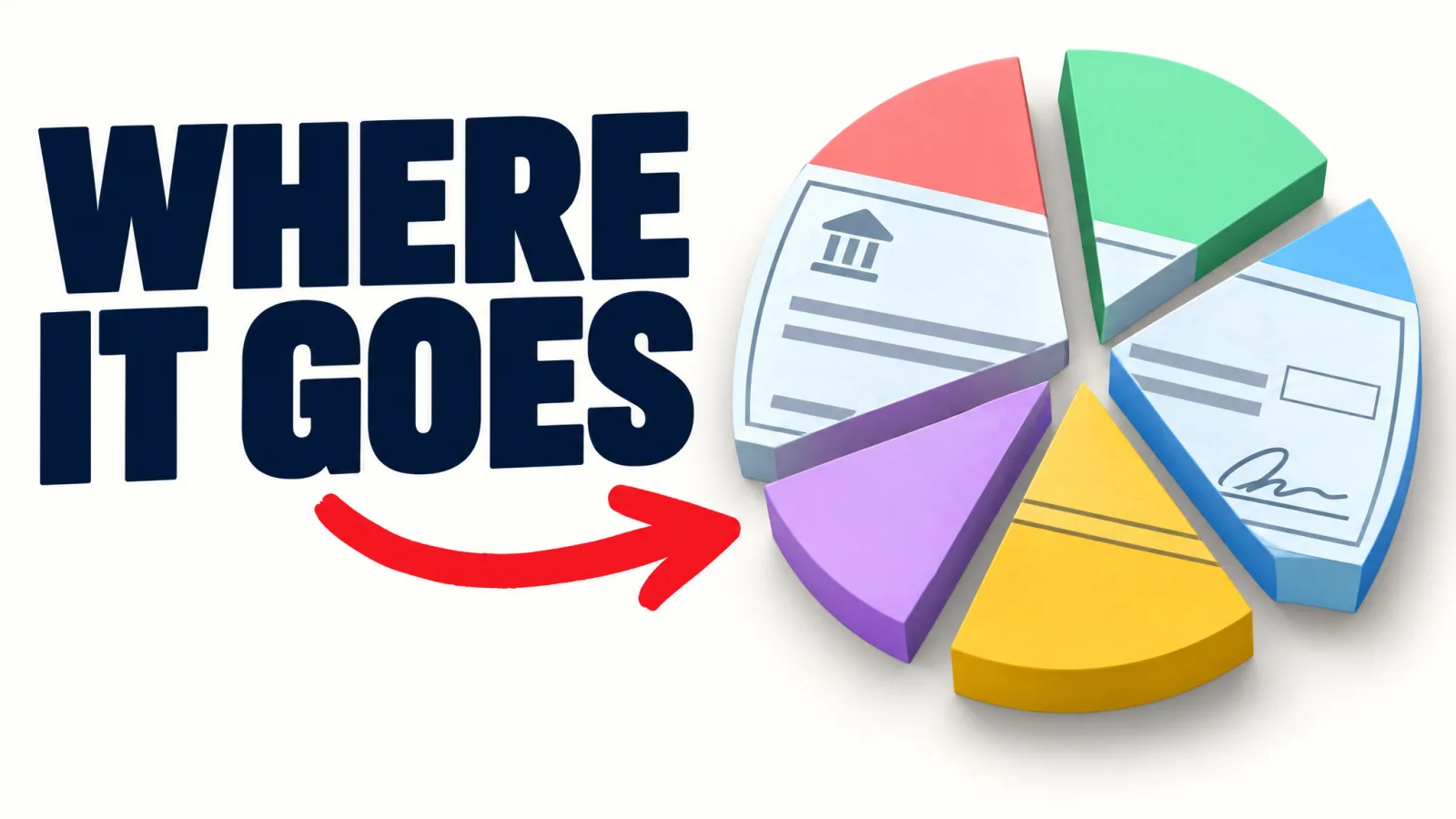
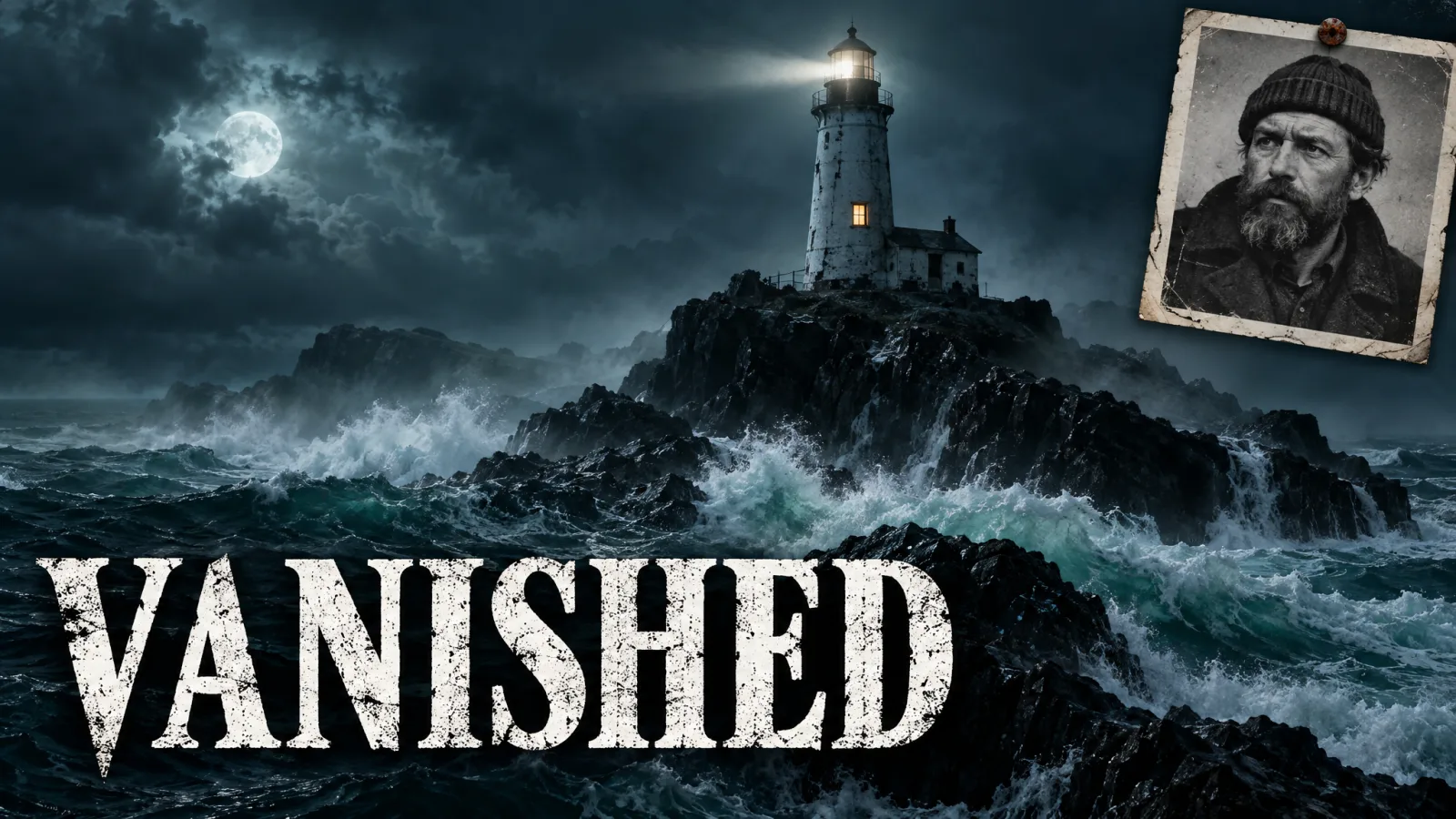
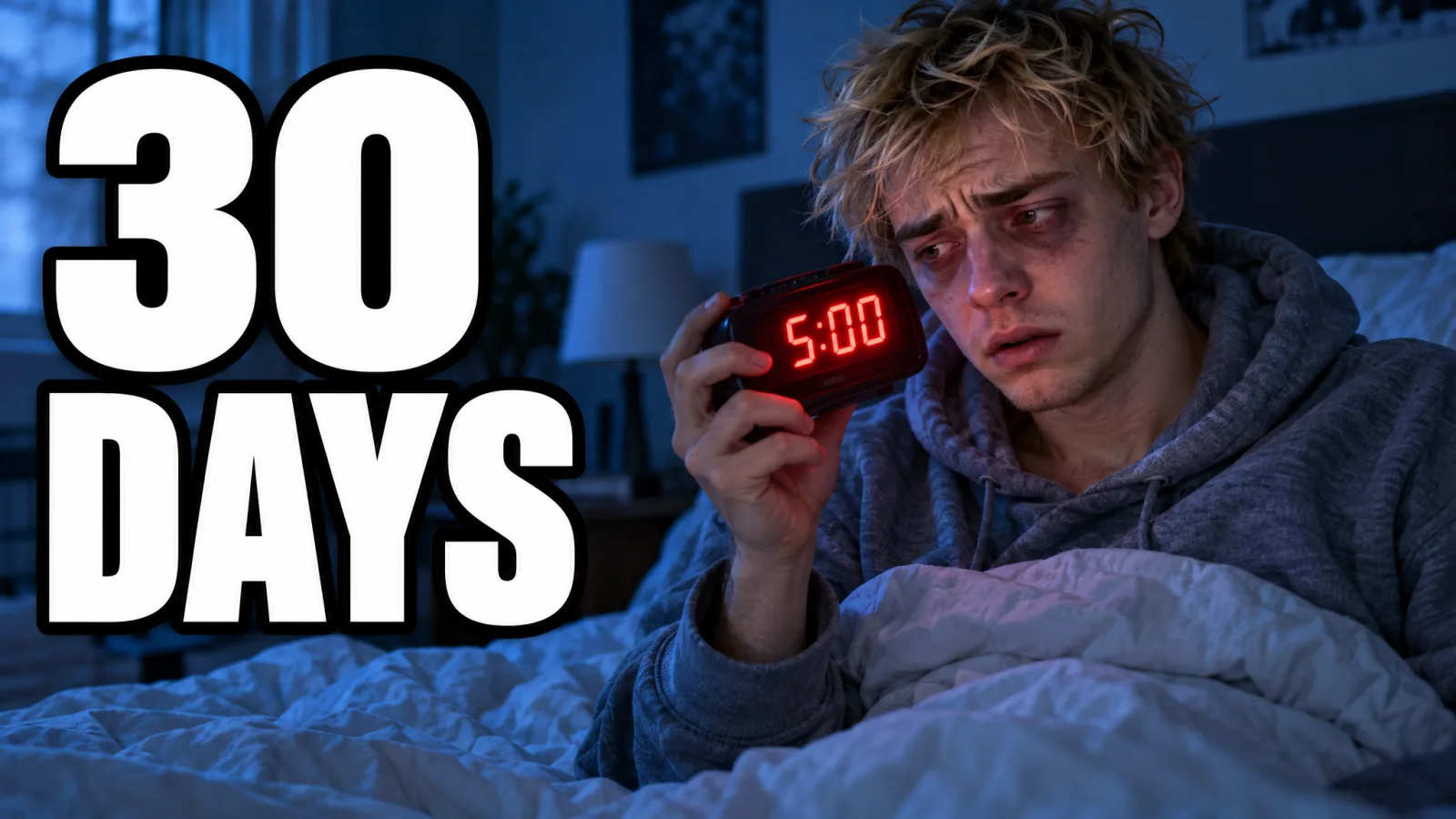
A shocked man holds up a small black phone on a yellow background beside the words "$49 PHONE?"A paper paycheck split into colored pie slices with a red arrow from the words "WHERE IT GOES"A lighthouse on a rocky island in a night storm with an old photo of a bearded keeper and the word "VANISHED"A tired young man in bed holds a red alarm clock showing 5:00 beside the words "30 DAYS"
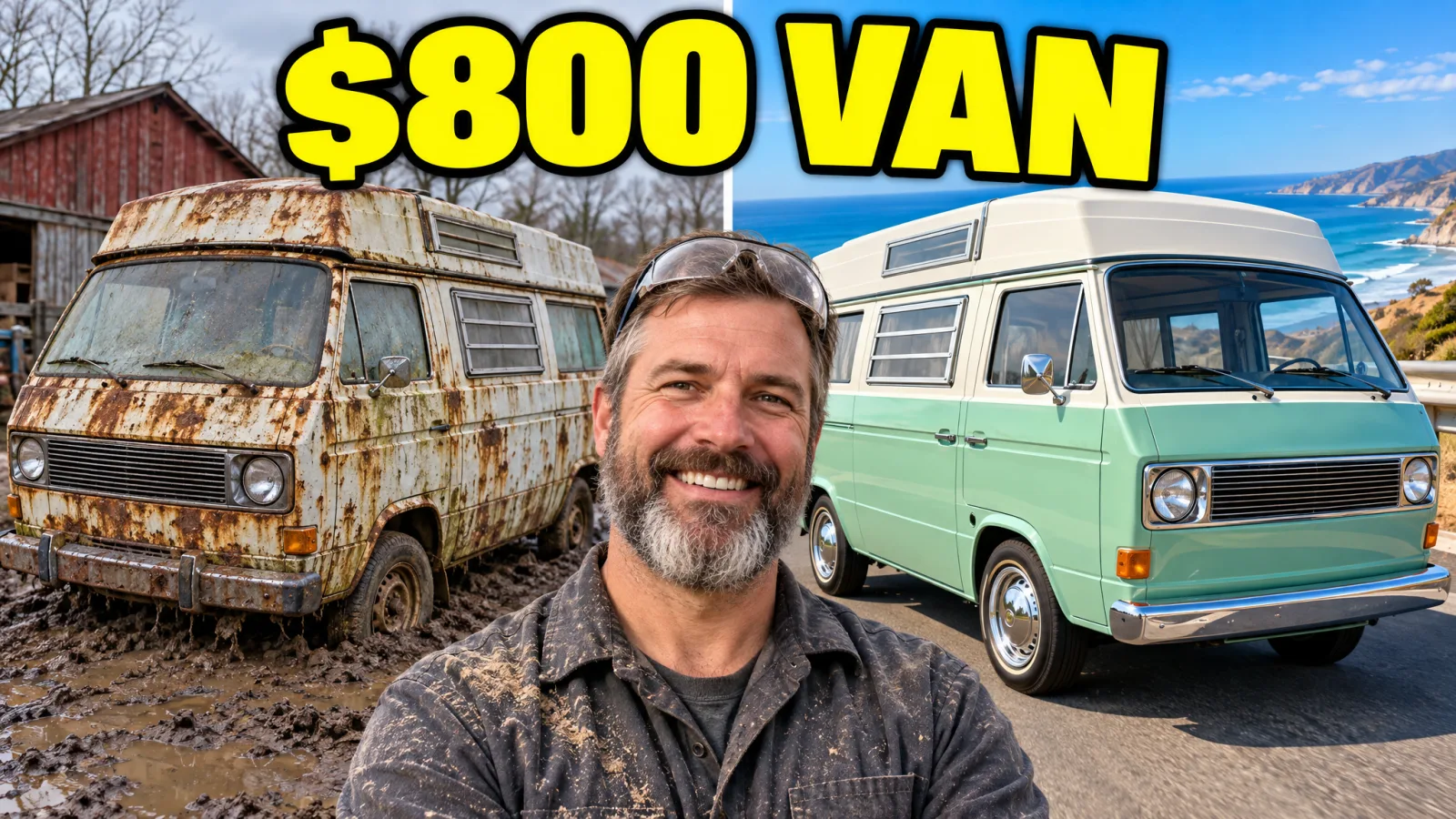
A steaming bowl of ramen with a soft egg and chili oil beside the words "10 MIN RAMEN"A bearded survivor in an orange parka by a campfire in a frozen landscape beside icy letters reading "DAY 100"A grinning bearded man between a rusty camper van and the same van restored in mint green, under the words "$800 VAN"
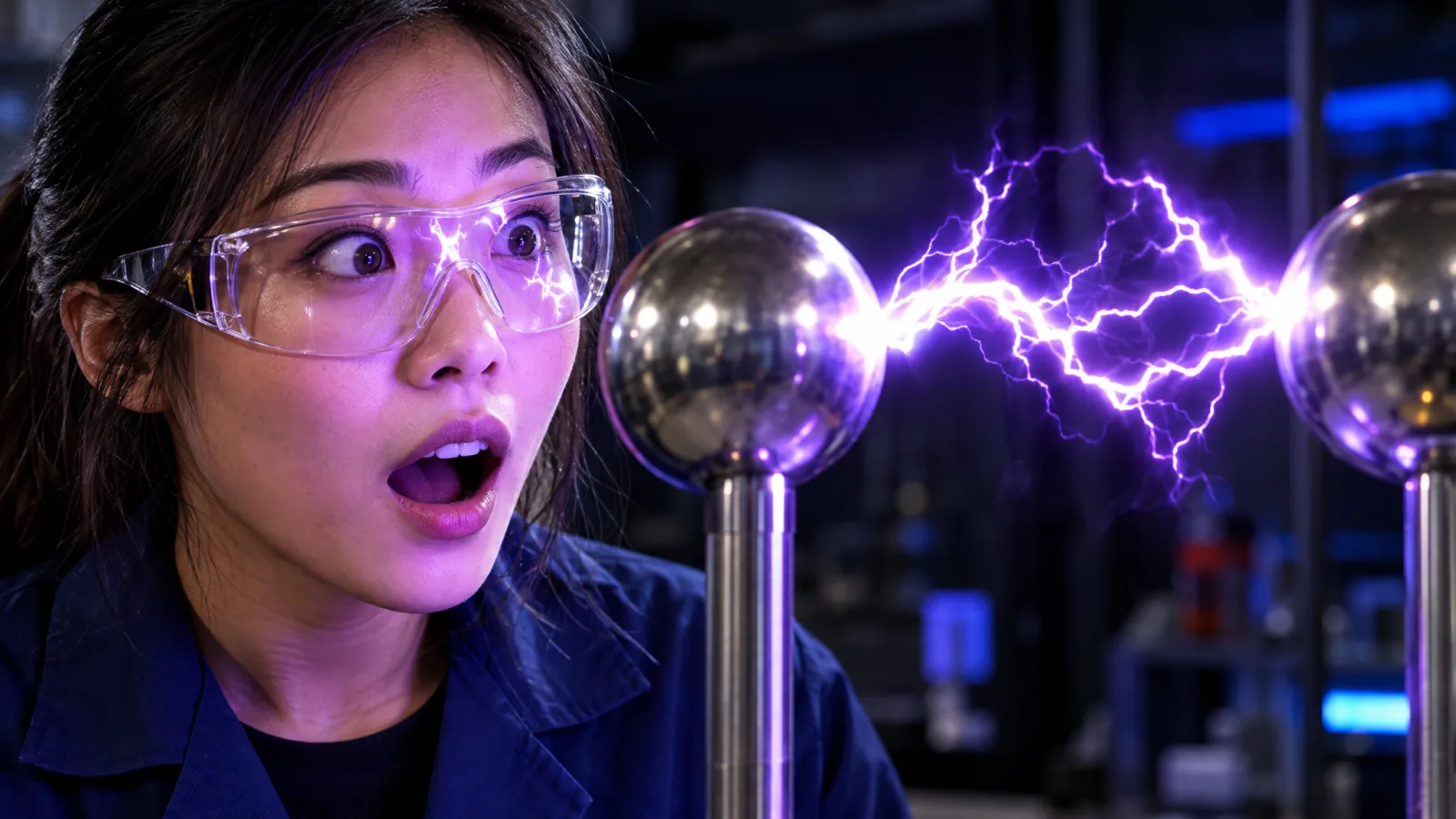
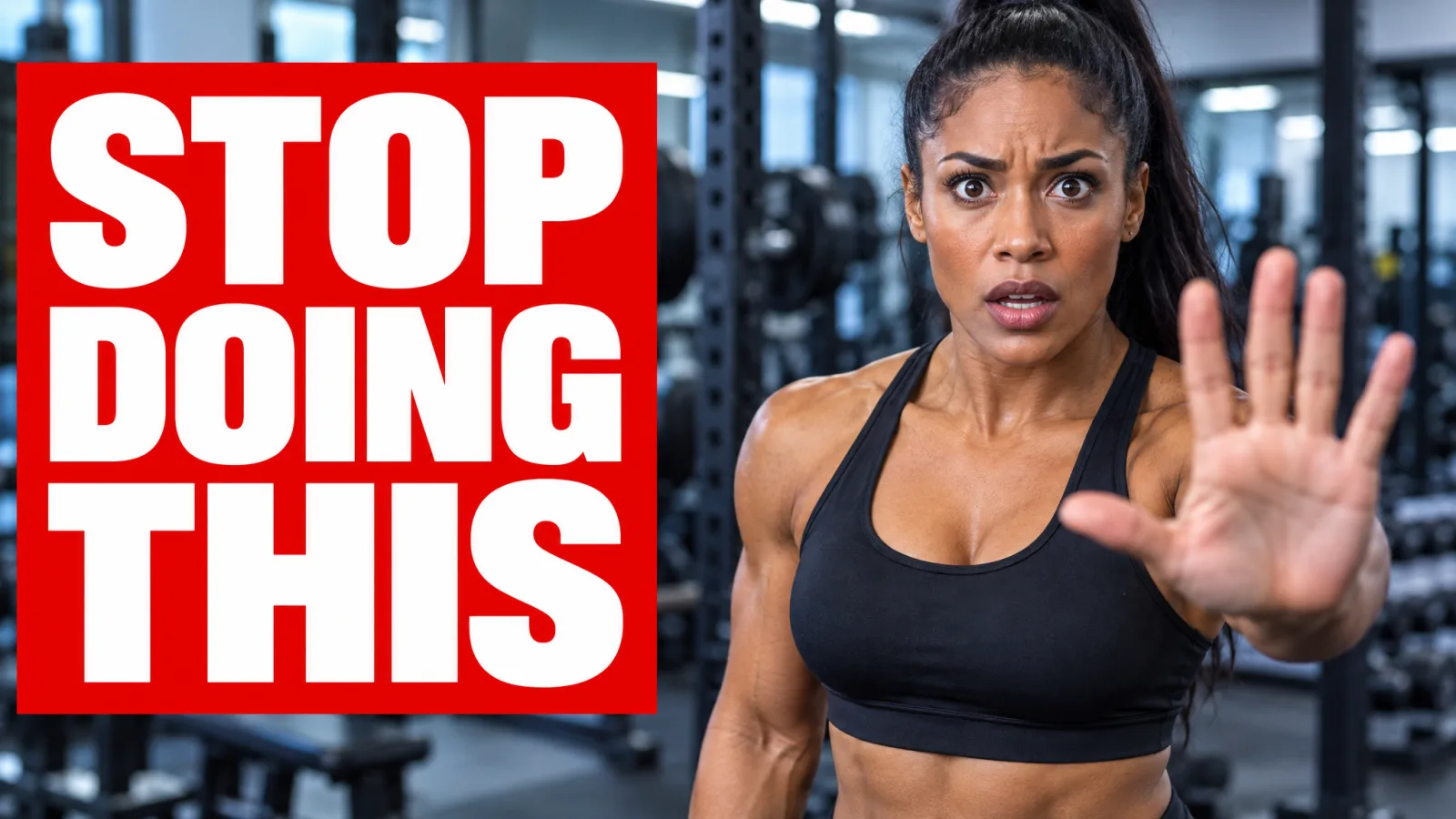
A smiling woman with curly red hair points back at a yellow tram on a steep street beside the words "48 HRS IN LISBON"An alarmed woman in a gym holds up her palm beside a red block reading "STOP DOING THIS"A woman in safety glasses stares in awe at a purple electric arc between two metal spheres