Podsumowywacz Artykułów
Więcej narzędzi w tej kategorii bez opuszczania tej strony.
Podsumowywacz Artykułów
AI Podsumowywacz Artykułów
Upload a research paper and get a structured summary of the objective, method, findings, limitations, and takeaways. Use it to triage papers faster before reading the important ones closely.
Upload papers
TXT
Copy or download notes
Bezpłatnie
No account needed
What the Paper Summarizer does
The paper summarizer extracts text from an uploaded academic file and creates a shorter summary focused on the paper's research purpose, evidence, findings, and caveats.
- Accepted input: PDF and DOCX files up to 25 MB.
- Wyjście: A structured summary, key points when available, extracted text, copy controls, and TXT download.
- Najlepsze do: Students, researchers, analysts, and writers reviewing academic or technical documents.
- Limit: AI summaries can simplify methodology, miss caveats, and misread dense tables or figures. Verify important claims in the source.
How it works
Upload the file, let Sceneform extract the usable content, then review the generated summary before you use it in notes, research, or publishing.
01
Upload the paper
Choose a PDF or DOCX file. Text-based PDFs usually produce better extraction than scanned PDFs.
02
Generate the summary
Sceneform extracts the text and summarizes the objective, approach, key findings, and takeaways.
03
Review before using
Copy or download the result, then verify important details in the original paper.
Built for research triage, not blind citation
Good research workflows start with orientation. A summary can tell you whether a paper matches your question, which methods it used, and where the findings may matter.
The summary should not be the final authority. For anything you plan to cite, quote, publish, or use in a decision, return to the original methods, results, and discussion.
- Objective: Understand what the paper is trying to prove or explain.
- Method: Identify the study design, source material, experiment, or analysis approach.
- Finding: See the main result before deciding whether to read closely.
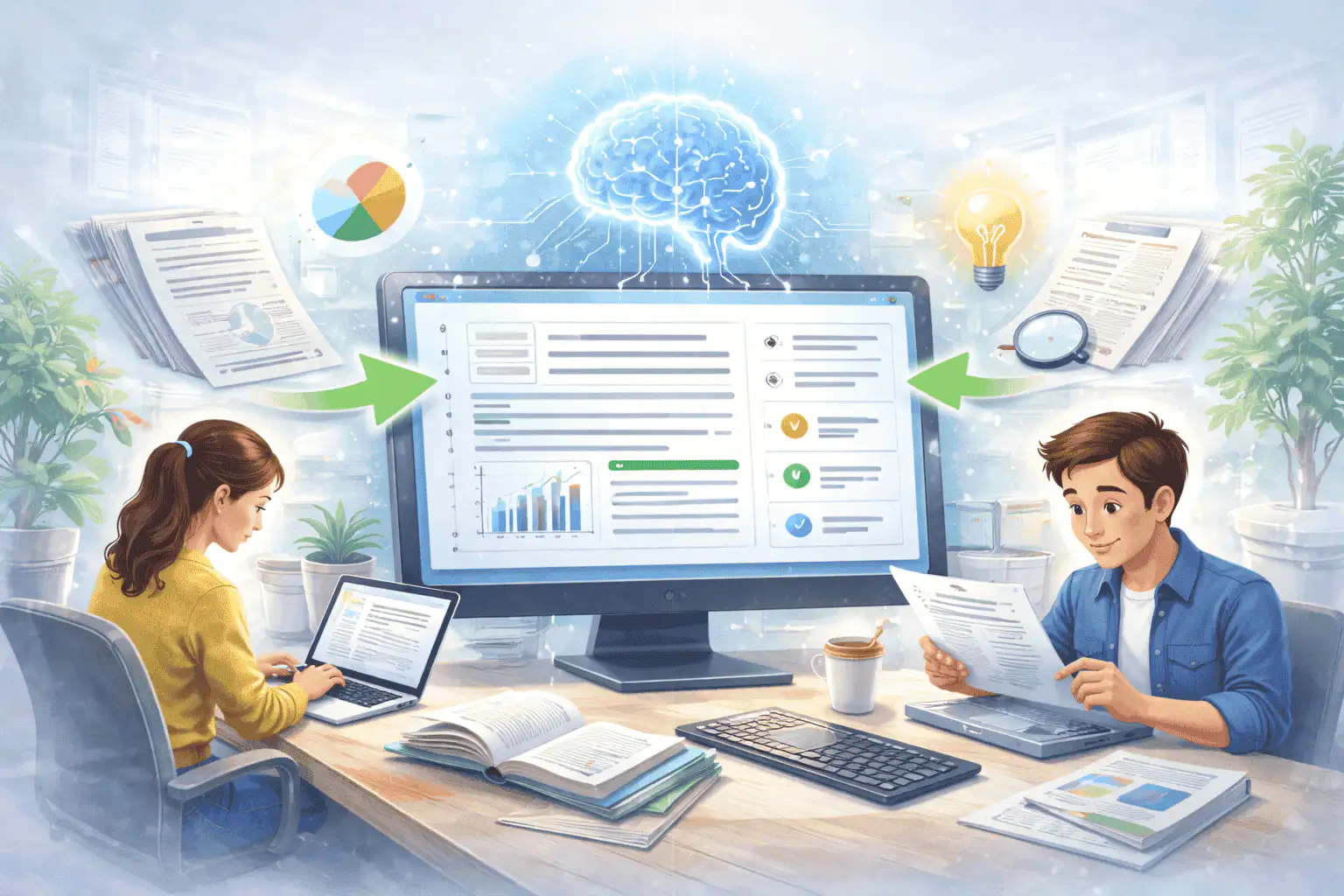
How to use summaries in a literature-review workflow
Summarize each candidate paper, compare the outputs, then group papers by topic, method, evidence strength, and relevance. That gives you a faster map of the reading pile.
Once a paper becomes central to your argument, open the original file and verify the exact claims, limitations, and citations yourself.

What affects summary quality
Summaries are a first pass, not a substitute for reviewing important source material. The output improves when the file is readable, complete, and focused.
Good input
A text-based PDF or DOCX paper with a clear title, abstract, section headings, readable tables, and complete pages.
Structured papers work best. Abstract, methods, results, discussion, and conclusion headings give the model more signal.
Tables and figures can be difficult. Check numeric claims, methods, and limitations against the original paper.
Use summaries to sort papers into read-closely and skim-later piles. Do not cite the summary itself.
Useful ways to use the summary
The best summary gives you a faster route into the material. Use it to decide what deserves closer attention, prepare notes, or turn a long file into a readable starting point.
Screen papers quickly
Decide which papers are relevant enough for a close read before spending time on every PDF.
Prepare literature notes
Create consistent first-pass notes around objective, method, findings, and limitations.
Review technical reports
Turn dense reports or whitepapers into a readable starting point for analysis.
Choose the right summarizer
Use the tool that matches your source file. That keeps the output focused and prevents audio, slide, document, and image workflows from blending together.
| Content | Recommended tool | Użyj do |
|---|---|---|
| Research papers, journal PDFs, thesis drafts, and whitepapers | Podsumowywacz Artykułów | Methods, findings, limitations, and academic reading triage |
| Books and textbook chapters | Podsumowywacz Książek | Chapter notes, book previews, and long reading material |
| Word documents and reports | Podsumowanie Dokumentu Word | DOC and DOCX summaries with key points |
| Lecture recordings and academic audio | Podsumowywacz Podcastów | Audio summaries, transcript review, and episode notes |
Free, no account, and temporary processing
Bezpłatne narzędzia Sceneform nie wymagają konta. Normalne użytkowanie jest nieograniczone, z kontrolami nadużyć zarezerwowanymi dla ruchu zautomatyzowanego lub nadmiernego.
Uploaded files are used to create your result and deleted after processing. Avoid uploading files you are not allowed to process, and review summaries before using them for academic, business, medical, legal, or financial decisions.
More Free Tools
Explore other tools to help you download and convert media
YouTube na MP3
Konwertuj filmy YouTube na audio MP3 bezpośrednio w przeglądarce. Bezpłatnie, bez konta.
YouTube na MP3YouTube na MP4
Zapisuj filmy YouTube jako pliki MP4 do edycji, badań lub offline'owego przeglądania.
YouTube na MP4Pobieracz Wideo YouTube
Pobieraj filmy YouTube za pomocą prostego przepływu pracy w przeglądarce, zaprojektowanego dla twórców.
Pobieracz Wideo YouTubePobieracz YouTube Shorts
Zapisuj publiczne YouTube Shorts jako pliki MP4 do referencji, przeglądu lub edycji.
Pobieracz YouTube ShortsPobieracz Miniatur YouTube
Pobieraj dostępne miniatury z publicznych filmów YouTube i Shorts.
Pobieracz Miniatur YouTubeGenerator Nazwy Kanału YouTube
Generuj pomysły na nazwy kanału YouTube na podstawie Twojej niszy i pozycjonowania.
Generator Nazwy Kanału YouTubeGenerator Hashtagów YouTube
Zamień temat wideo na trafne hashtagi YouTube i pomysły na opakowanie.
Generator Hashtagów YouTubeGenerator Opisów YouTube
Twórz opisy YouTube z hakami, rozdziałami, CTA i hashtagami.
Generator Opisów YouTubeGenerator Podsumowań YouTube
Podsumuj filmy YouTube do kluczowych punktów, rozdziałów i notatek.
Generator Podsumowań YouTubeYouTube na Tekst
Zamień filmy YouTube na czytelny tekst do notatek, napisów, cytatów i repurposingu.
YouTube na TekstYouTube na Transkrypcję
Uzyskaj czytelne transkrypcje YouTube ze znacznikami czasu, gdy są dostępne.
YouTube na TranskrypcjęPobieracz Napisów YouTube
Pobieraj dostępne napisy YouTube jako pliki SRT, TXT lub VTT.
Pobieracz Napisów YouTubePobieracz Instagram Reels
Pobieraj publiczne Instagram Reels jako pliki MP4 do referencji, tutoriali lub własnych postów.
Pobieracz Instagram ReelsPobieracz Wideo TikTok
Pobieraj publiczne filmy TikTok jako pliki MP4 do badań twórców i offline'owego przeglądania.
Pobieracz Wideo TikTokPobieracz Wideo
Pobieraj publiczne filmy online, gdy brak dedykowanego pobieracza platformy.
Pobieracz WideoGenerator Transkrypcji TikTok
Zamień publiczne filmy TikTok na tekst transkrypcji do haków, napisów i badań.
Generator Transkrypcji TikTokGenerator Transkrypcji Instagram
Zamień publiczne Instagram Reels i filmy na tekst transkrypcji do napisów i cytatów.
Generator Transkrypcji InstagramGenerator Transkrypcji Facebook
Zamień publiczne filmy Facebook i Live replays na tekst transkrypcji.
Generator Transkrypcji FacebookGenerator Transkrypcji Twitter/X
Zamień publiczne posty wideo Twitter i X na tekst transkrypcji do cytatów i badań.
Generator Transkrypcji Twitter/XGenerator Transkrypcji LinkedIn
Zamień klipy LinkedIn, webinaria i wywiady na czytelny tekst transkrypcji.
Generator Transkrypcji LinkedInGenerator Transkrypcji Pinterest
Zamień Piny wideo Pinterest na tekst transkrypcji do przepisów, tutoriali i notatek.
Generator Transkrypcji PinterestPodsumowywacz Książek
Podsumuj rozdziały książek, notatki i długie dokumenty do jasnych wniosków.
Podsumowywacz KsiążekPodsumowywacz Obrazów
Podsumuj zrzuty ekranu, wykresy, notatki i inne materiały oparte na obrazach.
Podsumowywacz ObrazówPodsumowywacz Podcastów
Zamień audio podcastu na podsumowania, kluczowe punkty, transkrypcje i szkice notatek.
Podsumowywacz PodcastówPodsumowywacz PPT
Zamień slajdy PowerPoint na zwięzłe briefing z kluczowymi punktami i wnioskami.
Podsumowywacz PPTPodsumowanie Wideo
Podsumuj filmy wideo na kluczowe momenty, wnioski i notatki do ponownego wykorzystania.
Podsumowanie WideoPodsumowanie Dokumentu Word
Podsumuj dokumenty Word i wklejony tekst na jasne wnioski.
Podsumowanie Dokumentu WordMowa na Tekst
Konwertuj mowę, spotkania, wywiady i notatki głosowe na czytelny tekst.
Mowa na TekstGłos na Tekst
Zamień mowę na czysty tekst do notatek, scenariuszy, napisów i uzupełnień.
Głos na TekstNotatka Głosowa na Tekst
Konwertuj notatki głosowe na czysty tekst do notatek, scenariuszy i podsumowań.
Notatka Głosowa na TekstWideo na Tekst
Konwertuj pliki wideo na czytelny tekst do napisów, notatek i edycji.
Wideo na TekstKonwertery Audio i Wideo
Konwertuj pliki audio i wideo między popularnymi formatami w jednej darmowej bibliotece narzędzi.
Konwertery Audio i WideoPaper summarizer in multiple languages
Use the paper summarizer in supported Sceneform locales. We will redo localization after the English source copy is stable.
Paper Summarizer FAQ
Ready to use the Paper Summarizer?
Upload a file, generate a readable summary, then copy or download the result when it is ready.
Summarize a file