Artikelsammanfattare
Fler verktyg i denna kategori utan att lämna denna sida.
Artikelsammanfattare
AI Artikelsammanfattare
Upload a research paper and get a structured summary of the objective, method, findings, limitations, and takeaways. Use it to triage papers faster before reading the important ones closely.
Upload papers
TXT
Copy or download notes
Gratis
No account needed
What the Paper Summarizer does
The paper summarizer extracts text from an uploaded academic file and creates a shorter summary focused on the paper's research purpose, evidence, findings, and caveats.
- Accepted input: PDF and DOCX files up to 25 MB.
- Utdata: A structured summary, key points when available, extracted text, copy controls, and TXT download.
- Bäst för: Students, researchers, analysts, and writers reviewing academic or technical documents.
- Limit: AI summaries can simplify methodology, miss caveats, and misread dense tables or figures. Verify important claims in the source.
How it works
Upload the file, let Sceneform extract the usable content, then review the generated summary before you use it in notes, research, or publishing.
01
Upload the paper
Choose a PDF or DOCX file. Text-based PDFs usually produce better extraction than scanned PDFs.
02
Generate the summary
Sceneform extracts the text and summarizes the objective, approach, key findings, and takeaways.
03
Review before using
Copy or download the result, then verify important details in the original paper.
Built for research triage, not blind citation
Good research workflows start with orientation. A summary can tell you whether a paper matches your question, which methods it used, and where the findings may matter.
The summary should not be the final authority. For anything you plan to cite, quote, publish, or use in a decision, return to the original methods, results, and discussion.
- Objective: Understand what the paper is trying to prove or explain.
- Method: Identify the study design, source material, experiment, or analysis approach.
- Finding: See the main result before deciding whether to read closely.
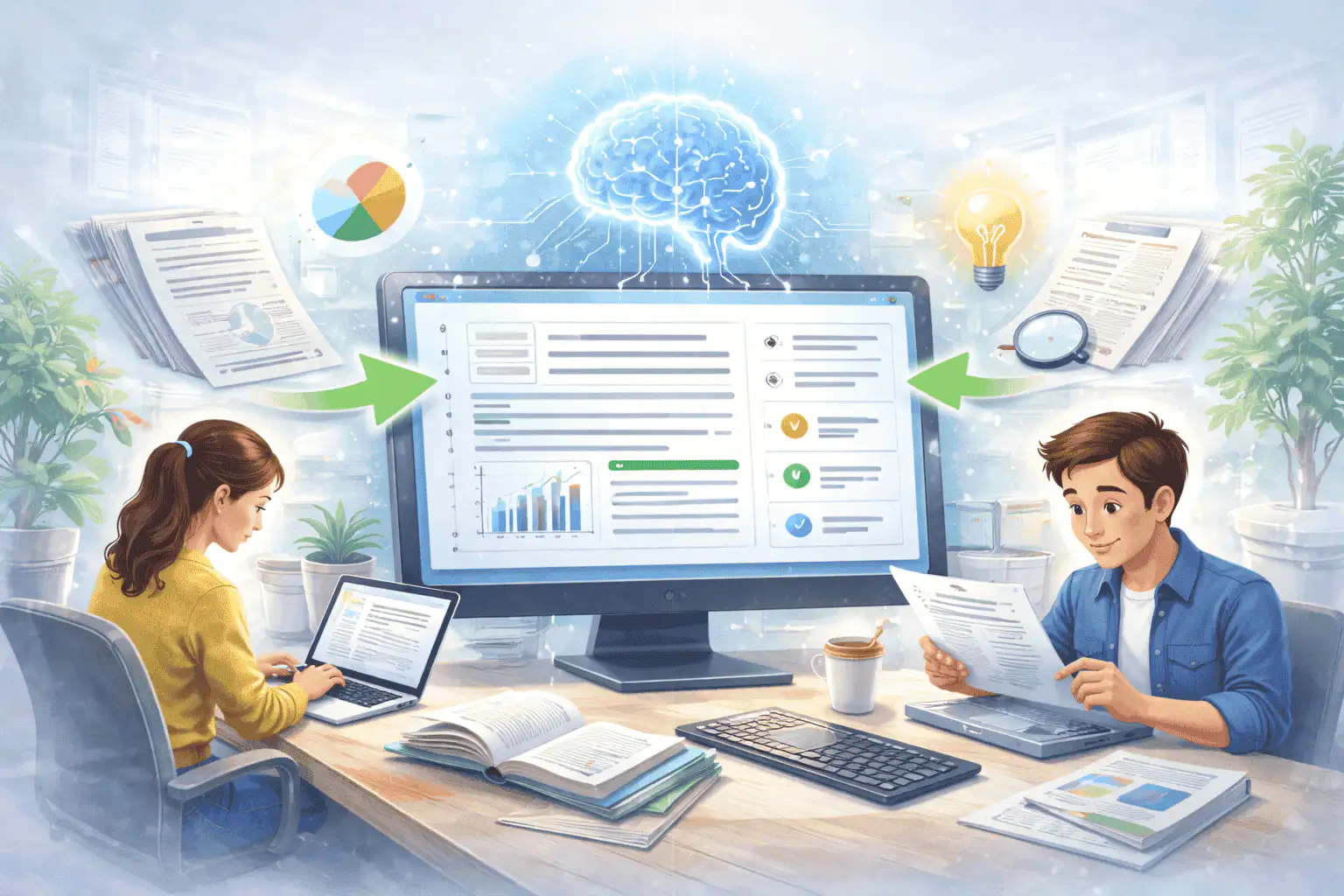
How to use summaries in a literature-review workflow
Summarize each candidate paper, compare the outputs, then group papers by topic, method, evidence strength, and relevance. That gives you a faster map of the reading pile.
Once a paper becomes central to your argument, open the original file and verify the exact claims, limitations, and citations yourself.

What affects summary quality
Summaries are a first pass, not a substitute for reviewing important source material. The output improves when the file is readable, complete, and focused.
Good input
A text-based PDF or DOCX paper with a clear title, abstract, section headings, readable tables, and complete pages.
Structured papers work best. Abstract, methods, results, discussion, and conclusion headings give the model more signal.
Tables and figures can be difficult. Check numeric claims, methods, and limitations against the original paper.
Use summaries to sort papers into read-closely and skim-later piles. Do not cite the summary itself.
Useful ways to use the summary
The best summary gives you a faster route into the material. Use it to decide what deserves closer attention, prepare notes, or turn a long file into a readable starting point.
Screen papers quickly
Decide which papers are relevant enough for a close read before spending time on every PDF.
Prepare literature notes
Create consistent first-pass notes around objective, method, findings, and limitations.
Review technical reports
Turn dense reports or whitepapers into a readable starting point for analysis.
Choose the right summarizer
Use the tool that matches your source file. That keeps the output focused and prevents audio, slide, document, and image workflows from blending together.
| Content | Recommended tool | Använd det för |
|---|---|---|
| Research papers, journal PDFs, thesis drafts, and whitepapers | Artikelsammanfattare | Methods, findings, limitations, and academic reading triage |
| Books and textbook chapters | Boksammanfattare | Chapter notes, book previews, and long reading material |
| Word documents and reports | Word-dokumentsammanfattare | DOC and DOCX summaries with key points |
| Lecture recordings and academic audio | Podcastsammanfattare | Audio summaries, transcript review, and episode notes |
Free, no account, and temporary processing
Sceneforms gratisverktyg kräver inget konto. Normal användning är obegränsad, med missbrukskontroller reserverade för automatiserad eller överdriven trafik.
Uploaded files are used to create your result and deleted after processing. Avoid uploading files you are not allowed to process, and review summaries before using them for academic, business, medical, legal, or financial decisions.
More Free Tools
Explore other tools to help you download and convert media
YouTube till MP3
Konvertera YouTube-videor till MP3-ljud direkt i din webbläsare. Gratis att använda, ingen registrering krävs.
YouTube till MP3YouTube till MP4
Spara YouTube-videor som MP4-filer för redigering, forskning eller offlinevisning.
YouTube till MP4YouTube-videohämtare
Ladda ned YouTube-videor genom ett enkelt webbläsararbetsflöde utformat för upprepade skapares forskning.
YouTube-videohämtareYouTube Shorts-hämtare
Spara offentliga YouTube Shorts som MP4-filer för referens, granskning eller redigeringsarbetsflöden.
YouTube Shorts-hämtareYouTube-miniatyrbildshämtare
Ladda ned tillgängliga miniatyrbilder från offentliga YouTube-videor och Shorts.
YouTube-miniatyrbildshämtareYouTube-användarnamngenerator
Generera YouTube-kanalnamnsidéer baserat på din nisch, målgrupp och positionering.
YouTube-användarnamngeneratorYouTube-hashtaggenerator
Omvandla ett videoämne till relevanta YouTube-hashtaggar och paketeringsidéer.
YouTube-hashtaggeneratorYouTube-beskrivningsgenerator
Skapa YouTube-beskrivningar med hooks, kapitel, uppmaningar och hashtaggar.
YouTube-beskrivningsgeneratorYouTube-sammanfattningsgenerator
Sammanfatta YouTube-videor till huvudpunkter, kapitel och återanvändbara anteckningar.
YouTube-sammanfattningsgeneratorYouTube till text
Omvandla YouTube-videor till läsbar text för anteckningar, bildtexter, citat och återanvändning.
YouTube till textYouTube till transkription
Få läsbara YouTube-transkriptioner med tidsstämplar när de är tillgängliga.
YouTube till transkriptionYouTube-undertexthämtare
Ladda ned tillgängliga YouTube-undertexter som SRT-, TXT- eller VTT-filer.
YouTube-undertexthämtareInstagram Reels-hämtare
Ladda ned offentliga Instagram Reels som MP4-filer för referenser, handledningar eller dina egna inlägg.
Instagram Reels-hämtareTikTok-videohämtare
Ladda ned offentliga TikTok-videor som MP4-filer för skapares forskning och offlinevisning.
TikTok-videohämtareVideohämtare
Ladda ned offentliga onlinevideos när ingen plattformsspecifik hämtare passar.
VideohämtareTikTok-transkriptionsgenerator
Omvandla offentliga TikTok-videor till transkriptionstext för hooks, bildtexter och forskning.
TikTok-transkriptionsgeneratorInstagram-transkriptionsgenerator
Omvandla offentliga Instagram Reels och videor till transkriptionstext för bildtexter och citat.
Instagram-transkriptionsgeneratorFacebook-transkriptionsgenerator
Omvandla offentliga Facebook-videor och Live-repriser till transkriptionstext.
Facebook-transkriptionsgeneratorTwitter/X-transkriptionsgenerator
Omvandla offentliga Twitter- och X-videoinlägg till transkriptionstext för citat och forskning.
Twitter/X-transkriptionsgeneratorLinkedIn-transkriptionsgenerator
Omvandla LinkedIn-klipp, webbinarier och intervjuer till läsbar transkriptionstext.
LinkedIn-transkriptionsgeneratorPinterest-transkriptionsgenerator
Omvandla Pinterest-videoknappar till transkriptionstext för recept, handledningar och anteckningar.
Pinterest-transkriptionsgeneratorBoksammanfattare
Sammanfatta bokkapitel, anteckningar och långa dokument till tydliga slutsatser.
BoksammanfattareBildsammanfattare
Sammanfatta skärmbilder, diagram, anteckningar och annat bildbaserat material.
BildsammanfattarePodcastsammanfattare
Omvandla podcastljud till sammanfattningar, huvudpunkter, transkriptioner och utkast till showinformation.
PodcastsammanfattarePPT-sammanfattare
Omvandla PowerPoint-bilder till en kortfattad sammanfattning med huvudpunkter och slutsatser.
PPT-sammanfattareVideosammanfattare
Sammanfatta videor till viktiga moment, insikter och återanvändbara anteckningar.
VideosammanfattareWord-dokumentsammanfattare
Sammanfatta Word-dokument och inklistrad text till tydliga insikter.
Word-dokumentsammanfattareTal till text
Konvertera tal, möten, intervjuer och röstanteckningar till läsbar text.
Tal till textRöst till text
Omvandla talat ljud till ren text för anteckningar, manus, textning och uppföljning.
Röst till textRöstmemo till text
Konvertera röstmemon till ren text för anteckningar, manus och sammanfattningar.
Röstmemo till textVideo till text
Konvertera videofiler till läsbar text för textning, anteckningar och redigering.
Video till textLjud- och videokonverterare
Konvertera ljud- och videofiler mellan vanliga format i ett kostnadsfritt verktygsbibliotek.
Ljud- och videokonverterarePaper summarizer in multiple languages
Use the paper summarizer in supported Sceneform locales. We will redo localization after the English source copy is stable.
Paper Summarizer FAQ
Ready to use the Paper Summarizer?
Upload a file, generate a readable summary, then copy or download the result when it is ready.
Summarize a file