Creator
$19/month
Billed monthly
For solo creators posting every week
500 credits every month
- Up to 250 AI images
- Up to 50 Studio exports, plus the first export of each project
- Up to 1.5 hours of AI voiceover
- Roll over up to 1,000 credits
End credits, card by card.
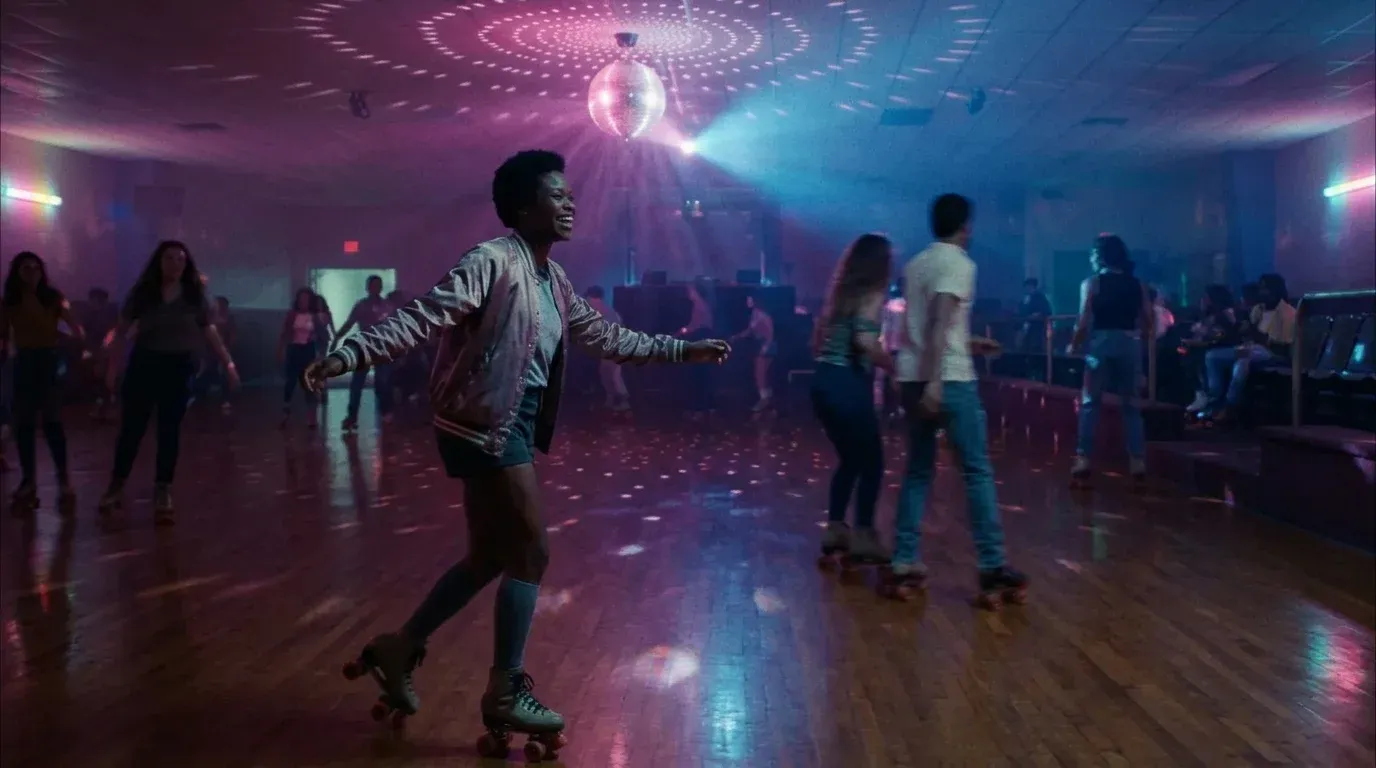
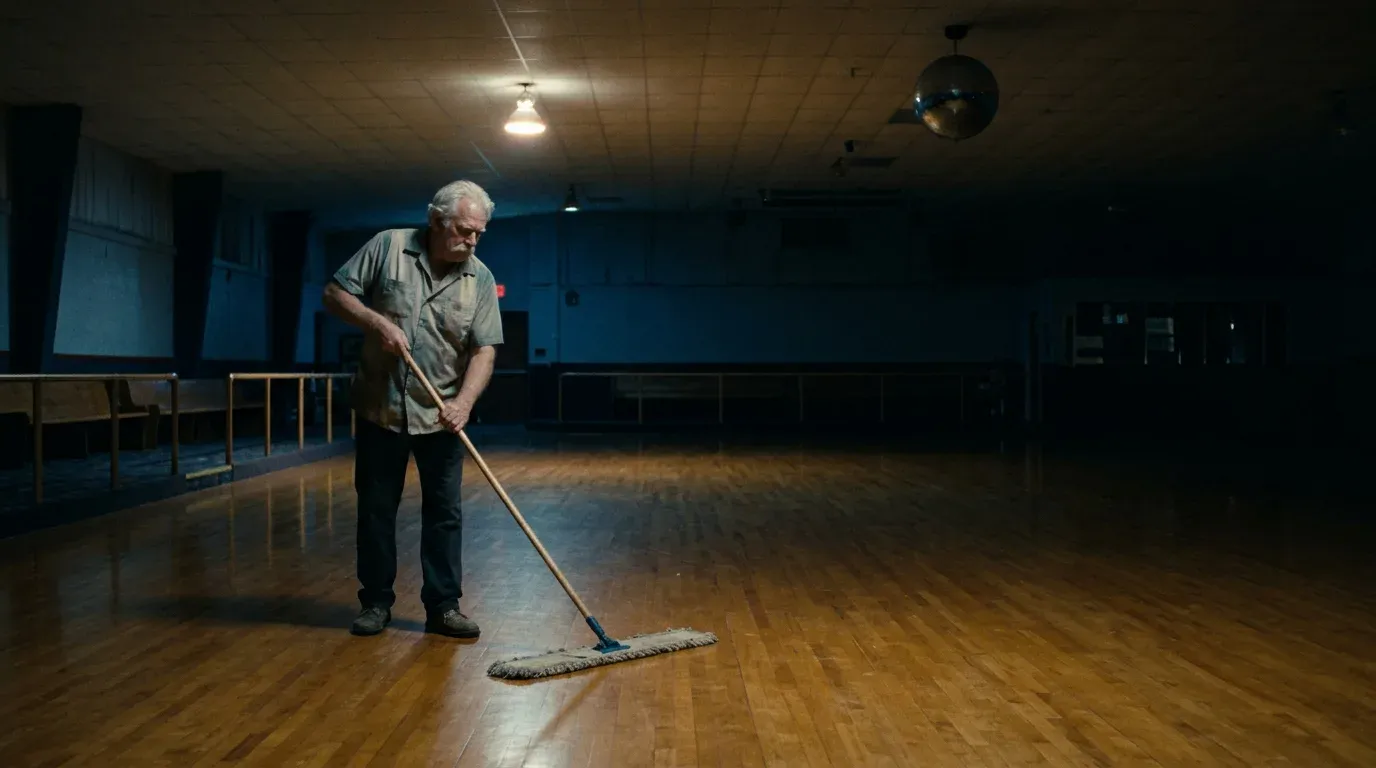
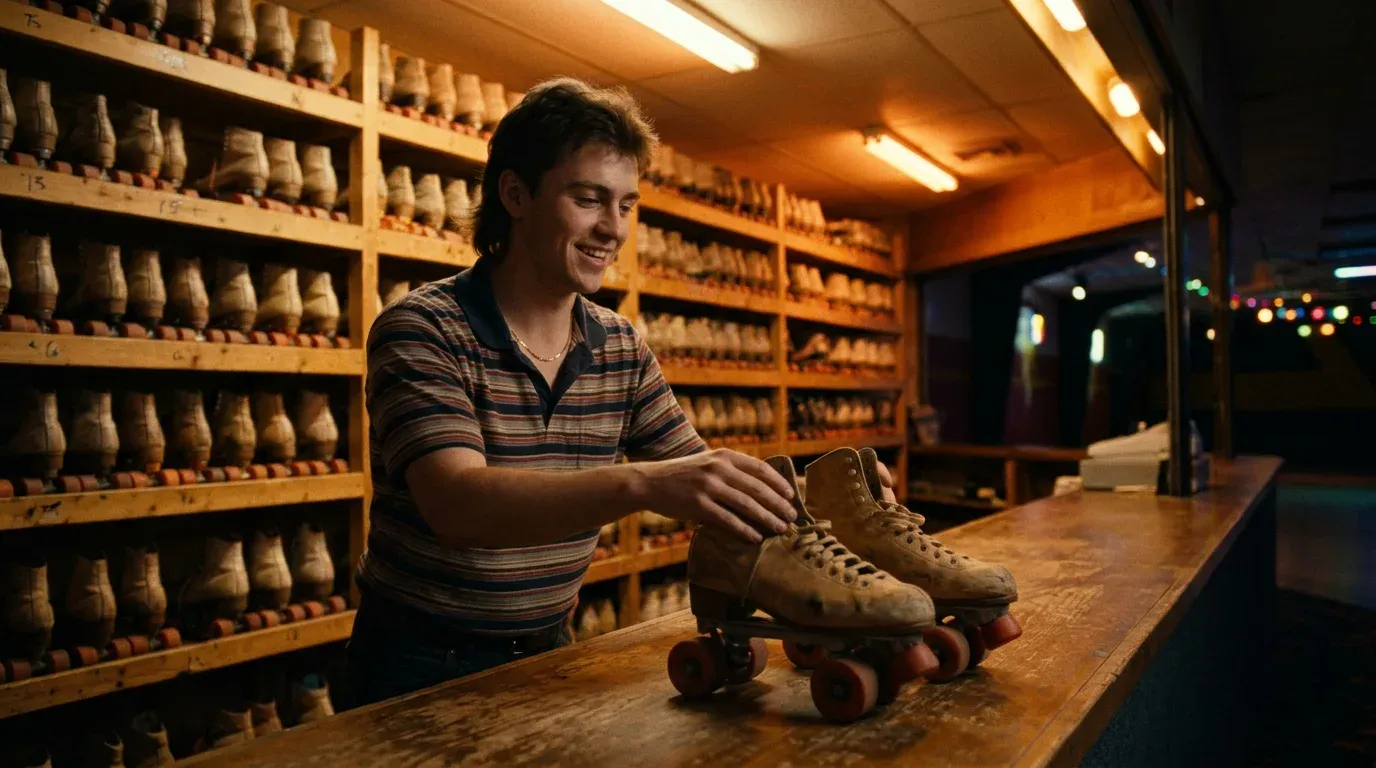
Set names and roles on timed cards over your last shot. Each card fades in, drifts up and fades out. Add a score and export the video from Studio. The roll here is for Last Skate, an example short about the last night of an old roller rink.
Plans from $19 a month. Each project's first export is included, with commercial use and no watermark. Studio opens on a tablet or computer.
The Last Skate roll as a sheet: each card, why it sits where it does, and its Start and Duration in Studio. Each card gets five seconds, plus half a second for each name past two.
Last Skate
Put the title up while the last shot is still on screen, so the film and its name land together.
Written and directed by
Lena Marsh
The director comes first. One person wrote and directed, so both jobs share one card.
Produced by
Sam Adeyemi
Rosa Lindqvist
Producers follow the director, names in the order they agreed on.
Cast
Cast in order of appearance: character on the left, actor on the right, so the eye reads down one gutter.
Director of photography
Hana Kovac
Editor
Miles Dunbar
Production designer
Ada Ferreira
Heads of department get their own card before the wider crew: camera, cutting, design.
Original music by
June Halloran
Sound
Tomasz Wierzba
Music and sound share a card. A licensed song would go here too, with its title, writers and owner.
Crew
The rest of the crew goes in one list, role on the left and name on the right. Long lists get more seconds, not smaller type.
Special thanks
Every skater who came to the last night
Our families, who drove us home
Thanks come near the end: the places that let you film and the people who helped for nothing.
Filmed in Harlow Bay
© 2026 Slow Turn Pictures
Close on where it was filmed and the copyright line, then let the music finish over black.
The roll above is one Studio project: nine cards, the last shot, a black solid and a score. Pick a card on the timeline to see its settings.
Open a Studio project and set W to 1920 and H to 1080 for a widescreen film. Press R for a solid, make it black and stretch it under the whole roll. Put your last shot above it with an Exit fade, so it goes to black under the second card.
Press T to add text. Each card here is two text layers in Inter: roles small and in Uppercase, names larger. New text starts in lowercase, so click Lowercase again under Text case and names keep the capitals you type.
Type each card's Start and Duration from the sheet above. Under Effects, set Transitions to Both and pick Fade, then set Movement to Pan, direction Down, Intensity 15. The names rise slowly while they are on screen.
In the Audio panel, choose Music, pick 60 seconds and describe the mood. Then export MP4 or WebM at 1080p or 4K.
Eleven Music v2.5, 60 seconds, instrumental
Unhurried end credits music for a short film about the last night of an old roller rink: warm analog synth pads over a slow, soft disco bass line, a gentle electric piano melody, a faint roller rink organ far in the background, bittersweet and hopeful, around 90 BPM, close and intimate, ending on a held chord that fades out.
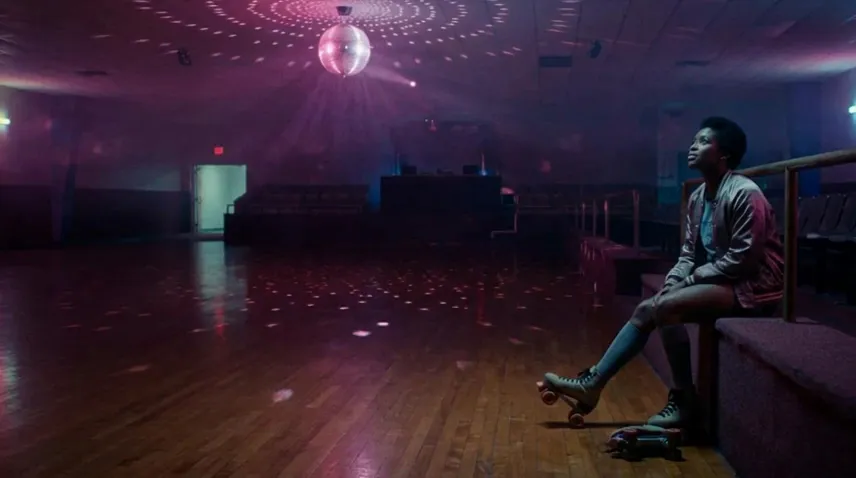
The same text layers and timing, arranged three other ways. Each one is built from layers you can move and resize in Studio.
Resize the last shot into the right half of the canvas and run the cards on the left, so the film stays on screen through the names.
Put each actor's still on its own layer with the same Start and Duration as their name. Viewers match the face to the name.
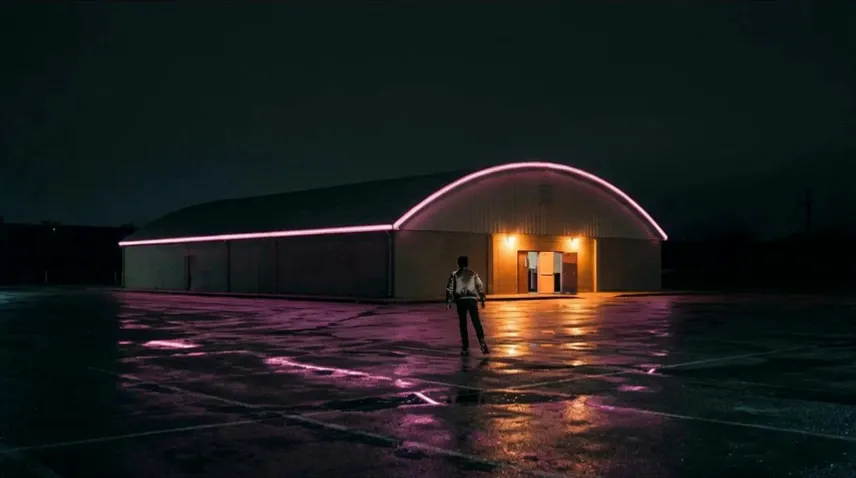
The same cards work at the start. Place them in the empty sky over the first shot and keep them short: three cards in about ten seconds.
Your names scroll up a black 1080p frame, made in your browser. For an MP4, run the free FFmpeg command below. Drop either video into Studio after your last shot to add the score.
One line per role or name, with an empty line between groups. For two columns, put two spaces between a role and a name.
2. Pick a look and download
Same size, spacing, speed and length as the command below.
1920 x 1080 at 30 fps, 32 seconds. It records in real time in this tab, and nothing is uploaded.
3. For an MP4, run this in the folder with credits.txt
ffmpeg -f lavfi -i color=c=black:s=1920x1080:d=32 -vf "drawtext=textfile=credits.txt:fontsize=48:fontcolor=white:line_spacing=24:text_align=C:x=(w-text_w)/2:y=h-t*80" -c:v libx264 -pix_fmt yuv420p credits.mp4FFmpeg draws the Sans look in its default font. d=32 is the length in seconds: it follows your list, like the WebM, so the last name clears the top. 80 is the speed in pixels a second. If FFmpeg says "Filter not found", install a full build: drawtext needs libfreetype and libharfbuzz.
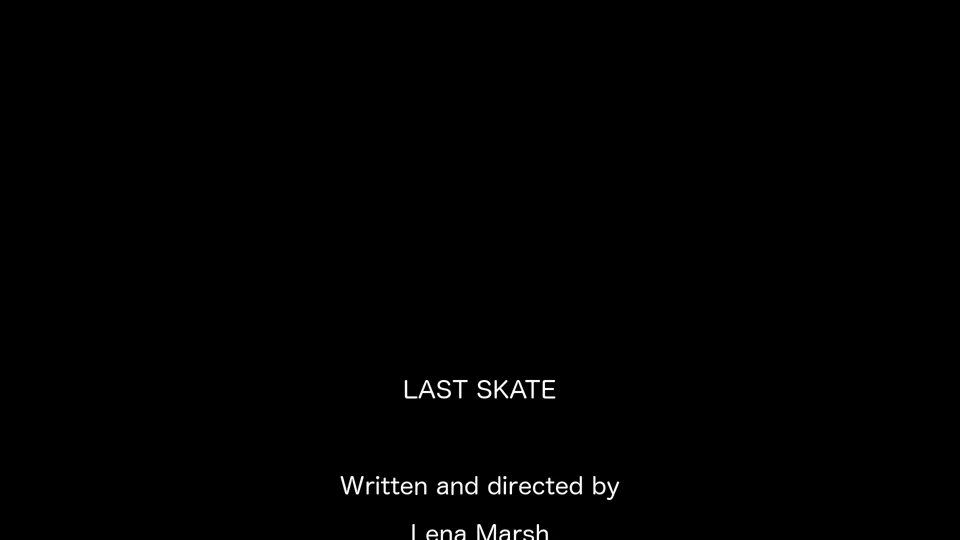
FFmpeg output at 4 s
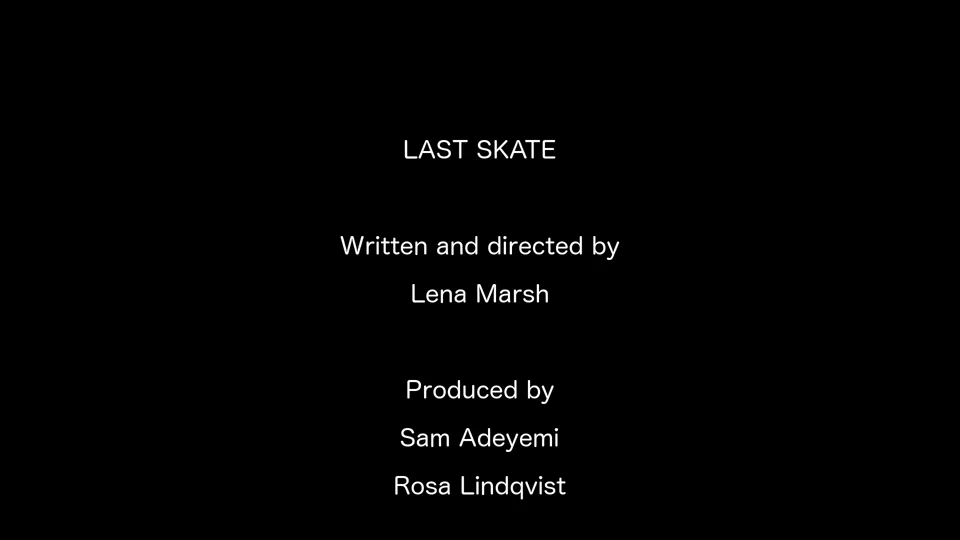
FFmpeg output at 10 s
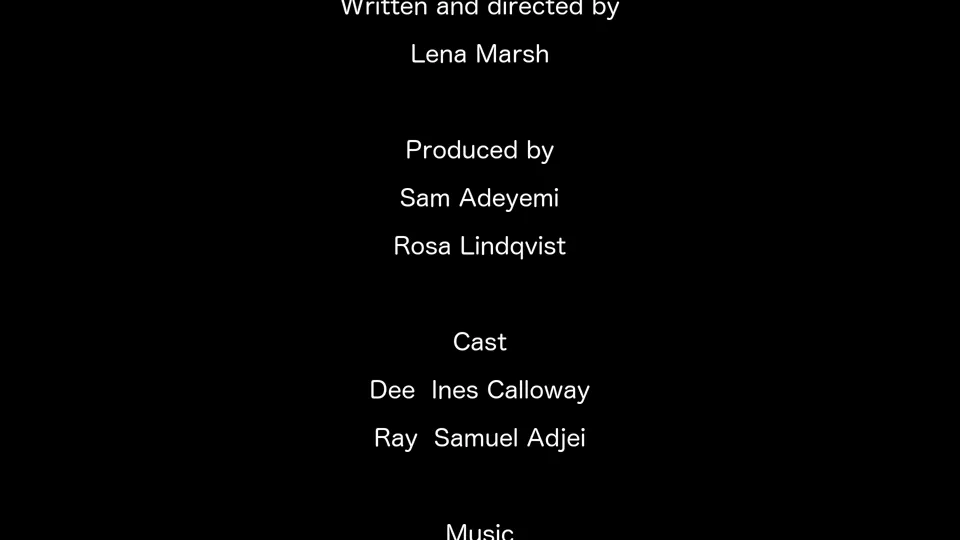
FFmpeg output at 16 s
Text, timing and effects use no credits. Each project's first export is free. After that an export costs 10 credits, so the $19 Creator plan covers 50 a month.
Pick the plan for how much you post. Every model on every plan. Unused credits roll over. Cancel anytime.
Billed monthly
For solo creators posting every week
500 credits every month
Billed monthly
For creators posting daily across channels
1,300 credits every month
Billed monthly
For brands and production teams
2,700 credits every month
Billed monthly
For agencies running always-on content
5,500 credits every month
Want checkout, comparison tables, or a custom volume? See the full pricing page
Plans from $19 a month. Commercial use included.