


Creator
$19/month
Billed monthly
For solo creators posting every week
500 credits every month
- Up to 250 AI images
- Up to 50 Studio exports, plus the first export of each project
- Up to 1.5 hours of AI voiceover
- Roll over up to 1,000 credits
Any photo or logo, on any frame.
Put a logo, a product shot or a second angle on your clip, and choose where it sits and when it comes and goes.
Free: iMovie on iPhone, CapCut on Android, Clipchamp on a computer, or FFmpeg. Studio is the paid route: timing to a tenth of a second, a fade, slide or zoom in, and export up to 4K.
In iMovie, Apple's free app:
In CapCut, a free app:
Studio opens on a tablet or computer, not a phone. Studio comes with plans from $19 a month, and each project's first export uses no credits.
In Clipchamp's free plan (the Windows app or app.clipchamp.com), which exports up to 1080p:
Steps from each maker's help page, checked November 5, 2026: Apple iMovie for iPhone, CapCut, Microsoft Clipchamp, FFmpeg overlay.
Studio never burns the picture into your footage. Each image is a layer above the video, with its own place, size and time on the timeline. The higher track draws on top.
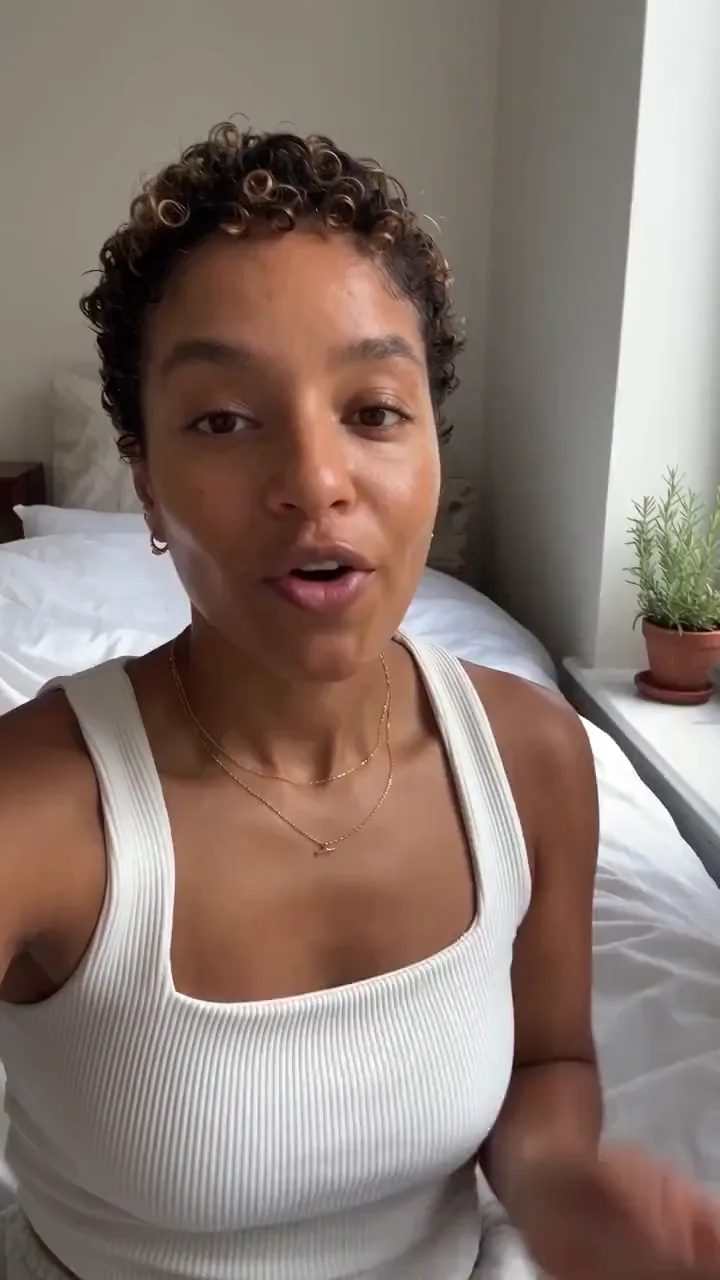
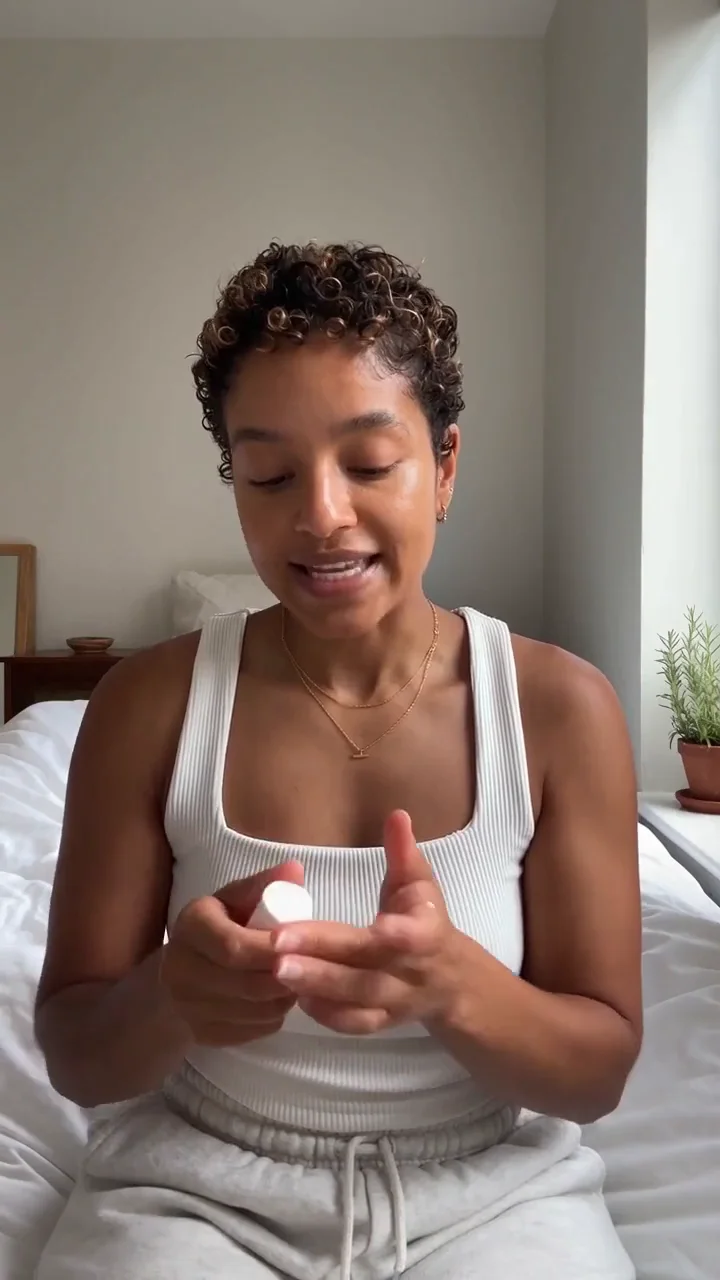
Every image has a Start and a Duration. Here the product comes in on “one dot” and leaves after “no streaks”. Drag the ends on the timeline or type the seconds.
Okay, so I've been wearing this literally every single day for, like, two weeks now, and I need to talk about it because look, one dot, that's it, and it just blends in, like, three seconds. No rubbing, no streaks, and the thing I actually care about is there's zero white cast, none on my skin, which honestly never happens. So yeah, that's the review. That's the whole review. I'm done.
Product image · Start 4.4 s · Duration 4.0 s · Zoom in
Studio runs in the browser on a computer or a tablet. Every plan includes it.
Open Studio and drop your clip onto the timeline. New projects are 9:16; Swap dimensions turns the canvas to 16:9.
Drag a JPG, PNG, WebP, SVG or GIF onto the canvas. It lands at the playhead on a new track above the video, two seconds long.
Drag the corners or type a width in Layout. Under Fill, lower the opacity for a watermark or round the corners for picture in picture. Framing crops it.
Type a Start and a Duration, or drag the image's ends on the timeline. Add a fade, slide or zoom under Motion. Export MP4 or WebM at 720p, 1080p or 4K.
FFmpeg is free and runs on Windows, Mac and Linux. Replace input.mp4 and the image's name with your files. 120 and 220 are the image's width in pixels, 30 is its gap from the edge, and 2,6 are the seconds it shows. A PNG keeps its see-through parts. The sound is copied as it is.

A logo in the top right corner, the whole video
ffmpeg -i input.mp4 -i logo.png -filter_complex "[1:v]scale=120:-1[logo];[0:v][logo]overlay=W-w-30:30" -c:a copy output.mp4
A photo in the top left, from 2 to 6 seconds
ffmpeg -i input.mp4 -i photo.jpg -filter_complex "[1:v]scale=220:-1[pic];[0:v][pic]overlay=30:30:enable='between(t,2,6)'" -c:a copy output.mp4All three draw their buttons down the right edge and the account name and caption along the bottom. Move the logo and see what covers it.
Covered. The like, comment and share buttons run down this edge.
Open the photo in the image editor and press Cut out. You get a PNG with a see-through background, and Studio keeps it see-through, so only the product sits on your video.


“Add a photo to a video” means three different things. Here is where each one lives.

Drop it on the video's own track, between the clips, at full size. Pick Zoom in under Movement so it doesn't sit still. That's Studio, on this page.



Twenty photos and a song, cut into one video. The slideshow maker shows how.
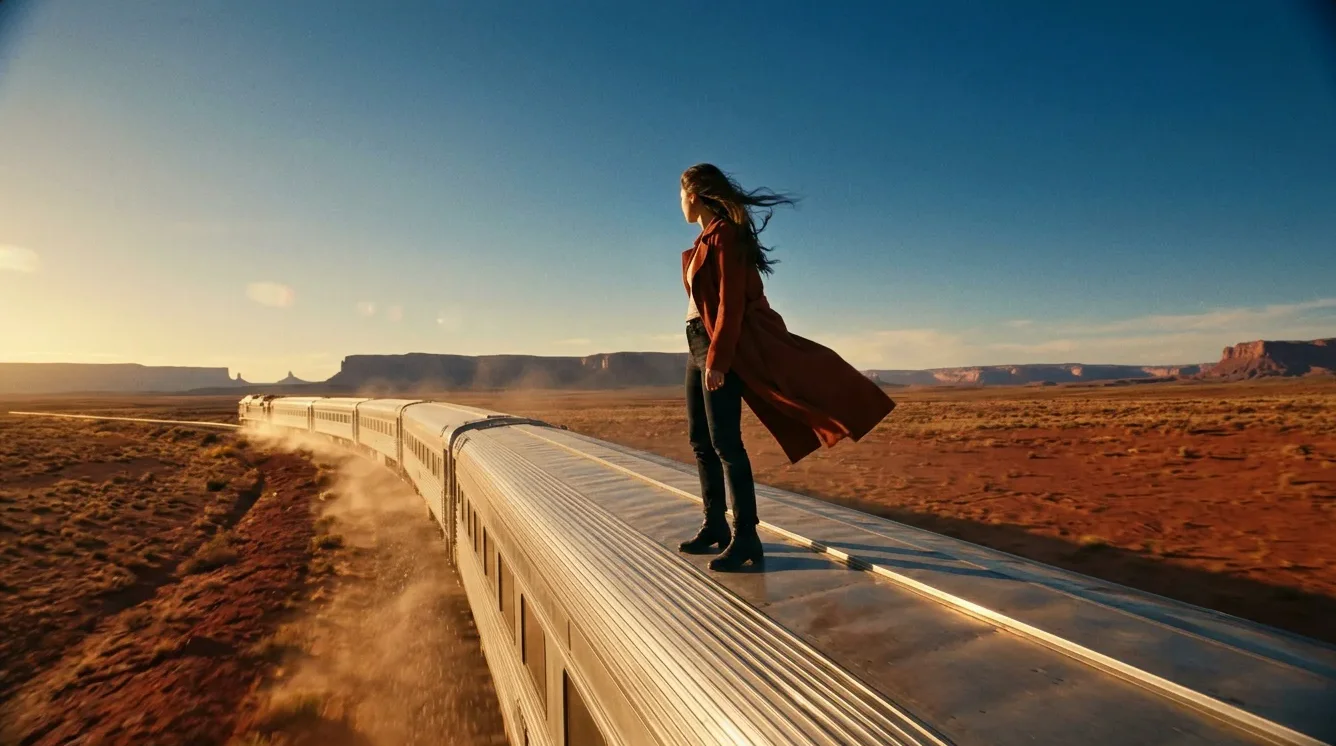
The person in the photo turns, walks or smiles. That's a new clip made from the photo: image to video.
Adding images uses no credits. Each project's first export is free. After that an export costs 10 credits, so the $19 Creator plan covers 50 a month.
Pick the plan for how much you post. Every model on every plan. Unused credits roll over. Cancel anytime.
Billed monthly
For solo creators posting every week
500 credits every month
Billed monthly
For creators posting daily across channels
1,300 credits every month
Billed monthly
For brands and production teams
2,700 credits every month
Billed monthly
For agencies running always-on content
5,500 credits every month
Want checkout, comparison tables, or a custom volume? See the full pricing page

Plans from $19 a month. Commercial use included.