Creator
$19/month
Billed monthly
For solo creators posting every week
500 credits every month
- Up to 250 AI images
- Up to 50 Studio exports, plus the first export of each project
- Up to 1.5 hours of AI voiceover
- Roll over up to 1,000 credits
Several clips in one frame, playing at once
Put two, three or four clips side by side, stacked or in a grid, and export one video for Reels, TikTok or YouTube.
Free: iMovie on iPhone or Mac, CapCut on Android, Clipchamp in a browser, or FFmpeg. Studio is the paid route, for any layout with exact sizes.
Studio runs in a desktop browser, on plans from $19 a month. It exports MP4 or WebM up to 4K with no watermark, and each project's first export is included.
Four clips in a 1080 × 1080 grid. It ends with the shortest clip and keeps the first clip's sound.
ffmpeg -i 1.mp4 -i 2.mp4 -i 3.mp4 -i 4.mp4 -filter_complex "[0:v]scale=540:540:force_original_aspect_ratio=increase,crop=540:540,setsar=1[a];[1:v]scale=540:540:force_original_aspect_ratio=increase,crop=540:540,setsar=1[b];[2:v]scale=540:540:force_original_aspect_ratio=increase,crop=540:540,setsar=1[c];[3:v]scale=540:540:force_original_aspect_ratio=increase,crop=540:540,setsar=1[d];[a][b][c][d]xstack=inputs=4:layout=0_0|w0_0|0_h0|w0_h0:shortest=1[v]" -map "[v]" -map "0:a?" -shortest collage.mp4Steps from each maker's own page: Apple iMovie for iPhone, CapCut, Apple iMovie for Mac, Clipchamp, FFmpeg xstack.
Grid of four: 1:1 canvas, 1080 × 1080. 4 cells of 522 × 522, 12 px apart.
Studio has no collage template. You stack the clips on tracks and give each one a position and a size. Here is the three-up collage from the top, taken apart.
With nothing selected, the Canvas panel sets the width and height. Use 1080 × 1920 for Reels and TikTok, 1920 × 1080 for YouTube.
Pick Add solid (R) and drag across the whole canvas. Its color shows in the gaps between the cells.
Drop your clips on the editor and stack them on separate tracks, all starting at the same moment. The top track draws over the ones below.
Select a clip. Under Layout, type Position X and Y and Dimensions W and H, or drag it until it snaps to an edge or the center.
Unlock Keep aspect ratio, then move Crop focus until the face or the action sits inside the cell. Corner radius rounds the edges.
Turn off Enable audio on every clip but one, or add music. Trim the clips to end together and export an MP4 at 720p, 1080p or 4K.
Every cell below is in canvas pixels, 12 px apart. Type X and Y into Position and W and H into Dimensions, or copy a layout to keep it next to the editor.
9:16 · 1080 × 1920
| Cell | X | Y | W | H |
|---|---|---|---|---|
| A | 12 | 12 | 1056 | 942 |
| B | 12 | 966 | 1056 | 942 |
9:16 · 1080 × 1920
| Cell | X | Y | W | H |
|---|---|---|---|---|
| A | 12 | 12 | 1056 | 624 |
| B | 12 | 648 | 1056 | 624 |
| C | 12 | 1284 | 1056 | 624 |
9:16 · 1080 × 1920
| Cell | X | Y | W | H |
|---|---|---|---|---|
| A | 12 | 12 | 522 | 942 |
| B | 546 | 12 | 522 | 942 |
| C | 12 | 966 | 522 | 942 |
| D | 546 | 966 | 522 | 942 |
1:1 · 1080 × 1080
| Cell | X | Y | W | H |
|---|---|---|---|---|
| A | 12 | 12 | 522 | 522 |
| B | 546 | 12 | 522 | 522 |
| C | 12 | 546 | 522 | 522 |
| D | 546 | 546 | 522 | 522 |
4:5 · 1080 × 1350
| Cell | X | Y | W | H |
|---|---|---|---|---|
| A | 12 | 12 | 1056 | 786 |
| B | 12 | 810 | 522 | 528 |
| C | 546 | 810 | 522 | 528 |
16:9 · 1920 × 1080
| Cell | X | Y | W | H |
|---|---|---|---|---|
| A | 12 | 12 | 942 | 1056 |
| B | 966 | 12 | 942 | 1056 |
16:9 · 1920 × 1080
| Cell | X | Y | W | H |
|---|---|---|---|---|
| A | 12 | 12 | 624 | 1056 |
| B | 648 | 12 | 624 | 1056 |
| C | 1284 | 12 | 624 | 1056 |
16:9 · 1920 × 1080
| Cell | X | Y | W | H |
|---|---|---|---|---|
| A | 0 | 0 | 1920 | 1080 |
| B | 1512 | 392 | 360 | 640 |
Inset corner radius 24.
A collage earns its place when the viewer should see two things at the same moment. Photos and clips mix freely.


The clip on top, the face that watches it below. Keep only the clip's sound or only the voice.
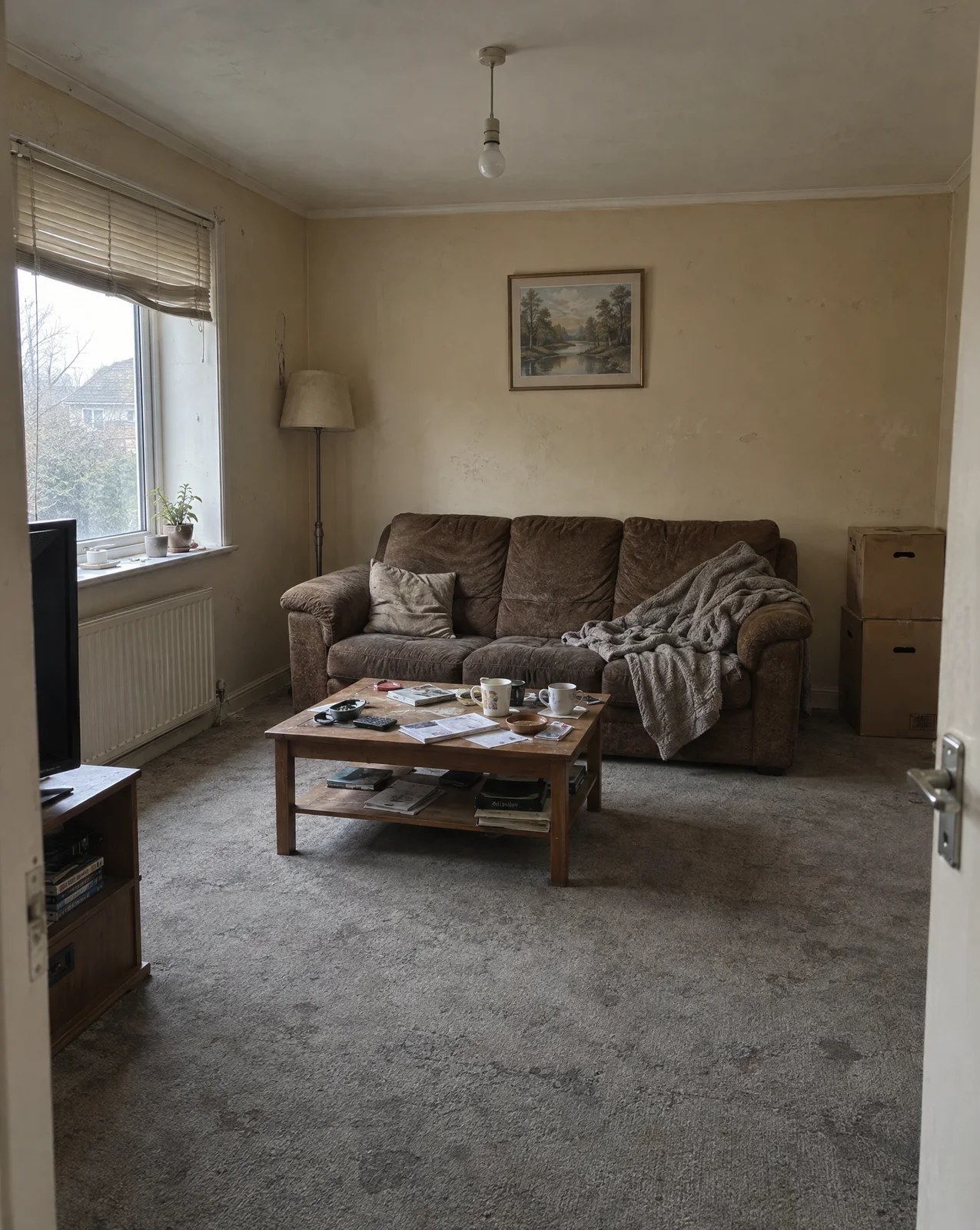
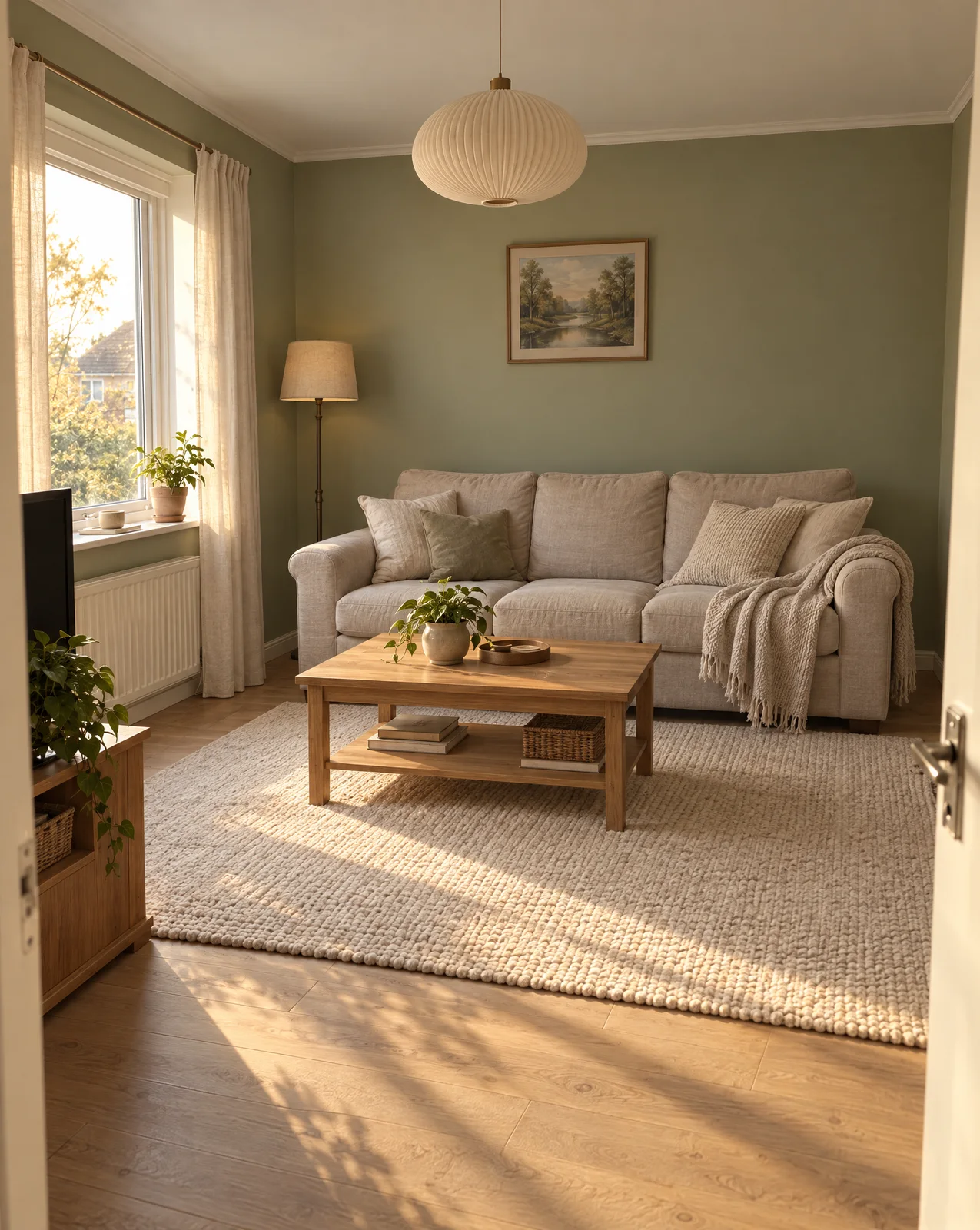
The same room from the same spot, side by side. Matching framing does the work.
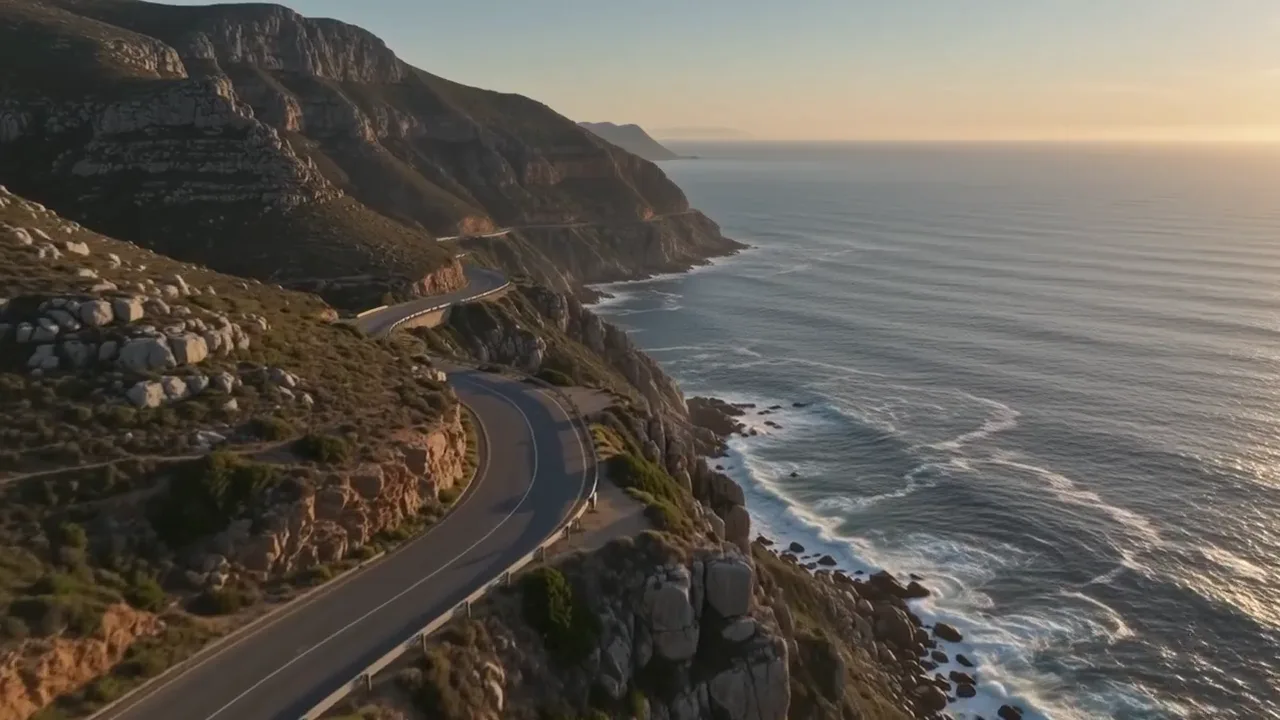

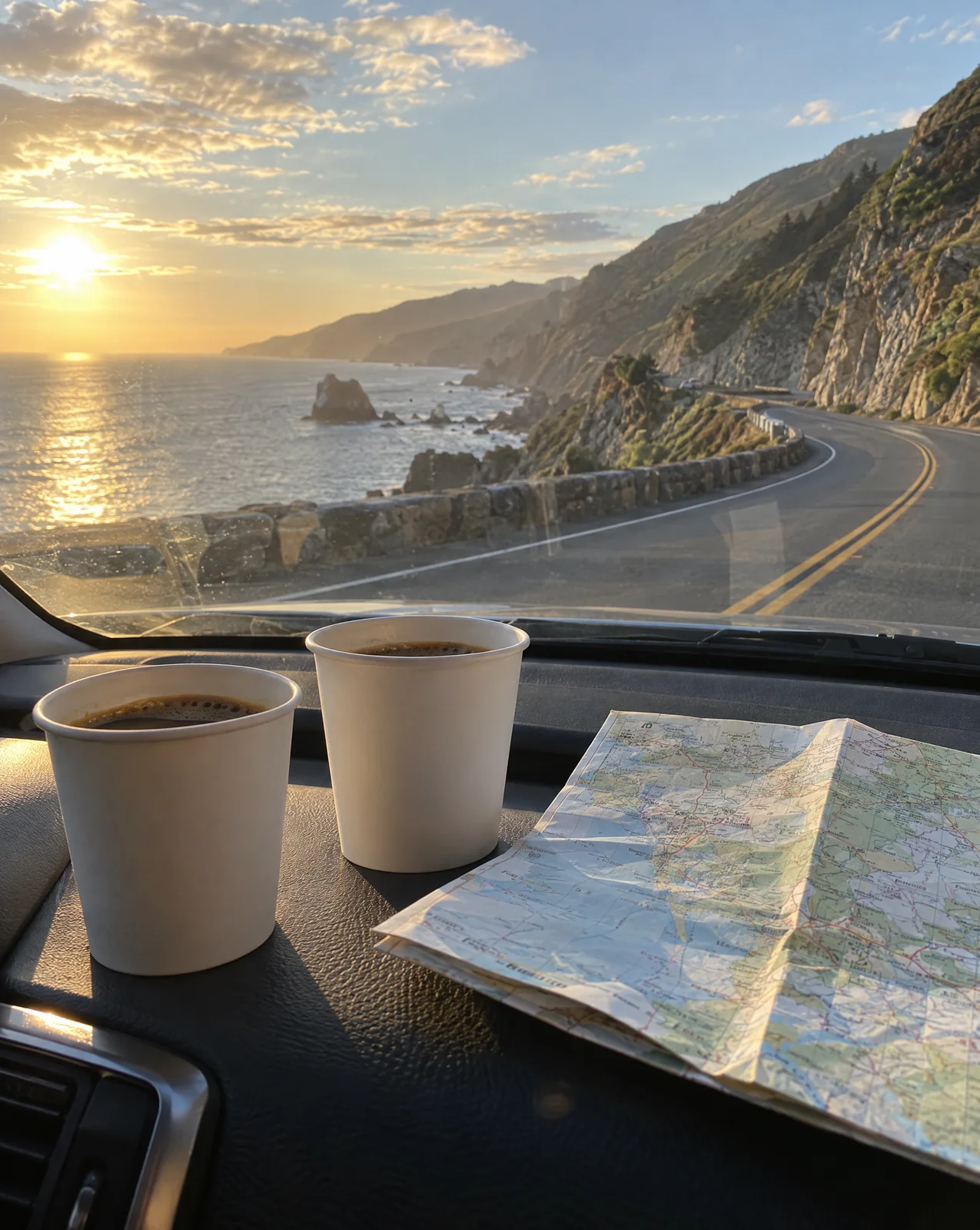

One clip and three photos in a square grid. Each photo stays on screen as long as you stretch it.
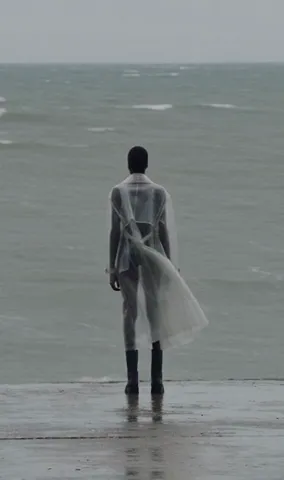

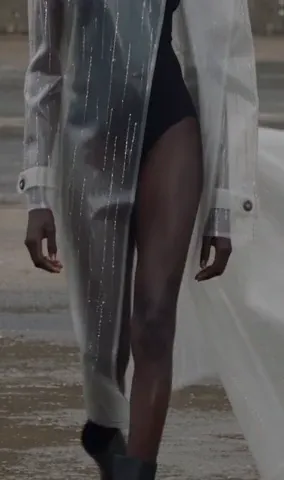
Wide, detail and worn, playing at once. The viewer sees the whole thing in one glance.
Every clip brings its own sound, and three at once is noise. Keep one, or turn them all off and lay music under the grid. Pick one to hear it.
All three clips play silently. Pick a sound to hear the difference.
Pick the plan for how much you post. Every model on every plan. Unused credits roll over. Cancel anytime.
Billed monthly
For solo creators posting every week
500 credits every month
Billed monthly
For creators posting daily across channels
1,300 credits every month
Billed monthly
For brands and production teams
2,700 credits every month
Billed monthly
For agencies running always-on content
5,500 credits every month
Want checkout, comparison tables, or a custom volume? See the full pricing page

Plans from $19 a month. No watermark.