Create with Nano Banana 2.1 in Sceneform.
Explore an image idea with a written brief and optional references. Nano Banana 2.1 lets you describe the subject, composition, and visual treatment. Review each result before using it in a design or video.
Compare plans and credits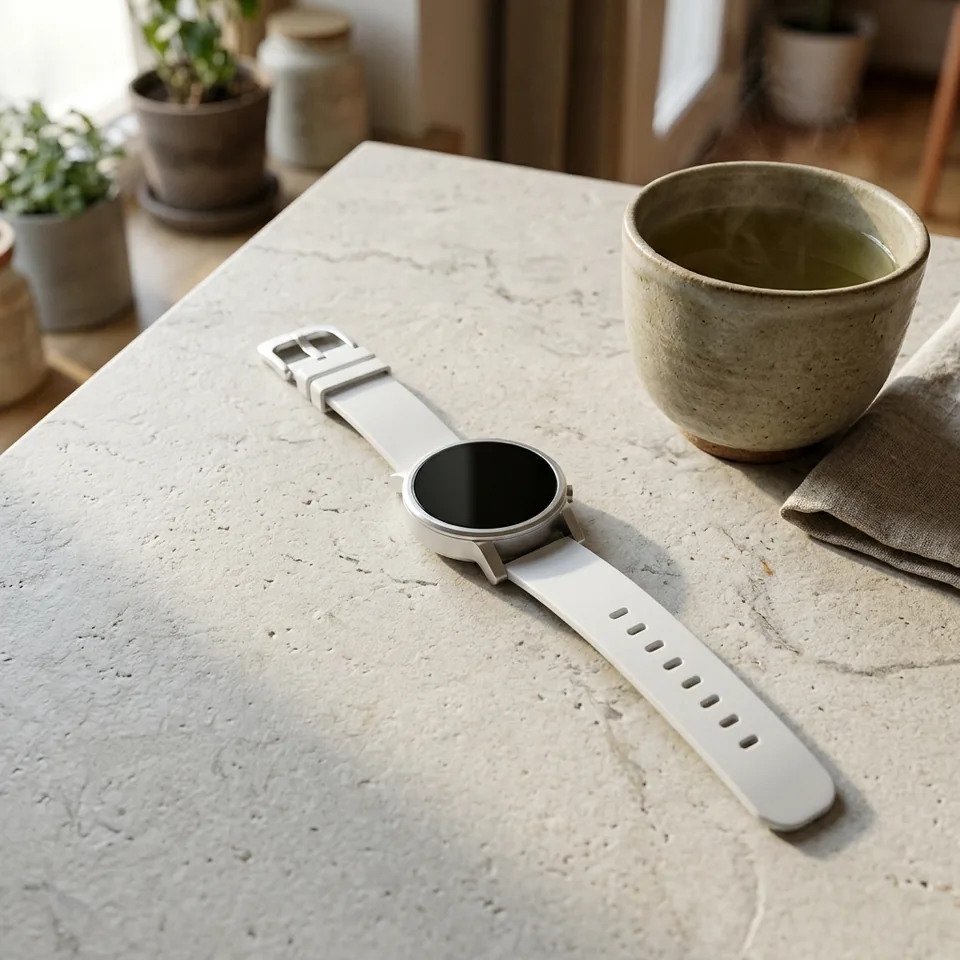
What you can create
Start with a clear image brief
Describe the subject, surroundings, framing, and lighting. Tell the model which visual details matter most.
Guide the result with references
Attach reference images when your idea depends on a particular subject or visual direction. Explain how each reference should help.
Choose the output settings
Review the available shape and resolution settings before generating. Match the output to the space your image needs to fill.
From your idea to finished content
Open Nano Banana 2.1
Open the image tool with Nano Banana 2.1 selected. Prepare a short brief and any useful reference images.
Describe the result
Write the scene you want to create. When using references, name the details you want the model to preserve.
Review and refine
Generate an image and inspect important details. Adjust the brief or references when the result misses your intent.
Prompts to start with
Use these briefs as a starting point. Replace the details with your own product, audience, and style.
Product setting
Place the referenced ceramic cup on a pale stone counter. Preserve its shape and glaze. Use soft morning window light.
Editorial illustration
Create an overhead illustration of a quiet reading desk. Include an open notebook, green tea, and warm paper textures.
Frequently asked questions
- Which Nano Banana version does this page open?
- The button selects Nano Banana 2.1 in Sceneform's image tool.
- Can I start with text alone?
- Yes. Describe the image you want. Add reference images when they help explain your subject or visual direction.
- Can I guide the result with an existing image?
- Yes. Nano Banana 2.1 accepts image references. Describe what should stay consistent and what you want to change.
- Will every detail match my reference?
- Inspect the result before using it. Generated details can differ, so refine the prompt or references when needed.
Explore related tools
Create your next project
Start with a clear brief. Review the result. Make it yours.