Put your product in the scene you need.
Start with a clear product reference and describe the setting around it. Explore studio compositions, lifestyle scenes, and campaign concepts with an image model. Inspect the result carefully wherever exact product details matter.
Compare plans and credits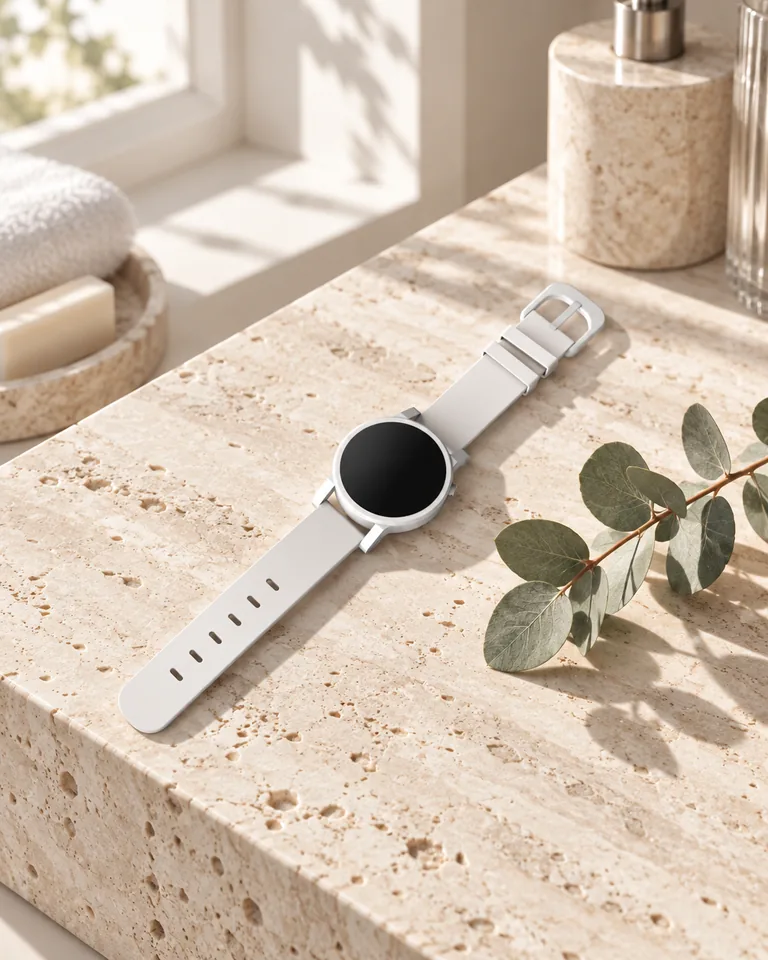
What you can create
Explore new settings
Show a product on a kitchen counter, desk, or studio surface. Describe the environment without losing the product's role in the image.
Direct the lighting and composition
Choose soft window light, sharp studio shadows, or a neutral catalog direction. Reserve empty space when the campaign needs a headline.
Continue into ads or motion
Use Ad Studio for a structured product ad. Use image-to-video when you want to animate a completed product composition.
From your idea to finished content
Prepare useful product references
Choose sharp photos that show shape, color, and packaging. Use a model that supports reference images for the generation.
Describe the scene around the product
Specify the surface, background, light, and camera angle. Mention the details that must remain recognizable.
Check the product against its reference
Inspect dimensions, logos, labels, materials, and included parts. Correct inaccurate results before using them in product marketing.
Prompts to start with
Use these briefs as a starting point. Replace the details with your own product, audience, and style.
A kitchen lifestyle scene
Place the reference ceramic mug on a pale oak kitchen counter. Soft morning window light. Keep its handle and glaze visible.
A campaign composition
Show the reference running shoe on a neutral studio block. Side view with crisp shadows. Leave empty space on the left.
Frequently asked questions
- Do I need a real product photo?
- A clear reference helps the model represent an existing product. Text alone works better for concepts than exact product reproduction.
- Will AI preserve every label and logo?
- No. Generated details can differ from the source. Check labels and logos at full size before using the image.
- Can I use AI for product listing images?
- Only use results that accurately represent the product you sell. Inspect materials, colors, proportions, accessories, and packaging against the real item.
- How is this different from an AI ad generator?
- Product photography focuses on the image composition. Ad Studio adds a structured advertising format around your product and message.
Explore related tools
Create your next project
Start with a clear brief. Review the result. Make it yours.