Build a scene from words with Hunyuan Image V3.
Describe an image you want to create and explore it with Hunyuan Image V3. Set the composition through your prompt and aspect-ratio choice. Refine the wording after inspecting the generated result.
Compare plans and credits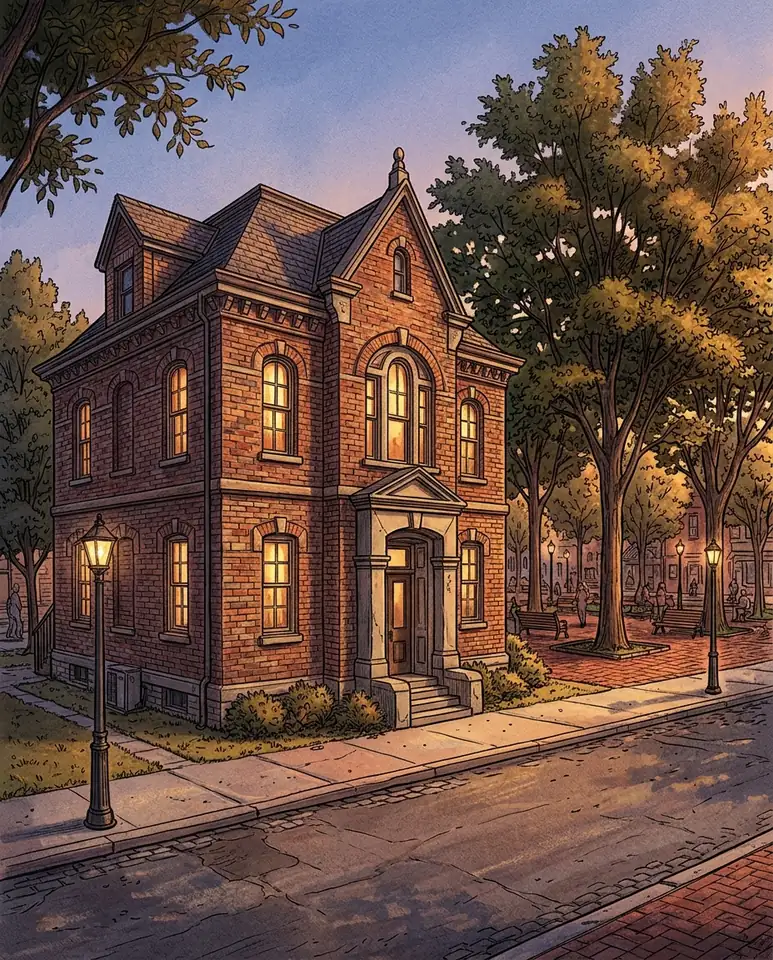
What you can create
Describe the scene in text
Name the subject, materials, surroundings, and lighting. This model generates images from text without an uploaded reference-image input.
Choose a frame for the subject
Select a square, landscape, or portrait aspect ratio. Explain where the subject should sit within that frame.
Review advanced generation settings
The model exposes a negative prompt, seed, guidance scale, and inference-step controls. Change one setting at a time when comparing results.
From your idea to finished content
Open Hunyuan Image V3
Use the button to select the image model. Prepare a focused text description for the scene you want.
Set the scene and frame
Describe the composition and choose an aspect ratio. Add a negative prompt if you want to discourage particular elements.
Generate and refine
Review the settings and cost, then generate. Check the scene against your brief before changing the wording or advanced controls.
Prompts to start with
Use these briefs as a starting point. Replace the details with your own product, audience, and style.
An architectural illustration
A small brick library stands beside a tree-lined square. Show the building from street level with warm evening windows and soft shadows.
A material-focused still life
A smooth river stone rests beside a folded indigo cloth. Use soft side lighting and a simple background with visible fabric texture.
Frequently asked questions
- Does this page generate images or videos?
- It opens Hunyuan Image V3 for image generation. It does not provide a Hunyuan video or 3D-model workflow.
- Can I upload a photo as a reference?
- This model's verified workflow accepts text only. Choose an image-reference model when your project depends on an existing photograph.
- What should I put in the negative prompt?
- List elements you want the model to avoid. Treat these as instructions rather than guaranteed exclusions, and inspect the result.
- Can I choose portrait and landscape outputs?
- Yes. The model offers square, portrait, and landscape aspect ratios. Choose the shape before generating.
Explore related tools
Create your next project
Start with a clear brief. Review the result. Make it yours.