Twitter/X transcript generator
Turn a public Twitter/X video post into readable transcript text. Free to use, no account required, and built for quotes, news clips, commentary, and research notes.
Get the spoken words from a Twitter/X video post
Sceneform generates a transcript from the audio in a public Twitter/X video post. Paste the URL, start the request, then copy or download the resulting text when processing finishes.
Use it when you need quotes, captions, notes, summaries, research material, or a written reference without replaying the same video again.
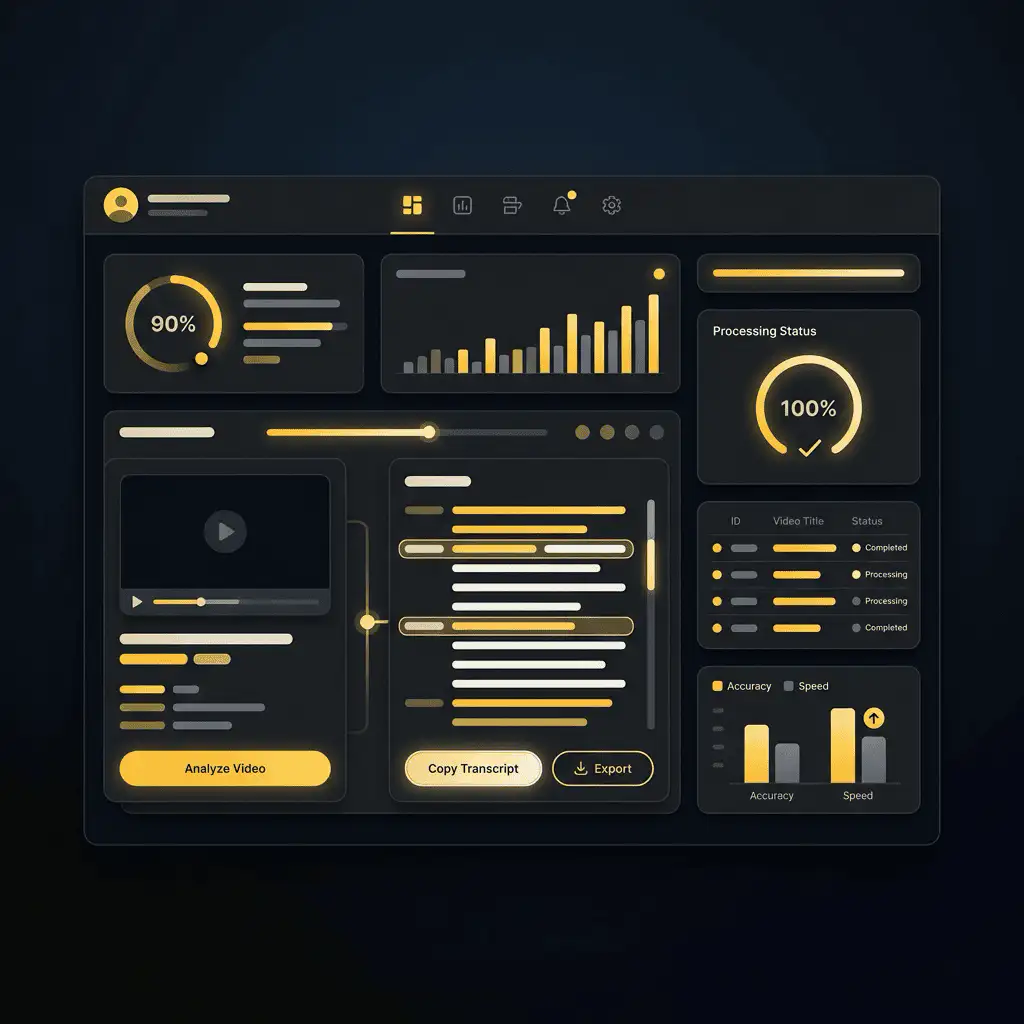
How to transcribe a Twitter/X video post
- Copy the video link. Open the X or Twitter post with a video, then copy the post URL from the share menu or browser address bar.
- Paste it into Sceneform. Add the URL to the transcript form. You do not need to create an account.
- Generate the transcript. Sceneform checks the public link, extracts the audio, and converts speech into text.
- Copy or download the text. Use the transcript for notes, captions, scripts, summaries, or research.
If the link is private, deleted, login-gated, muted, or blocked by the source platform, the transcript may fail or return little text.
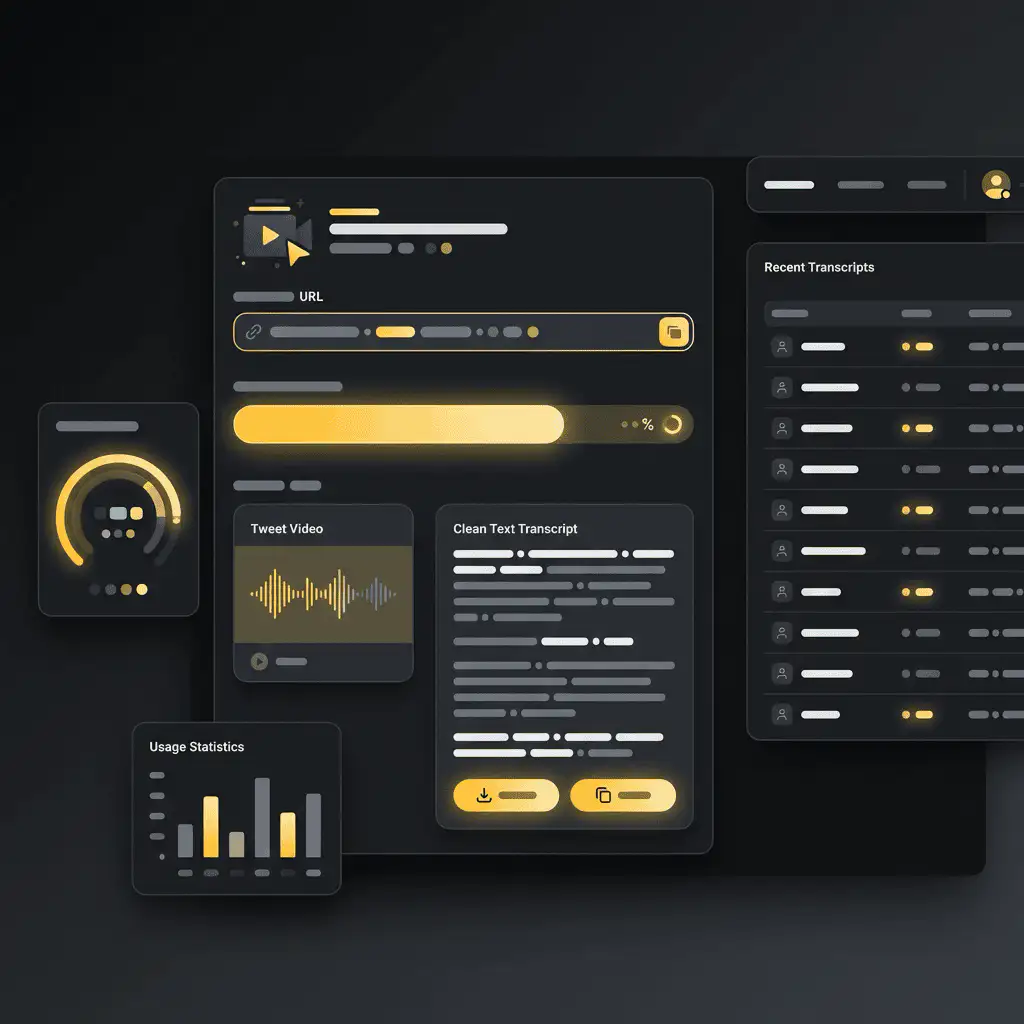
What the transcript includes
The result is clean transcript text that you can read, search, copy, and download as a plain text file. It is designed for the words spoken in the video, not for visual OCR, comments, likes, or engagement analytics.
- Good input: public videos with clear speech.
- Quality factors: audio clarity, background music, speaker overlap, accents, and platform access.
- Output: readable text with copy and TXT download controls.
- Not guaranteed: speaker labels, word-level timestamps, subtitles, SRT, VTT, or exact punctuation.
Choose the right transcript tool
Each platform page explains how to copy a link from that platform. Pick the one that matches your video.
Useful ways to use Twitter/X transcripts
Transcripts are most useful when they turn a video into something you can search, quote, compare, or repurpose. They help creators and researchers work with the actual language in a clip instead of relying on memory.
- Quote checking: capture spoken lines from interviews and commentary clips.
- News research: turn fast-moving video posts into searchable notes.
- Thread writing: pull key points from a clip before writing a summary thread.
- Archive notes: keep the spoken context of posts that may be hard to find later.
Free, no account, and temporary processing
The transcript generator is free to use and does not require a Sceneform account. Normal use is unlimited, with abuse controls reserved for automated or excessive traffic.
Transcript tasks are processed temporarily. Use transcripts only in ways you are allowed to, especially when quoting, reposting, publishing, or using someone else's words commercially.
More free tools
Download, convert, transcribe, and summarize with the rest of the library.
Twitter/X transcript generator in multiple languages
Generate transcripts from public X and Twitter videos in the language spoken in the source audio. News clips, commentary, and interviews work well when speech is clear.