Show the product. Make its purpose clear.
A product showcase keeps the product at the center of the video. Use Ad Studio to build a visual story around its appearance, features, and use. Choose this format when the product itself should do most of the explaining.
Compare plans and credits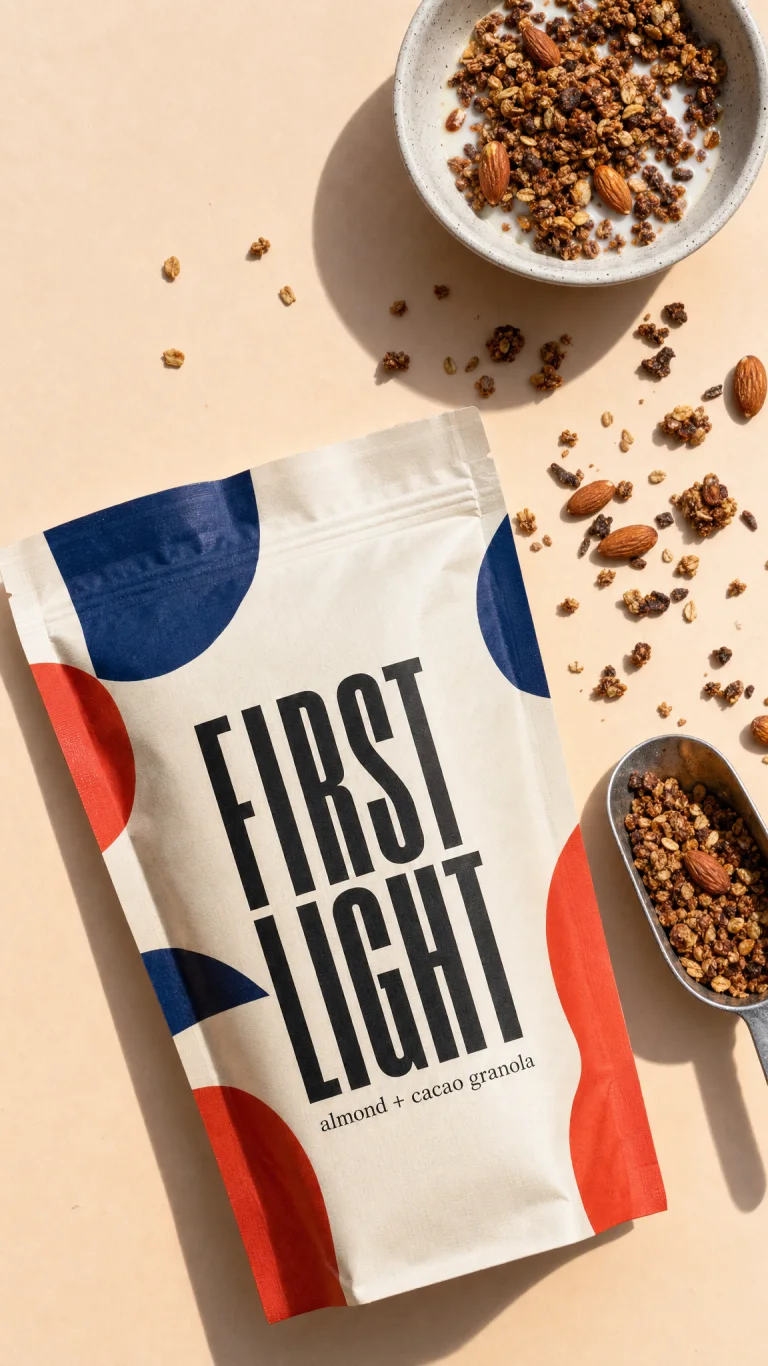
What you can create
Keep the product in focus
The product showcase style builds a feature reel around your selected subject. Use clear product images and a brief with one main purpose.
Choose a suitable demonstration
Use a showcase for visual features. Choose the tutorial style for a physical product that needs a chronological demonstration.
Work with physical products or apps
The product showcase style supports both products and apps. Supply accurate context for the subject instead of inventing features or packaging.
From your idea to finished content
Select the product
Open Ad Studio and choose a product or app. Check that its photos and descriptions show the version you want to promote.
Choose the showcase style
The button opens Ad Studio with the Product showcase style selected. Describe the feature, setting, and product details that viewers should notice.
Inspect the demonstration
Check every product interaction and visible detail. A generated demonstration must reflect how the real product works.
Prompts to start with
Use these briefs as a starting point. Replace the details with your own product, audience, and style.
A desk accessory showcase
Show our adjustable laptop stand on a clean desk. Highlight its open base and folding shape. Use close product detail shots.
A travel bag showcase
Introduce our weekend bag in a bright hallway. Show its exterior pockets and carry handles. Keep the product as the main subject.
Frequently asked questions
- How does a product showcase differ from UGC?
- A product showcase centers the product and its visual features. UGC uses a creator-style presentation to explain the product.
- Can I turn a single product photo into video?
- Use image-to-video for a clip based on one starting photo. Use Ad Studio for a structured product video workflow.
- Can I show how the product works?
- You can request a demonstration or choose the tutorial style for physical products. Review every interaction for accuracy.
- Does generation preserve all product details?
- No. AI-generated product details and motion can vary. Inspect labels, shapes, materials, and functionality before using the video.
Explore related tools
Create your next project
Start with a clear brief. Review the result. Make it yours.