Creator
$19/month
Billed monthly
For solo creators posting every week
500 credits every month
- Up to 250 AI images
- Up to 125 Seedance 1.0 Pro clips
- Up to 1.5 hours of AI voiceover
- Roll over up to 1,000 credits
The first Seedance, still on Sceneform
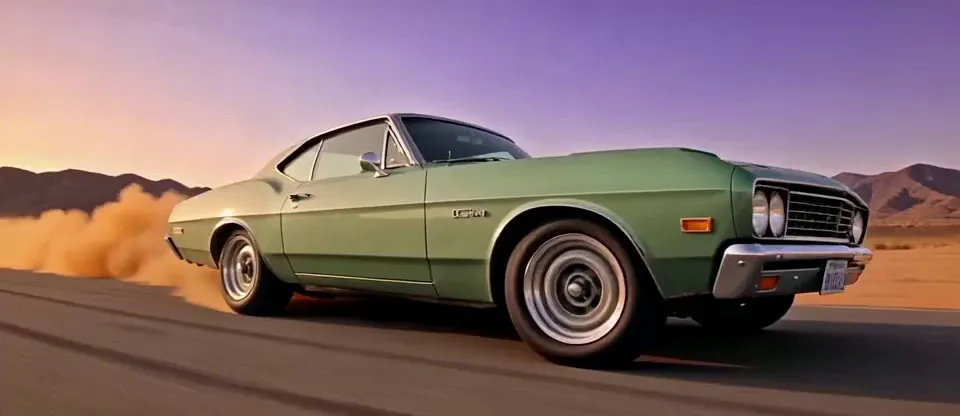
ByteDance's June 2025 model makes 3 to 12 seconds of video with no sound, at up to 1080p. One prompt can cut between several shots.
A tightrope walker in a red jacket crosses a steel wire strung between two skyscrapers at sunset, the city far below. Wide shot from a neighboring rooftop: she is a small figure halfway across the wire against the orange sky. Camera switch. Low-angle medium shot from the wire: she steps toward the camera, arms out for balance, the wind whipping her jacket and hair. Camera switch. Close-up of her feet in thin black shoes stepping along the wire, the street hundreds of meters below.
ByteDance's video models
Four generations so far: 1.0, 1.5, 2.0 and 2.5.
The first generation
June 2025, video only. Sound came with 1.5 Pro in December 2025.
The large model
The large 1.0 model, and the one that cuts between shots. Lite was the smaller one.
A quicker, cheaper version
October 2025, up to 3 times faster. On Sceneform it is the Speed setting.
Searching for “Seedance Pro”? It can mean 1.0 Pro, this page, or Seedance 1.5 Pro, the first one with sound. There is no Seedance 2.0 Pro: the full model is just Seedance 2.0.
Sources, all ByteDance: Seedance 1.0 tech report (June 11, 2025), BytePlus 1.0 Pro and Pro Fast prompt guide, BytePlus model capabilities, BytePlus prices and retiring models.
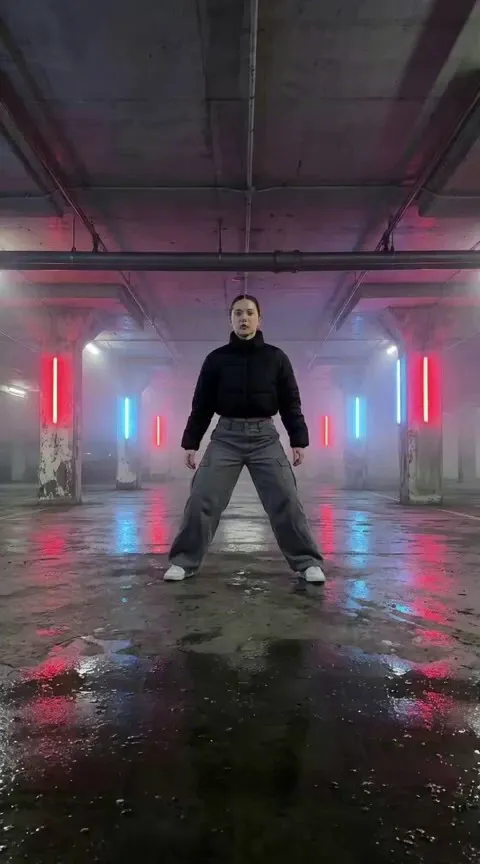
Your picture opens the clip. With Fixed camera on, the shot stays locked while the subject moves.
She breaks into a sharp popping routine, hits three hard poses, then spins and freezes facing the camera. Haze drifts through the red and blue light.
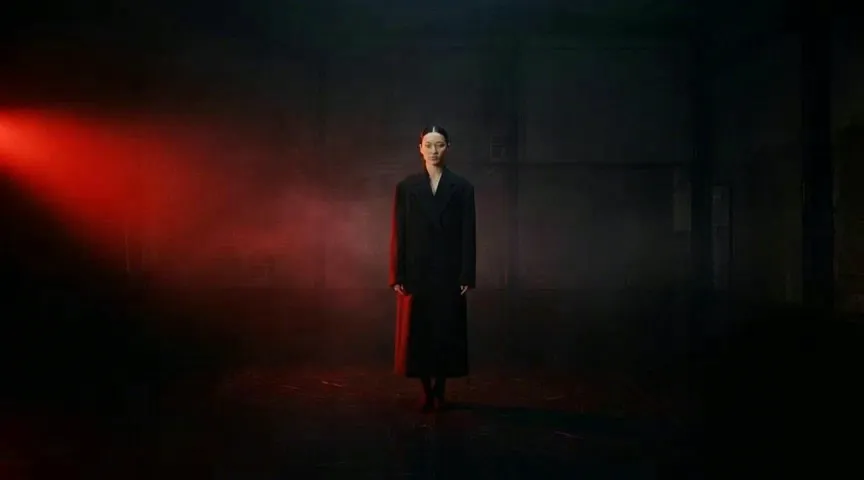
 First frame
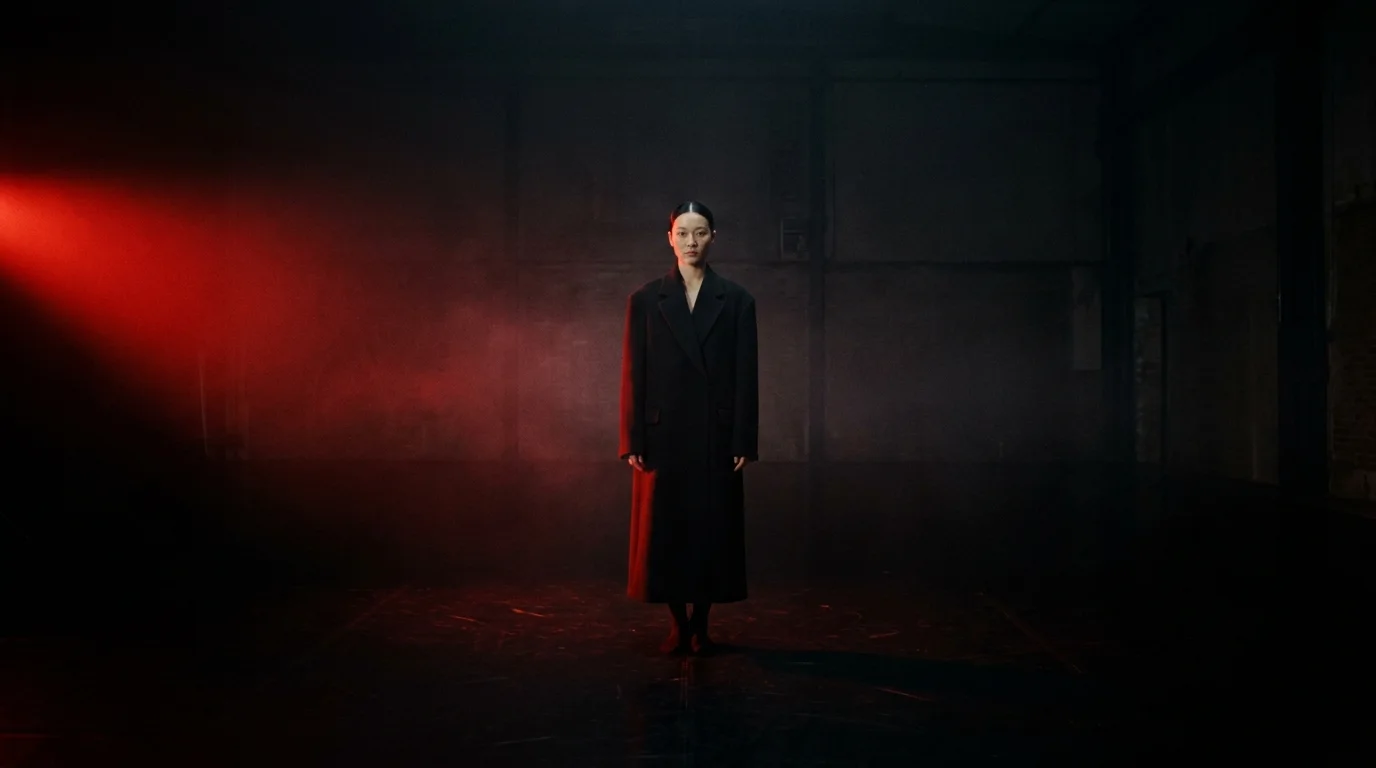
 Last frame
Give it where the clip starts and where it ends. It fills the moves between them. Use Standard speed: Fast takes a first frame only.
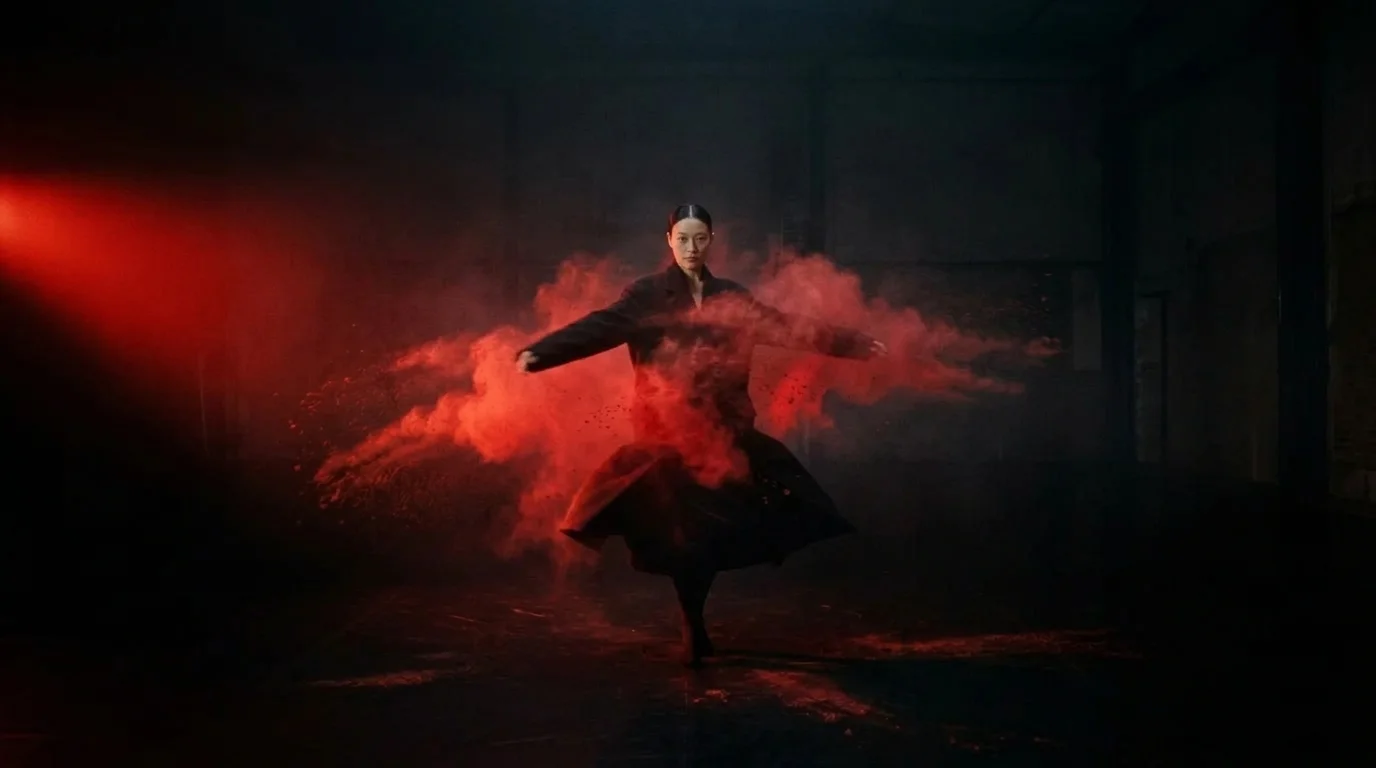
She stands still, then spins hard. Red pigment powder bursts off her coat and fills the studio in slow motion. The camera holds its position.
Seedance 1.0 Pro renders the picture only. In Studio, lay a voiceover, music or sound effects under the clip and export one MP4. For people talking in the shot, use Seedance 2.5.
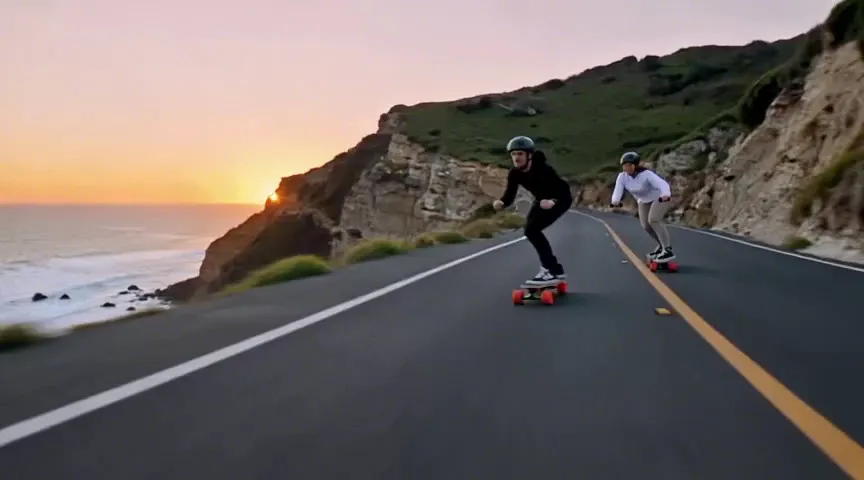
Seedance 1.0 Pro renders the picture only.

Pick it for silent shots. At 1080p it costs about a third of Seedance 2.0.
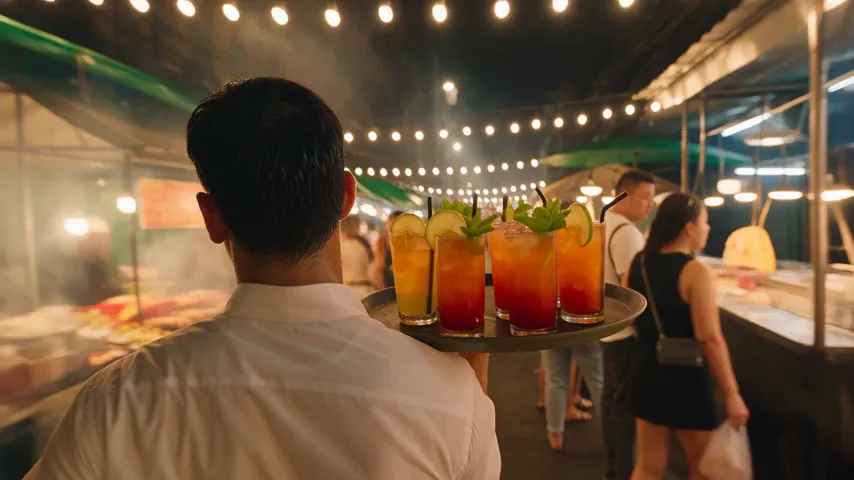
Pick it for speech, sound, references, and long takes.

Pick it for 4K, and sound at a lower price per second than 2.5.
Weighing Seedance 1.5 Pro too? See all four versions side by side.
In the video generator, open the model list and pick Seedance 1.0 Pro under Legacy models.
Describe the subject, the action and the camera. Put "Camera switch." between shots. Add a first frame, and a last frame if you have one.
Pick a length, a resolution, a framing, and Standard or Fast. Fast is cheaper but takes no last frame. The cost shows before you generate.
Pick the plan for how much you post. Every model on every plan. Unused credits roll over. Cancel anytime.
Billed monthly
For solo creators posting every week
500 credits every month
Billed monthly
For creators posting daily across channels
1,300 credits every month
Billed monthly
For brands and production teams
2,700 credits every month
Billed monthly
For agencies running always-on content
5,500 credits every month
Want checkout, comparison tables, or a custom volume? See the full pricing page