Skip to content

Kling motion control

Your character. Their moves.

Upload your character and a clip of someone moving. Kling 3.0 Motion makes your character do the same moves, for up to 60 seconds.

Try Kling 3.0 Motion

Plans from $19 a month.

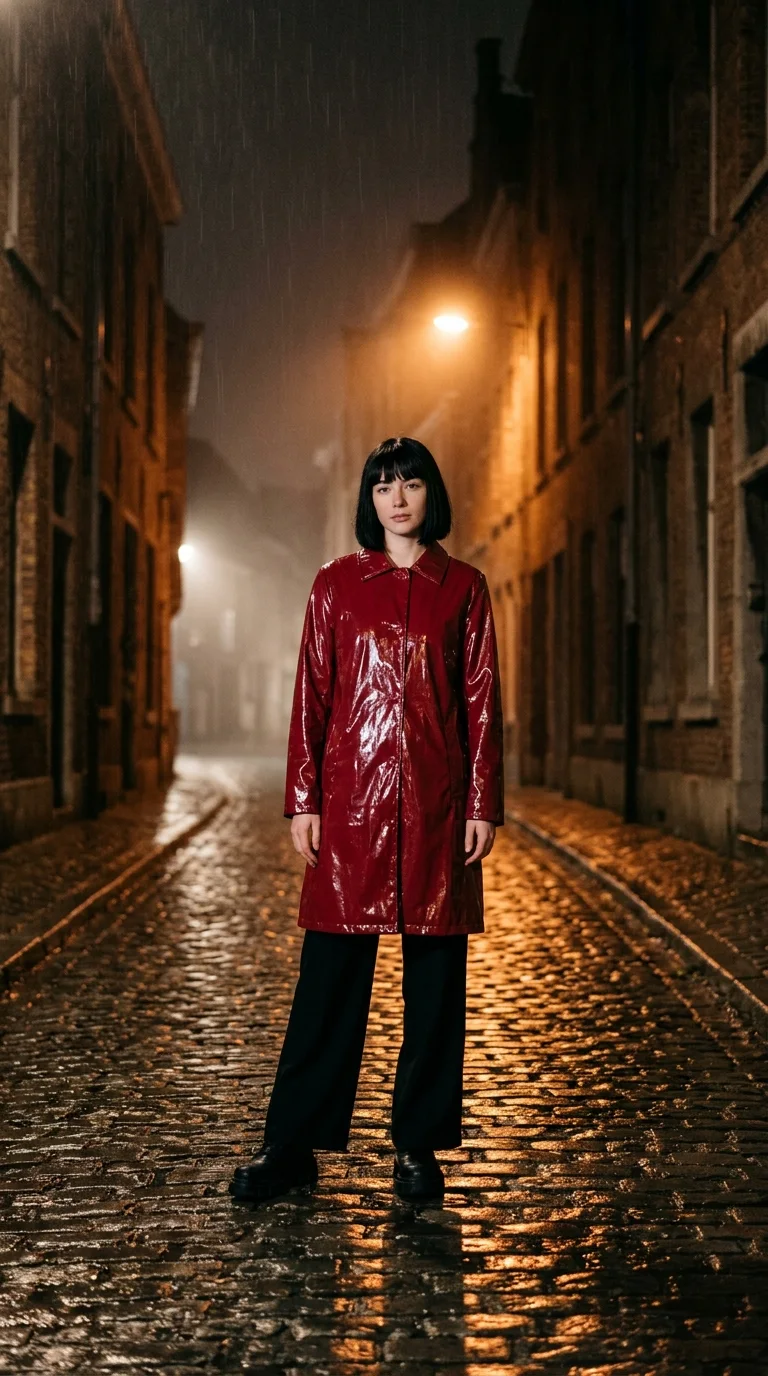
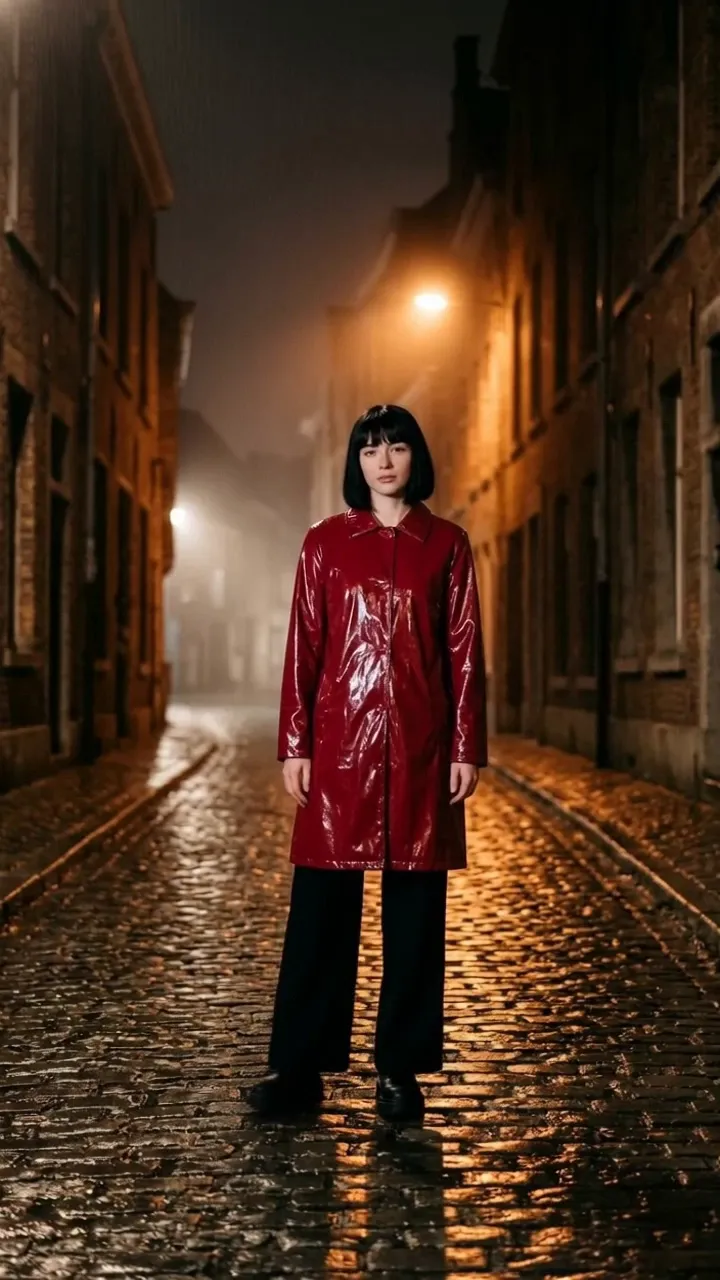
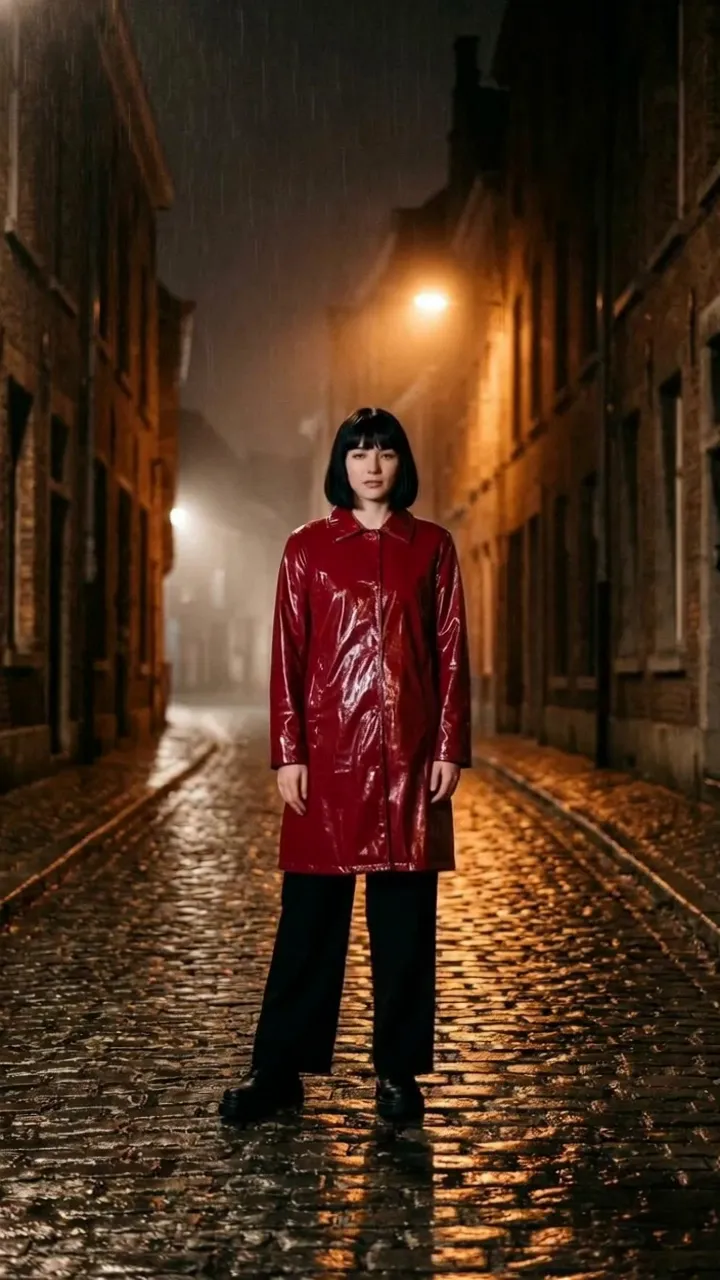
A woman with a black bob in a red vinyl raincoat on a wet cobbled street at night

Your character

Motion to copy · 8 s

Kling 3.0 Motion · the result

How to use Kling motion controlTwo uploads, then the settings.

  1. Add your character

    Upload an image of one clear, full-body figure. Or pick a Persona instead.

  2. Add the motion to copy

    Upload a clip of 3 to 60 seconds. Your video runs as long as the clip.

  3. Pick the settings

    Choose an orientation and Standard or Pro quality. Pro is built for complex moves.

  4. Set the scene, if you like

    The prompt is optional. Use it for the place, the light and the style. The moves come from the clip.

Sound. Sound from your clip is kept by default. Keep it and change the voice, or switch it off for a silent video.

Character orientationPick it by the move and the clip length.

The same character and the same clip, rendered once with each setting. On a full turn, both follow the dancer. The setting also decides how long your clip can be.

A woman with a black bob in a red vinyl raincoat on a wet cobbled street at night

Your character

Motion to copy

Both renders use these two inputs and no prompt.

Follow the clip

Clips up to 60 seconds

Follow the clip: Your character faces the way the dancer faces. She turns with the dancer and ends with her back to the camera.

Best for: Dance, sport and other full-body moves.

Follow the image

Clips up to 10 seconds

Follow the image: Your character starts from the way she faces in your image. On a full turn like this one, she still turns with the dancer.

Best for: Talking, gestures and camera moves.

Same clip, three charactersA photo, a mascot, a painting.

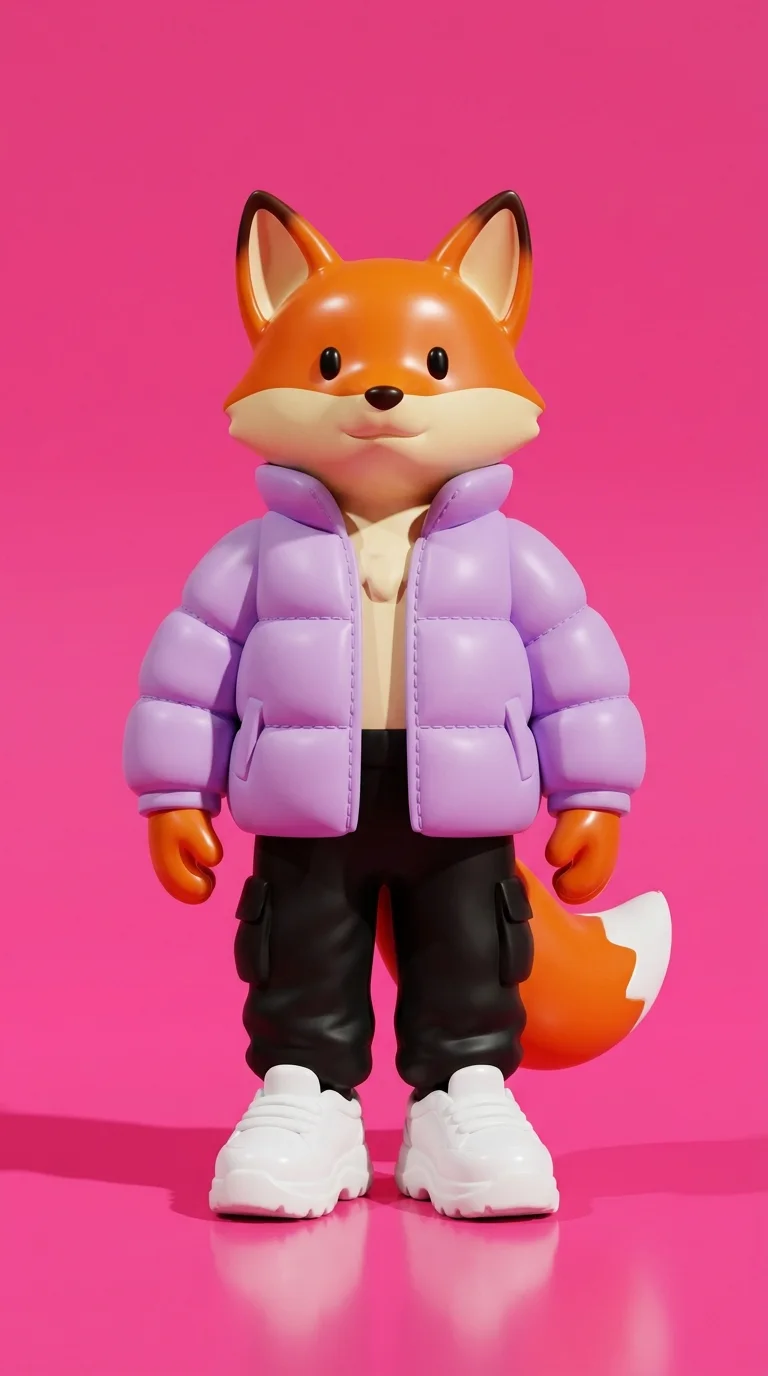
The dance from the top of the page, given to three character images. Each keeps its own look and does the same moves.

  • Motion to copy · one clip

  • A woman with a black bob in a red vinyl raincoat on a wet cobbled street at night

    A photo of a person

  • A 3D fox toy in a lilac puffer jacket and white sneakers against a hot-pink wall

    A 3D mascot

  • A gouache poster painting of a young sailor in white on a harbour quay, a striped lighthouse behind him

    A painted character

Pick the right clipOne clear person, head to toe.

Kling 3.0 Motion works best with a clear, unobstructed figure. Here is what that means for the clip you upload.

  • Works best: One person, whole body, one shot

    Nothing hides the dancer, and the camera holds still. This is the clip Kling 3.0 Motion reads best.

  • Avoid: Two people overlapping

    The dancer at the back is half hidden. Pick a take where the person you want to copy stays clear of everyone else.

  • Avoid: Feet out of frame

    The clip stops at the knees, so the steps are missing. For full-body moves, film the whole body with room to spare.

  • How long the clip can be

    the shortest clip
    3 s
    the longest, with Follow the clip
    60 s
    the longest, with Follow the image
    10 s

    Your video runs as long as the clip.

No character image?Use a Persona.

Pick a Persona instead of uploading an image. Your first Persona is free.
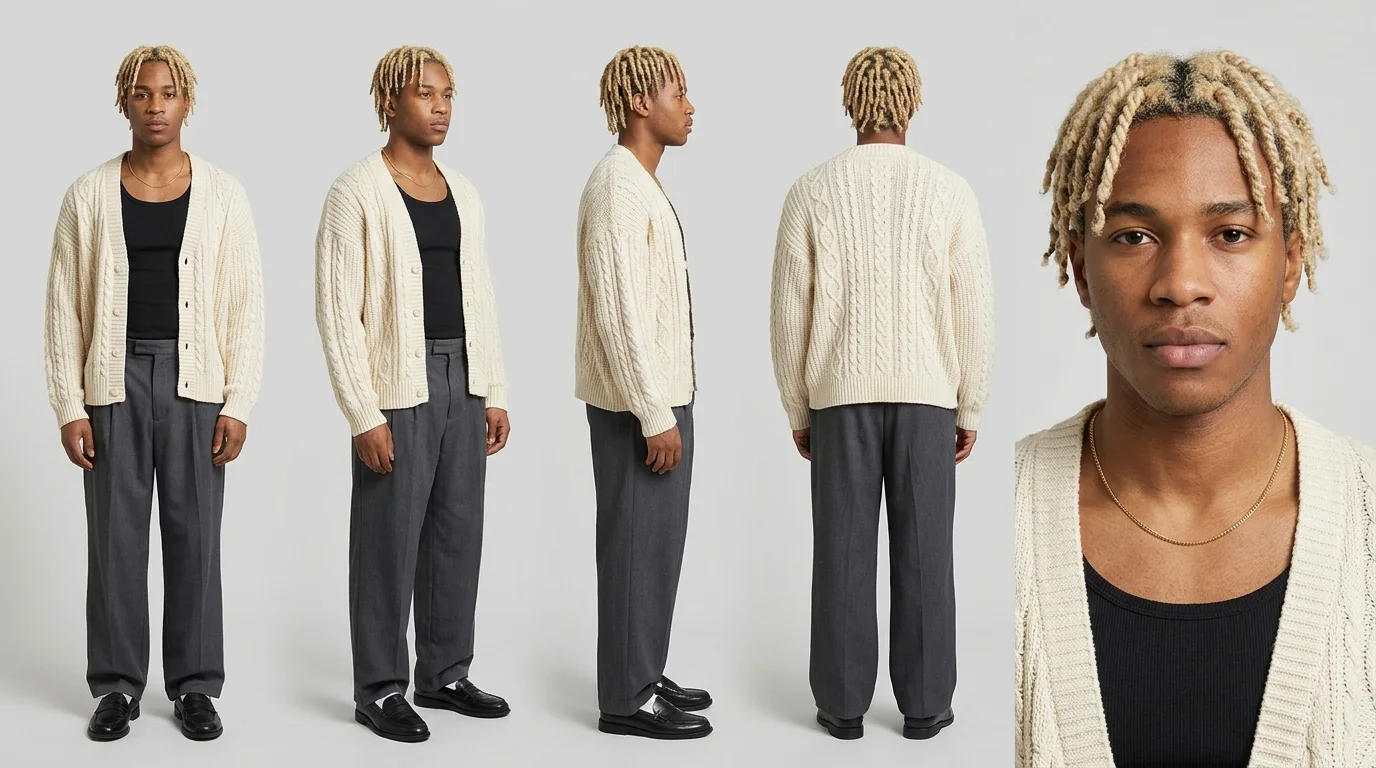
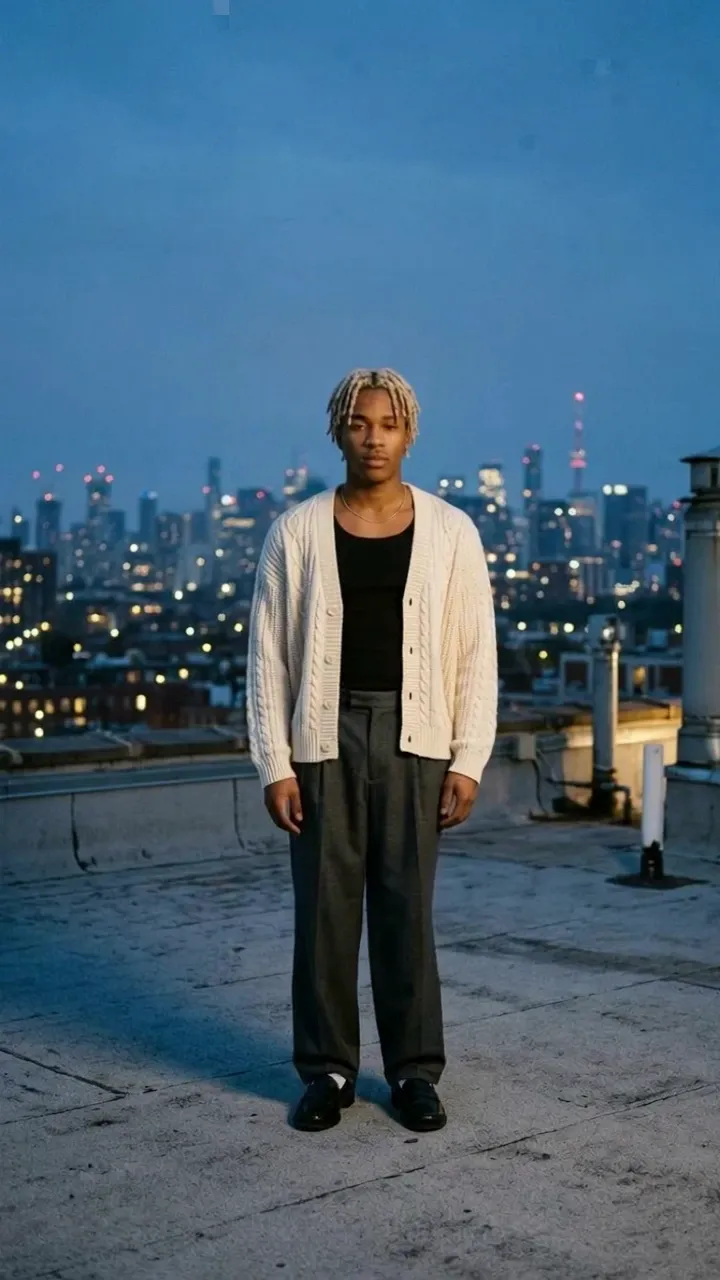
  1. Sceneform reads your clip and your Persona's character sheet.
  2. It draws your Persona in a first frame that fits the clip.
  3. Kling 3.0 Motion runs the moves from that frame.
A Persona's character sheet: one man with bleached twists in a cream cardigan from the front, the side, the back and close up

Your Persona · its character sheet

Prompt On a rooftop at blue hour.

Motion to copy
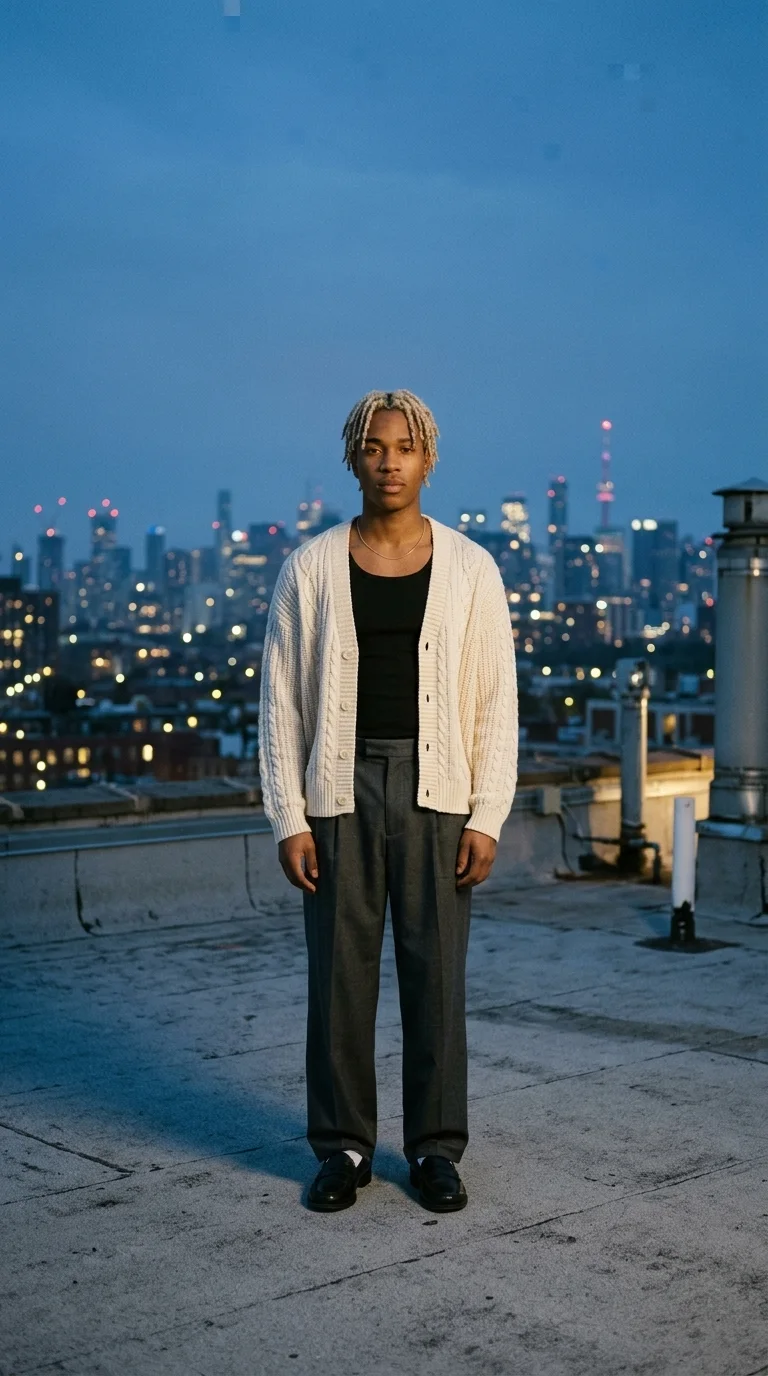
The man from the character sheet standing on a city rooftop at blue hour, ready to dance

First frame

Result

Kling 3.0 vs 2.6 motion controlWhich motion model to pick.

Sceneform runs three motion models. Kling 3.0 Motion is the current Kling model, and Kling 2.6 Motion is the older one that costs less. DreamActor 2.0 is ByteDance's model and also copies facial expression.

Kling 3.0 Motion

What it copies
Body moves
Motion clip
3 to 60 seconds
Character orientation
Follow the clip or the image
Prompt
Optional
Clip sound
Kept, or off
Change the voice
Yes
Quality
Standard or Pro
Persona as the character
Yes
Price per 10 s clip, $19 plan
$2.28 Standard, $3.04 Pro

Kling 2.6 Motion

What it copies
Body moves
Motion clip
3 to 60 seconds
Character orientation
Follow the clip or the image
Prompt
Optional
Clip sound
Kept, or off
Change the voice
Yes
Quality
Standard or Pro
Persona as the character
Yes
Price per 10 s clip, $19 plan
$1.29 Standard, $2.01 Pro

DreamActor 2.0

What it copies
Body moves and facial expression
Motion clip
Up to 30 seconds
Character orientation
No setting
Prompt
None
Clip sound
No setting
Change the voice
No
Quality
One level
Persona as the character
Yes
Price per 10 s clip, $19 plan
$0.91
SpecKling 3.0 MotionKling 2.6 MotionDreamActor 2.0
What it copiesBody movesBody movesBody moves and facial expression
Motion clip3 to 60 seconds3 to 60 secondsUp to 30 seconds
Character orientationFollow the clip or the imageFollow the clip or the imageNo setting
PromptOptionalOptionalNone
Clip soundKept, or offKept, or offNo setting
Change the voiceYesYesNo
QualityStandard or ProStandard or ProOne level
Persona as the characterYesYesYes
Price per 10 s clip, $19 plan$2.28 Standard, $3.04 Pro$1.29 Standard, $2.01 Pro$0.91

For clips from a prompt or a photo, with no source video, see Kling 3.0.

Simple pricing that scales with you.

Pick the plan for how much you post. Every model on every plan. Unused credits roll over. Cancel anytime.

Creator

$19/month

Billed monthly

For solo creators posting every week

500 credits every month

  • Up to 250 AI images
  • Up to 26 Kling 3.0 Motion clips
  • Up to 1.5 hours of AI voiceover
  • Roll over up to 1,000 credits

Pro

Most popular
$49/month

Billed monthly

For creators posting daily across channels

1,300 credits every month

  • Up to 650 AI images
  • Up to 68 Kling 3.0 Motion clips
  • Up to 4 hours of AI voiceover
  • Roll over up to 2,600 credits

Studio

$99/month

Billed monthly

For brands and production teams

2,700 credits every month

  • Up to 1,350 AI images
  • Up to 142 Kling 3.0 Motion clips
  • Up to 9 hours of AI voiceover
  • Roll over up to 5,400 credits

Scale

$199/month

Billed monthly

For agencies running always-on content

5,500 credits every month

  • Up to 2,750 AI images
  • Up to 289 Kling 3.0 Motion clips
  • Up to 18 hours of AI voiceover
  • Roll over up to 11,000 credits
Every plan includesEvery model, 90+ and countingReusable AI personasSceneform Studio editorCommercial usage rights

Want checkout, comparison tables, or a custom volume? See the full pricing page
Kling motion control FAQ

Pick a character and a clip.Kling 3.0 Motion does the moves.

The woman in the red raincoat doing the vogue combo on the wet cobbled street at night, ending with one arm thrown upThe painted sailor doing the dancer's vogue combo, ending with one arm thrown up and a hand on his hip
The fox toy doing the dancer's vogue combo, paws framing its faceThe woman in the red raincoat turning with her arms out until her back is to the camera
The man in the cream cardigan doing the dancer's vogue combo on the rooftop at blue hourThe woman in the red raincoat, rendered with Follow the image, also turning with her arms out until her back is to the camera