Creator
$19/month
Billed monthly
For solo creators posting every week
500 credits every month
- Up to 250 eye color edits
- Up to 50 AI videos
- Up to 1.5 hours of AI voiceover
- Roll over up to 1,000 credits
Pick a color. Keep the face.
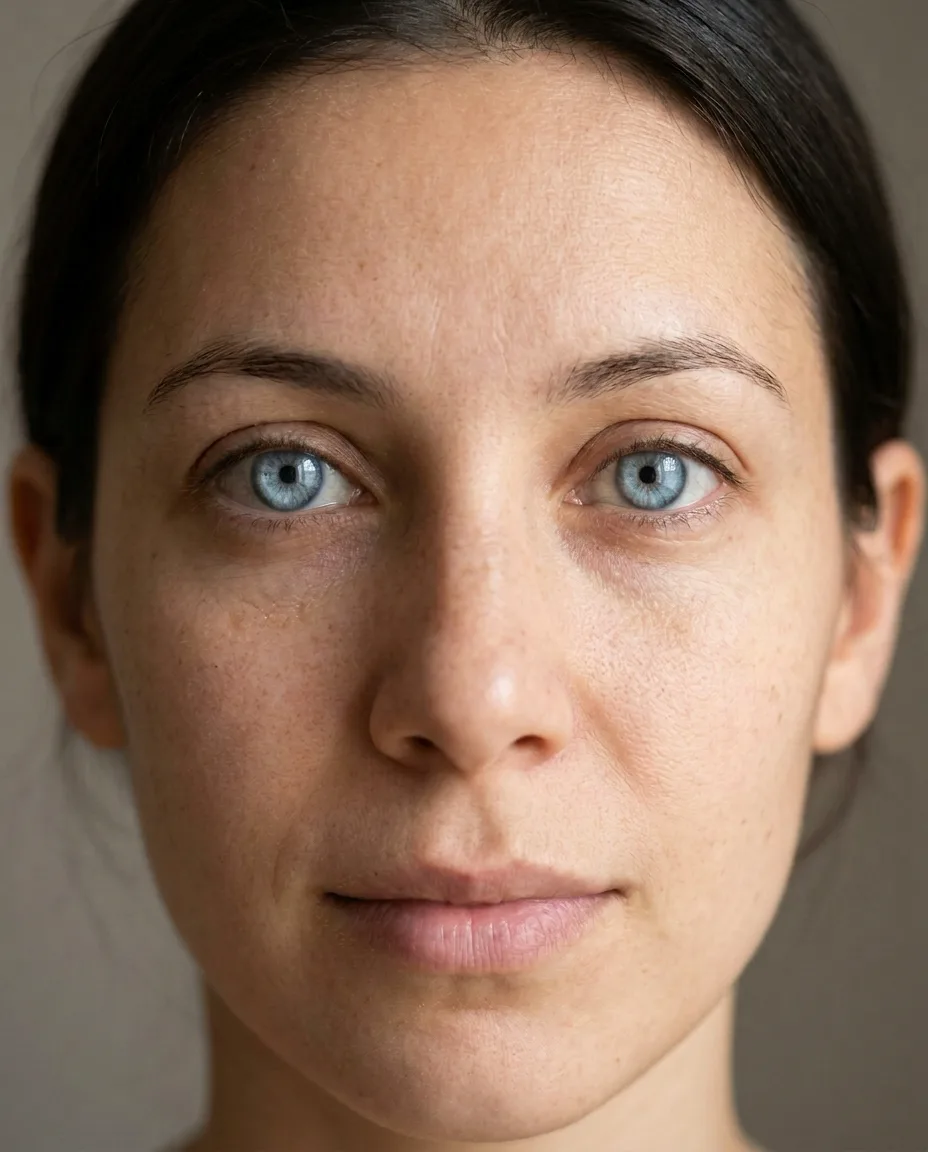
Pick an eye color, then add a close photo. The prompt tells the editor to keep your face, so check the pupils before you share.

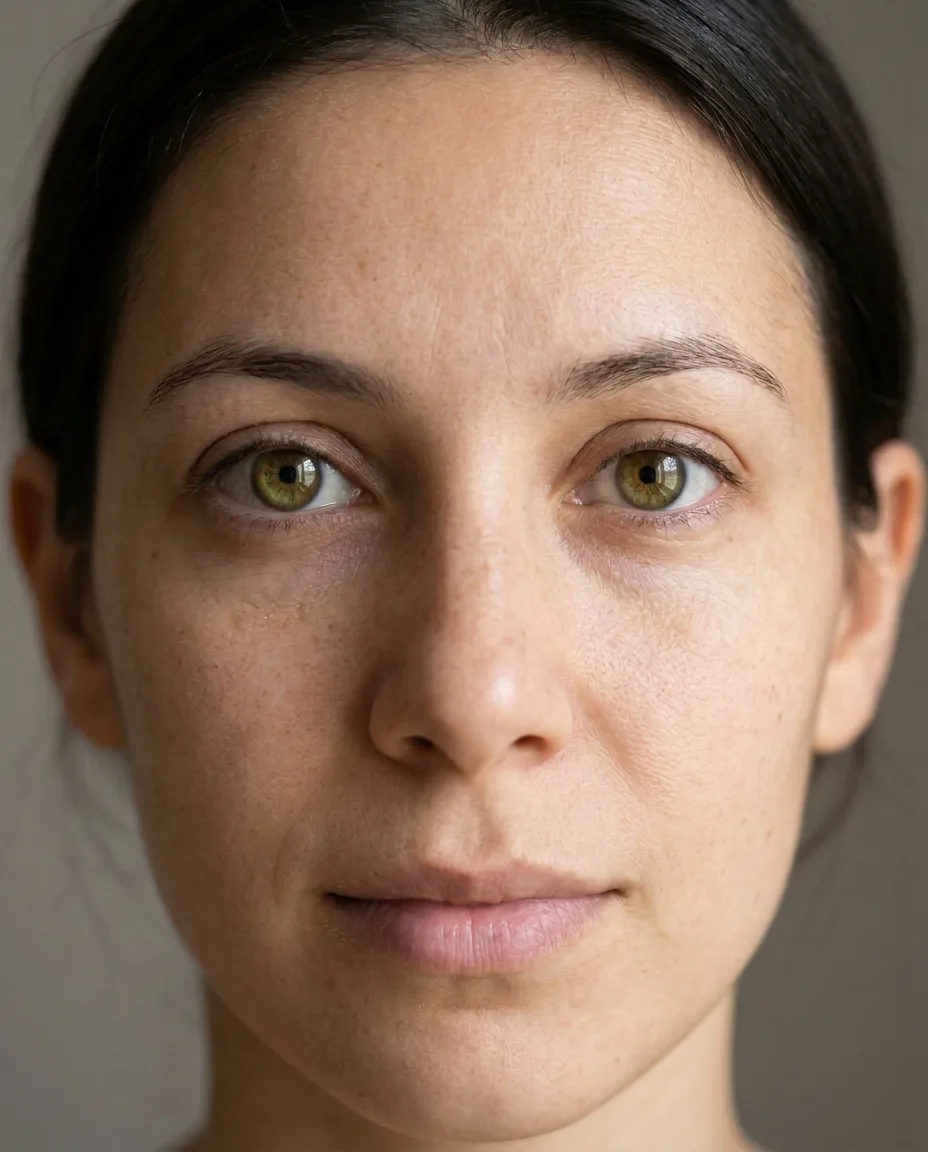
Change the color of both irises to a natural hazel: soft green toward the outer edge and golden brown around the pupil. Keep the pupils exactly the same size and shape, keep the dark ring around the edge of each iris, keep the catchlights and reflections exactly where they are, and keep the natural iris texture. Keep the person's face, skin, eyelids, lashes, eyebrows, hair, expression, gaze, lighting and background exactly the same.Then the sentence that keeps the face. Copy includes it.
Plans from $19 a month
Upload a close photo
Open the image editor and add a photo where you look at the camera. Both eyes should be sharp and free of glare.
Name the color
Write the shade, like moss green or ice blue. Then say what must stay: the pupils, the reflections, the ring around the iris and your face.
Compare, then download
Zoom in on the pupils and the reflections. If one looks off, run the prompt again.
A real iris is brown, hazel, green, grey, blue or amber, and sometimes two of those at once. Anything else reads as colored contacts. Both are fine, as long as it is the look you meant.
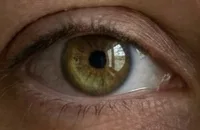
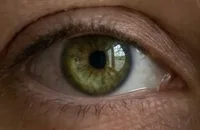
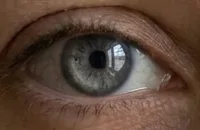
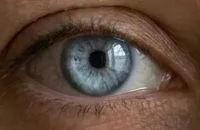
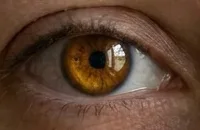
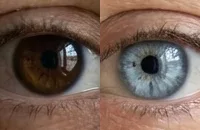
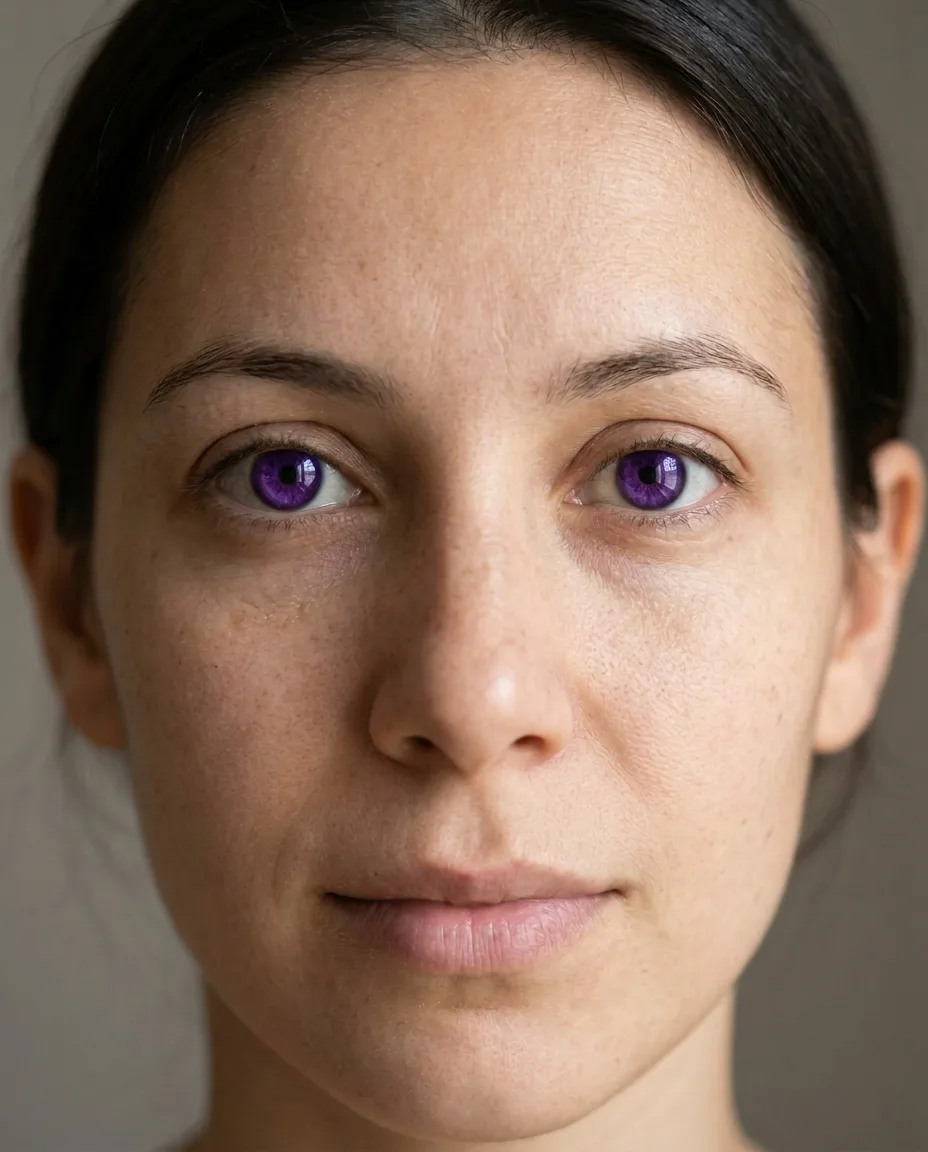
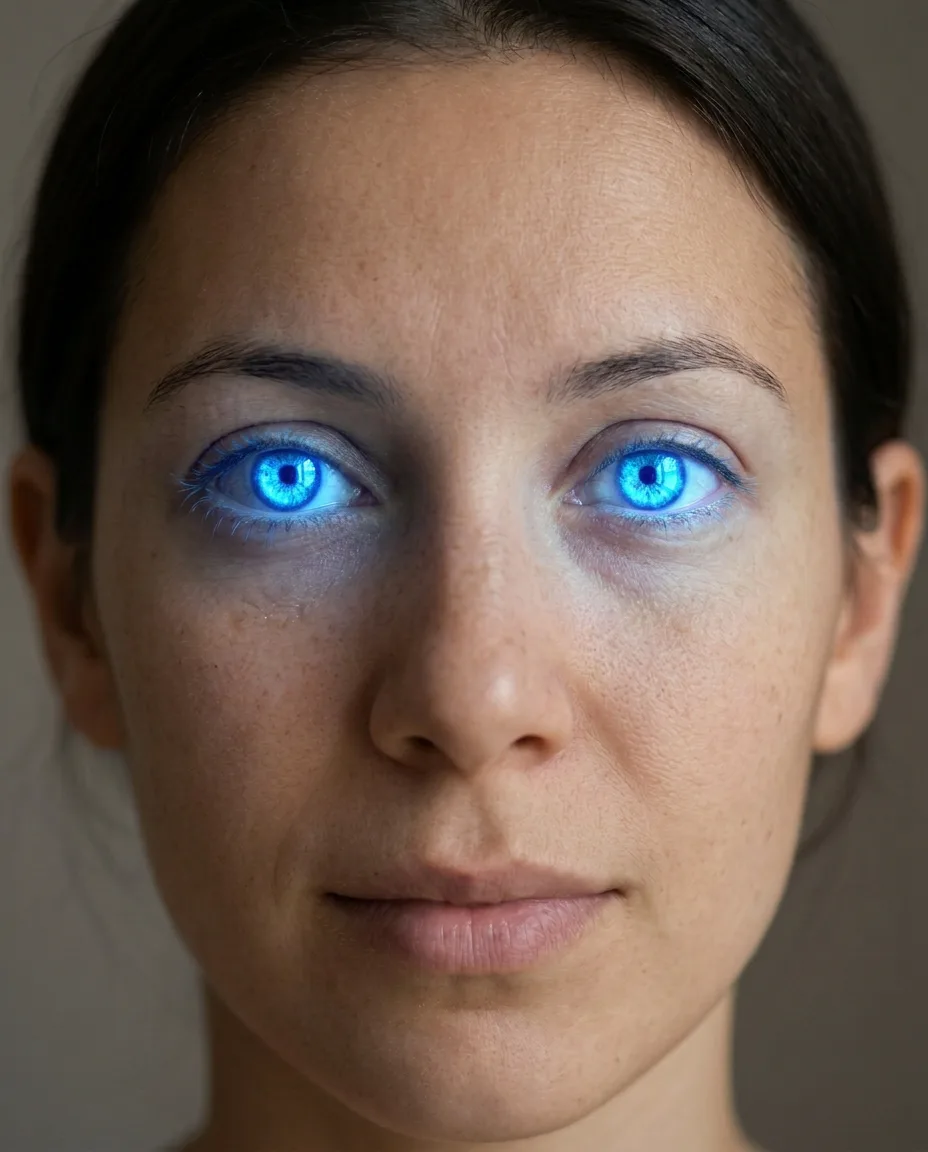
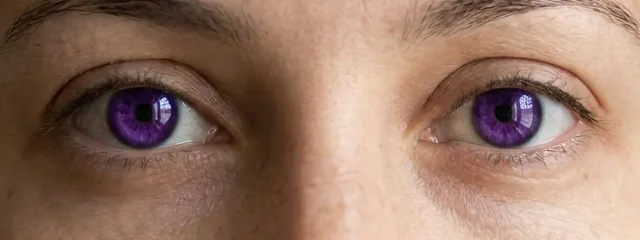
Keep the closing sentence for fantasy colors too. The violet kept it and still sits in her face. The glow dropped it and changed the whole photo.
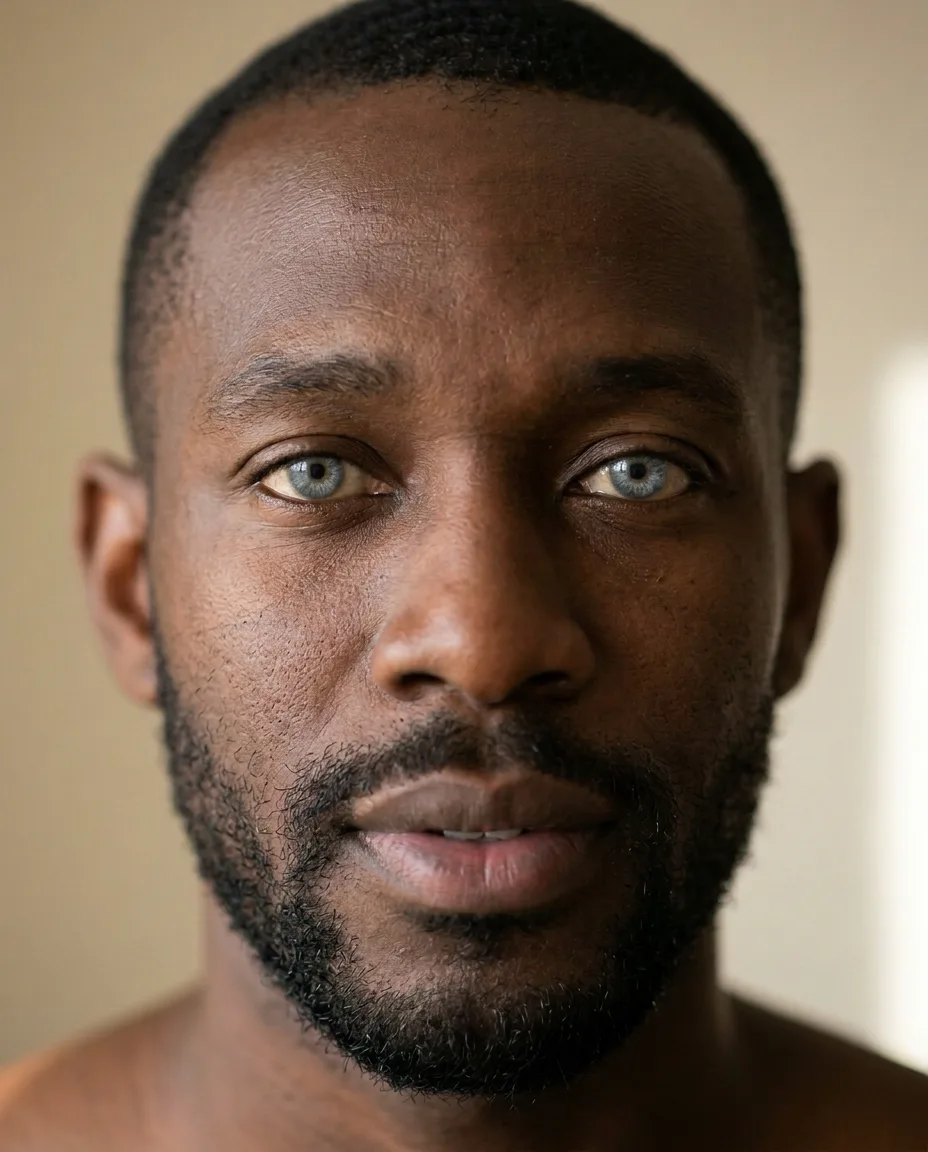
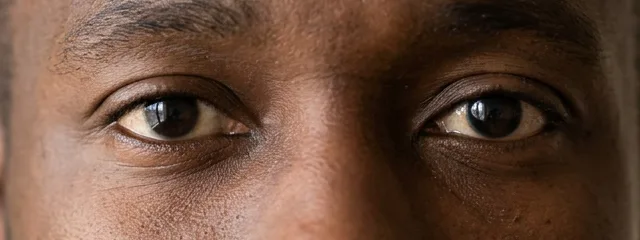
His irises were near black, so there was little color and texture to keep. The same prompt pattern took them to a light grey-blue and kept his skin, beard and light. Check the pupils on dark eyes first. The model has to guess where they end.
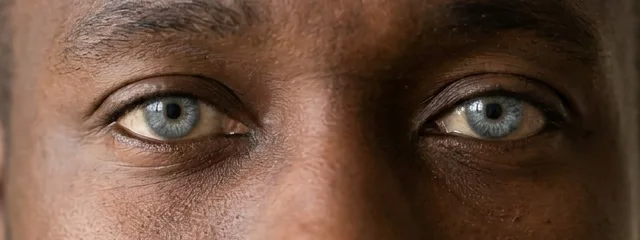
A new color rarely gives an edit away. The pupil, the reflection and the ring around the iris do. Zoom in on those three before you share.
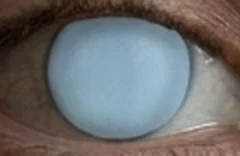
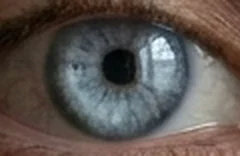
1. The pupil changes or vanishes
The model took solid and flat literally and painted over the pupil. Smaller slips are common too: on near-black eyes it can't see where the pupil ends, so it guesses a size.
Fix: Ask to keep the pupils the same size and shape, and compare the black centers with your original.
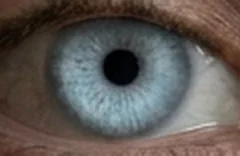
2. The reflection is gone
We asked for this one to show the effect. Without the small window of light, the iris reads as painted on, even with the pupil and ring intact.
Fix: Ask to keep the catchlights and reflections exactly where they are. If one still fades, run the prompt again.
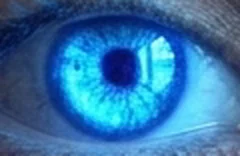
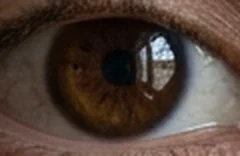
3. The ring around the iris disappears
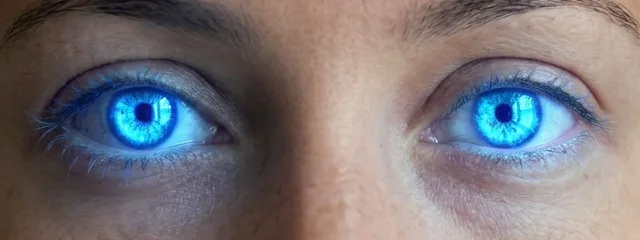
Every real iris has a darker ring at its edge. The glow prompt replaced it with a halo and spilled blue light onto her lids.
Fix: Keep the dark ring in the prompt, and leave out words like glowing unless you want a costume.
Each prompt names the color, then lists what must not change. Paste one into the image editor as it is, or swap in your own shade.
Keep the pupils exactly the same size and shape, keep the dark ring around the edge of each iris, keep the catchlights and reflections exactly where they are, and keep the natural iris texture. Keep the person's face, skin, eyelids, lashes, eyebrows, hair, expression, gaze, lighting and background exactly the same.
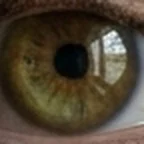
Hazel
Change the color of both irises to a natural hazel: soft green toward the outer edge and golden brown around the pupil.
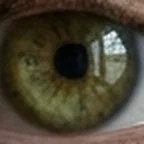
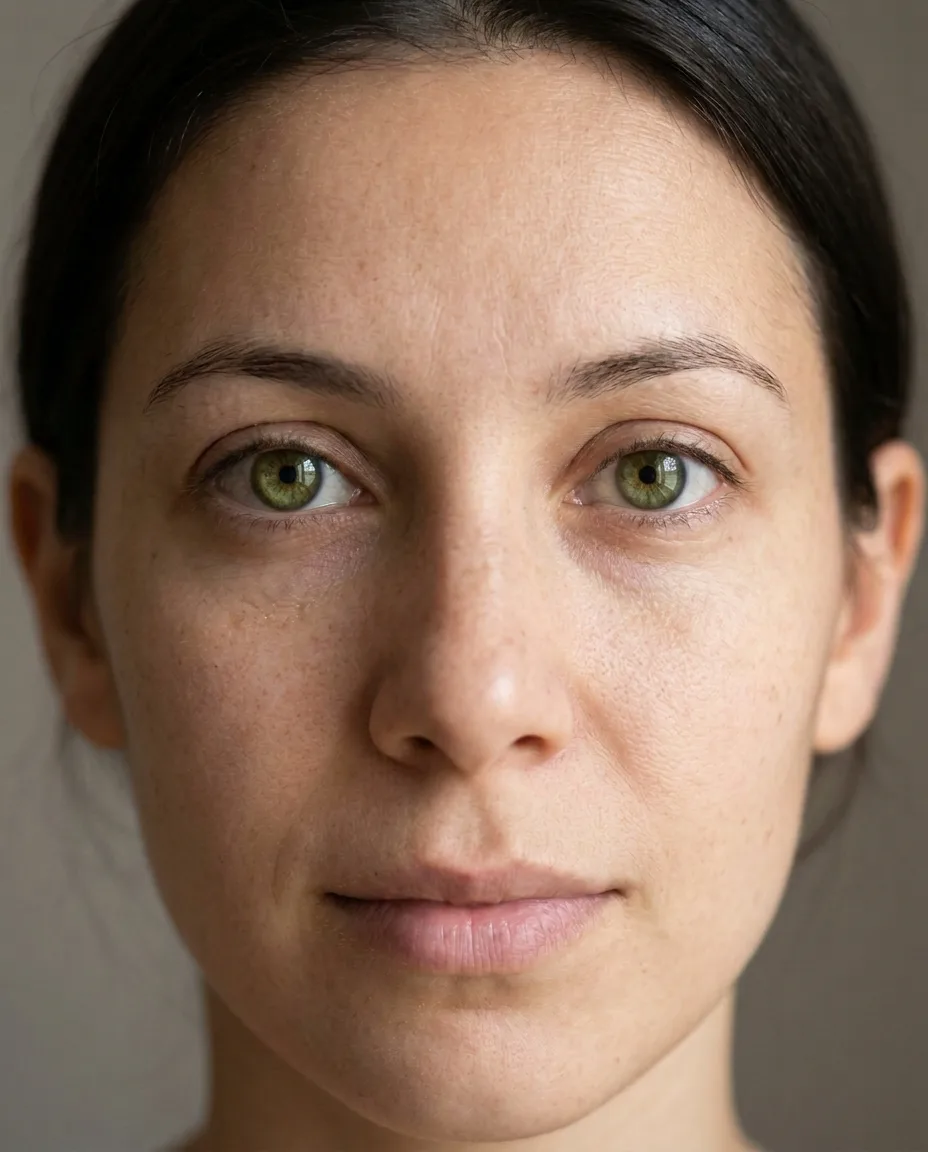
Green
Change the color of both irises to a natural moss green.
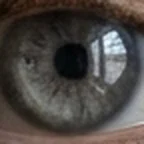
Grey
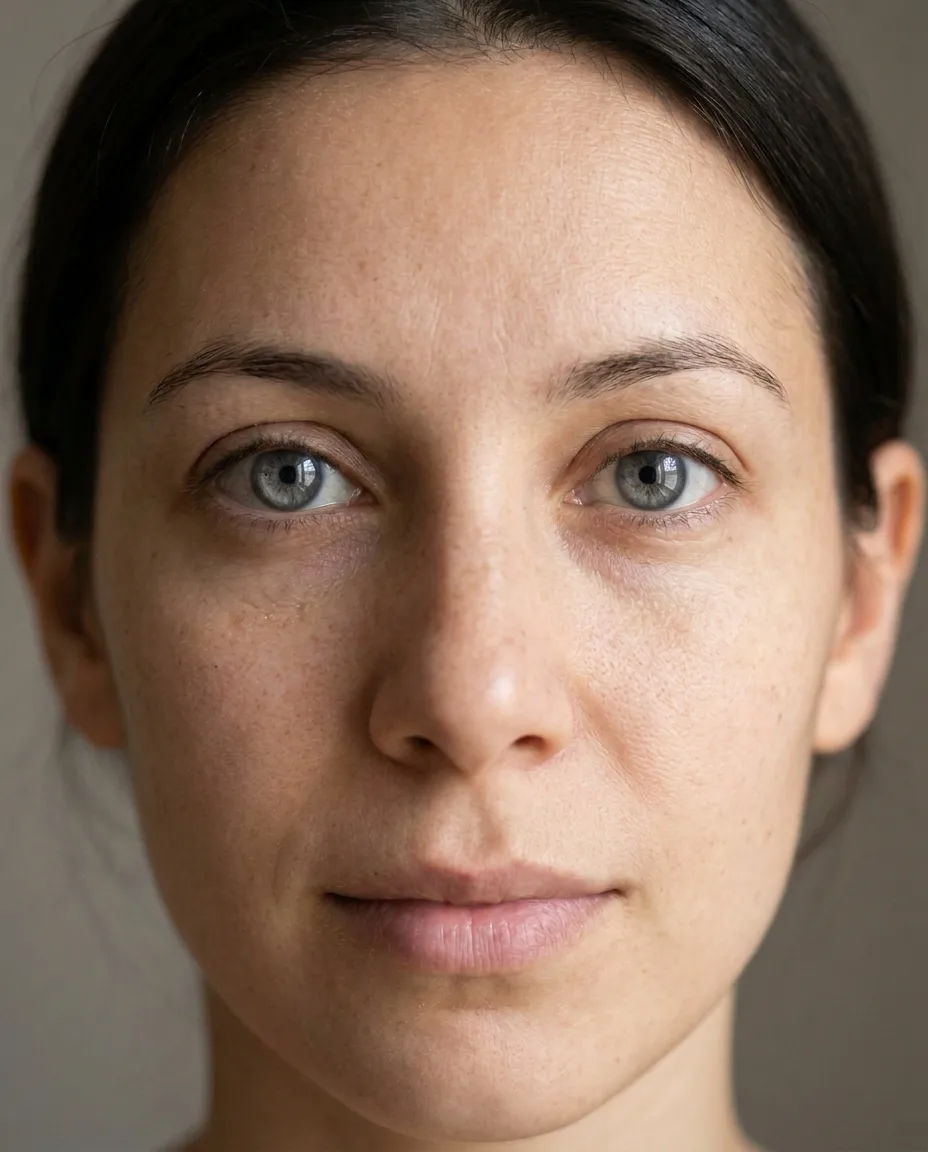
Change the color of both irises to a soft cool grey.
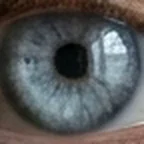
Ice blue
Change the color of both irises to a pale ice blue.
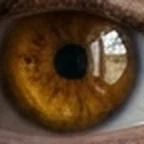
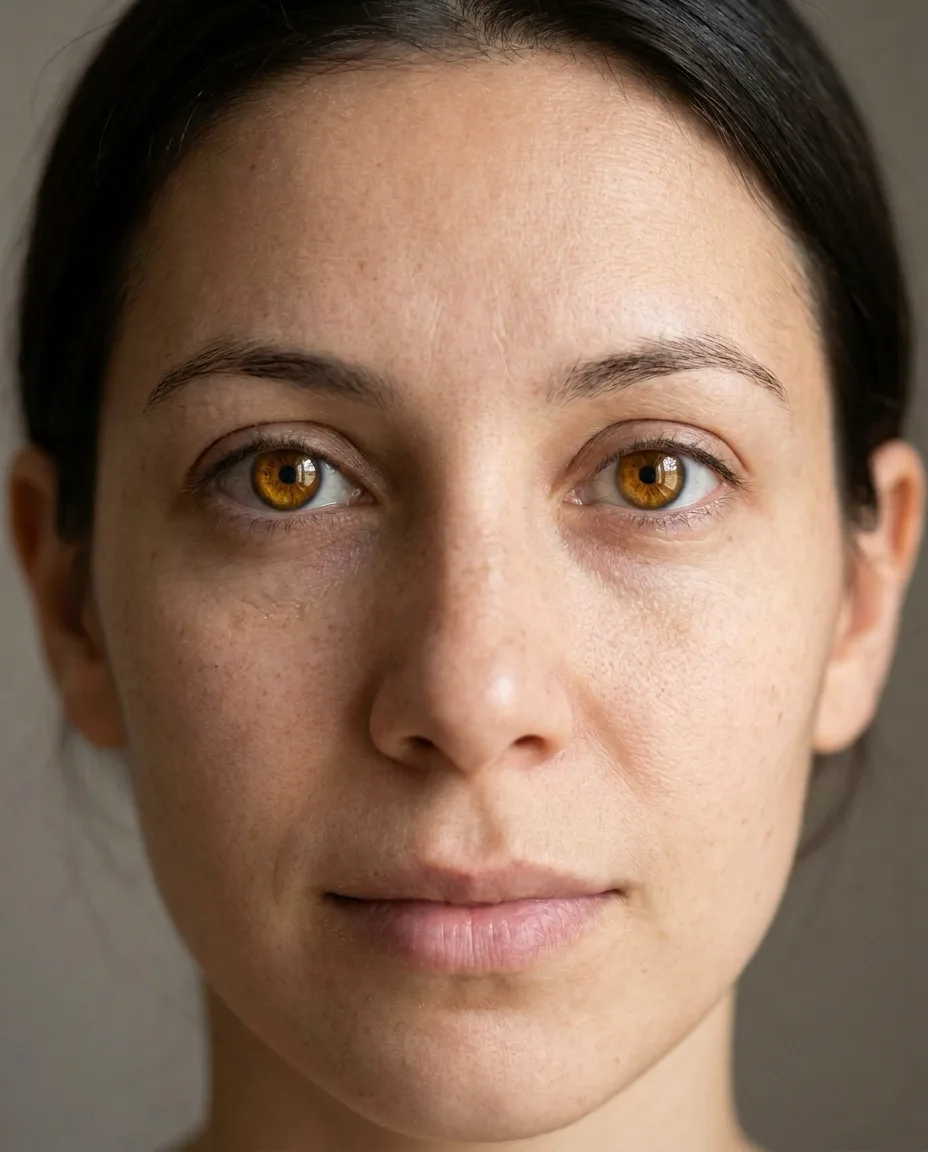
Amber
Change the color of both irises to a warm golden amber.
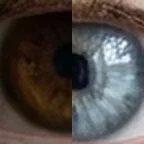
Two colors
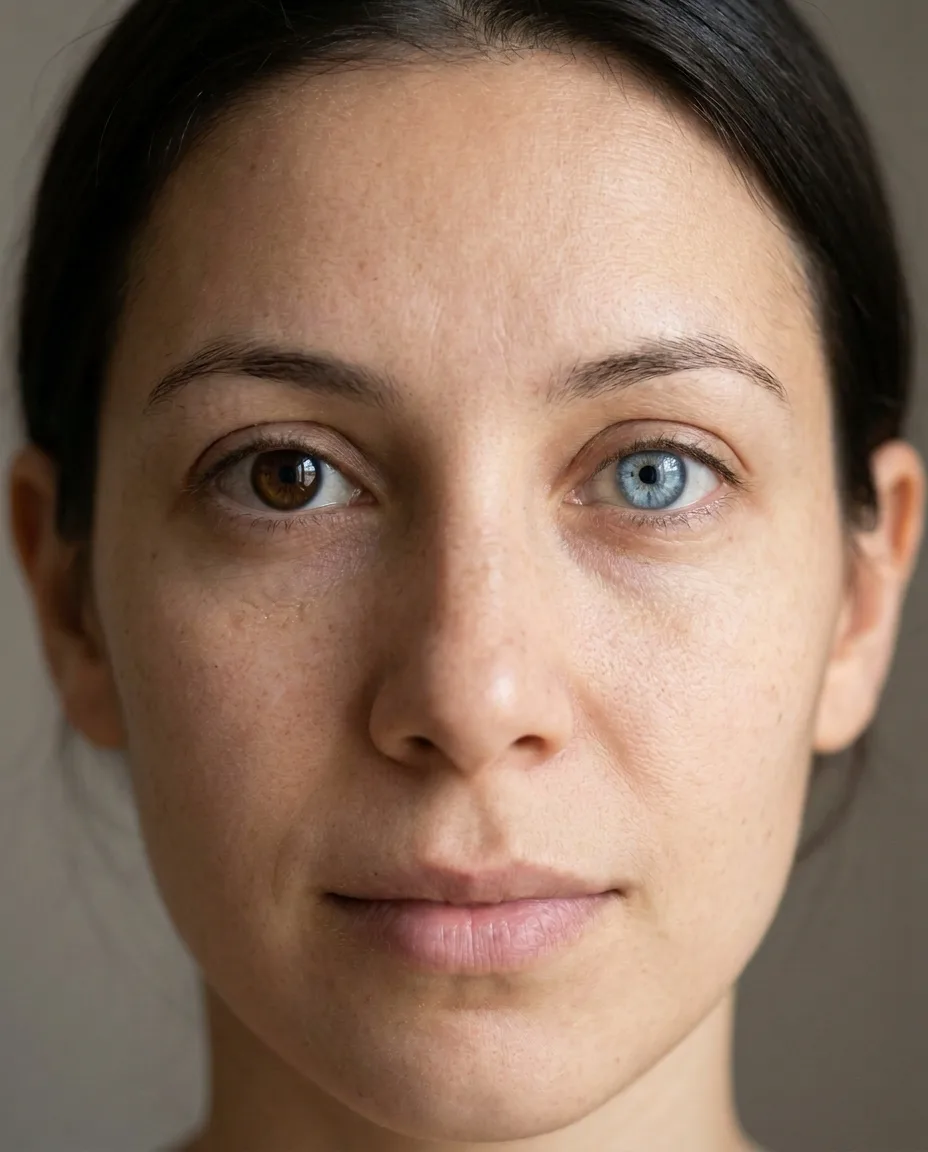
Change only the iris of the eye on the right side of the image to a pale blue. Leave the eye on the left side of the image its original color.
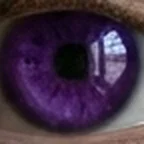
Violet
Change the color of both irises to a vivid violet.
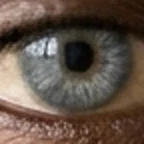
Grey-blue on dark eyes
Change the color of both irises to a natural light grey-blue. His version of the closing sentence names his beard.
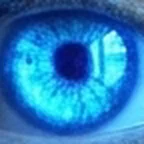
Neon glow, on purpose
Give her bright glowing neon blue eyes. That is the whole prompt. It skips the closing sentence.
Pick the plan for how much you post. Every model on every plan. Unused credits roll over. Cancel anytime.
Billed monthly
For solo creators posting every week
500 credits every month
Billed monthly
For creators posting daily across channels
1,300 credits every month
Billed monthly
For brands and production teams
2,700 credits every month
Billed monthly
For agencies running always-on content
5,500 credits every month
Want checkout, comparison tables, or a custom volume? See the full pricing page