Develop a visual direction with Recraft V4.1.
Turn a design brief into image concepts with Recraft V4.1 in Sceneform. Describe the subject, palette, and composition you want to explore. Review the results together before choosing a direction.
Compare plans and credits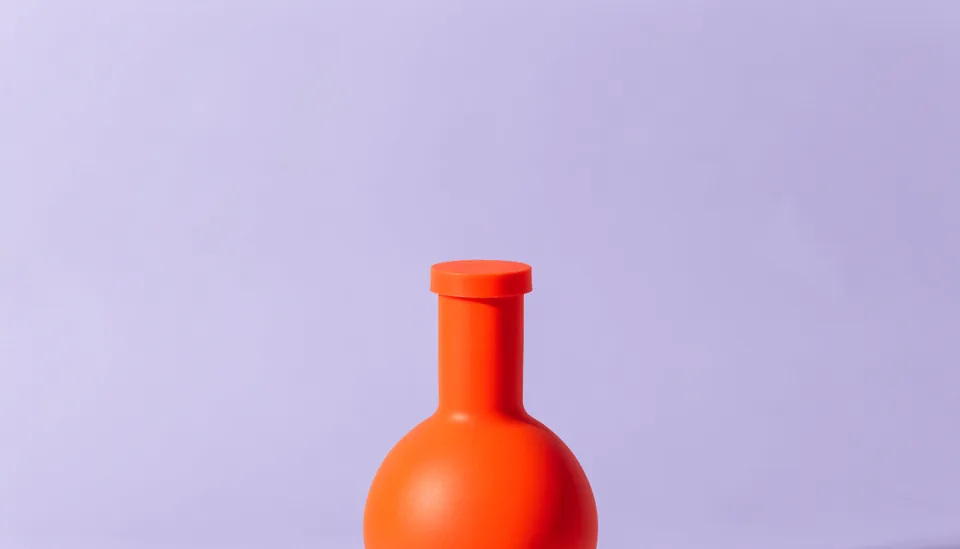
What you can create
Make the design brief specific
Name the subject, visual style, palette, and composition. Explain where the image will appear and what it should communicate.
Fit the intended space
Choose an aspect ratio before generating. Use framing that leaves room for other elements in your finished design.
Explore and compare concepts
Generate alternatives and inspect their shapes, detail, and visual balance. Revise one part of the brief between attempts.
From your idea to finished content
Open Recraft V4.1
Open Sceneform's image tool with Recraft V4.1 selected. Prepare a brief for the visual idea you want to explore.
Describe the composition
Specify the subject, palette, and style. Choose the image shape and review the available quality settings.
Choose a direction
Generate and compare the results. Refine the composition before using an image in your project.
Prompts to start with
Use these briefs as a starting point. Replace the details with your own product, audience, and style.
Editorial cover concept
Create a clean editorial illustration about urban gardening. Use geometric planters, leafy shapes, warm cream, and muted green.
Product campaign image
Create a minimal composition with a single orange bottle on a pale lavender background. Use bold shapes and generous empty space.
Frequently asked questions
- Which Recraft model does this page open?
- The button selects Recraft V4.1 in Sceneform's image tool.
- How should I describe a design idea?
- Include the subject, palette, visual style, and composition. Explain which element should draw attention first.
- Can I choose a portrait or landscape image?
- Yes. Recraft V4.1 includes portrait, landscape, and square aspect ratios.
- Can I refine a concept after generating?
- Yes. Revise the brief and generate another version. Compare results before choosing an image for your project.
Explore related tools
Create your next project
Start with a clear brief. Review the result. Make it yours.