Creator
$19/month
Billed monthly
For solo creators posting every week
500 credits every month
- Up to 250 AI images
- Up to 250 PixVerse V6 clips
- Up to 1.5 hours of AI voiceover
- Roll over up to 1,000 credits
Clips of 1 to 15 seconds with sound, up to 1080p, from a prompt or a photo. Sceneform runs PixVerse next to the other video models on one plan.
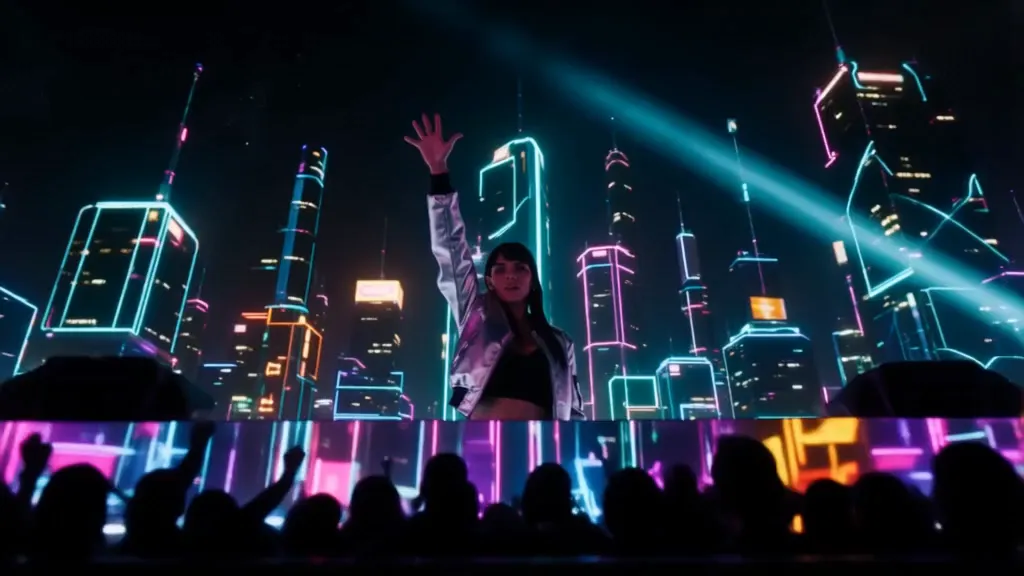
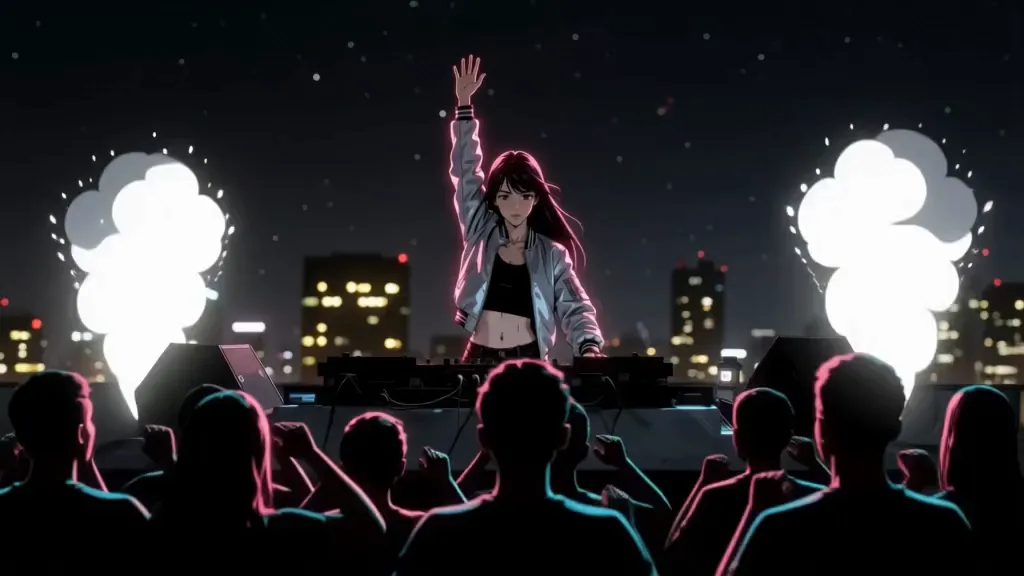
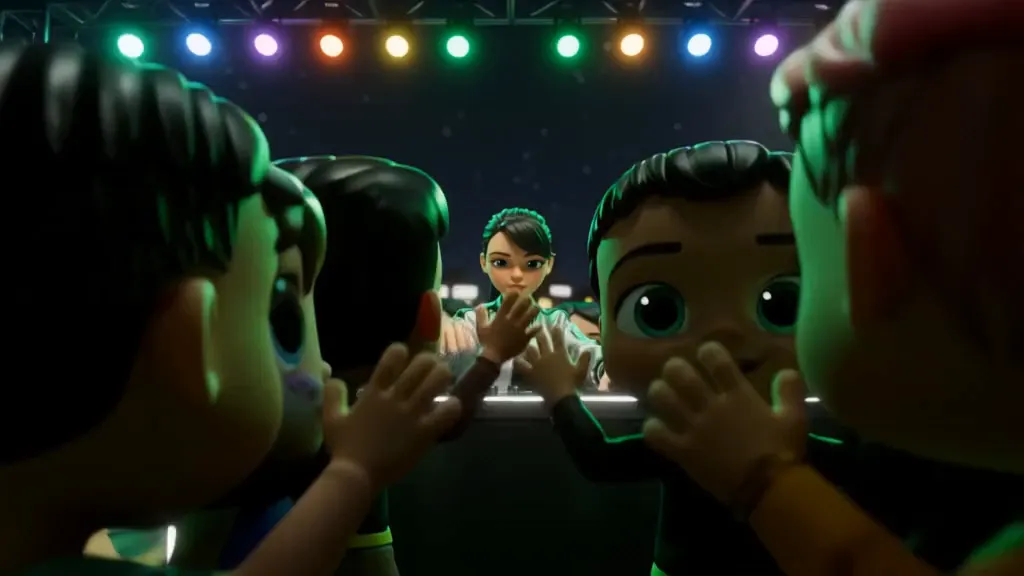
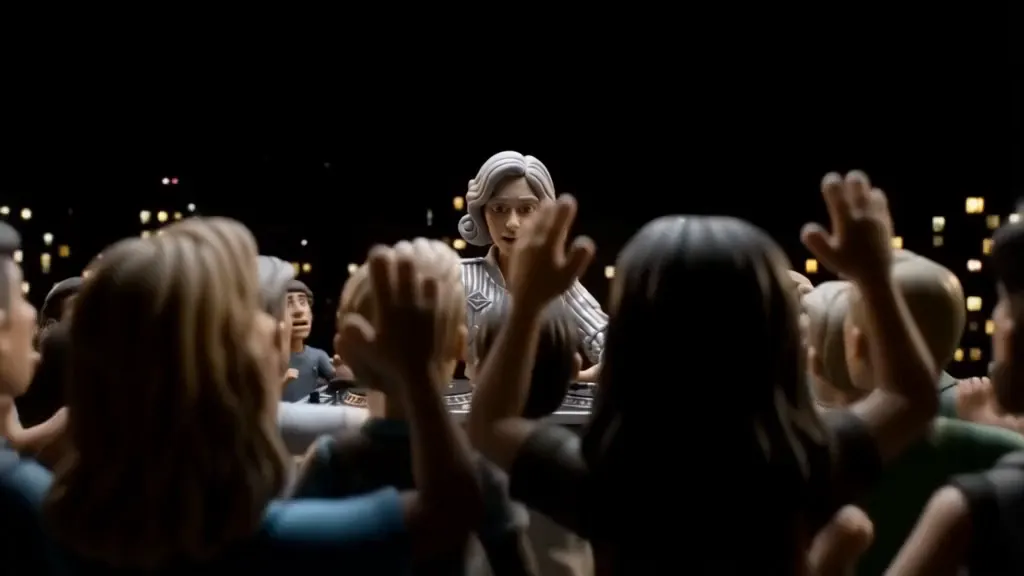
PixVerse has five style settings. Each take below sets one and names the same look at the start of the prompt. The rest of the prompt stays the same.
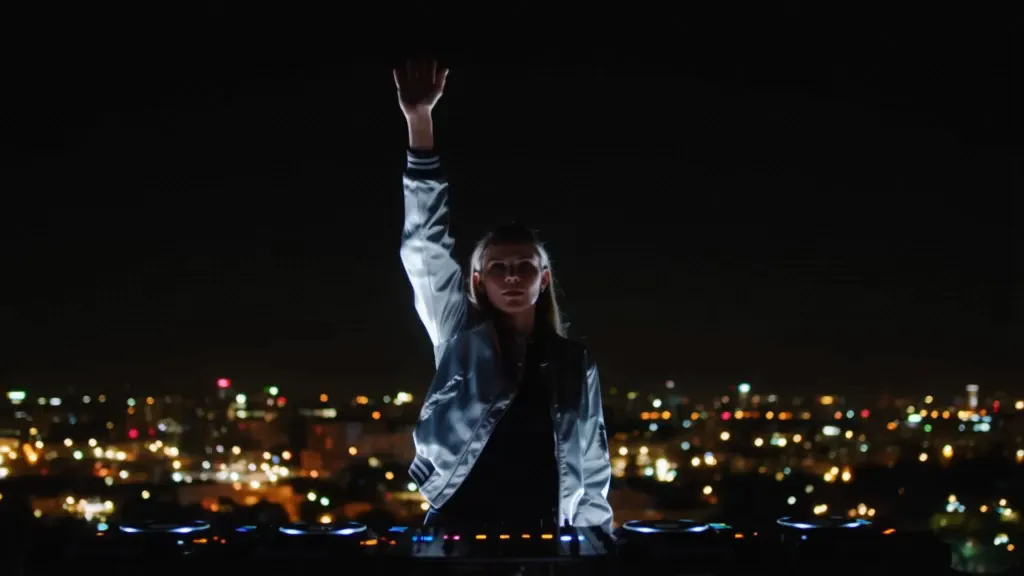
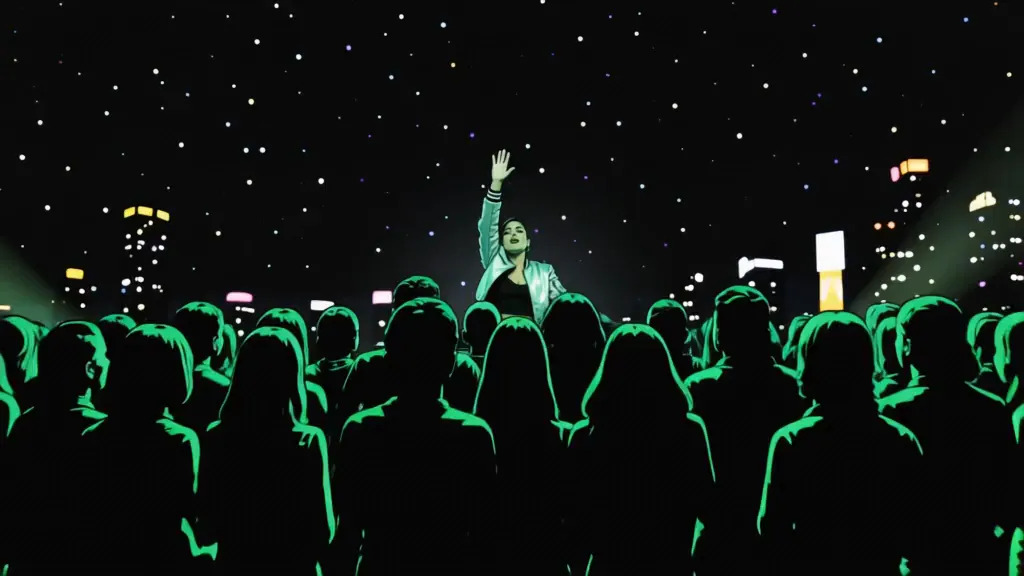
PromptA DJ in a silver bomber jacket raises one hand on a rooftop at night, then slams it down as the beat drops, the crowd jumps and smoke cannons blast behind her. Low-angle push-in from inside the crowd toward the decks, city lights behind her. Her hands and the decks stay sharp. A rising synth, a heavy bass drop, and the crowd roaring.
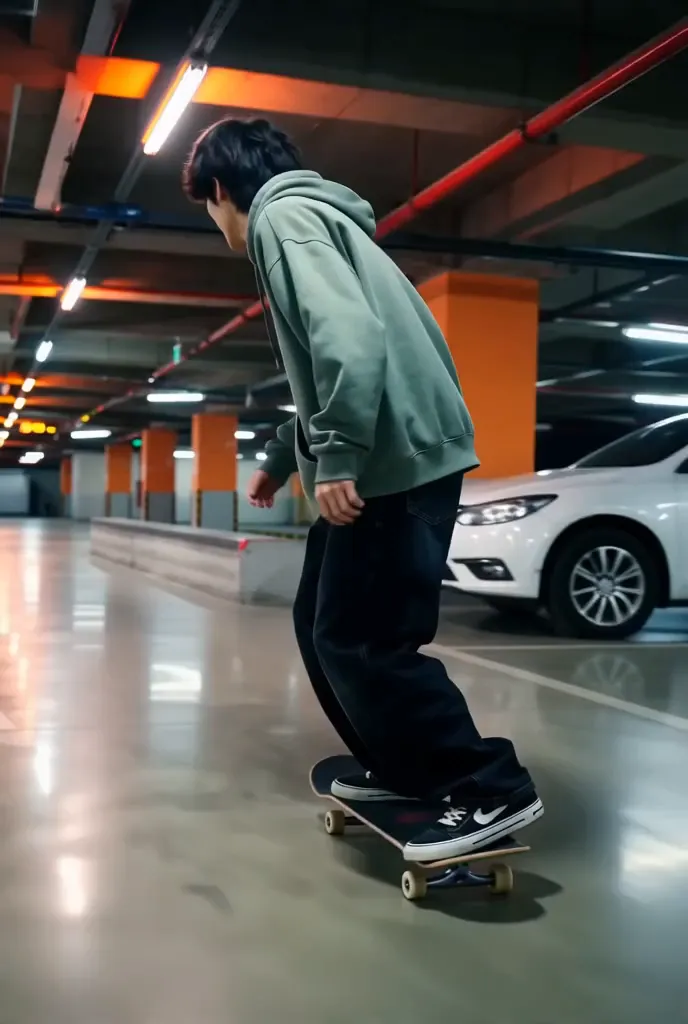
Who, what, and where
A skater in a baggy green jacket rolls through an empty parking garage at night, pops an ollie over a concrete barrier, lands it, and turns back to the camera grinning.
One camera move, one look
Low tracking shot rolling alongside him, orange ceiling lights strobing past overhead.
What holds, and what you hear
His board and sneakers stay sharp. Wheels roaring on concrete, the clack of the landing. English dialogue: Male (breathless): "First try."
2:3, 8 seconds, sound on
PixVerse's prompt guide advises against the word "fast". Write what speed looks like instead: the rider leans into the turn, water sprays off the wheels.
Pick one move and at most one texture, like a slow push-in with a slight handheld feel. Stacked moves make the picture jitter.
Write what must hold as a plain sentence, like "the cube stays centered." Put real exclusions in the negative prompt instead.
PixVerse's guide suggests describing the sound you want in its own short sentence. Label speech with the language and the speaker.
Add a photo as the start frame, and write what happens next.
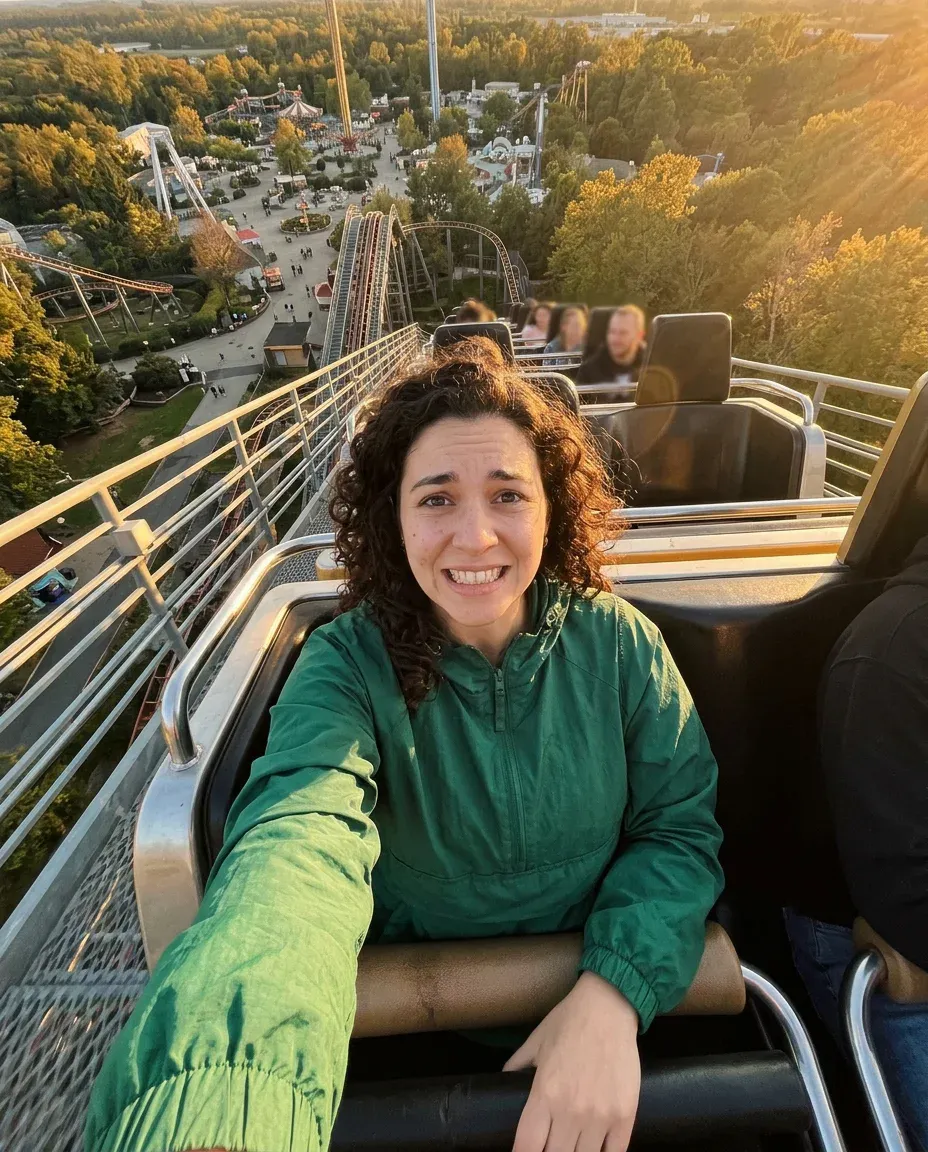
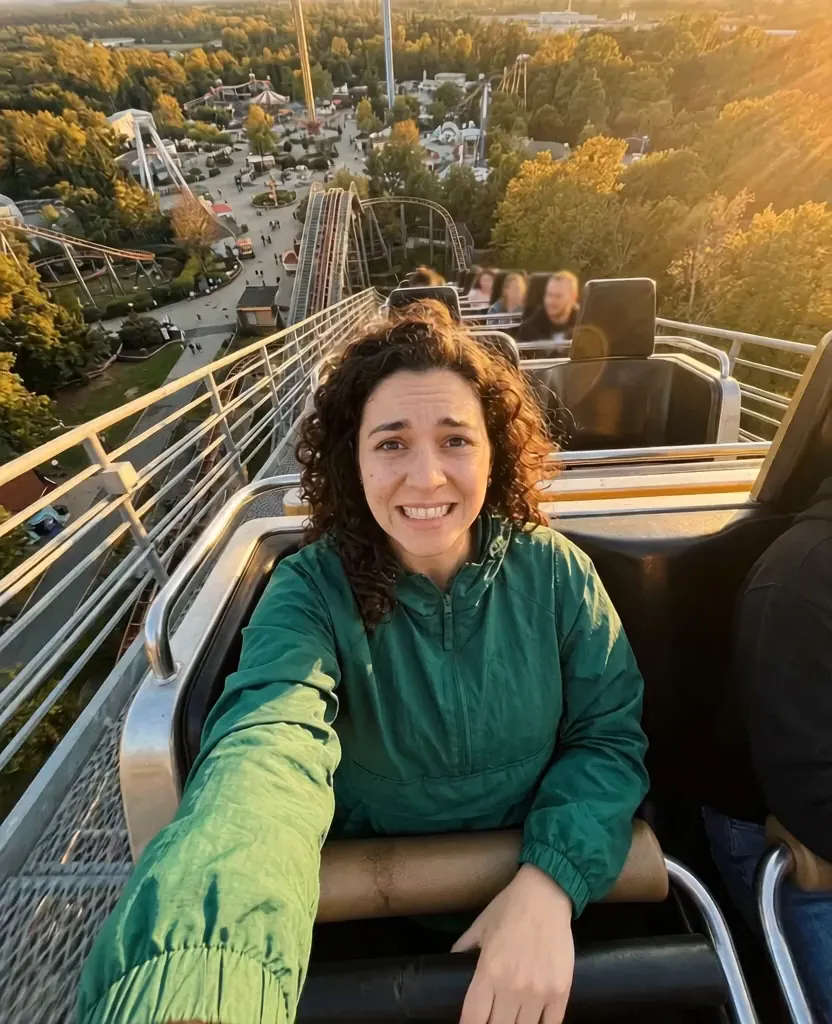
PromptShe screams "Here we go!" as the car tips over the top and drops, her hair whipping straight up. Handheld selfie shake from the current framing. Keep her face, curls, and green jacket the same. Wind roaring, the track rattling, and her scream.
Sceneform isn't PixVerse. It runs PixVerse's video models in its own video tool, next to other models.
PixVerse's own app
pixverse.ai
PixVerse on Sceneform
sceneform.ai
Current
Under Legacy models
Both take a prompt or a start photo, make sound, have the five styles, can make several clips with camera changes between them, and make up to four videos at once.
Not on Sceneform: PixVerse C1, R1, R2, V5, and earlier versions.
The button below opens Sceneform's video tool with PixVerse V6 picked. You can switch models there at any time.
The subject and action, one camera move, then what stays and what you hear. Or add a photo and write only the motion.
Pick the length, resolution, framing, style, and sound. The cost shows before you generate.
Pick the plan for how much you post. Every model on every plan. Unused credits roll over. Cancel anytime.
Billed monthly
For solo creators posting every week
500 credits every month
Billed monthly
For creators posting daily across channels
1,300 credits every month
Billed monthly
For brands and production teams
2,700 credits every month
Billed monthly
For agencies running always-on content
5,500 credits every month
Want checkout, comparison tables, or a custom volume? See the full pricing page