


Skip to content

LinkedIn carousels

are PDFs people swipe

Upload a PDF as a document post and LinkedIn shows it one page at a time. Here is the size, the limits, a free tool that turns your slides into that PDF, and two finished carousels.

Plans from $19 a month. Sceneform can't post to LinkedIn yet: download the slides, make the PDF here, then post it with Add a document.

Free PDF maker: drop slides or the Carousels ZIP, get one PDF. Files are not uploaded.

Post type
Document post
Upload a PDF with Add a document. Each page becomes a slide.
Limit
100 MB, 300 pages
One document per post. PPT, PPTX, DOC and DOCX work too.
Page size
1080 × 1350 px
LinkedIn sets no size. 4:5 is the tallest shape it shows for photos. Square 1080 × 1080 works too.
Rule
Same size on every page
LinkedIn asks for PDFs with mixed page sizes to be fit to one size.

Checked 5 November 2026:LinkedIn Help: Share documentsLinkedIn Help: Supported file typesLinkedIn Help: Share photos

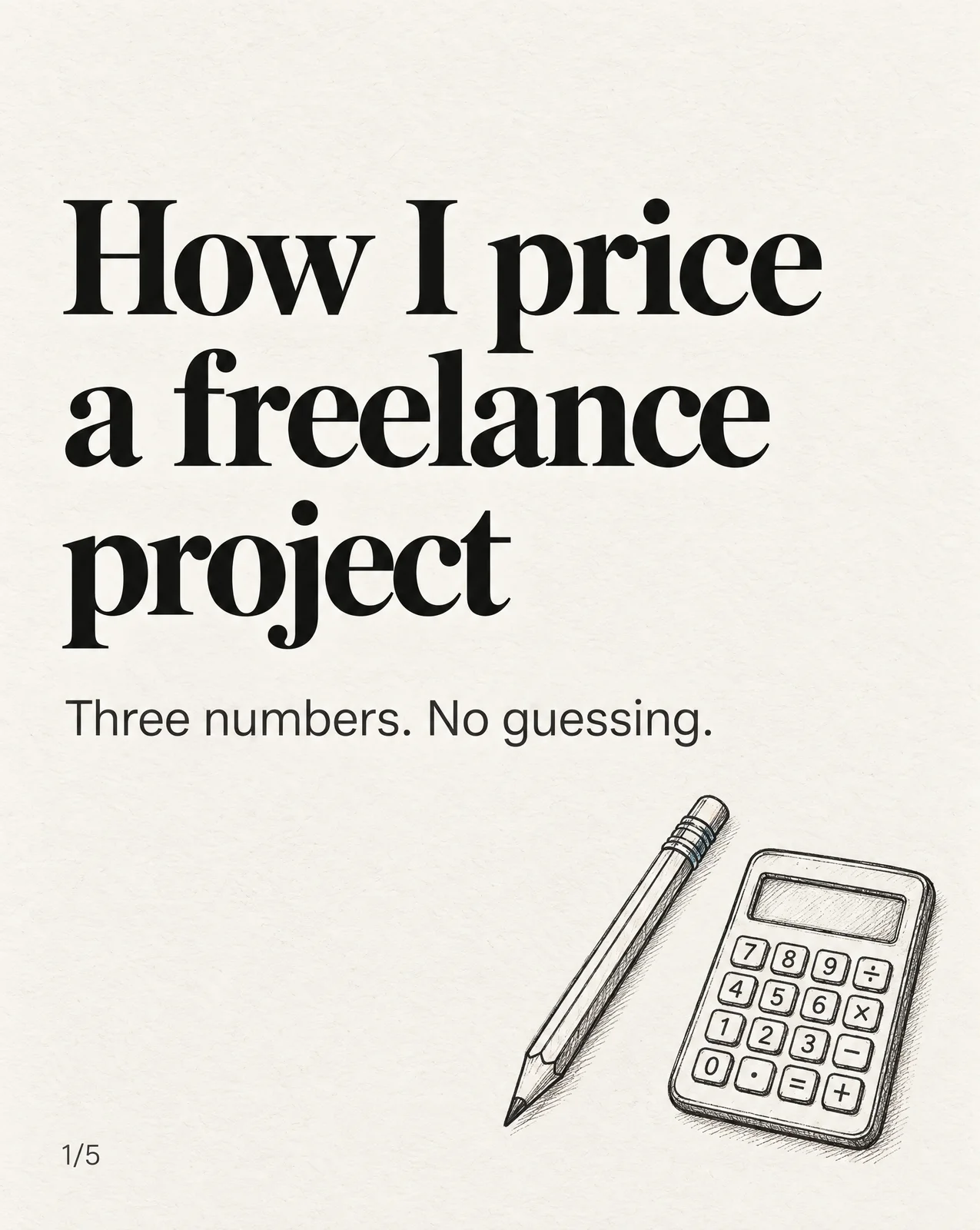
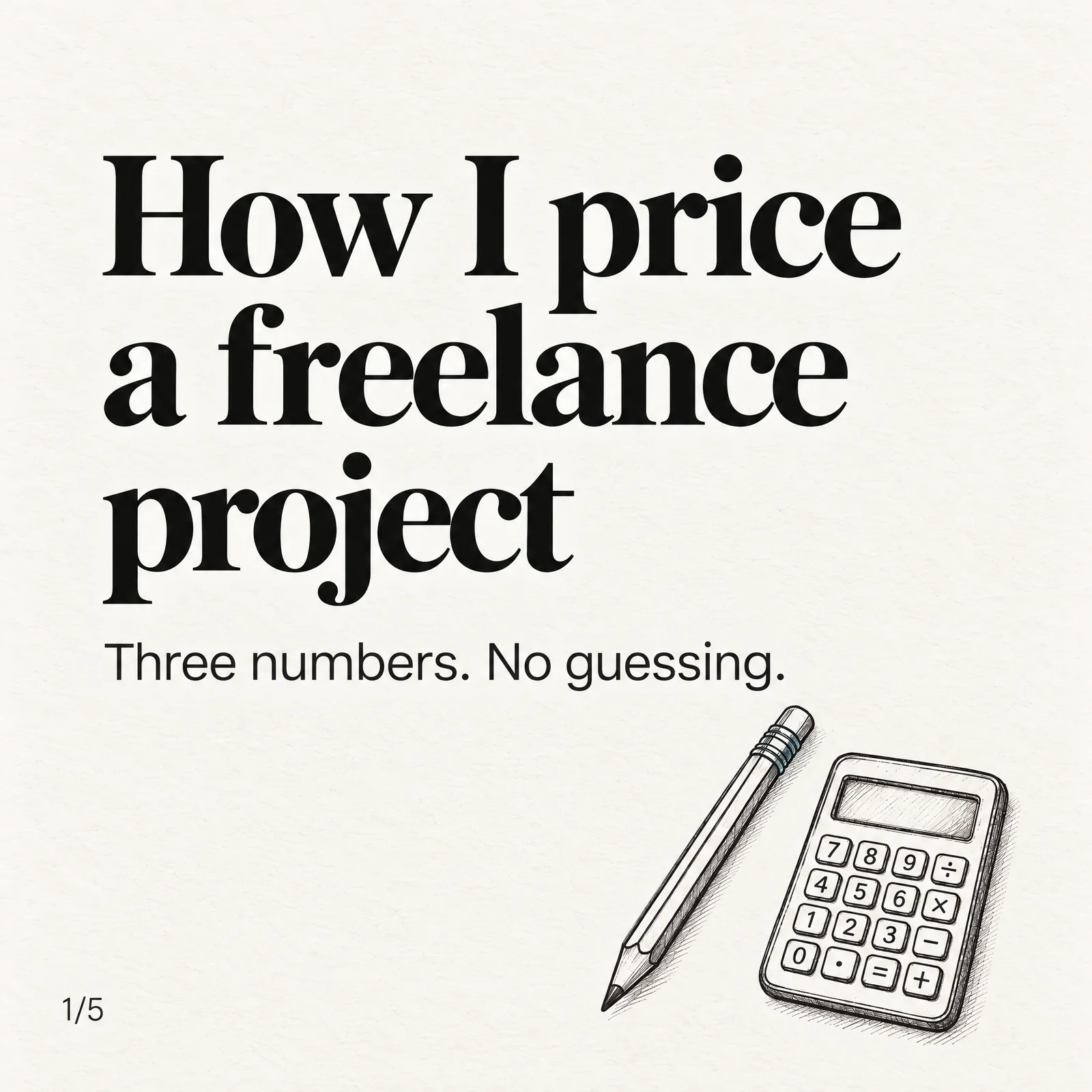
Cover slide on cream paper: How I price a freelance project. Three numbers. No guessing. A pencil and a calculator drawn in ink.
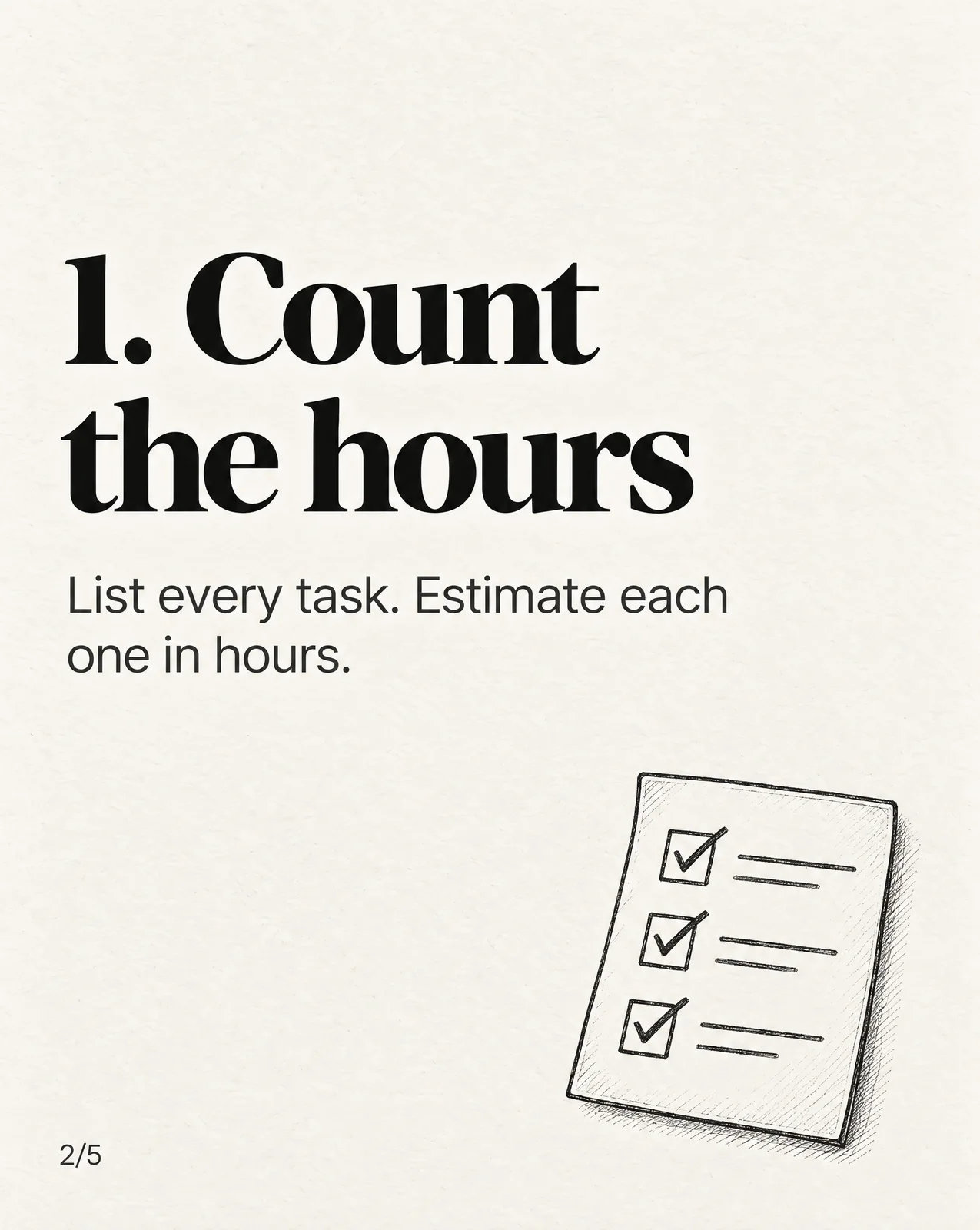
Slide 2: 1. Count the hours. List every task. Estimate each one in hours. A ticked checklist.
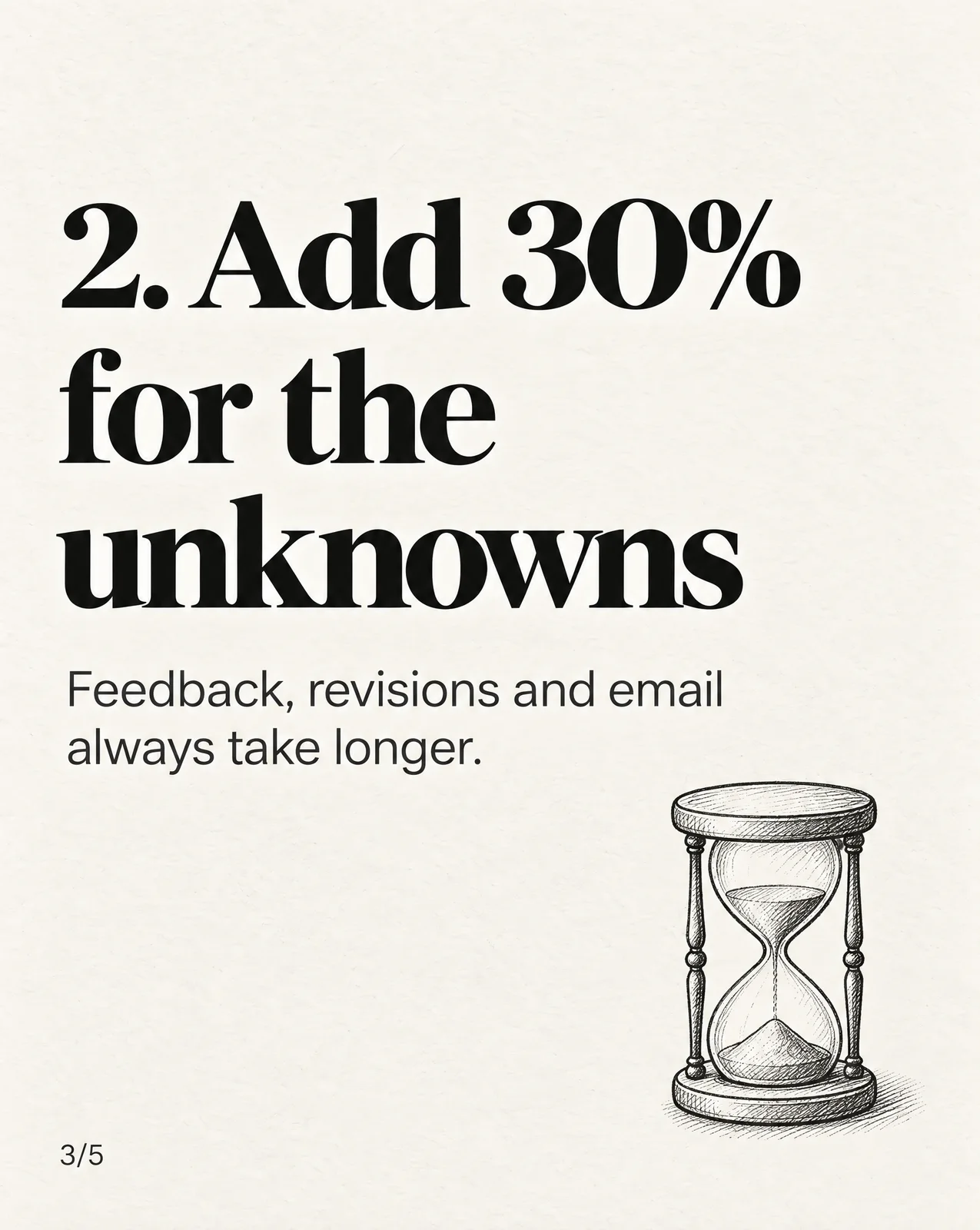
Slide 3: 2. Add 30% for the unknowns. Feedback, revisions and email always take longer. An hourglass.
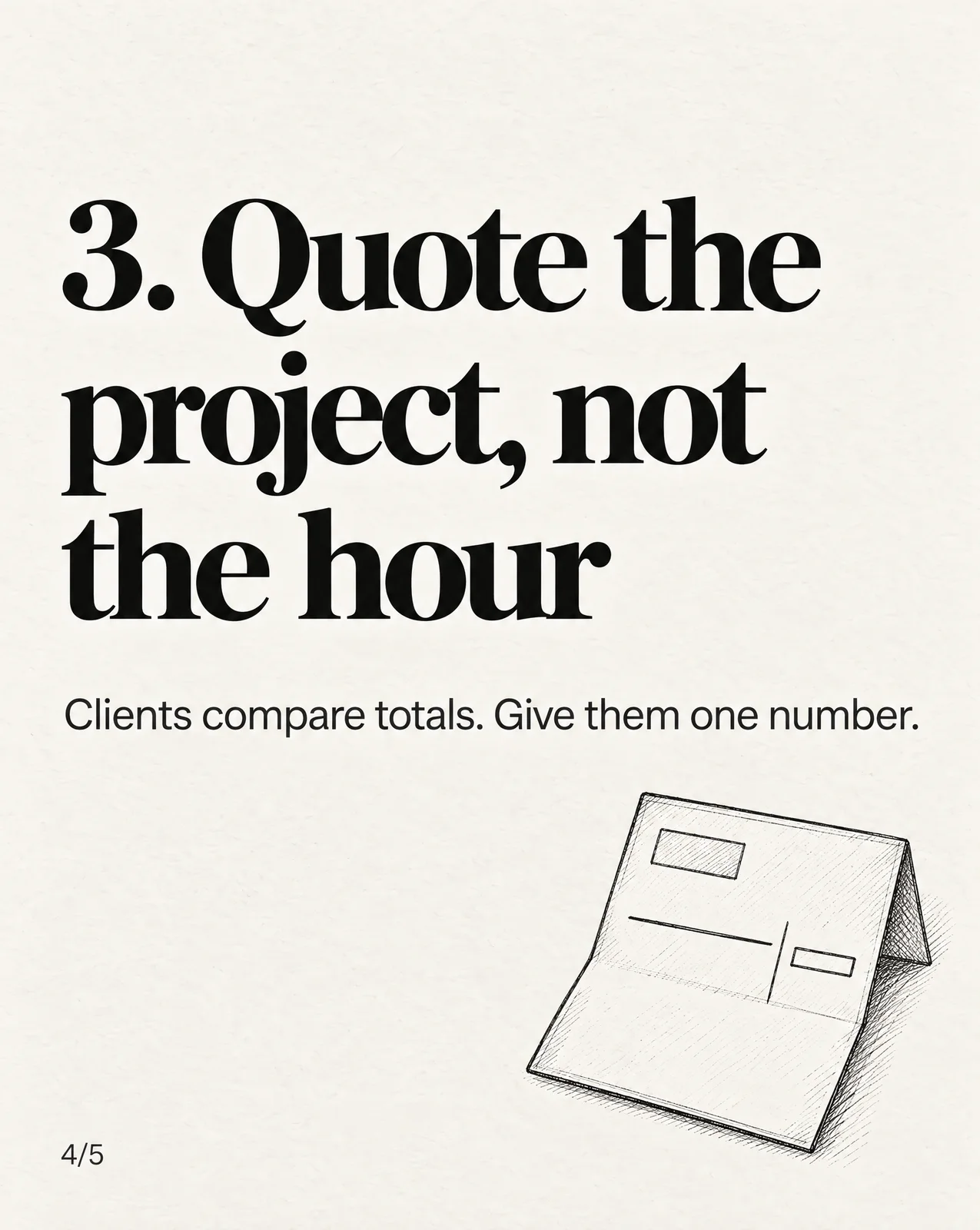
Slide 4: 3. Quote the project, not the hour. Clients compare totals. Give them one number. A folded invoice.
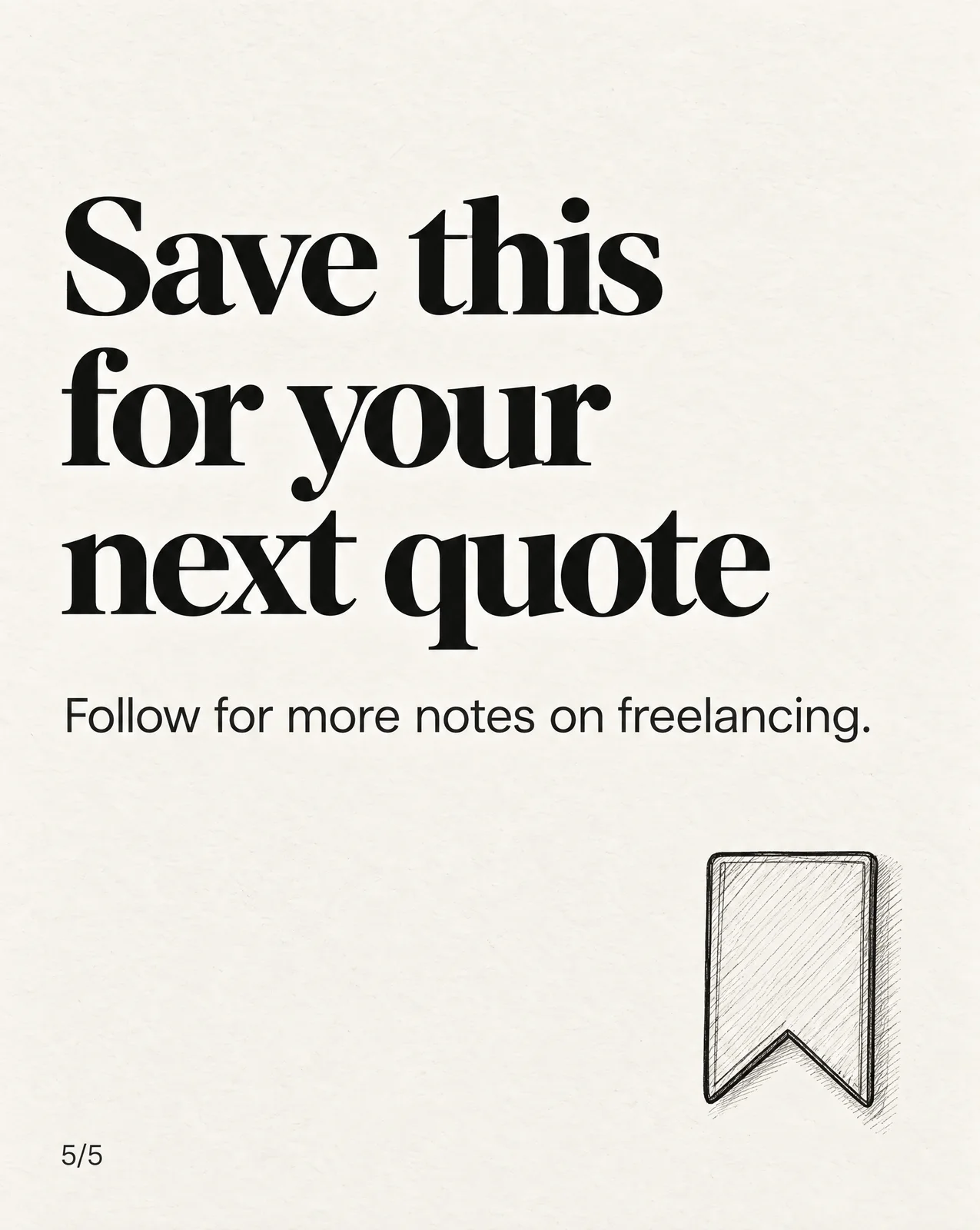
Last slide: Save this for your next quote. Follow for more notes on freelancing. A bookmark.
Page 1 of 5

How to post a carousel on LinkedInMake one PDF, then add it as a document

Turn your slides into one PDF

The sample deck is loaded. Drop your own slide images, or the ZIP that Carousels downloads, to replace it.

  1. Page 1: price-1.webp
    1
  2. Page 2: price-2.webp
    2
  3. Page 3: price-3.webp
    3
  4. Page 4: price-4.webp
    4
  5. Page 5: price-5.webp
    5

Page size

Every page 1080 × 1350 px

Slides of another shape

Names the file. LinkedIn asks for a title when you add the document.

Free. Made in your browser, so your slides are not uploaded. 5 of 300 pages.

Post it from a computer

  1. 1Click Start a post at the top of your homepage.
  2. 2Click More, then Add a document.
  3. 3Click Choose file and pick your PDF.
  4. 4Give the document a title and click Done.
  5. 5Write the post text and click Post.

Or from the phone app

  1. 1Tap Post.
  2. 2Tap More, then Document.
  3. 3Pick the PDF from your phone or a cloud folder.
  4. 4Add a title and tap Next.
  5. 5Write the post text and tap Post.

Before you upload

  • Save it as a PDF for the best quality.
  • Flatten or merge PDFs with layers.
  • Fit every page to the same size.
  • Videos and animations show as still images.
  • Add a title so readers know what it is.
  • You can't swap the file after you post. You can edit the title and text.

Checked 5 November 2026:LinkedIn Help: Share documentsLinkedIn Help: Document uploads FAQ

Three posts get called a carouselOnly the document post swipes

Upload images and LinkedIn makes a grid. Upload a PDF and it reads like slides. Carousel ads are a paid format with their own rules.

  1. Document post

    One page at a time. Readers swipe or tap to turn the page.

    • PDF, PPT, PPTX, DOC or DOCX
    • Up to 100 MB and 300 pages
    • One document per post
    • Readers can download it as a PDF

    Use it for the swipeable carousel most people mean.

  2. Multi-image post

    A grid. A portrait first image fills the left column and the rest stack on the right.

    • Up to 20 images
    • 5 MB per image
    • Shapes from 3:1 to 4:5
    • The first image gets the most room

    Use it for a set of photos, not a step-by-step story.

  3. Carousel ad

    Square cards in a row, each with its own headline and link.

    • 2 to 10 cards
    • 1080 × 1080 px per card
    • 10 MB per card
    • JPG, PNG or still GIF

    Use it when you pay to promote a post and want a link on every card.

Checked 5 November 2026:LinkedIn Help: Share documentsLinkedIn Help: Share photosLinkedIn Help: Carousel ad specs

LinkedIn carousel size1080 × 1350 or 1080 × 1080

LinkedIn's help pages set no page size for document posts. They ask for one thing: every page the same size.

Cover slide on cream paper: How I price a freelance project. Three numbers. No guessing. A pencil and a calculator drawn in ink.
1080 × 1350 pxPortrait 4:5More room per page on a phone. 4:5 is also the tallest shape LinkedIn shows for photos.
The same cover redrawn as a square slide
1080 × 1080 pxSquare 1:1The same cover, redrawn square. Use it if you might reuse the slides as an ad.
Document post
No set size
Every page must be the same size. 1080 × 1350 or 1080 × 1080 are the usual picks. Source
Multi-image post
1080 px wide
At least 552 × 276. Shapes from 3:1 to 4:5; taller images are cropped to 4:5. Source
Carousel ad
1080 × 1080 px
Up to 4320 × 4320. Shown at 312 × 312 in the feed. Source

In Sceneform's Carousels, pick Portrait 4:5 or Square 1:1 before you generate. Every slide in the deck then comes out the same size.

Checked 5 November 2026:LinkedIn Help: Share documentsLinkedIn Help: Share photosLinkedIn Help: Carousel ad specs

LinkedIn carousel examplesTwo decks, every page

Two 4:5 decks in the two ways Carousels handles text. One draws the words into the slides. The other sets them over photos.

Text drawn in

How I price a freelance project

Paper, a heavy serif and one ink drawing per page. Get this look with a custom recipe made from slides you like. The words are part of each image.

To make one like it in Carousels:

Type
“How I price a freelance project”
Recipe
Custom, from slides you like
Shape
Portrait 4:5
Resolution
1K
  1. Cover slide on cream paper: How I price a freelance project. Three numbers. No guessing. A pencil and a calculator drawn in ink.

    1 / 5

  2. Slide 2: 1. Count the hours. List every task. Estimate each one in hours. A ticked checklist.

    2 / 5

  3. Slide 3: 2. Add 30% for the unknowns. Feedback, revisions and email always take longer. An hourglass.

    3 / 5

  4. Slide 4: 3. Quote the project, not the hour. Clients compare totals. Give them one number. A folded invoice.

    4 / 5

  5. Last slide: Save this for your next quote. Follow for more notes on freelancing. A bookmark.

    5 / 5

Text on top

4 things my first manager did that I still copy

Phone photos of an office day, the look of the built-in Office Girl recipe. The text sits on top of each photo, so any line can be retyped.

To make one like it in Carousels:

Type
“4 things my first manager did that I still copy”
Recipe
Office Girl
Shape
Portrait 4:5
Resolution
1K
  1. A woman in a grey blazer takes a mirror selfie in a steel office elevator, her phone covering her face

    4 things my first managerdid that I still copy

    1 / 5

  2. An office desk in morning sun with a monitor, a keyboard, a plant and a blue mug of coffee

    1. She replied the same day,even if the answer was"tomorrow"

    2 / 5

  3. Sunrise over rail yards seen from a commuter train seat

    2. She told me why,not just what

    3 / 5

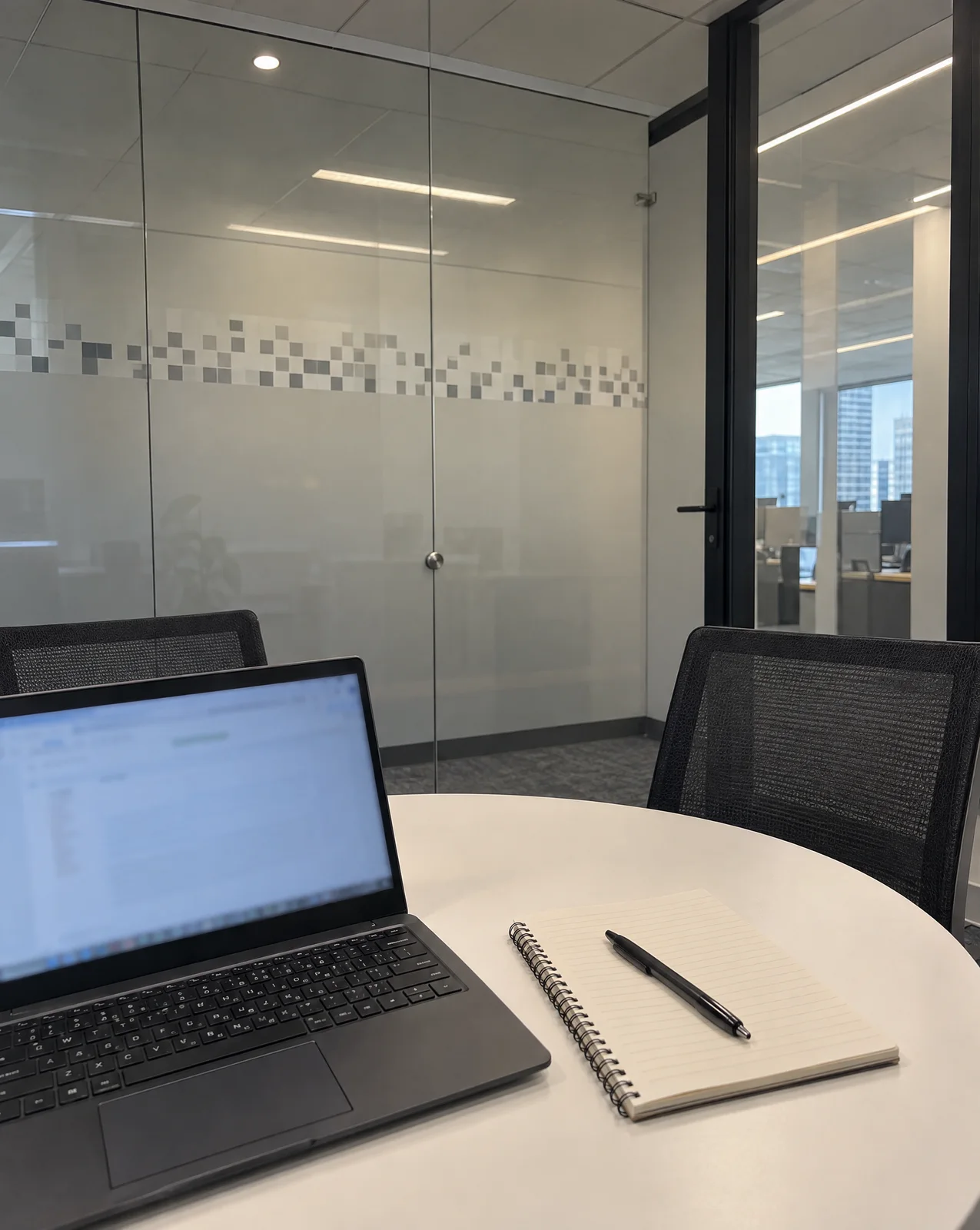
  4. A small glass meeting room with a laptop, a notebook and a pen on a round white table

    3. Feedback in private.Praise in public.

    4 / 5

  5. City towers at dusk seen from an office window, a closed laptop and a mug on the sill

    4. She left on time,so we did too

    5 / 5

  1. 1. Start from one line

    Type the idea, or pick a hook from the list Carousels writes for your project.

  2. 2. Pick a look and a shape

    Choose a built-in recipe or make one from up to 10 slides you like. Pick Portrait 4:5 or Square 1:1 for LinkedIn.

  3. 3. Fix one slide at a time

    Retype text that sits on top of a slide, or redraw one slide's image and keep the rest.

Simple pricing that scales with you.

Pick the plan for how much you post. Every model on every plan. Unused credits roll over. Cancel anytime.

Creator

$19/month

Billed monthly

For solo creators posting every week

500 credits every month

  • Up to 50 carousels
  • Up to 50 AI videos
  • Up to 1.5 hours of AI voiceover
  • Roll over up to 1,000 credits

Pro

Most popular
$49/month

Billed monthly

For creators posting daily across channels

1,300 credits every month

  • Up to 130 carousels
  • Up to 130 AI videos
  • Up to 4 hours of AI voiceover
  • Roll over up to 2,600 credits

Studio

$99/month

Billed monthly

For brands and production teams

2,700 credits every month

  • Up to 270 carousels
  • Up to 270 AI videos
  • Up to 9 hours of AI voiceover
  • Roll over up to 5,400 credits

Scale

$199/month

Billed monthly

For agencies running always-on content

5,500 credits every month

  • Up to 550 carousels
  • Up to 550 AI videos
  • Up to 18 hours of AI voiceover
  • Roll over up to 11,000 credits
Every plan includesEvery model, 90+ and countingReusable AI personasSceneform Studio editorCommercial usage rights

Want checkout, comparison tables, or a custom volume? See the full pricing page

LinkedIn carousel FAQ

Start from one idea.Make your LinkedIn carousel.

Make a LinkedIn carousel

Plans from $19 a month. Commercial use on every paid plan.