Creator
$19/month
Billed monthly
For solo creators posting every week
500 credits every month
- Up to 500 wallpapers
- Up to 50 AI videos
- Up to 1.5 hours of AI voiceover
- Roll over up to 1,000 credits
A wallpaper made for your screen, in 4K
Describe a scene, pick your screen's shape, and get a 4K picture with room left for the clock.
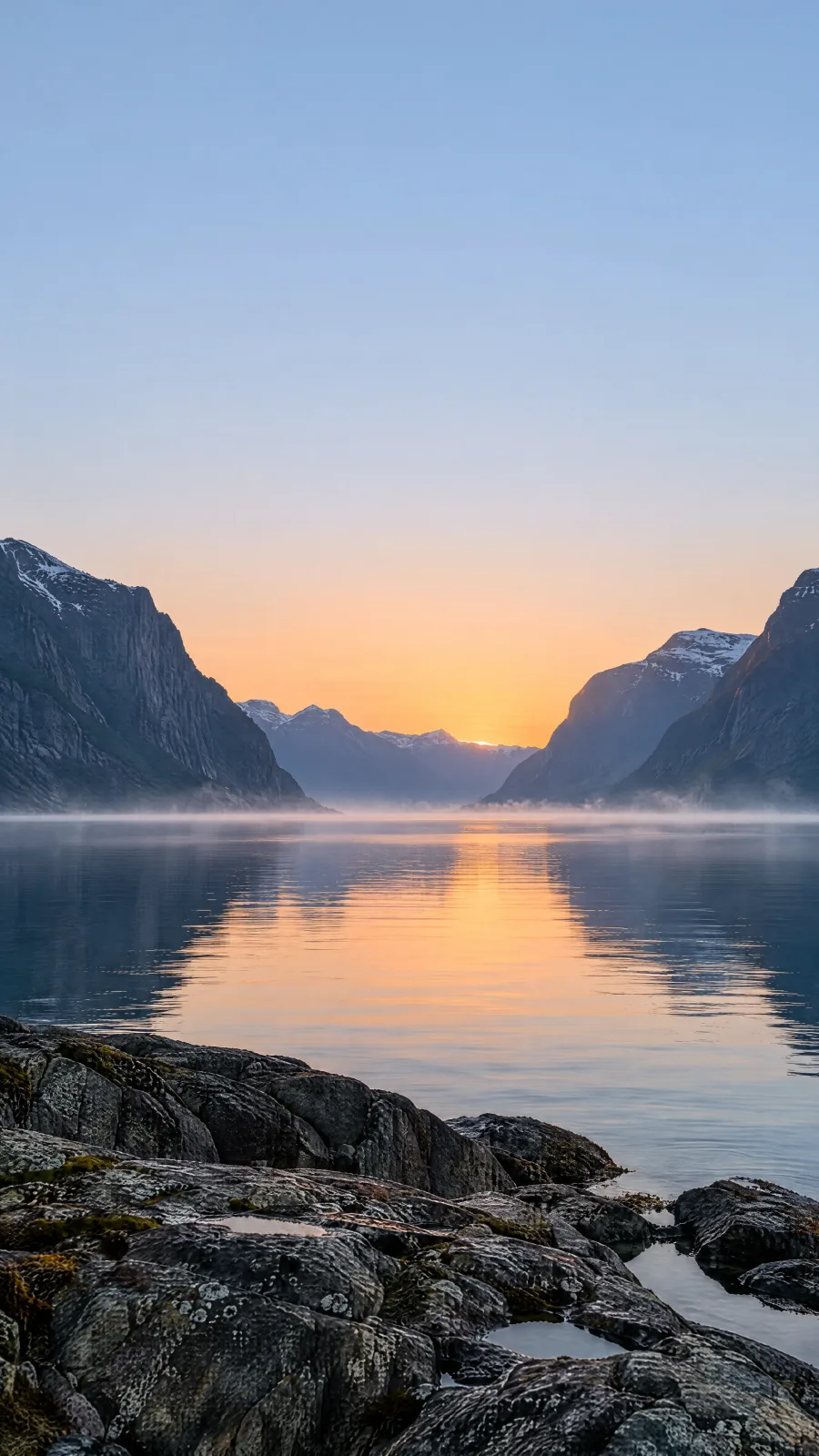
9:16 · 2160 × 3840
The same lighthouse, asked for in two places. Your lock screen's clock sits in the top third of the screen, so a subject up there ends up behind it.
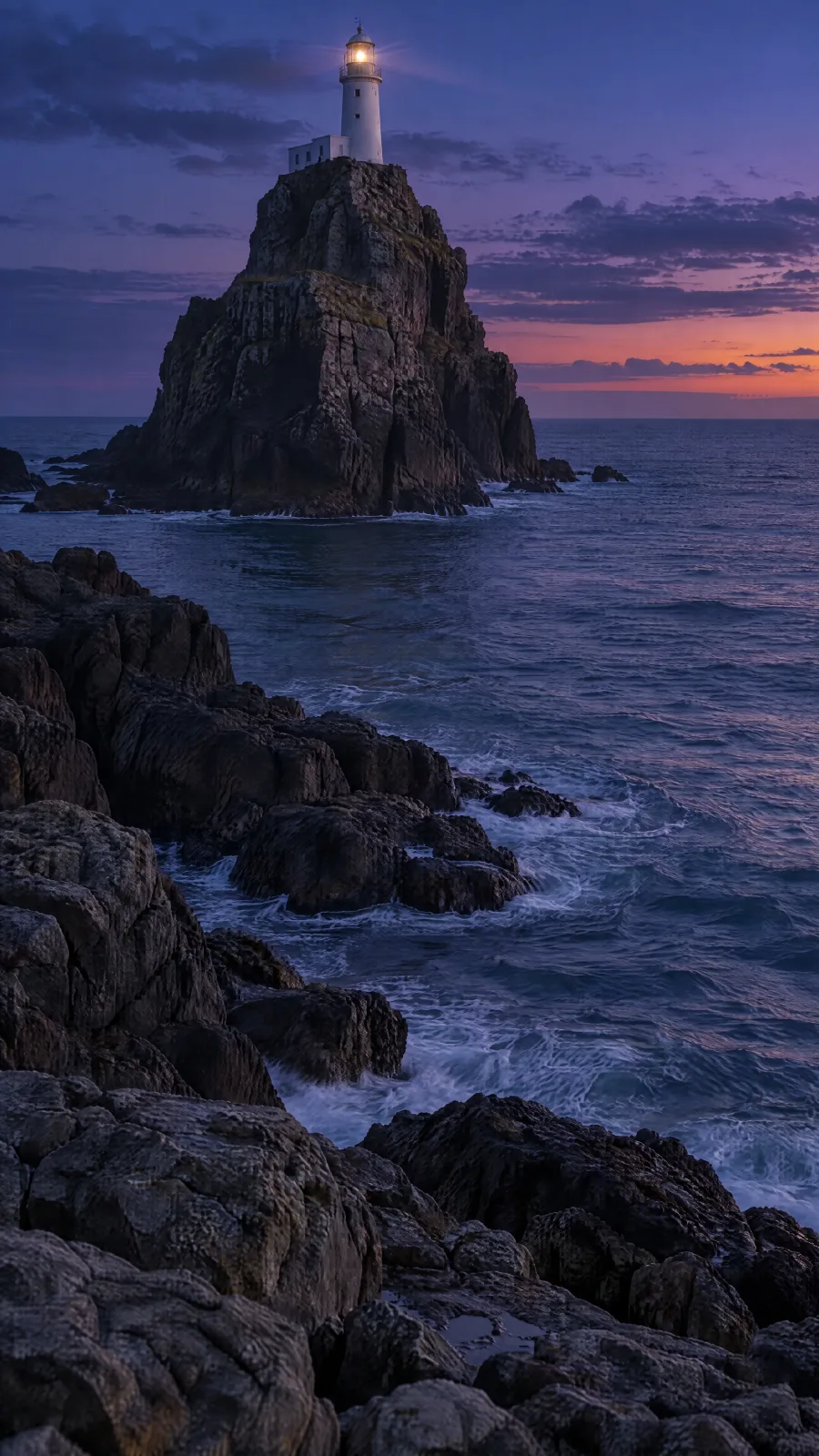
Lighthouse at the top
The clock lands on the lighthouse.
"…so the lighthouse sits near the very top of the frame."
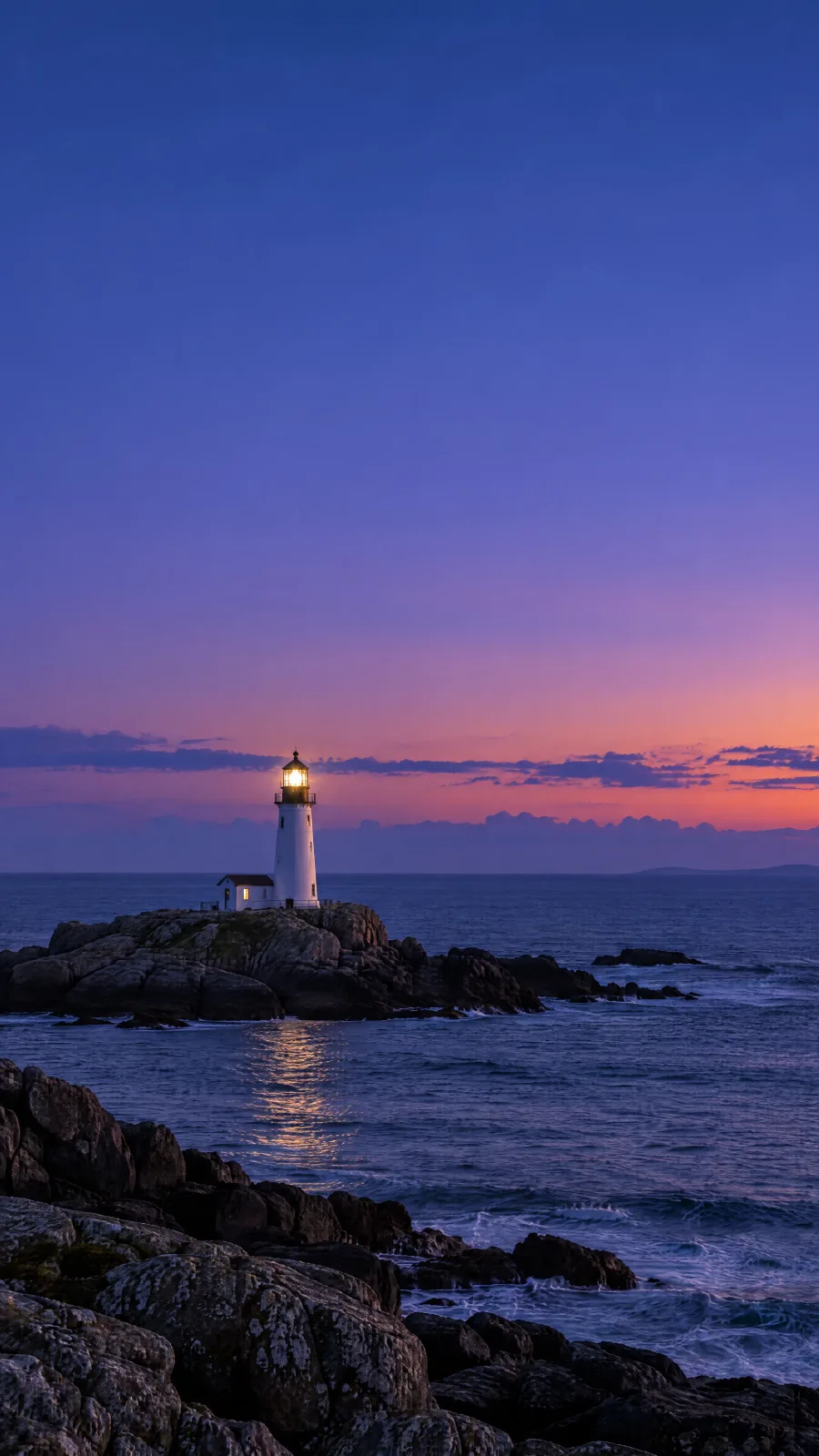
Lighthouse kept low
Clear sky under the clock.
"…on a low rock in the lower third of the frame. Keep the top third calm and even, with nothing in it but sky, so the clock stays readable."
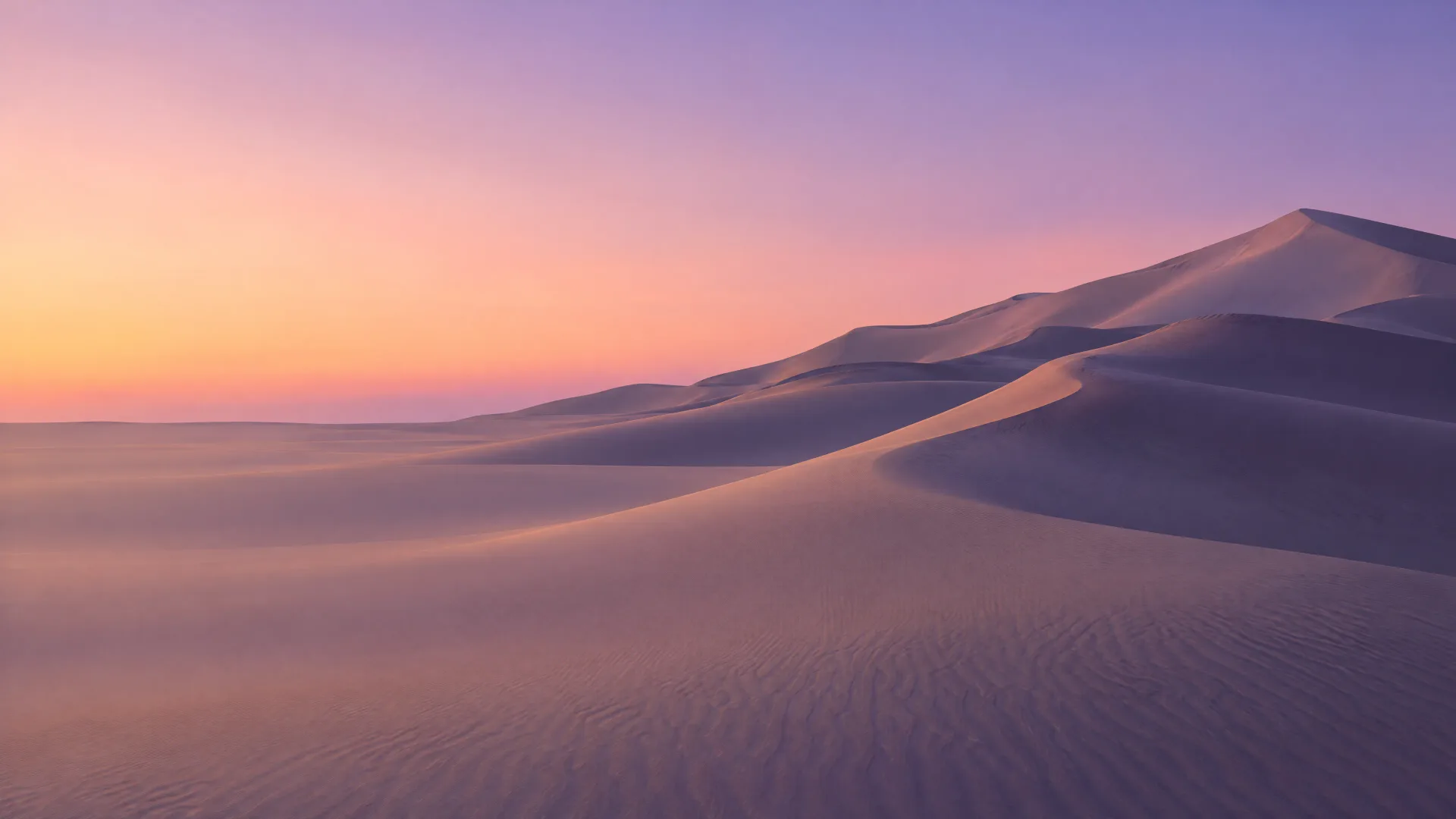
On a desktop, keep one side quiet
The prompt asked for an even left third, so the icons sit on plain sand and sky. The dunes rise on the right, where nothing covers them.
"Keep the left third quiet and even, only soft sand and sky, so desktop icons stay readable."
Current iPhones are about 9:19.5 and Pixel 11 phones 9:20, both taller than a 9:16 wallpaper. The lock screen fills the height and cuts about 9 to 10% from each side, so keep the subject away from the edges.
Describe the scene and the empty space
Name the place, the light and the colors. Then say where nothing should go: a calm top third on a phone, one quiet side on a desktop.
Pick the shape and 4K
9:16 for a phone, 16:9 for a monitor, 21:9 for an ultrawide. Set the resolution to 4K.
Set it and check the clock
Download it, set it, and look at the lock screen. If the clock lands on the subject, ask for the subject lower and run it again.
Pick the shape before you generate. These three came out of the image generator at 4K and are drawn here at the same scale.
Every pick has at least as many pixels as the screen, so it is scaled down, never up. Screen sizes are from Apple's, Google's and Microsoft's spec pages, November 2026.
Sizes are for GPT Image 2.5 Sunburst, the image generator's default model. For a phone-tall shape, Grok Imagine 2.0 makes 9:19.5 and 9:20, and Fill with AI in the image editor's Crop tool can extend a picture to 9:21.
Make the desktop wallpaper first. Then add it as a reference and ask for the phone version, so the light and colors carry over.
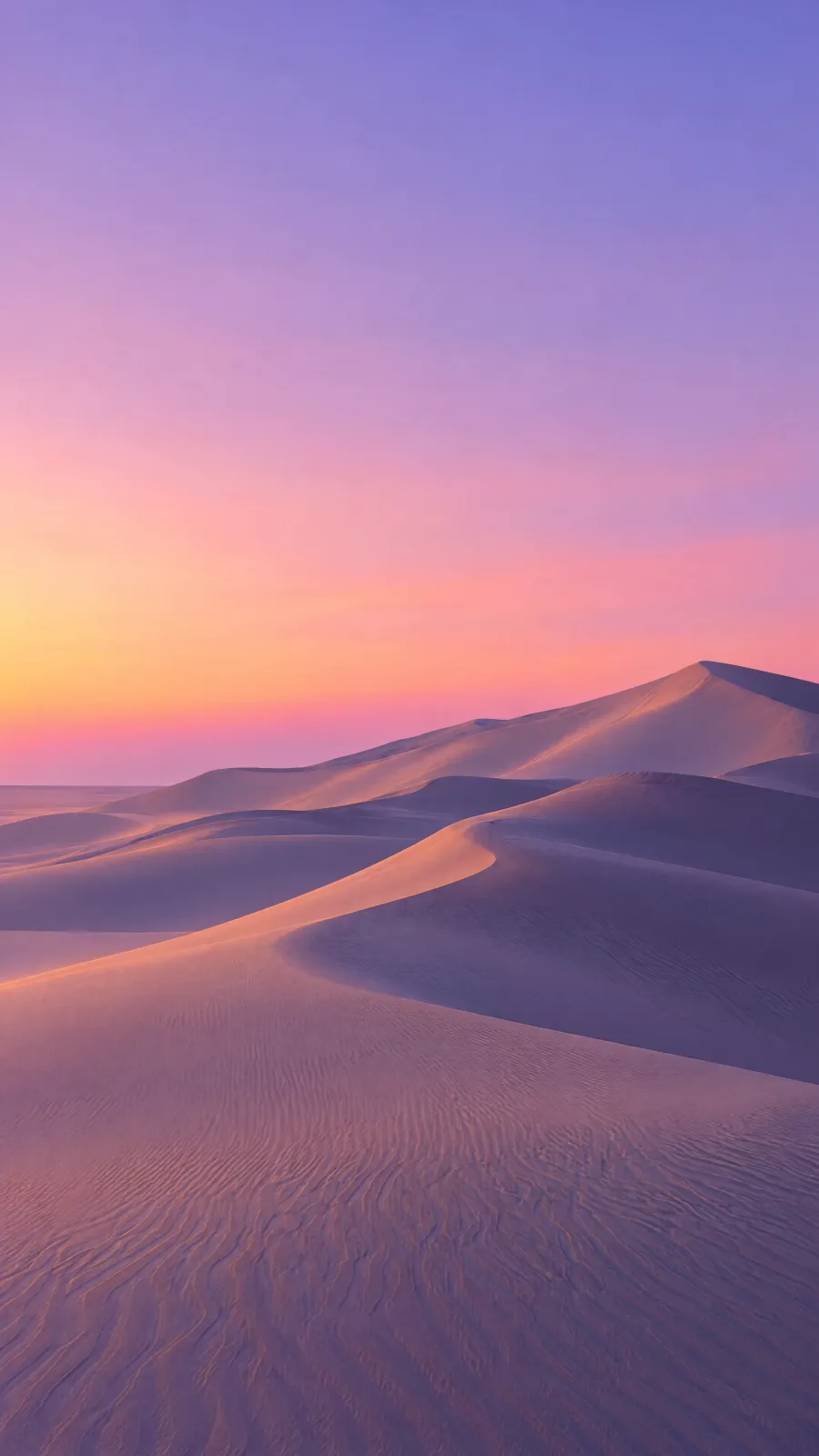
A wide view of smooth sand dunes at dusk, long violet shadows across the sand, a pale peach to lavender gradient sky, the dunes rising toward the right side of the frame. Keep the left third quiet and even, only soft sand and sky, so desktop icons stay readable. Desktop wallpaper, photographic, no people, no footprints.
Make a vertical phone wallpaper of the same dunes, with the same light, colors and violet shadows. Put the dune crests in the lower half. Keep the top third calm and even, with nothing in it but sky, so the clock stays readable.
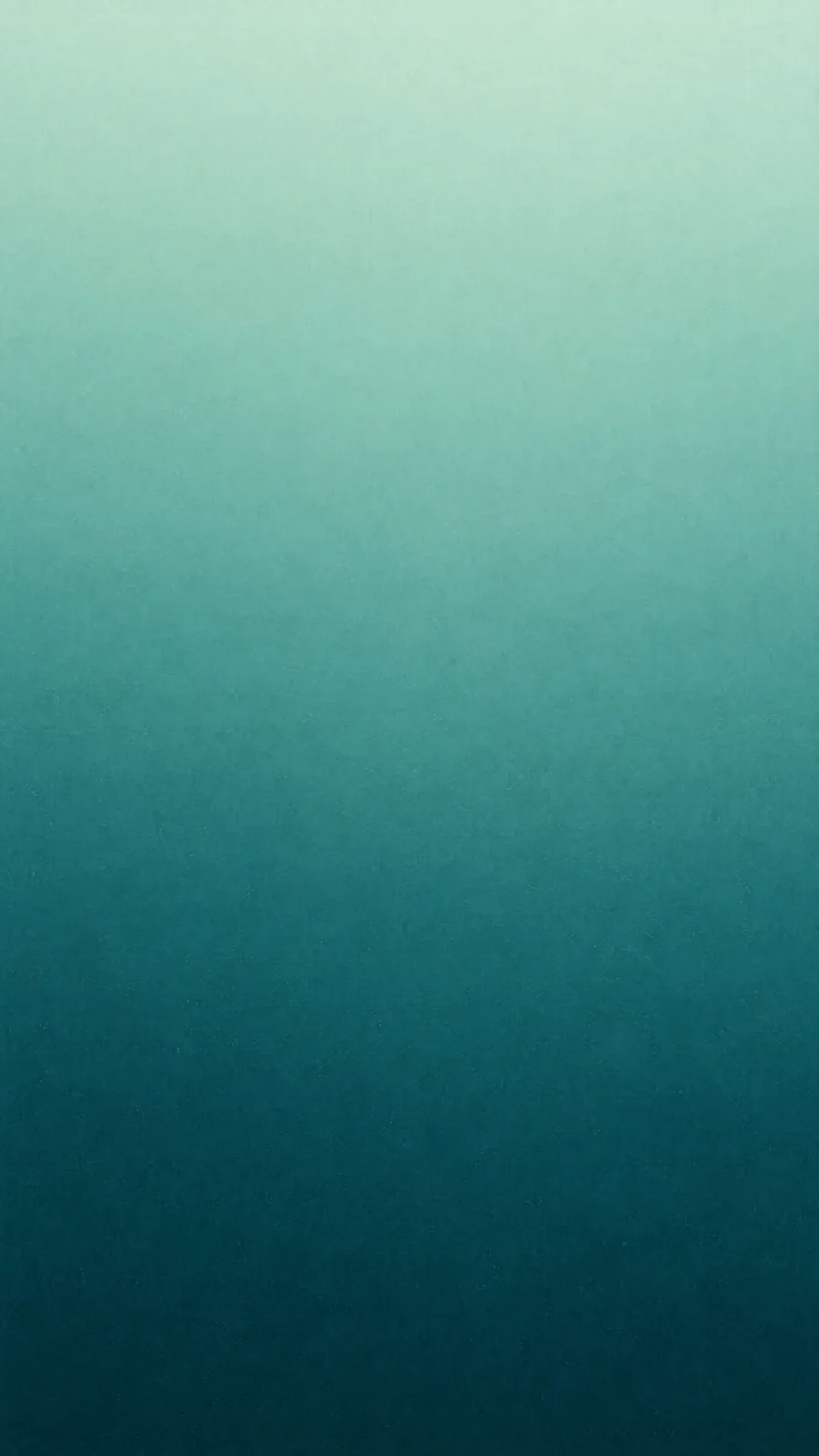
Gradient
No subject at all. A gradient never fights the clock or your icons.
A soft gradient from deep teal at the bottom to pale mint at the top, with a faint film grain. No shapes, no objects, no text. Phone wallpaper.
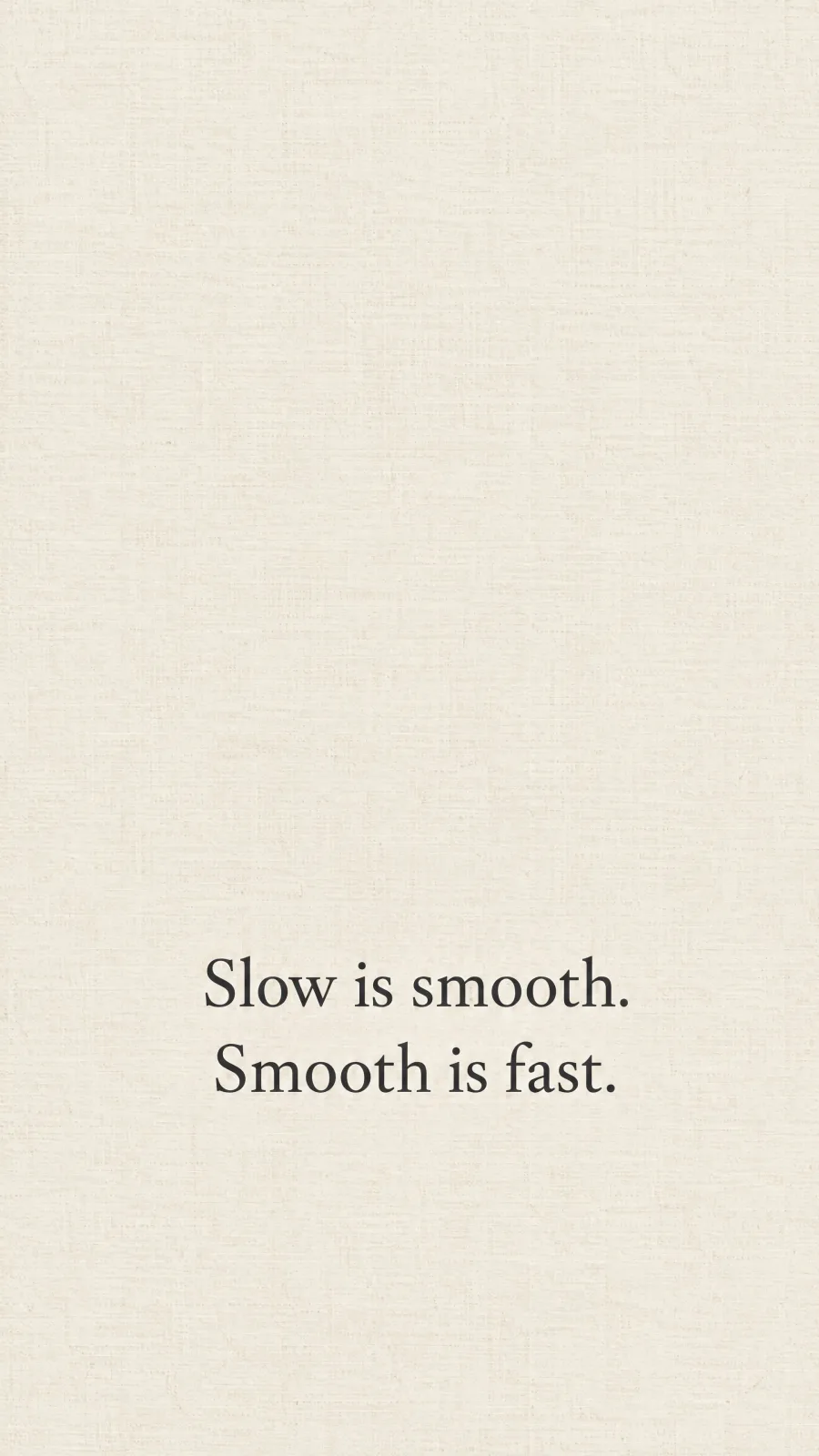
A quote
Write the words in quotes and say where they go. Read every letter before you set it.
Phone wallpaper of cream paper with a faint linen texture. In the lower half, centered, in a simple serif typeface, write exactly: "Slow is smooth. Smooth is fast." on two lines. No other text. Nothing in the top third but the paper.
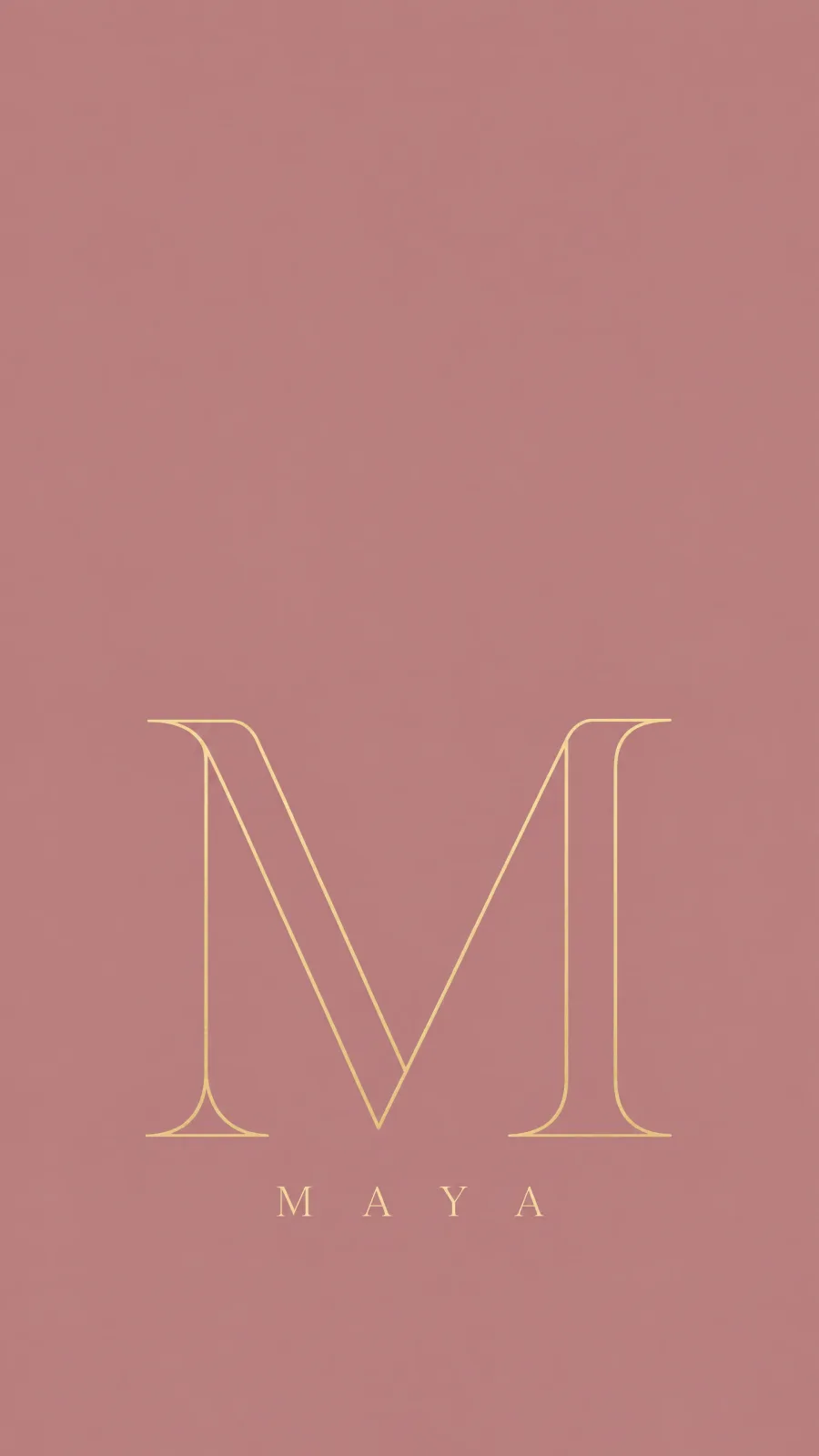
A name
A name or an initial works the same way. Short words come out cleanest.
Phone wallpaper with a dusty rose background. In the lower half, a large letter M drawn in thin gold line art, with the name "Maya" in small, widely spaced capitals under it. No other text. Keep the top third calm and even, with nothing in it but the background color.


From your photo
Add your own photo as a reference and say what to make of it.
Make a phone wallpaper of this dog as a flat paper-cut illustration, lying at the bottom of the frame on a warm yellow background. Keep the same coat color and the same pose. Leave the top half empty, only the yellow background.
Turn a wallpaper into a short clip. Use the same picture as the start and the end frame, so the clip begins and ends on your wallpaper and can play on repeat. Watch the seam before you use it: motion in between can still jump. Whether your phone plays a video as its wallpaper depends on the phone.
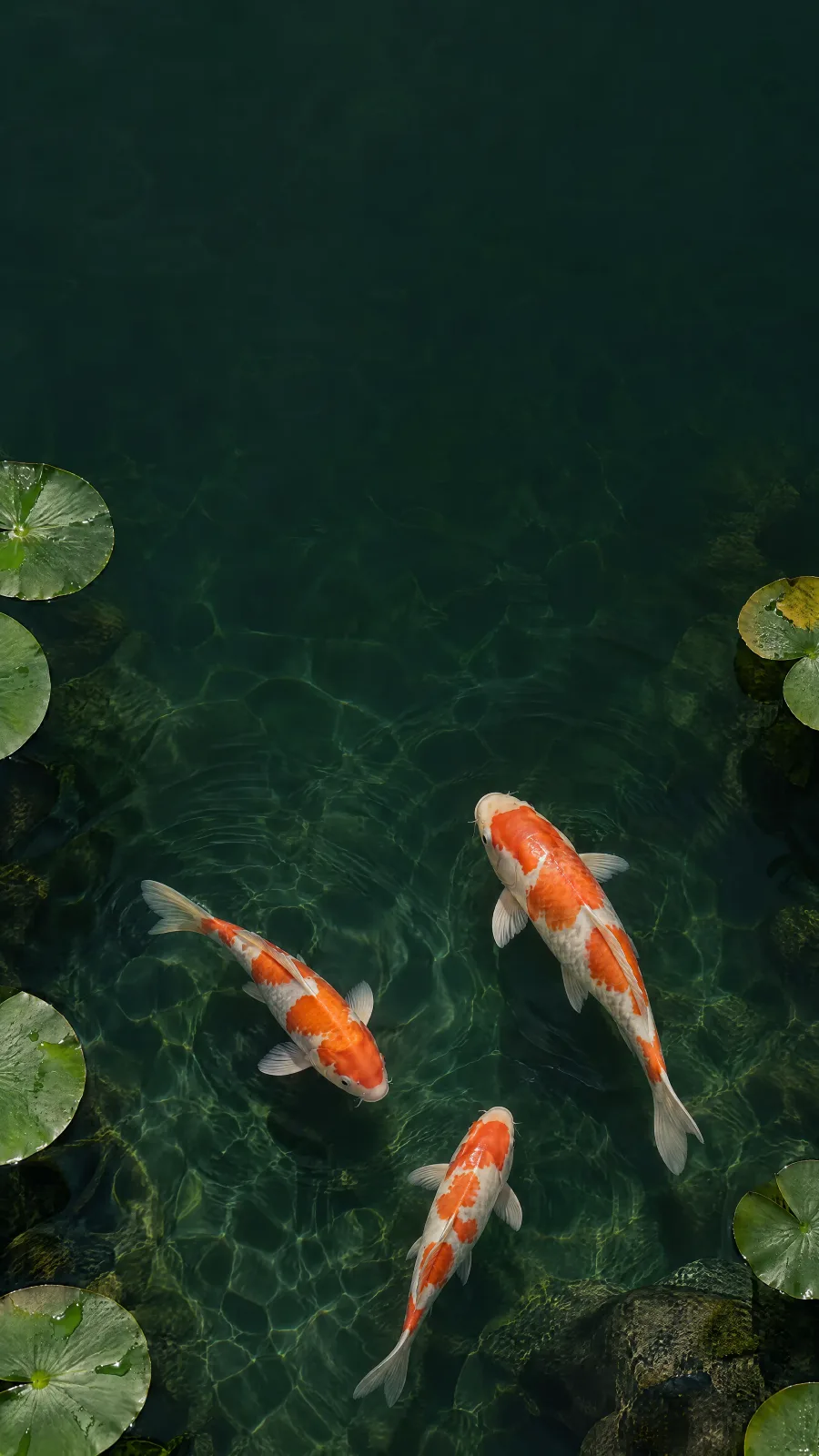
The three koi glide in one slow loop across the dark green pond and swim back to the exact places they started from, sunlight ripples shimmering over the stones and the lily pads bobbing gently. Overhead shot, the camera does not move. No narration.
The $19 Creator plan makes up to 500 4K wallpapers a month at low quality, or 125 when you add your own photo as a reference.
Pick the plan for how much you post. Every model on every plan. Unused credits roll over. Cancel anytime.
Billed monthly
For solo creators posting every week
500 credits every month
Billed monthly
For creators posting daily across channels
1,300 credits every month
Billed monthly
For brands and production teams
2,700 credits every month
Billed monthly
For agencies running always-on content
5,500 credits every month
Want checkout, comparison tables, or a custom volume? See the full pricing page
Plans from $19 a month, about $0.04 a 4K wallpaper.