Create a wallpaper around your own idea.
Choose the mood you want to see every day. Generate a landscape, abstract design, or illustrated scene with space for your screen's icons. Set the available aspect ratio and resolution before generating your wallpaper.
Compare plans and credits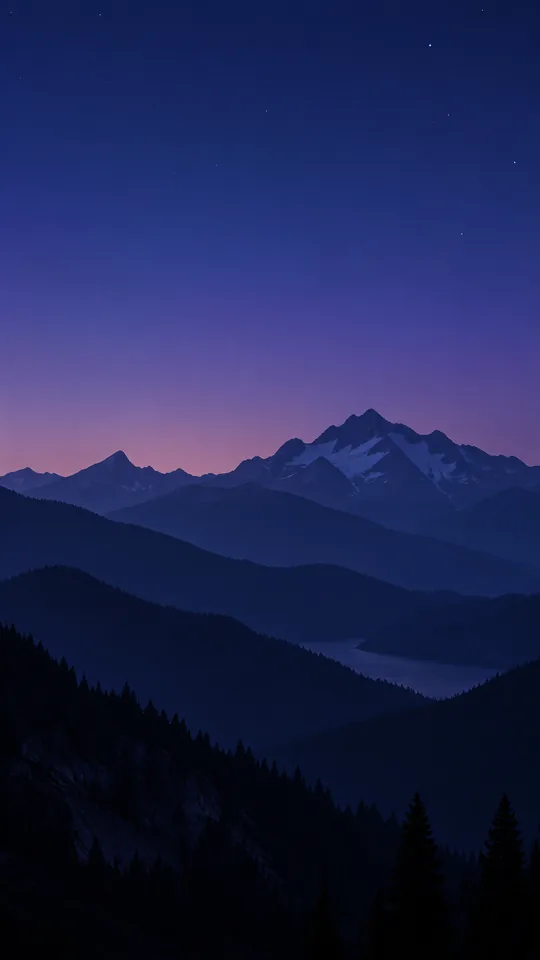
What you can create
Compose for your screen
Use portrait framing for a phone or a wide composition for a desktop. Keep the main subject away from clocks and controls.
Set a consistent mood
Describe the palette, light, texture, and amount of detail. Quiet gradients and broad shapes can keep icons easier to read.
Choose available output settings
Image models offer different aspect ratios and resolutions. Select settings that suit your display, then check the downloaded image dimensions.
From your idea to finished content
Check your display shape
Decide whether you need a phone wallpaper, a desktop background, or an ultrawide composition. Note the areas your interface covers.
Write the scene and layout
Describe the subject and tell the model where to leave empty space. Choose your model's closest supported aspect ratio.
Preview on the device
Download the result and test its crop. Check contrast behind text and icons before choosing the final wallpaper.
Prompts to start with
Use these briefs as a starting point. Replace the details with your own product, audience, and style.
A quiet phone background
Minimal mountain silhouettes at blue hour. Portrait composition, deep navy palette, smooth sky in the upper third, no text.
A wide desktop scene
A tranquil greenhouse beside a misty lake at sunrise. Wide panoramic framing, soft green tones, uncluttered space on the left.
Frequently asked questions
- Can I generate phone and desktop wallpapers?
- Yes. Choose a supported portrait or landscape aspect ratio and describe the composition for your device.
- Can I request an exact screen resolution?
- Output dimensions depend on the selected image model. Check its available settings and resize or crop afterward when necessary.
- Does this create animated or live wallpapers?
- This workflow creates still images. Generating a video does not automatically create an installable live wallpaper for your device.
- How do I keep icons readable?
- Request fewer details where icons appear. Use broad color areas and avoid strong contrast changes behind labels.
Explore related tools
Create your next project
Start with a clear brief. Review the result. Make it yours.